ViralBrain Blog - LinkedIn Content Strategy Insights

Blog

Insights and analysis on viral LinkedIn content and content strategy

How to Log Out of LinkedIn on Desktop and in the App
How-To Guide

How to Log Out of LinkedIn on Desktop and in the App

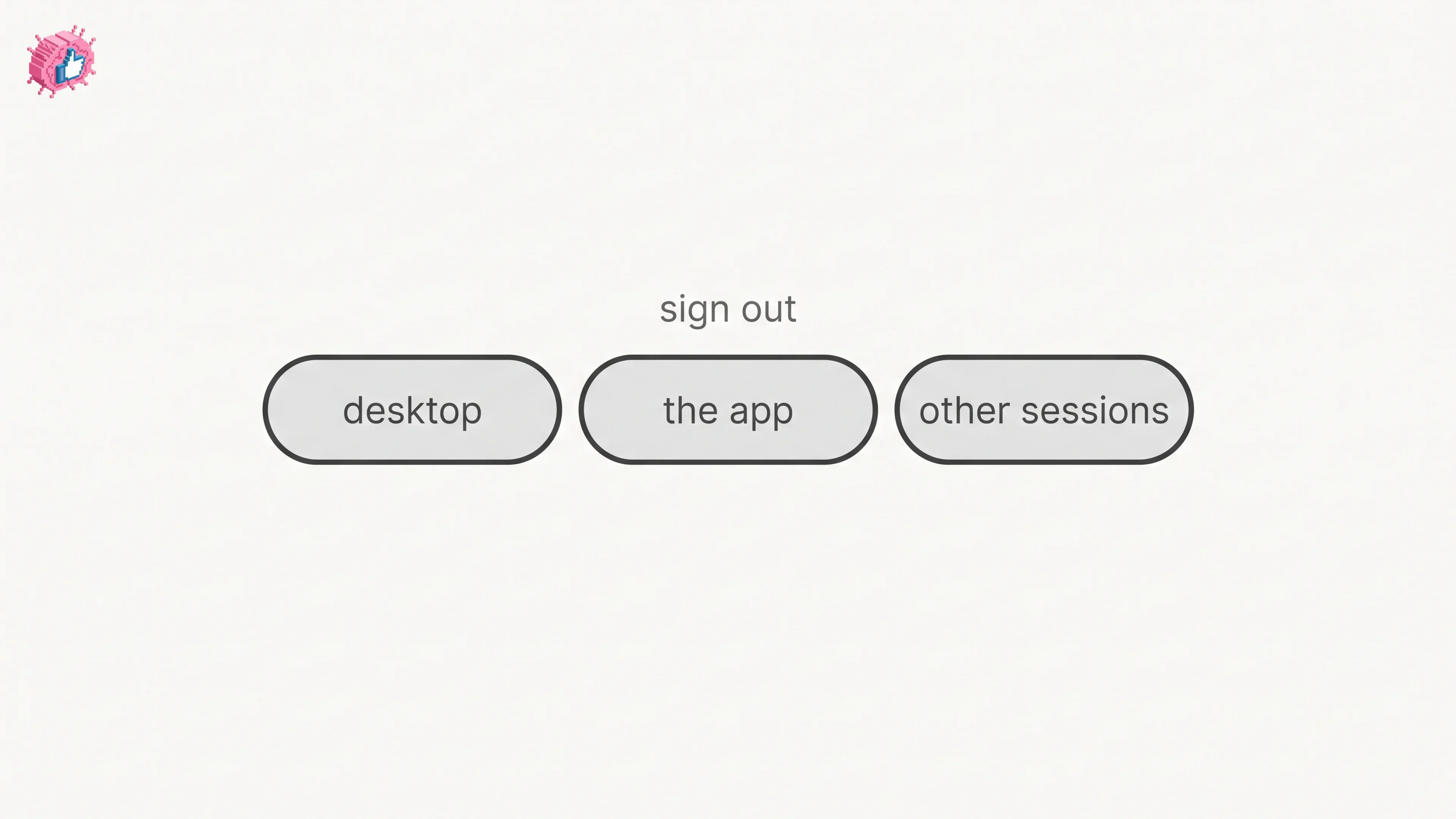
How to log out of LinkedIn on desktop, on iOS and on Android, how to sign out of other sessions or all devices, and what Keep me logged in changes.

#how to log out of linkedin#log out of linkedin on the app#log out of linkedin on mobile
LinkedIn Two Step Verification: How to Turn It On and Off
How-To Guide

LinkedIn Two Step Verification: How to Turn It On and Off

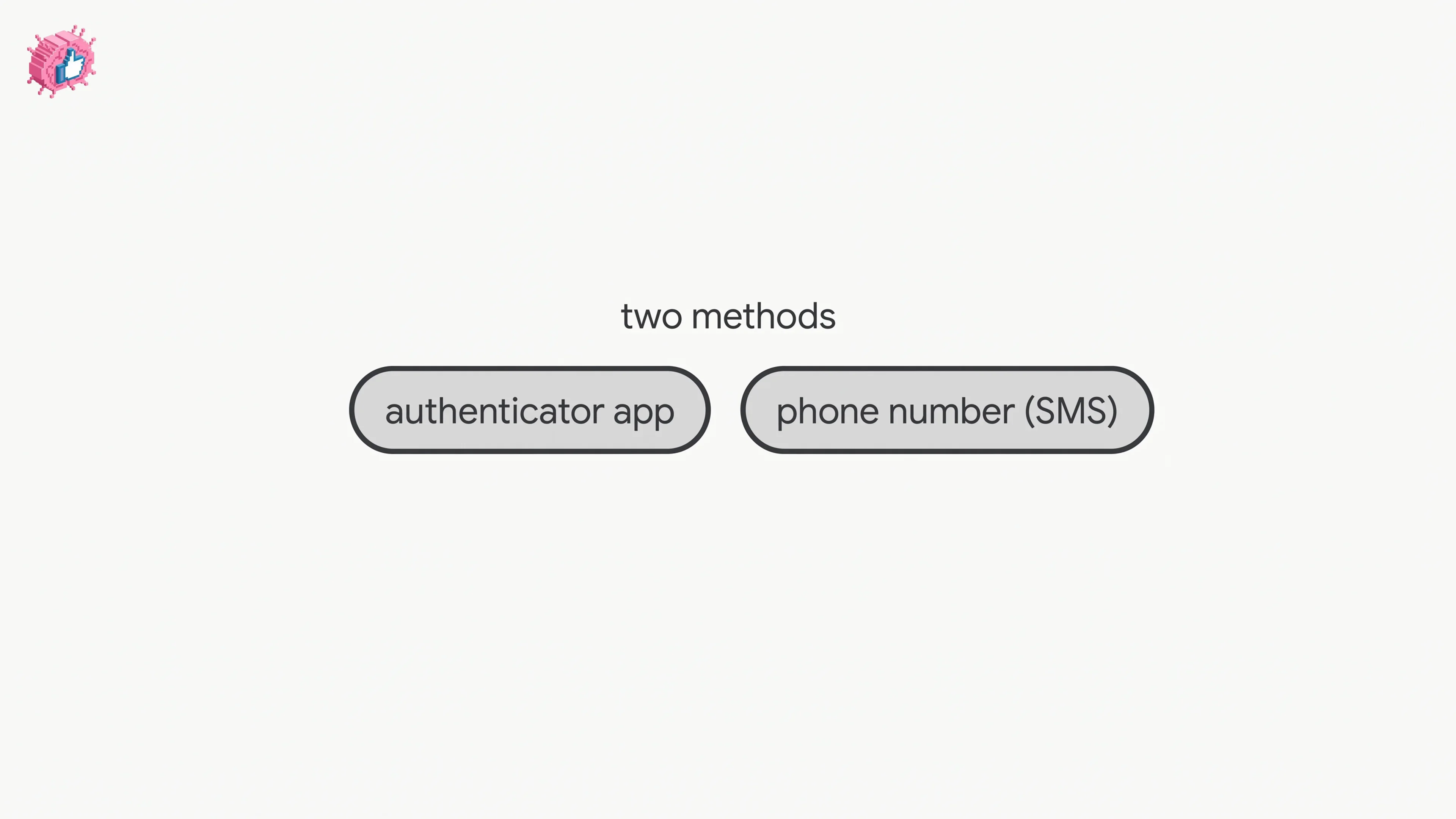
LinkedIn documents it as two-factor authentication. How to turn it on and off on desktop and in the app, the two methods, and what to do if locked out.

#linkedin two step verification#linkedin two step authentication#linkedin two factor authentication
How to Change Your LinkedIn Password
How-To Guide

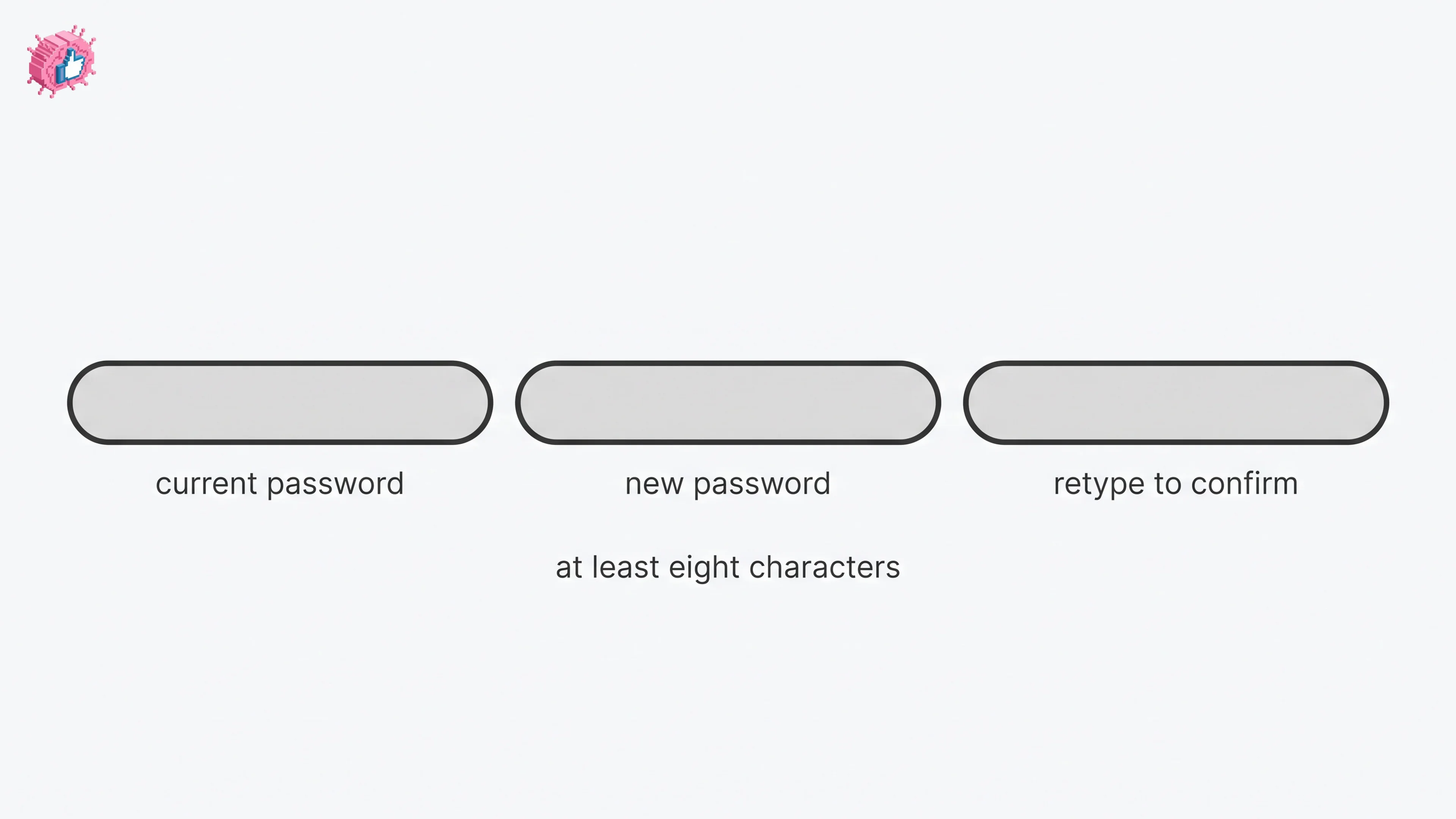
How to Change Your LinkedIn Password

How to change your LinkedIn password on desktop, iOS, Android and a mobile browser, how to reset a forgotten one, and what the sign out control does.

#how to change linkedin password#change linkedin password on mobile#change linkedin password on laptop
How to Add a Phone Number to LinkedIn
How-To Guide

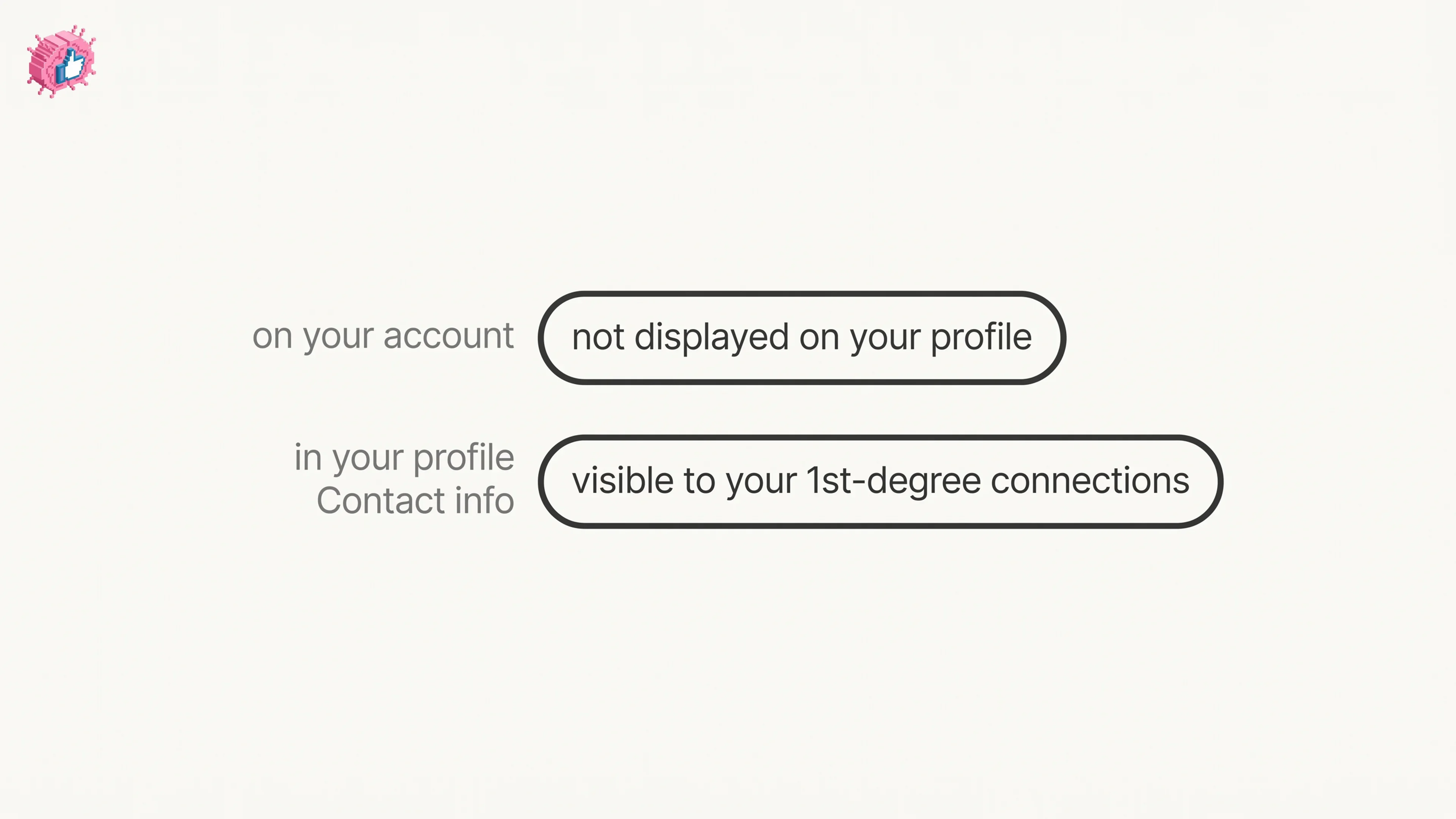
How to Add a Phone Number to LinkedIn

How to add a phone number to your LinkedIn account and to your profile Contact info, on desktop and in the app, plus who can see it and how to remove it.

#how to add phone number to linkedin#add phone number to linkedin profile#add mobile number to linkedin
How to Change Your Email Address on LinkedIn
How-To Guide

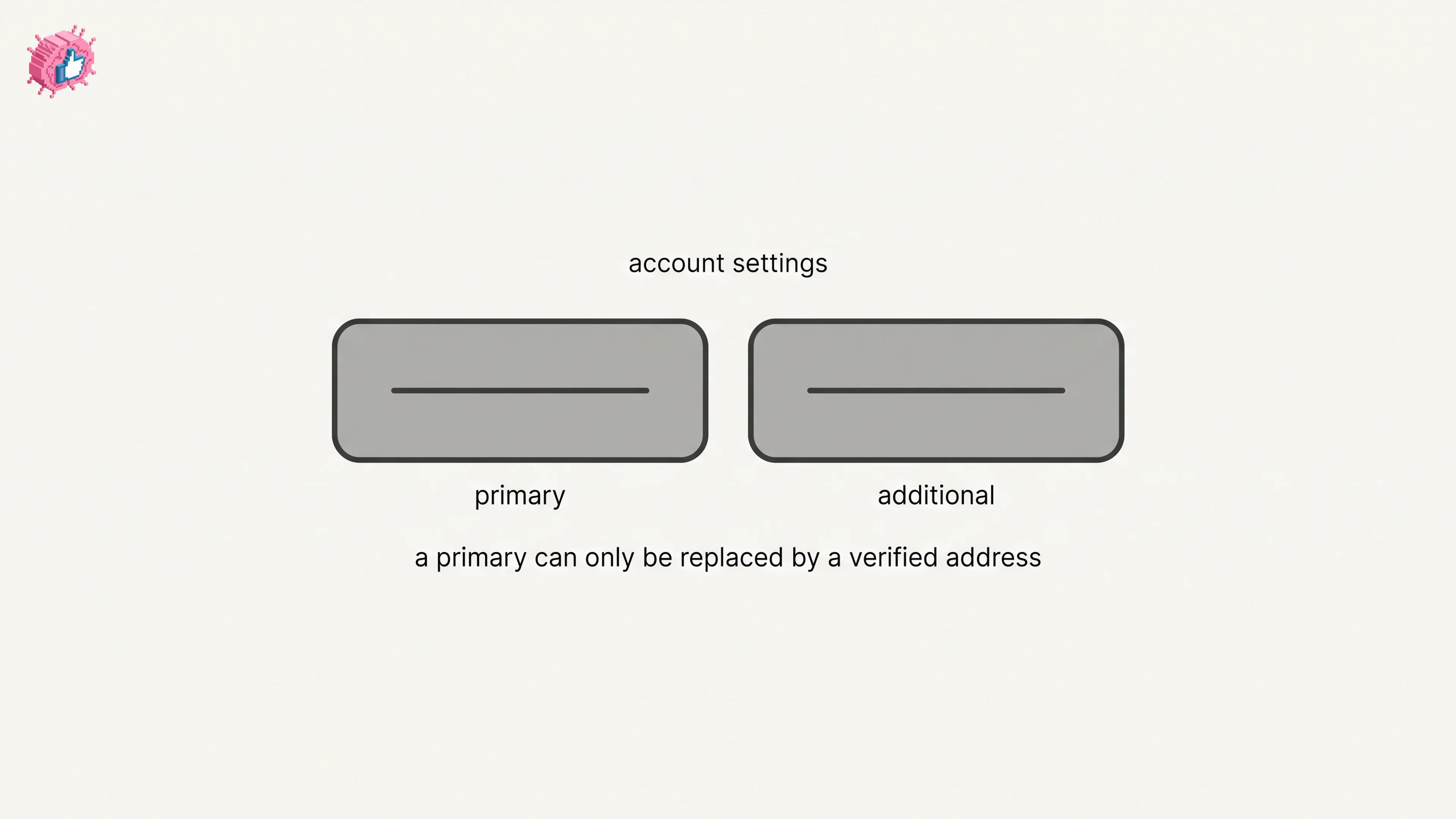
How to Change Your Email Address on LinkedIn

How to change your email on LinkedIn: add the new address, confirm it, make it primary and remove the old one, on desktop and in the app.

#how to change email on linkedin#change linkedin email address#linkedin primary email
How to Add a Website to LinkedIn (Profile and Page)
How-To Guide

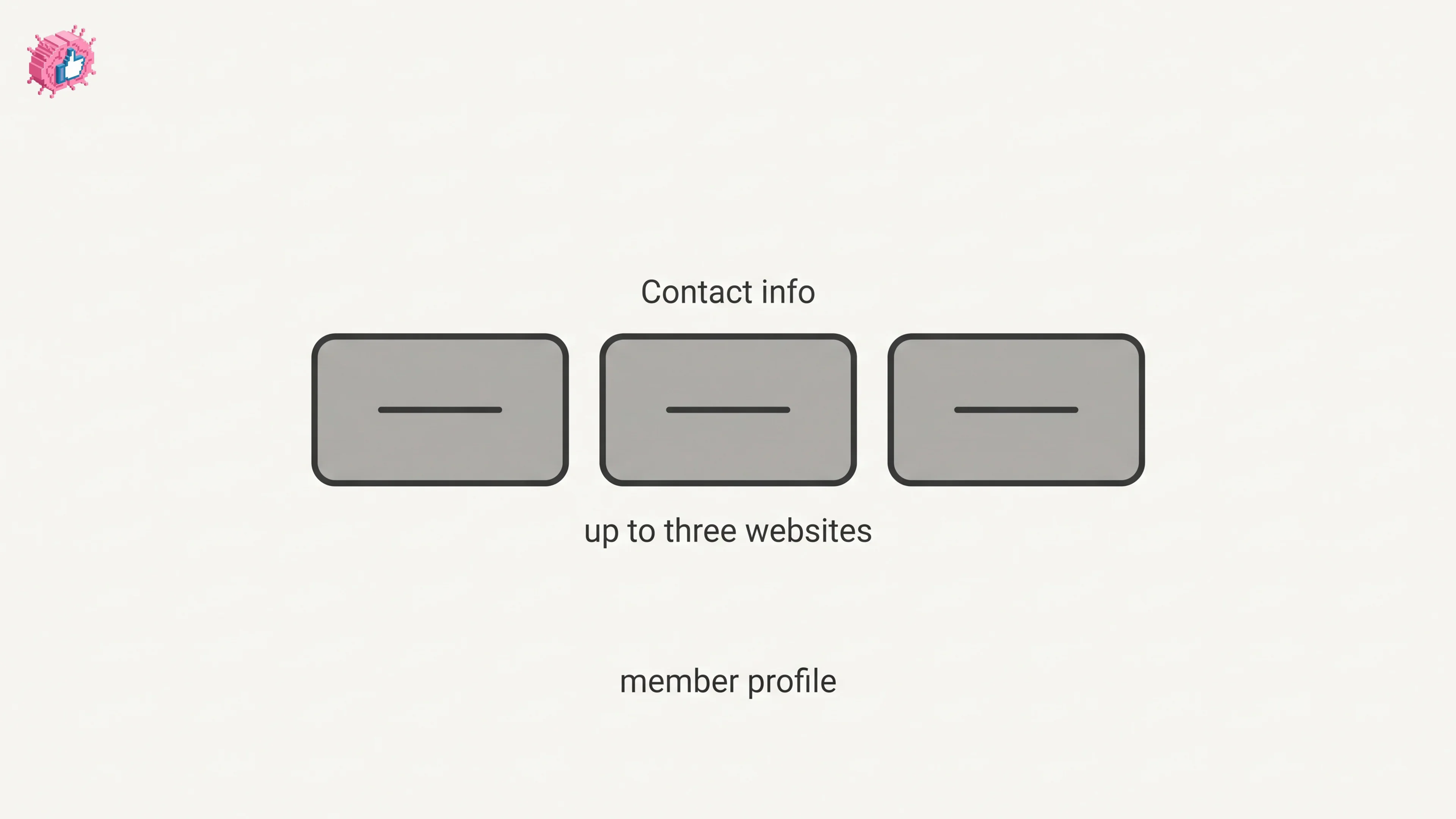
How to Add a Website to LinkedIn (Profile and Page)

How to add a website to your LinkedIn profile on desktop and in the app, the three link limit, the Website type dropdown, and the Page route.

#how to add website to linkedin#add website to linkedin profile#add website to linkedin company page
LinkedIn Saved Jobs: Where They Live
How-To Guide

LinkedIn Saved Jobs: Where They Live

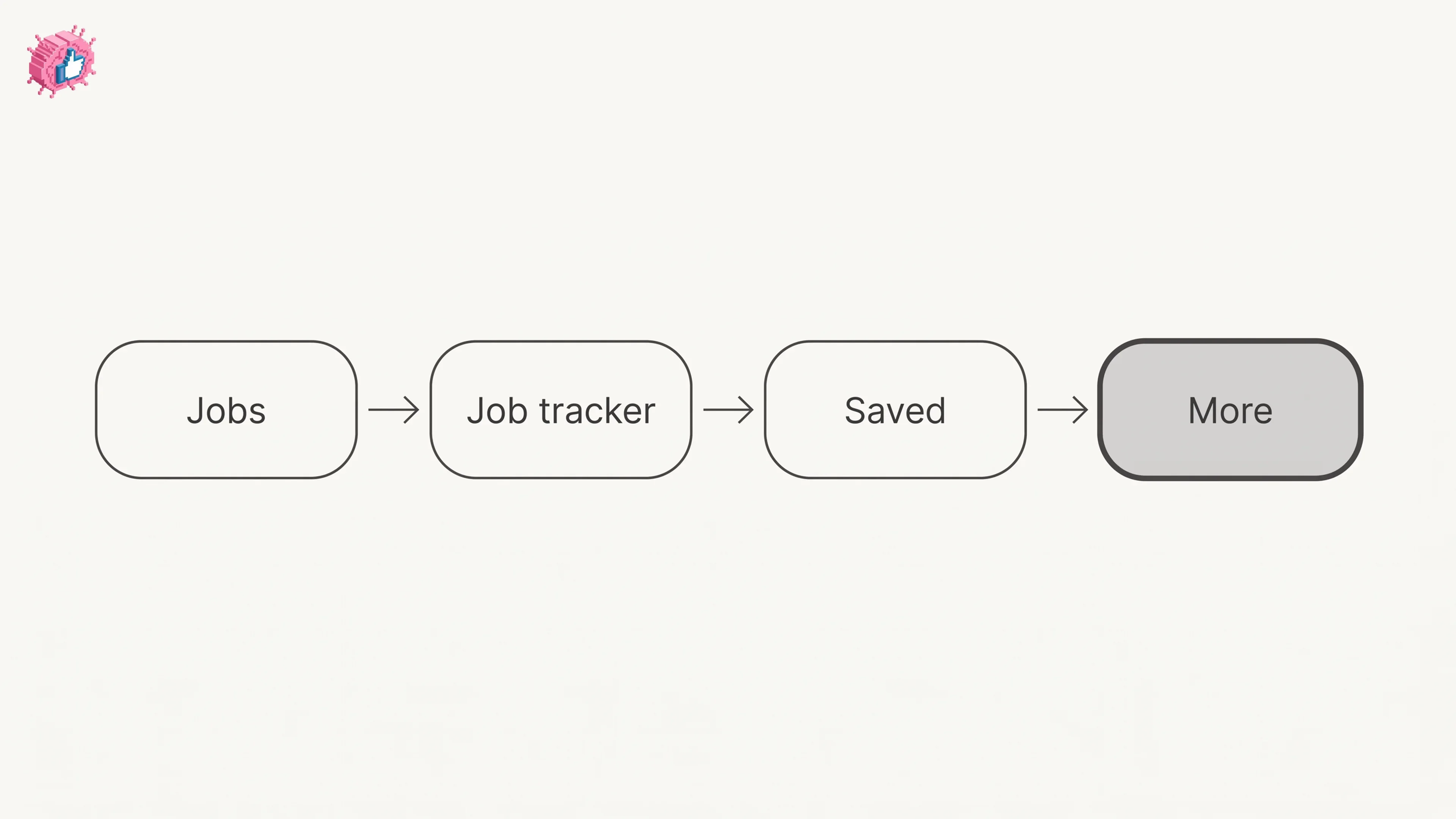
Save a job from the job details page and find it under Jobs, Job tracker, Saved. The 2000 cap, why archiving does not free space, and no bulk unsave.

#linkedin saved jobs#where are my saved jobs on linkedin#linkedin saved jobs app
How to See Your Followers on LinkedIn
How-To Guide

How to See Your Followers on LinkedIn

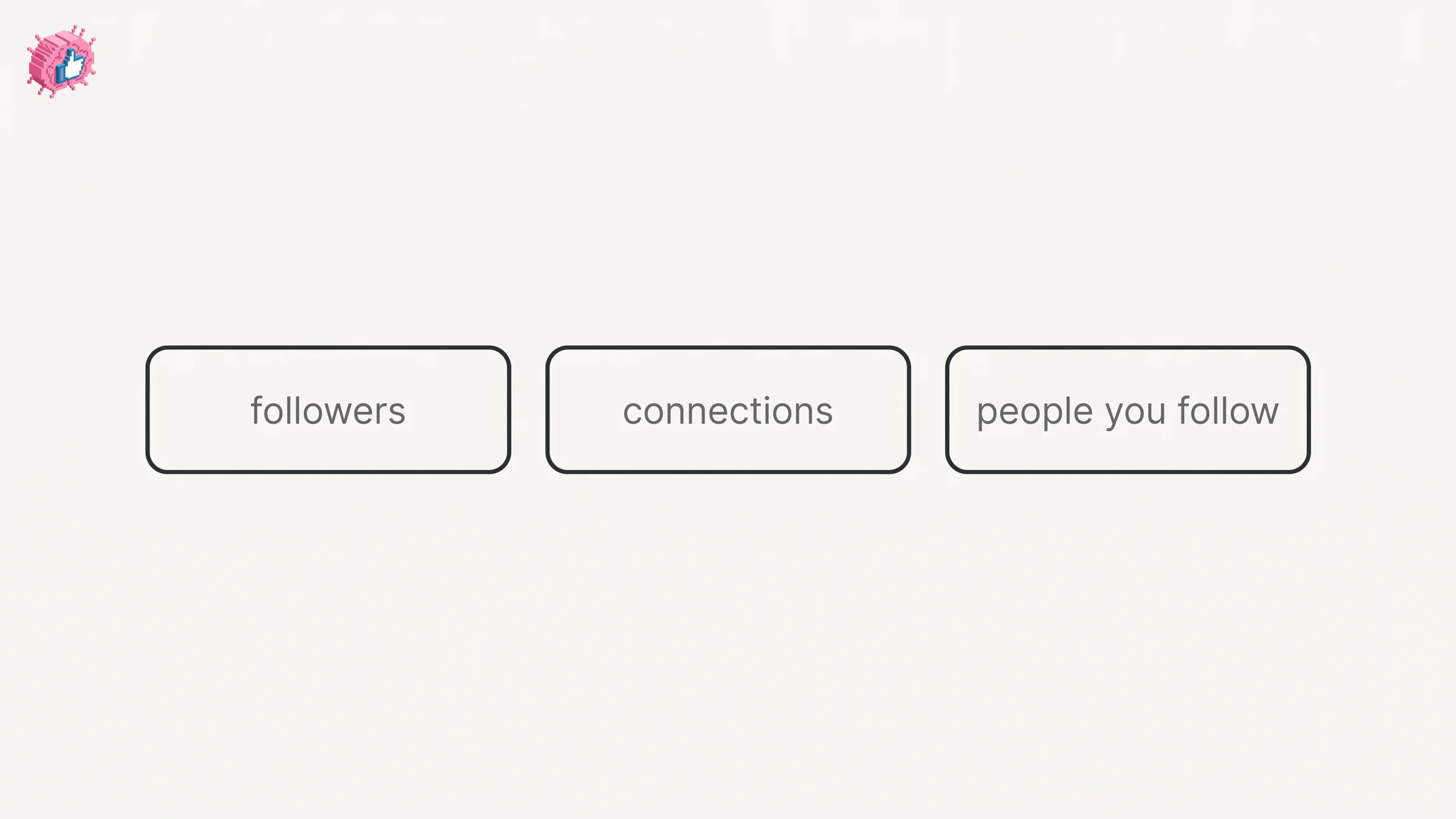
The four steps LinkedIn publishes to open your followers list, where the follower count sits, the setting that removes followers, and Page followers.

#how to see followers on linkedin#see followers on linkedin app#view linkedin followers
How to Edit a Post on LinkedIn: What You Can Change
How-To Guide

How to Edit a Post on LinkedIn: What You Can Change

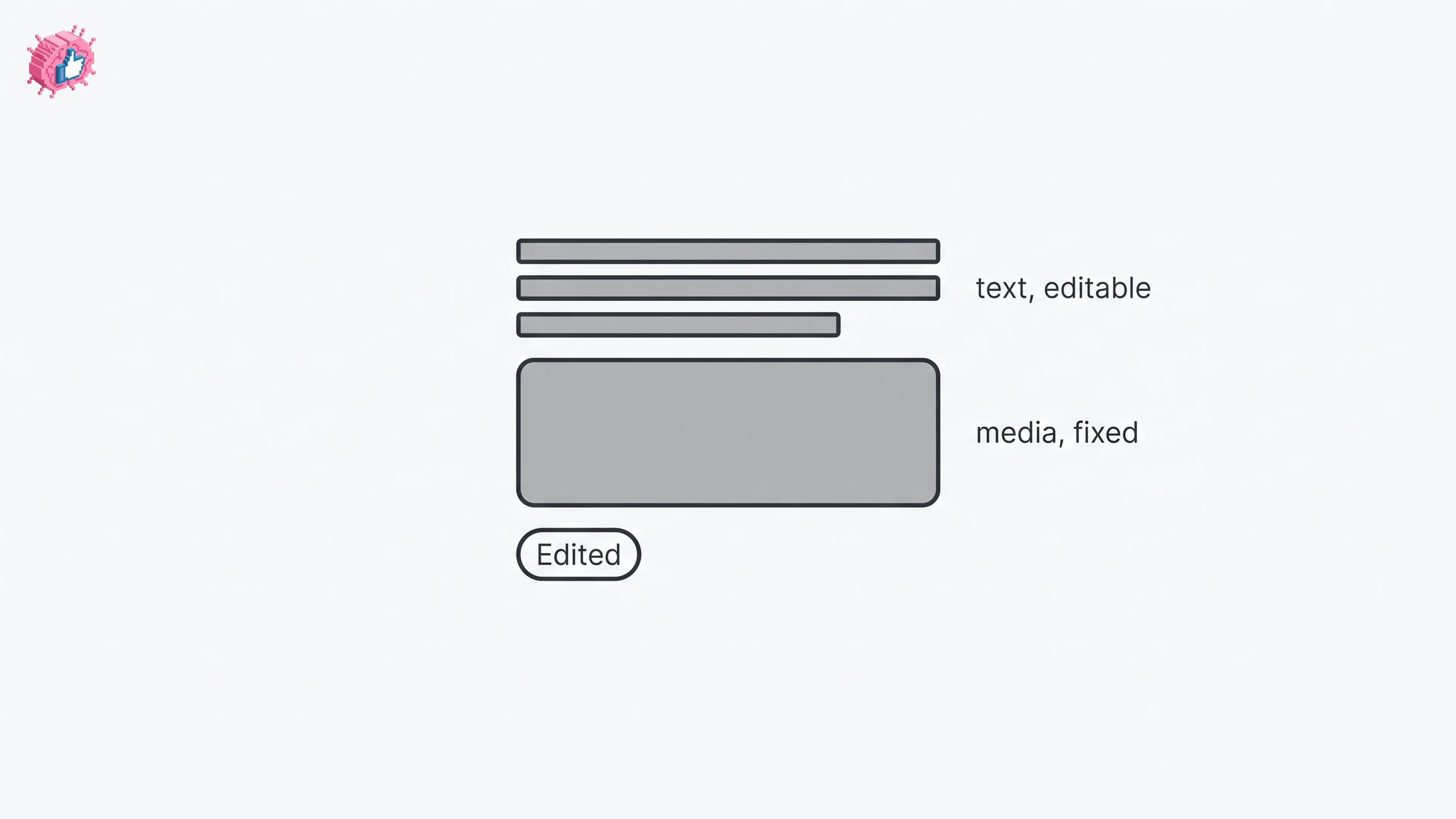
Editing a LinkedIn post takes five steps, and on a post you shared only the text can change. LinkedIn's rules on media, previews, Pages and polls.

#how to edit a post on linkedin#edit a linkedin post#edit a post on a company page
How to Delete a Post on LinkedIn (Feed, Page, Group)
How-To Guide

How to Delete a Post on LinkedIn (Feed, Page, Group)

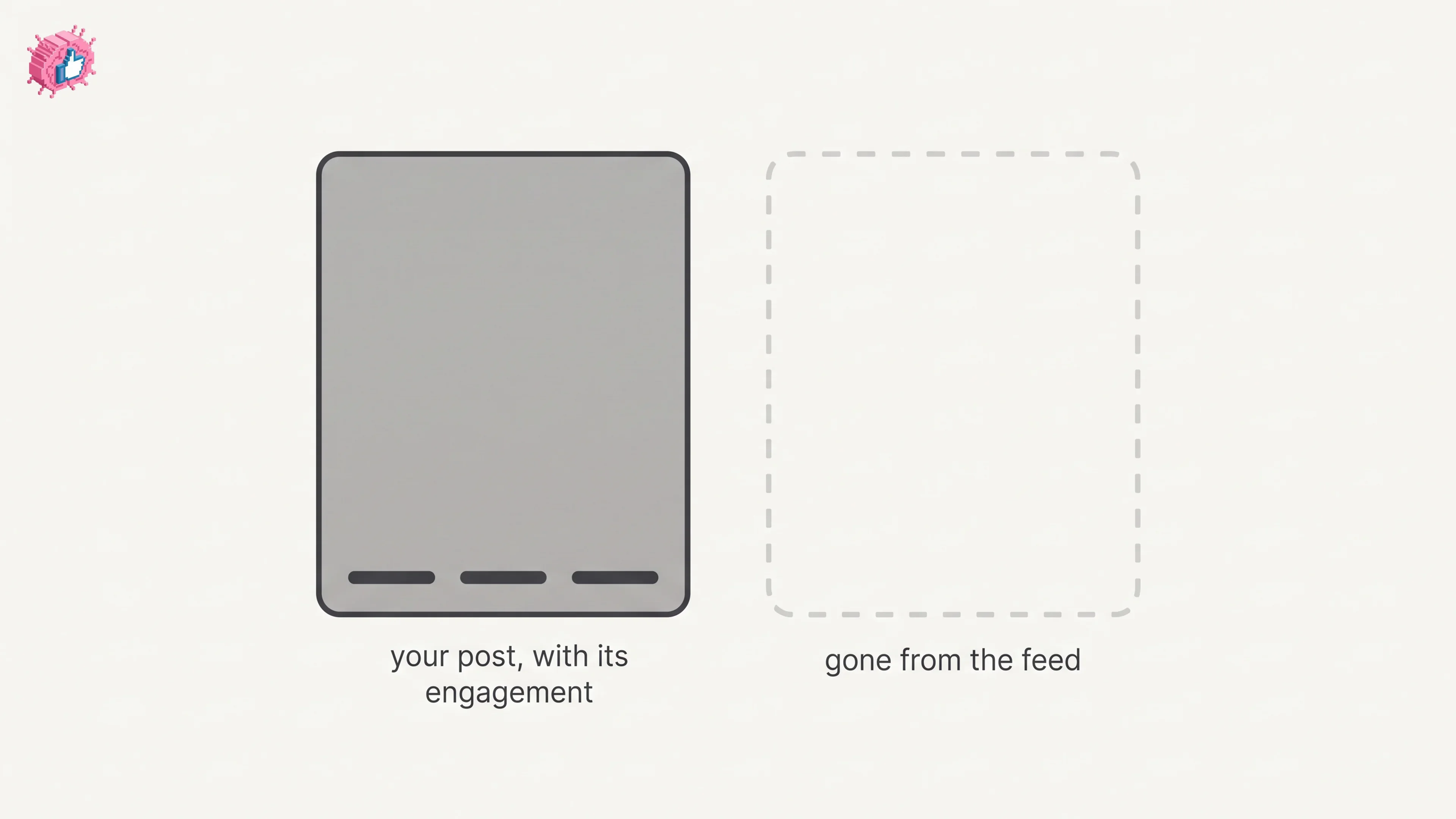
The four documented steps to delete a LinkedIn post on desktop and mobile, plus Page, group, scheduled and comment deletes, and what happens to engagement

#how to delete a post on linkedin#delete linkedin post#remove a post on linkedin
How to Add Skills on LinkedIn: Steps and Limits
How-To Guide

How to Add Skills on LinkedIn: Steps and Limits

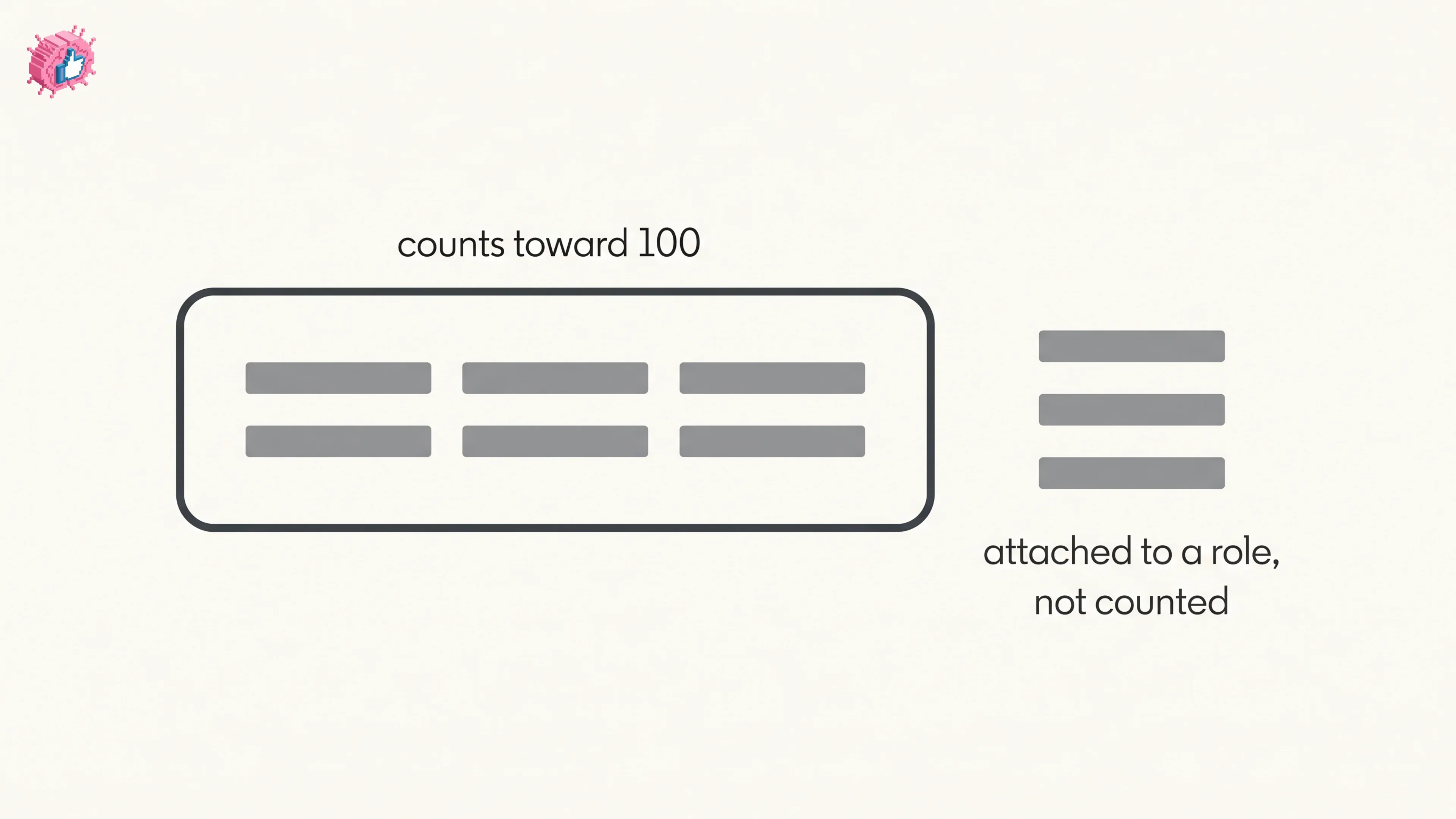
How to add skills on LinkedIn on desktop and in the app, the 100 skill cap and its exemption, plus reordering, editing and removing a skill.

#how to add skills on linkedin#add skills on linkedin profile#put skills on linkedin
LinkedIn Read Receipts: How to Turn Them Off
How-To Guide

LinkedIn Read Receipts: How to Turn Them Off

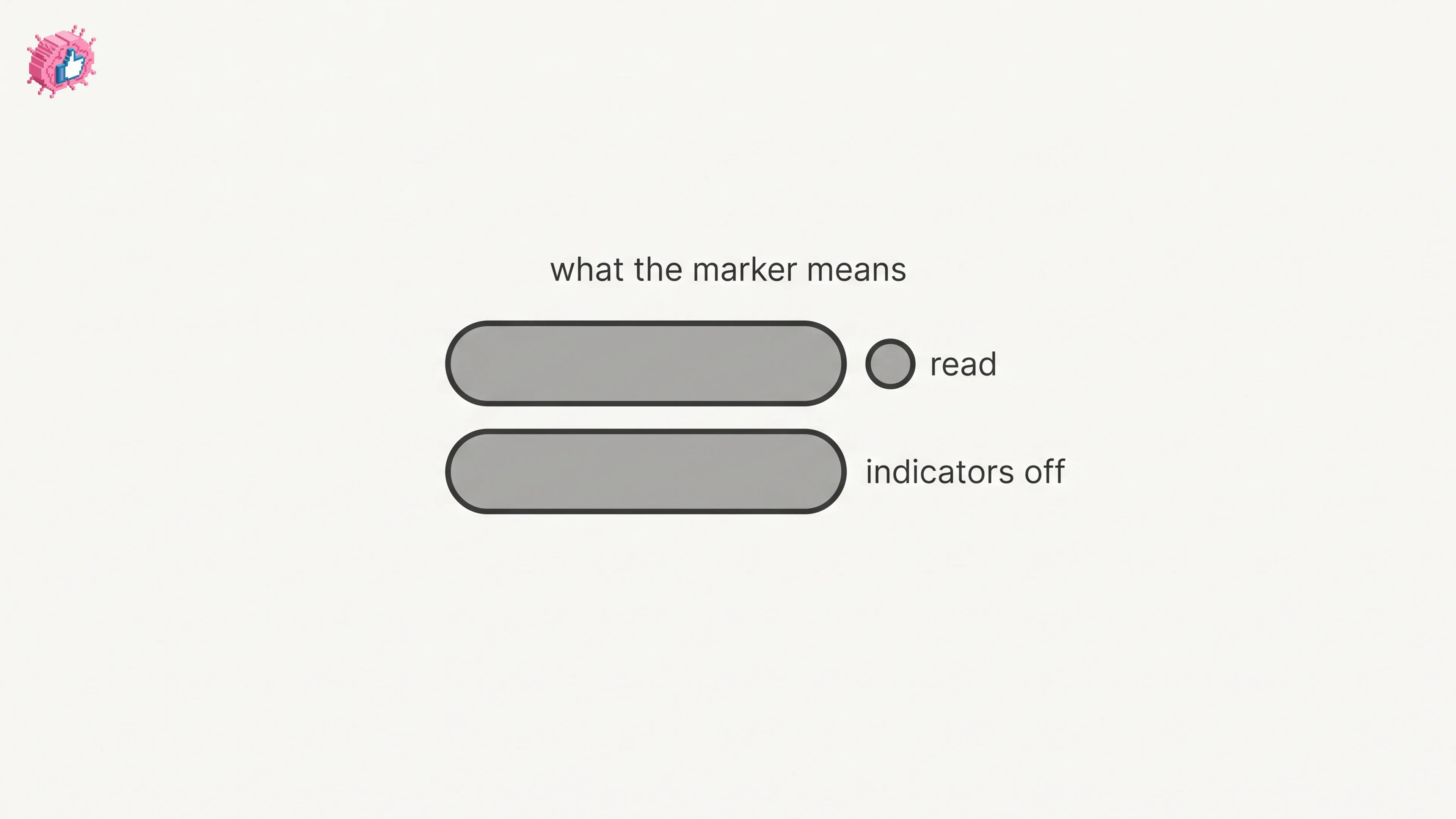
LinkedIn read receipts explained: the setting is called Delivery and typing indicators, how to turn it off on desktop and mobile, and what you lose.

#linkedin read receipts#turn off linkedin read receipts#linkedin read receipts off
Showing 1 to 12 of 969 blogs

Nail your LinkedIn strategy with ViralBrain.

Get insights from top creators and create posts that perform.

Start free

Stop reading about LinkedIn growth. Watch a week of it get written.

Pick a topic and tap any post, no login needed. This is what ViralBrain writes for you every week.

Week 1:this week

Monday,

Tuesday,

Wednesday,

Thursday,

Friday,

New posts every week.