

Best 7 AI LinkedIn Content Generators in 2026
Compare the 7 best AI LinkedIn content generators and AI tools for LinkedIn in 2026. ViralBrain, Taplio, Supergrow, EasyGen, Hypefury, AuthoredUp, and Jasper, with current pricing and features.
Writing consistently on LinkedIn at the quality needed to build an audience takes more time than most creators have. A strong AI LinkedIn content generator cuts drafting time from hours to minutes while keeping your voice intact, but only if you pick the right one.
In this guide, we compare the 7 best AI tools for LinkedIn content in 2026, covering current pricing, output quality, key features, and which tool fits your specific workflow. Whether you're a solo founder posting 3x per week or a marketing team managing multiple profiles, there's a clear best fit for you. Content generation is one slice of a broader stack, so see the best LinkedIn marketing tools for the full picture.
Automate your LinkedIn for 30 days
Best AI tools for LinkedIn content in 2026: a quick overview
- ViralBrain: Best overall LinkedIn AI content platform. Analyzes real top-performing posts from hero creators in your niche, generates voice-matched content, and scores your drafts for virality before you post. It also exposes a LinkedIn MCP server so you can generate posts directly from Claude or Codex.
- Taplio: Best for combining LinkedIn content creation with a built-in CRM and outreach workflow. Ideal for sales-driven creators who need both content and pipeline tools.
- Supergrow: Best budget-friendly LinkedIn AI generator. Solid template library and fast post generation for creators who want results without paying enterprise pricing.
- EasyGen: Best for quick, simple AI-generated LinkedIn posts with zero learning curve. Perfect if you need drafts in seconds and have no interest in complex setup.
- Hypefury: Best for cross-platform creators who post on both LinkedIn and X/Twitter. Strong scheduling and repurposing tools built around a dual-platform workflow.
- AuthoredUp: Best LinkedIn post editor with built-in content analytics and formatting controls. Less a generator, more a power workspace for writers who want full control.
- Jasper: Best for marketing teams generating LinkedIn content at scale. Deep template library, brand voice controls, and multi-user workflows for larger organizations.
| Tool name | Key strength | Pricing | Best for |
|---|---|---|---|
| ViralBrain | Hero creator analysis + voice-matched AI + viral score | Free tier + €1 trial; paid plans from €39/mo | LinkedIn creators and founders who want viral-quality posts |
| Taplio | LinkedIn CRM + content creation in one platform | From $69/mo for AI content (Growth; $39/mo Starter has none) | Sales professionals and founders who combine content with outreach |
| Supergrow | Budget-friendly AI generation with viral templates | From $19/mo ($16/mo annual) | Creators and solopreneurs on a tight budget |
| EasyGen | Dead-simple AI post generation, instant output | From $49.99/mo (annual); no free plan | Creators who need fast drafts with no setup time |
| Hypefury | Cross-platform scheduling across LinkedIn and X | From $6/mo per channel (Flexible); $19/mo for all channels | Dual-platform creators posting on both LinkedIn and X/Twitter |
| AuthoredUp | Post formatting, preview, and content analytics | From $19.95/mo ($16.63 annual) | Writers who want editing precision and post performance data |
| Jasper | Brand voice at scale for marketing teams | From $59/seat/mo annual ($69/seat monthly) | Marketing teams generating high volumes of LinkedIn content |
1. ViralBrain, best overall LinkedIn AI content platform
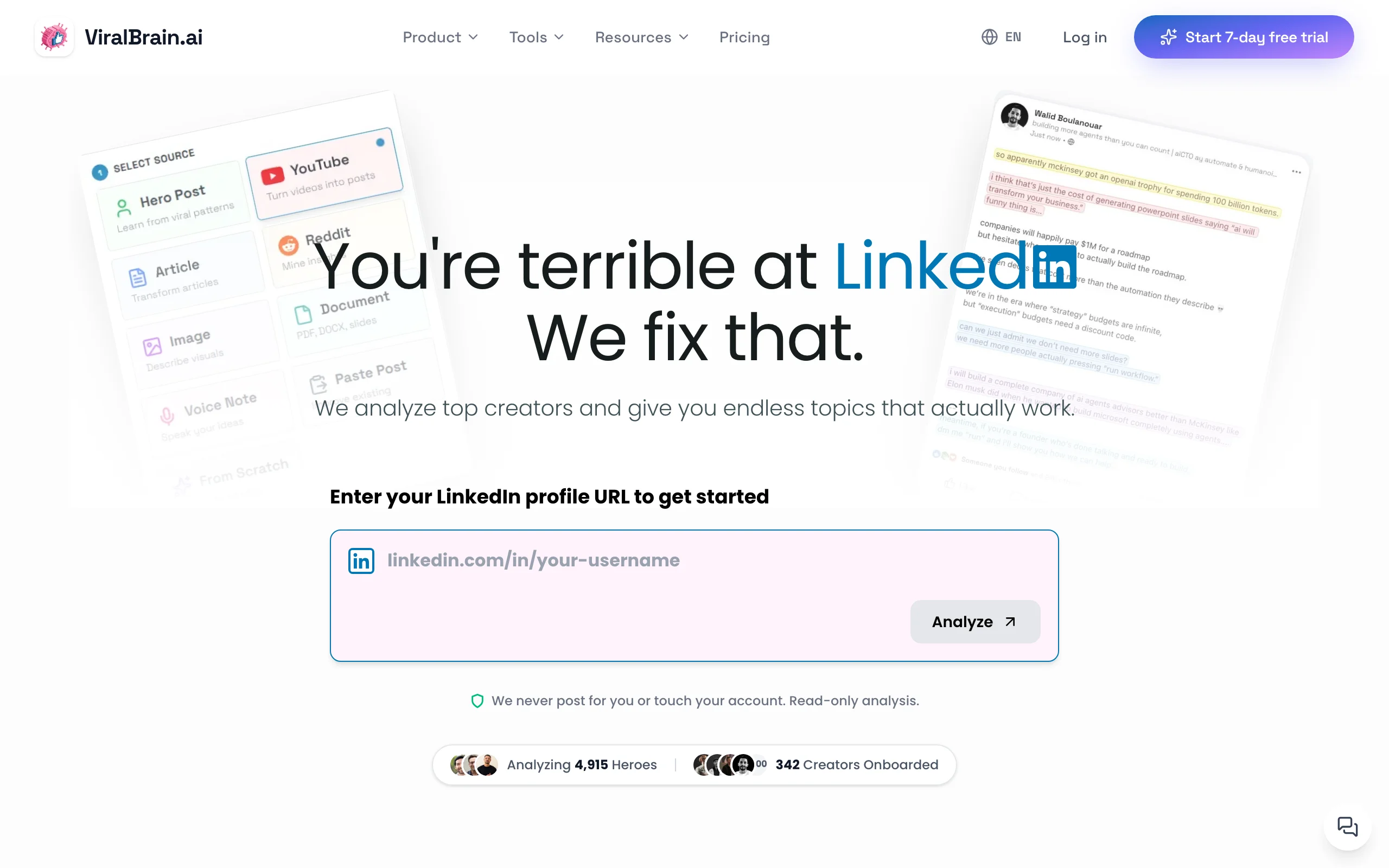
ViralBrain takes a fundamentally different approach to LinkedIn content generation. Instead of prompting a generic AI model, it analyzes the posts of real top-performing LinkedIn creators, called hero creators, to understand which formats, hooks, and structures actually drive engagement in your niche. It then generates posts that match both that viral pattern data and your own writing style.
The result is LinkedIn content that sounds like you, built on data from the top 1% of LinkedIn posts rather than a generic large language model. ViralBrain also includes a viral score checker that predicts post performance before you publish, plus a full ecosystem of free LinkedIn tools covering hooks, templates, previews, and more.
Key features:
- Hero creator scraping: analyze real top-performing posts from creators in your niche
- Voice-matched generation: AI that writes in your tone, not a generic style
- Viral score: pre-publish engagement prediction on every draft
- LinkedIn post generator with hook and structure analysis
- Viral post templates based on proven LinkedIn frameworks
- Multi-source generation: turn YouTube videos, articles, and podcasts into LinkedIn posts
- LinkedIn hook generator for first-line optimization
Best for:
- LinkedIn creators and founders posting 3-5x per week who want posts built on real viral data
- Solopreneurs who need voice-consistent content without hiring a ghostwriter
- B2B founders who want thought leadership content that sounds like them, not a marketing team
Pricing:
- Free tier available (3 hero profiles, 3 posts per month); a €1 trial unlocks the full experience
- Paid plans from €39/month (Pro), with a €69/month Premium tier
- See ViralBrain pricing for current plan details
Pros:
- Only tool that generates content using scraped data from real top-performing creators in your niche
- Viral score gives a concrete pre-publish quality signal, not just "generate and hope"
- Free tools ecosystem means you get value before committing to a paid plan
- Multi-source input handles YouTube, articles, and audio, not just text prompts
Cons:
- No native LinkedIn scheduling or direct publishing (you copy-paste to LinkedIn)
- Newer platform with a smaller user community than Taplio or Jasper
2. Taplio, best for LinkedIn content creation combined with CRM and outreach
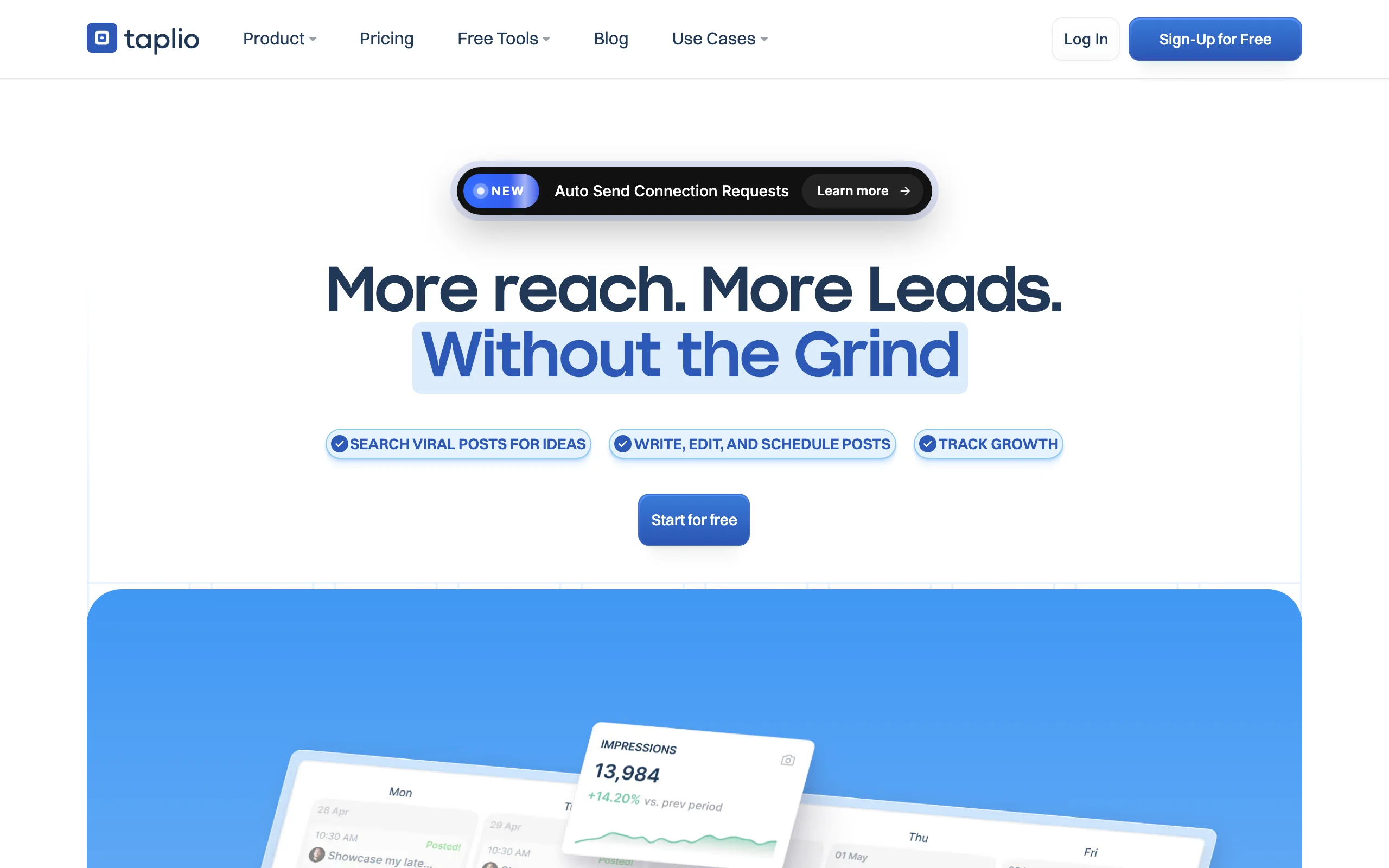
Taplio is one of the most feature-complete LinkedIn tools available, combining an AI content generator with a LinkedIn CRM, post scheduler, and lead list builder. If your LinkedIn strategy involves both publishing content and running outreach sequences, Taplio keeps everything in one place.
The AI writing assistant generates post drafts from prompts or existing content, and Taplio's inspiration feed shows you trending posts in your niche. It's not as deep on viral pattern analysis as ViralBrain, but for sales-oriented creators who need content plus pipeline management, it's the most practical all-in-one option. For the tools that compete with it most directly, see our Taplio alternatives roundup.
Key features:
- AI post generation from prompts, topics, or existing content
- Built-in LinkedIn CRM with contact tracking and lead lists
- Scheduled publishing directly to LinkedIn
- Trending post inspiration feed by topic or creator
- Post analytics with reach, engagement, and follower growth tracking
- Team collaboration for agency and multi-profile management
Best for:
- Sales professionals and B2B founders who use LinkedIn for both content and pipeline building
- Agencies managing content and outreach for multiple client LinkedIn profiles
- Creators who want scheduling and analytics under one subscription
Pricing:
- Starter at $39/month, Growth at $69/month, Pro at $199/month
- Higher tiers for team access and advanced CRM features
- No permanent free tier; limited trial available
Pros:
- Most complete LinkedIn workflow: content creation, scheduling, CRM, and analytics in one tool
- Direct LinkedIn scheduling removes the manual copy-paste step
- Strong analytics dashboard for tracking post and profile growth over time
Cons:
- More expensive than most standalone content generators
- AI content output is generic compared to tools that learn your specific voice
- CRM and outreach features add complexity you may not need if you only want a content generator
See the full ViralBrain vs Taplio comparison for a detailed breakdown.
3. Supergrow, best budget-friendly LinkedIn AI generator with viral templates
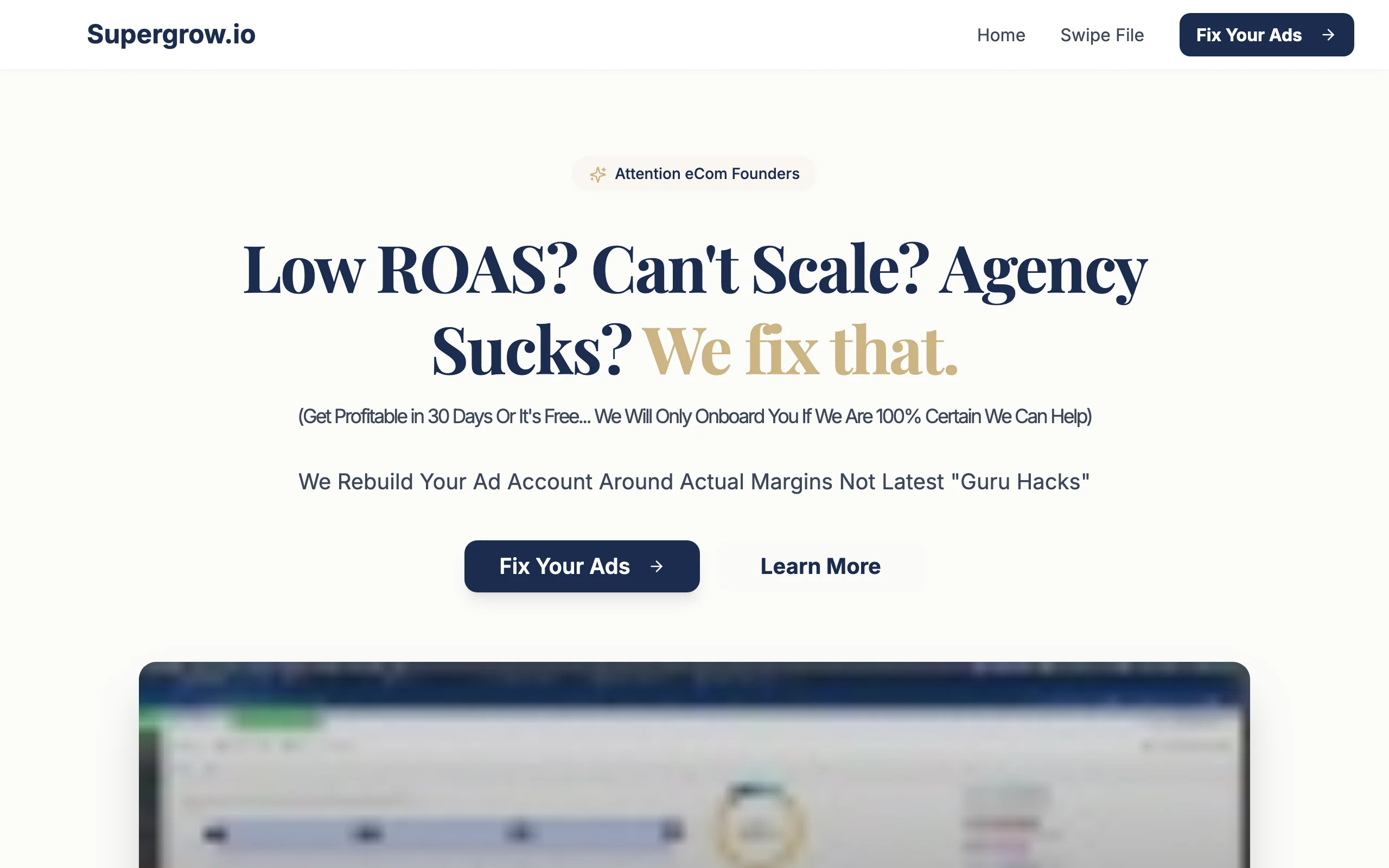
Supergrow is built for creators and solopreneurs who want solid AI-generated LinkedIn posts without paying $40-200/month for a premium platform. Its core strength is a library of viral LinkedIn post templates that structure your ideas into proven formats: carousels, listicles, storytelling posts, and hooks that perform well on the LinkedIn algorithm.
The interface is clean and fast, with minimal setup required. Supergrow doesn't do the deep hero creator analysis that ViralBrain offers, but for creators who understand their own voice and just need a fast drafting partner, it punches well above its price point.
Key features:
- 50+ viral LinkedIn post templates covering major content formats
- AI content generation from ideas, URLs, or audio input
- Post scheduler with direct LinkedIn publishing
- Carousel creator for multi-slide LinkedIn posts
- Personal brand voice setting to tune AI output style
- Content repurposing from articles, newsletters, and podcasts
Best for:
- Solopreneurs and creators on a budget who need volume without quality sacrifice
- Creators who have a defined personal brand and want a fast AI drafting partner
- Users who rely heavily on carousel posts and structured content formats
Pricing:
- Starter at $19/month ($16/month billed annually), Pro at $39/month ($31/month billed annually)
- 7-day free trial on all plans; no permanent free plan
- Teams plan at $139/month for 4 accounts; no other enterprise pricing listed
Pros:
- Best price-to-output ratio for a standalone LinkedIn AI content generator
- Template library is well-curated and genuinely useful for structuring posts
- Carousel creator is a standout feature most competitors lack at this price
Cons:
- Voice matching is surface-level compared to tools that analyze your actual post history
- Less depth on analytics and engagement tracking
- Limited hero/competitor creator analysis features
4. EasyGen, best for quick, simple AI-generated LinkedIn posts with no learning curve
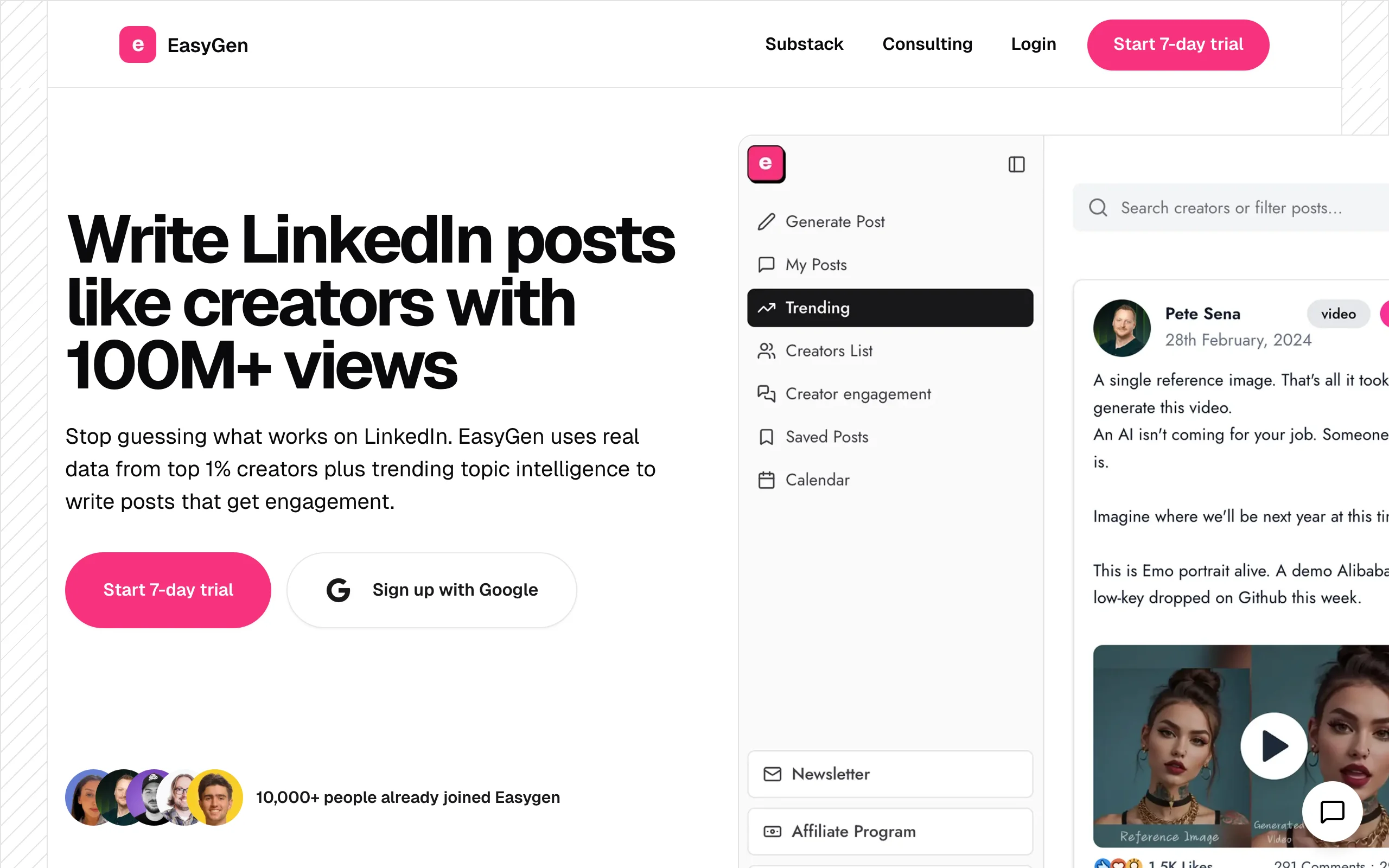
EasyGen does exactly what the name suggests: it makes generating LinkedIn posts easy. There's no complex setup, no learning curve, and no overwhelming feature list. You describe what you want, and EasyGen generates a polished LinkedIn post in seconds.
It's built specifically for LinkedIn, which means the output format and length are already calibrated to the platform. EasyGen won't analyze your hero creators or score your post for virality, but if your goal is to eliminate blank-page friction and get a draft written fast, it's one of the most frictionless tools in this category.
Key features:
- One-click LinkedIn post generation from a short topic prompt
- Post format options: story, list, insight, educational, engagement
- Tone controls: professional, casual, bold, thought leader
- LinkedIn-optimized output length and structure by default
- Post history for revisiting and editing previous drafts
- Browser extension for quick access while browsing LinkedIn
Best for:
- Creators who want the fastest possible path from idea to LinkedIn draft
- Professionals new to LinkedIn content who need guardrails on format and length
- Anyone who spends more time staring at a blank screen than writing
Pricing:
- From $49.99/month billed annually ($59.99 month to month)
- 3 free posts to test plus a 7-day trial; no permanent free tier
- No team or enterprise tier currently listed
Pros:
- Lowest learning curve in this category, with no setup required
- Output is already LinkedIn-formatted, so editing time is minimal
- Browser extension makes it easy to generate posts without leaving your workflow
Cons:
- No hero creator analysis or viral pattern data behind the output
- Weaker voice-matching than tools like ViralBrain that study your own post history
- LinkedIn text posts only: no carousels, no analytics, and no multi-platform publishing
See the full ViralBrain vs EasyGen comparison for a detailed breakdown.
Automate your LinkedIn for 30 days
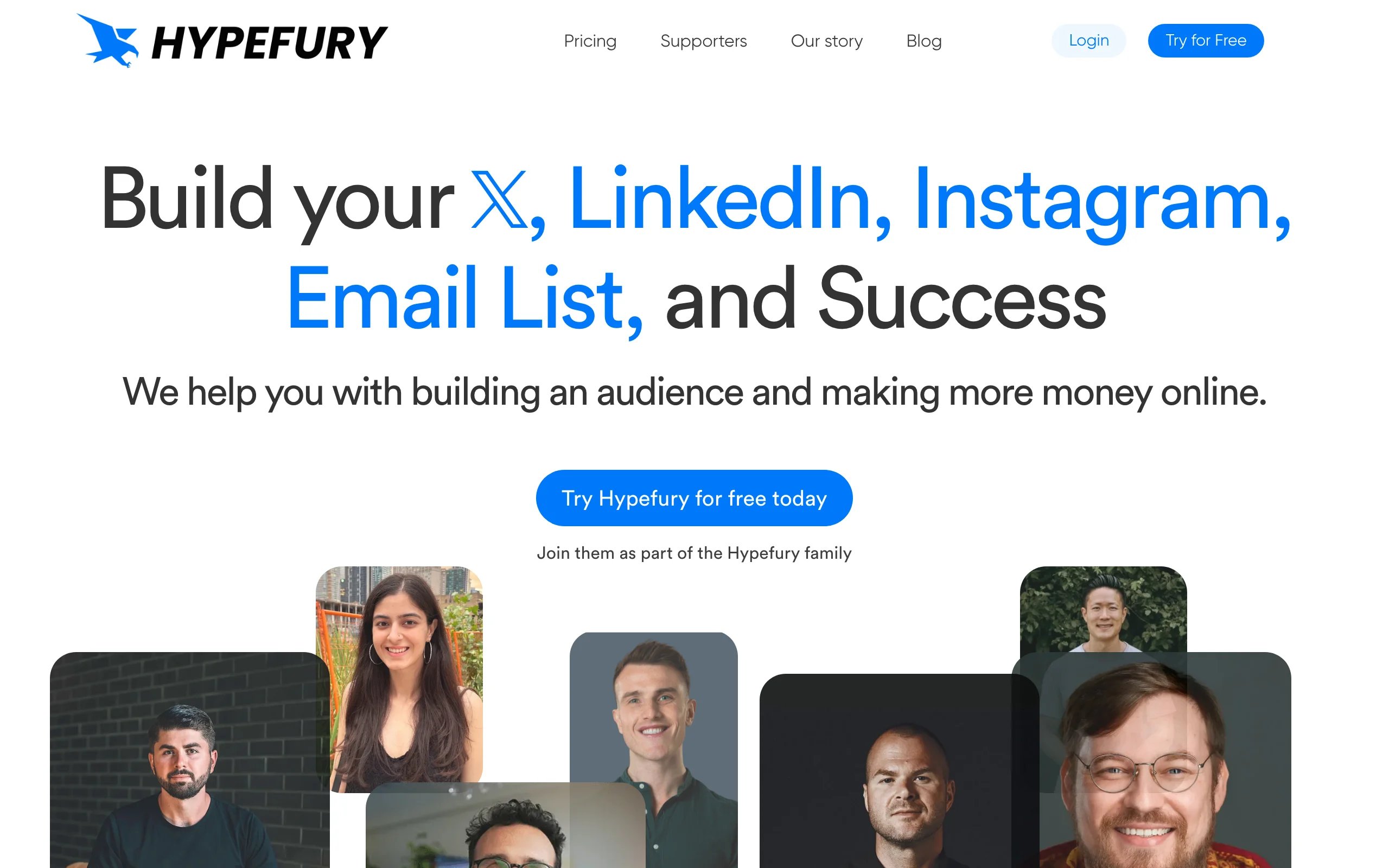
5. Hypefury, best for cross-platform creators who also post on X/Twitter
Hypefury is the go-to LinkedIn content tool for creators who run parallel audiences on both LinkedIn and X/Twitter. Its core workflow is built around writing once and publishing everywhere, with auto-reposting, tweet-to-LinkedIn repurposing, and thread-to-carousel conversion built in.
For pure LinkedIn creators, Hypefury's cross-platform focus may feel like extra overhead. But for solopreneurs and thought leaders who split their time between both platforms, Hypefury's dual-publish workflow saves significant time and removes the mental overhead of maintaining two separate content calendars.
Key features:
- Cross-platform publishing to LinkedIn and X/Twitter from one dashboard
- Auto-retweet and auto-DM automation for X posts
- Tweet thread to LinkedIn carousel conversion
- Content inspiration from top-performing posts in your niche
- Evergreen post recycling to resurface high-performing content
- Built-in growth tools: auto-plug, testimonial collector, sales page builder
Best for:
- Creators who actively post on both LinkedIn and X/Twitter and need a unified workflow
- Thought leaders building an audience across multiple platforms simultaneously
- Solopreneurs who rely on repurposing and automation to maintain posting consistency
Pricing:
- Flexible from $6/month per channel, Full at $19/month for all channels
- 7-day free trial, no credit card required; no permanent free plan
- Full plan removes per-channel add-on pricing entirely
Pros:
- Best cross-platform content workflow for LinkedIn and X creators
- Evergreen recycling removes the need to constantly generate new content
- Strong automation features reduce the manual work of maintaining consistent posting
Cons:
- LinkedIn-specific content intelligence is limited compared to LinkedIn-only tools
- X/Twitter-centric features add complexity for creators who only care about LinkedIn
- No viral score or hero creator analysis for LinkedIn-specific optimization
6. AuthoredUp, best LinkedIn post editor with built-in analytics and formatting
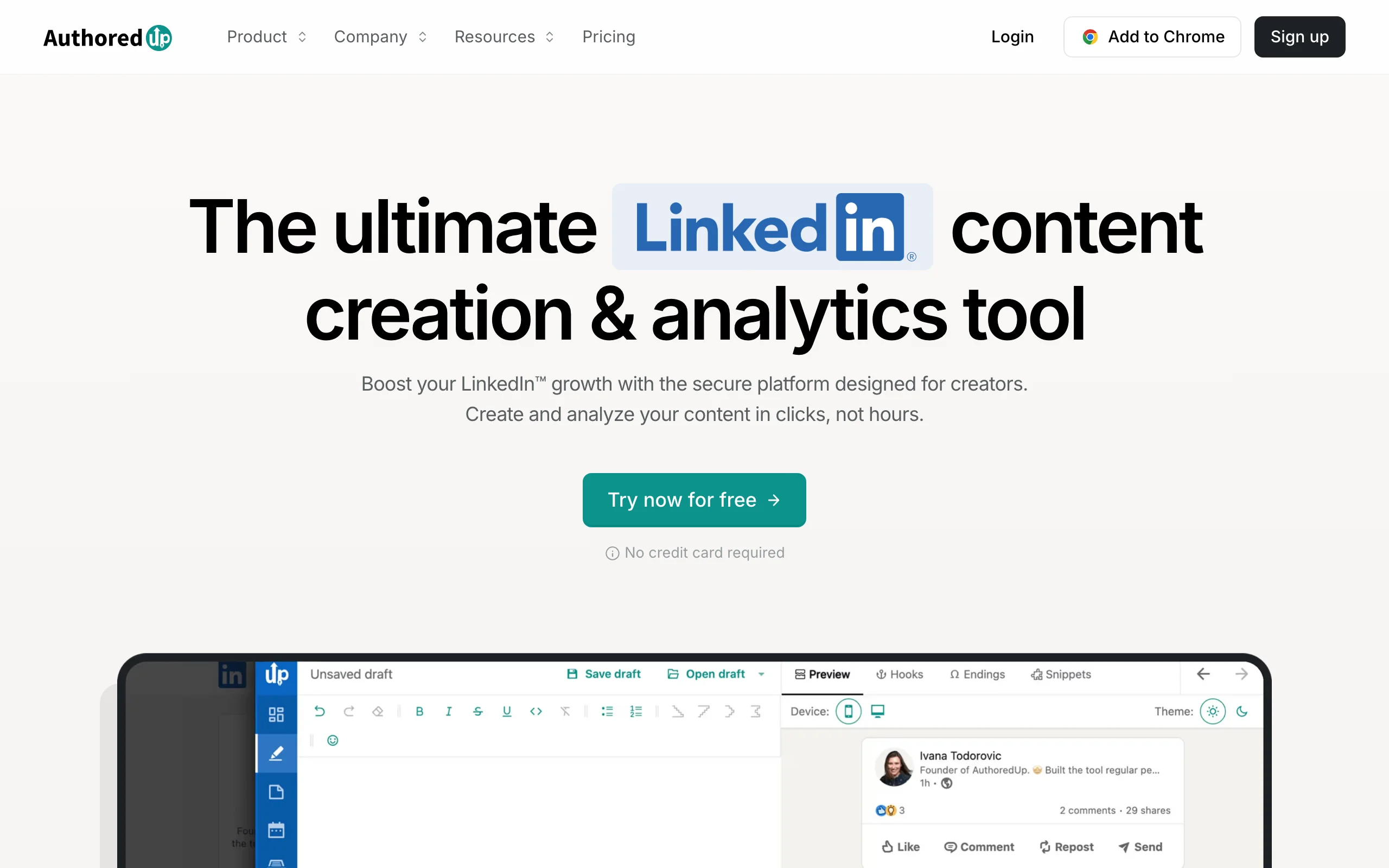
AuthoredUp is less a content generator and more a professional editing environment built specifically for LinkedIn. It gives you rich text formatting controls (bold, italic, custom line spacing, Unicode fonts) plus a post preview that shows exactly how your content will render on LinkedIn before you publish.
Where AuthoredUp earns its place in this list is its per-post analytics. Every post you publish through AuthoredUp gets tracked with detailed engagement data, letting you identify which formats, lengths, and topics drive the most reach over time. For writers who already know how to write but want formatting precision and post-level data, it's the strongest specialized tool available.
Key features:
- Rich text formatting: bold, italic, font styles, custom spacing
- LinkedIn post preview showing exact mobile and desktop rendering
- Per-post analytics with engagement rate, reach, and click tracking
- Content library for saving, organizing, and recycling top posts
- Post templates and structure frameworks for faster drafting
- Browser extension that works directly inside the LinkedIn interface
Best for:
- Writers who want precise formatting control and post-level performance data
- Creators who already have a strong writing process and want a power editing layer
- LinkedIn users who rely heavily on formatted posts (bold text, structured lists, styled fonts)
Pricing:
- Individual plan from $19.95/month ($16.63/month billed annually)
- 14-day free trial (no card); no permanent free plan as of 2026
- Business plan from $14.95 per profile per month (3-profile minimum), $12.46 billed annually; custom Growth plan at 10+ profiles
Pros:
- Best formatting tools for LinkedIn in this category, nothing else comes close
- Per-post analytics give actionable data on what's actually working for your audience
- Low entry price makes it accessible for creators who don't need full AI generation
Cons:
- AI generation is minimal: AuthoredUp is primarily an editing and analytics tool, not a content generator
- If you need AI drafting as the core feature, this is not the right pick
- No cross-platform publishing
See the full ViralBrain vs AuthoredUp comparison if you're deciding between content generation and editing-focused tools.
7. Jasper, best for marketing teams generating LinkedIn content at scale
Jasper is an enterprise-grade AI writing platform that covers LinkedIn posts as one of many content formats. Its strength is brand voice consistency at scale: you train Jasper on your brand guidelines, tone, and style, and it generates content that stays on-brand across a large team of writers or multiple client accounts.
For a solo LinkedIn creator, Jasper is overkill. But for marketing teams producing LinkedIn content for a company brand, multiple executives, or agency clients, Jasper's multi-user workflows, brand voice controls, and deep template library make it the most scalable option in this comparison. Check the LinkedIn content strategy guide if you're building a team-level content operation.
Key features:
- Brand voice training to maintain consistent tone across large teams
- LinkedIn post templates plus templates for 50+ other content formats
- AI writing assistant with chat-based editing and iteration
- Multi-user workspace with role-based access controls
- Integration with Surfer SEO for content optimization
- Campaign-level content planning and organization tools
Best for:
- Marketing teams producing LinkedIn content at volume for a company brand or executive profiles
- Agencies managing LinkedIn content creation for multiple clients
- Companies that need brand voice consistency across multiple writers and formats
Pricing:
- Pro plan from $59/month per seat billed annually ($69 month to month)
- Team plans with multi-user access available at higher tiers
- Enterprise pricing available on request
Pros:
- Brand voice training keeps output consistent across a large team or multiple clients
- Most extensive template library for LinkedIn plus every other marketing content type
- Scales well for agencies and marketing teams producing high content volume
Cons:
- Significantly more expensive at scale than LinkedIn-specific tools
- Brand voice training has a meaningful setup time investment
- LinkedIn-specific features (formatting, preview, viral score) are weaker than specialized tools
- No LinkedIn scheduling or direct publishing
How to choose the best LinkedIn content generator for your needs
1) Do you need AI to learn your voice, or do you have a strong voice already?
The biggest dividing line in this category is whether the tool adapts to you or you adapt to the tool.
- If you want an AI that studies how real top LinkedIn creators write in your niche and generates content that sounds authentically like you: choose ViralBrain. Its hero creator analysis and voice matching are the only features in this category that start from real viral data rather than generic prompting.
- If you already have a well-defined writing voice and just need a fast drafting partner: Supergrow or EasyGen give you speed and format without complex setup.
2) Do you need LinkedIn only, or are you cross-platform?
Most tools in this list are LinkedIn-focused. That's a strength if LinkedIn is your primary channel.
- If you actively post on both LinkedIn and X/Twitter and want a unified workflow: Hypefury is built exactly for this. It's the only tool here designed around dual-platform creators.
- If LinkedIn is your primary or only platform: any of the other six tools will serve you better on LinkedIn-specific features like post formatting, engagement tracking, and the LinkedIn algorithm.
3) Do you need content creation, or content creation plus workflow tools?
Some tools go beyond writing assistance into scheduling, CRM, and analytics.
- If you need content creation plus LinkedIn scheduling, lead tracking, and outreach: Taplio is the most complete single-platform solution, though it comes at a higher price.
- If you only need help generating posts and you're comfortable copying drafts to LinkedIn manually: ViralBrain, EasyGen, or Supergrow give you better content quality per dollar spent.
- If you want post-level analytics to understand what's working without changing your writing process: AuthoredUp is the most precise analytical layer available.
4) Are you a solo creator or managing a team?
Tool selection changes significantly based on team size.
- Solo creators and solopreneurs: ViralBrain, Supergrow, or EasyGen. Fast output, affordable pricing, no per-seat complexity.
- Marketing teams or agencies managing multiple profiles: Jasper for brand-voice consistency at scale, or Taplio for combined content and CRM across multiple LinkedIn accounts.
Before committing, run a real 7-day trial using your actual posting topics, not demo content. A tool that generates good output on generic prompts may struggle when writing in your niche or voice. Use the viral score checker and the LinkedIn post preview to evaluate output quality before you publish.
FAQ
What is a LinkedIn content generator?
A LinkedIn content generator is an AI tool that helps you write LinkedIn posts, articles, or carousel content faster. Most tools generate draft posts from a prompt or topic, then let you edit before publishing. More advanced tools, like ViralBrain, analyze real top-performing content from creators in your niche to generate posts built on viral patterns rather than generic AI output.
What are the best AI tools for LinkedIn in 2026?
The best AI tools for LinkedIn in 2026 depend on your goal. For voice-matched content built on real viral data, ViralBrain leads. For content plus a CRM and outreach, Taplio is the most complete. Supergrow and EasyGen cover fast, budget-friendly drafting, Hypefury handles cross-platform posting with X, AuthoredUp is the strongest editor and analytics layer, and Jasper scales brand-voice content for teams. Most creators pair one AI content generator with a separate scheduler.
Which LinkedIn content generator produces the best output quality?
Output quality depends on how well the tool matches your voice and uses real LinkedIn data. ViralBrain leads on this because it scrapes actual top-performing posts from hero creators in your niche and uses that data to generate content, rather than relying on a generic LLM prompt. For raw speed with acceptable quality, EasyGen and Supergrow are the closest alternatives.
Is there a free LinkedIn content generator?
Yes. ViralBrain has a free tier (3 hero profiles, 3 posts per month) plus a free LinkedIn post generator that needs no account, and a €1 trial to unlock the full experience. Supergrow offers a 7-day free trial on all plans (no permanent free tier). AuthoredUp now runs a 14-day free trial rather than a permanent free plan, and EasyGen gives you 3 free posts before a 7-day trial. Most tools in this list offer at least a trial period so you can test output quality before paying.
What is the difference between ViralBrain and Taplio?
ViralBrain focuses on content quality and virality: it analyzes top-performing LinkedIn posts, matches your writing voice, and scores your drafts before you post. Taplio adds a LinkedIn CRM, lead lists, and scheduling on top of its content tools. If you want the best LinkedIn content output, ViralBrain is the stronger choice. If you need content plus outreach pipeline management, Taplio is the more complete workflow tool. See the full ViralBrain vs Taplio comparison.
Does AI-generated LinkedIn content get penalized by the LinkedIn algorithm?
LinkedIn does not have a documented penalty for AI-generated content. The algorithm favors posts that generate genuine engagement (comments, saves, shares) regardless of how they were written. The risk with generic AI content is not a penalty, but low engagement: posts that sound templated get ignored. Tools like ViralBrain reduce this risk by generating content based on real viral post patterns rather than generic prompts. Read the full LinkedIn algorithm guide for current distribution factors.
Which LinkedIn content generator is best for solopreneurs?
ViralBrain is the strongest pick for solopreneurs who want voice-consistent content built on viral data. Supergrow is the best budget alternative. EasyGen works well for solopreneurs who prioritize speed over depth. The key question is whether you need the AI to learn your voice (ViralBrain), or whether you just need fast drafts to edit yourself (EasyGen, Supergrow).
Can I use a LinkedIn content generator to repurpose content from other formats?
Yes. ViralBrain, Supergrow, and Jasper all support multi-source input: you can paste a YouTube URL, article link, or audio transcript and get LinkedIn post drafts based on that content. This is particularly useful for founders who produce podcast episodes, webinars, or newsletters and want to extract LinkedIn posts without rewriting everything manually.
Which tool works best for marketing teams managing multiple LinkedIn profiles?
Jasper is the strongest pick for teams that need brand-voice consistency across multiple writers and profiles. Taplio handles multi-profile scheduling and has team access features. For agencies, both tools support multi-user workflows, though Jasper scales more naturally to high content volumes across different brands.
How do I know if a LinkedIn post will perform well before publishing?
Use ViralBrain's viral score checker, which predicts engagement potential before you post. You can also use the LinkedIn post preview to check formatting and readability. For a longer-term view, checking your LinkedIn engagement benchmarks helps you understand what engagement rate is realistic for your audience size and niche.
What should I look for when evaluating a LinkedIn content generator?
Key criteria: Does it match your writing voice, or produce generic output? Does it include data from real top-performing LinkedIn posts, or just generic AI prompting? Does it cover the full workflow (drafting, formatting, scheduling, analytics), or just the writing step? For most solo creators and founders, prioritize voice quality and LinkedIn-specific output over feature count. Start with a €1 trial and test on your real topics before committing to a paid plan.
Automate your LinkedIn for 30 days
ViralBrain plans, writes, and schedules your LinkedIn content, using official LinkedIn APIs so your account stays safe.
- Official LinkedIn APIs, no risk of ban
- You approve every post before it goes live
- Cancel anytime
Keep reading

Supergrow Alternatives: 5 Better LinkedIn AI Tools in 2026
Looking for Supergrow alternatives? Compare the 5 best LinkedIn AI tools in 2026: ViralBrain, Taplio, AuthoredUp, EasyGen, and Postdrips on pricing, features, and content quality.
Best LinkedIn Content Creation Tools in 2026
Compare the 7 best LinkedIn content creation tools in 2026, covering ideation, voice-matched drafts, carousels, and pre-publish checks, plus current pricing.

Best MCP Servers for Marketers: 7 Worth Installing in 2026
Over 10,000 MCP servers exist. Marketers need about six. Here are 7 MCP servers worth installing, what each actually does, and what they really cost.