

What Does 1st, 2nd, and 3rd Mean on LinkedIn?
1st, 2nd, and 3rd on LinkedIn show your connection degree to someone. Here's what each means, how they affect messaging, and why it matters for outreach.
ViralBrain Team · Published: August 17, 2026 · Updated: August 17, 2026
Automate your LinkedIn for 30 days
What does 1st, 2nd, and 3rd mean on LinkedIn?
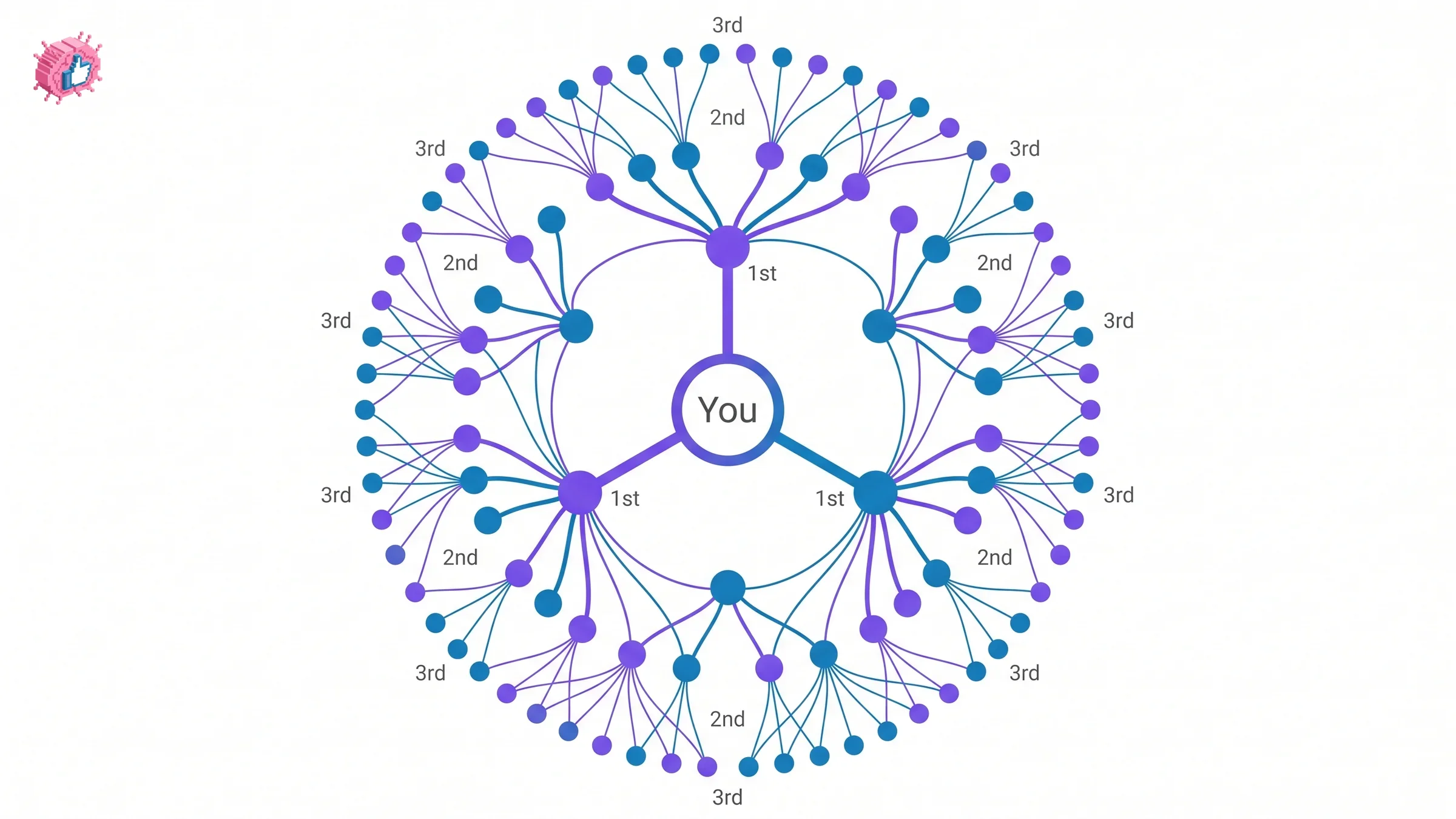
The number next to someone's name on LinkedIn shows your connection degree: 1st means you're directly connected, 2nd means you share a mutual connection, and 3rd means you're two steps removed, connected through someone who's connected to them. It's the same small-world idea as "a friend of a friend," just measured and labeled by LinkedIn instead of left implicit.
The three degrees, explained
1st-degree connections
People you're directly connected to, either because you sent a connection request and they accepted, or the reverse. You can message any 1st-degree connection freely, and you can see their full activity, posts, and (depending on their privacy settings) full profile details.
2nd-degree connections
People connected to at least one of your 1st-degree connections, but not directly to you. You'll see a mutual-connections count on their profile ("You and Sarah are both connected to 12 people"), and you can send them a connection request, usually with a personalized note that increases acceptance odds. You generally can't message a 2nd-degree connection directly without connecting first or using an InMail credit.
3rd-degree connections
People connected to your 2nd-degree connections, two steps removed from you. LinkedIn still shows them in search results and lets you send a connection request, but with less profile detail visible and no mutual-connection count in most cases.
Beyond 3rd degree, LinkedIn stops labeling the exact distance. Profiles show as "Out of network" or a follower-only relationship instead of a degree number.
Connection degree vs followers: what's the difference?
| Connection | Follower | |
|---|---|---|
| Relationship | Mutual, both sides accepted | One-directional, no acceptance needed |
| Degree shown | 1st, 2nd, or 3rd | No degree, shown separately |
| Who can see your posts | Depends on degree and post visibility | Anyone who follows can see public posts |
| Messaging | 1st-degree can message freely | Following alone doesn't grant messaging |
Automate your LinkedIn for 30 days
Why connection degree matters for outreach and reach
Your degree to someone determines two things that matter for actual LinkedIn use: whether you can message them for free, and how visible their content is to you in the feed. LinkedIn's algorithm weights 1st and 2nd-degree activity more heavily when deciding what to show you, which is why a post from a 2nd-degree connection tends to surface more than one from someone you have zero mutual connections with. For sales and lead-gen use, this is also the mechanic behind why Boolean search results and outreach campaigns are usually filtered by degree: reaching a 2nd-degree prospect through a warm mutual connection converts differently than a cold 3rd-degree message.
What this means for you
If you're trying to reach someone specific, check their degree first. A 1st-degree connection just needs a message. A 2nd-degree connection is worth a personalized connection request that references your mutual contact by name. A 3rd-degree or out-of-network profile usually needs either an InMail credit or a warm introduction through a mutual connection to get real response rates. For a full breakdown of what InMail costs and when it's worth using instead of a connection request, see what is LinkedIn InMail.
FAQ
What does 2nd mean on LinkedIn?
2nd means the person is a 2nd-degree connection: someone you're not directly connected to, but who shares at least one mutual connection with you. You can usually send them a connection request with a personalized note.
Can I message a 3rd-degree connection on LinkedIn?
Not for free in most cases. You can send a connection request to a 3rd-degree connection, or use an InMail credit if you have LinkedIn Premium or Sales Navigator, but standard free messaging is generally limited to 1st-degree connections.
Does following someone make them a 1st-degree connection?
No. Following is one-directional and doesn't require acceptance, while a connection is mutual and both sides have to accept. You can follow someone with zero connection degree relationship to you at all.
Why can't I see someone's connection degree?
LinkedIn stops showing an exact degree past 3rd; profiles beyond that show as "Out of network." Some profiles also have privacy settings that limit what connection information is visible to people outside their network.
How many connections can I have on LinkedIn?
LinkedIn caps 1st-degree connections at 30,000. Past that limit, you can still gain followers, but not new direct connections, which is one reason larger creators eventually rely on the Follow relationship instead of connection requests.
Sources: LinkedIn Help: Your network and degrees of connection, LinkedIn Help: Network size limit.
Automate your LinkedIn for 30 days
ViralBrain plans, writes, and schedules your LinkedIn content, using official LinkedIn APIs so your account stays safe.
- Official LinkedIn APIs, no risk of ban
- You approve every post before it goes live
- Cancel anytime
Keep reading
How to Edit a Post on LinkedIn: What You Can Change
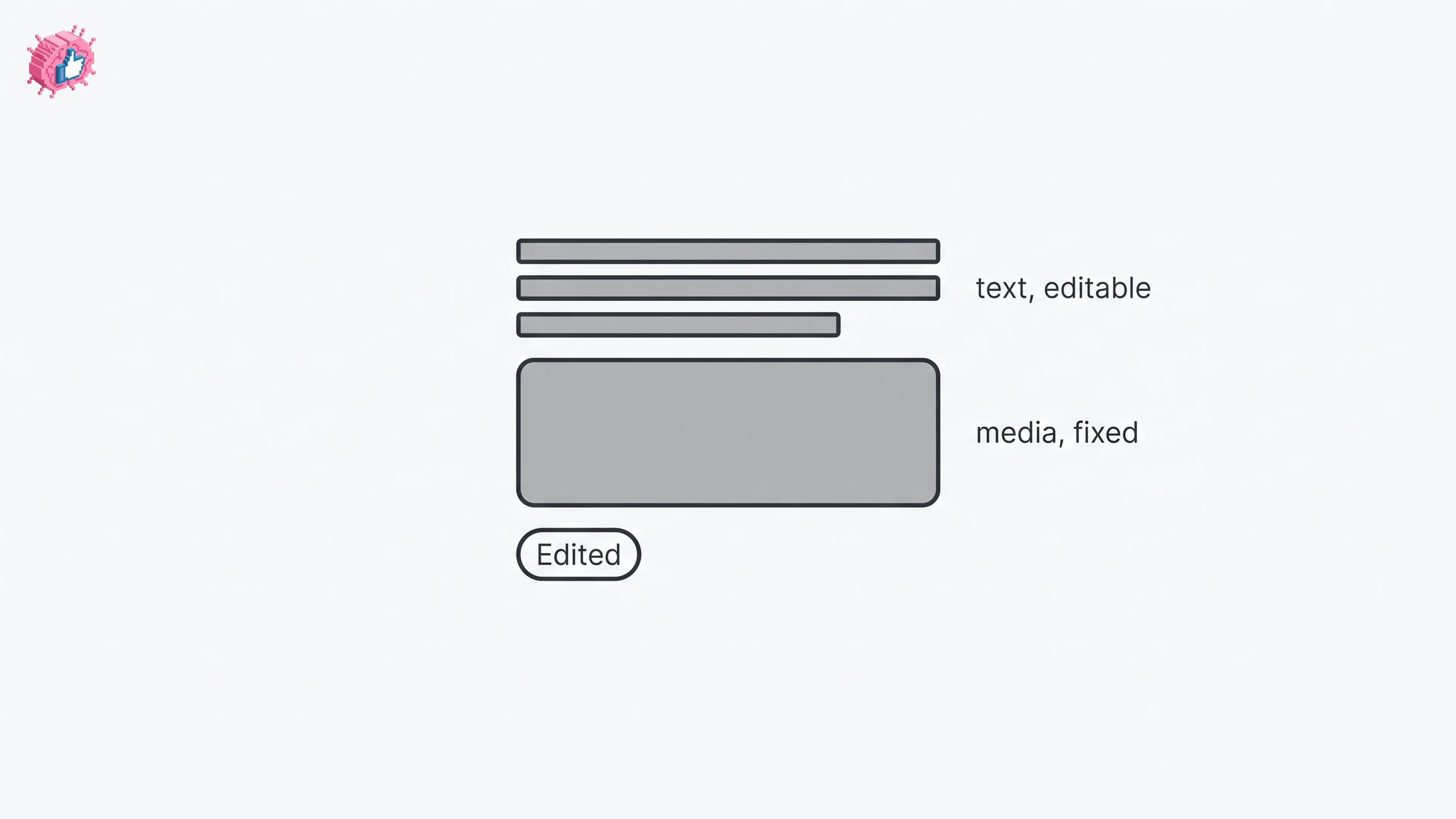
Editing a LinkedIn post takes five steps, and on a post you shared only the text can change. LinkedIn's rules on media, previews, Pages and polls.
How to Delete a Post on LinkedIn (Feed, Page, Group)
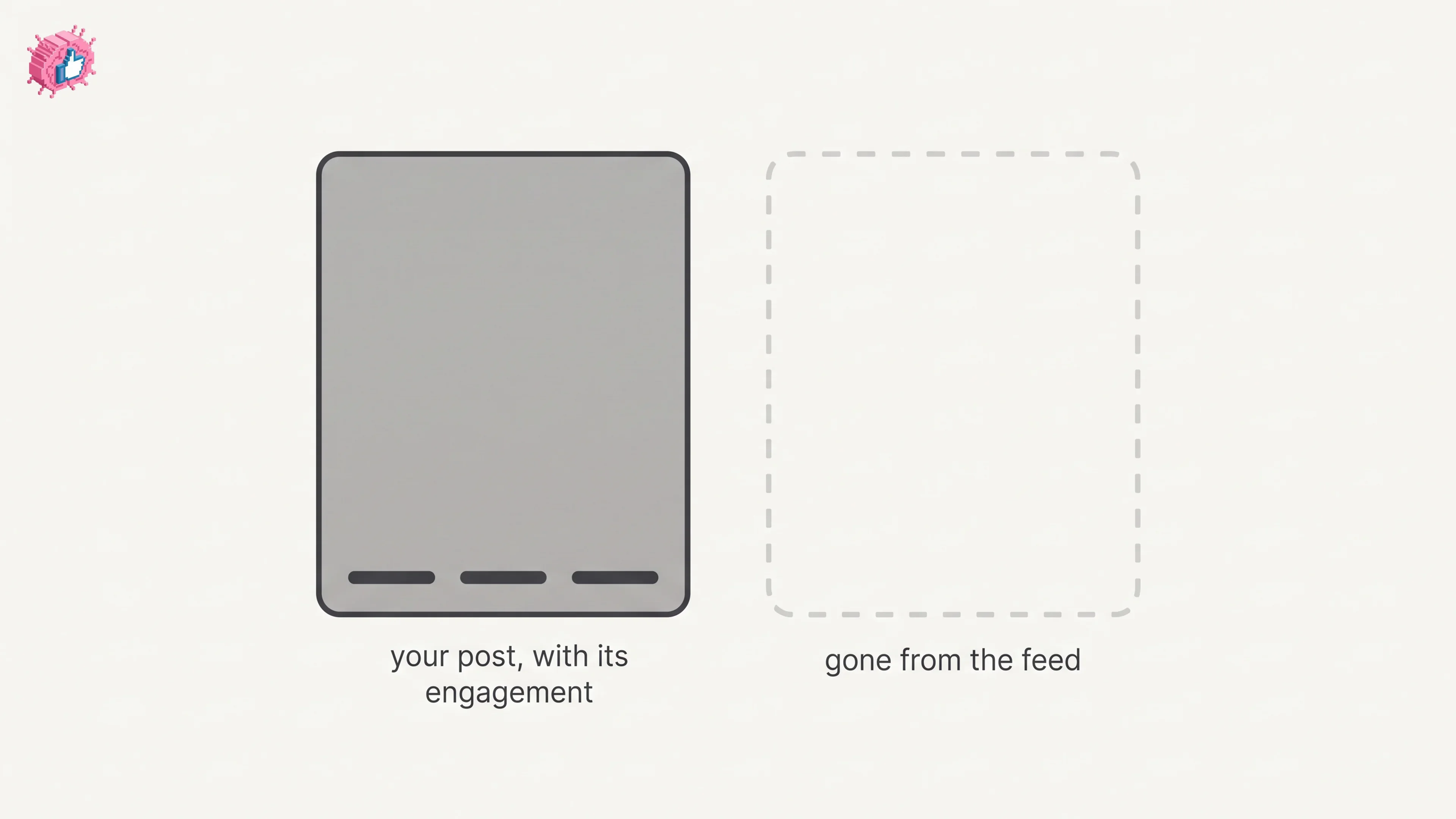
The four documented steps to delete a LinkedIn post on desktop and mobile, plus Page, group, scheduled and comment deletes, and what happens to engagement
How to Add Skills on LinkedIn: Steps and Limits
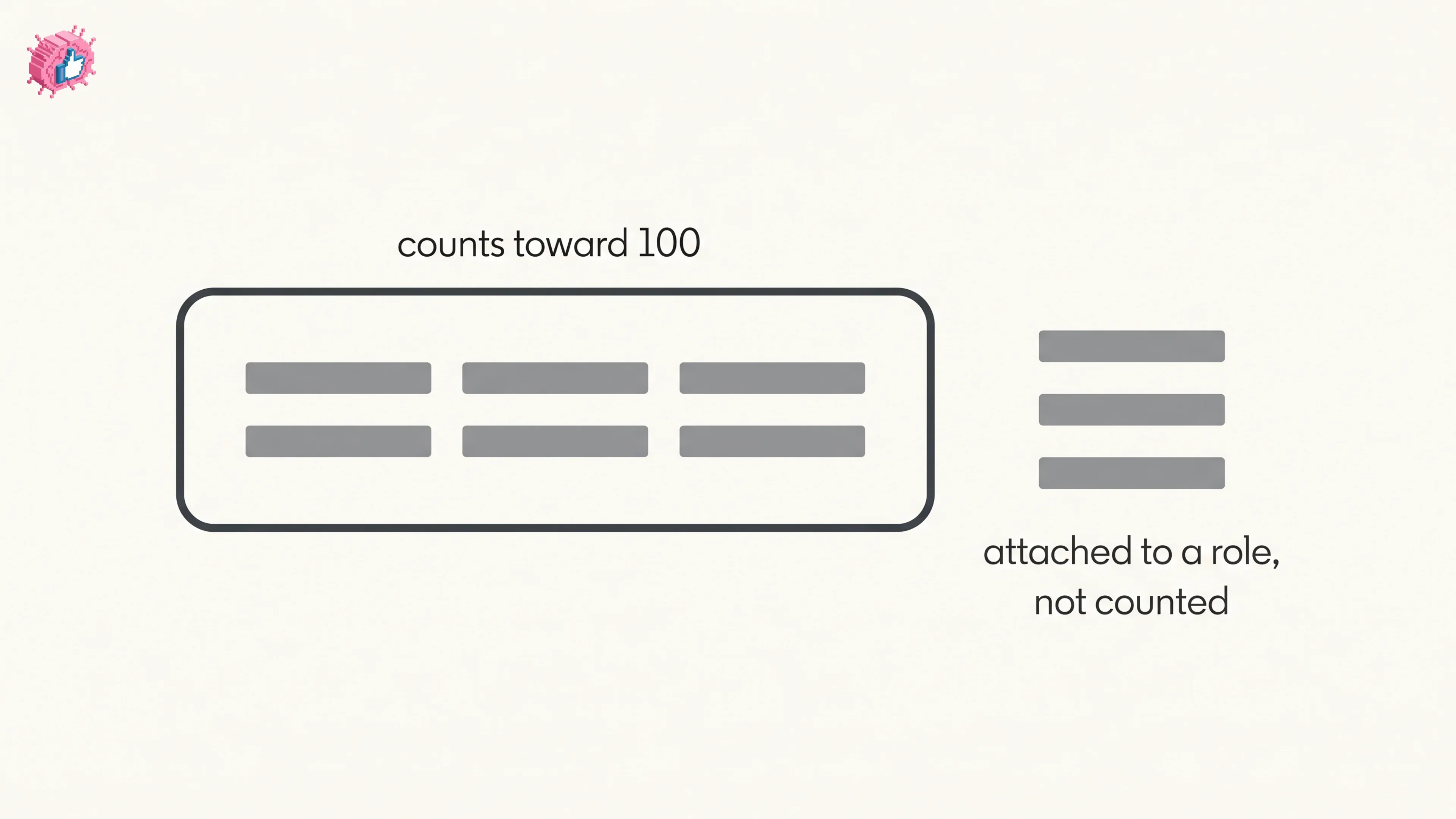
How to add skills on LinkedIn on desktop and in the app, the 100 skill cap and its exemption, plus reordering, editing and removing a skill.