

8 best LinkedIn analytics tools in 2026 (prices checked)
The 8 best LinkedIn analytics tools in 2026, with prices checked on each vendor's own page on 31 August 2026. Shield is winding down and Scripe repriced.
LinkedIn's own analytics cover more than most roundups admit, and the paid tools in this category moved a long way over the past year. One of the best-known LinkedIn analytics tools is winding down. Another nearly tripled its entry price.
So this comparison is built on checked numbers rather than remembered ones. Every price, tier name and trial term below was read off the vendor's own pricing page on 31 August 2026, with one exception that the Taplio entry states plainly rather than hiding. That date sits next to each claim so you can judge how fresh it is when you read this. Where LinkedIn's free analytics already do the job, this guide says so instead of talking you into a subscription. Analytics is one part of a wider stack, so for the full picture see the best LinkedIn marketing tools.
Automate your LinkedIn for 30 days
What changed in this category since our last update
Three changes matter more than any feature comparison, and most articles ranking for this term still have them wrong.
Shield is winding down. Shield has been the default dedicated LinkedIn analytics tool since 2018. Visiting shieldapp.ai now redirects to a wind-down notice, checked 31 August 2026, which reads: "Shield is winding down. Both Google and LinkedIn made it clear that we could not continue operating Shield as it was built. We decided not to fight it." The notice gives no end date. If you are looking for a LinkedIn analytics tool because Shield is going away, that is why.
Scripe repriced upward. Scripe's entry plan is €55 per month billed yearly as of 31 August 2026. Older comparisons, including our own previous version of this page, list a €19.99 Starter tier that no longer appears on Scripe's pricing page. Its trial is now 7 days with a card required, not 10 days.
inlytics.io now redirects to DemandBird. Requesting inlytics.io returns an HTTP 301 permanent redirect to demandbird.com, verified 31 August 2026. If you had Inlytics bookmarked as a LinkedIn analytics dashboard, DemandBird is where that URL goes now. DemandBird is added to this list below.
Best LinkedIn analytics tools: a brief overview
- ViralBrain: Best for pre-publish scoring paired with niche benchmarks. The only tool here that scores a draft before you post it.
- AuthoredUp: Best for per-post historical depth. The strongest pick if your question is which formats and lengths actually performed.
- DemandBird: Best for LinkedIn analytics alongside other networks, with an MCP and REST API on Business tier and up.
- Taplio: Best analytics bundled with scheduling and CRM, plus a benchmark built on 60,000-plus posts analysed monthly.
- Sprout Social: Best for marketing teams whose reporting is built around company pages and multiple seats.
- Buffer: Best cheap multi-network analytics, at $5 per channel per month, and it covers company pages.
- Scripe: Best for historical LinkedIn analytics on the entry tier, if the higher price fits your budget.
- LinkedIn native: Best free option, and more capable than most roundups say. It exports to .XLSX, goes back 365 days, and covers company pages for Page admins.
Prices in the table were read off each vendor's own pricing page on 31 August 2026, except where the entry says otherwise.
| Tool | What its analytics do best | Price (checked 31 Aug 2026) | Free option |
|---|---|---|---|
| ViralBrain | Scores a draft before publishing, plus benchmarks from creators in your niche | Pro €39/mo (€390/yr); Premium €69/mo (€690/yr); €1 for a 7-day trial | Free plan: 3 hero profiles, 3 posts/mo |
| AuthoredUp | Per-post engagement history tied to the editor you wrote the post in | Individual $19.95/mo, or $16.63/mo billed annually ($199.50/yr) | Free trial, no credit card required |
| DemandBird | LinkedIn plus other networks in one dashboard; MCP and REST API from Business tier | At 4 accounts: Pro $29/mo, Business $49/mo, Agency $149/mo billed monthly; 25% less billed yearly | 7-day trial, card required, $0 today |
| Taplio | Core post metrics plus a benchmark drawn from 60,000+ posts analysed monthly | From $39/mo (entry price only; see the Taplio entry) | 7-day trial with full Pro access |
| Sprout Social | Company page and multi-seat reporting with white-label exports | Essentials $79/seat/mo annual ($99 monthly); Standard $199; Professional $299; Advanced $399 | 30-day trial, no credit card |
| Buffer | LinkedIn profiles and company pages next to other networks, priced per channel | Essentials $5/channel/mo ($60/yr); Team $10/channel/mo ($120/yr) | Free plan: 3 channels, 30-day insight history |
| Scripe | Historical LinkedIn analytics included on the entry tier | Solo €55/mo, Advanced €79/mo, Business €119/mo, billed yearly | 7-day trial, card required |
| LinkedIn native | Personal profile and company page data straight from the source, exportable | Free | Free with any LinkedIn account; Page analytics for every Page admin |
1. ViralBrain, best for pre-publish scoring plus niche benchmarks
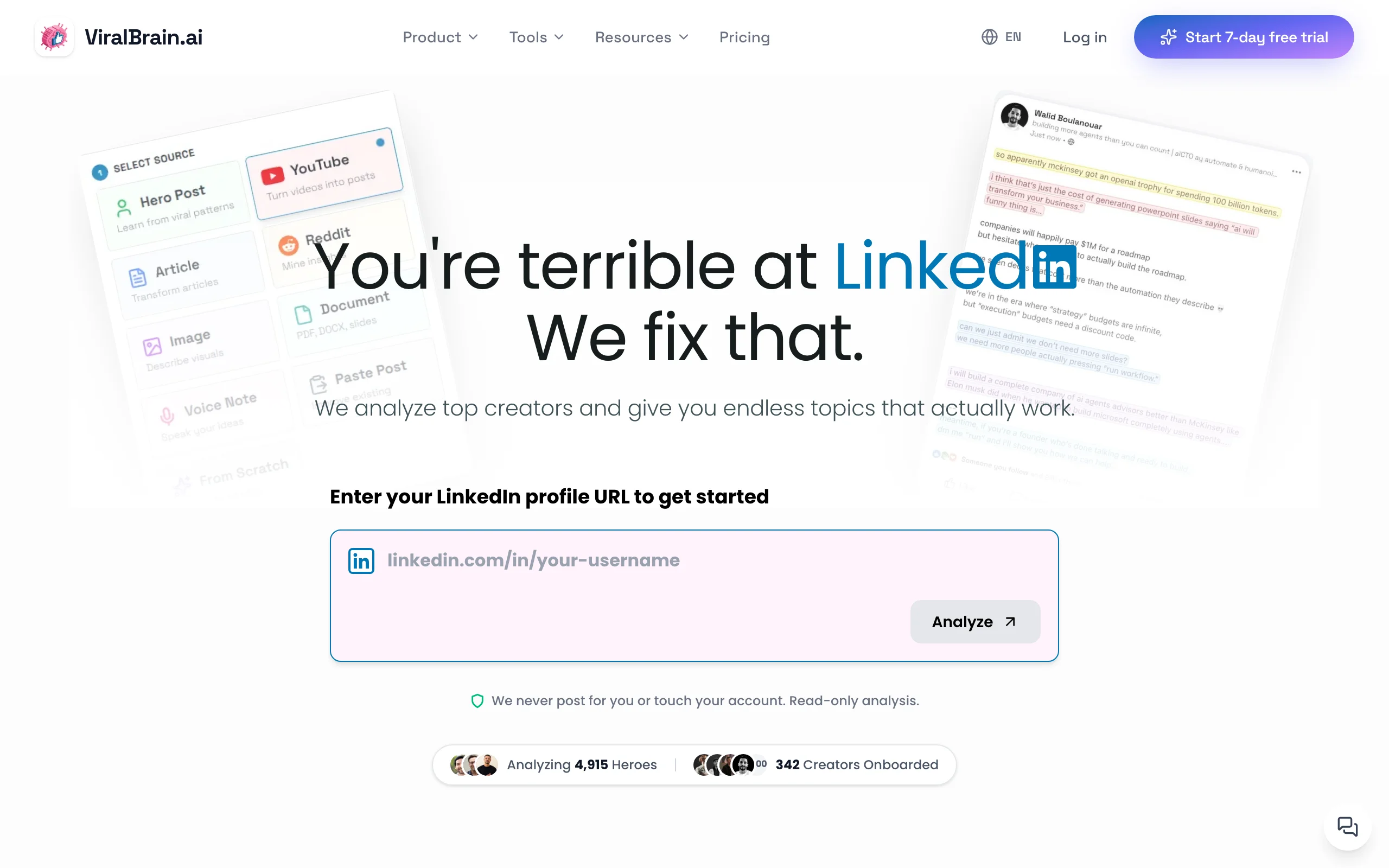
ViralBrain scores a LinkedIn draft before you publish it, using data from top-performing creators in your niche. That is a different job from the rest of this list. Every other tool here reports on posts you already sent. ViralBrain is the only one that gives you a number while the post is still editable.
It pairs that with hero creator benchmarks, so your own numbers sit next to what accounts of a similar size in your niche actually get. There are also free LinkedIn engagement benchmarks you can use with no account at all.
Read this entry with the obvious bias in mind: this is our own product on our own blog. The cons below are the honest ones, and two other tools in this list beat us on historical reporting.
Analytics features
- Viral score on a draft, before it is published
- Hero creator benchmarks by niche and follower band
- Free LinkedIn engagement benchmarks, no account needed
- Post structure analysis across hooks, length and format
Best for
- Creators who want a signal before publishing rather than a report afterwards
- Founders posting 3 to 5 times a week who want a niche baseline, not raw counts
Pricing (checked 31 August 2026)
- Free plan: 3 hero profiles, 3 posts per month, 10 hero posts analysed, 20 of your own posts analysed
- €1 for a 7-day trial, then Pro €39/month or €390/year, Premium €69/month or €690/year
- Current plans are listed on ViralBrain pricing
Pros
- Pre-publish scoring is genuinely absent from every other tool in this list
- Niche benchmarks answer "is this number good", which your own history cannot
- The free benchmark tool works without signing up
Cons
- Historical reporting is thinner than AuthoredUp's per-post archive. If your main question is which of your last 200 posts performed, AuthoredUp is the better buy.
- LinkedIn only. If you also report on X or Bluesky, DemandBird covers those in one dashboard and we do not.
- No company page reporting at all. LinkedIn's own Page analytics, Sprout Social, Buffer and DemandBird all cover pages and we do not.
2. AuthoredUp, best for per-post historical depth
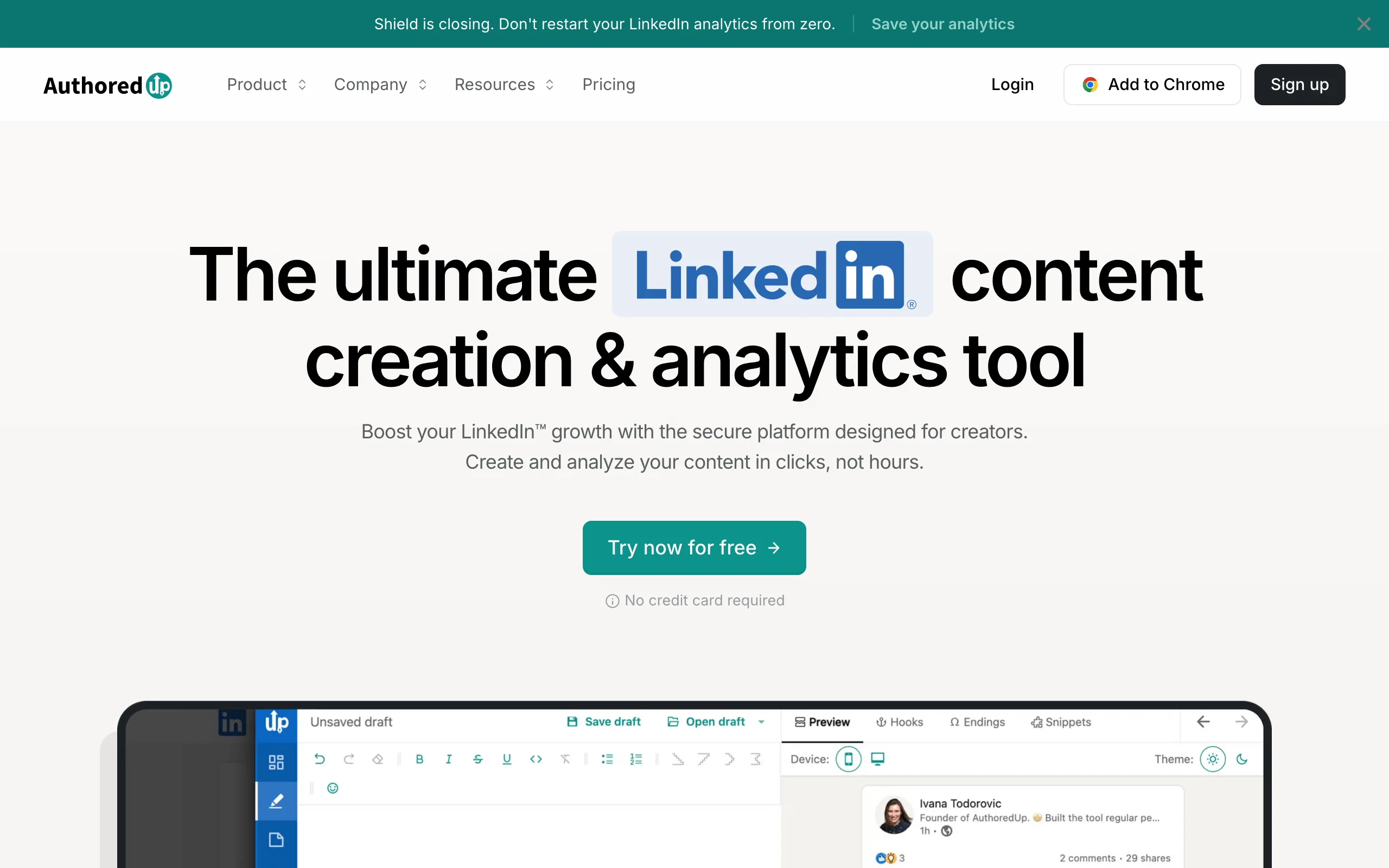
AuthoredUp is a LinkedIn post editor with per-post analytics attached, which means the record of how a post performed sits next to the draft you wrote it from. For working out which hooks, lengths and formats earn reach across a long posting history, it is the most precise tool in this list.
Its pricing is also the most stable of any paid tool here. The $19.95 monthly figure we published last year is still the live price on 31 August 2026, which is not true of Scripe or of several other tools in this category.
Analytics features
- Per-post engagement rate, reach and click data
- Content library that keeps your posts for later analysis
- Post preview showing mobile and desktop rendering before you publish
- Formatting controls sitting in the same view as the performance data
- Browser extension that works inside LinkedIn
Best for
- Writers iterating on format and structure with a real archive behind them
- Anyone who publishes heavily formatted posts and wants the data attached to them
Pricing (checked 31 August 2026)
- Individual: $19.95/month, or $16.63/month billed annually at $199.50/year
- Business: $14.95 per profile/month, or $12.46 per profile/month billed annually at $149.50/year, minimum 3 profiles
- Custom Growth for 10 or more profiles, billed annually, price on request
- Free trial with no credit card required
Pros
- Deepest per-post historical record of any tool in this list, and the reason to pick it over everything else here
- Business tier is priced per connected profile, so a 3-profile team pays $44.85/month
- Price has held steady while competitors in this category raised theirs
- No credit card needed to trial it, which only Sprout Social also offers
Cons
- No pre-publish scoring, so you learn what worked only after it ran
- LinkedIn only, with no multi-network reporting and no company page coverage
3. DemandBird, best for LinkedIn analytics across several networks
DemandBird is a social media management platform aimed at B2B teams and agencies. It describes itself as "One platform to plan, produce, approve, publish, and measure. Use our dashboard, or plug in via our MCP." It publishes to LinkedIn, X, Bluesky and Substack, and groups its product into four areas: content production, scheduling, analytics and team collaboration.
It earns a place here for two reasons. It ranks on the first page for this search term, so you will meet it while comparing anyway. And requesting inlytics.io returns a 301 redirect to demandbird.com, verified 31 August 2026, so this is where a well-known dedicated LinkedIn analytics URL now points.
Read the tier boundaries carefully before quoting the $29 headline. The MCP server, REST API, approval workflows and LinkedIn Company Pages all start at Business, not Pro.
Analytics features
- One dashboard covering LinkedIn and the other networks you connect
- Content library where past posts are kept for repurposing and analysis
- MCP server and REST API, including a LinkedIn MCP, on Business tier and up
- LinkedIn Company Pages on Business tier and up
- Approval workflow so a team reviews before anything publishes, on Business tier and up
- Per-account pricing rather than per-seat
Best for
- B2B teams reporting on LinkedIn alongside another network
- Agencies managing client accounts who want approvals in the same tool, on Business or Agency
- Anyone driving reporting from a script or an AI agent through MCP, from Business upward
Pricing (checked 31 August 2026)
- Priced by connected social accounts. At 4 accounts: Pro $29/month, Business $49/month, Agency $149/month billed monthly
- Billed yearly at 4 accounts: Pro $21.75/month ($261/year), Business $36.75/month ($441/year), Agency $111.75/month ($1,341/year)
- Pro allows 5 social accounts maximum. Business includes 10, then $10/month per extra account ($15 for Twitter/X). Agency includes 20, then $5/month per extra account ($10 for Twitter/X)
- 7-day free trial, card required, $0 charged today
Pros
- Cheapest multi-network option here once you connect more than one account
- MCP and REST API access is unusual in this category and useful if agents do your reporting, though it starts at Business ($49/month monthly, $36.75 yearly) rather than at the $29 Pro headline
- Extra accounts get cheaper on higher tiers rather than more expensive
Cons
- The features most likely to attract you here, MCP and company pages, are not on the entry plan
- Younger product than Sprout Social or Buffer, with a shorter track record
- The pricing page is a slider, so the headline price depends on how many accounts you connect
- LinkedIn-specific depth is below AuthoredUp's per-post archive
4. Taplio, best analytics bundled with scheduling and CRM
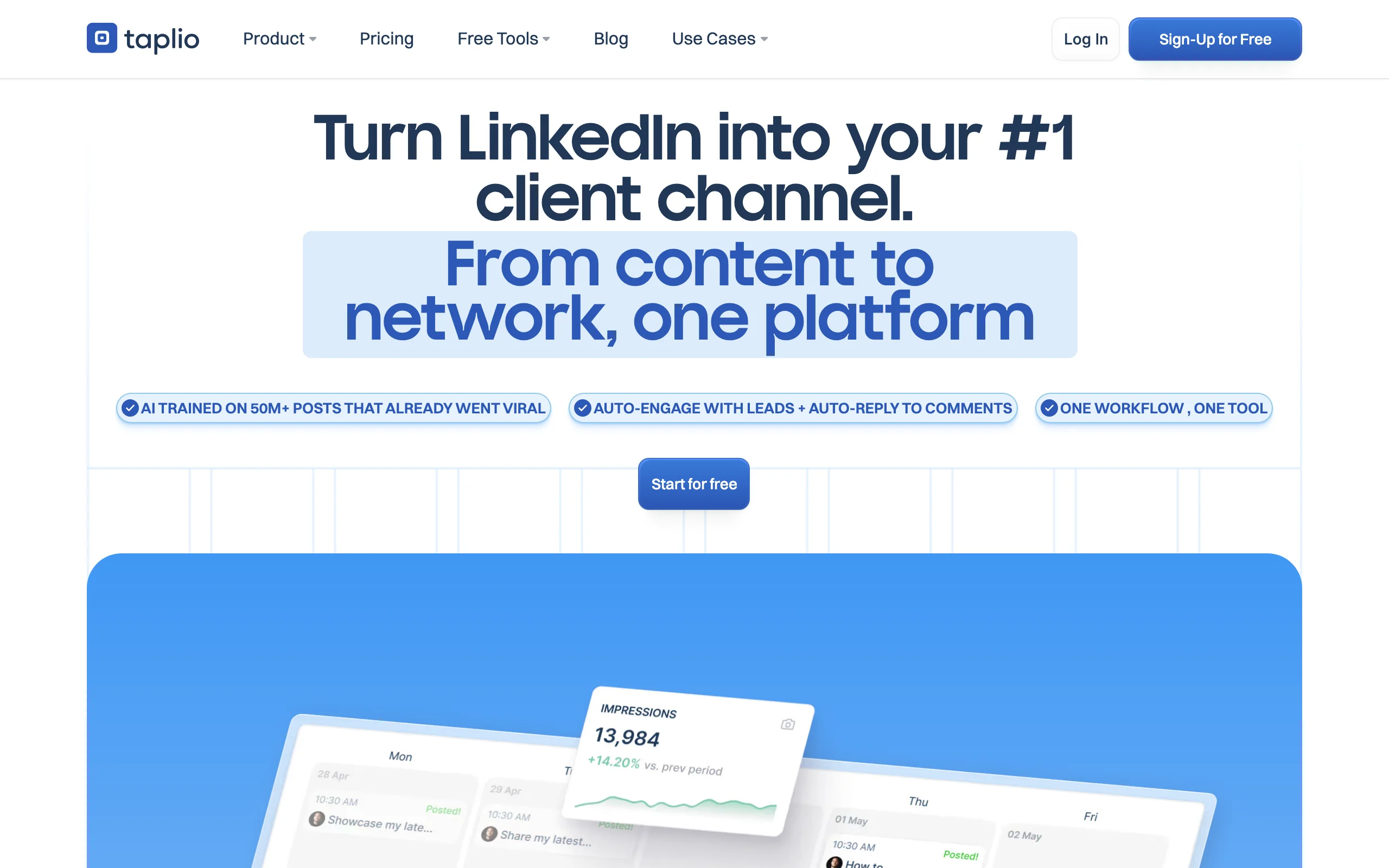
Taplio is a content and CRM platform for LinkedIn whose entry tier lists "Track core metrics with analytics" as an included feature. Its pricing page also advertises a LinkedIn Benchmark with "60,000 + Linkedin posts analysed each month", which is the comparison layer that separates it from a plain dashboard.
Taplio is the pick when you want scheduling, outreach and measurement on one bill rather than the deepest analytics. See our ViralBrain and Taplio comparison if you are weighing the two directly.
A note on the price, because this page trades on verifiability. Taplio's pricing table did not render into readable text for us on 31 August 2026, in two separate browser sessions. What we can confirm is the page title, "Taplio Pricing - Plans from $39/mo | Free Trial", so the entry price is stated here and the higher tiers are not. This is the one exception to the checked-prices claim at the top of this article. Check the live page for current Growth and Pro pricing.
Analytics features
- Core post metrics tracked from the entry tier upward
- LinkedIn Benchmark built on 60,000+ posts analysed monthly
- Analytics sitting alongside scheduling, AI drafting and lead outreach
- An MCP listed in its product menu for running Taplio from an LLM
Best for
- Sales-led LinkedIn users who want outreach data and post data on one bill
- Founders who would rather not manage a separate analytics subscription
Pricing (checked 31 August 2026)
- From $39/month, per the pricing page title. Higher tiers exist but did not render for us, so they are not quoted here
- A 7-day free trial that Taplio says gives "full Pro access" whichever plan you choose
- Refunds available "in the 30 days following your payment"
Pros
- The trial gives full Pro access rather than entry-tier access
- The 60,000-post benchmark gives outside context, which raw dashboards lack
Cons
- Analytics depth is below AuthoredUp and below dedicated reporting tools
- Expensive if measurement is the only thing you need from it
- The pricing table did not render for us, so confirm the tier you want before subscribing
Automate your LinkedIn for 30 days
5. Sprout Social, best for marketing teams and company pages
Sprout Social is an enterprise social media management platform with LinkedIn reporting inside a much larger product. For a team reporting on a company page, several executive profiles, or paid activity next to organic, it is the standard pick, and the one here whose reporting is designed around that job rather than treating a page as one more channel to connect.
Price it per seat before comparing it to anything else in this list. Standard is $199 per seat per month as of 31 August 2026, so a three-person team is around $597 monthly, which is roughly 13 times AuthoredUp's 3-profile Business tier.
Analytics features
- Company page and personal profile reporting in one place
- Custom report builder with white-label exports
- Competitor benchmarking and share-of-voice tracking
- Paid campaign performance next to organic
- Role-based access for multi-user teams
Best for
- Marketing teams reporting upward on a company page
- Agencies producing client-facing reports under their own branding
Pricing (checked 31 August 2026)
- Essentials $79 per seat/month billed annually, or $99 per seat/month billed monthly
- Standard $199, Professional $299, Advanced $399, all per seat/month
- Enterprise pricing on request, after a demo
- 30-day free trial with no credit card required
Pros
- The longest free trial in this list at 30 days, with no card needed
- Reporting depth on company pages goes well beyond what Buffer and DemandBird offer, including paid next to organic and share of voice
- White-label exports are ready to send to a client or an executive
Cons
- Per-seat pricing makes it far more expensive than every creator tool here. Buffer covers company pages from $5 per channel, and LinkedIn's own Page analytics cost nothing
- LinkedIn depth is broad rather than deep, because the product covers many networks
- Overkill for a single creator on a single profile
6. Buffer, best cheap multi-network analytics
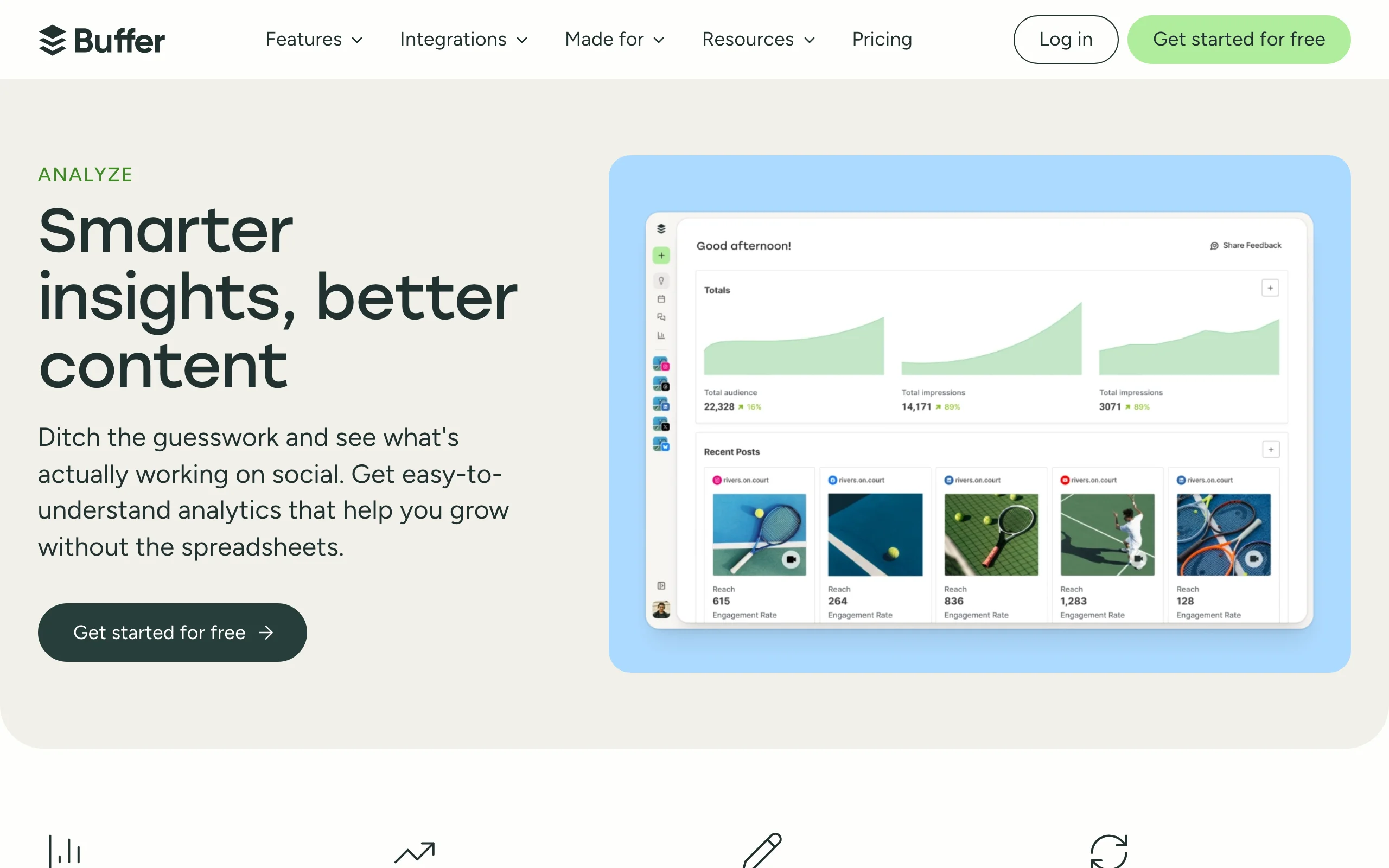
Buffer reports on LinkedIn next to other networks and prices per channel rather than per seat, which makes it the cheapest way to get paid analytics across more than one account. Advanced analytics is included on both paid plans as of 31 August 2026.
Two things about Buffer get misreported often. It does cover LinkedIn Company Pages, not only personal profiles: Buffer states you can "plan, edit, draft, and schedule posts to your LinkedIn Profile and LinkedIn Company Pages", and on connecting a page you get "the page data for the last six months and post data for up to 500 previous posts". And its free tier includes basic insights with 30 days of history, so it is a real free option rather than a publishing-only tier.
Analytics features
- LinkedIn Company Pages as well as personal profiles
- Six months of page data and up to 500 previous posts on connecting a page
- Advanced analytics on every paid plan, not sold as an add-on
- Branded reports on the Team plan
- Basic insights with 30-day history on the free plan
Best for
- Creators posting on LinkedIn plus one or two other networks
- Small teams who need company page reporting without Sprout Social's per-seat bill
Pricing (checked 31 August 2026)
- Free plan: up to 3 channels, 10 scheduled posts per channel, basic insights with 30-day history
- Essentials $5 per channel/month, or $60 per channel/year
- Team $10 per channel/month, or $120 per channel/year
Pros
- Cheapest paid analytics in this list at $5 per channel per month
- Company page support at a fraction of Sprout Social's per-seat price
- Analytics is included in the plan rather than sold separately
- The free plan is usable rather than a trial in disguise
Cons
- LinkedIn depth is well below the LinkedIn-only tools here
- No pre-publish signals and no niche benchmarking
7. Scripe, best for historical analytics on the entry tier, at a higher price
Scripe is a LinkedIn content platform that includes full LinkedIn analytics with historical data on its entry tier, which several bundled competitors reserve for higher plans. That part of our previous recommendation still holds.
The price does not. Scripe's entry plan is €55 per month billed yearly as of 31 August 2026, against the €19.99 Starter we published previously. Its trial is 7 days with a card required. If you arrived here from an older article quoting €19.99, that tier is not on the pricing page any more.
Analytics features
- Full LinkedIn analytics with historical data included on the Solo tier
- AI content creation and scheduling in the same product
- Light seats on the Business tier covering engagement and analytics without content creation
- Post performance tracked over time
Best for
- Teams who want some members to read analytics without paying for a content seat
- Creators who want historical LinkedIn data without upgrading to a top tier
Pricing (checked 31 August 2026)
- Solo €55/month, Advanced €79/month, Business €119/month, billed yearly
- Extra full seats €45/month each, available on all tiers
- Light seats €20/month each, engagement and analytics only, Business tier only
- 7-day free trial on every paid plan, credit card required
Pros
- Historical analytics on the entry tier rather than gated behind an upgrade
- The €20 Light seat is a cheap way to give a manager read access
- Data goes back historically rather than starting from the day you sign up
Cons
- Entry price rose to €55/month, well above Taplio's $39 entry tier once you account for the exchange rate
- Yearly billing is how those prices are quoted, so monthly costs more
- The trial requires a card, unlike AuthoredUp and Sprout Social
8. LinkedIn native analytics, best free option and better than most roundups claim
LinkedIn's native analytics export to .XLSX and offer date ranges up to the past 365 days. They come with any LinkedIn account at no cost. Two claims repeated across competing articles for this term, including our own earlier version of this page, say otherwise and are wrong.
LinkedIn's own Help documentation, checked 31 August 2026, is explicit on all three points. "All LinkedIn members have access to combined post analytics", so creator mode is not a requirement. Date ranges run "from the past seven days up to the past 365 days". And you can "Export your analytics to an .XLSX file to analyze further or save it for your records".
So the common objections that LinkedIn native has no export and no history are both false. Start here, and pay for a tool only when you hit a real limit.
This entry covers LinkedIn's analytics for your personal profile. If you run a company page, LinkedIn's Page analytics are a separate product that also costs nothing, covered in the FAQ below.
Analytics features
- Combined post analytics available to all members, no creator mode needed
- Date ranges from the past 7 days up to the past 365 days
- Export to .XLSX from the analytics view
- Audience analytics covering follower growth trends and follower demographics
- Impressions and engagement broken into reactions, comments, reposts, saves and sends
Best for
- Anyone in their first months of posting, before a subscription is justified
- Creators comfortable working in a spreadsheet after exporting
Pricing (checked 31 August 2026)
- Free with any LinkedIn account
Pros
- 365 days of history and .XLSX export, both free
- The numbers come from LinkedIn, with no third-party connection to authorise
- Available to every member rather than gated behind creator mode
Cons
- No benchmarking against other creators on your personal profile, so a number has no outside context
- No breakdown by hook, format or post structure
- Custom date range selection is available only in the LinkedIn mobile app
- Nothing before you publish
To go further without paying, our free LinkedIn analytics tools cover engagement rate, posting time and post scoring with no account.
How to choose a LinkedIn analytics tool
1) Start by asking whether you need to pay at all
LinkedIn native gives you 365 days of history and an .XLSX export for free. Test whether that answers your question before you subscribe to anything.
- If your question is "how is my reach trending", export the .XLSX and stop there
- If your question is "is this number good for someone my size", native cannot answer it and no export will. That needs benchmarks, which means ViralBrain or Taplio
- If your question is "which of my formats works", native cannot answer it either. That needs AuthoredUp
2) Decide whether you want the number before or after publishing
This is the sharpest divide in the category.
- Before publishing: ViralBrain's viral score is the only pre-publish signal in this list
- After publishing: AuthoredUp for per-post depth, Scripe for historical data on its entry tier
- Both: ViralBrain at €39/month alongside AuthoredUp at $19.95/month covers each side properly. Those are two currencies, so convert at the day's rate before budgeting
3) Count your networks and your seats, then price it
Pricing models differ enough that the cheapest tool depends entirely on your shape.
- One LinkedIn profile only: AuthoredUp at $19.95/month, or ViralBrain at €39/month with benchmarks
- Two to four networks: DemandBird at $29/month for 4 accounts, or Buffer at $5 per channel
- A company page: start with LinkedIn's own Page analytics, which cost nothing and cover visitors, followers and content. Add Buffer from $5 per channel, or DemandBird from its Business tier at $49/month monthly, when you want pages and other networks in one dashboard
- A team that needs paid-next-to-organic and white-label reporting on a page: Sprout Social, budgeted per seat. Standard is $199 per seat per month
- A team where only some members need read access: Scripe's €20 Light seat is the cheapest route
4) Check how the trial is structured before you commit
Trial terms vary more than the feature lists do.
- No credit card: AuthoredUp, and Sprout Social for 30 days
- Card required: Scripe and DemandBird, both 7 days
- Paid trial: ViralBrain at €1 for 7 days
- Full Pro access during the 7-day trial: Taplio
Pick the question you actually want answered before you pick a tool. "How is my profile growing" and "which post structures earn reach" need different products, and the second one is where most people waste money on the first. See the guide to measuring LinkedIn performance for a framework, and the LinkedIn algorithm guide for what currently drives distribution.
FAQ
What is the best LinkedIn analytics tool in 2026?
There is no single best LinkedIn analytics tool, because the tools answer different questions. For per-post historical depth, AuthoredUp is the most precise at $19.95/month. For a score before you publish, ViralBrain is the only option in this comparison. For company page reporting across a team, Sprout Social is the standard at $199 per seat/month. All three prices were checked on 31 August 2026.
Is there a free LinkedIn analytics tool?
Yes, and LinkedIn's own is the best of them. Every LinkedIn member gets combined post analytics with date ranges up to 365 days and an .XLSX export, per LinkedIn's Help documentation checked 31 August 2026. Buffer has a free plan covering 3 channels with 30 days of insight history, and ViralBrain has a free plan with 3 hero profiles and 3 posts per month.
What is happening to Shield, the LinkedIn analytics tool?
Shield is winding down. Visiting shieldapp.ai redirects to a notice, checked 31 August 2026, which reads: "Shield is winding down. Both Google and LinkedIn made it clear that we could not continue operating Shield as it was built." The notice gives no end date, so check with Shield directly on timing. Shield users looking to move will find AuthoredUp the closest replacement for per-post historical analytics, and Scripe includes historical LinkedIn data on its entry tier.
Is Inlytics still available?
Requesting inlytics.io returns an HTTP 301 permanent redirect to demandbird.com, verified 31 August 2026. DemandBird is a social media management platform for B2B teams that describes itself as "One platform to plan, produce, approve, publish, and measure". Its pricing starts at $29/month for 4 connected accounts billed monthly, though its MCP, REST API and LinkedIn Company Pages start at the Business tier, $49/month billed monthly.
Which LinkedIn analytics tools support company pages?
Start with LinkedIn itself, because page reporting does not have to cost anything. LinkedIn's own Page analytics are available to every Page admin role, per LinkedIn Help checked 31 August 2026, and cover visitors, followers, content, search appearances and competitors, with a report export and no analytics subscription. Among the paid tools here, Buffer covers "LinkedIn Profile and LinkedIn Company Pages" from $5 per channel per month and gives you six months of page data on connecting; DemandBird includes LinkedIn Company Pages from its Business tier at $49/month billed monthly; and Sprout Social is built around page reporting, adding paid-next-to-organic and share-of-voice data from $199 per seat per month. AuthoredUp, Scripe and ViralBrain are personal-profile tools and do not cover pages. We could not confirm Taplio's page support either way on 31 August 2026.
Can I export LinkedIn analytics data?
Yes, from LinkedIn itself, for free. LinkedIn's Help documentation states you can "Export your analytics to an .XLSX file to analyze further or save it for your records", checked 31 August 2026. Page admins have a separate Page analytics report export. Paid tools including Sprout Social and Buffer add their own exports, and Sprout Social supports white-labelled reports for client work.
How far back does LinkedIn analytics data go?
LinkedIn's combined post analytics offer date ranges "from the past seven days up to the past 365 days" according to LinkedIn Help, checked 31 August 2026. Custom date range selection is available only in the LinkedIn mobile app. Scripe advertises historical LinkedIn data on its entry tier for periods before you connected the tool.
Which LinkedIn analytics tool is cheapest?
Buffer at $5 per channel per month is the cheapest paid option in this comparison, checked 31 August 2026. AuthoredUp is the cheapest LinkedIn-only tool at $19.95/month, or $16.63/month billed annually. LinkedIn's native analytics cost nothing, for personal profiles and for company pages alike, and cover more ground than most comparisons credit them with.
Do I need an analytics tool if LinkedIn gives me analytics free?
Not at first. LinkedIn native covers reach, engagement and follower trends going back 365 days with an export, which is enough for most people's first months. Pay for a tool when you hit a question native cannot answer: how your numbers compare to similar creators, which post formats perform, or whether a draft is worth publishing.
Which LinkedIn analytics tool is best for agencies and teams?
Sprout Social is the pick for company page reporting and white-label client exports, priced per seat from $199/month on Standard. DemandBird is the cheaper route for agencies managing many accounts, since it prices per connected account and drops the cost of extra accounts on higher tiers, at $5/month each on Agency plus $10 for a Twitter/X account. Both prices checked 31 August 2026.
How do I know whether a LinkedIn post will perform before publishing?
Use a pre-publish score. ViralBrain's viral score checker is the only tool in this comparison that rates a draft before it goes out, based on data from creators in your niche. Pair it with the LinkedIn post preview to check formatting, and the guide to going viral on LinkedIn for what tends to travel.
Automate your LinkedIn for 30 days
ViralBrain plans, writes, and schedules your LinkedIn content, using official LinkedIn APIs so your account stays safe.
- Official LinkedIn APIs, no risk of ban
- You approve every post before it goes live
- Cancel anytime
Keep reading

Shield analytics alternative: where to go now
Shield is winding down. What that means for your LinkedIn analytics, what to save while you still can, and how to pick a Shield analytics alternative.

LinkedIn Impressions vs Reach: What the Numbers Mean (2026)
LinkedIn impressions vs reach explained: how LinkedIn counts each, why they differ, what a healthy ratio looks like, and how to grow both in 2026.

What Is a Good LinkedIn Engagement Rate? 2026 Benchmarks
A good LinkedIn engagement rate in 2026 is 4-6% for personal profiles and 2-3% for company pages. See full benchmarks, tiers, and format data.