

Best 7 LinkedIn Creator Tools in 2026
The 7 best LinkedIn creator tools in 2026, with current pricing. ViralBrain, AuthoredUp, Taplio, Supergrow, Buffer, Hypefury, and what to use now that Shield is winding down.
Growing consistently on LinkedIn is harder than it looks. LinkedIn retired the Creator Mode toggle in 2024 and folded its tools into every profile, so newsletters and follower-focused distribution no longer sit behind a switch, but none of that matters without a steady stream of quality content, a clear picture of what is working, and a way to stay consistent week after week.
The creators who win on LinkedIn in 2026 are not just better writers. They use the right stack: one tool for content creation, one for analytics, and one for distribution. This guide covers the seven best linkedin creator tools across all three layers, so you can pick the right combination for your workflow.
We reviewed each tool on content output quality, analytics depth, scheduling reliability, LinkedIn-specific features, and pricing, and put them in order of how much impact they drive for solo creators building authority.
Automate your LinkedIn for 30 days
Best LinkedIn creator tools: a brief overview
- ViralBrain: Best overall LinkedIn creator tool: analyzes real viral posts from top creators in your niche, learns your writing style, and generates content that sounds like you, not a generic AI.
- Scripe: Best for LinkedIn creator analytics: LinkedIn analytics included on every plan tier, tracking impressions, follower growth, engagement rate, and content performance over time.
- AuthoredUp: Best post editor for creators: rich text formatting, saved templates, full post history, and built-in post-level analytics inside LinkedIn.
- Taplio: Best all-in-one for creators who want AI-assisted drafting, content scheduling, and a lightweight lead CRM in a single platform.
- Supergrow: Best for creators who want AI-assisted drafting with a large library of viral post templates and hooks.
- Buffer: Best for creators managing LinkedIn alongside other platforms: reliable scheduling, a clean content calendar, and cross-channel analytics.
- Hypefury: Best for cross-platform creators who want to repurpose content from X (Twitter) into LinkedIn posts automatically.
| Tool | Key strength | Pricing | Best for |
|---|---|---|---|
| ViralBrain | Hero creator analysis + voice-matched AI generation | €1 trial available; paid plans from €39/mo | LinkedIn creators who want AI that learns their style |
| Scripe | LinkedIn analytics on every plan tier | From €19.99/mo; 10-day trial | Creators who want granular data on what content works |
| AuthoredUp | Post editor with formatting, templates, and history | From $19.95/mo; free plan available | Creators who want control over post presentation |
| Taplio | AI drafting + scheduling + lead management | From $39/mo; 7-day trial | Creators combining content with outreach and pipeline |
| Supergrow | AI writing with viral template library | From $19/mo; free plan available | Creators who want fast drafts using proven formats |
| Buffer | Multi-platform scheduling and analytics | Free plan available; from $6/mo per channel | Creators active on LinkedIn and other social channels |
| Hypefury | X-to-LinkedIn repurposing and engagement pods | From $29/mo; 7-day trial | Cross-platform creators who post on both X and LinkedIn |
1. ViralBrain, best overall LinkedIn creator tool
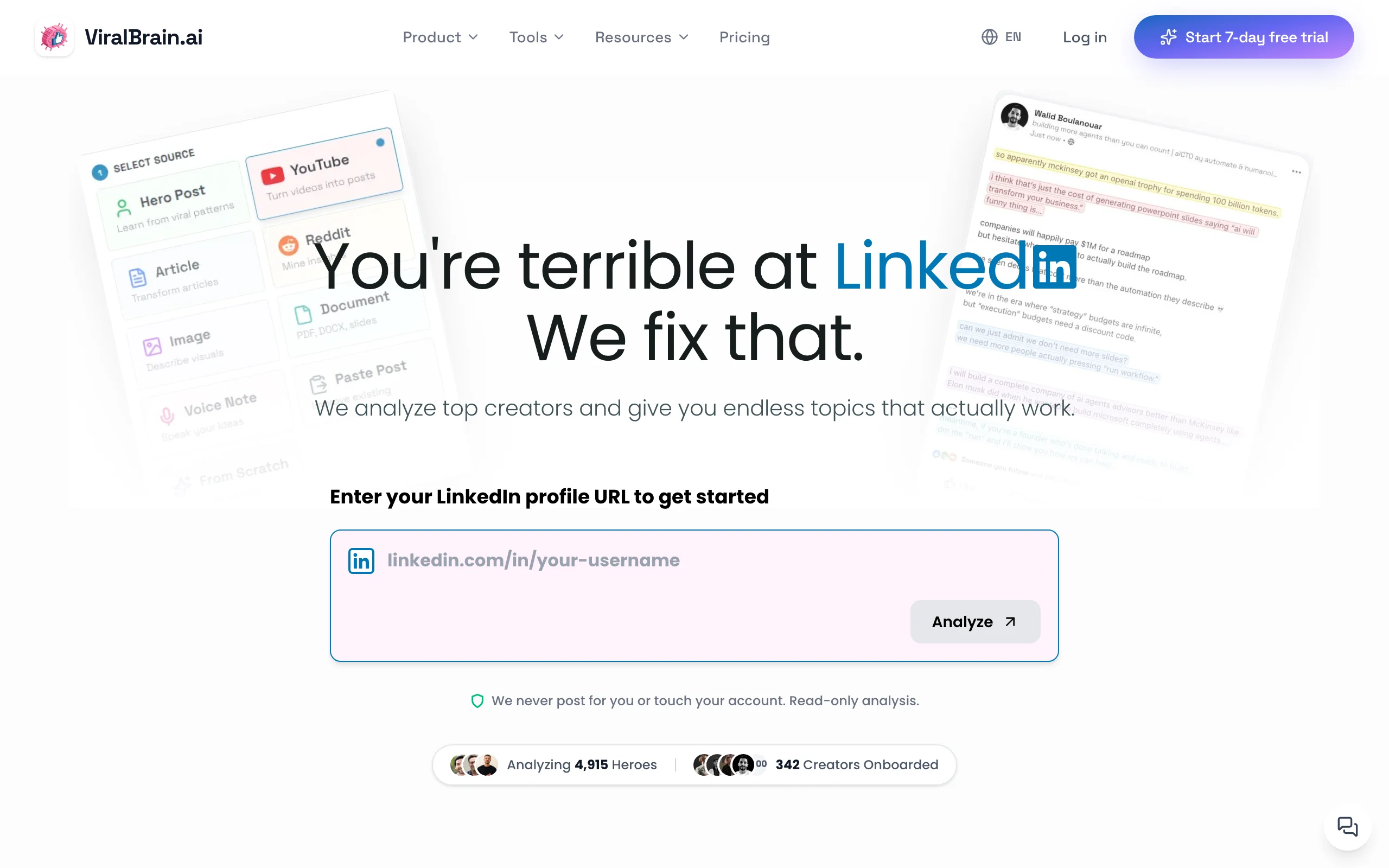
ViralBrain is an AI LinkedIn content platform built specifically for creators who want to generate posts that perform, not just posts that exist. What separates it from other AI writers is the hero creator model: you add LinkedIn creators in your niche who consistently post viral content, and ViralBrain analyzes their post structures, hooks, tone, and engagement patterns. It then uses those real-world signals alongside your own writing style to generate posts that match your voice.
The result is content that does not read like it came from a template. Creators use ViralBrain to write posts in under five minutes that would otherwise take 45 minutes of drafting and editing. Before publishing, you can run a viral score checker to get a prediction of how the post is likely to perform, based on the same patterns from top creators in your niche.
Key features:
- Hero creator analysis: scrapes and studies top LinkedIn creators in your niche to extract viral post patterns
- Writing style DNA: learns your tone, sentence structure, and voice from your past posts
- AI post generation in under 60 seconds, anchored to your style and your niche's best-performing formats
- Viral score checker to predict engagement before you post
- LinkedIn hook generator and viral post templates for creators who want to start from a proven structure
- Free tools including a LinkedIn post generator and LinkedIn text formatter that need no account
Best for:
- LinkedIn creators posting 3-5x per week who want posts that sound like them, not a generic chatbot
- Founders and professionals who have a strong point of view but struggle to turn ideas into consistent posts
- Creators who want their content shaped by what actually goes viral in their niche, not just AI templates
Pricing:
- Free tier available (3 heroes, 5 posts per month) so you can test the workflow first
- Start a €1 trial at ViralBrain, then €39/mo Pro or €69/mo Premium with full hero analysis, AI generation, and viral score access
- See ViralBrain pricing for current plan details
Pros:
- Content quality is noticeably higher because it is trained on real viral posts from your niche, not generic data
- Voice matching means posts require less editing before they are ready to publish
- The viral score feature gives creators a feedback loop most tools do not offer
- Free tools at
/tools/*give solo creators access to useful utilities without any account needed
Cons:
- No native LinkedIn scheduling or publishing; you still need a scheduling tool for that
- Newer platform with a smaller user community than Taplio or Buffer
2. Scripe, best for LinkedIn creator analytics
Scripe is the tool serious LinkedIn creators now reach for when they want to see what is actually happening with their content. LinkedIn's native analytics are limited: they give you a surface-level view of impressions and likes, but they don't let you track trends over time, compare content formats, or build a clear picture of your audience growth trajectory. Shield shut down in 2026; former users moved to tools like Scripe or AuthoredUp.
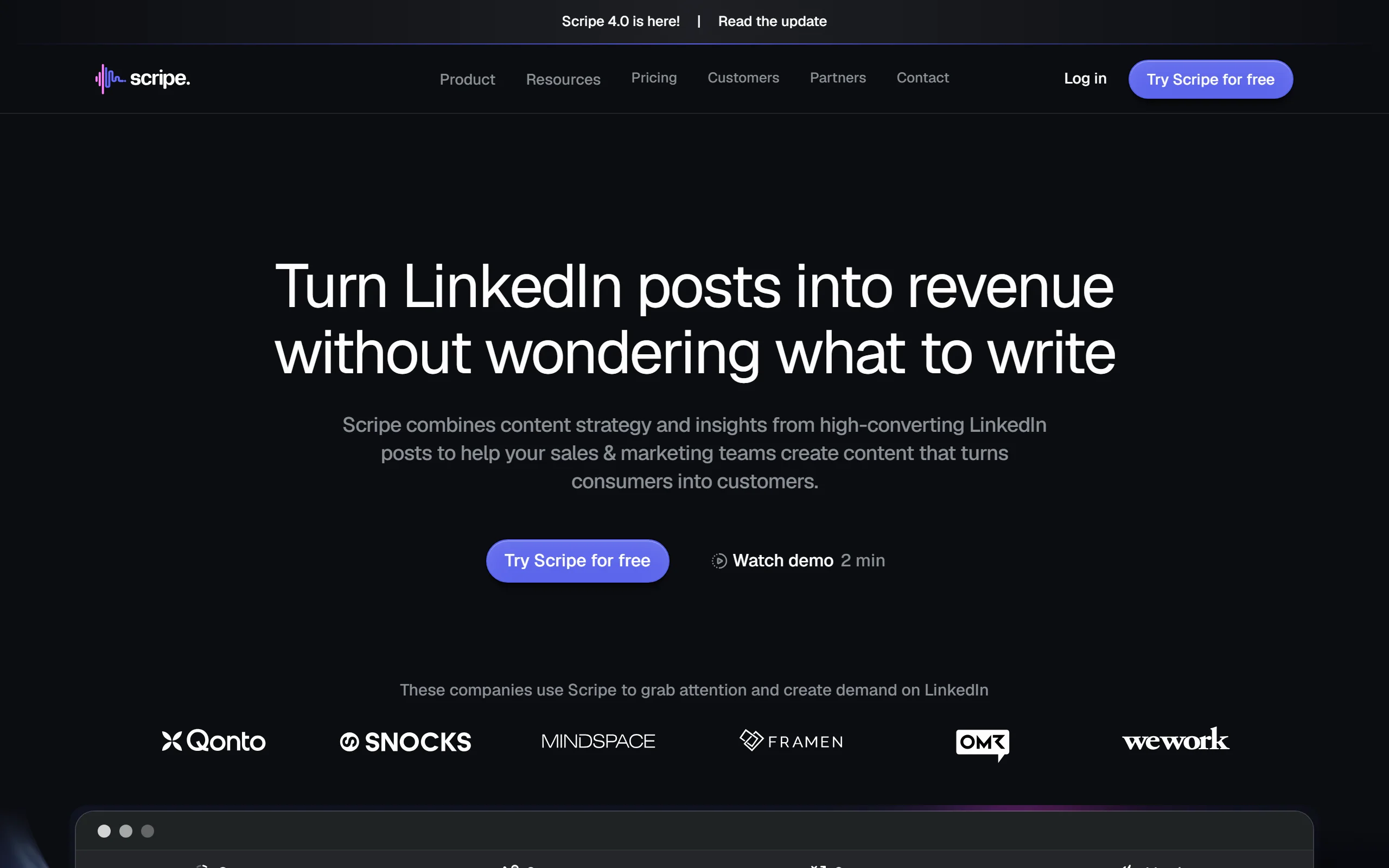
Scripe fixes that. It connects to your LinkedIn account and builds a dashboard covering impressions, engagement rate, follower growth, top-performing posts, and how different content types perform against each other. Unlike some analytics tools that gate reporting behind higher tiers, Scripe includes LinkedIn analytics on every plan. For creators who want to move from posting by instinct to posting by data, it is the clearest upgrade.
Key features:
- LinkedIn analytics included on every plan tier, not locked behind a premium upgrade
- Impressions and engagement trends tracked over time
- Follower growth charted so you can see your trajectory, not just a snapshot
- Content performance breakdown by post type
- AI-assisted content creation and scheduling built in alongside the analytics
Best for:
- LinkedIn creators who post consistently and want data to improve rather than guess
- Creators who want analytics and content creation in a single tool instead of two subscriptions
- Professionals who have been posting for a while and want to understand which content formats drive their growth
Pricing:
- 10-day trial
- Starter plans from €19.99/mo, with LinkedIn analytics on every tier
- Pro at €39.99/mo and Team at €108/mo for larger workflows
Pros:
- LinkedIn analytics come with every tier, so you are never upsold to see your own numbers
- Combines analytics with content creation, which can replace a two-tool stack for some creators
- Clean dashboard that is easy to read without being a data analyst
Cons:
- Because it bundles content creation, pure analytics-only users pay for features they may not use
- Historical depth is solid but less specialized than a dedicated analytics-only product
3. AuthoredUp, best post editor for creators
AuthoredUp is a browser extension and web app that gives LinkedIn creators control over how their posts look and how they are managed. If you have ever drafted a LinkedIn post and wished you could format it with bold text, see how it looks before publishing, or save it to reuse later, AuthoredUp is what you are looking for.
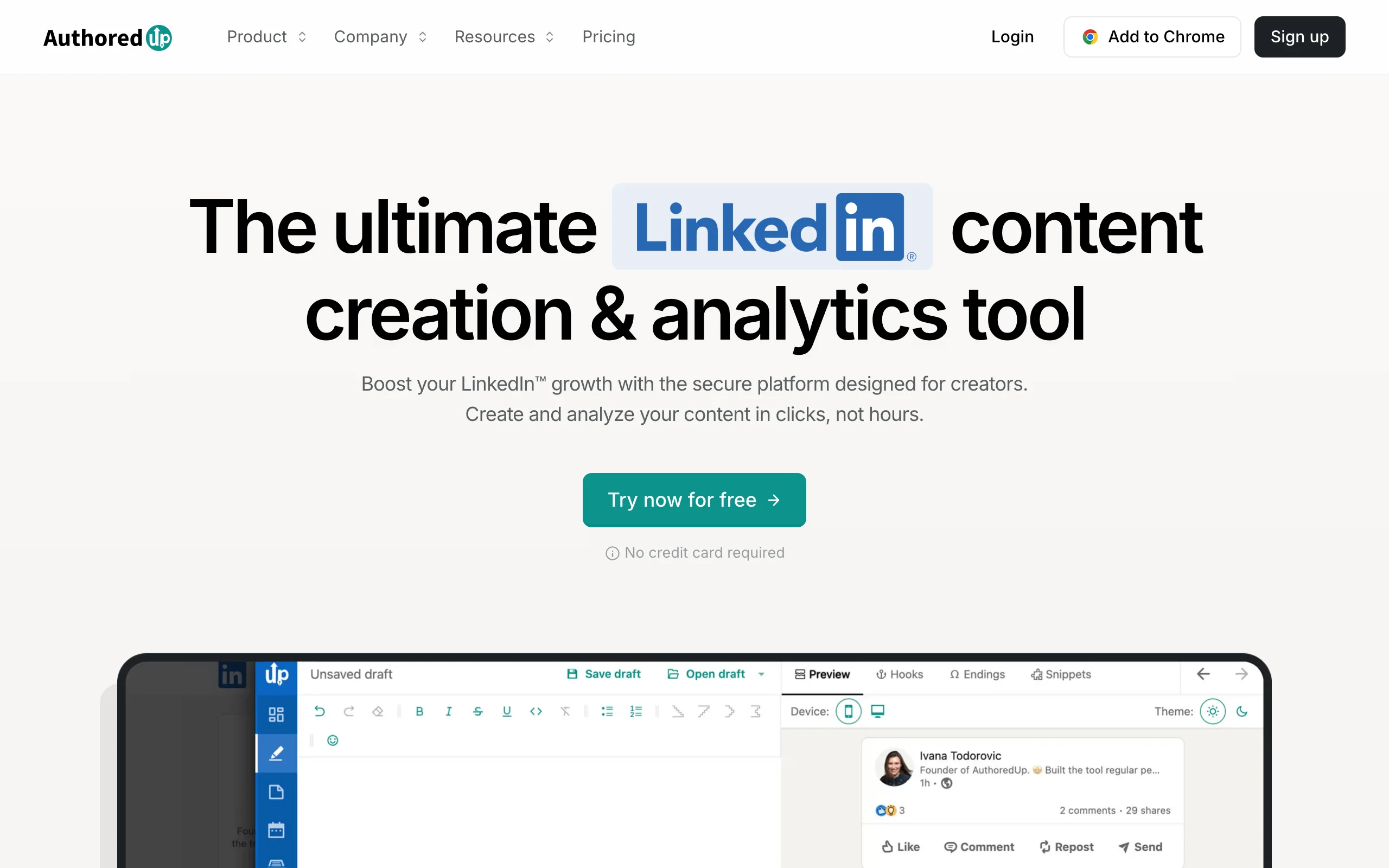
It adds a rich text editor directly into the LinkedIn interface, lets you save and reuse templates, keeps a searchable history of every post you have written, and shows you post-level analytics alongside each piece of content. It is not an AI content generator but a productivity layer on top of LinkedIn for creators who already know what they want to say.
Key features:
- Rich text formatting inside LinkedIn: bold, italic, and text styling from a clean editor
- Post templates saved and reused in one click
- Full searchable post history with analytics for every post
- Post preview before publishing to see exactly how your content will appear in the feed
- Hooks and opening line library for creators building a personal swipe file
Best for:
- Creators who write their own content and want better formatting control and a post history they can learn from
- Professionals who reuse post structures and want a template system that works inside LinkedIn
- Anyone frustrated by LinkedIn's native editor limitations
Pricing:
- Free plan available with limited features
- Individual plans from $19.95/mo ($16.63/mo billed annually); business plans from $14.95/user/mo
Pros:
- Works directly inside LinkedIn, so there is no context switching between tools
- The post history with analytics is genuinely useful for creators who want to track what resonates
- Fairly priced for the formatting control and searchable post history it provides
Cons:
- Not a content generator: you still need to write your own posts or use a separate AI tool alongside it
- Browser extension dependency means it does not work on mobile or in the LinkedIn app
- See the full ViralBrain vs AuthoredUp comparison for a deeper breakdown
4. Taplio, best all-in-one for content and outreach
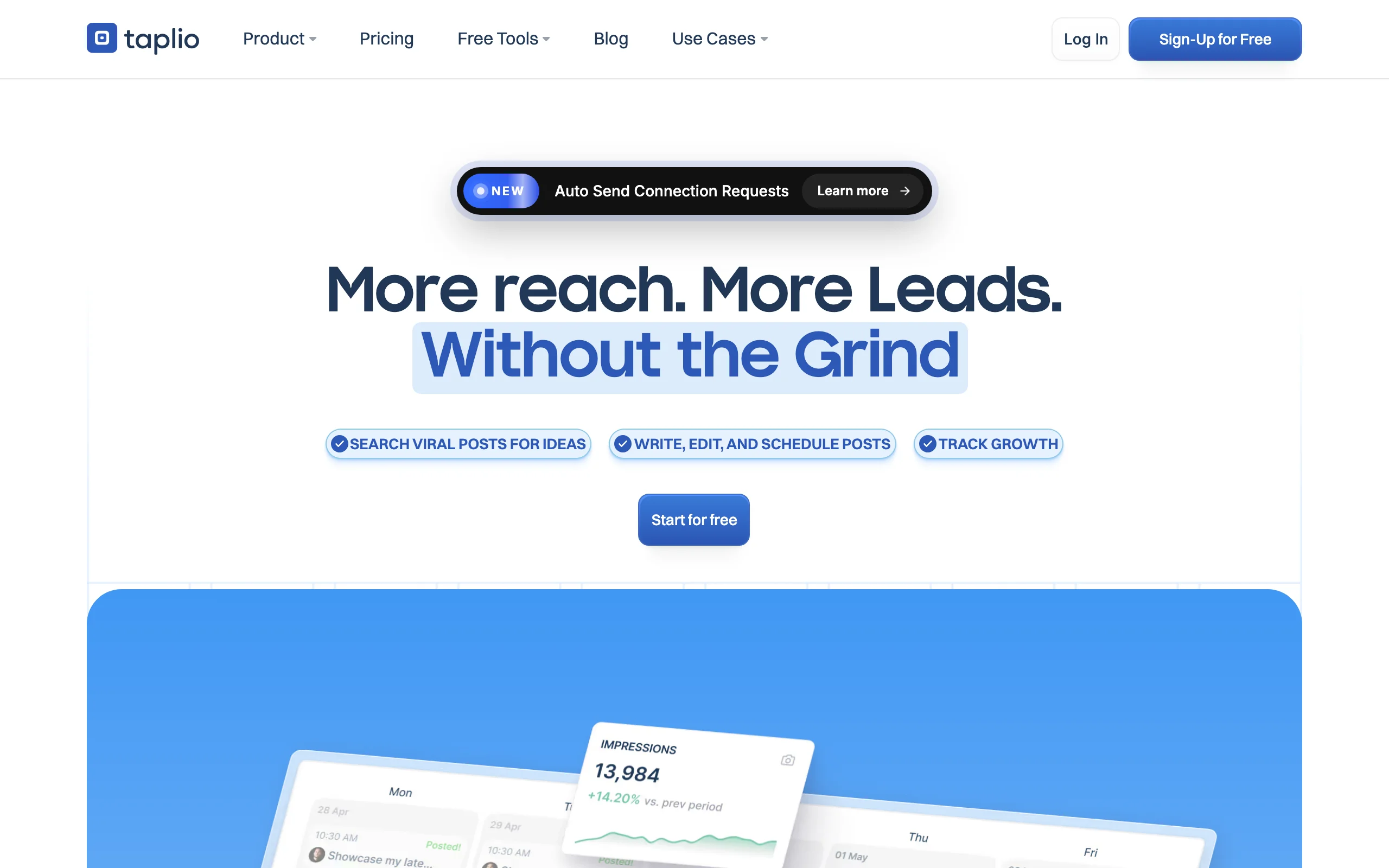
Taplio is the most feature-complete LinkedIn platform in this list. It combines AI-assisted content drafting, a content calendar with scheduling, carousel builder, and a CRM-style contact manager that lets you track who is engaging with your posts and follow up with them. For creators who also use LinkedIn for business development, it is the closest thing to a full LinkedIn growth suite.
The AI writing inside Taplio draws on a database of high-performing LinkedIn posts, giving you inspiration and draft starting points. It is less personalized than ViralBrain's hero analysis approach, but it covers enough of the content workflow that many creators can operate from a single tool. If you are combining your content strategy with outreach or pipeline work, Taplio removes a lot of the friction. For leaner, content-first options, see our Taplio alternatives.
Key features:
- AI post drafting with access to a library of viral LinkedIn post examples
- Content scheduling and calendar management
- Carousel creator built into the platform
- Lead CRM: tracks contacts who engage with your posts and enables follow-up sequences
- Team collaboration features for agencies or creator teams
Best for:
- Founders and B2B professionals who use LinkedIn for both content and pipeline generation
- Creators who want scheduling, drafting, and outreach in one subscription
- Teams or agencies managing LinkedIn content for clients
Pricing:
- 7-day trial
- Starter from $39/mo, Growth at $69/mo, Pro at $199/mo
- Higher tiers for teams and agencies
Pros:
- The only tool in this list that combines content creation, scheduling, and contact tracking in one place
- Carousel builder is one of the cleaner implementations available
- Solid team and collaboration features that solo tools lack
Cons:
- AI generation is less voice-matched than ViralBrain; outputs often need more editing
- Pricing is higher than most pure-play content or analytics tools
- The CRM features add complexity that solo creators who just want to post may not need
- See the full ViralBrain vs Taplio comparison for a direct feature breakdown
Automate your LinkedIn for 30 days
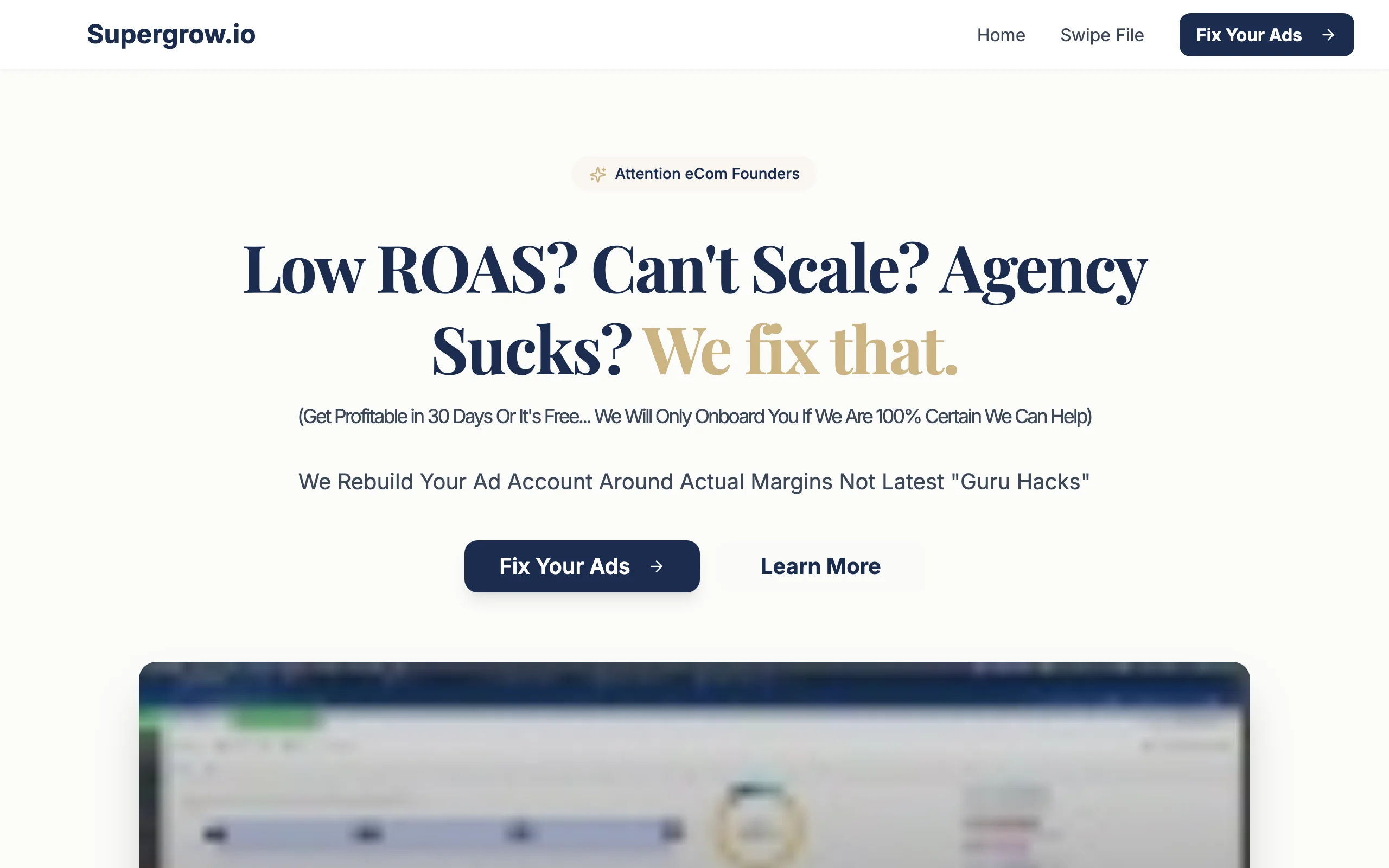
5. Supergrow, best for viral templates and fast drafts
Supergrow is an AI LinkedIn writing tool focused on speed and structure. The core idea is a large library of proven post formats, hooks, and frameworks drawn from high-engagement LinkedIn content. You pick a structure, describe your idea, and the AI generates a draft that fits the format. For creators who have good ideas but get stuck turning them into a well-structured post, Supergrow cuts the blank-page problem quickly.
It also includes a post scheduler, a repurpose feature that turns long-form content like blog posts or newsletters into LinkedIn posts, and a LinkedIn profile optimizer. The template library is one of the largest among AI LinkedIn tools, which makes it useful for creators who want variety in their format mix.
Key features:
- Large library of viral LinkedIn post templates and frameworks
- AI draft generation using your chosen format and topic
- Repurpose feature: convert articles, newsletters, or transcripts into LinkedIn posts
- Post scheduler built in
- Profile optimization suggestions for creator profiles
Best for:
- Creators who know what they want to say but struggle with structure and format
- Professionals who want to experiment with different post types: lists, stories, carousels, opinion pieces
- Creators looking for a budget-friendly AI tool with broad template coverage
Pricing:
- Free plan available with limited generations
- Starter at $19/mo ($12/mo billed annually), Pro at $39/mo
Pros:
- Template library is one of the most varied among LinkedIn AI tools, covering many post formats
- Repurpose feature is genuinely time-saving for creators who produce long-form content elsewhere
- Lower entry price than most full-featured LinkedIn AI platforms
Cons:
- Voice matching is limited compared to ViralBrain: outputs can feel more generic without heavy editing
- No hero creator analysis or viral data pulled from your specific niche
- Analytics are basic; you will need Scripe or another tool if you want meaningful performance tracking
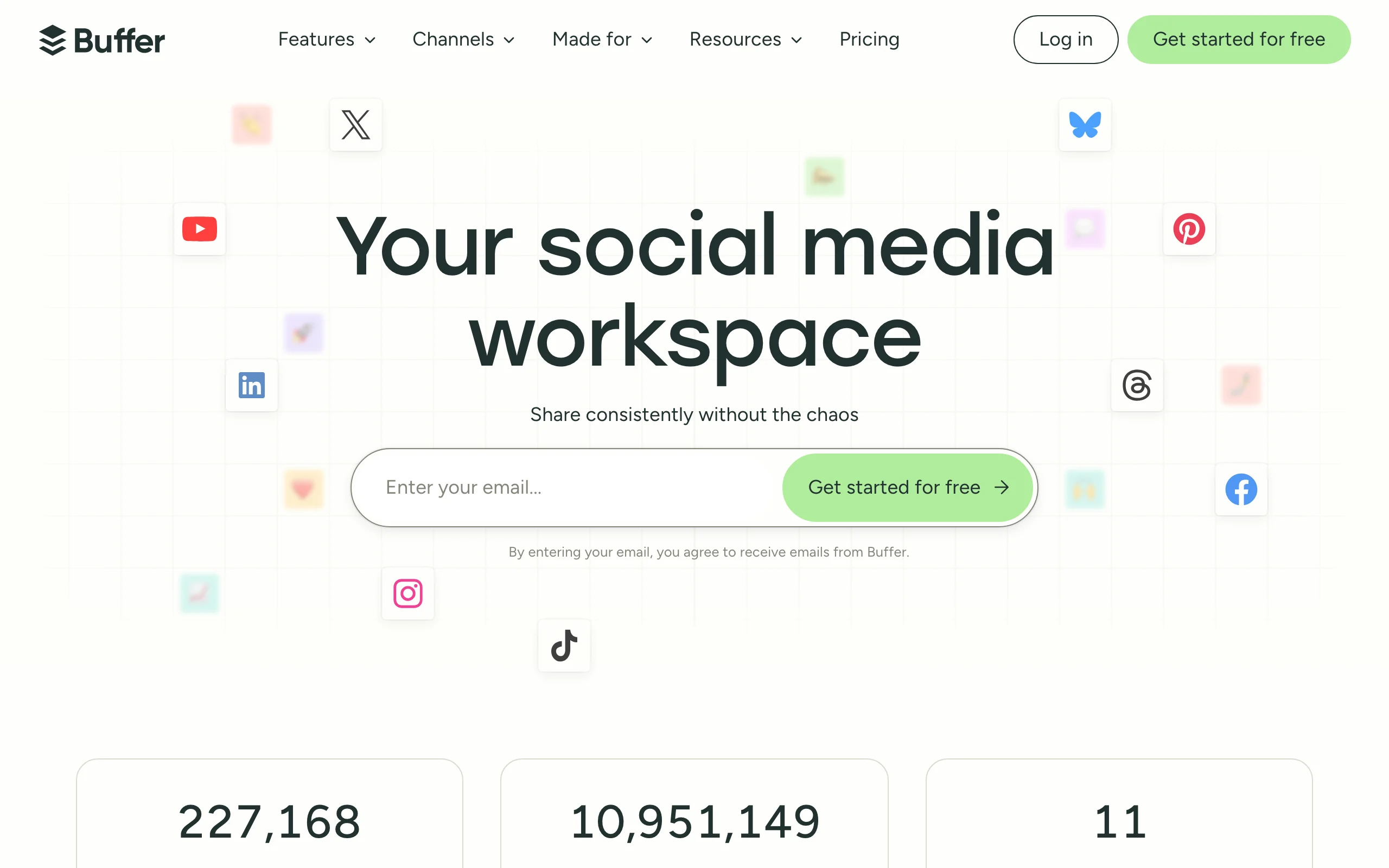
6. Buffer, best for multi-platform scheduling
Buffer is one of the most trusted social media scheduling tools available, and it works well for LinkedIn creators who also maintain a presence on Instagram, X, Facebook, or TikTok. If LinkedIn is one of several channels you manage, Buffer gives you a single calendar to plan, schedule, and analyze content across all of them without juggling separate tools.
For LinkedIn specifically, Buffer handles post scheduling reliably, offers a clean content calendar view, and provides basic analytics on reach and engagement. It does not generate AI content or analyze your niche's viral patterns, but for creators whose main challenge is consistency and multi-channel coordination, it covers the distribution layer cleanly.
Key features:
- Multi-platform scheduling: LinkedIn, Instagram, X, Facebook, TikTok, Pinterest, YouTube
- Content calendar with drag-and-drop organization
- Basic analytics: impressions, reach, engagement per post
- Start Page tool for a simple link-in-bio page
- Browser extension for quick post creation from any webpage
- Team collaboration and approval workflows on higher plans
Best for:
- Creators who are active on LinkedIn and 2-3 other social platforms and want one scheduling tool
- Small teams that need content approval workflows before posts go live
- Creators whose main challenge is consistency and want a clean, reliable scheduler
Pricing:
- Free plan available (3 channels, 10 scheduled posts per channel)
- Paid plans from $6/mo per channel
- Team plans available with additional features
Pros:
- Extremely reliable scheduling with a track record across millions of creators
- One of the best multi-platform calendars available at this price point
- Clean, easy-to-use interface with almost no learning curve
Cons:
- LinkedIn-specific features are basic compared to Scripe or AuthoredUp
- No AI content generation; you need a separate tool for drafting
- Analytics are surface-level for creators who want deep performance data
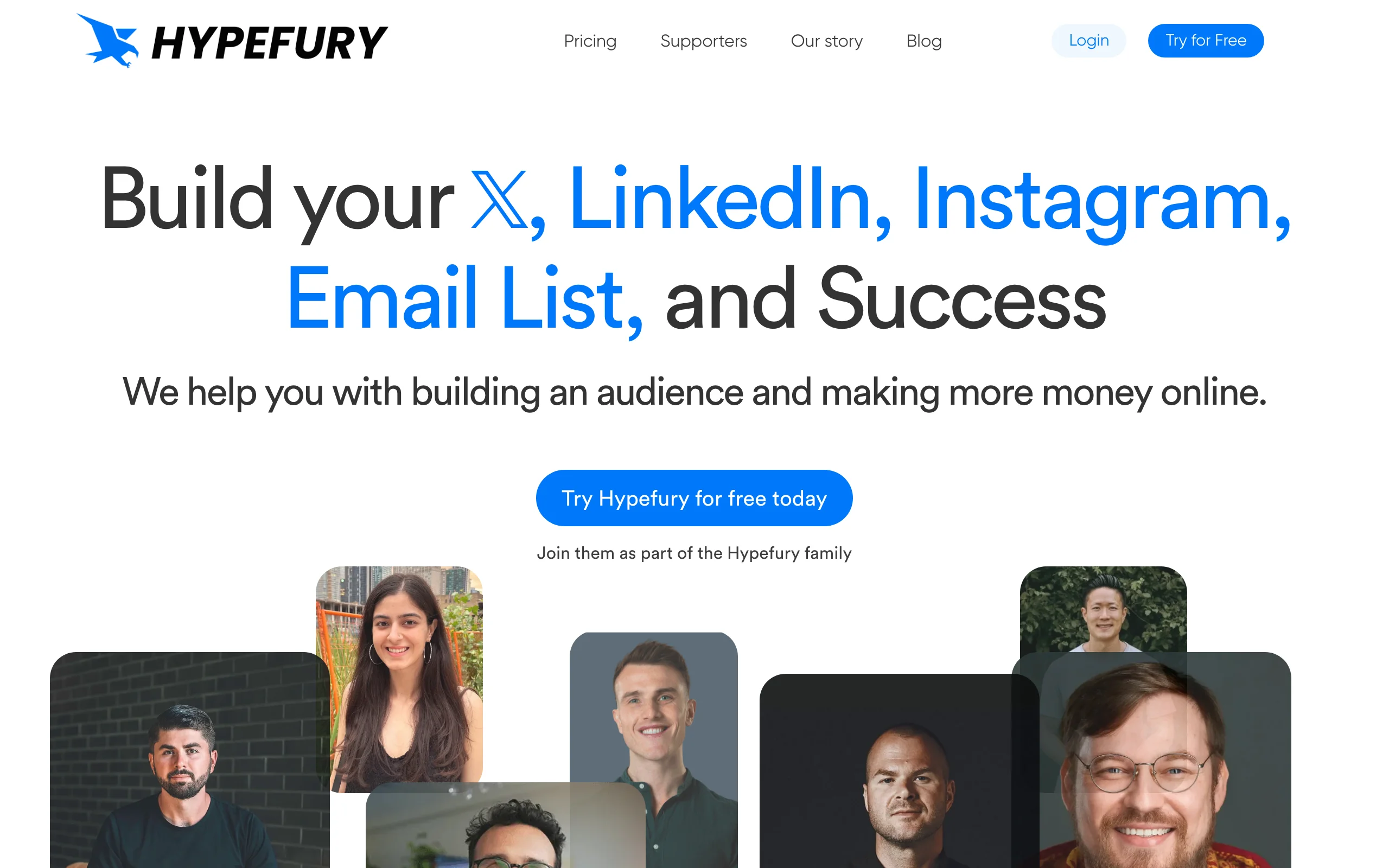
7. Hypefury, best for cross-platform creators
Hypefury is built for creators who are active on both X (Twitter) and LinkedIn and want to repurpose content between the two platforms without doing it manually. The core feature is automated reposting: you write and schedule content on X, and Hypefury can automatically convert threads and tweets into LinkedIn-formatted posts. For creators who have already built an audience on X and want to expand to LinkedIn, it removes most of the manual work.
It also includes engagement pods (coordinated engagement groups), auto-retweet and auto-plug features, and a post scheduler for both platforms. For LinkedIn-only creators, the cross-platform repurposing will be less relevant, but for creators with an active X presence, it is a meaningful time saver.
Key features:
- Automatic X-to-LinkedIn content repurposing
- Content scheduler for both X and LinkedIn
- Engagement pods for coordinated early engagement on new posts
- Auto-retweet and evergreen reposting for X content
- Auto-plug: automatically adds a CTA to your highest-performing tweets
- Evergreen post recycling for LinkedIn
Best for:
- Creators who have established an audience on X and want to grow on LinkedIn simultaneously
- Content creators who want to maximize the reach of each post by repurposing across platforms
- Creators who want to build early engagement momentum through coordinated engagement groups
Pricing:
- 7-day trial
- Starter at $29/mo, Creator at $65/mo, Agency at $150/mo
Pros:
- Best cross-platform repurposing workflow available for X-to-LinkedIn content
- Engagement pods provide early momentum that can help new posts get initial traction
- Solid scheduling features that cover both X and LinkedIn in one tool
Cons:
- LinkedIn-specific analytics and content features are limited compared to dedicated LinkedIn tools
- Engagement pods can feel artificial and may not align with every creator's content strategy
- If you are a LinkedIn-only creator, the core value proposition is mostly irrelevant
How to choose the best LinkedIn creator tool for your needs
1) Do you need help creating content or distributing it?
The most important split in this list is between content creation tools and scheduling or analytics tools. They solve different problems and most creators need both.
If your main challenge is writing consistent, high-quality posts that sound like you, start with a content creation tool. ViralBrain is the best option if you want AI generation anchored to real viral patterns from your niche. Supergrow or Taplio work if you want a template-first approach or a combined writing and scheduling platform.
If you are already writing posts consistently but struggling to understand what is working or to stay consistent with publishing, add an analytics tool like Scripe and a scheduler like Buffer.
2) Are you LinkedIn-only or managing multiple platforms?
LinkedIn-only creators get the most value from tools built specifically for LinkedIn: ViralBrain for content generation, Scripe for analytics, and AuthoredUp for post management. The LinkedIn-specific depth of these tools is meaningfully better than the LinkedIn features inside multi-platform tools.
If you also maintain a presence on Instagram, X, TikTok, or Facebook, Buffer becomes a strong option for scheduling across all channels. Hypefury is the right pick if X is your primary platform and you want to expand to LinkedIn through repurposing.
3) What is your content goal: volume, quality, or both?
Some creators need to post more often. Others need their existing posts to perform better. These are different problems.
For volume: Supergrow and Taplio help you draft more posts faster using templates and AI generation. Buffer and Hypefury help you stay consistent with scheduling.
For quality: ViralBrain gives you the most feedback-rich content generation workflow, combining hero creator analysis, voice matching, and a viral score checker before you publish. Pair it with Scripe analytics to build a feedback loop that improves over time. For guidance on building a quality-focused content approach, see our LinkedIn content strategy guide.
4) What is your budget and how many tools do you want to manage?
If you want a single tool that covers most of the creator workflow, Taplio is the most complete option at $39/mo. If you prefer to build a lean two-tool stack, ViralBrain (content generation) plus Scripe (analytics) gives you deep capability in the two areas that matter most, and both have competitive starting prices.
For creators on a tight budget, Supergrow's free plan and Buffer's free plan cover basic drafting and scheduling. ViralBrain also offers a range of free tools with no account required, which can supplement your workflow even before you start a paid plan. For a full plan breakdown, see ViralBrain pricing.
For creators who want a trial before committing, run your actual content ideas through each tool for 7 days. The quality difference between AI tools becomes obvious quickly when you are working with your real topics and voice, not generic examples.
FAQ
What are LinkedIn creator tools?
LinkedIn creator tools are software platforms that help professionals create, schedule, analyze, and grow their content on LinkedIn. They include AI writing assistants, post schedulers, analytics dashboards, and formatting editors. Most serious LinkedIn creators use a combination of two to three tools to cover content creation, distribution, and performance tracking.
What happened to LinkedIn Creator Mode, and how do tools help?
LinkedIn Creator Mode was a profile setting that shifted your account from a connection-first profile to a follower-first creator profile, and LinkedIn retired the toggle in 2024. The tools it used to gate did not disappear: LinkedIn Live, newsletters and creator analytics are still available, governed by per-tool eligibility criteria rather than one switch, and making Follow your primary button is still a setting you choose. Creator tools help by producing consistent, high-quality content and tracking how your audience responds to it.
Which LinkedIn creator tool is best for AI content generation?
ViralBrain is the best option for AI content generation specifically built for LinkedIn. It stands out because it analyzes real high-performing posts from LinkedIn creators in your niche rather than generating from generic prompts. The result is content that is more relevant to your audience and closer to your own voice. You can try the LinkedIn post generator free without an account.
Is there a free LinkedIn creator tool?
Several tools offer free plans or free tiers. Buffer has a free plan for up to 3 channels. AuthoredUp has a limited free plan. Supergrow offers free generations. ViralBrain has free tools at /tools/* that any creator can use without signing up, including a LinkedIn hook generator and viral post templates. For full AI generation and hero analysis, a paid plan is needed.
What is the difference between Scripe and LinkedIn's native analytics?
LinkedIn's native analytics give you basic impressions, clicks, and follower counts. Scripe goes further: it tracks trends over time, shows engagement by content format, charts follower growth, and lets you compare which post types drive the most reach, with analytics included on every plan tier. For creators who want to understand what is working over weeks and months, Scripe surfaces data LinkedIn does not. (Shield, a popular analytics tool in earlier years, shut down in 2026; former users moved to tools like Scripe or AuthoredUp.)
Can I use multiple LinkedIn creator tools at the same time?
Yes, and most active creators do. A common stack is ViralBrain for content generation, Scripe for analytics, and Buffer for scheduling. Each tool covers a different layer of the creator workflow. The goal is to cover content, analytics, and distribution without too much overlap. Read our how to go viral on LinkedIn guide for more on building a sustainable creator workflow.
Does AI-generated LinkedIn content get penalized by the algorithm?
LinkedIn has not confirmed any penalty for AI-assisted content. What the algorithm does reward is content that generates meaningful engagement: comments, shares, and time spent reading. Voice-matched AI content that sounds genuine tends to perform better than obvious AI output. Using tools like ViralBrain that anchor generation to your writing style and your niche's viral patterns produces content that is far more likely to earn real engagement. For a full breakdown, see our LinkedIn algorithm guide.
Which LinkedIn creator tool works best for teams or agencies?
Taplio and Buffer both have team features. Taplio includes collaboration tools, a shared content calendar, and a CRM that is useful for agencies tracking client engagement. Buffer has team approval workflows and multi-account management. Scripe also supports agency use with a Team plan that adds multi-seat access and analytics. For content generation at scale, ViralBrain can be used per creator profile with separate style configurations.
What is the best tool for creators who are just starting on LinkedIn?
For new creators, start with two things: a content creation tool and a consistent posting schedule. ViralBrain's free tools give you access to post formats and hooks without any commitment. If you are ready to invest, Supergrow has a low entry price and a strong template library that helps you learn what LinkedIn post structures look like before you develop your own voice. Once you are posting consistently, add Scripe to track what is working.
How do I know if my LinkedIn content is performing well?
A basic benchmark for LinkedIn creators is an engagement rate above 2% (likes, comments, and shares divided by impressions). Scripe tracks this automatically and over time. ViralBrain's viral score checker gives you a pre-publish prediction based on real data from similar content. For broader context on what good looks like, see our LinkedIn engagement benchmarks tool, and work out your own number with the free LinkedIn engagement rate calculator.
Automate your LinkedIn for 30 days
ViralBrain plans, writes, and schedules your LinkedIn content, using official LinkedIn APIs so your account stays safe.
- Official LinkedIn APIs, no risk of ban
- You approve every post before it goes live
- Cancel anytime
Keep reading
Buffer Alternatives: 7 Better Tools for LinkedIn in 2026
Buffer charges per channel and treats LinkedIn like every other network. Here are 7 Buffer alternatives compared on pricing, AI, and LinkedIn depth.

6 best LinkedIn comment generators in 2026
Six LinkedIn comment generators compared, with pricing checked on each vendor's own page on 3 September 2026 and the ones that publish nothing named as such.
LinkedIn Carousel Size: 1080x1080px (Exact Specs for 2026)
The recommended LinkedIn carousel size is 1080x1080px (square) or 1080x1350px (portrait). Get the exact specs, safe zone, and PDF export limits for 2026.