

7 best LinkedIn AI headshot generators in 2026
Compare the 7 best LinkedIn AI headshot generators in 2026. We review Aragon AI, HeadshotPro, BetterPic, Secta AI, Try It On AI, ProPhotos, and PhotoAI on pricing, quality, and turnaround.
Your LinkedIn profile photo is the first thing recruiters, prospects, and potential collaborators judge, often before they read a single word you wrote. A blurry selfie or a cropped wedding photo quietly costs you connection requests and reply rates. The problem is that a real studio session runs $200 to $400 and eats an afternoon, which most busy professionals never get around to booking.
A LinkedIn AI headshot generator solves this. You upload a handful of existing photos, the tool trains a model on your face, and it returns dozens of studio-style portraits in outfits and backgrounds you would never have shot yourself. The good ones look genuinely professional, and they cost a fraction of a photographer.
In this guide, we compare the 7 best LinkedIn AI headshot generators in 2026, covering pricing, output quality, turnaround time, and which tool fits your situation, whether you are a job seeker, a founder, or a creator refreshing your profile. If you want the full picture on standing out, pair your new photo with our LinkedIn personal branding guide.
Automate your LinkedIn for 30 days
Best LinkedIn AI headshot generators: a brief overview
- Aragon AI: Best overall for the most realistic single-person LinkedIn headshots. Output is often hard to tell apart from a real studio shoot.
- HeadshotPro: Best for teams and companies that need consistent, on-brand headshots across many employees.
- BetterPic: Best 4K quality with a full commercial license on a one-time payment, no subscription.
- Secta AI: Best value for sheer volume, around 300 portraits from a single session at a flat price.
- Try It On AI: Best for speed and low commitment, with headshots from a single selfie and a free preview.
- ProPhotos: Best for classic corporate looks like suits and blazers with fast 30-minute delivery.
- PhotoAI: Best for power users who want to train a reusable model and generate unlimited photos over time.
| Tool name | Key strength | Pricing | Best for |
|---|---|---|---|
| Aragon AI | Most realistic single-person headshots | From $35 (one-time) | Professionals who want studio-grade LinkedIn photos |
| HeadshotPro | Consistent team and company headshots | From $29; teams about $39 per person | Companies standardizing employee photos |
| BetterPic | 4K output with commercial license, no subscription | From $35 (one-time) | Creators who want print-ready, license-clear images |
| Secta AI | Highest volume per session | Around $49 (one-time) | People who want maximum variety and outfit options |
| Try It On AI | Fast results from a single selfie | Free preview; packs from about $17 | Job seekers who want a quick, low-cost refresh |
| ProPhotos | Classic corporate styling, fast turnaround | From about $29 | Professionals needing formal suit-and-blazer looks |
| PhotoAI | Trainable reusable model, unlimited generations | From about $29 per pack | Power users who regenerate photos regularly |
1. Aragon AI, best overall for realistic LinkedIn headshots
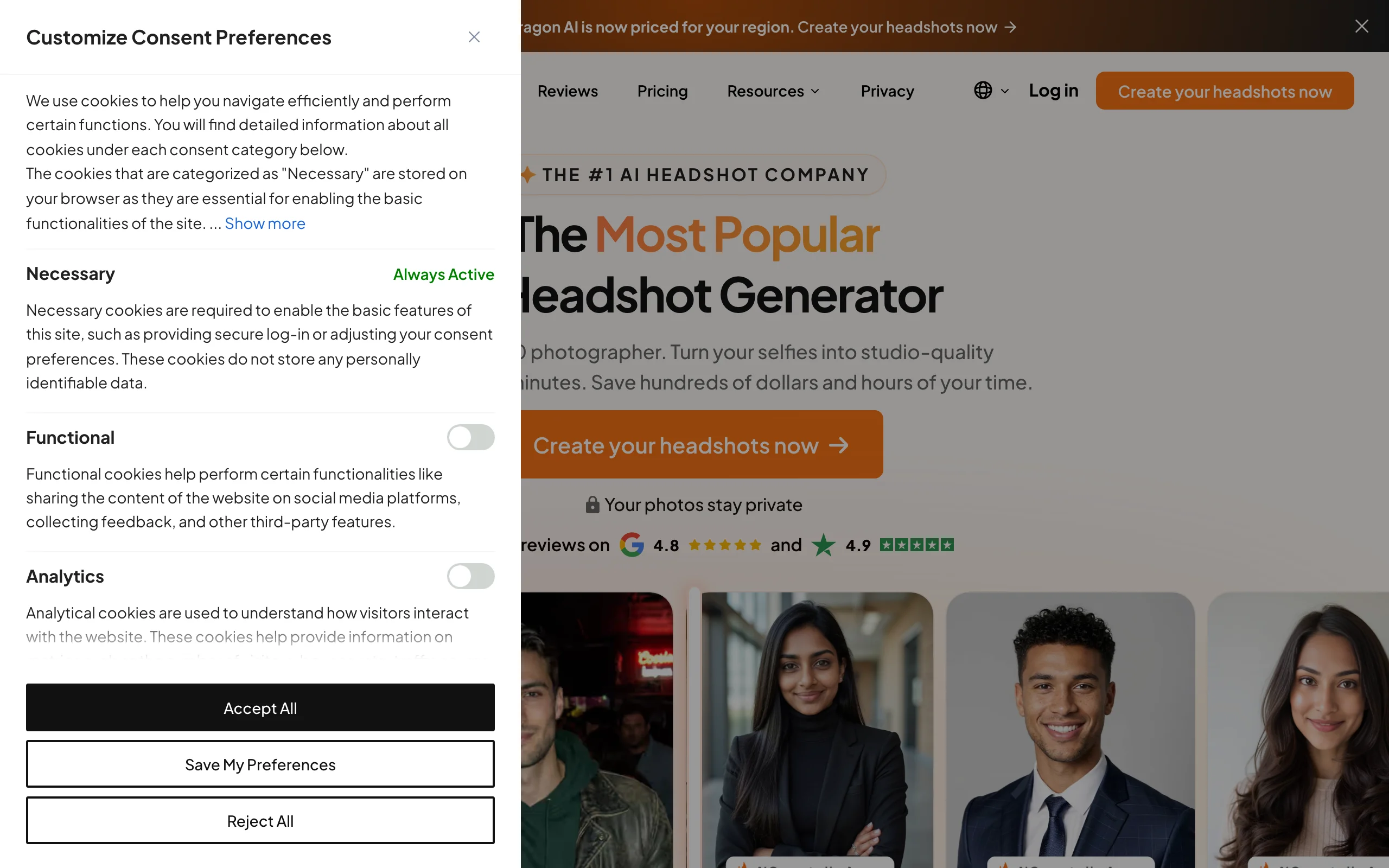
Aragon AI is the tool most reviewers point to when the goal is a single, convincing professional headshot. You upload roughly a dozen photos, and Aragon trains a model that returns portraits with natural skin tones, believable lighting, and backgrounds that hold up under scrutiny. In side-by-side tests it consistently produces the result least likely to read as AI, which matters on LinkedIn where a slightly off photo undermines trust.
It is built for individuals rather than teams, so the experience is focused on getting one person the best possible set of headshots. If your only requirement is a profile photo that looks like you walked out of a studio, Aragon is the safest pick in this list.
Key features:
- Highly realistic output tuned to avoid the plastic AI look
- Multiple background, outfit, and lighting variations per session
- Retake and regeneration options if a batch misses
- Fast delivery, typically within a couple of hours
- Commercial usage rights on generated photos
Best for:
- Professionals who want one excellent LinkedIn headshot, not a large batch
- Founders and executives where photo credibility directly affects trust
- Job seekers updating a profile before an active search
Pricing:
- Basic packages start around $35 for a set of headshots
- Higher tiers add more photos, styles, and faster turnaround
- Team and enterprise licensing available for larger groups
Pros:
- Most natural-looking results of any tool tested here
- Strong choice when a single hero shot is all you need
- Clear commercial rights, safe to use on LinkedIn and a personal site
Cons:
- Priced per session, so refreshing often adds up
- Less of a fit for teams that need dozens of matching headshots
2. HeadshotPro, best for teams and company headshots
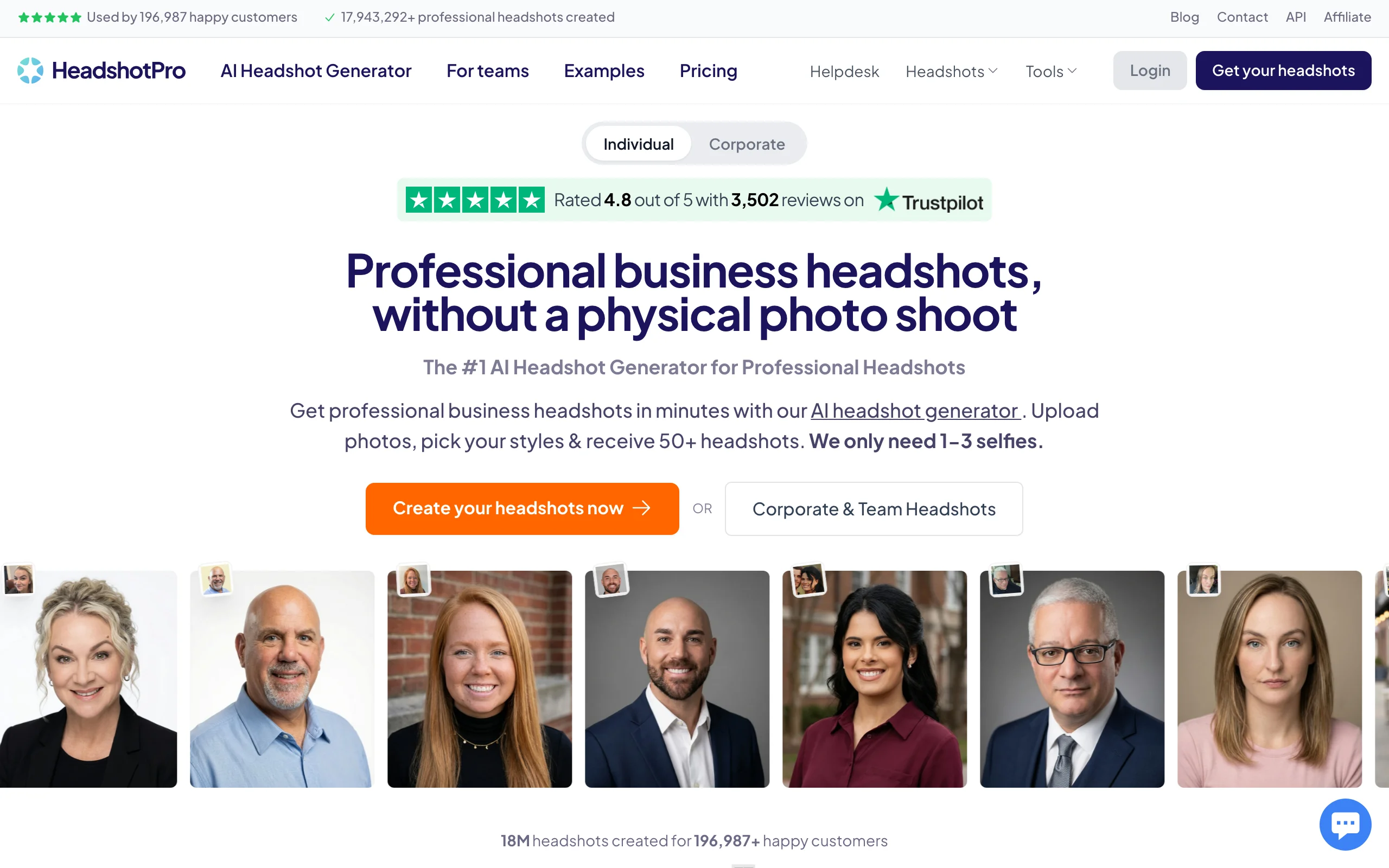
HeadshotPro is built around the team use case. While it works perfectly well for individuals, its standout feature is generating consistent, on-brand headshots across an entire company, so a sales team or leadership page looks coherent instead of a patchwork of selfies. Employees upload their own photos and an admin keeps style, background, and framing aligned.
For an individual, HeadshotPro delivers a large set of professional options across thousands of backdrop and outfit combinations. For a distributed team that wants everyone to look like they belong to the same organization on LinkedIn, it is the most practical option in this comparison.
Key features:
- Team workflow with a shared style across employees
- Thousands of backdrop and outfit combinations
- Resolution tiers up to 4K on higher plans
- Money-back guarantee on all plans
- Fast turnaround, often around 30 minutes on premium tiers
Best for:
- Companies standardizing LinkedIn and About-page photos
- Agencies and remote teams that never meet in person for a shoot
- Recruiters who want a uniform candidate or team look
Pricing:
- Individual plans start at $29 for a basic set
- Professional tier around $39, executive around $59
- Team pricing about $39 per person, with discounts for groups of five or more
Pros:
- Best in class for keeping a whole team visually consistent
- Generous range of outfit and backdrop combinations
- Money-back guarantee lowers the risk of a bad batch
Cons:
- Individual results can trail Aragon on pure realism
- Volume of options can feel like a lot to sift through for one person
3. BetterPic, best 4K quality with a commercial license
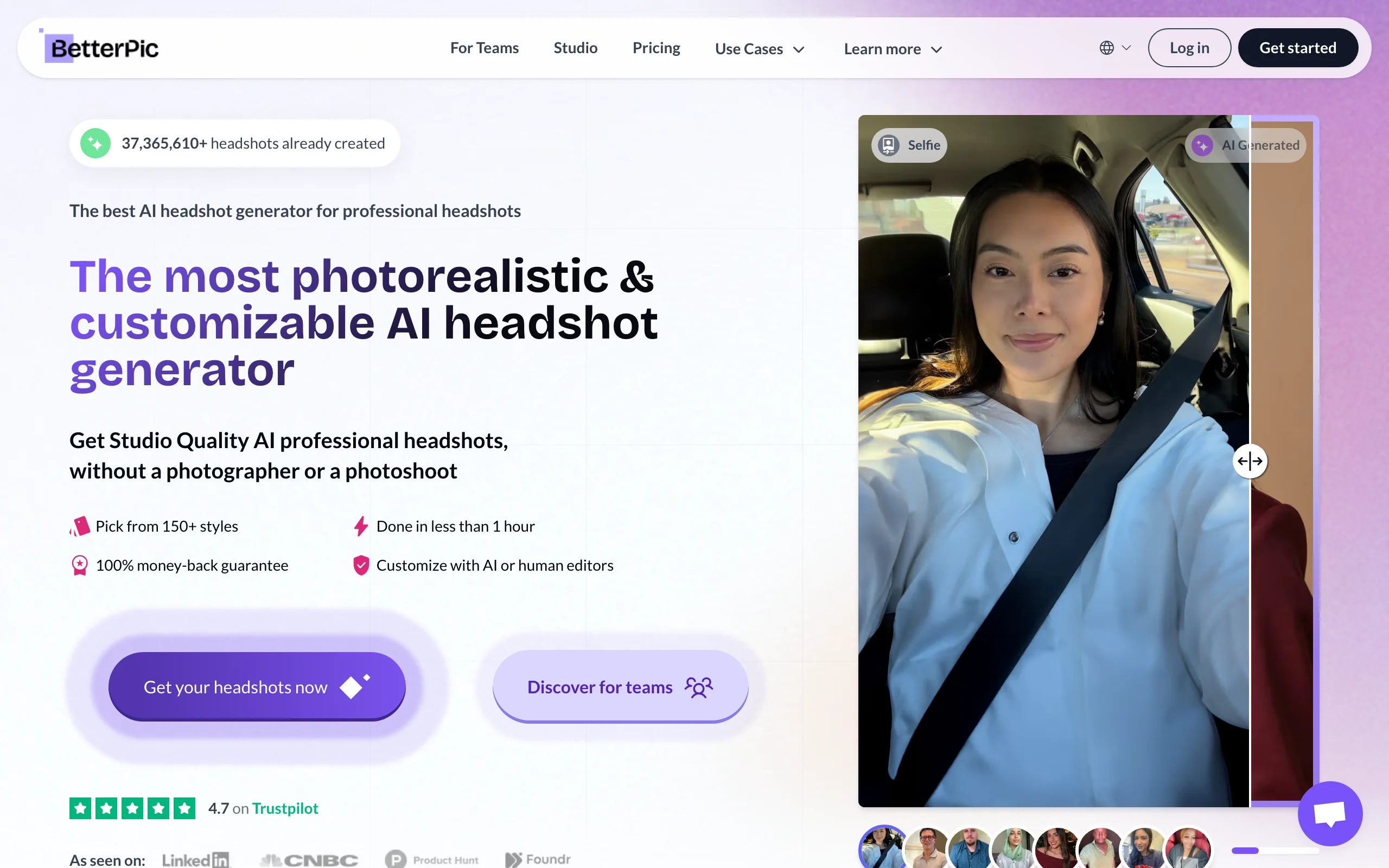
BetterPic competes on output quality and licensing clarity. Every plan includes 4K resolution at no extra cost and a full commercial license, which means you can use the images on LinkedIn, your website, business cards, and print without worrying about usage rights. It runs on a one-time payment model, so there is no subscription quietly renewing in the background.
With more than 150 styles and a strong Trustpilot track record, BetterPic suits creators and professionals who care about print-ready quality and want a clean, license-free-to-worry-about result. The upload requirement is modest, around 8 to 14 photos, and turnaround scales with the plan you pick.
Key features:
- 4K resolution included on every plan
- Full commercial license across all tiers
- 150-plus styles and outfit combinations
- One-time payment, no recurring subscription
- AI edits and a free redo on higher tiers
Best for:
- Creators who use the same photo across LinkedIn, print, and a website
- Professionals who want explicit commercial rights with no asterisks
- Anyone avoiding subscriptions in favor of a single purchase
Pricing:
- Basic around $35 for a smaller set with one style
- Pro around $39 for more photos, styles, and AI edits
- Expert around $79 for the largest set and unlimited human edits on one photo
Pros:
- 4K and commercial license standard, even on the entry plan
- One-time pricing is predictable and simple
- Strong verified review base for output quality
Cons:
- Entry plan limits you to a single style combination
- Best features and free redo sit on the higher tiers
4. Secta AI, best value for volume
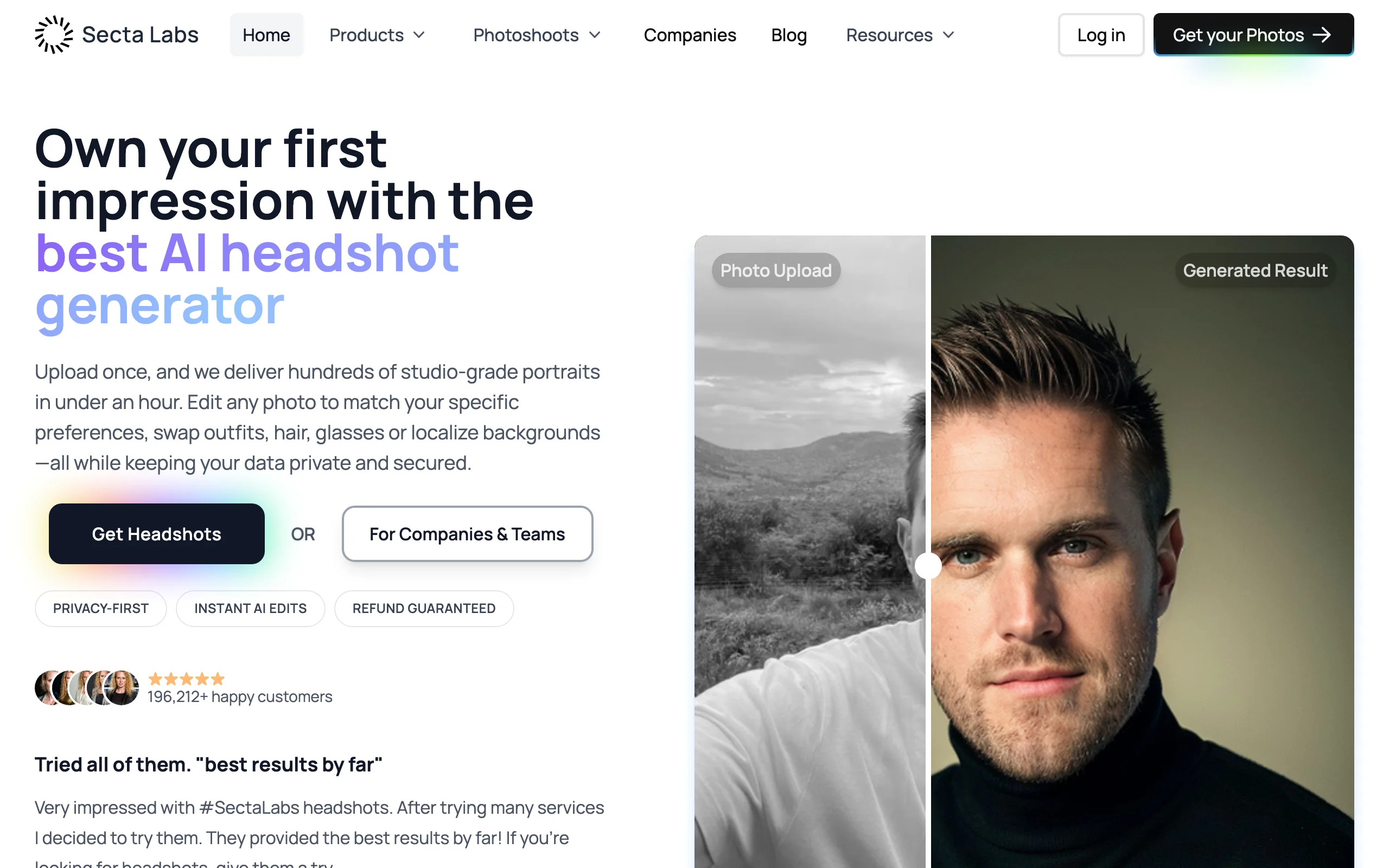
Secta AI wins on raw output per dollar. A single session generates roughly 300 portraits across dozens of outfits, backdrops, and lighting setups for one flat price. If you like to A/B test profile photos or simply want a deep library to choose from, no other tool in this list hands you as many usable options in one go.
It is popular with job seekers, startup teams, and entrepreneurs who want studio-style variety without overthinking tiers. The trade-off for that volume is that you will spend more time curating the best shots, but the cost-per-usable-photo is among the lowest available in 2026.
Key features:
- Around 300 portraits from a single session
- Wide range of outfits, backgrounds, and lighting styles
- High-resolution output suitable for LinkedIn and resumes
- Simple single-plan pricing with no tier confusion
- Popular with job seekers and early-stage teams
Best for:
- People who want the largest possible set to choose from
- Job seekers testing multiple profile photo options
- Entrepreneurs who want variety without paying per style
Pricing:
- One consumer plan around $49 for the full session
- Promotional discounts appear periodically
- Volume makes the effective cost-per-photo very low
Pros:
- Best volume-to-price ratio in this comparison
- Single flat plan keeps the buying decision simple
- Plenty of variety for testing what performs on LinkedIn
Cons:
- High volume means more time spent curating the keepers
- Average realism can sit below Aragon and BetterPic on the very best shots
Automate your LinkedIn for 30 days
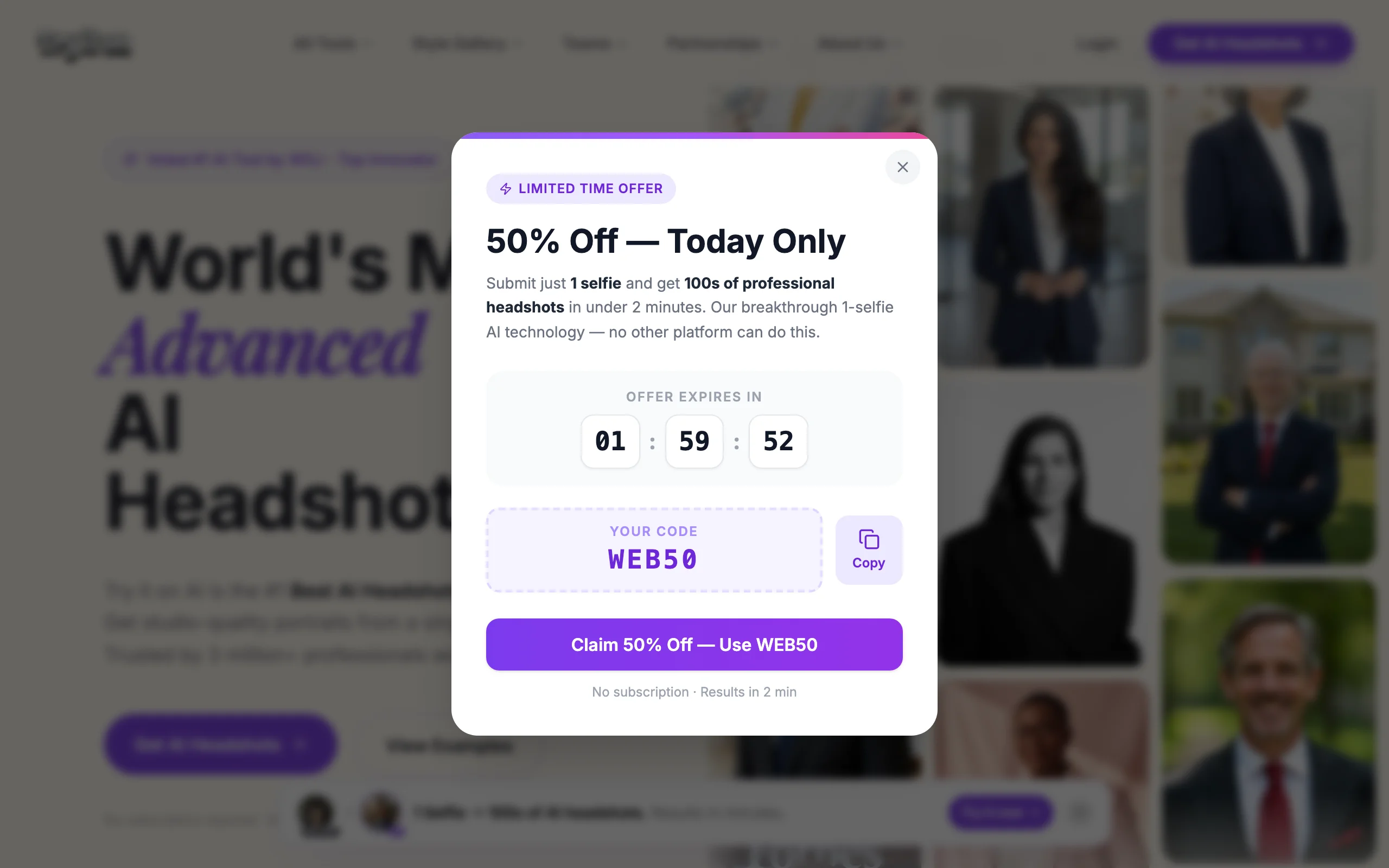
5. Try It On AI, best for speed and low commitment
Try It On AI is the fastest, lowest-commitment option here. It can produce a professional headshot from a single selfie in a couple of minutes, and it offers a free preview so you can see the quality before paying. That makes it ideal for someone who needs a decent LinkedIn photo today and does not want to upload a dozen images or wait hours.
It also includes a Creative Studio for more custom portraits and a Teams option for consistent group photos, so it scales up if you need it to. For a quick profile refresh on a tight budget, the combination of speed, a free preview, and low entry pricing is hard to beat.
Key features:
- Headshots from a single selfie in minutes
- Free preview before any payment
- Express headshots, Creative Studio, and Teams modes
- Optional human edits for a small per-image fee
- Low entry pricing for budget-conscious users
Best for:
- Job seekers who need a fast, cheap profile refresh
- People unwilling to upload many photos or wait hours
- Anyone who wants to preview quality before paying
Pricing:
- Free preview to test output quality
- Express packs start around $17, scaling with image count
- Creative Studio from around $19 per month if you want ongoing access
Pros:
- Fastest turnaround of any tool in this list
- Free preview removes the gamble of paying blind
- Single-selfie input lowers the effort to get started
Cons:
- Single-selfie input can produce less consistent likeness than multi-photo training
- Top-quality results may need the human edit add-on
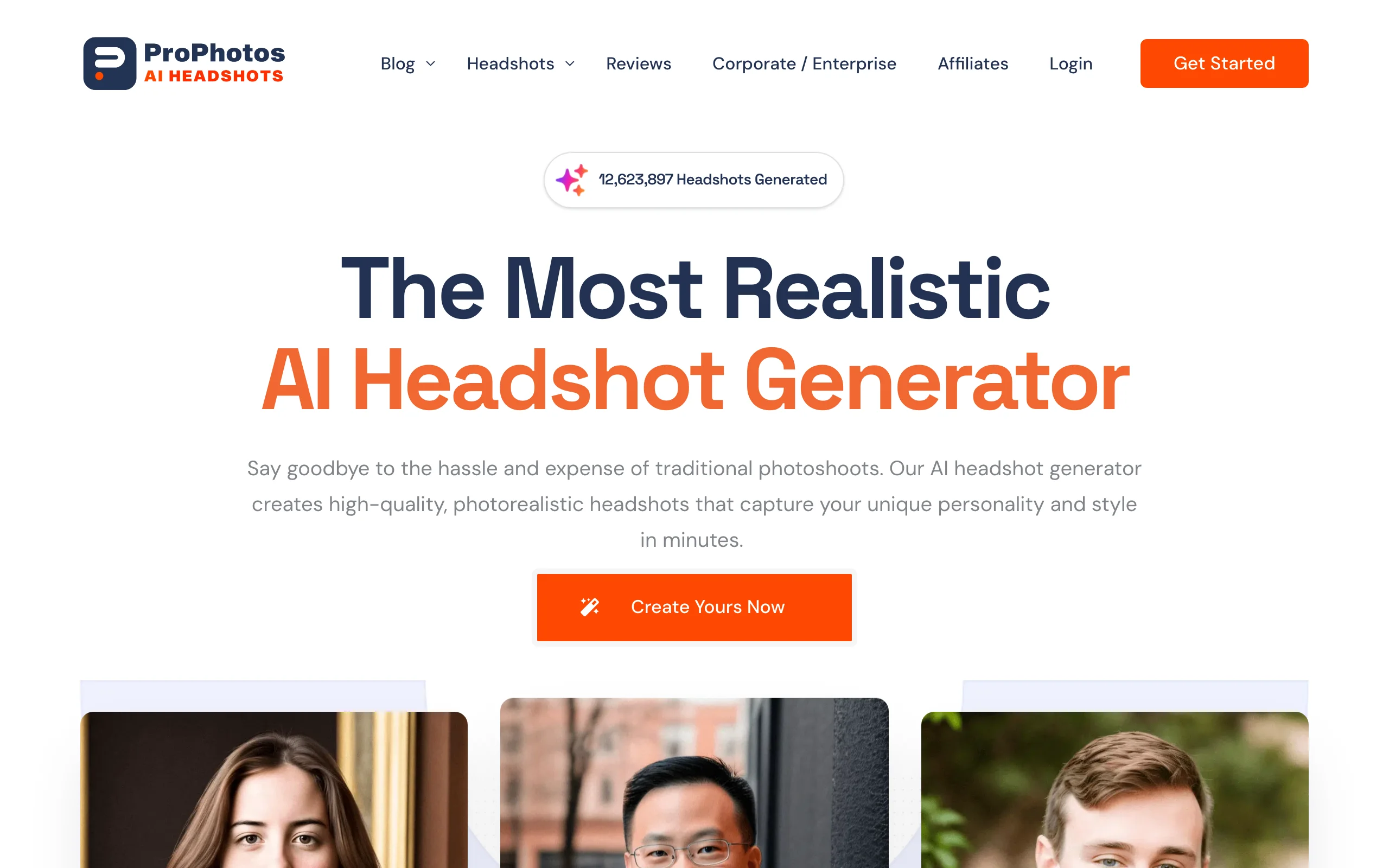
6. ProPhotos, best for classic corporate looks
ProPhotos focuses on the formal end of the spectrum: suits, blazers, and clean studio-style backgrounds. If your role calls for a traditional corporate headshot, finance, law, consulting, executive leadership, ProPhotos is tuned for exactly that aesthetic rather than casual or creative styles.
Delivery is fast, often inside 30 minutes, and the output is sized and styled for LinkedIn, resumes, and company websites. It is a focused tool rather than a do-everything platform, which is precisely why it works well for professionals who know they want a polished, conservative look and nothing flashier.
Key features:
- Classic corporate styling with suits and blazers
- Studio-style backgrounds tuned for formal roles
- Fast delivery, often within 30 minutes
- Output sized for LinkedIn, resumes, and company pages
- Volume-based tiers with 40 or more headshots
Best for:
- Professionals in finance, law, consulting, and executive roles
- Anyone who wants a conservative, polished headshot
- People who value speed and a focused, no-frills tool
Pricing:
- Entry tier starts around $29 to $39 depending on the package
- Higher tiers add more headshots and variation
- Plans scale up toward team and volume options
Pros:
- Strong fit for formal, corporate-style profiles
- Fast turnaround keeps the process simple
- Clear, business-focused styling without creative noise
Cons:
- Narrow style range, less suited to casual or creative looks
- Fewer outfit and background options than volume tools like Secta
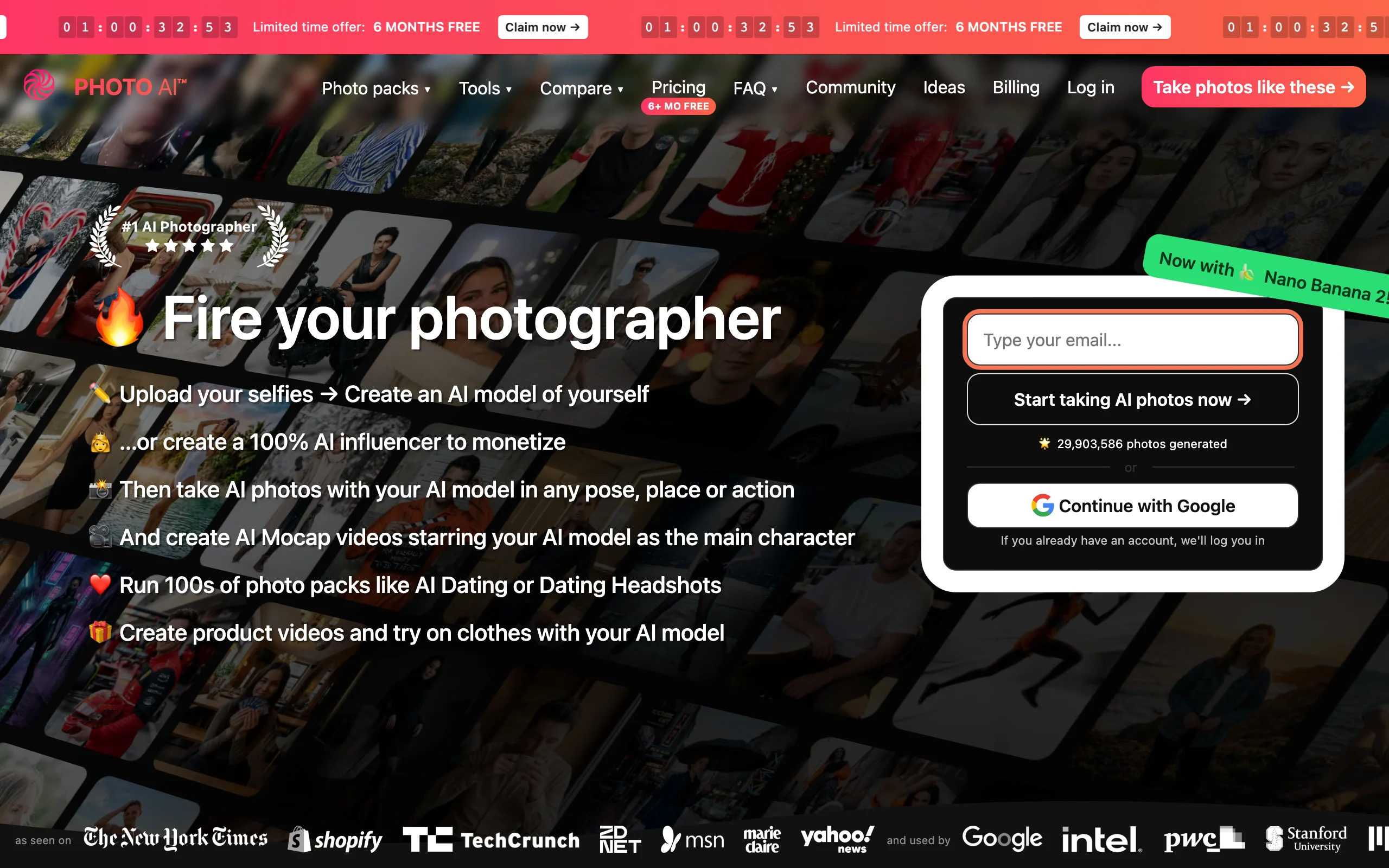
7. PhotoAI, best for power users who regenerate often
PhotoAI is the most flexible tool here for people who plan to generate photos repeatedly. Instead of a one-and-done session, it trains a dedicated model on your real photos and then lets you generate new images in 100-plus styles whenever you want, including video and editing features. If you refresh your LinkedIn photo seasonally or need varied images for content and bios, that reusable model pays off.
It was one of the tools that popularized AI headshots, so it is mature and feature-rich. Results can be less consistent than the purpose-built headshot tools on their very best shots, but the sheer flexibility and unlimited generation make it a strong pick for ongoing use rather than a single profile update.
Key features:
- Trains a reusable model on your real photos
- Unlimited generations once the model is trained
- 100-plus styles plus video and editing tools
- Low cost-per-image at scale
- Mature platform with a wide feature set
Best for:
- Power users who regenerate photos regularly
- Creators who need varied images for content, not just a headshot
- People who want one model they can reuse over time
Pricing:
- Photo packs start around $29 with limited variations
- Effective cost-per-image drops to under $1 at scale
- Higher tiers unlock more styles and generation volume
Pros:
- Best flexibility for ongoing, unlimited generation
- Wide style library plus video and editing features
- Strong value if you generate photos often
Cons:
- Results can be inconsistent on skin tone and backgrounds
- More tooling than needed if you just want one headshot
How to choose the best LinkedIn AI headshot generator for your needs
The right tool depends on whether you want one perfect photo, a team set, sheer volume, or ongoing flexibility. Use these four questions to narrow it down.
1) Do you need one great photo or a whole team set?
This is the biggest fork in the decision.
- If you want a single, studio-grade LinkedIn headshot: choose Aragon AI for realism, or BetterPic if you also need 4K and a commercial license.
- If you are standardizing photos across a company or team: choose HeadshotPro, which is built for consistent group output.
2) How much do you care about price versus polish?
Volume tools and premium tools serve different priorities.
- If you want maximum variety for the lowest cost: choose Secta AI for roughly 300 portraits per session, or Try It On AI for a free preview and low entry price.
- If realism and licensing matter more than price: choose Aragon AI or BetterPic, even though they cost more per session.
3) What style and turnaround do you need?
Match the tool to your role and timeline.
- If you need a formal, corporate look fast: choose ProPhotos for suit-and-blazer styling with 30-minute delivery.
- If you need a fast result from minimal input: choose Try It On AI, which works from a single selfie in minutes.
4) Will you generate photos once or often?
Decide between a session and a reusable model.
- If this is a one-time profile refresh: any session-based tool here works, so optimize for realism or price.
- If you will regenerate photos repeatedly: choose PhotoAI, which trains a reusable model and allows unlimited generations.
A practical tip: most of these tools deliver within a few hours, so run the one that fits your priority and judge the actual output before committing to a second tool. Cost-per-usable-photo, not the sticker price, is the number that matters. Once your photo is sorted, your posts do the heavy lifting, so it helps to know how to write a LinkedIn post that earns attention.
A great headshot is only half the equation. The photo gets people to your profile, but your content is what keeps them following and engaging. If you want your posts to perform as well as your new photo looks, ViralBrain analyzes the top LinkedIn creators in your niche, learns what hooks and formats drive engagement, and helps you write posts in your own voice. Tighten your profile with the free LinkedIn headline generator, draft posts with the LinkedIn post generator, and rewrite your bio with the LinkedIn summary generator. Run drafts through the viral score checker before you publish, and see ViralBrain pricing when you are ready to commit.
FAQ
What is a LinkedIn AI headshot generator?
A LinkedIn AI headshot generator is a tool that trains an AI model on photos you upload, then produces studio-style professional portraits in various outfits and backgrounds. It replaces a traditional photo shoot for the specific purpose of a clean, credible profile photo. Most tools deliver dozens of options within a few hours for a fraction of a photographer's fee.
How much do AI headshots cost compared to a real photographer?
A traditional headshot session typically runs $200 to $400, while the AI tools in this list cost roughly $17 to $79 for a full set. That makes AI headshots three to six times cheaper, and you get many more variations to choose from. The trade-off is that the very best AI results still occasionally need a second batch or a human edit.
Which AI headshot generator is most realistic for LinkedIn?
Aragon AI is the tool most consistently rated as the most realistic in 2026 testing, producing portraits that are hard to distinguish from a real studio shoot. BetterPic is a close second and adds 4K output with a commercial license. For LinkedIn specifically, realism matters most, since an obviously AI photo can undercut the trust you are trying to build.
Is there a free LinkedIn AI headshot generator?
Try It On AI offers a free preview so you can see the quality before paying, which is the closest thing to free among serious tools. Most other generators require a one-time payment, usually starting between $29 and $49. Be cautious with fully free tools, since output quality and usage rights are often limited.
Can I use AI-generated headshots on LinkedIn without issues?
Yes. AI headshots are allowed on LinkedIn as long as they depict you and are not misleading. Choose a tool that grants a clear commercial license, such as BetterPic or Aragon AI, so you have explicit rights to use the image on your profile, website, and print. The key is that the photo should still genuinely look like you.
How many photos do I need to upload to get good results?
Most quality tools ask for roughly 8 to 14 varied photos so the model can learn your face from multiple angles and lighting conditions. More variety in your uploads, different expressions, angles, and lighting, generally produces more accurate and natural results. Try It On AI is the exception, working from a single selfie at the cost of some consistency.
Which AI headshot tool is best for teams?
HeadshotPro is purpose-built for teams, letting a company keep style, background, and framing consistent across many employees. Try It On AI also offers a Teams mode for on-brand group photos. For a coherent company page or a uniform sales team look on LinkedIn, a team-focused tool beats stitching together individual sessions.
Will a better profile photo actually improve my LinkedIn results?
A professional photo measurably increases profile views and connection acceptance, since it is the first credibility signal people see. That said, the photo gets people in the door, while your content keeps them engaged. Pair a strong headshot with a clear LinkedIn headline generator result and consistent posting to turn profile visits into followers and conversations. Run your drafts through a viral score checker to keep quality high.
Automate your LinkedIn for 30 days
ViralBrain plans, writes, and schedules your LinkedIn content, using official LinkedIn APIs so your account stays safe.
- Official LinkedIn APIs, no risk of ban
- You approve every post before it goes live
- Cancel anytime
Keep reading
6 best LinkedIn comment generators in 2026
Six LinkedIn comment generators compared, with pricing checked on each vendor's own page on 3 September 2026 and the ones that publish nothing named as such.
LinkedIn Carousel Size: 1080x1080px (Exact Specs for 2026)
The recommended LinkedIn carousel size is 1080x1080px (square) or 1080x1350px (portrait). Get the exact specs, safe zone, and PDF export limits for 2026.
Buffer Alternatives: 7 Better Tools for LinkedIn in 2026
Buffer charges per channel and treats LinkedIn like every other network. Here are 7 Buffer alternatives compared on pricing, AI, and LinkedIn depth.