

Best LinkedIn Content Creation Tools in 2026
Compare the 7 best LinkedIn content creation tools in 2026, covering ideation, voice-matched drafts, carousels, and pre-publish checks, plus current pricing.
Creating LinkedIn content is more than writing a post. It is a full workflow: finding an idea worth posting, drafting it in a voice that sounds like you, building a carousel or visual when the message needs one, previewing how it renders, and checking whether it will actually land before you hit publish. Most tools handle one slice of that. The best LinkedIn content creation tools cover more of the chain, so you spend less time stitching apps together.
This guide compares the 7 best LinkedIn content creation tools in 2026 across that full creation workflow. For each one we cover current pricing, standout features, and honest pros and cons, so you can match a tool to how you actually create LinkedIn content rather than a feature checklist. If you want the pure text-generation angle instead, our separate roundup of the best LinkedIn content generators goes deeper on drafting alone.
Automate your LinkedIn for 30 days
Best LinkedIn content creation tools in 2026: a quick overview
- ViralBrain: Best overall for end-to-end LinkedIn content creation. Takes you from idea to voice-matched draft to carousel to a pre-publish viral score, all built on patterns from real top-performing posts.
- Taplio: Best for creators who create content and run outreach in the same place. Content plus a LinkedIn CRM, scheduling, and lead lists under one roof.
- Supergrow: Best budget-friendly all-rounder. Fast drafting, a solid template library, and a built-in carousel maker at a price solo creators can absorb.
- EasyGen: Best for zero-friction first drafts. Describe a topic and get a LinkedIn-ready post in seconds with no setup.
- AuthoredUp: Best for formatting, preview, and post-level analytics. A power editing workspace for writers who already know what they want to say.
- Canva: Best for carousel and visual creation. The design layer of your LinkedIn workflow, with templates, brand kits, and drag-and-drop slides.
- Jasper: Best for marketing teams creating content at scale. Brand voice controls and multi-user workflows for high-volume, on-brand output.
| Tool name | Key strength | Pricing | Best for |
|---|---|---|---|
| ViralBrain | End-to-end creation: ideas, voice-matched drafts, carousels, viral score | Free tools + €1 trial; paid plans from €39/mo | Creators and founders who want the full workflow in one place |
| Taplio | Content creation plus LinkedIn CRM and scheduling | From $49/mo ($39/mo annual) | Creators who combine content with outreach and pipeline |
| Supergrow | Budget all-rounder with templates and carousel maker | From $19/mo; free plan | Solopreneurs who want breadth without enterprise pricing |
| EasyGen | Dead-simple first drafts, instant output | From $49.99/mo (annual); no free plan | Creators who want the fastest idea-to-draft path |
| AuthoredUp | Formatting, preview, and per-post analytics | From $19.95/mo ($16.63 annual) | Writers who want editing precision and performance data |
| Canva | Carousel and visual design with templates and brand kits | Free plan; Pro from $15/mo | Creators building carousels, infographics, and post visuals |
| Jasper | Brand voice at scale for teams | From $59/mo per seat (annual) | Marketing teams creating LinkedIn content at volume |
1. ViralBrain, best overall for end-to-end LinkedIn content creation
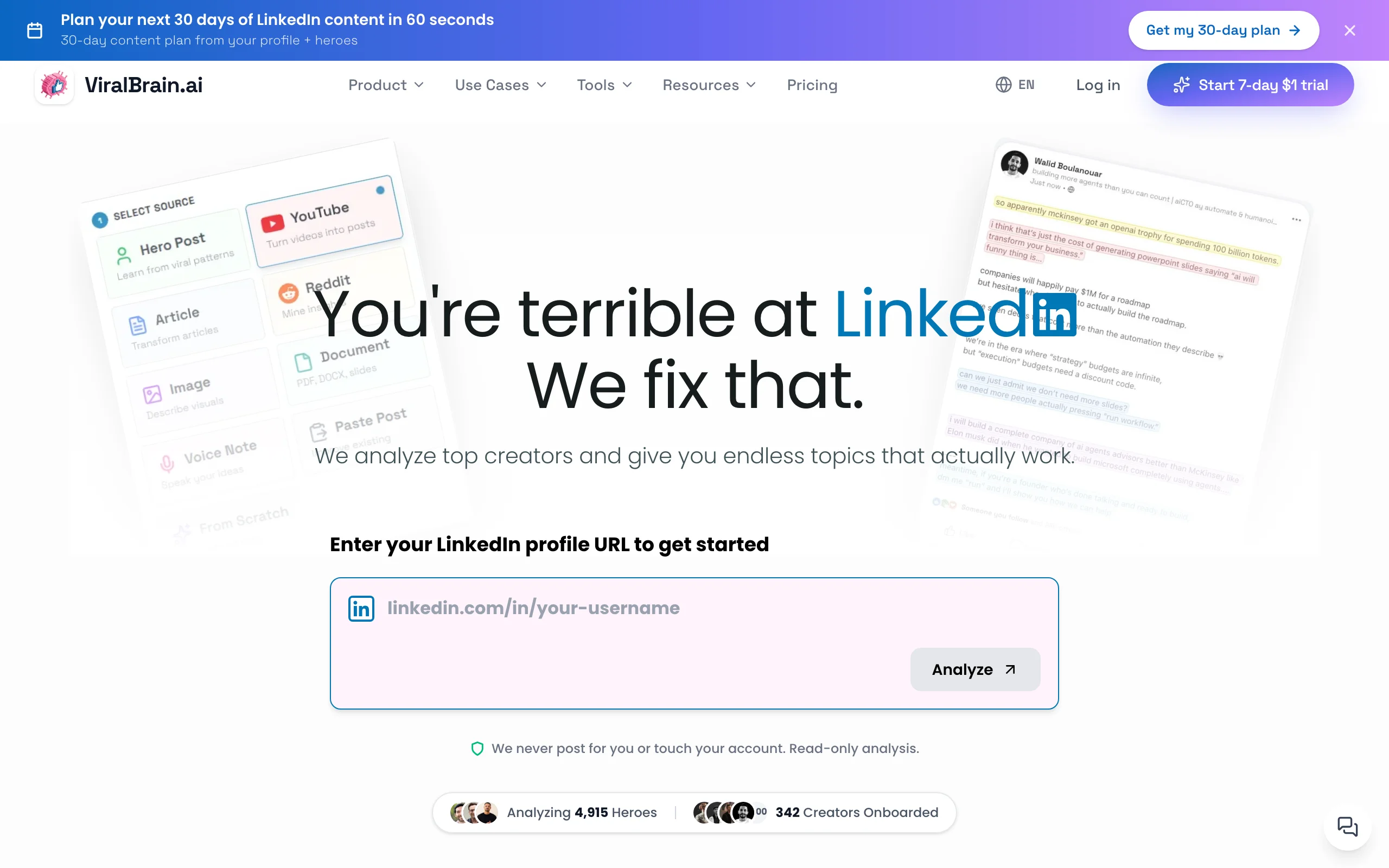
ViralBrain is built around the entire creation workflow rather than a single step. It starts with hero-creator analysis: you pick the top performers in your niche and ViralBrain studies which hooks, formats, and structures actually drive engagement in their posts. From there it generates content in your voice, gives you post ideas when you are stuck, builds carousels, previews the result, and scores it for virality before you publish.
The differentiator is that ViralBrain generates in your voice from patterns in the top 1% of LinkedIn posts, then lets you preview and score the draft before posting. Instead of prompting a generic model and hoping, you create against real data and get a concrete signal on whether a post will land. The ecosystem of free tools, including a LinkedIn post generator, a hook generator, and a carousel generator, means you can start creating before you ever pay.
Key features:
- Hero-creator analysis: learn what goes viral in your niche from real top-performing posts
- Voice-matched generation that writes like you, not a generic AI
- Post ideas and hook generator to solve the blank-page problem
- Carousel generator for multi-slide LinkedIn posts
- LinkedIn post preview to check rendering before publishing
- Viral score checker: pre-publish engagement prediction on every draft
Best for:
- Creators and founders posting 3-5x per week who want the whole workflow in one tool
- Solopreneurs who need voice-consistent content without hiring a ghostwriter
- Anyone who wants a data-backed check before publishing, not just a draft
Pricing:
- Free tools at
/tools/*need no account; a 7-day trial for €1 unlocks the full platform - Paid plans from €39/month (Pro), with a €69/month Premium tier
- See ViralBrain pricing for current plan details
Pros:
- Only tool here that covers ideation, voice-matched drafting, carousels, preview, and scoring in one place
- Viral score gives a concrete pre-publish quality signal instead of guesswork
- Content is built on scraped patterns from real top performers in your niche, not generic prompts
- Free tools let you create real posts before committing to a plan
Cons:
- No native scheduling or direct publishing yet (you copy the post into LinkedIn)
- Newer platform than Taplio, with a smaller user community
2. Taplio, best for creating content and running outreach together
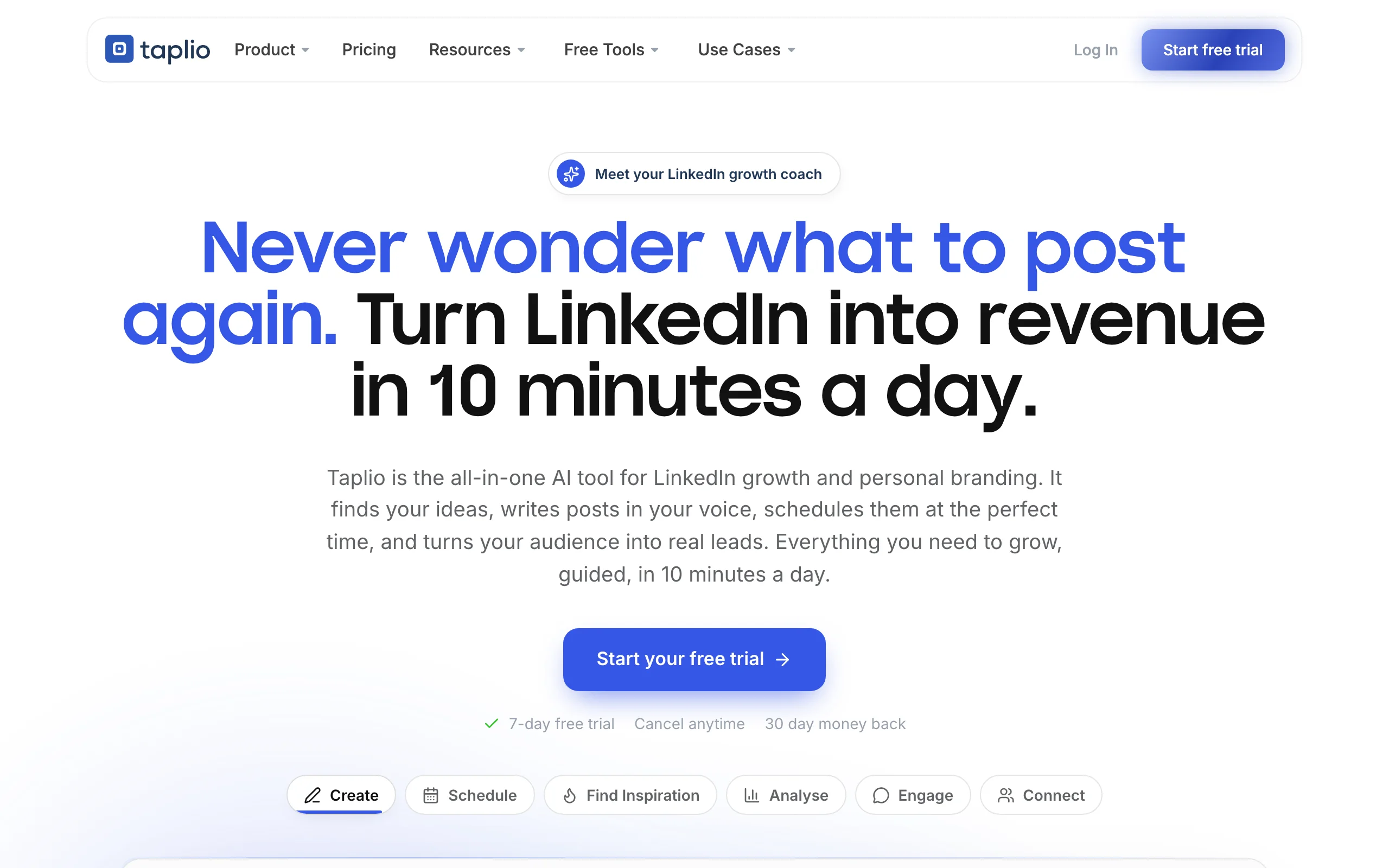
Taplio covers the creation step and then keeps going into distribution and relationship management. Alongside an AI writing assistant, it bundles a LinkedIn CRM, a post scheduler, and lead-list building, so the same tool that helps you create a post also helps you schedule it and track the people who engage with it.
For creators whose LinkedIn strategy is equal parts content and pipeline, that consolidation is the appeal. Taplio's inspiration feed surfaces trending posts to spark ideas, and its scheduler removes the copy-paste step. It is lighter on deep viral-pattern analysis than ViralBrain, but as a create-and-distribute workflow for sales-minded creators, it is one of the most complete single subscriptions available.
Key features:
- AI post creation from prompts, topics, or existing content
- Built-in LinkedIn CRM with contact tracking and lead lists
- Scheduled publishing directly to LinkedIn
- Trending post inspiration feed for ideation
- Post analytics tracking reach, engagement, and follower growth
- Team collaboration for agencies and multi-profile management
Best for:
- Founders and sales professionals who create content and run outreach from one tool
- Agencies managing content plus engagement for multiple client profiles
- Creators who want scheduling and analytics bundled with their writing tool
Pricing:
- Starts at $49/month billed monthly ($39/month annual)
- Higher tiers for team access and advanced CRM features
- No permanent free tier; limited trial available
Pros:
- Broadest workflow coverage: create, schedule, track, and manage contacts in one place
- Direct scheduling removes the manual copy-paste step
- Strong analytics for tracking post and profile growth over time
Cons:
- More expensive than most standalone creation tools
- AI output is more generic than tools that learn your specific voice
- CRM and outreach features add overhead if you only want to create content
See the full ViralBrain vs Taplio comparison for a detailed breakdown.
3. Supergrow, best budget-friendly all-rounder for content creation
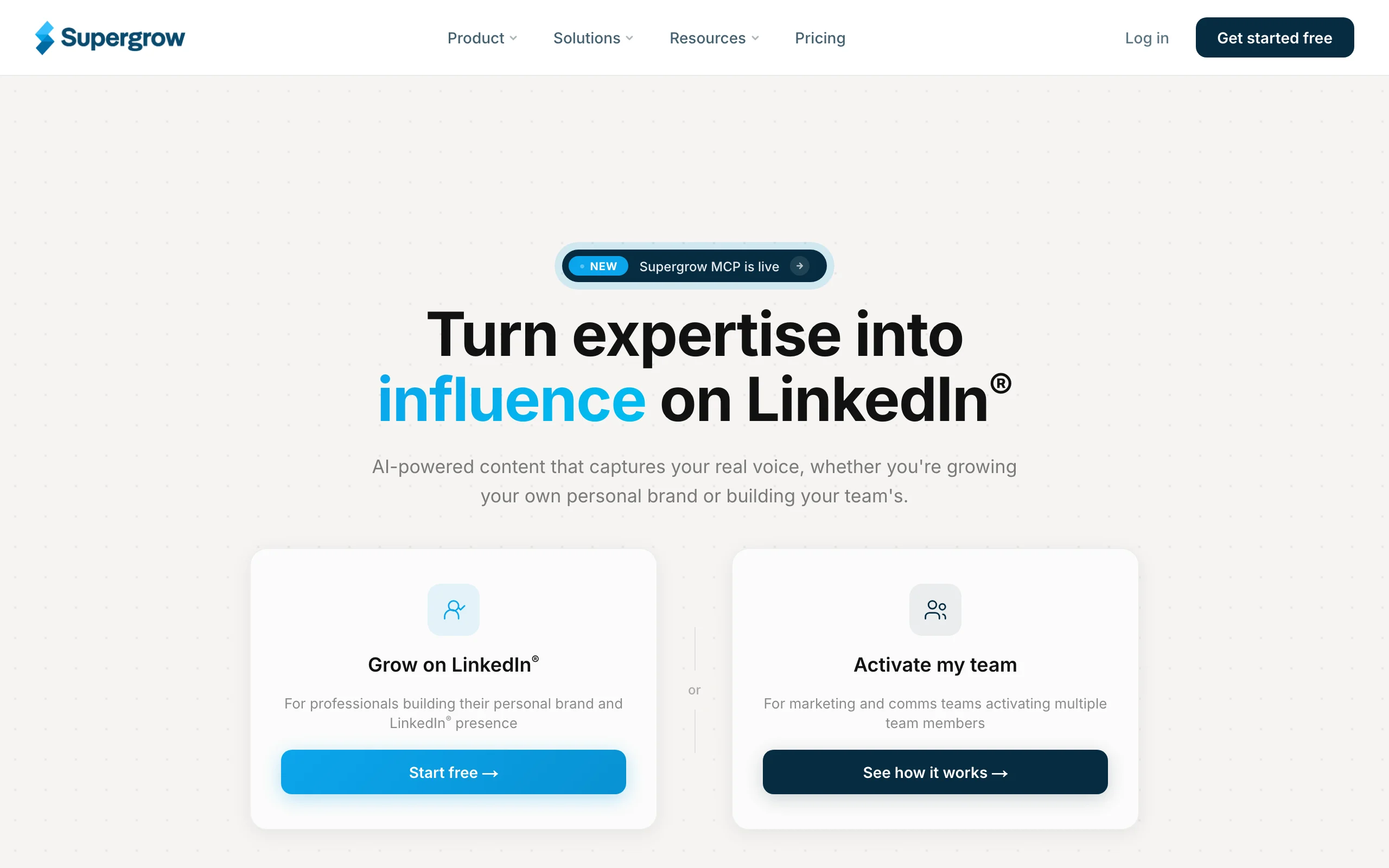
Supergrow is the value pick for creators who want breadth without a premium price tag. It covers a surprising amount of the creation workflow: AI drafting from ideas or URLs, a library of viral post templates, a personal brand voice setting, and a built-in carousel maker for multi-slide posts. For under $20 a month, that is a lot of the chain in one tool.
It does not run the deep hero-creator analysis or pre-publish scoring that ViralBrain offers, so you bring more of your own judgment. But for creators who know their voice and want a fast, affordable way to create both text posts and carousels, Supergrow punches well above its price. If you want to sanity-check a draft it produces, run it through a free viral score check before posting.
Key features:
- 50+ viral LinkedIn post templates across major content formats
- AI content creation from ideas, URLs, or audio input
- Built-in carousel creator for multi-slide LinkedIn posts
- Personal brand voice setting to tune output style
- Post scheduler with direct LinkedIn publishing
- Content repurposing from articles, newsletters, and podcasts
Best for:
- Solopreneurs on a budget who want text and carousel creation in one tool
- Creators with a defined voice who need a fast drafting partner
- Users who lean heavily on carousels and structured post formats
Pricing:
- Plans start at $19/month
- Free plan available with limited post credits
- No enterprise pricing listed
Pros:
- Best price-to-breadth ratio in this list
- Template library is well-curated and genuinely useful for structuring posts
- Carousel maker at this price point is a standout most competitors lack
Cons:
- Voice matching is surface-level compared to tools that study your post history
- Less depth on analytics and engagement tracking
- No pre-publish viral scoring or hero-creator analysis
4. EasyGen, best for zero-friction first drafts
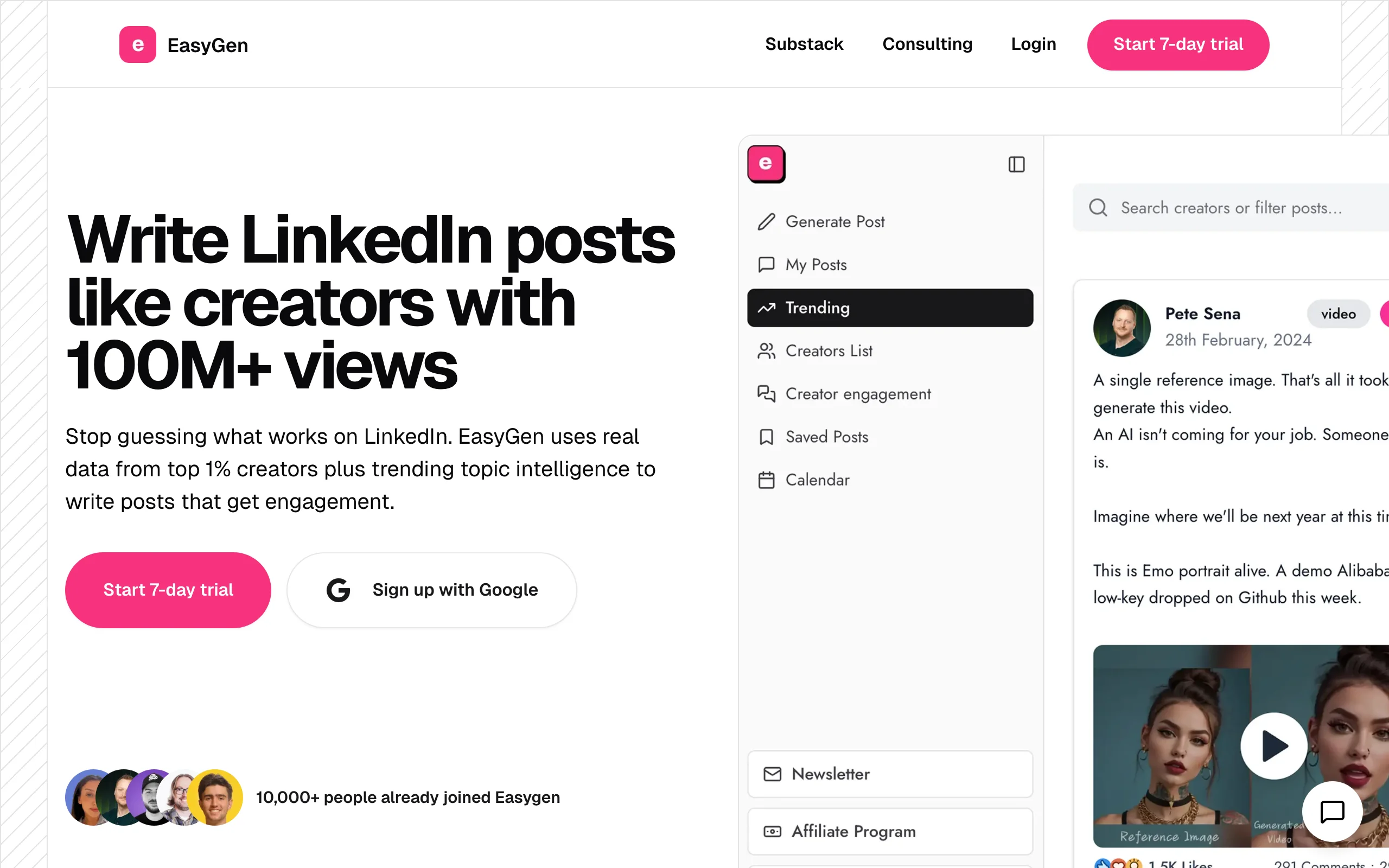
EasyGen narrows the workflow to a single job and does it fast: get from a topic to a LinkedIn-ready draft with no setup. There is no learning curve and no sprawling feature list. You describe what you want, pick a format and tone, and EasyGen produces a polished post in seconds.
Because it is built specifically for LinkedIn, the output length and structure are already calibrated to the platform, so your editing time is minimal. EasyGen will not analyze hero creators, build carousels, or score your post for virality. But if the hardest part of creating LinkedIn content for you is starting, it is one of the most frictionless ways to get a usable first draft on the page. Pair it with a guide on how to write a LinkedIn post to sharpen the draft it gives you.
Key features:
- One-click LinkedIn post creation from a short topic prompt
- Format options: story, list, insight, educational, engagement
- Tone controls: professional, casual, bold, thought leader
- LinkedIn-optimized output length and structure by default
- Post history for revisiting and editing previous drafts
- Browser extension for creating posts while browsing LinkedIn
Best for:
- Creators who want the fastest possible path from idea to draft
- Professionals new to LinkedIn who need guardrails on format and length
- Anyone who spends more time on the blank page than on writing
Pricing:
- From $49.99/month billed annually ($59.99 month to month)
- 3 free posts plus a 7-day trial; no permanent free tier
- No team or enterprise tier currently listed
Pros:
- Lowest learning curve of any tool here, no setup required
- Output arrives already LinkedIn-formatted, so editing is quick
- Browser extension keeps creation inside your normal workflow
Cons:
- No hero-creator analysis or viral data behind the output
- Weaker voice-matching than tools that study your post history
- No carousels, preview, or performance tracking
See the full ViralBrain vs EasyGen comparison for a detailed breakdown.
Automate your LinkedIn for 30 days
5. AuthoredUp, best for formatting, preview, and post-level analytics
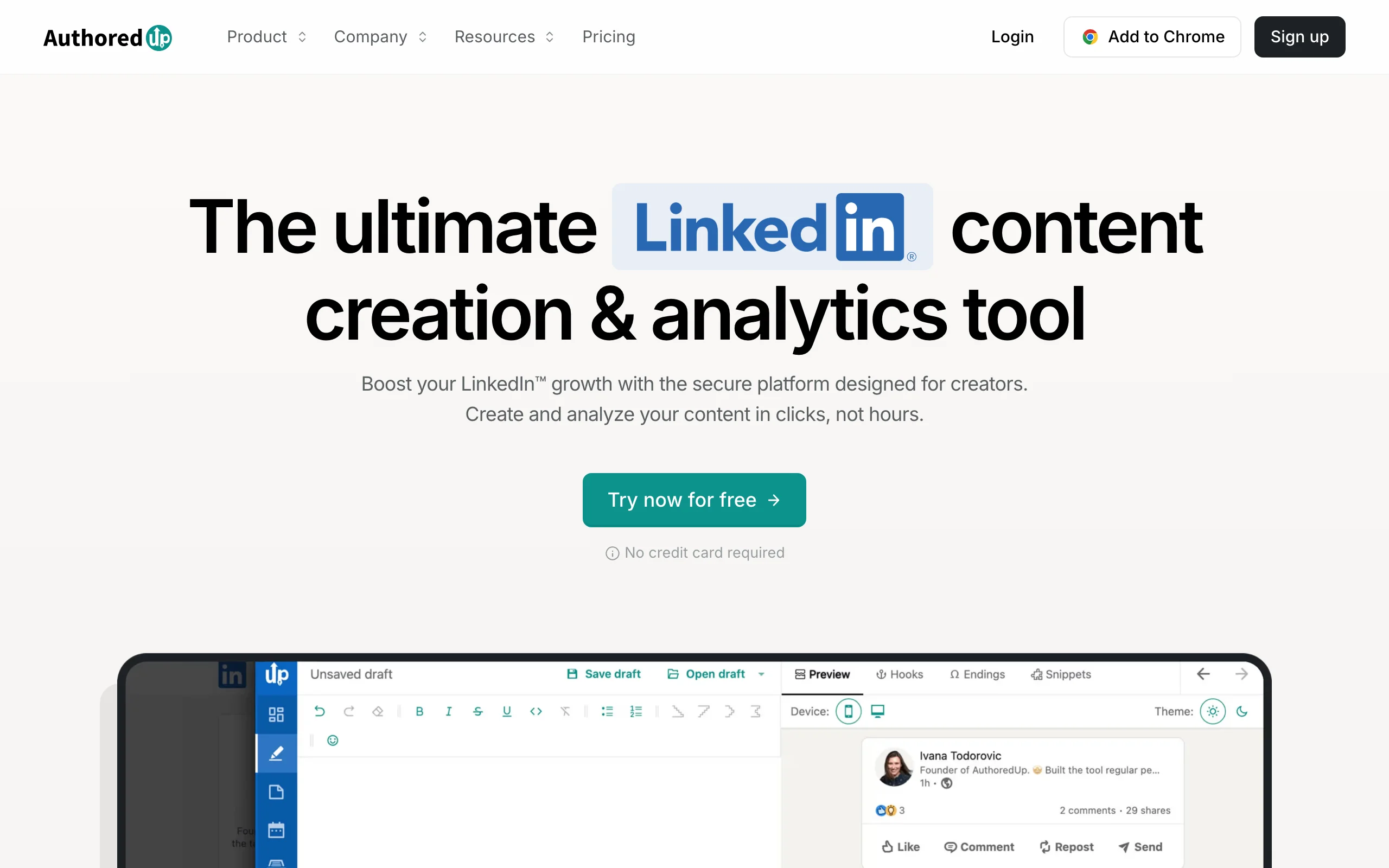
AuthoredUp is less a generator and more a professional editing environment for the polish-and-publish end of the workflow. It gives you rich formatting controls (bold, italic, custom line spacing, Unicode fonts) and a preview that shows exactly how your post will render on mobile and desktop before it goes live.
Where AuthoredUp earns its spot is per-post analytics. Every post you publish through it gets tracked with detailed engagement data, so you can see which formats, lengths, and topics drive reach over time and feed that back into your next post. For writers who already know how to create the message and want formatting precision plus a data loop, it is the strongest specialized tool in this category. It does not draft content for you, so pair it with a generator upstream.
Key features:
- Rich text formatting: bold, italic, font styles, custom spacing
- LinkedIn post preview showing exact mobile and desktop rendering
- Per-post analytics with engagement rate, reach, and click tracking
- Content library for saving, organizing, and recycling top posts
- Post templates and structure frameworks for faster drafting
- Browser extension that works directly inside LinkedIn
Best for:
- Writers who want formatting precision and post-level performance data
- Creators with a strong writing process who want a power editing layer
- LinkedIn users who rely on formatted posts and styled fonts
Pricing:
- Individual plan from $19.95/month ($16.63/month billed annually)
- 14-day free trial; no permanent free plan as of 2026
- Business plan from $14.95 per profile (3-profile minimum)
Pros:
- Best formatting toolkit for LinkedIn in this list
- Per-post analytics give actionable data on what is actually working
- Low entry price for creators who do not need full AI generation
Cons:
- Minimal AI generation, it is an editing and analytics tool, not a creator of first drafts
- No carousel or visual design features
- No cross-platform publishing
See the full ViralBrain vs AuthoredUp comparison if you are deciding between generation and editing-focused tools.
6. Canva, best for carousel and visual creation
Canva is the design layer most LinkedIn creators reach for when a post needs a carousel, infographic, or branded visual. It is not a LinkedIn AI writer, but visual content is a core part of the creation workflow, and Canva owns that step with an enormous template library, drag-and-drop editing, and brand kits that keep your fonts and colors consistent across every asset.
For LinkedIn specifically, Canva shines at document-style carousels: multi-slide PDFs that the algorithm tends to reward with dwell time. You design the slides, export as a PDF, and upload to LinkedIn as a document post. Canva will not write your hooks or tell you if a post will perform, so most creators pair it with a text tool. If you want carousels without leaving your writing workflow, ViralBrain's built-in carousel generator turns a post into slides directly.
Key features:
- Thousands of LinkedIn carousel and post templates
- Drag-and-drop editor with no design skills required
- Brand kits for consistent fonts, colors, and logos
- Multi-slide carousel design with PDF export for document posts
- Stock photos, icons, and illustrations built in
- Magic Design and AI image tools for faster visuals
Best for:
- Creators who post carousels, infographics, and quote graphics regularly
- Founders who want on-brand visuals without a designer
- Anyone building document-style LinkedIn posts for dwell time
Pricing:
- Free plan with a large template and asset library
- Pro from around $15/month (annual) for brand kits and premium content
- Teams pricing for multi-user brand management
Pros:
- Best visual and carousel creation tool in this list by a wide margin
- Free plan is genuinely usable for most LinkedIn visuals
- Brand kits keep a consistent look across all your posts
Cons:
- Not a LinkedIn content writer, you still need a tool for the text
- No hook, voice-matching, or viral-scoring features
- LinkedIn-specific optimization is limited to templates, not strategy
7. Jasper, best for marketing teams creating content at scale
Jasper is an enterprise-grade AI writing platform that treats LinkedIn posts as one of many formats. Its strength in a content-creation workflow is brand-voice consistency at scale: you train Jasper on your brand guidelines, tone, and style, and it produces content that stays on-brand across a large team of writers or multiple client accounts.
For a solo creator, Jasper is overkill. But for marketing teams producing LinkedIn content for a company brand, several executives, or agency clients, its multi-user workflows, brand voice controls, and deep template library make it the most scalable option here. It does not offer LinkedIn-specific preview, carousels, or viral scoring, so teams often pair it with dedicated LinkedIn tools. A LinkedIn content strategy guide helps if you are standing up a team-level content operation.
Key features:
- Brand voice training for consistent tone across large teams
- LinkedIn templates plus templates for 50+ other content formats
- AI writing assistant with chat-based editing and iteration
- Multi-user workspace with role-based access controls
- Integration with Surfer SEO for content optimization
- Campaign-level content planning and organization
Best for:
- Marketing teams creating LinkedIn content at volume for a brand or executives
- Agencies managing content creation across multiple clients
- Companies needing brand-voice consistency across many writers and formats
Pricing:
- Pro plan from $59/month per seat billed annually ($69 month to month)
- Team plans with multi-user access at higher tiers
- Enterprise pricing available on request
Pros:
- Brand voice training keeps output consistent across a large team
- Most extensive template library for LinkedIn plus every other content type
- Scales well for agencies and teams producing high volume
Cons:
- Significantly more expensive at scale than LinkedIn-specific tools
- Brand voice training carries a real setup investment
- No LinkedIn preview, carousels, viral scoring, or scheduling
How to choose the best LinkedIn content creation tool for your needs
The right tool depends on which part of the creation workflow is your bottleneck. Work through these questions before you commit.
1) Where does your workflow actually break down?
Map the chain: idea, draft, visual, preview, pre-publish check.
- If the whole chain is the problem and you want one tool from idea to publish-ready: ViralBrain covers ideation, voice-matched drafting, carousels, preview, and scoring together.
- If only one step is broken, buy for that step: EasyGen for the first draft, Canva for visuals, AuthoredUp for formatting and analytics.
2) Do you need the tool to learn your voice, or do you already have one?
This is the biggest quality dividing line when you create LinkedIn content.
- If you want output that sounds authentically like you, built on how real top creators write in your niche: ViralBrain's hero analysis and voice matching start from real viral data, not generic prompting.
- If your voice is already defined and you just need speed: Supergrow or EasyGen give you fast drafts without heavy setup.
3) How much visual content do you create?
Carousels and graphics are a growing share of LinkedIn reach.
- If visuals are central to your content: Canva is the strongest standalone design tool, or use ViralBrain's carousel generator to turn a post into slides without switching apps.
- If you post mostly text: prioritize drafting and pre-publish tools over a dedicated design app.
4) Are you a solo creator or a team?
Team size changes the calculus.
- Solo creators and solopreneurs: ViralBrain, Supergrow, or EasyGen. Fast output, affordable pricing, no per-seat complexity.
- Marketing teams or agencies: Jasper for brand-voice consistency at scale, or Taplio for combined content and CRM across multiple profiles.
Before you subscribe, run a real 7-day trial using your actual posting topics, not demo content. A tool that produces good output on generic prompts can struggle in your niche or voice. Use a LinkedIn post preview and a viral score check to judge output quality before you publish, and lean on a solid guide for how to write a LinkedIn post while you build the habit.
FAQ
What are the best LinkedIn content creation tools in 2026?
It depends on your workflow. For end-to-end creation, from idea to voice-matched draft to carousel to a pre-publish viral score, ViralBrain leads. Taplio is best when you create content and run outreach together, Supergrow is the budget all-rounder, EasyGen is fastest for first drafts, AuthoredUp is the strongest editor and analytics layer, Canva owns carousel and visual design, and Jasper scales brand-voice content for teams. Most creators combine a creation tool with a separate design or scheduling app.
What is a LinkedIn content creation tool?
A LinkedIn content creation tool helps you produce posts across one or more steps of the workflow: ideation, drafting, visual design, formatting, preview, and pre-publish checks. Simple tools cover one step, like generating a draft or designing a carousel. More complete platforms like ViralBrain span the whole chain and add data, such as analyzing top-performing posts and scoring your draft before you publish.
Is there a free way to create LinkedIn content?
Yes. ViralBrain offers free tools at /tools/* that need no account, including a LinkedIn post generator, hook generator, and a carousel generator, plus a 7-day trial for €1 to unlock the full platform. Canva has a genuinely usable free plan for visuals, and Supergrow offers a free plan with limited credits. Most paid tools also include a trial so you can test output before paying.
Which tool is best for creating LinkedIn carousels?
For pure design flexibility, Canva is the strongest carousel tool, with templates, brand kits, and PDF export for document posts. If you would rather turn a written post into slides without switching apps, ViralBrain's carousel generator and Supergrow's built-in carousel maker both handle it. Choose Canva when the visual is the star and a text-plus-carousel tool when the words come first.
How do I create LinkedIn content that sounds like me and not generic AI?
Use a tool that learns your voice from real data rather than prompting a generic model. ViralBrain analyzes top-performing posts from creators in your niche and matches your own writing style, so drafts read like you wrote them. Whatever tool you use, edit the output, keep your own phrasing and specific examples, and preview the post before publishing so it does not read as templated.
What is the difference between a LinkedIn content generator and a content creation tool?
A content generator focuses on one step: producing a text draft. A content creation tool covers more of the workflow, which can include ideation, visuals, formatting, preview, and pre-publish scoring. Our best LinkedIn content generators roundup compares pure drafting tools, while this guide compares tools across the full creation chain.
Does AI-generated LinkedIn content get penalized?
LinkedIn has no documented penalty for AI-assisted content. The algorithm rewards posts that earn genuine engagement, regardless of how they were written. The real risk is low engagement from templated, generic output that readers scroll past. Tools that create from real viral patterns and let you score a draft before posting, like ViralBrain's viral score check, reduce that risk.
Which LinkedIn content creation tool is best for solo creators?
ViralBrain is the strongest all-in-one pick for solopreneurs who want voice-consistent content plus carousels and a pre-publish check. Supergrow is the best budget alternative, and EasyGen works well if speed matters more than depth. Add Canva if you build a lot of visuals. Start with the free tools and a trial before committing to a paid plan.
Which tool works best for teams creating content across multiple profiles?
Jasper is the strongest pick for brand-voice consistency across many writers and profiles, and Taplio handles multi-profile scheduling with team access features. For agencies, both support multi-user workflows, though Jasper scales more naturally to high content volume across different brands. See ViralBrain pricing if you want a creation platform with a lower per-seat entry point.
How do I know if a post will perform before I publish it?
Use a pre-publish check. ViralBrain's viral score checker predicts engagement potential before you post, and a LinkedIn post preview shows how it will render on mobile and desktop. Together they let you catch a weak hook or messy formatting while you can still fix it, rather than learning from a post that underperforms.
Automate your LinkedIn for 30 days
ViralBrain plans, writes, and schedules your LinkedIn content, using official LinkedIn APIs so your account stays safe.
- Official LinkedIn APIs, no risk of ban
- You approve every post before it goes live
- Cancel anytime
Keep reading

Best 7 AI LinkedIn Content Generators in 2026
Compare the 7 best AI LinkedIn content generators and AI tools for LinkedIn in 2026. ViralBrain, Taplio, Supergrow, EasyGen, Hypefury, AuthoredUp, and Jasper, with current pricing and features.

Supergrow Alternatives: 5 Better LinkedIn AI Tools in 2026
Looking for Supergrow alternatives? Compare the 5 best LinkedIn AI tools in 2026: ViralBrain, Taplio, AuthoredUp, EasyGen, and Postdrips on pricing, features, and content quality.

Best MCP Servers for Marketers: 7 Worth Installing in 2026
Over 10,000 MCP servers exist. Marketers need about six. Here are 7 MCP servers worth installing, what each actually does, and what they really cost.