

Best 7 LinkedIn Auto-Posting Tools in 2026
Compare the 7 best LinkedIn auto-posting tools in 2026. We review ViralBrain, Buffer, Hypefury, SocialBee, Publer, Sprout Social, and LinkedIn native for hands-off, ban-safe publishing.
Some LinkedIn tools generate posts. Others schedule them. The ones in this guide handle the actual publish moment, hands-off. Auto-posting is the act of LinkedIn pushing your content live without you touching the app at the moment of publish, and it lives or dies on three things: API safety, reliability, and whether your voice survives the automation.
The right auto-posting setup buys back hours every week and removes the daily anxiety of remembering to hit "post" at 8:42am sharp. In this guide, we compare the 7 best LinkedIn auto-posting tools in 2026, covering official API usage, ban risk, voice integrity, and which tool fits your specific workflow. If you also want a full content pipeline that loads 30 days of voice-matched posts into a calendar for you, ViralBrain's LinkedIn content calendar is the reference setup. And if you run your workflow through an AI assistant, the LinkedIn MCP server posts and schedules straight from Claude or Codex.
Automate your LinkedIn for 30 days
Best LinkedIn auto-posting tools: a brief overview
- ViralBrain: Best for voice-matched auto-posting on the official LinkedIn API with a 30-day pre-loaded content calendar. The only tool in this list that combines hands-off publishing with content that sounds like you.
- Buffer: Best pure scheduling-to-publish workhorse. Clean queue, reliable official-API publishing, no AI noise.
- Hypefury: Best LinkedIn auto-posting with thread support. Twitter-leaning but solid for creators who repost top performers automatically.
- SocialBee: Best LinkedIn auto-posting with content categories. Strong for evergreen recycling and category-based queues.
- Publer: Best multi-platform auto-posting for creators who want LinkedIn plus four other networks on one queue.
- Sprout Social: Best enterprise LinkedIn auto-posting with approval workflows, compliance, and detailed reporting.
- LinkedIn native scheduler: Best free baseline. Free, official, and limited to one-off post scheduling inside the LinkedIn app.
| Tool name | Key strength | Pricing | Best for |
|---|---|---|---|
| ViralBrain | Voice-matched auto-posting with a 30-day calendar on the official API | Free tier; €1 trial, then from €39/mo | Founders and solo creators who want hands-off LinkedIn presence without losing their voice |
| Buffer | Reliable, no-frills auto-posting via the LinkedIn API | Free tier; paid from $6/mo per channel | Solo creators who already have content and want clean queue management |
| Hypefury | Auto-posting with thread support and auto-reposting of top performers | From $29/mo | Cross-poster creators who run X and LinkedIn together |
| SocialBee | Category-based content recycling for evergreen LinkedIn posting | From $29/mo | Creators running evergreen strategies and content categories |
| Publer | Multi-platform auto-posting across LinkedIn plus 9 other networks | Free tier; paid from $12/mo | Creators posting on LinkedIn plus several other social networks |
| Sprout Social | Enterprise-grade auto-posting with approval workflows and compliance | From $199/mo per seat | Marketing teams and regulated industries managing multi-profile LinkedIn |
| LinkedIn native | Free, built-in scheduled publishing inside the LinkedIn app | Free | Occasional posters who don't need queues or analytics |
1. ViralBrain, best for voice-matched auto-posting with a 30-day calendar
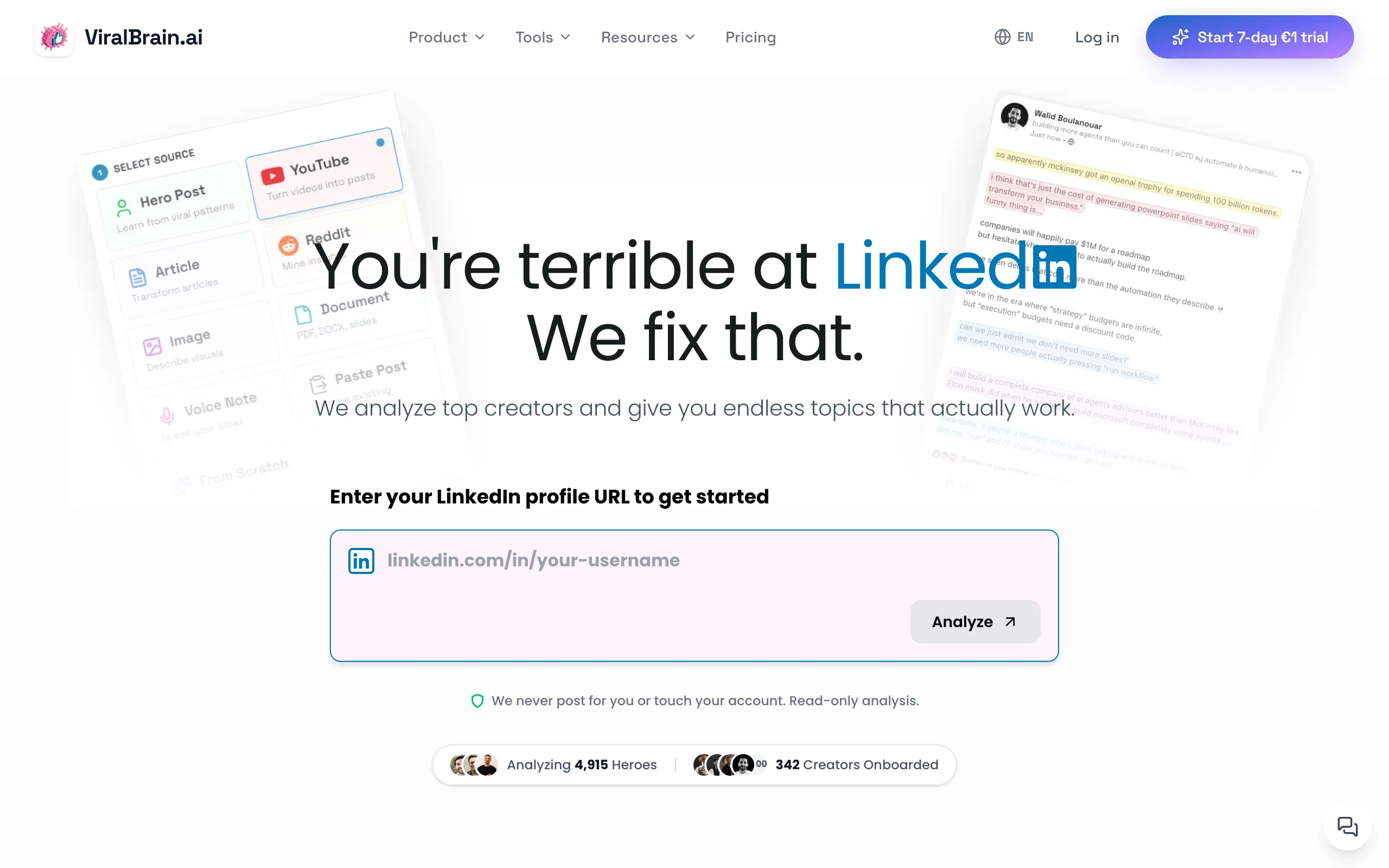
ViralBrain is built for creators who want LinkedIn to run on autopilot without sounding like a marketing bot. Most auto-posting tools assume you bring the content. ViralBrain solves the bigger problem first: it analyzes the top LinkedIn creators in your niche, learns your voice from your existing posts, and pre-loads a 30-day calendar of drafts that already sound like you. From there, the LinkedIn content calendar handles the auto-publish moment on the official LinkedIn API, so your posts go live at the right time without any manual action.
The auto-posting itself uses LinkedIn's official Marketing API integration, which means posts are treated identically to native publishing. There's no scraping, no headless browser, no ban risk. The differentiator vs every other tool in this list is the content layer: a Buffer or Hypefury queue is only as good as the drafts you feed it. ViralBrain feeds itself.
Key features:
- Official LinkedIn API auto-posting (zero ban risk)
- 30-day pre-loaded content calendar of voice-matched drafts
- Hero creator analysis: learns posting patterns from the top 1% of LinkedIn creators in your niche
- Viral score checker: pre-publish engagement prediction on every queued draft
- Free best time to post on LinkedIn tool for auto-scheduling at peak hours
- Viral post generator for adding ad-hoc posts to the queue
- Multi-source content ingestion: turn YouTube videos, articles, and podcasts into queued posts
Best for:
- Founders posting 3-5x per week who want a hands-off LinkedIn presence
- Solo creators who hate manual publishing but refuse to sound like a generic AI bot
- Operators who want a pre-loaded queue instead of staring at an empty scheduler
Pricing:
- Free tier available (3 heroes, 5 posts per month)
- €1 trial, then €39/month Pro or €69/month Premium
- See ViralBrain pricing for current plan details
Pros:
- Only tool that combines voice-matched content generation with hands-off auto-posting
- Official LinkedIn API means zero account risk and identical reach to native posts
- 30-day calendar removes the "empty queue" problem every other scheduler has
- Pre-publish viral score catches weak posts before they auto-publish
Cons:
- LinkedIn-focused, not a multi-platform scheduler (no Instagram, TikTok, or Pinterest)
- Smaller user community than Buffer or Sprout Social
See the full ViralBrain vs Taplio comparison for a side-by-side feature breakdown.
2. Buffer, best pure scheduling-to-publish workhorse
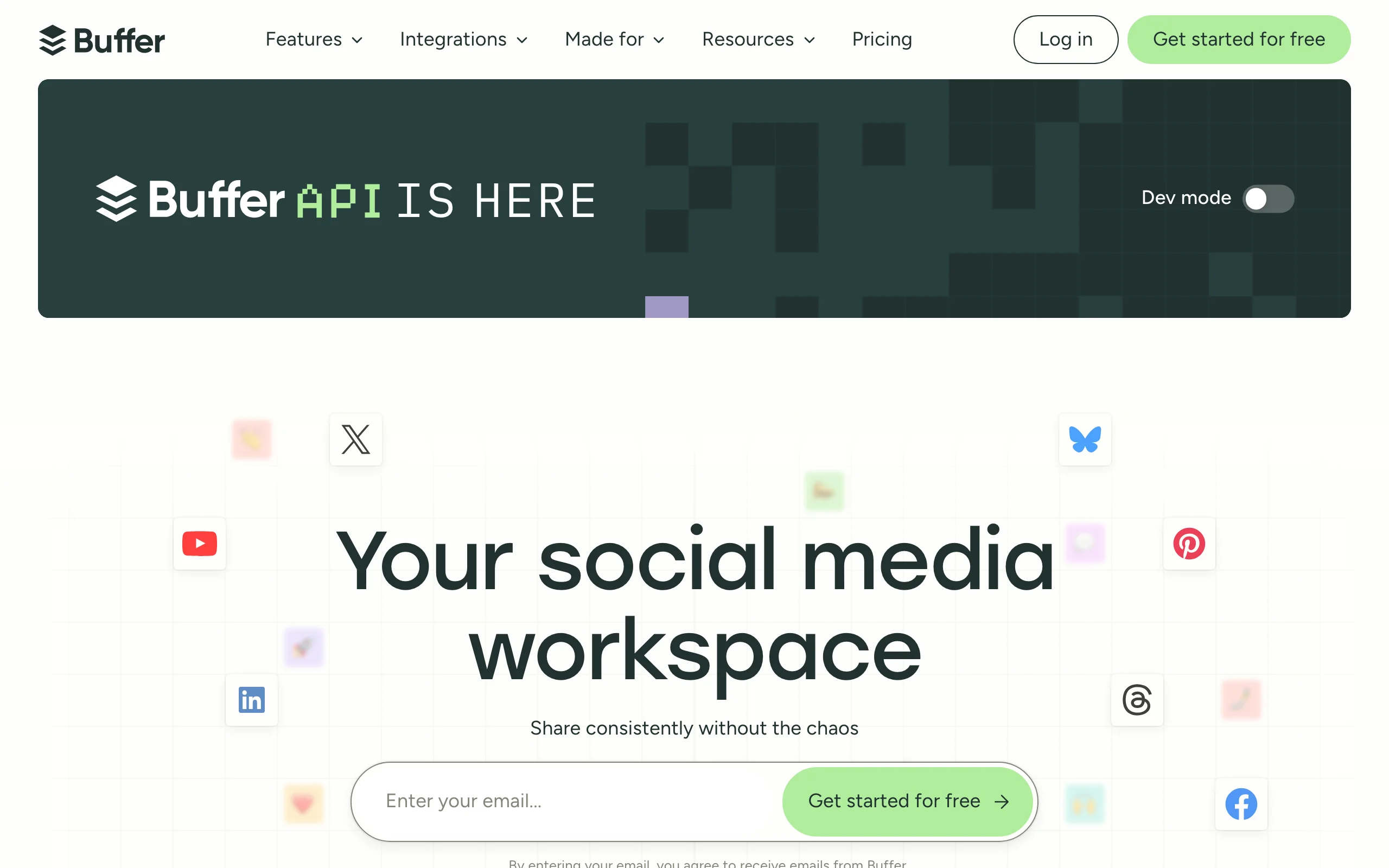
Buffer is the cleanest, most reliable LinkedIn auto-posting tool when you already have content ready to queue. Buffer connects to LinkedIn through the official API, supports both personal profiles and company pages, and auto-publishes on the schedule you set with the kind of boring reliability you actually want from a publishing tool.
There's no AI generation, no CRM, no analytics suite trying to do everything. You write a post, drop it in the queue, pick a time, and Buffer pushes it to LinkedIn at the chosen moment. For creators who already produce strong content and just want the publish moment handled, Buffer is the default pick.
Key features:
- Official LinkedIn API auto-publishing for personal profiles and company pages
- Clean drag-and-drop calendar view
- Recurring posting slots for consistent cadence
- Multi-platform support (X, Instagram, Facebook, TikTok, Bluesky, Mastodon)
- Browser extension and mobile apps for queueing from anywhere
- Free tier with up to 3 channels and 10 scheduled posts per channel
Best for:
- Solo creators who already produce content and want clean queue management
- Multi-platform posters who want LinkedIn plus 2-4 other networks
- Teams that need straightforward auto-publishing without enterprise workflows
Pricing:
- Free tier available (up to 3 channels, 10 scheduled posts each)
- Paid plans from $6/month per channel
- Higher tiers for team access and analytics
Pros:
- Cleanest UX in this list for managing a LinkedIn publishing queue
- Free tier is genuinely usable for creators posting weekly
- Reliable official-API publishing with strong uptime track record
Cons:
- No AI content generation; you bring every draft yourself
- Per-channel pricing adds up quickly for multi-platform creators
- Best-time-to-post suggestions are basic compared to specialized tools
If you want AI drafting on top of the auto-posting, the ViralBrain vs Buffer breakdown shows where each tool fits.
3. Hypefury, best LinkedIn auto-posting with thread support
Hypefury started as a Twitter scheduler and now supports LinkedIn auto-posting alongside its strong thread and auto-repost features. The killer feature here is cross-posting: write a thread on X and have it auto-formatted and pushed to LinkedIn as a long-form post on the same schedule.
The auto-repost feature is unique in this list. Hypefury can automatically re-queue your top-performing LinkedIn posts on a rotation, which means evergreen content stays in circulation without you touching anything. For creators who run an X and LinkedIn presence in parallel, Hypefury is the fastest way to get auto-posting working across both. If a Twitter-first tool is not the right fit, see our Hypefury alternatives for LinkedIn-native options.
Key features:
- Cross-posting from X threads to LinkedIn long-form posts
- Auto-reposting of top-performing posts on a rotation
- Official LinkedIn API publishing
- Evergreen content recycling with category management
- Thread composer with LinkedIn-specific formatting
- Auto-DM and auto-plug features for X (less relevant for LinkedIn)
Best for:
- Creators running X and LinkedIn together who want one tool for both
- Solopreneurs whose top LinkedIn posts have strong long-tail value
- Thread-heavy creators porting content to LinkedIn long-form
Pricing:
- Plans start at $29/month (Starter)
- $65/month Creator and $150/month Agency for teams and additional features
- Trial available
Pros:
- Strongest auto-repost feature in this list for evergreen LinkedIn rotation
- Excellent X-to-LinkedIn cross-posting if you run both platforms
- Affordable pricing compared to bundled LinkedIn-focused tools
Cons:
- Twitter/X-first product; LinkedIn features are secondary
- No content generation or pre-publish quality signal
- Less polished LinkedIn analytics than dedicated LinkedIn tools
4. SocialBee, best LinkedIn auto-posting with content categories
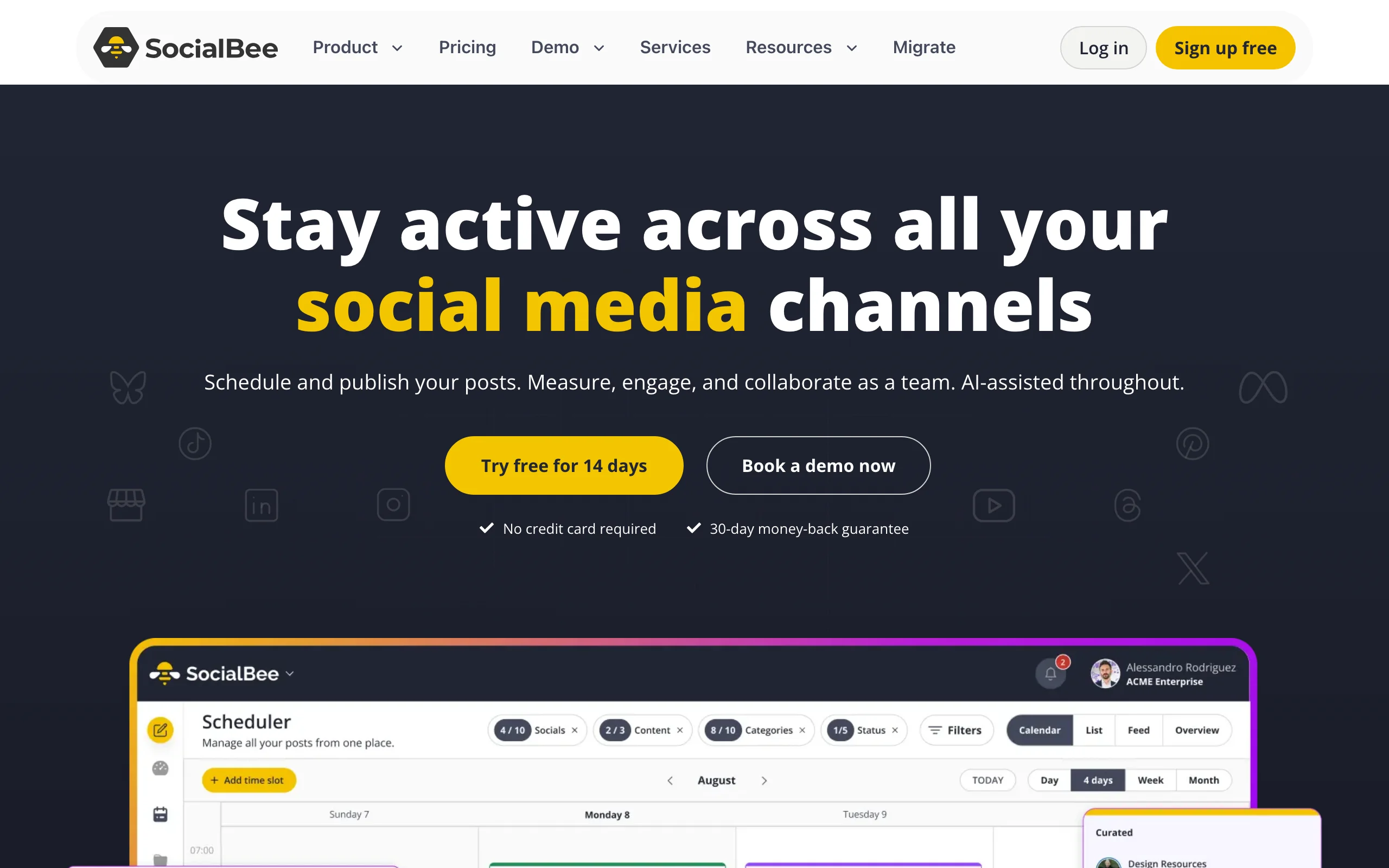
SocialBee organizes auto-posting around content categories instead of a flat queue. You sort posts into categories like thought leadership, case studies, lessons learned, and promotional, and SocialBee cycles through them automatically based on the cadence you set. The result is a more balanced LinkedIn presence without manually picking which type of post goes out next.
The tool supports LinkedIn alongside other social networks, uses the official LinkedIn API for publishing, and includes RSS-feed auto-posting for creators who want to share blog updates without manual work. White-label features make it a solid pick for agencies managing multi-client LinkedIn workflows.
Key features:
- Category-based auto-posting for balanced content mix
- Official LinkedIn API publishing for profiles and company pages
- Evergreen content recycling with smart rotation
- RSS-feed auto-posting for blog and newsletter syndication
- Multi-platform queue across LinkedIn, X, Facebook, Instagram, Pinterest, TikTok
- White-label features for agencies and multi-client workflows
Best for:
- Creators running evergreen content strategies on LinkedIn
- Agencies managing multiple LinkedIn profiles with consistent category mix
- Founders who batch content quarterly and want auto-cycling
Pricing:
- Plans start at $29/month
- Higher tiers for team access and white-label features
- 14-day trial available
Pros:
- Best content categorization system in this list
- Strong fit for evergreen and recycled-content strategies
- Solid agency features for multi-profile management
Cons:
- Category model has a learning curve compared to flat queues
- LinkedIn-specific features are below dedicated LinkedIn tools
- Less suitable for news-driven or timely content
Automate your LinkedIn for 30 days
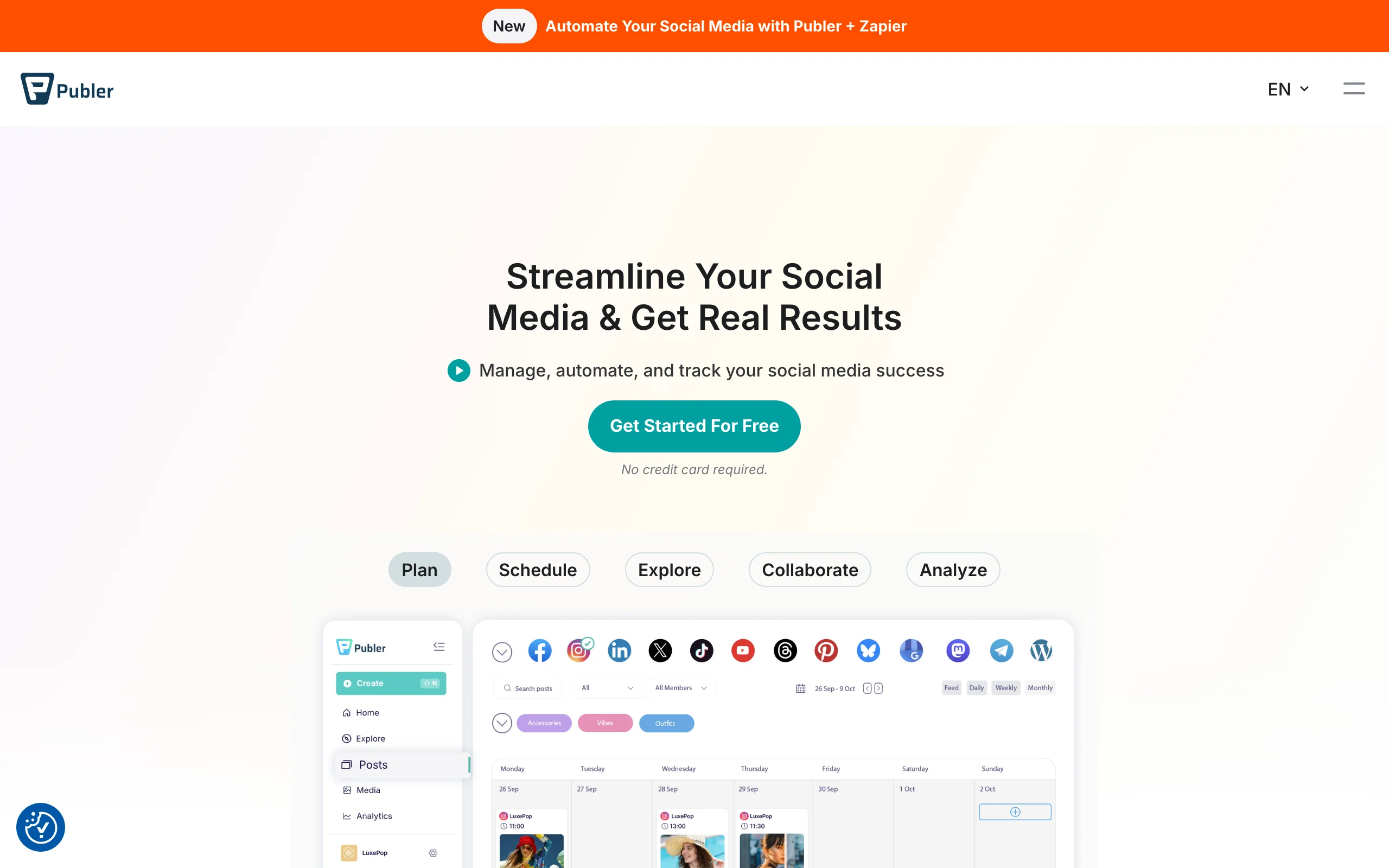
5. Publer, best multi-platform auto-posting for LinkedIn-plus creators
Publer is a strong multi-platform auto-posting tool for creators who post on LinkedIn alongside up to nine other networks. The LinkedIn integration uses the official API, supports auto-posting to profiles and company pages, and includes a watermark feature for image-heavy posters who want consistent branding on every auto-published asset.
The pricing is more generous than Buffer or Sprout for creators on 4+ platforms, with bulk scheduling, link-in-bio tools, and AI assistant features bundled in. For LinkedIn-only creators, Publer is overkill. For creators with a LinkedIn-plus-everything-else workflow, it's one of the most efficient options.
Key features:
- Official LinkedIn API auto-posting for profiles and company pages
- Multi-platform support across 10+ networks
- Bulk scheduling via CSV upload
- Watermark and signature features for visual brand consistency
- AI assistant for caption suggestions
- Link-in-bio tool and analytics for cross-platform creators
Best for:
- Creators posting on LinkedIn plus 4+ other social networks
- Founders with cross-platform content distribution workflows
- Agencies needing bulk scheduling at affordable pricing
Pricing:
- Free tier available (limited scheduled posts)
- Paid plans from $12/month
- Higher tiers for team access and additional accounts
Pros:
- Strongest pricing-to-feature ratio for multi-platform creators
- Bulk scheduling saves time for batched content
- AI assistant covers basic content generation needs
Cons:
- LinkedIn features are general-purpose, not specialized
- No pre-publish quality signal or viral scoring
- AI assistant produces generic captions, not voice-matched content
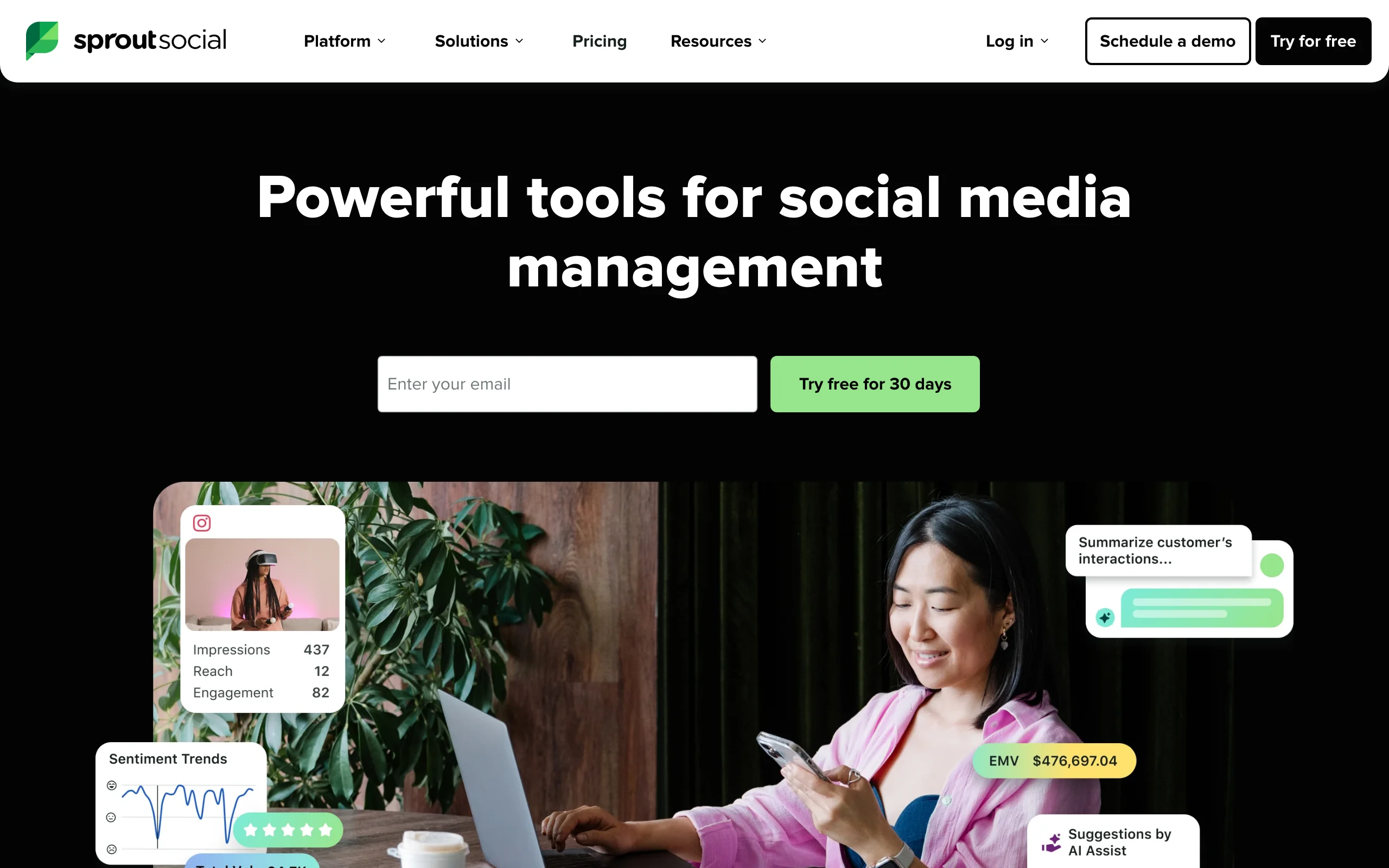
6. Sprout Social, best enterprise LinkedIn auto-posting
Sprout Social is the enterprise standard for LinkedIn auto-posting at scale. For marketing teams managing multiple executive profiles, company pages, and regulated content that requires approval workflows, Sprout's depth is unmatched in this list. The tool covers LinkedIn alongside every major social network and includes employee advocacy, social listening, and customer care modules that go far beyond pure scheduling.
The auto-posting itself uses the official LinkedIn API with full compliance for regulated industries like finance, healthcare, and pharmaceuticals. Approval workflows can require multi-level sign-off before any post auto-publishes, which is essential for legal and compliance teams.
Key features:
- Official LinkedIn API auto-posting with full compliance support
- Multi-level approval workflows for regulated content
- Multi-profile management for executives and company pages
- Employee advocacy module for amplification
- Social listening and customer care alongside publishing
- Detailed analytics, white-label reporting, and CRM integrations
Best for:
- Marketing teams at companies with 50+ employees
- Regulated industries requiring approval workflows for every LinkedIn post
- Agencies running LinkedIn for enterprise clients
Pricing:
- Standard plan from $199/month per seat
- Higher tiers for advanced features and team access
- Custom enterprise pricing available
Pros:
- Most complete enterprise-grade auto-posting in this comparison
- Approval workflows are essential for regulated industries
- Comprehensive multi-platform and multi-profile depth
Cons:
- Significantly more expensive than creator-focused tools
- Overkill for solo creators or small teams
- Long onboarding and learning curve
7. LinkedIn native scheduler, best free auto-posting baseline
LinkedIn now offers native post scheduling directly inside the post composer. You can schedule individual posts to auto-publish at a future time without any third-party tool, which makes the native scheduler the cheapest possible entry point into LinkedIn auto-posting.
The limits are real: no calendar view across multiple scheduled posts, no analytics on the queue, no recurring slots, no best-time-to-post intelligence, no auto-reposting. But for creators publishing 1-3 posts per week who don't need queue management, the native scheduler does the job at $0.
Key features:
- Schedule individual LinkedIn posts to auto-publish at a future time
- Available directly inside the LinkedIn post composer
- No third-party tool or extra subscription required
- Works on both web and mobile LinkedIn
- Free with any LinkedIn account
- Supports the same post formats as immediate publishing
Best for:
- Occasional posters scheduling 1-3 posts per week
- Creators in their first 1-2 months testing LinkedIn cadence
- Anyone who wants zero-cost, zero-risk auto-publishing
Pricing:
- Free with any LinkedIn account
Pros:
- Free, official, and built into LinkedIn (zero account risk)
- No setup, no integration, no extra logins
- Direct LinkedIn publishing means no API or sync delays
Cons:
- No calendar or queue view across multiple scheduled posts
- No best-time-to-post suggestions, analytics, or auto-reposting
- No recurring slots or content recycling
- Painful for batching a week or month of content at once
How to choose the best LinkedIn auto-posting tool for your needs
1) Do you need auto-posting, or auto-posting plus content?
This is the single biggest fork in this category and most creators get it wrong.
- If you already produce strong drafts and just need them auto-published: Buffer, Publer, or LinkedIn native handle the publish moment cleanly. Pair with the free LinkedIn hook generator for stronger openers.
- If your bottleneck is producing posts in the first place: ViralBrain pre-loads 30 days of voice-matched drafts into an auto-posting calendar so you never face an empty queue.
- If you want auto-posting plus thread cross-posting from X: Hypefury is the strongest fit.
2) Are you a solo creator or a team in a regulated industry?
The compliance requirements split this category cleanly.
- Solo creators and small teams: ViralBrain, Buffer, Hypefury, or Publer cover the workflow at low cost.
- Marketing teams in unregulated industries: SocialBee or Publer handle multi-profile management well.
- Regulated industries (finance, healthcare, legal): Sprout Social's approval workflows are essential.
3) How safe is the publishing method?
Auto-posting safety is non-negotiable on LinkedIn. The wrong tool can throttle your reach or get the account flagged.
- Official LinkedIn API tools (every tool in this list): zero ban risk, reach identical to native posts.
- Headless browser or scraper-based tools (not in this list): high risk of account suspension. Avoid these regardless of pricing.
- For account-level safety, the LinkedIn algorithm guide covers how distribution responds to publishing patterns.
4) Do you care about voice integrity through automation?
Auto-posting without voice control is how creators end up with feeds full of generic AI slop that destroys their brand.
- For voice-matched auto-posting: ViralBrain is the only tool in this list that learns your existing voice before queueing posts.
- For human-written, machine-published workflows: Buffer or LinkedIn native let you write everything yourself and only auto-publish.
- For evergreen recycling with category control: SocialBee balances rotation without flattening tone.
If you're unsure about the trade-offs, our manual vs auto LinkedIn posting guide breaks down when automation helps and when it hurts. For broader automation strategy, see the best LinkedIn automation tools roundup which covers the full-loop tools (generation + scheduling + outreach), while this guide focuses only on the publishing moment. Read the LinkedIn content strategy guide for context on cadence and the role automation plays in long-term growth.
FAQ
What is the best LinkedIn auto-posting tool in 2026?
The best LinkedIn auto-posting tool depends on whether you already have content or need help producing it. If you want a pre-loaded 30-day calendar of voice-matched drafts that auto-publishes on the official LinkedIn API, ViralBrain is the strongest pick. If you already write your own posts and just want clean queue management, Buffer is the default. For enterprise teams, Sprout Social leads on approval workflows.
Is auto-posting on LinkedIn safe?
Yes, as long as the tool uses LinkedIn's official Marketing API. Every tool in this list uses the official API, which means auto-published posts are treated identically to native publishing with no reach penalty and no ban risk. The only risky tools are headless browser or scraper-based services (not in this list) that automate by mimicking a human user, which violates LinkedIn's terms.
Will LinkedIn throttle posts I auto-publish?
No. Posts published through the official LinkedIn API receive the same algorithmic treatment as posts created directly in the LinkedIn app. The LinkedIn algorithm guide covers how distribution actually works and confirms that publishing method has no impact on reach. What matters is content quality, which is why ViralBrain runs a viral score checker on every queued draft.
What's the difference between auto-posting and scheduling on LinkedIn?
Scheduling sets the time. Auto-posting handles the actual publish moment without you touching LinkedIn. They overlap, but tools differ on which they prioritize. Buffer is a scheduler that auto-publishes. ViralBrain is an auto-posting platform with a pre-loaded calendar of generated content. For broader automation coverage, see our best LinkedIn automation tools roundup.
Is there a free LinkedIn auto-posting tool?
Yes. LinkedIn's native scheduler is free with any account and handles basic auto-publishing for individual posts. Buffer has a free tier covering 3 social channels. Publer also offers a free tier covering 3 accounts. ViralBrain has a free tier (3 heroes and 5 posts per month) plus a €1 trial of the full auto-posting calendar, and free LinkedIn tools without an account.
Can I auto-post to LinkedIn company pages?
Yes. ViralBrain, Buffer, SocialBee, Publer, Sprout Social, and Hypefury all support auto-posting to LinkedIn company pages through the official API. LinkedIn's native scheduler also supports company-page scheduling for admins. For agencies managing multiple company pages, Sprout Social and SocialBee handle multi-profile workflows best.
How often should I auto-post on LinkedIn?
Most growth-focused creators auto-post 3-5 times per week. Daily posting can work if quality holds, but quality matters far more than frequency. Use the free best time to post on LinkedIn tool to pick the right windows, and the how to write a LinkedIn post guide for structuring posts that drive engagement.
Will auto-posting hurt my LinkedIn personal brand?
Only if your auto-posted content is generic, off-voice, or low-quality. Auto-posting itself is invisible to your audience; what they see is the content. The risk isn't the automation, it's queueing weak drafts. ViralBrain's voice-matched generation and pre-publish viral score are designed specifically to keep auto-posted content indistinguishable from posts you'd write manually.
Which LinkedIn auto-posting tool is best for founders who hate manual publishing?
For founders who want hands-off LinkedIn presence without losing their voice, ViralBrain is the strongest pick. It pre-loads 30 days of voice-matched drafts and auto-publishes them on the official LinkedIn API. Compared to Buffer (no content) or Hypefury (Twitter-leaning), it's the only tool built around the founder-who-hates-publishing use case.
Should I use auto-posting if I'm starting from zero followers?
Auto-posting is worth setting up as soon as you commit to a consistent posting cadence, regardless of follower count. Consistency is the single biggest driver of LinkedIn follower growth, and the LinkedIn content strategy guide shows why automated publishing typically beats manual posting for early-stage creators. Start with the free LinkedIn native scheduler or ViralBrain's free trial and graduate to paid tools once you've validated your cadence.
Automate your LinkedIn for 30 days
ViralBrain plans, writes, and schedules your LinkedIn content, using official LinkedIn APIs so your account stays safe.
- Official LinkedIn APIs, no risk of ban
- You approve every post before it goes live
- Cancel anytime
Keep reading
Best 7 LinkedIn Automation Tools in 2026
Compare the 7 best LinkedIn automation tools in 2026. ViralBrain, Taplio, Buffer, Hootsuite, Hypefury, LinkedHelper, and Dripify ranked on scheduling, AI generation, publishing, and outreach automation.
LinkedIn Service Page: setup, pricing, and the one-way choice
LinkedIn Service Pages are free for freelancers and consultants, but choosing profile or Company Page is locked once set. Setup steps and Premium limits.
How to become a LinkedIn Top Voice: what LinkedIn actually says
LinkedIn Top Voice is invite-only and the gold Community badge was retired in October 2024. The five selection factors, and the nomination form.