

Dripify alternatives: 7 best LinkedIn outreach tools in 2026
Compare 7 Dripify alternatives for LinkedIn outreach in 2026: Waalaxy, HeyReach, Expandi, and more, ranked on pricing, account safety, and features.
Dripify is a solid cloud-based LinkedIn outreach tool, but it is not the only option, and it is not the safest or cheapest for every team. If its per-seat pricing is adding up, if you want lower account-restriction risk, or if you need multi-account or multichannel features Dripify does not prioritize, there are stronger fits.
The outreach tool you pick in 2026 matters more than it used to. LinkedIn tightened enforcement in May 2026, and browser-extension automation now carries a higher restriction risk than cloud-based tools. Dripify users specifically saw restriction reports climb into the 27 to 34% range after that change, which is the single biggest reason people go looking for an alternative.
This guide compares seven Dripify alternatives on pricing, account safety, and what each does best, so you can switch with a clear reason instead of guessing. Outreach is only half the job, though: it starts conversations, it does not write the content that makes people accept your request in the first place. We cover that at the end.
Automate your LinkedIn for 30 days
Best Dripify alternatives: a brief overview
- Waalaxy: Best all-in-one cloud alternative on a budget. LinkedIn plus email sequences from one cloud app, starting cheaper than Dripify.
- HeyReach: Best for agencies and multi-account outreach. Per-sender pricing and unlimited free team seats make it the scale pick.
- Expandi: Best for advanced, safe cloud personalization. Dynamic images and GIFs with dedicated-IP account safety.
- Octopus CRM: Best budget option for solo users. Simple LinkedIn automation starting under $10 a month.
- Linked Helper: Best for cheap, granular control. A desktop app with deep customization at a low price.
- PhantomBuster: Best for data extraction and custom workflows. Scraping and automation building blocks beyond simple outreach.
- lemlist: Best for multichannel cold outreach. LinkedIn combined with cold email and a built-in lead database.
| Tool | Key strength | Pricing | Best for |
|---|---|---|---|
| Waalaxy | Cloud LinkedIn plus email in one app | Free plan; from €19/mo per seat | Solos and small teams wanting an affordable all-in-one |
| HeyReach | Per-sender pricing built for scale | From $59/sender/mo; free team seats | Agencies running many LinkedIn accounts |
| Expandi | Safe cloud automation with rich personalization | From $99/account/mo | Teams that want personalization and account safety |
| Octopus CRM | Simple, cheap LinkedIn automation | 7-day trial; from $9.99/mo | Solo users on a tight budget |
| Linked Helper | Deep control via a desktop app | From $15/mo | Power users who want granular settings cheaply |
| PhantomBuster | Scraping plus automation building blocks | From $69/mo | Growth teams needing data extraction and custom flows |
| lemlist | LinkedIn plus cold email in one sequence | From $79/user/mo | Sales teams running multichannel outbound |
1. Waalaxy, best all-in-one cloud alternative on a budget
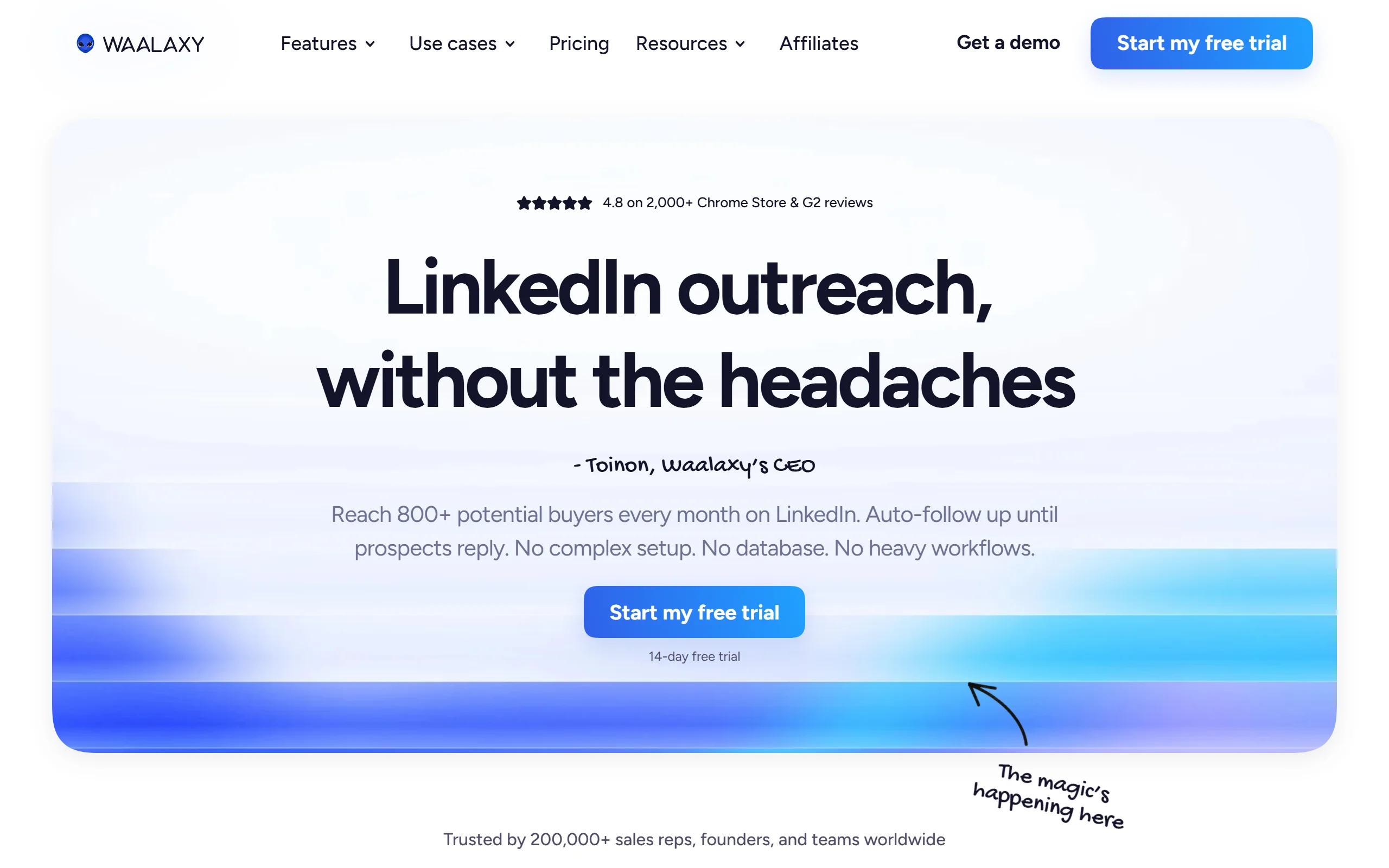
Waalaxy is the closest like-for-like Dripify alternative for most solo creators and small teams. It runs entirely in the cloud, so it keeps working when your computer is off, and it combines LinkedIn connection and message automation with email follow-ups in a single sequence. The interface is beginner-friendly, which makes it a common first switch for people who found Dripify capable but not obviously worth its price.
Where Waalaxy stands out is the balance of price and features. You get LinkedIn invites, message sequences, and an "auto-import" of prospects from LinkedIn searches, and you can layer email once a prospect does not respond. It is not the tool for a 20-account agency, but for one or two accounts it covers the same ground as Dripify for less.
Key features:
- Cloud-based LinkedIn automation that runs 24/7 without your browser open
- Combined LinkedIn plus email sequences in one campaign
- Auto-import of prospect lists from LinkedIn search and Sales Navigator
- Built-in lightweight CRM and inbox
- Email finder and enrichment credits included on higher tiers
Best for:
- Solo creators and founders running one or two LinkedIn accounts
- Small teams that want LinkedIn and email outreach without stitching two tools together
Pricing:
- Free plan with limited monthly invitations
- Pro at €19/month per user, Advanced at €49/month (email credits bumped to 500/month in 2026), Business at €69/month
- Annual billing roughly halves the per-month cost
Pros:
- Genuinely cheaper entry point than Dripify while covering the same core outreach
- Cloud execution means no reliance on a running desktop or extension
- Easy for non-technical users to launch a first campaign
Cons:
- Credit-based limits on email and enrichment can force an upgrade faster than expected
- Not built for agencies managing many accounts at once
2. HeyReach, best for agencies and multi-account outreach
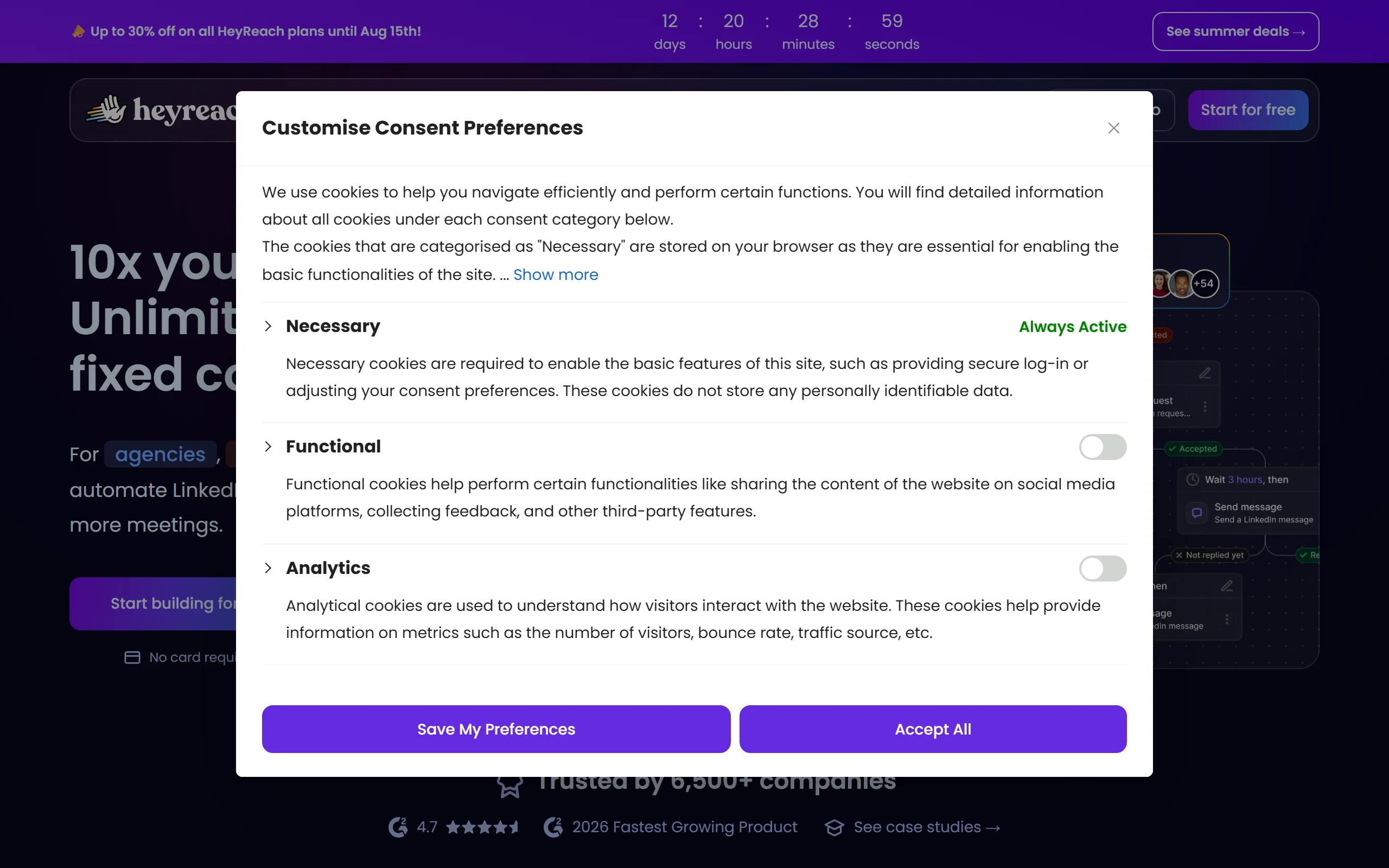
HeyReach is the Dripify alternative built specifically for scale. It prices per LinkedIn sender rather than per user, and inviting team members, virtual assistants, or clients costs nothing extra. That combination makes it the standard pick for agencies and sales teams running outreach across many LinkedIn accounts from one dashboard, with unified reporting across all of them.
It is fully cloud-based and leans hard into account safety, with sending limits and warm-up behavior designed to keep multiple accounts healthy at once. If your problem with Dripify is that it gets expensive and clunky the moment you go past a couple of accounts, HeyReach is the direct answer.
Key features:
- Per-sender pricing with unlimited free team, VA, and client seats
- Unified inbox and analytics across every connected LinkedIn account
- Cloud sending with per-account safety limits and warm-up
- Native integrations with CRMs and lead databases
- Campaign templates for agency workflows
Best for:
- Agencies and lead-gen teams running outreach across 5 or more LinkedIn accounts
- Operations that need one dashboard and one report across many senders
Pricing:
- Growth plan at $59 per sender per month (down from $79 in 2026)
- Agency plan at $999/month flat, Unlimited at $1,999/month
- Team and client seats are free; you only pay per connected sender
Pros:
- The cleanest per-account economics of any tool here once you pass a few accounts
- Free collaborator seats make it genuinely agency-friendly
- Strong safety controls for running many accounts without flags
Cons:
- Overkill and relatively expensive for a single-account solo user
- Focused on outreach at scale, not on content or personal branding
3. Expandi, best for advanced, safe cloud personalization
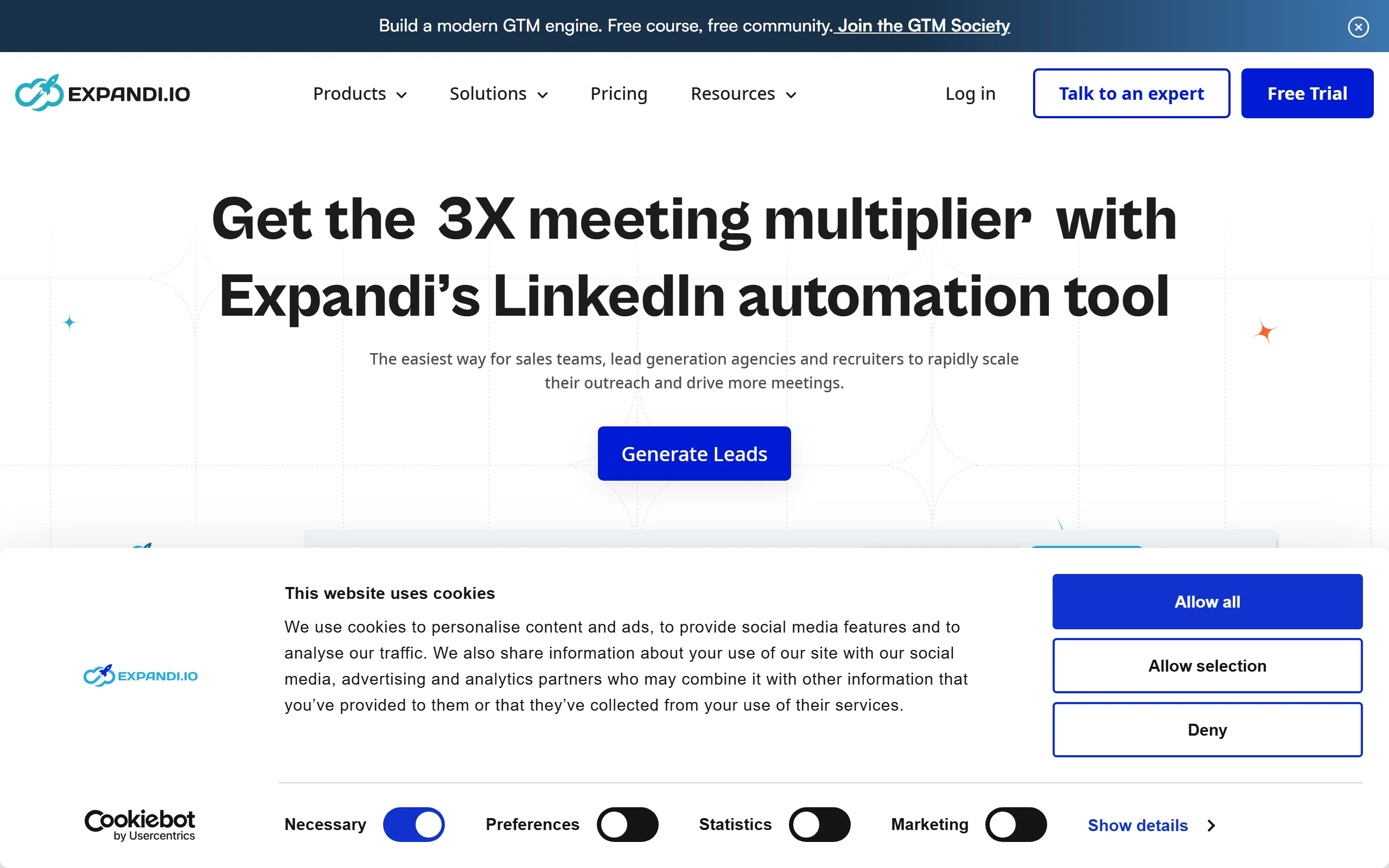
Expandi is a cloud-based LinkedIn automation tool known for two things: personalization and a safety-first setup. It runs each account from a dedicated country-based IP and applies smart limits designed to mimic human behavior, which is the main reason careful agencies trust it. Its signature feature is dynamic personalization, including auto-generated images and GIFs that insert a prospect's name or company, which lifts reply rates on cold campaigns.
Compared to Dripify, Expandi is a step up in both personalization depth and price. It is the alternative to choose when reply rate matters more than saving money, and when you are running enough volume that account safety is a real concern rather than a checkbox.
Key features:
- Dedicated IP per account and human-like sending limits for safety
- Dynamic personalized images and GIFs in messages
- Smart sequences that branch based on prospect actions
- A/B testing on messages and connection notes
- Webhooks and integrations for connecting to your stack
Best for:
- Teams running higher-volume cold outreach where reply rate is the metric
- Agencies that need account safety and personalization together
Pricing:
- Business plan at $99 per LinkedIn account per month ($79 equivalent on annual billing)
- Agency plan at $149 per seat per month
- Note that image and video personalization can require add-ons, pushing real cost higher
Pros:
- Among the strongest personalization features for lifting cold reply rates
- Dedicated-IP model is a real account-safety advantage
- Branching sequences handle complex campaigns well
Cons:
- Meaningfully pricier than Dripify, especially once personalization add-ons are included
- Steeper learning curve than budget tools like Octopus CRM
4. Octopus CRM, best budget option for solo users
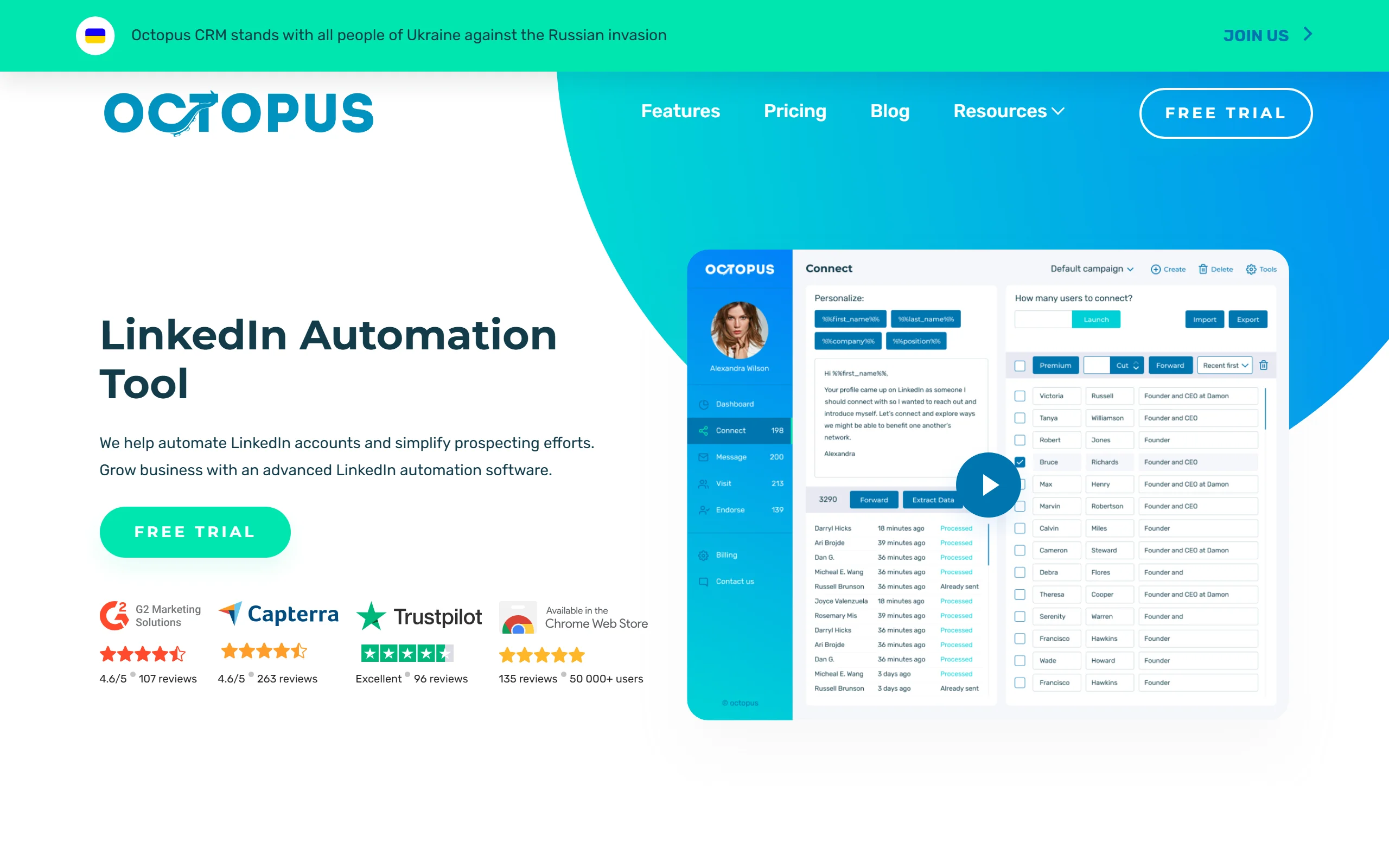
Octopus CRM is the cheapest way to automate LinkedIn outreach on this list. It is a Chrome extension that handles the core jobs, connection requests, sequenced messages, profile views, and endorsements, with a simple funnel builder on top. For a solo user who wants to automate a modest amount of outreach without paying agency prices, it does the job at a fraction of Dripify's cost.
The trade-off is what you would expect from a browser extension in 2026: it runs through your browser rather than the cloud, so it needs your machine on, and extension-based automation carries more account-restriction risk after LinkedIn's enforcement changes. For light, careful use by one person, it remains a reasonable budget pick.
Key features:
- Connection requests, message sequences, auto-views, and auto-endorsements
- Simple visual funnel builder
- Basic activity and performance stats
- CSV import and export of prospect lists
- Personal CRM view of your outreach
Best for:
- Solo users and freelancers automating a small volume of outreach
- Anyone testing LinkedIn automation for the first time on a tight budget
Pricing:
- 7-day free trial, no card required
- Starter $9.99/month, Professional $14.99, Advanced $21.99, Unlimited $39.99 (monthly)
- Annual billing saves around 35%
Pros:
- The lowest entry price of any tool here
- Simple enough to set up a first campaign in minutes
- Reasonable feature set for the money
Cons:
- Browser-extension model needs your computer on and carries higher restriction risk
- Light on team, safety, and multichannel features versus cloud tools
Automate your LinkedIn for 30 days
5. Linked Helper, best for cheap, granular control
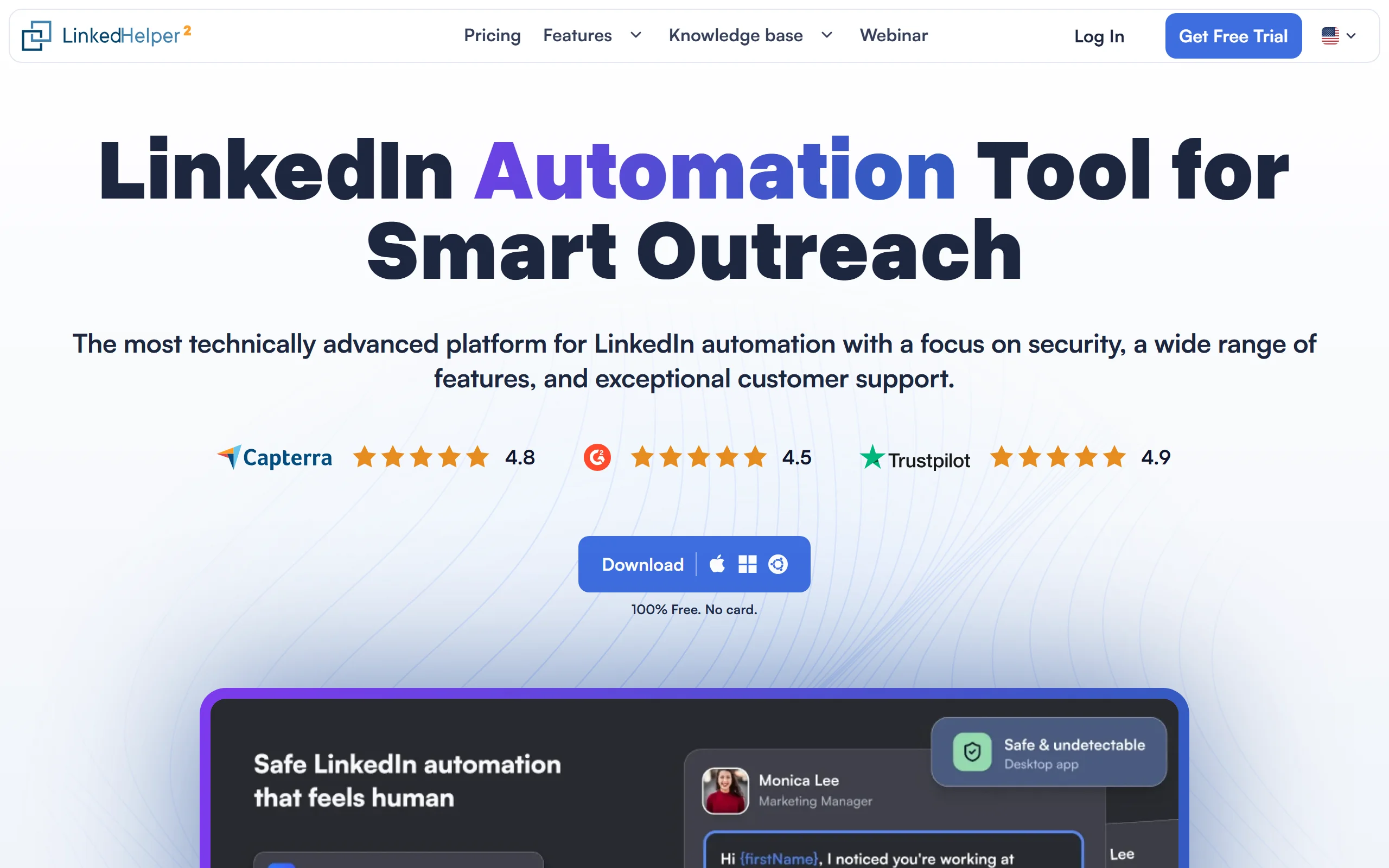
Linked Helper (Linked Helper 2) is a desktop application rather than a cloud service or a browser extension, which gives it a different profile from the rest of the list. It offers deep, granular control over outreach: multi-step message sequences, auto-responders, data export, and direct CRM integrations, all at a price closer to Octopus CRM than to Dripify. Power users who want to tune every setting tend to prefer it.
Because it is a desktop app, it runs locally and needs your machine open to send, similar to an extension in that respect. What you get for the low price is control and capability that punch above the sticker cost, which is why it stays popular with technical solo operators and small agencies watching their spend.
Key features:
- Multi-step message and connection sequences with conditional logic
- Auto-responder and inbox management
- CRM integrations with HubSpot, Pipedrive, and Close
- Data export and enrichment
- Group and event member messaging on higher tiers
Best for:
- Technical solo operators who want maximum control at a low price
- Small agencies that can manage a local app and want to minimize per-seat cost
Pricing:
- Standard at $15/month, Pro at $45/month
- Annual billing drops these to roughly $8.25 and $24.75 per month
- Billed per LinkedIn account
Pros:
- A lot of capability and control for the price
- Direct CRM integrations that many budget tools lack
- Pro tier unlocks unlimited daily actions and group messaging
Cons:
- Desktop app must be running to send, unlike cloud tools
- Interface is dated and has a steeper learning curve
6. PhantomBuster, best for data extraction and custom workflows
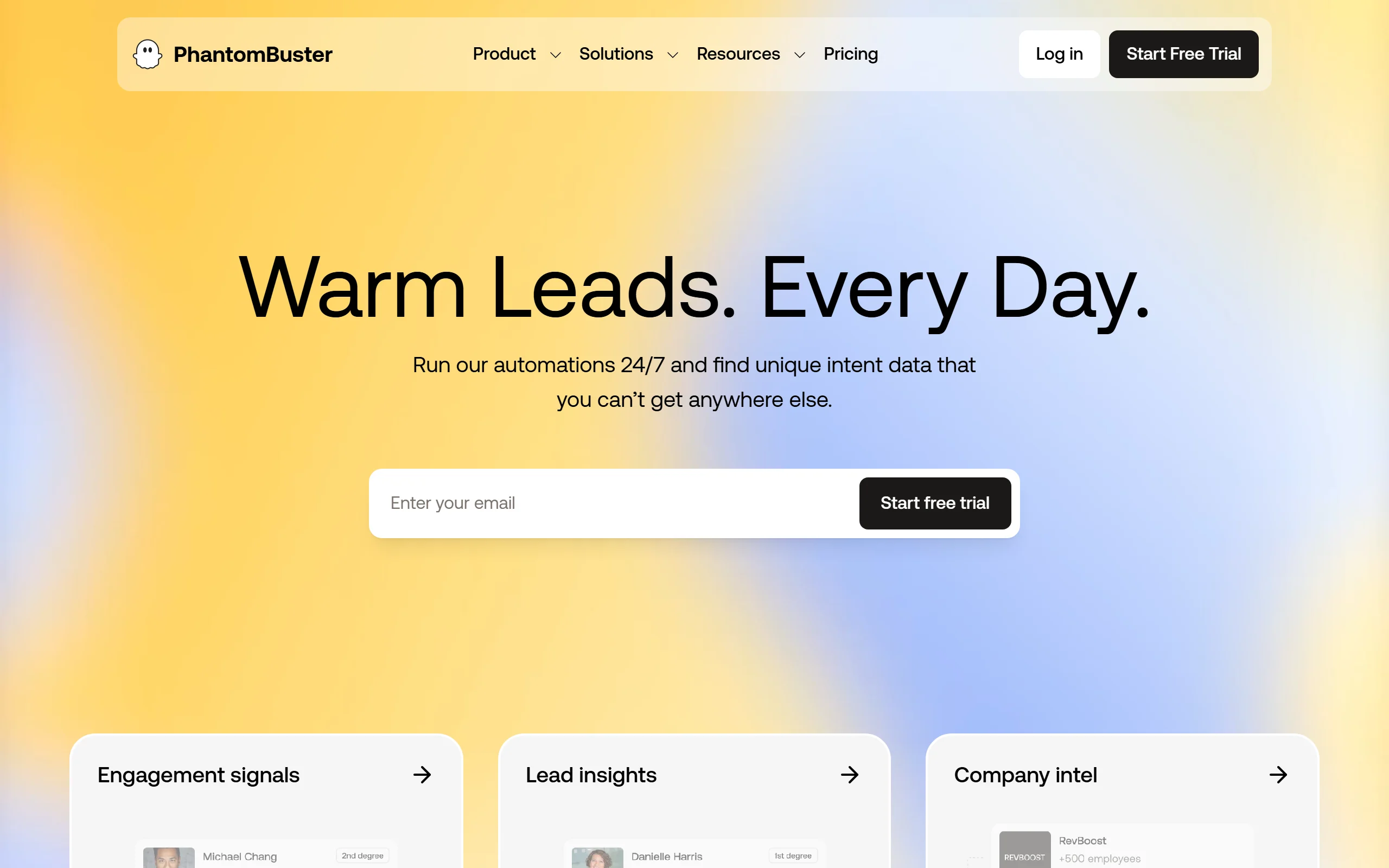
PhantomBuster is less a dedicated outreach tool and more a toolkit of automation building blocks, called Phantoms, that you chain together. It excels at data extraction, scraping LinkedIn searches, group members, event attendees, and post engagers, and then enriching that data and feeding it into outreach or your CRM. If your real need is building custom prospect lists and workflows rather than clicking through a fixed campaign builder, it is more flexible than Dripify.
The flip side is that PhantomBuster asks more of you. It is priced on execution time, email credits, and how many Phantoms run at once, and it rewards users who are comfortable assembling their own flows. For a growth team that wants raw data and custom automation, it is the most capable option here.
Key features:
- Library of Phantoms for scraping LinkedIn searches, groups, events, and post engagers
- Data enrichment and email finding
- Custom multi-step automation flows
- Integrations and webhooks to push data anywhere
- Scheduling and parallel execution of automations
Best for:
- Growth and ops teams that need custom prospect data and workflows
- Users comfortable building their own automations rather than using a fixed builder
Pricing:
- Starter $69/month, Pro $159/month, Team $439/month
- Annual billing saves around 20%
- Costs are driven by execution time, email credits, and concurrent Phantoms
Pros:
- The most flexible data-extraction and automation toolkit on the list
- Great for building bespoke prospect lists LinkedIn tools cannot pull natively
- Scales into complex, multi-source workflows
Cons:
- Steeper setup than a plug-and-play outreach tool
- Real cost can climb once execution hours and add-ons are factored in
7. lemlist, best for multichannel cold outreach
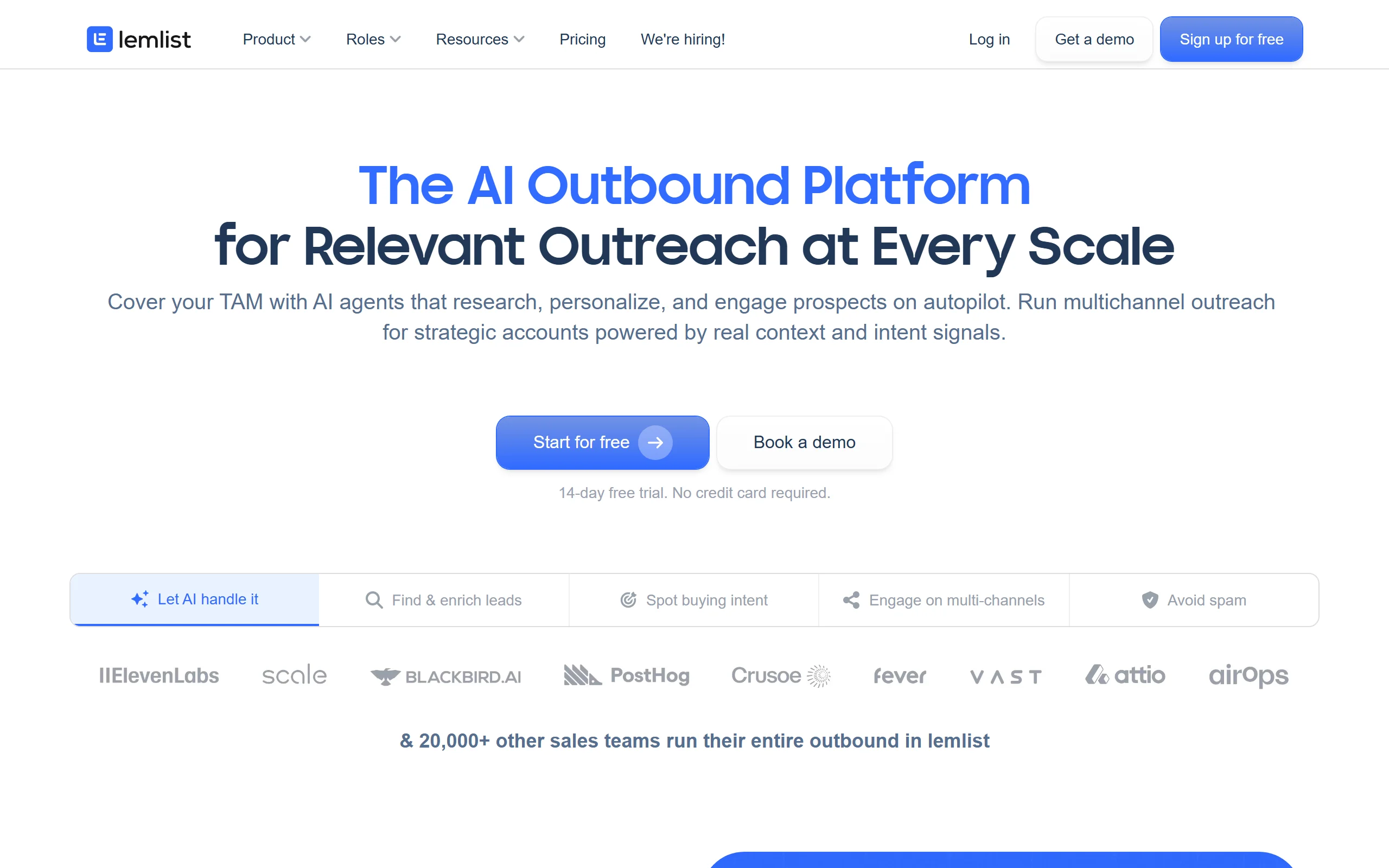
lemlist approaches the problem from the cold-email side and adds LinkedIn on top, making it the strongest multichannel pick. You can build a single sequence that combines cold email, LinkedIn touches, and even calls, all warmed up and tracked in one place. For sales teams whose outbound is genuinely multichannel rather than LinkedIn-only, that unified sequence is a real advantage over a LinkedIn-first tool like Dripify.
It also ships with a lead database and email verification, so you can find and validate prospects without leaving the tool. The trade-off is that its LinkedIn automation is one channel among several rather than the main event, so pure LinkedIn power users may find the LinkedIn side less deep than a dedicated tool.
Key features:
- Combined cold email plus LinkedIn plus calls in one sequence
- Built-in lead database and email verification
- Email warm-up to protect deliverability
- Personalization with dynamic text, images, and landing pages
- Reporting across all channels in one view
Best for:
- Sales teams running true multichannel outbound, not LinkedIn only
- Operations that want lead sourcing, email, and LinkedIn in one platform
Pricing:
- Email Pro at $79/user/month, Multichannel Expert at $109/user/month (monthly)
- Annual billing saves around 20%
- Additional sending addresses and lead credits cost extra
Pros:
- The best option if LinkedIn is one part of a wider outbound motion
- Lead database and verification reduce the number of tools you need
- Strong email deliverability features
Cons:
- LinkedIn automation is shallower than a LinkedIn-first tool
- Priced and built for sales teams, which is more than a solo LinkedIn user needs
How to choose the best Dripify alternative for your needs
The right pick depends less on features and more on how you run outreach and how much account risk you can tolerate. Work through these four questions.
1) Cloud or browser-based, and how much safety risk can you accept?
This is the biggest decision in 2026. Cloud tools (Waalaxy, HeyReach, Expandi) run on remote servers with per-account limits and, in Expandi's case, dedicated IPs, which lowers restriction risk and keeps sending when your computer is off. Browser-extension and desktop tools (Octopus CRM, Linked Helper) are cheaper but run through your own machine and carry more restriction risk after LinkedIn's May 2026 enforcement.
- If account safety is a priority or you run real volume: choose a cloud tool like Expandi or HeyReach.
- If you are a careful solo user watching costs: Octopus CRM or Linked Helper can work, used lightly.
2) Are you a solo user or an agency running many accounts?
Per-seat pricing punishes scale, and per-sender pricing rewards it.
- Solo or one to two accounts: Waalaxy or Octopus CRM give you the best value.
- Agency or 5 or more accounts: HeyReach's per-sender model with free team seats is the clear economic winner.
3) LinkedIn only, or multichannel?
- LinkedIn only: Waalaxy, Expandi, or HeyReach keep it focused.
- LinkedIn plus cold email and calls: lemlist is built for the whole motion in one sequence.
4) Do you need data extraction and custom flows?
If your bottleneck is building prospect lists LinkedIn cannot export natively, PhantomBuster is the specialist. It is the most flexible, but it asks you to assemble your own workflows, so weigh that against a plug-and-play builder. Run a short trial with your actual target list before committing, and judge on reply rate and account health, not feature count.
Outreach starts the conversation, content earns the reply
Every tool above is good at sending. None of them writes the LinkedIn presence that makes a prospect accept your request or reply in the first place. In 2026, people check your profile and recent posts before they answer a cold message, so weak or absent content quietly caps the results of any outreach tool.
That is the gap ViralBrain fills. It learns your voice from your own writing and the top creators in your niche, then drafts LinkedIn posts that sound like you rather than generic AI. Pair any outreach tool above with ViralBrain for the content side: try the LinkedIn post generator to draft your next post, use the LinkedIn hook generator for stronger openers, and see ViralBrain pricing when you are ready. For the wider stack, our best LinkedIn lead generation tools, best LinkedIn prospecting tools, and best LinkedIn automation tools roundups cover the outreach side in more depth.
FAQ
What is the best Dripify alternative?
It depends on your setup. Waalaxy is the best all-around alternative for solo users and small teams on a budget, HeyReach is the best pick for agencies running many accounts thanks to per-sender pricing, and Expandi is the best choice when personalization and account safety matter most. For pure budget, Octopus CRM starts under $10 a month.
Is Dripify safe to use in 2026?
Dripify is cloud-based, which is safer than a browser extension, but LinkedIn's May 2026 enforcement raised restriction reports among Dripify users into the 27 to 34% range. Any automation carries some risk. To lower it, keep daily action limits conservative, warm up new accounts slowly, and prefer cloud tools with per-account safety controls like Expandi or HeyReach.
What is the cheapest Dripify alternative?
Octopus CRM is the cheapest at $9.99 per month, followed by Linked Helper at $15 per month. Both are browser-based or desktop tools, so they cost less but carry more account risk and need your machine running. Waalaxy is the cheapest cloud option, starting at €19 per month.
Which Dripify alternative is best for agencies?
HeyReach, because it prices per LinkedIn sender rather than per user and gives free seats to team members, VAs, and clients. That makes running outreach across many accounts far cheaper than a per-seat tool, and its unified inbox and reporting are built for managing multiple senders at once.
Can I run LinkedIn and cold email in one tool?
Yes. Waalaxy combines LinkedIn and email in one sequence for a budget-friendly option, and lemlist is the more powerful multichannel choice, adding cold email, calls, and a lead database on top of LinkedIn. Choose Waalaxy for simple two-channel outreach and lemlist for a full multichannel sales motion.
Does automated LinkedIn outreach hurt your account?
It can if you push volume too hard or use a risky tool. LinkedIn watches for non-human patterns, and extension-based tools flag more easily than cloud tools. Keep invitations and messages within conservative daily limits, personalize your outreach, and make sure your profile and content look active and credible, since a strong presence reduces the chance a prospect reports you as spam.
Do these tools replace a content strategy?
No. Outreach tools start conversations, but your profile and posts decide whether people accept and reply. Pair any tool here with a real content habit. A free LinkedIn content strategy guide, a primer on how to write a LinkedIn post, and a tool like ViralBrain for drafting posts in your voice will do more for reply rates than squeezing extra volume out of automation.
Automate your LinkedIn for 30 days
ViralBrain plans, writes, and schedules your LinkedIn content, using official LinkedIn APIs so your account stays safe.
- Official LinkedIn APIs, no risk of ban
- You approve every post before it goes live
- Cancel anytime
Keep reading
Waalaxy alternatives: 7 best LinkedIn outreach tools (2026)
Compare 7 Waalaxy alternatives for LinkedIn outreach in 2026: La Growth Machine, lemlist, Dripify, and more, ranked on price, channels, safety, and scale.
6 best LinkedIn comment generators in 2026
Six LinkedIn comment generators compared, with pricing checked on each vendor's own page on 3 September 2026 and the ones that publish nothing named as such.
LinkedIn Carousel Size: 1080x1080px (Exact Specs for 2026)
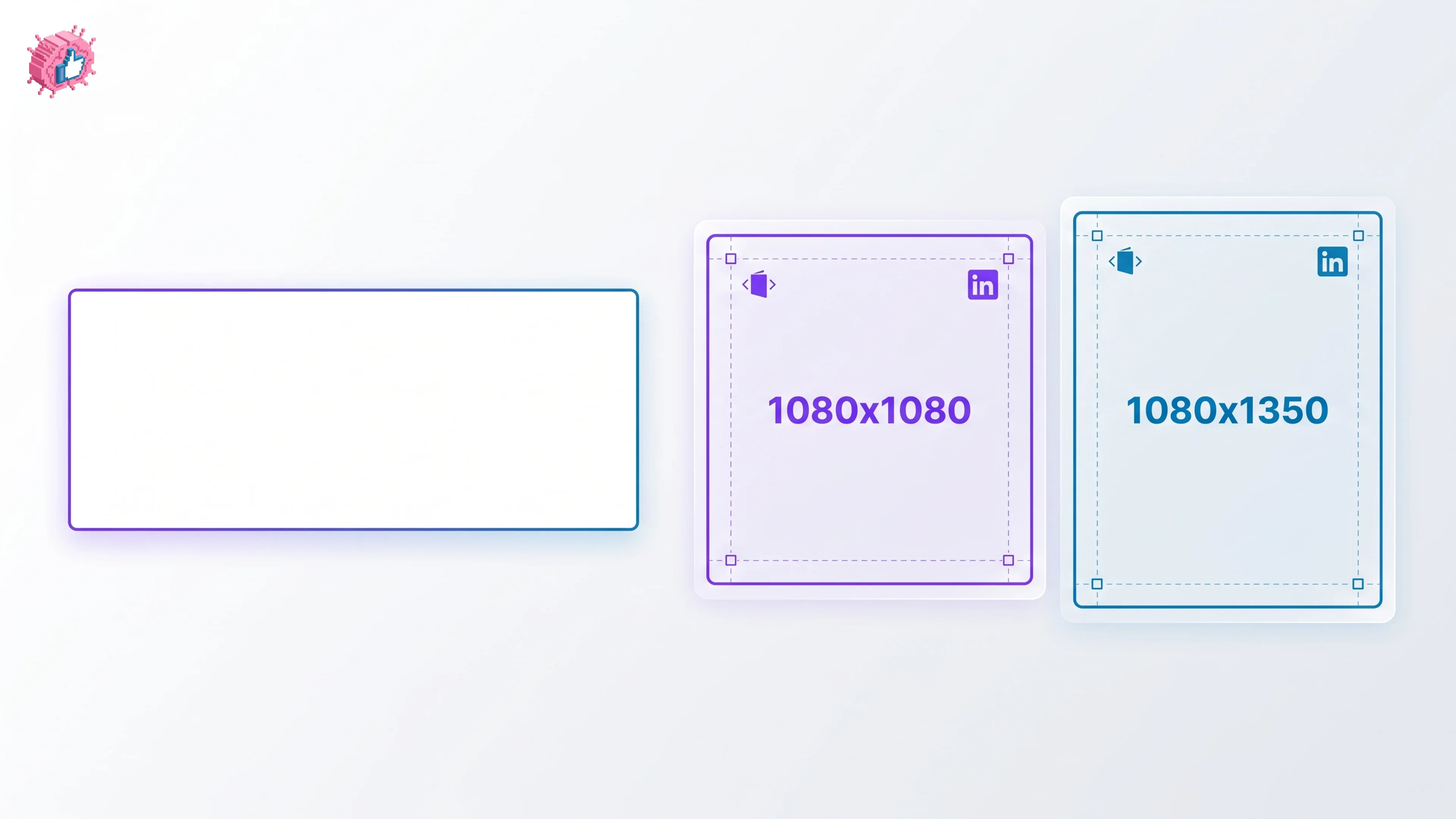
The recommended LinkedIn carousel size is 1080x1080px (square) or 1080x1350px (portrait). Get the exact specs, safe zone, and PDF export limits for 2026.