

Best LinkedIn Growth Tools for Creators in 2026
Compare the 7 best LinkedIn growth tools for creators in 2026, with pricing, pros, cons, and a decision framework to grow reach, followers, and engagement.
Growing on LinkedIn in 2026 comes down to three things: posting consistently, writing content people actually want to read, and knowing what moves the numbers. Doing all of that manually is where most creators stall. The right LinkedIn growth tools take the guesswork out of it, so you spend less time wrestling with a blank editor and more time compounding reach, followers, and engagement.
The problem is that "growth tool" means very different things depending on the product. Some tools generate content grounded in real viral data. Others schedule posts, track analytics, format drafts, or automate engagement. Pick the wrong category and you solve a problem you did not have.
This guide compares the seven best LinkedIn growth tools for creators in 2026, covering what each one is actually good at, current pricing, honest pros and cons, and a decision framework so you can match a tool to how you want to grow on LinkedIn.
Automate your LinkedIn for 30 days
Best LinkedIn growth tools in 2026: a quick overview
- ViralBrain: Best overall LinkedIn growth platform, studies the top creators in your niche, generates posts in your voice, and predicts performance before you publish.
- Taplio: Best for creators who want to pair content growth with CRM-style outreach and lead tracking in one dashboard.
- Supergrow: Best budget-friendly growth writer, a clean AI content workflow and template library at a low starting price.
- AuthoredUp: Best for post formatting and drafting, a polished editor plus post-level analytics for creators who write their own content.
- Shield: Best pure LinkedIn analytics, deep historical metrics to understand exactly what is driving your growth.
- Buffer: Best for scheduling and cross-platform consistency, reliable publishing across LinkedIn and other networks.
- Hypefury: Best for automating engagement and repurposing, turns one post into recurring reach with built-in growth automations.
| Tool | Key strength | Pricing | Best for |
|---|---|---|---|
| ViralBrain | Hero-creator viral analysis + voice-matched generation + viral score predictor | Free tools available; €1 trial, then paid plans from €39/mo | Creators and founders who want data-driven growth in their own voice |
| Taplio | Content generation combined with CRM, outreach, and lead tracking | From $49/mo, no permanent free tier | Sales-led creators and teams managing outreach alongside content |
| Supergrow | Budget-friendly AI writer with strong templates | From $19/mo, limited trial | Solo creators who want a capable growth writer at low cost |
| AuthoredUp | Post formatting, drafting, and post-level analytics | From $19.95/mo ($16.63 annual); free trial | Creators who write their own drafts and want formatting plus metrics |
| Shield | Deep historical LinkedIn analytics and reporting | From $12/mo (annual); free trial | Data-driven creators and teams tracking growth over time |
| Buffer | Reliable scheduling across LinkedIn and other platforms | Free plan available; paid from $6/mo per channel | Creators and small teams who post consistently across networks |
| Hypefury | Engagement automation and content recycling | From $19/mo (annual); free trial | Creators who want to automate reach and repurpose top posts |
1. ViralBrain, best overall LinkedIn growth platform
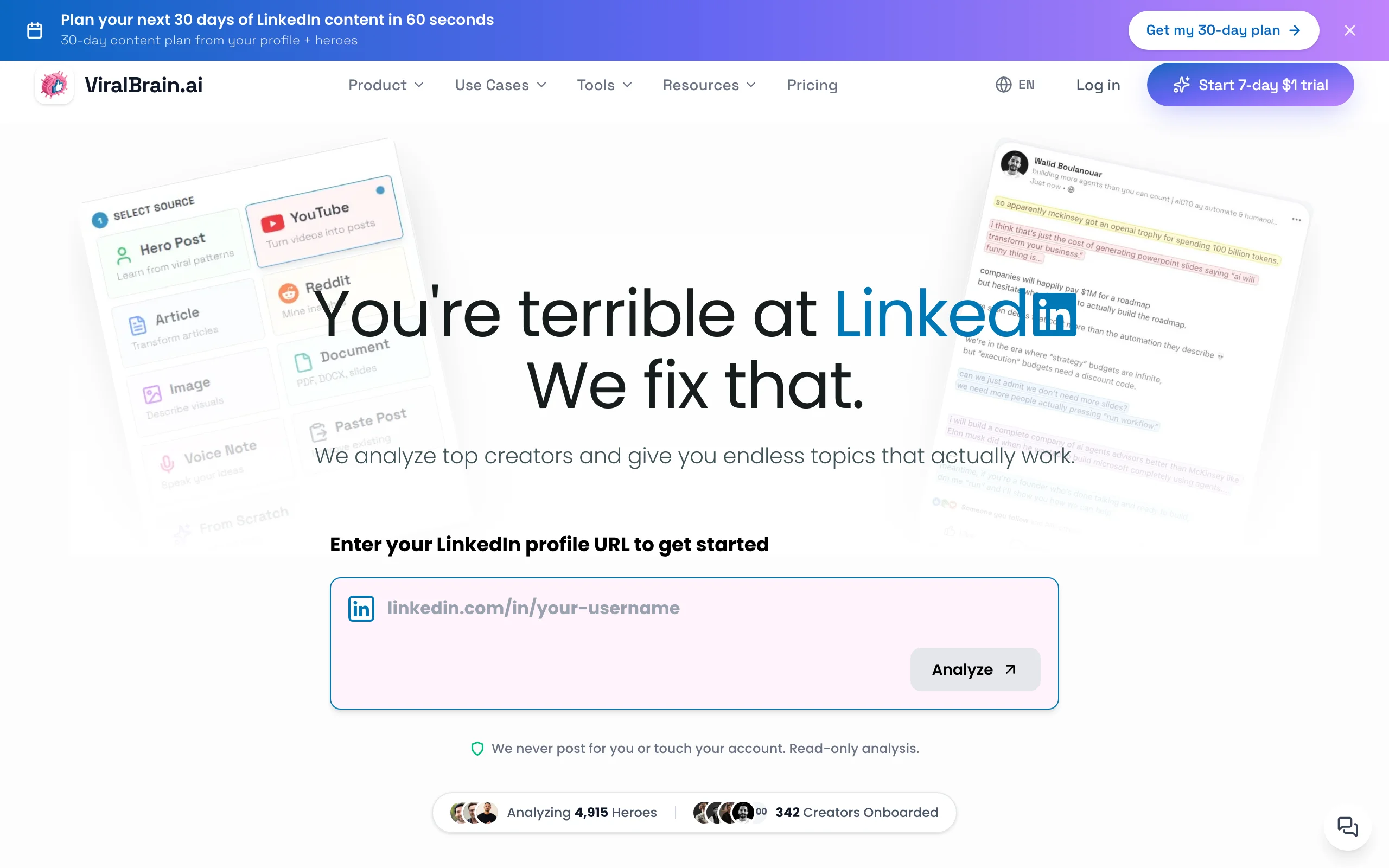
ViralBrain is a LinkedIn content intelligence platform built around the full growth loop: study what already works, generate content in your voice, then measure it before you publish. Instead of prompting a general-purpose AI and hoping, ViralBrain scrapes and analyzes the real viral posts of top creators in your niche, the "hero creators," and turns their patterns into a signal your content can learn from. That is a fundamentally different starting point from tools that fine-tune a language model on generic web text.
The second layer is voice matching. ViralBrain analyzes your profile and writing history to learn your hook style, pacing, and vocabulary, then applies it to every draft so the output sounds like you on a focused day. Before you post, the viral score checker predicts likely performance, and growth calculators plus LinkedIn engagement benchmarks show you how your numbers compare. It is the most complete way to grow on LinkedIn with data instead of guesswork. You can start with the free LinkedIn post generator and write your first post in under 60 seconds.
Key features
- Hero creator analysis: real viral-post scraping and pattern analysis from the top creators in your niche
- Voice-matched AI generation trained on your actual writing style
- Viral score checker: a pre-publish performance predictor
- Growth and engagement calculators plus LinkedIn engagement benchmarks
- Best time to post on LinkedIn recommendations for maximum reach
- LinkedIn hook generator and 100+ free tools that need no account
Best for
- Creators and founders posting 3-5x per week who want growth grounded in real viral data, not generic AI output
- Anyone who tried ChatGPT for LinkedIn and found the output too generic or off-brand
- Creators who want to measure and predict performance, not just publish and hope
Pricing
- Free tools available at
/tools/*with no account required - 7-day trial for €1, then paid plans start at €39/month (Pro), with a €69/month Premium tier
- Access to the full free tool ecosystem regardless of plan
Pros
- Only tool here that grounds generation in scraped viral posts from real creators, not a generic model
- Voice matching cuts editing time by producing drafts that already sound like you
- The viral score predictor closes the loop between creating content and knowing if it will land
- Deep free tool ecosystem (benchmarks, best-time-to-post, hooks) usable without signing up
Cons
- No native scheduling or direct publishing yet, you copy the draft into LinkedIn or a separate scheduler
- Newer platform with a smaller community than Taplio, so third-party integrations and templates are still growing
2. Taplio, best for pairing content growth with outreach
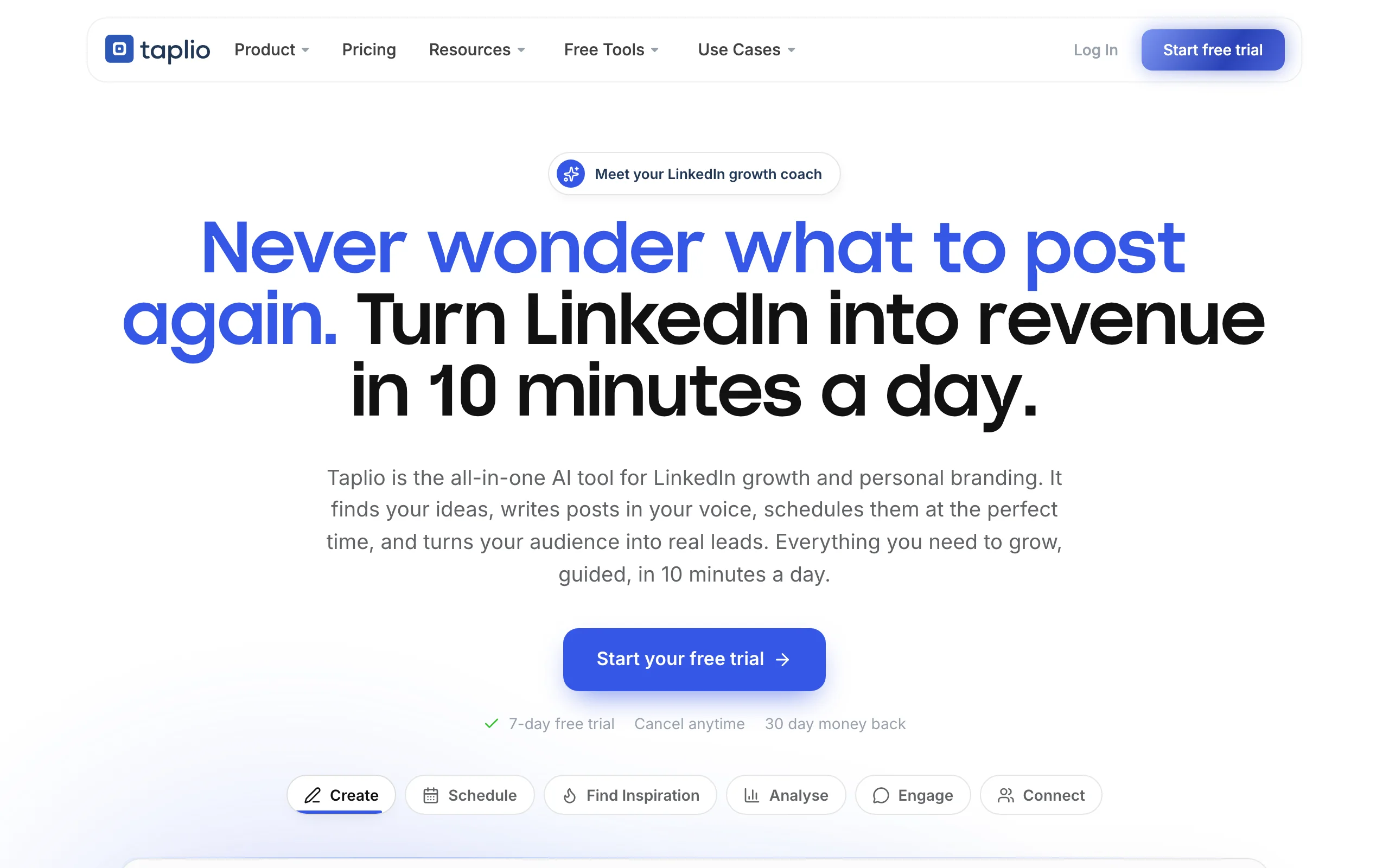
Taplio is the closest thing to an all-in-one LinkedIn platform on the market. It combines AI post generation with a relationship layer: you can track who engages with your content, build lead lists, run DM outreach, and monitor competitors, all from one dashboard. For sales-led creators and small teams, that combination removes the need for a separate CRM and content tool.
On the growth side, Taplio uses an inspiration feed of viral posts in your industry, scheduling, and analytics to tie the workflow together. It is not the deepest pure content engine, but no other tool blends content creation with outreach and lead management as cleanly, which is why it is the go-to for creators whose LinkedIn growth is tied directly to pipeline.
Key features
- AI post generation with an industry viral-post inspiration feed
- Built-in CRM: engagement tracking, lead lists, and DM outreach
- Post scheduling and content calendar
- Analytics on post and profile performance
- Chrome extension for prospecting from the LinkedIn feed
Best for
- Sales-led creators and founders whose content directly feeds pipeline
- Small teams managing outreach and content in one place
- Users who want a single subscription instead of stitching tools together
Pricing
- No permanent free tier; free trial available
- Standard plan from $49/month, Pro tier higher for team and outreach features
Pros
- Combines content, scheduling, analytics, and CRM in one platform
- Strong for turning LinkedIn engagement into tracked leads
- Mature product with an established user base and resources
Cons
- Pricier than content-only tools, and you pay for CRM features even if you only want growth content
- Generation is prompt-and-template based, without the scraped hero-creator viral data ViralBrain uses
See the full ViralBrain vs Taplio comparison for a side-by-side on content quality and pricing.
3. Supergrow, best budget-friendly growth writer
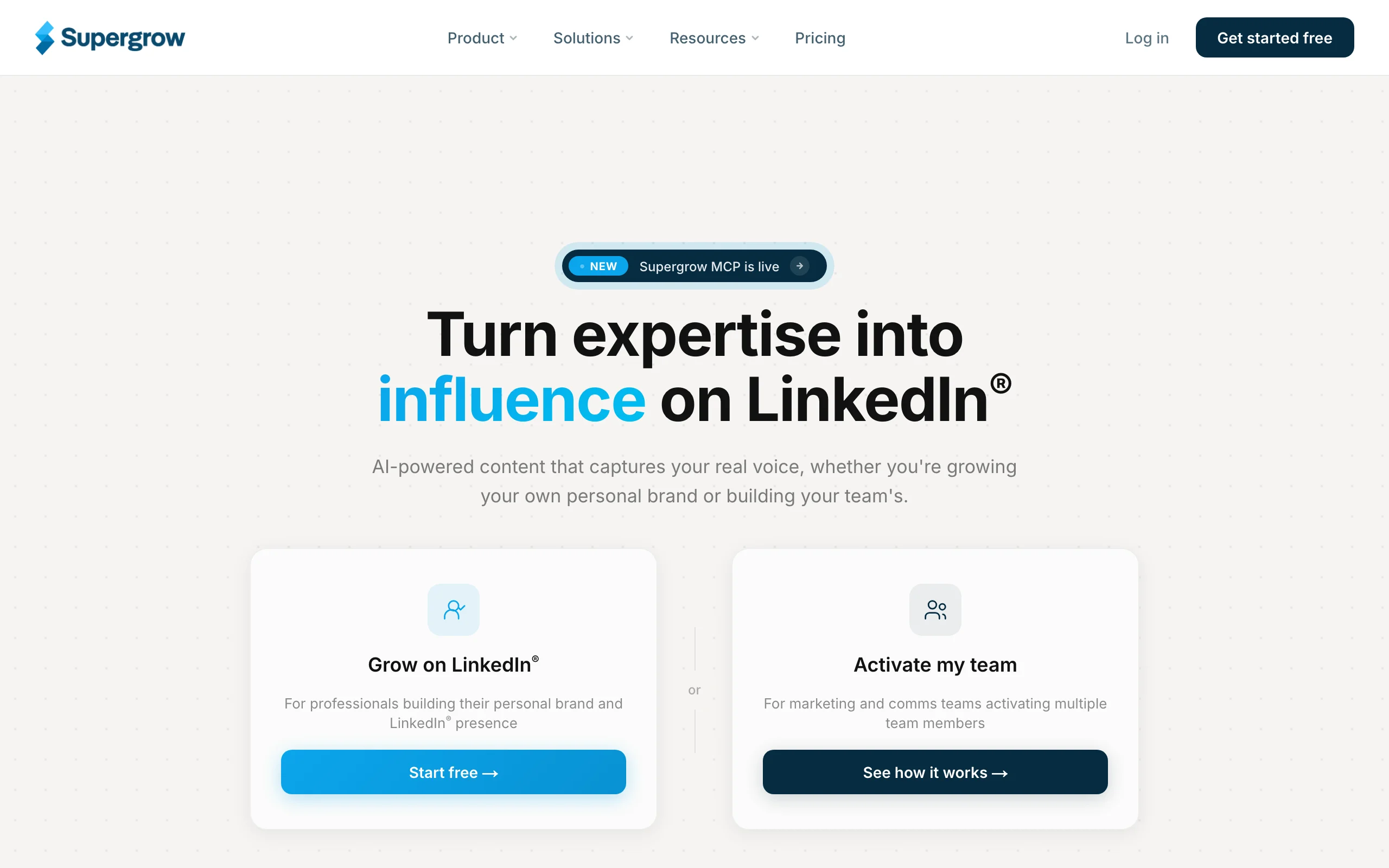
Supergrow focuses on doing one thing well: helping solo creators write LinkedIn posts quickly without a steep learning curve. It offers a clean editor, a solid library of post templates and formats, carousel creation, and a low entry price that makes it approachable for creators who are not ready to commit to a premium platform.
The appeal is simplicity and cost. You get an AI writer, formatting help, and scheduling in a lightweight package. It will not analyze the top creators in your niche or predict performance, but for a freelancer or early-stage creator who mainly needs help getting consistent drafts out the door, Supergrow covers the essentials at a friendly price.
Key features
- AI post writer with a broad template and format library
- Carousel and visual post creation
- Post scheduling and a simple content calendar
- Personalized post ideas based on your topics
- Clean, beginner-friendly interface
Best for
- Freelancers and solo creators on a tight budget
- Newer creators who want a simple, low-commitment starting point
- Anyone who mainly needs help maintaining a consistent posting cadence
Pricing
- Limited trial available
- Paid plans from around $19/month, with higher tiers for more features and workspaces
Pros
- One of the lowest entry prices among dedicated LinkedIn writers
- Simple enough to start using in minutes
- Good template variety for common LinkedIn post formats
Cons
- No hero-creator viral data or voice-matching depth, so output can feel templated
- Analytics and performance prediction are minimal compared with dedicated tools
4. AuthoredUp, best for post formatting and drafting
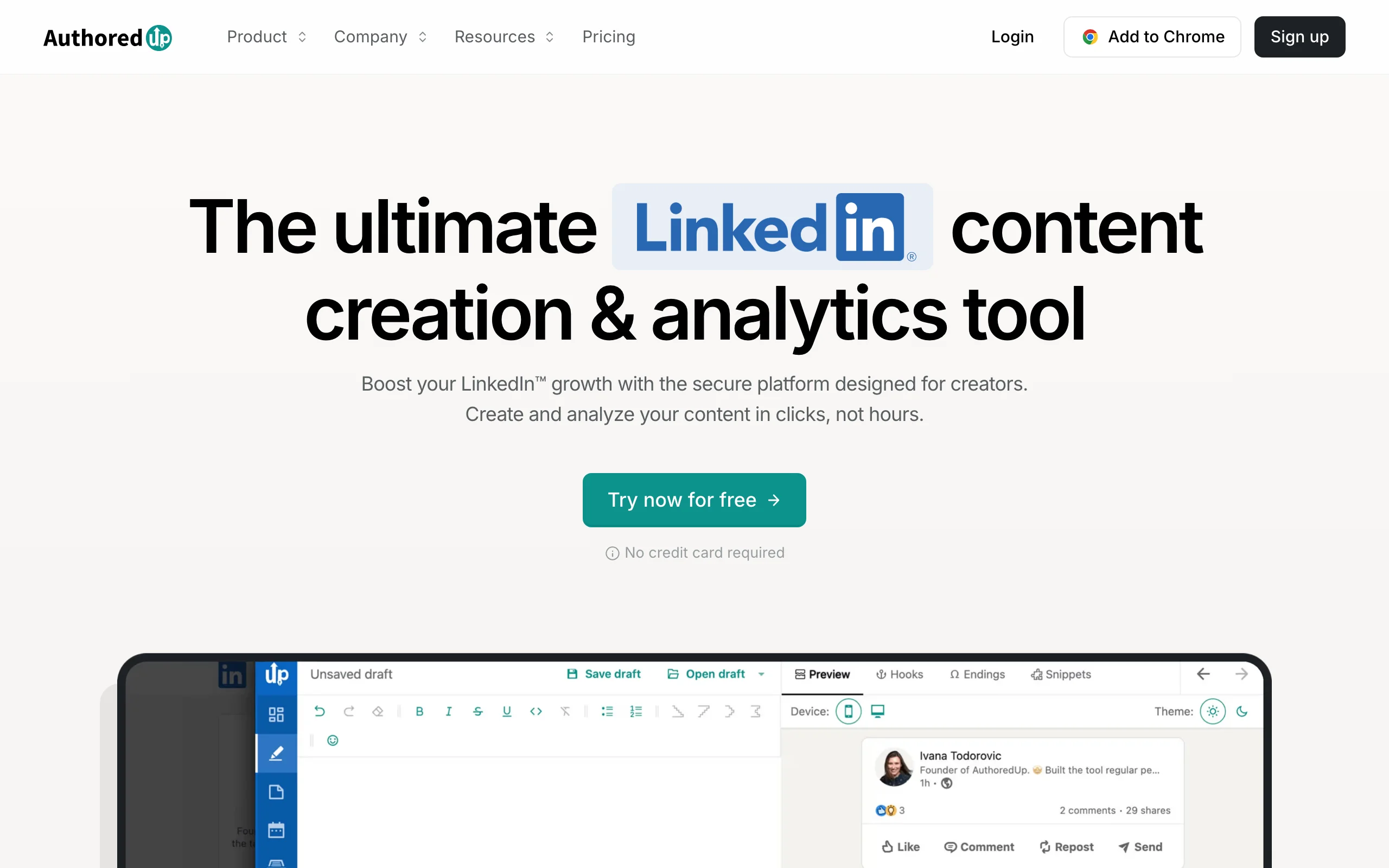
AuthoredUp is less a generator and more a professional-grade writing and analytics layer for creators who already write their own posts. Its editor gives you rich text formatting, a live preview of how the post will render on desktop and mobile, reusable snippets, and a readability check that helps you tighten a draft before it goes live.
Where it earns its place on a growth list is post-level analytics. AuthoredUp pulls your historical posts and surfaces metrics on what performed, so you can spot the hooks and formats that drive engagement and repeat them. For writers who trust their own voice and want a polish-and-measure workflow rather than AI drafting, it is one of the strongest picks available.
Key features
- Rich text formatter with bold, italic, and list styling for LinkedIn
- Live desktop and mobile post preview
- Reusable snippets, hooks, and CTAs
- Post-level analytics on historical performance
- Drafts, scheduling, and content organization
Best for
- Creators who write their own drafts and want formatting plus metrics
- Writers who care about hooks and readability over AI generation
- Anyone who wants to preview exactly how a post renders before publishing
Pricing
- Free trial available (typically 14 days)
- Paid from $19.95/month, or about $16.63/month billed annually
Pros
- Best-in-class formatting and preview experience for LinkedIn
- Post analytics help you double down on what already works
- No learning curve if you already have a writing habit
Cons
- Not a content generator, you still write every post yourself
- Analytics are descriptive, not predictive, so no pre-publish scoring
See the full ViralBrain vs AuthoredUp comparison if you are deciding between generating content and polishing your own.
Automate your LinkedIn for 30 days
5. Shield, best pure LinkedIn analytics
Shield is the analytics specialist of this list. It does not write or schedule posts; it tracks them. Shield connects to your LinkedIn account and builds a detailed history of every post's performance, engagement rate, follower growth, and trends over time, going far deeper than LinkedIn's native analytics allow.
For creators serious about understanding their growth, that depth matters. You can see which formats, topics, and posting times consistently outperform, export reports, and, for teams, roll up analytics across multiple profiles. Pair Shield with a content tool and you have a strong measure-and-improve loop, which is exactly how data-driven creators compound their reach on LinkedIn.
Key features
- Deep historical analytics on posts, engagement, and follower growth
- Trend tracking across time, topics, and formats
- Best-time-to-post insights from your own data
- Exportable reports and dashboards
- Multi-profile analytics for teams and agencies
Best for
- Data-driven creators who want to understand exactly what drives growth
- Agencies and teams reporting on multiple LinkedIn profiles
- Anyone whose growth strategy is guided by metrics, not intuition
Pricing
- Free trial available
- Paid plans from around $12/month billed annually, scaling up by features and profiles
Pros
- The most detailed LinkedIn analytics available in a standalone tool
- Historical depth reveals long-term patterns native analytics hide
- Strong reporting for teams and client work
Cons
- Analytics only, no content creation or scheduling
- Adds another subscription on top of whatever you use to write and publish
6. Buffer, best for scheduling and cross-platform consistency
Buffer is a long-established social media scheduler, and consistency is one of the biggest levers for LinkedIn growth. It lets you draft, queue, and schedule posts across LinkedIn, X, Instagram, and other networks from one calendar, so you never miss a posting day because you were busy. For creators who repurpose content across platforms, that single-queue workflow is a real time-saver.
Buffer also includes a lightweight AI assistant for ideas and rewrites, basic analytics, and a generous free plan. It is not LinkedIn-specialized, so it lacks hero-creator analysis or viral prediction, but as the reliable engine that keeps your posting cadence steady across channels, it is hard to beat on value.
Key features
- Scheduling and a shared content calendar across multiple platforms
- Free plan covering the essentials for solo creators
- Built-in AI assistant for post ideas and rewrites
- Basic cross-channel analytics
- Browser extension and mobile apps
Best for
- Creators and small teams posting across several networks
- Anyone who struggles most with consistency and cadence
- Budget-conscious users who want a capable free tier
Pricing
- Free plan available for up to three channels
- Paid plans from $6/month per channel
Pros
- Reliable, mature scheduler with a genuinely useful free plan
- Cross-platform publishing saves time for multi-channel creators
- Low per-channel pricing scales predictably
Cons
- Not LinkedIn-specialized, so no viral data or voice-matched generation
- Analytics are basic compared with dedicated LinkedIn tools
7. Hypefury, best for automating engagement and repurposing
Hypefury started on X and expanded to LinkedIn, and its DNA is growth automation. Beyond scheduling, it specializes in features that squeeze more reach from every post: auto-plugging a call to action once a post performs, recycling your best evergreen content on a schedule, and automating engagement actions that keep momentum going without manual effort.
For creators who have found what works and want to scale it, that automation compounds. Hypefury turns a single high-performing post into recurring reach and keeps your queue full with minimal daily input. It is lighter on LinkedIn-specific content intelligence than a dedicated platform, but for hands-off growth mechanics, few tools are as focused.
Key features
- Post scheduling with evergreen content recycling
- Auto-plug: appends a CTA to posts that gain traction
- Engagement and growth automations
- Cross-posting between LinkedIn and X
- Inspiration library and AI writing assistance
Best for
- Creators who want to automate reach from their best content
- Multi-platform creators cross-posting between LinkedIn and X
- Anyone who wants a hands-off, set-and-forget growth engine
Pricing
- Free trial available
- Paid plans from around $19/month billed annually, scaling with features
Pros
- Strong automation features that recycle and amplify top content
- Saves time by keeping the queue full with evergreen posts
- Good fit for creators already active on both LinkedIn and X
Cons
- Automations can feel less personal if overused
- Less LinkedIn-native content intelligence than a dedicated platform
How to choose the best LinkedIn growth tool for your needs
The seven tools above solve different parts of growth. Use these questions to match one to how you actually want to grow on LinkedIn.
1) Do you need help creating content, or measuring it?
This is the biggest fork. If your bottleneck is writing consistently good posts, you want a content engine. If you already write well and want to understand performance, you want analytics.
- If you need content: start with ViralBrain for voice-matched, data-driven generation, or Supergrow on a tighter budget.
- If you need measurement: Shield for deep standalone analytics, or AuthoredUp if you want formatting plus post-level metrics in one editor.
2) Is growth tied to outreach, or purely to content?
Some creators grow to build an audience; others grow to drive sales conversations.
- If growth feeds a sales pipeline: Taplio combines content with CRM and DM outreach.
- If growth is about audience and reach: ViralBrain for content quality, or Hypefury to automate distribution of what works.
3) Do you post on LinkedIn only, or across platforms?
Your tool should match your channel mix.
- LinkedIn-only: ViralBrain, AuthoredUp, and Shield are all LinkedIn-native and go deeper.
- Multi-platform: Buffer for reliable cross-network scheduling, or Hypefury to cross-post and recycle between LinkedIn and X.
4) What is your budget and stage?
Match spend to where you are.
- Just starting and cost-sensitive: Buffer's free plan or Supergrow's low entry price, plus ViralBrain's free tools that need no account.
- Ready to invest in growth: ViralBrain for the full study-generate-measure loop, or Taplio if you also need outreach.
Whatever you shortlist, run a real trial with your actual posting topics for a week. Sticker price matters less than which tool produces content you would genuinely publish and metrics you would genuinely act on. Compare value against your goals, not just the monthly cost, and check the ViralBrain pricing tiers against how often you plan to post.
FAQ
What are LinkedIn growth tools?
LinkedIn growth tools are software products that help creators increase reach, followers, and engagement on LinkedIn. They fall into categories: content generators, schedulers, analytics platforms, formatters, and engagement automators. The best LinkedIn growth tools for creators combine several of these so you can study what works, publish consistently, and measure results.
Which is the best LinkedIn growth tool for creators in 2026?
For most creators, ViralBrain is the strongest all-around pick because it covers the full growth loop: it analyzes the top creators in your niche, generates posts in your voice, and predicts performance with a viral score before you publish. Taplio is a strong alternative if your growth is tied to outreach, and Shield is best if you only need analytics.
Can I grow on LinkedIn with free tools?
Yes. Buffer offers a free scheduling plan, and ViralBrain's free tools at /tools/* (including a hook generator and engagement benchmarks) require no account. Free tools are enough to start, though paid platforms add voice matching, deeper analytics, and automation as you scale.
Does AI-generated LinkedIn content hurt your reach?
Not inherently. The LinkedIn algorithm rewards posts that hold attention and spark conversation, regardless of how they were drafted. Generic, obviously templated AI content underperforms, which is why voice matching matters. Tools that learn your style and are grounded in real viral data produce posts that read as authentically yours. See the LinkedIn algorithm guide for how distribution actually works.
What is the difference between a content tool and an analytics tool?
A content tool (like ViralBrain or Supergrow) helps you create and publish posts. An analytics tool (like Shield) measures how those posts performed. Some tools blur the line: AuthoredUp adds post-level analytics to an editor, and ViralBrain includes a pre-publish viral score. Many creators pair a content tool with an analytics tool.
Which LinkedIn growth tool is best for teams managing multiple profiles?
Taplio and Shield both support multiple profiles well, Taplio for content plus outreach, Shield for consolidated analytics and reporting. Buffer also handles multiple channels affordably. For teams that want data-driven content creation, ViralBrain works across profiles, though it does not yet include native scheduling.
How do I actually go viral on LinkedIn?
Consistency, a strong hook, and formats that match how the feed distributes content. Study the creators already winning in your niche, model their structure, and measure what lands for your audience. ViralBrain automates that study-and-model step, and the how to go viral on LinkedIn guide breaks down the mechanics in detail.
Do I need to pay to grow on LinkedIn?
No, but paid tools accelerate it. You can grow with free schedulers and free tools plus disciplined posting. Paid LinkedIn growth tools save time and improve results through voice-matched generation, performance prediction, and automation, which is what most serious creators eventually invest in. You can explore ViralBrain with a 7-day trial for €1 before committing to a plan.
Automate your LinkedIn for 30 days
ViralBrain plans, writes, and schedules your LinkedIn content, using official LinkedIn APIs so your account stays safe.
- Official LinkedIn APIs, no risk of ban
- You approve every post before it goes live
- Cancel anytime
Keep reading
How to Change Your Profile Picture on LinkedIn
How to add, change and remove your LinkedIn profile photo on desktop, in the app and in a mobile browser, plus who can see it and the file specs.
How to Hide Active Status on LinkedIn
How to hide your LinkedIn active status: the Manage active status setting, its three documented options on desktop and in the app, and what you give up.
How to Log Out of LinkedIn on Desktop and in the App
How to log out of LinkedIn on desktop, on iOS and on Android, how to sign out of other sessions or all devices, and what Keep me logged in changes.