

Best LinkedIn Personal Branding Tools in 2026
The 7 best LinkedIn personal branding tools for 2026, ranked. Compare ViralBrain, Taplio, Supergrow, AuthoredUp, Shield, Kleo and Buffer on features and pricing.
A strong personal brand on LinkedIn is now the difference between founders who raise, sell, and hire on inbound alone and everyone else who chases cold outreach. The hard part is not the strategy, it is the consistency: showing up several times a week with posts that sound like you and actually get seen.
That is where the right LinkedIn personal branding tools earn their keep. Good ones cut your drafting time, sharpen your profile, and show you what content is moving followers and reach, so you compound authority instead of guessing.
This guide ranks the best LinkedIn personal branding tools for 2026. For each one you get what it does, standout features, honest pros and cons, and pricing, plus a decision framework at the end. If you want the strategy first, our LinkedIn personal branding guide covers positioning, content pillars, and profile setup.
Automate your LinkedIn for 30 days
Best LinkedIn personal branding tools: a brief overview
- ViralBrain: Best overall for voice-matched personal branding content. Learns your writing voice, studies the top creators in your niche, and generates posts that sound like you, with a viral score check before you publish.
- Taplio: Best all-in-one personal branding suite. Combines AI writing, scheduling, a viral post library, and lightweight CRM for creators who want everything in one dashboard.
- Supergrow: Best budget-friendly personal branding writer. Affordable AI that drafts posts, carousels, and comments from a topic, aimed at solo creators watching costs.
- AuthoredUp: Best for drafting and formatting a consistent posting habit. A LinkedIn-native editor with previews, snippets, and analytics that keeps your posts on-brand.
- Scripe: Best analytics for tracking personal brand growth. LinkedIn analytics that show which posts, topics, and formats build your authority over time.
- Kleo: Best for building a brand from creator inspiration. A Chrome extension that surfaces top creator posts and helps you model proven structures.
- Buffer: Best for multi-platform brand consistency. Simple scheduling and a free plan for professionals who post the same brand across LinkedIn, X, and more.
| Tool name | Key strength | Pricing | Best for |
|---|---|---|---|
| ViralBrain | Voice-matched AI trained on the top 1% of LinkedIn posts, plus a pre-publish viral score | Free tools at /tools; €1 trial; paid plans on the pricing page | Founders and creators who want on-brand posts written in their own voice |
| Taplio | AI writing plus scheduling, viral library, and CRM in one suite | From approximately $39/mo; trial available | Creators wanting a single dashboard for content and outreach |
| Supergrow | Affordable AI writer for posts, carousels, and comments | From approximately $19/mo; trial available | Budget-conscious solo creators building a brand |
| AuthoredUp | LinkedIn-native editor with previews, snippets, and post analytics | Free trial; paid from approximately $22.50/mo | Writers who want formatting control and a repeatable habit |
| Scripe | LinkedIn analytics and content insights for personal brands | 7-day trial; paid from about €19/mo | Data-driven creators tracking what grows their authority |
| Kleo | Chrome extension for studying and modeling top creator posts | Free plan; paid tiers for advanced features | Creators who learn best from proven, high-performing examples |
| Buffer | Simple multi-platform scheduling with a permanent free plan | Free plan; paid from approximately $6/channel/mo | Professionals posting one brand across several platforms |
1. ViralBrain, best overall for voice-matched personal branding content
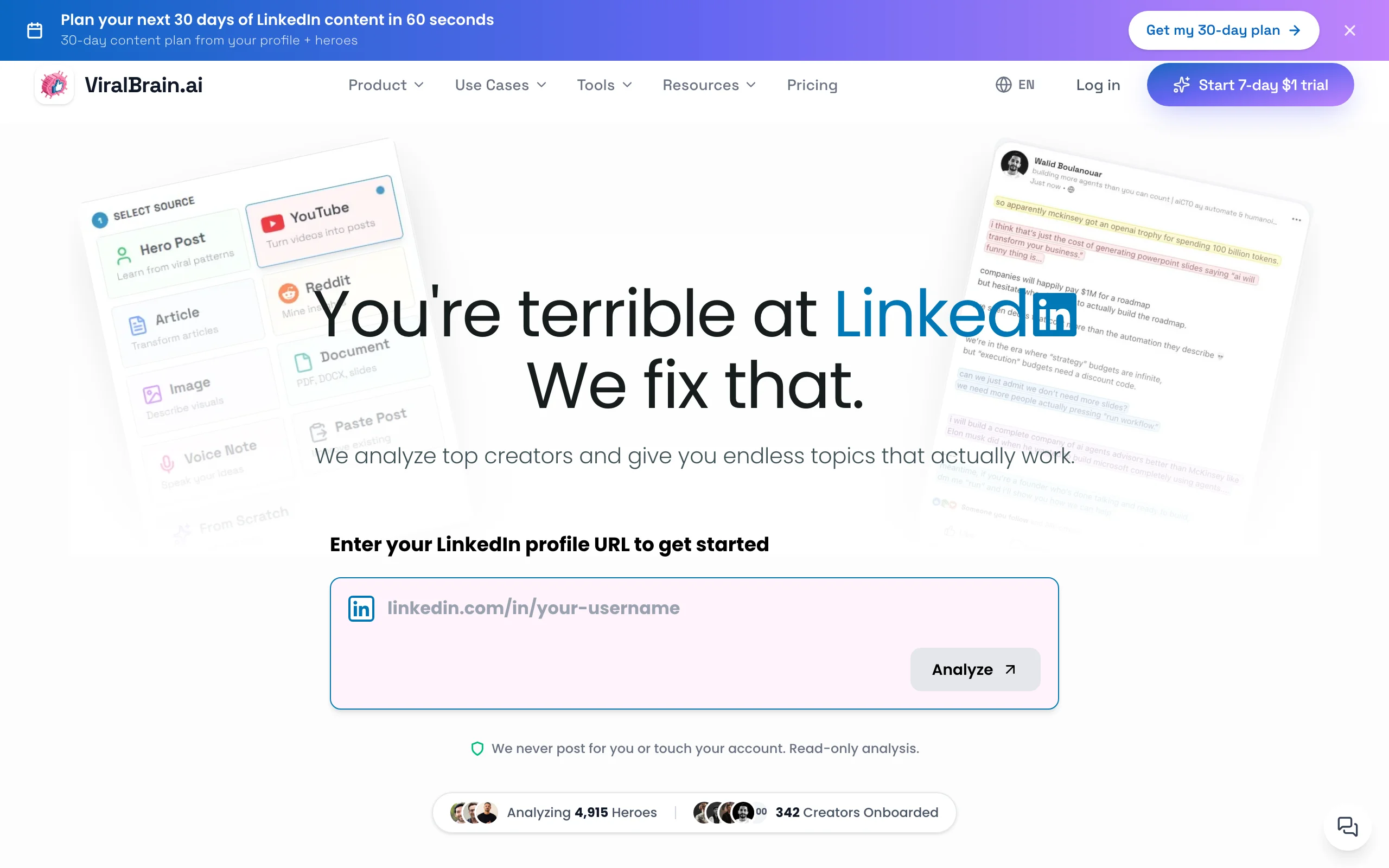
ViralBrain is an AI LinkedIn content platform built for exactly this problem: sounding like yourself, consistently, without spending your week on drafts. It analyzes the top LinkedIn creators in your niche, the real viral posts and the patterns behind them, then learns your own writing voice so the posts it generates read like you wrote them, not like generic AI.
What makes it a personal branding tool rather than just a post generator is the full loop. It helps you sharpen your profile with a LinkedIn headline generator and LinkedIn summary generator, draft posts from a topic or an angle, and check every draft with a viral score checker before you hit publish. That means you build authority on patterns proven to perform, not guesswork.
Key features:
- Voice matching that learns how you write and keeps posts on-brand
- Hero analysis of the top creators in your niche, using real viral post data
- LinkedIn post generator that drafts from a topic or your own angle
- Pre-publish viral score check to predict reach before posting
- Profile tools including a headline generator and summary generator
- 100+ free tools at /tools with no account required
Best for:
- Founders and operators posting 3-5x per week who need on-brand posts fast
- Creators who want AI that matches their voice, not a generic assistant
- Anyone building thought leadership who wants data behind each post
Pricing:
- Free tools at /tools with no account required
- 7-day trial for €1 on the full platform (card required to start)
- Paid plans on the ViralBrain pricing page
Pros:
- Voice-matched output trained on the top 1% of LinkedIn posts, not generic prompting
- Viral score gives a pre-publish reality check most tools do not offer
- Profile plus post plus free tools cover the whole personal branding workflow in one place
Cons:
- Newer platform with a smaller user community than Taplio
- No native post scheduling or publishing yet, so you post manually or pair it with a scheduler
2. Taplio, best all-in-one personal branding suite
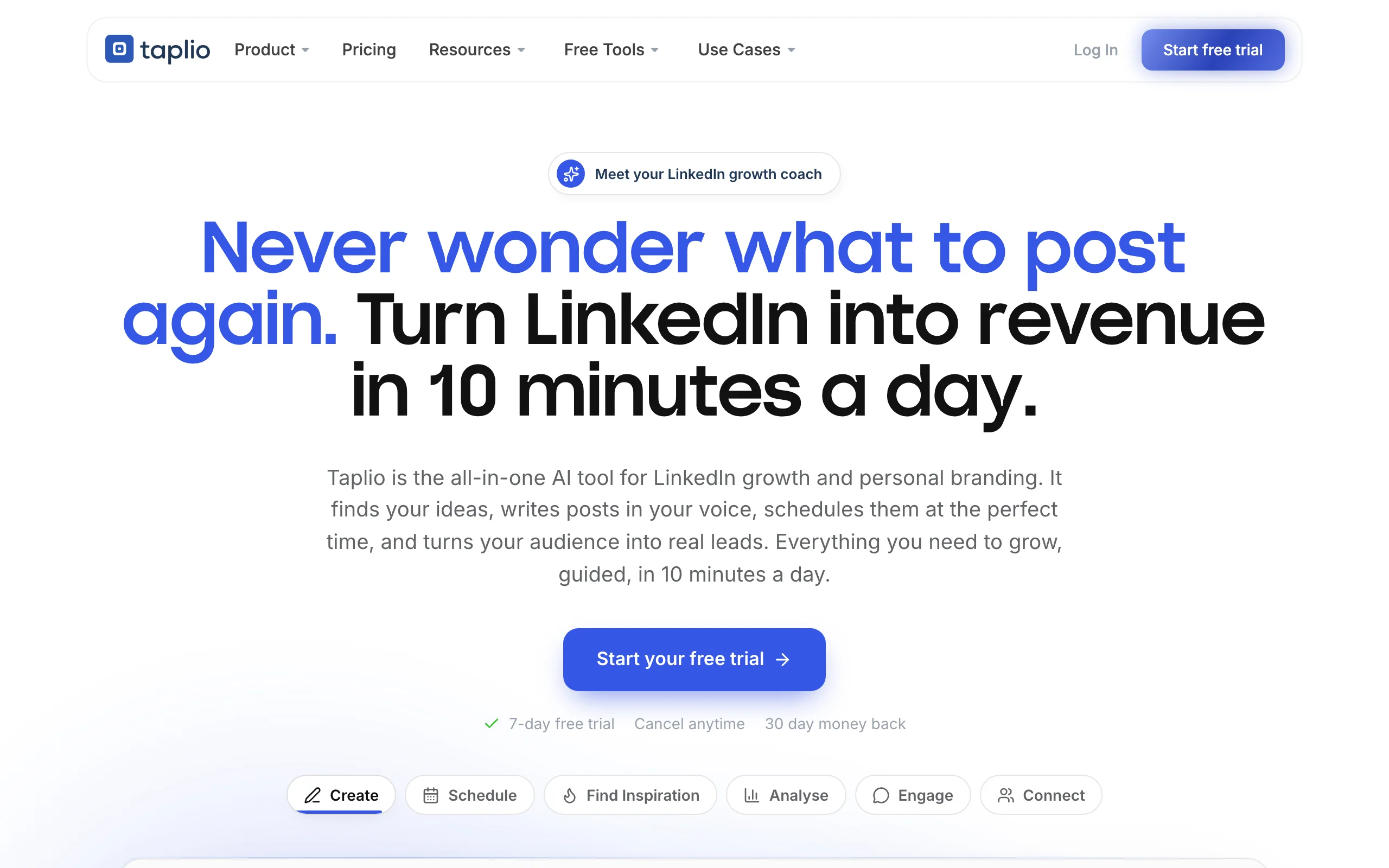
Taplio is one of the most established LinkedIn growth platforms, and it bundles almost everything a personal brand needs into a single dashboard. You get AI post generation, a large library of viral posts to draw inspiration from, a content scheduler, basic analytics, and a lightweight CRM for tracking the people who engage with you.
For creators who want to consolidate tools, that breadth is the appeal. The outreach and CRM side in particular sets it apart: you can find relevant people, engage, and follow up without leaving the platform. It leans more toward a full growth and lead-generation suite than a pure content-quality tool.
Key features:
- AI post generation with a large viral post inspiration library
- Content scheduler with a visual calendar and queue
- Lightweight CRM for tracking engagers and relationships
- Analytics on post and profile performance
- Chrome extension for engaging from the LinkedIn feed
Best for:
- Creators who want content, scheduling, and outreach in one tool
- Founders using LinkedIn for both branding and lead generation
- People willing to pay more for breadth over depth
Pricing:
- Free trial available
- Paid plans from approximately $39/mo, with AI and outreach features on higher tiers
Pros:
- Genuinely all-in-one, covering content, scheduling, and CRM
- Large viral post library speeds up ideation
- Established platform with a big user base and steady updates
Cons:
- Pricier than single-purpose tools, and the best features sit on higher tiers
- AI writing is more generic than voice-trained tools, so posts can need heavier editing
See the full ViralBrain vs Taplio comparison if you are weighing the two.
3. Supergrow, best budget-friendly personal branding writer
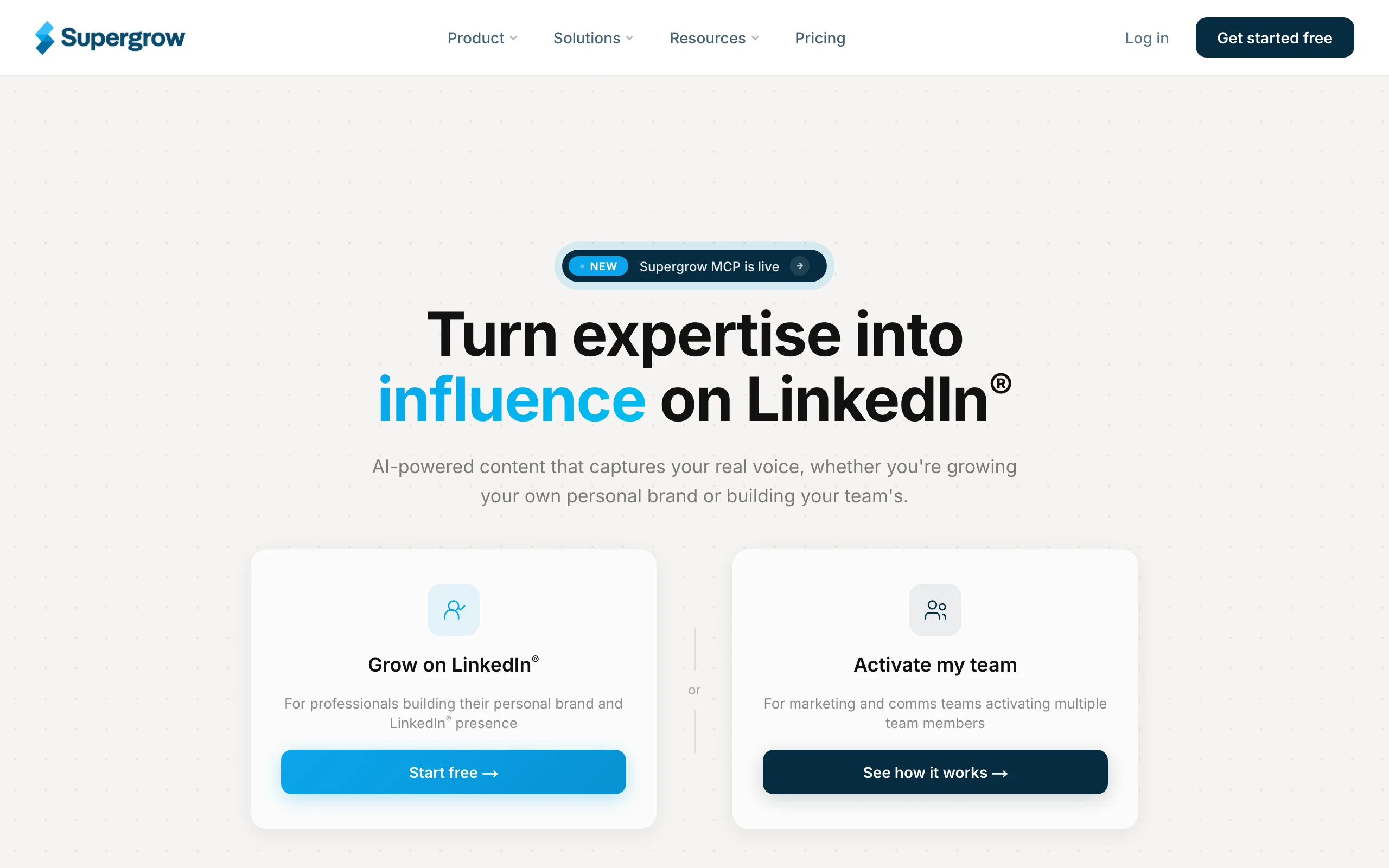
Supergrow targets solo creators who want AI help without a suite-level price tag. It focuses on the writing itself: give it a topic and it drafts LinkedIn posts, carousels, and comments, with templates and a clean editor that keeps you moving from idea to published post.
It is a good fit for people early in their personal branding journey who need volume and consistency more than deep analytics or outreach. The interface is simple, the learning curve is short, and the price keeps it accessible for anyone testing whether a posting habit sticks.
Key features:
- AI drafting for posts, carousels, and comments from a topic
- Template library for common LinkedIn post formats
- Content scheduling to keep a consistent cadence
- Simple editor with previews
- Affordable single-plan pricing
Best for:
- Solo creators and freelancers on a tight budget
- People starting a posting habit who need volume and speed
- Anyone who wants writing plus carousels without a full suite
Pricing:
- Free trial available
- Paid plans from approximately $19/mo
Pros:
- One of the cheapest full-featured AI writers for LinkedIn
- Covers posts, carousels, and comments in one place
- Low learning curve, easy to start same day
Cons:
- Lacks the hero analysis and viral data depth of higher-end tools
- Analytics and personalization are lighter than dedicated platforms
4. AuthoredUp, best for drafting and formatting a consistent posting habit
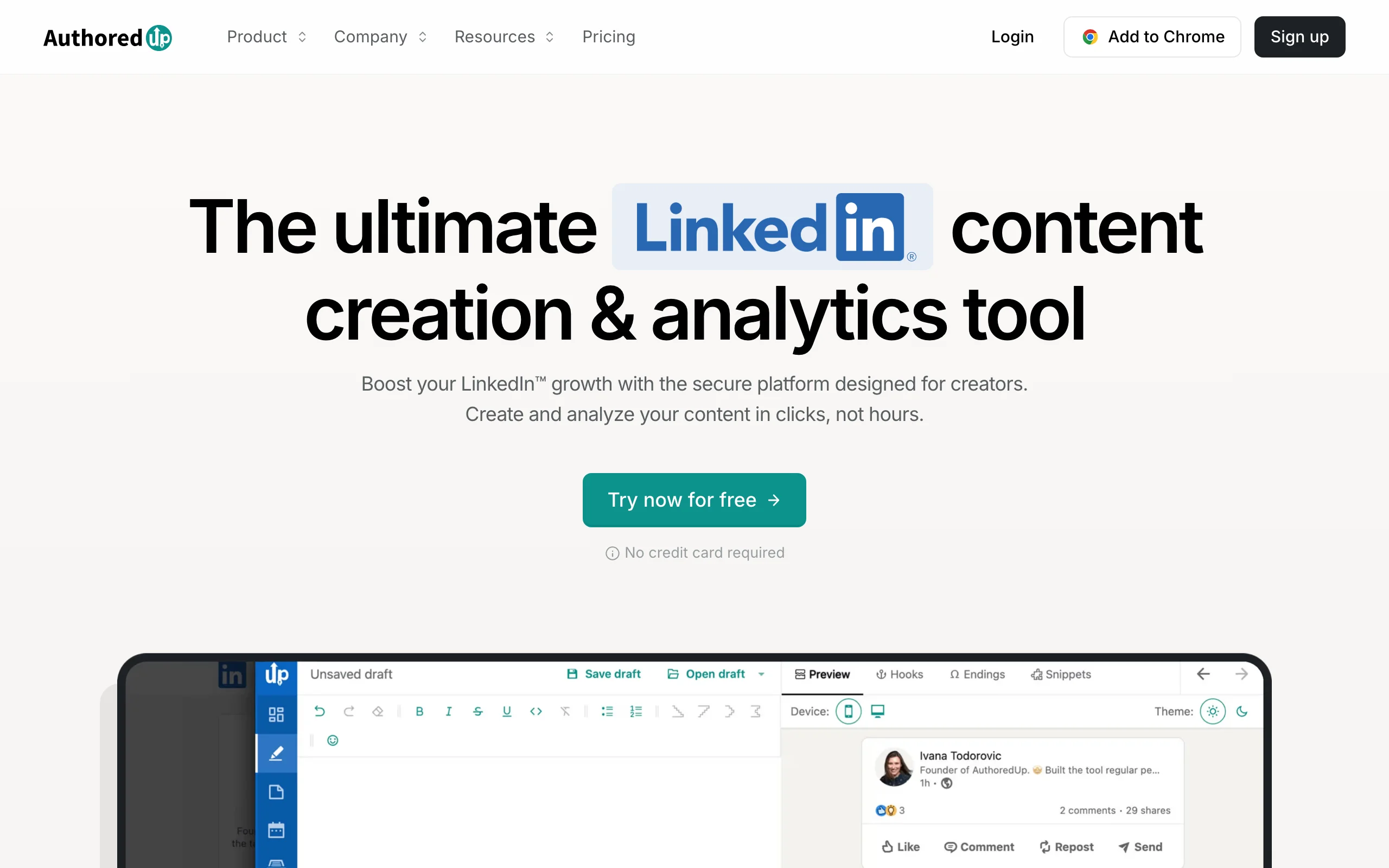
AuthoredUp is a LinkedIn-native editor loved by writers who care about how their posts look and read. It layers on top of LinkedIn with rich formatting, a live desktop and mobile preview, reusable snippets and hooks, and post analytics, so you can polish a draft to the last line break before it goes live.
It is not an AI content generator, and that is the point: AuthoredUp is for people who want to write their own posts but do it faster and more consistently. The readability checks, saved intros, and outros make it easy to keep a recognizable style, which is the backbone of a personal brand.
Key features:
- Rich text formatting with bold, italics, and clean line breaks
- Live desktop and mobile post previews before publishing
- Reusable snippets, hooks, intros, and outros
- Draft management and scheduling
- Post and profile analytics with readability scoring
Best for:
- Writers who draft their own posts and want formatting control
- Creators building a consistent, recognizable style
- Anyone who wants previews to avoid awkward truncation
Pricing:
- Free trial available
- Paid plans from approximately $22.50/mo
Pros:
- Best-in-class formatting and preview experience
- Snippets keep your voice and structure consistent
- Solid analytics for a non-AI editor
Cons:
- No AI content generation, so you still write every post yourself
- Value depends on posting often enough to justify the subscription
See the full ViralBrain vs AuthoredUp comparison if you want generation plus formatting.
Automate your LinkedIn for 30 days
5. Scripe, best analytics for tracking personal brand growth
Scripe pairs LinkedIn analytics with AI content tools, and the analytics are why it earns this spot. It turns your LinkedIn activity into dashboards that show which posts, topics, hooks, and formats actually move followers, impressions, and engagement over time. For a personal brand, that view is what tells you where to double down. Scripe is one of several ways to get that data, and our LinkedIn analytics tools roundup weighs it against the alternatives.
Scripe also drafts and schedules content, but here the draw is measurement: is my brand growing, and what is driving it? Creators use it to spot winning topics, track trends month over month, and see the reach their thought leadership generates.
Key features:
- LinkedIn analytics across posts and profile
- Topic, hook, and format performance breakdowns
- Trend tracking month over month
- AI drafting and scheduling alongside the analytics
- Content insights tied to what actually performs
Best for:
- Data-driven creators optimizing what they post
- Personal brands who want to see reach and growth
- Creators who want analytics and drafting in one tool
Pricing:
- 7-day trial available
- Paid plans from about €19/mo depending on tier
Pros:
- Solid LinkedIn analytics to find your best-performing topics
- Analytics and content drafting live in one tool
- Clean dashboards for tracking brand growth
Cons:
- Not a pure analytics tool, so some features overlap with writers on this list
- The most useful analytics sit behind a paid plan
If you mainly want engagement context without a subscription, ViralBrain's free LinkedIn engagement benchmarks tool gives you a quick baseline.
6. Kleo, best for building a brand from creator inspiration
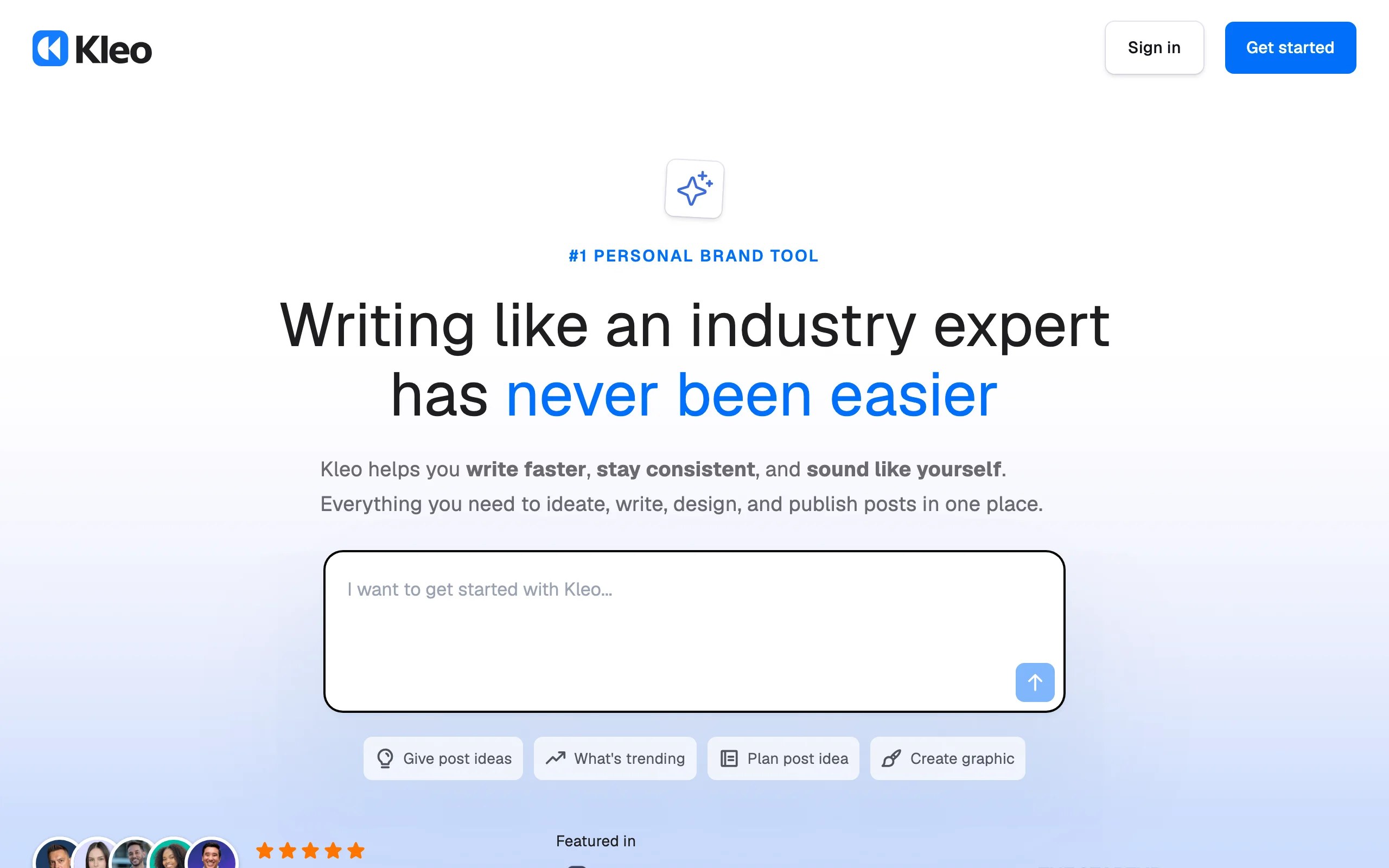
Kleo is a Chrome extension built around a simple insight: the fastest way to learn what works is to study creators who already work. It lets you browse any creator's top-performing posts, filter by format and engagement, and model the structures that consistently land, so you shorten the trial-and-error of finding your voice.
For people early in their personal branding, Kleo is a research and inspiration layer that sits right on LinkedIn. It also enhances the writing experience with previews and formatting, but its real value is turning proven posts into repeatable templates you can adapt to your own topics.
Key features:
- Browse and filter any creator's top-performing posts
- Study proven post structures and formats
- Post preview and formatting on LinkedIn
- Save and organize inspiration for later
- Lightweight, fast Chrome extension
Best for:
- New creators looking for proven structures to model
- People who learn best from real examples
- Anyone building a swipe file of high-performing posts
Pricing:
- Free plan available
- Paid tiers unlock advanced features
Pros:
- Excellent for research and finding your angle from what already works
- Free plan makes it easy to try
- Lives directly on LinkedIn where you already work
Cons:
- More inspiration and formatting than end-to-end content creation
- Modeling others can drift into imitation if you are not careful about your own voice
7. Buffer, best for multi-platform brand consistency
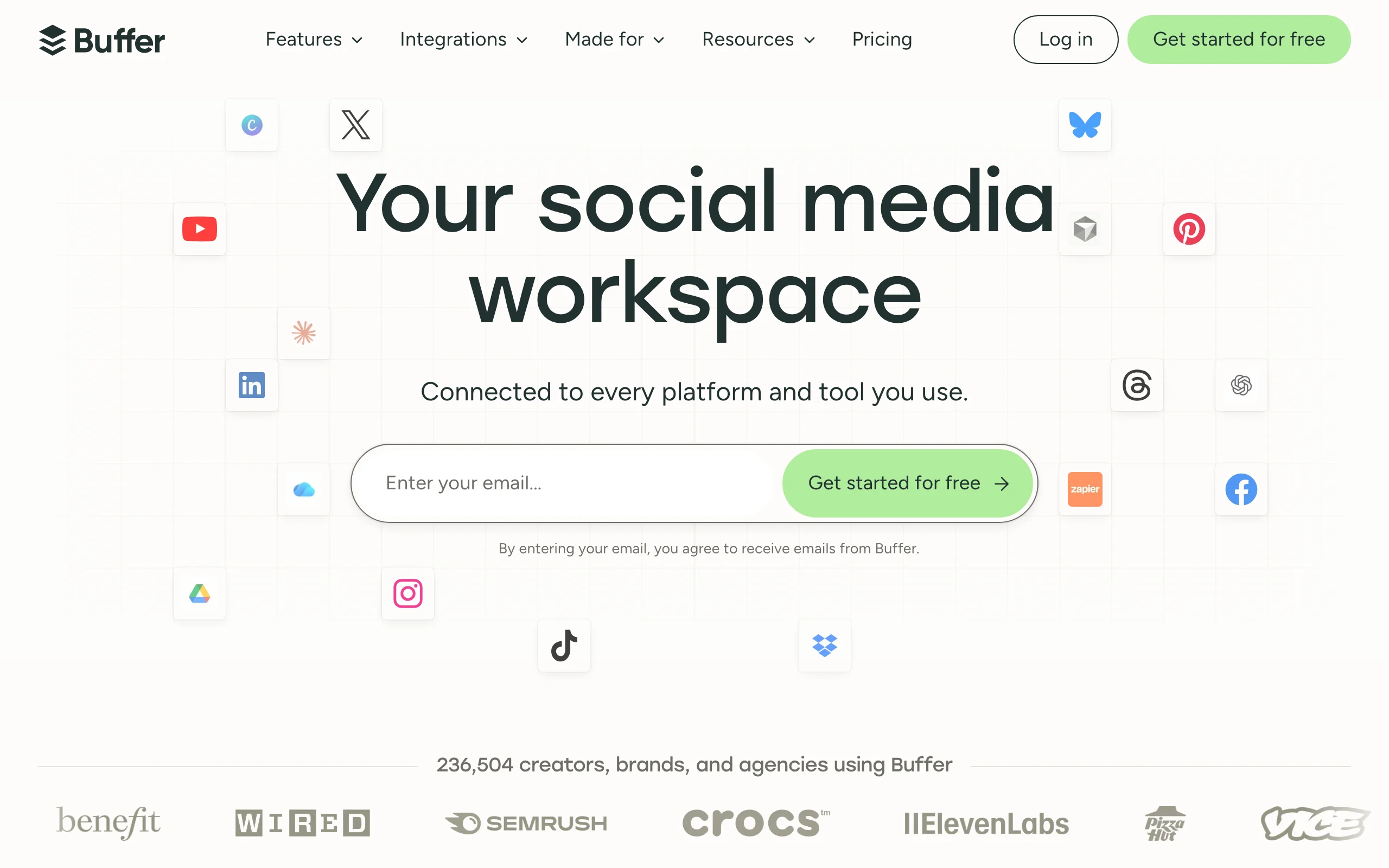
Buffer is the veteran scheduler here, and it earns a spot for professionals whose personal brand lives on more than one platform. If you post the same voice across LinkedIn, X, Instagram, and threads, Buffer keeps a single queue and calendar so your brand stays consistent everywhere without juggling native apps.
It is not LinkedIn-specialized and it is not built around viral analysis, but its permanent free plan and low per-channel pricing make it the easiest on-ramp to a reliable posting cadence. Its newer AI assistant can help repurpose a post across channels, which is handy for keeping one message on-brand in several places.
Key features:
- Multi-platform scheduling from one calendar
- Permanent free plan for up to three channels
- AI assistant for repurposing posts across platforms
- Basic analytics per channel
- Simple, reliable publishing workflow
Best for:
- Professionals posting one brand across several platforms
- Creators who want a free, simple scheduler to start
- Teams keeping a consistent voice everywhere
Pricing:
- Permanent free plan for up to three channels
- Paid plans from approximately $6 per channel per month
Pros:
- Free plan is generous enough to start immediately
- Truly multi-platform, unlike LinkedIn-only tools
- Reliable, well-supported, and easy to learn
Cons:
- Not LinkedIn-specialized, so it lacks viral analysis and deep LinkedIn analytics
- AI writing is basic compared with dedicated LinkedIn tools
How to choose the best LinkedIn personal branding tool for your needs
The right tool depends on where you are in building your brand and where your bottleneck is. Use these questions to self-select.
1) Is your bottleneck writing, or measuring?
If you struggle to produce consistent, on-brand posts, prioritize a generation tool: ViralBrain for voice-matched posts trained on viral data, Supergrow for a budget writer, or Taplio for writing bundled with scheduling. If you already post but do not know what is working, a measurement tool like Scripe, or a free engagement benchmarks tool, will tell you which topics build your authority.
2) Do you want AI to write, or just to write faster yourself?
If you want AI to draft posts in your voice, ViralBrain and Supergrow generate from a topic or angle. If you prefer to write every word but do it faster and cleaner, AuthoredUp and Kleo give you formatting, previews, and proven structures without generating the content for you.
3) Is your brand LinkedIn-only or multi-platform?
For a LinkedIn-first brand, a specialized tool wins on depth: ViralBrain, Taplio, AuthoredUp, and Scripe are all built around how LinkedIn actually behaves. If you run the same brand across several platforms, Buffer keeps everything in one queue, though you trade away LinkedIn-specific viral analysis.
4) How much are you ready to spend?
Start free where you can: Buffer's free plan, Kleo's free tier, and ViralBrain's free tools at /tools all let you test with zero cost. When you are ready to invest, run a real trial using your actual posting topics for a week before committing. For a fuller plan, our LinkedIn content strategy guide helps you decide what to post before you pick what to post with.
FAQ
What are LinkedIn personal branding tools?
LinkedIn personal branding tools are apps that help you build authority on LinkedIn faster, covering profile optimization, content creation, scheduling, and analytics. Some, like ViralBrain, generate voice-matched posts using patterns from top creators, while others focus on formatting, inspiration, or measurement.
What is the best tool for LinkedIn personal branding in 2026?
For most creators and founders, ViralBrain is the best overall because it combines voice-matched AI writing, hero analysis of the top creators in your niche, profile tools, and a pre-publish viral score. Taplio is the strongest all-in-one alternative if you also want built-in scheduling and CRM.
Are AI tools for LinkedIn personal branding worth it?
Yes, if they save you time without flattening your voice. The risk with generic AI is posts that sound like everyone else, which hurts a personal brand. Voice-trained tools like ViralBrain are built to sound like you, which is why matching your own writing style matters more than raw generation speed.
Does AI-generated LinkedIn content get penalized?
LinkedIn does not penalize content for being AI-assisted; it rewards content that keeps people reading and engaging. The danger is quality and sameness, not the tool. Use AI to draft and a viral score checker to pressure-test the post, then edit so it genuinely sounds like you.
Is there a free LinkedIn personal branding tool?
Yes. Buffer and Kleo offer free plans, and ViralBrain has 100+ free tools at /tools, including a LinkedIn post generator and headline generator, with no account required. Free tiers are a good way to test a workflow before paying for a full platform.
How do I optimize my LinkedIn profile for personal branding?
Start with your headline and About section, since they frame every visit. A LinkedIn headline generator and LinkedIn summary generator help you write clear, positioning-first copy fast. Then keep posting consistently so your profile is backed by visible activity.
Which tool is best for tracking personal brand growth?
Scripe offers LinkedIn analytics for individuals, showing which topics and formats grow your following over time. If you want a quick, free baseline instead of a subscription, ViralBrain's engagement benchmarks tool shows how your numbers compare.
How often should I post to build a LinkedIn personal brand?
Most creators see compounding results posting 3-5 times per week with a consistent point of view. Consistency beats volume, which is why tools that speed up drafting, like ViralBrain and Supergrow, or formatting, like AuthoredUp, matter. Pair the cadence with a clear plan from a LinkedIn content strategy guide.
If you want an AI tool that learns your voice and builds your authority on real viral data instead of generic prompts, ViralBrain is built for exactly that. Start a €1 trial and write your first on-brand post in minutes.
Automate your LinkedIn for 30 days
ViralBrain plans, writes, and schedules your LinkedIn content, using official LinkedIn APIs so your account stays safe.
- Official LinkedIn APIs, no risk of ban
- You approve every post before it goes live
- Cancel anytime
Keep reading
How to Change Your Profile Picture on LinkedIn
How to add, change and remove your LinkedIn profile photo on desktop, in the app and in a mobile browser, plus who can see it and the file specs.
How to Hide Active Status on LinkedIn
How to hide your LinkedIn active status: the Manage active status setting, its three documented options on desktop and in the app, and what you give up.
How to Log Out of LinkedIn on Desktop and in the App
How to log out of LinkedIn on desktop, on iOS and on Android, how to sign out of other sessions or all devices, and what Keep me logged in changes.