

Best LinkedIn carousel makers: 7 ranked for 2026
The best LinkedIn carousel makers for 2026. ViralBrain, ContentDrips, Canva, Taplio, Supergrow and more, ranked on AI, templates, PDF export and pricing.
Carousels are still one of the highest-dwell-time formats on LinkedIn, but there is a catch most people miss: LinkedIn retired the native multi-image carousel in late 2023. In 2026, the only way to publish a swipeable carousel is to upload a multi-page document post (a PDF), so every "carousel maker" is really a tool that designs slides and exports a clean PDF you upload as a document.
That makes the right LinkedIn carousel maker a real time-saver. A good one writes the slide copy, designs the layout at the correct portrait dimensions (1080x1350), keeps your branding consistent, and exports a feed-ready PDF in minutes instead of an afternoon in a design tool.
This guide ranks the best LinkedIn carousel makers for 2026, covering what each one does, its templates and AI, pricing with free tiers and trials, and the honest trade-offs. If you want the full how-to first, our LinkedIn carousel guide walks through structure, dimensions, and posting.
Automate your LinkedIn for 30 days
Best LinkedIn carousel makers: a brief overview
- ViralBrain: Best overall AI LinkedIn carousel maker. Turns a topic or an existing post into voice-matched slide copy plus a designed template, grounded in real viral post data, then exports a PDF or schedules it.
- ContentDrips: Best dedicated carousel maker with a brand kit. Hundreds of templates and reusable branding for creators who ship carousels daily.
- Canva: Best for hands-on custom design. The largest template library and the most control if you enjoy designing slides yourself.
- Taplio: Best all-in-one LinkedIn suite. A carousel maker bundled inside scheduling, analytics, and a viral post library.
- Supergrow: Best budget AI carousel plus writing. Affordable AI that drafts posts and carousels from a topic in one dashboard.
- PostNitro: Best multi-platform AI carousel generator. Writes and designs slides for LinkedIn, Instagram, and more from a single prompt.
- Piktochart: Best design-first, infographic-style carousels. Turns a blog or outline into polished, data-friendly visual slides.
| Tool name | Key strength | Pricing | Best for |
|---|---|---|---|
| ViralBrain | AI writes voice-matched slides from viral data, designs and exports PDF | Free tools at /tools; €1 trial; paid plans on the pricing page | Creators and founders who want carousels written and designed for them |
| ContentDrips | Branded carousel templates with a reusable brand kit | Free plan (50 one-time credits); paid from approximately $12-15/mo | Creators publishing carousels daily who need brand consistency |
| Canva | Largest template library with full manual design control | Free plan (permanent); Pro from approximately $15/mo | Designers who want to craft each slide by hand |
| Taplio | Carousel maker inside a full LinkedIn growth suite | From approximately $39/mo; AI features on higher tiers; trial available | Solo creators wanting carousels plus scheduling in one tool |
| Supergrow | Affordable AI that drafts posts and carousels together | From approximately $19/mo (carousels on the Pro tier ~$39/mo); trial available | Budget-conscious B2B creators who also need post writing |
| PostNitro | AI carousel generator that exports across many platforms | Free plan (5 downloads); paid from approximately $10-12/mo | Multi-platform creators repurposing one carousel everywhere |
| Piktochart | Design-first AI carousels with an infographic feel | Free plan (limited); Pro from approximately $14/member/mo annual | Marketers who want data-heavy, polished visual slides |
1. ViralBrain, best overall AI LinkedIn carousel maker
ViralBrain is an AI LinkedIn content platform with a built-in carousel maker that does the part most tools skip: it writes the slides for you. You give it a topic or paste an existing post, and it drafts the hook, the slide-by-slide narrative, and the closing call to action in your voice, then drops the copy into a designed template you can export as a PDF or schedule directly.
What sets it apart is the data underneath. ViralBrain studies the top creators in your niche and the structures that actually drive saves and reach, so the carousel is built on patterns from high-performing LinkedIn posts rather than generic AI guesses. The result reads like you wrote it, structured the way carousels that perform tend to be structured.
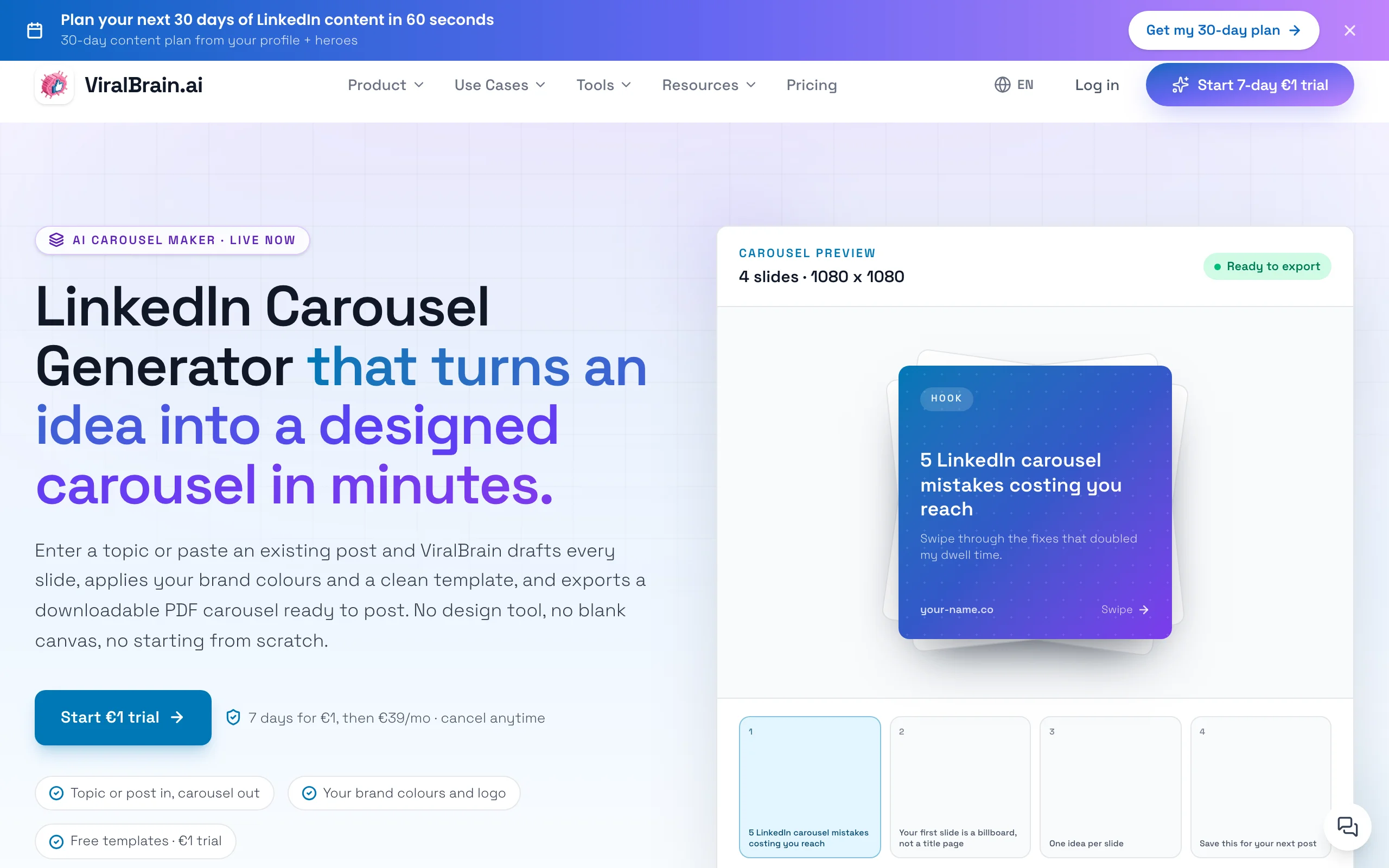
Key features:
- AI drafts slide-by-slide copy from a topic or an existing post
- Voice matching so slides sound like you, not a generic template
- Designed templates with correct portrait dimensions for document posts
- PDF export plus native scheduling from the same workspace in the in-app carousel maker
- Grounded in real viral post structures, not generic prompts
- Free supporting tools like the carousel generator and carousel planner
Best for:
- Founders and creators posting 3-5x per week who want carousels written and designed fast
- Writers who want voice-matched copy, not blank templates to fill in
- Anyone repurposing a strong post into a swipeable carousel without switching tools
Pricing:
- Free tools at /tools with no account required
- 7-day trial for €1 on the full platform
- Paid plans on the ViralBrain pricing page
Pros:
- Writes the slide copy for you, which is the slowest part of making a carousel
- Voice matching and viral-data grounding produce more on-brand, higher-performing slides
- Carousel, post writing, and scheduling live in one platform, so you stop tool-hopping
Cons:
- Newer platform with a smaller template gallery than a design-first tool like Canva
- LinkedIn-focused by design, so it is not built for Instagram or TikTok carousels
2. ContentDrips, best dedicated carousel maker with a brand kit
ContentDrips is a purpose-built social carousel maker, and LinkedIn document posts are its home turf. It pairs a large template library with a reusable brand kit, so your fonts, colors, and logo carry across every carousel automatically. For creators who publish carousels daily, that consistency is the whole point.
It also leans into repurposing: feed it a topic, a blog URL, or a YouTube video and it can generate a carousel draft you then refine. The export is ready for LinkedIn document posts at the right dimensions, which removes the manual resizing step that trips people up in general design tools.
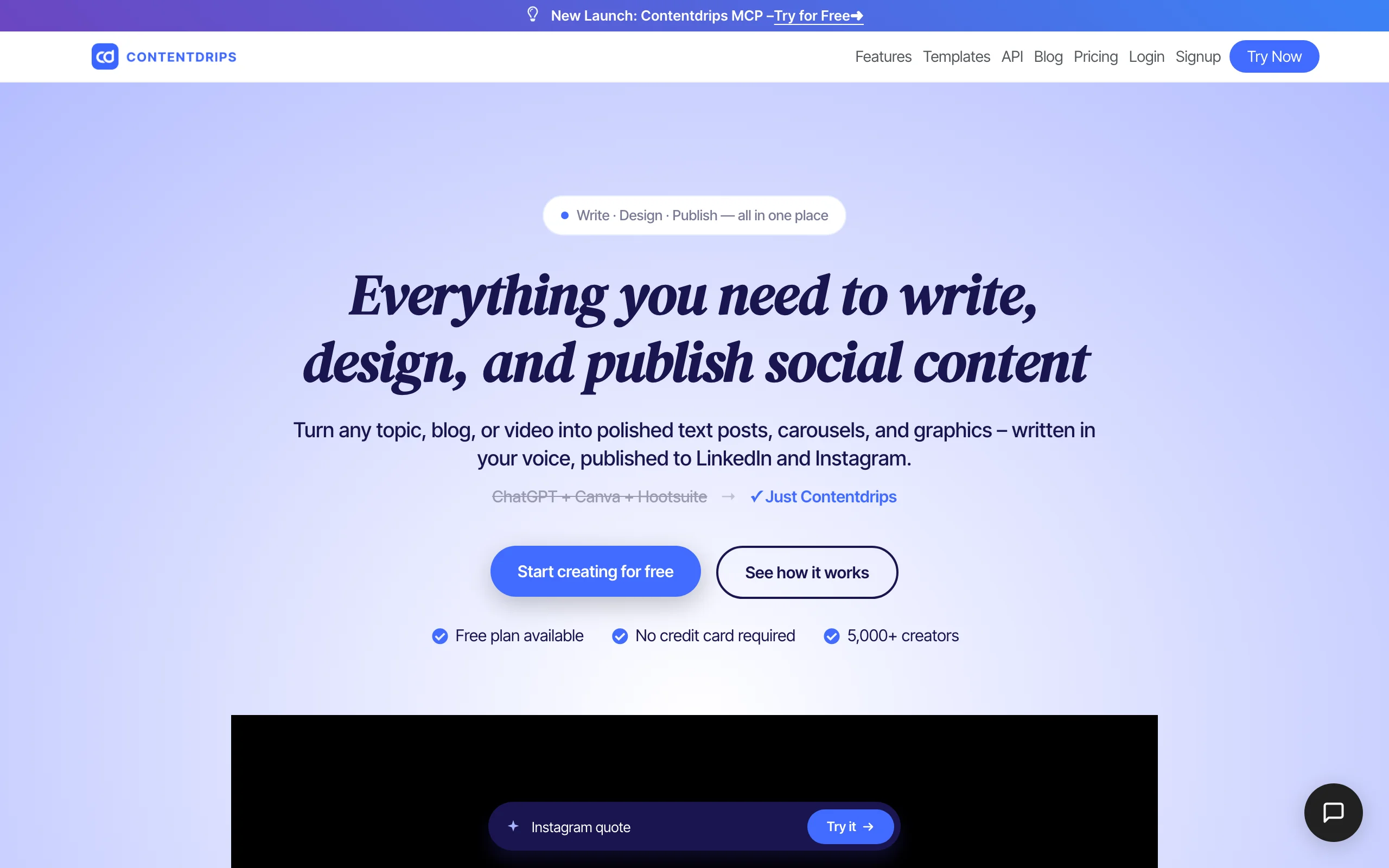
Key features:
- 500+ carousel templates designed for social document posts
- Reusable brand kit for consistent fonts, colors, and logos
- AI carousel generation from a topic, blog, or YouTube video
- Export-ready PDFs sized for LinkedIn document posts
- Bulk and tagged-content workflows for frequent publishers
Best for:
- Creators and ghostwriters shipping carousels several times a week
- Personal brands that need strict visual consistency across posts
- Anyone repurposing long-form content into slides
Pricing:
- Free plan with 50 one-time AI credits (they do not renew)
- Starter from approximately $12-15 per month
- Pro and Teams tiers with unlimited credits, with annual discounts
Pros:
- Built specifically for carousels, so the workflow is fast and focused
- Brand kit keeps every carousel visually on-brand without rework
- Strong repurposing options from existing content
Cons:
- Free credits are one-time, so regular use forces a paid plan quickly
- Credit costs vary by output, and AI images consume the most
3. Canva, best for hands-on custom design
Canva is the default design tool for millions, and it is genuinely excellent for hand-crafting carousels. With over a thousand LinkedIn carousel templates, pre-sized portrait and square frames, and full drag-and-drop control, it gives you the most creative freedom of any tool on this list. Its Carousel Studio app can also auto-generate a multi-slide design from a topic.
The trade-off is that Canva is a general design platform, not a LinkedIn tool. There is no AI tuned to LinkedIn hooks or carousel structure, and no built-in scheduling, so you write the copy, design the slides, export the PDF, and upload it manually. For people who like designing, that control is a feature, not a bug.
Key features:
- 1,000+ LinkedIn carousel templates and pre-sized frames
- Drag-and-drop editor with deep customization
- Brand controls for fonts, colors, and logos
- PDF export at carousel-ready dimensions
- Carousel Studio app for auto-generated multi-slide drafts
Best for:
- Designers and creators who enjoy building each slide themselves
- Teams already standardized on Canva for other visual content
- Anyone who wants maximum design flexibility
Pricing:
- Free plan is permanent and genuinely usable
- Pro from approximately $15 per month or around $120 per year
- Teams pricing for shared brand assets
Pros:
- The largest, highest-quality template library available
- Total control over every visual element
- A free plan most creators can ship real carousels on
Cons:
- No LinkedIn-specific AI for hooks or slide structure, so you do the writing
- No built-in scheduling, so publishing is a manual export-and-upload step
4. Taplio, best all-in-one LinkedIn suite
Taplio is a full LinkedIn personal-branding suite, and its carousel maker is one piece of a larger toolkit that includes scheduling, analytics, and a searchable viral post library. The appeal is staying in one app: you can find inspiration, draft a carousel, and schedule it without exporting to a separate design tool.
Its carousel maker offers pre-designed templates and can generate slides from a blog article, web page, or prompt. Because Taplio is built around growth rather than design, the carousel feature is convenient but not its deepest strength, which is why some users still design slides in Canva and bring them back.
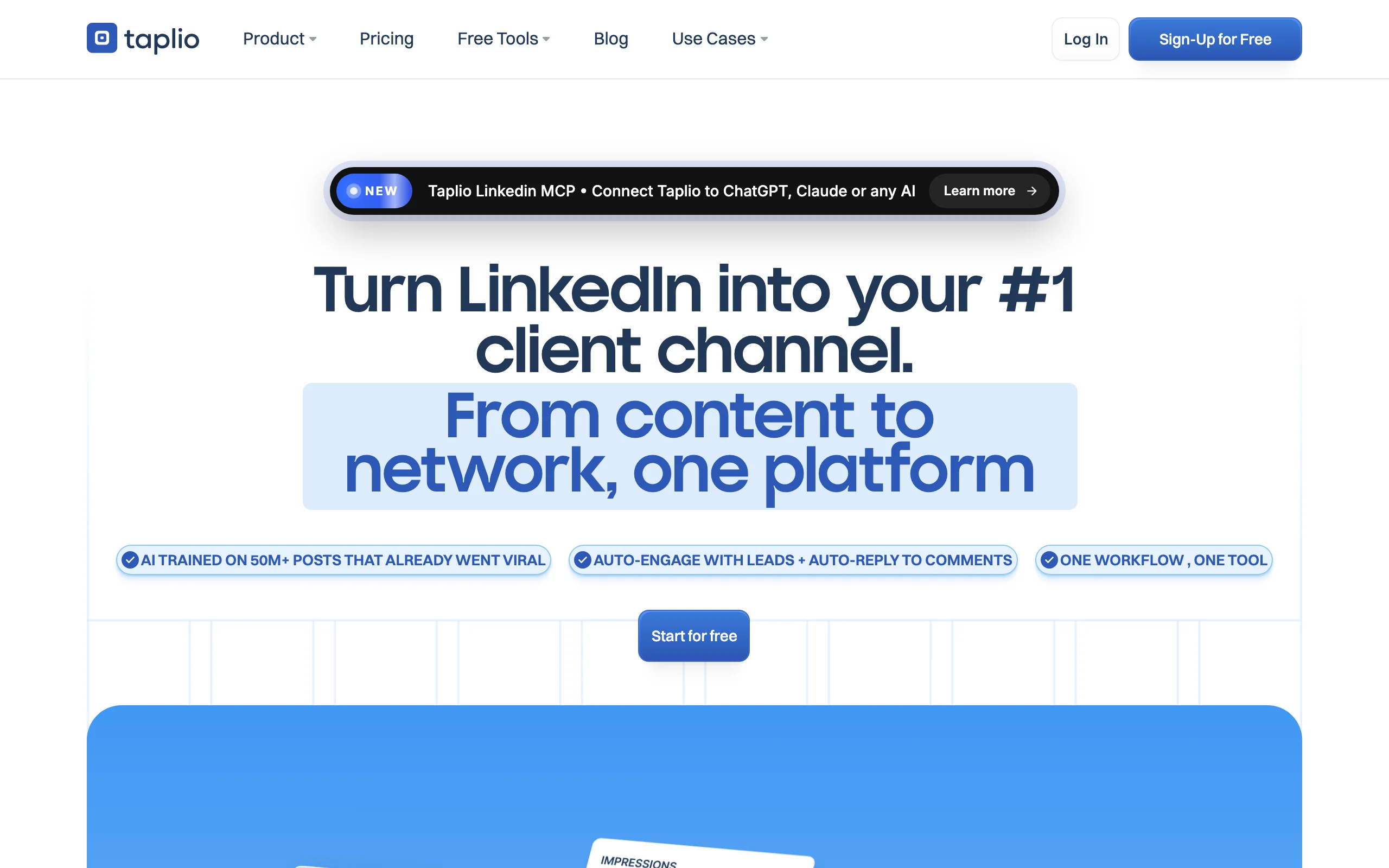
Key features:
- Carousel maker with pre-designed templates
- AI carousel generation from blogs, web pages, or prompts
- Built-in scheduling so carousels publish on a calendar
- Viral post library for inspiration and hooks
- Analytics to track post and profile performance
Best for:
- Solo creators who want carousels plus scheduling in one tool
- Personal brands focused on consistent LinkedIn growth
- Users who value an all-in-one workflow over best-in-class design
Pricing:
- Starter from approximately $39 per month (scheduling and carousel builder, no AI credits)
- Growth around $69 per month with AI credits
- Pro around $199 per month with unlimited AI; free trial available
Pros:
- Carousel, scheduling, analytics, and inspiration in one place
- Strong viral post library for ideas
- Good fit for creators who want a single growth hub
Cons:
- The AI features, including carousel AI, are locked out of the $39 Starter tier
- Templates can feel limited, so design-focused users still leave for Canva
See the full ViralBrain vs Taplio comparison if you are weighing an all-in-one suite against a content-first platform.
Automate your LinkedIn for 30 days
5. Supergrow, best budget AI carousel plus writing
Supergrow is an AI-first LinkedIn writing platform with a strong built-in carousel generator, and it is one of the most affordable ways to get both post writing and carousel design in one dashboard. It generates multi-slide carousels from a topic or a set of key points, plus infographics, and includes scheduling and analytics.
It uses a voice or content profile so the output sounds closer to you than a stock template would. For B2B creators on a budget who want AI help with both their written posts and their carousels, Supergrow covers a lot of ground for the price.

Key features:
- AI carousel generation from a topic or key points
- Infographic generation alongside carousels
- Post writing with a voice or content profile
- Scheduling and analytics in one dashboard
- B2B-oriented templates and prompts
Best for:
- Budget-conscious creators who need writing and carousels together
- B2B founders posting regularly who want AI assistance
- Solo operators who want one affordable tool
Pricing:
- Starter from approximately $19 per month (capped at 20 carousels per month)
- Pro around $39 per month with unlimited carousels and infographics
- 7-day free trial; around 20% off on annual billing
Pros:
- Affordable entry point for combined post and carousel AI
- Voice profile makes output more on-brand than stock templates
- Writing, carousels, and scheduling in one place
Cons:
- Carousel and infographic generation are Pro-only, not on the $19 Starter plan
- The Starter tier caps carousels at 20 per month
6. PostNitro, best multi-platform AI carousel generator
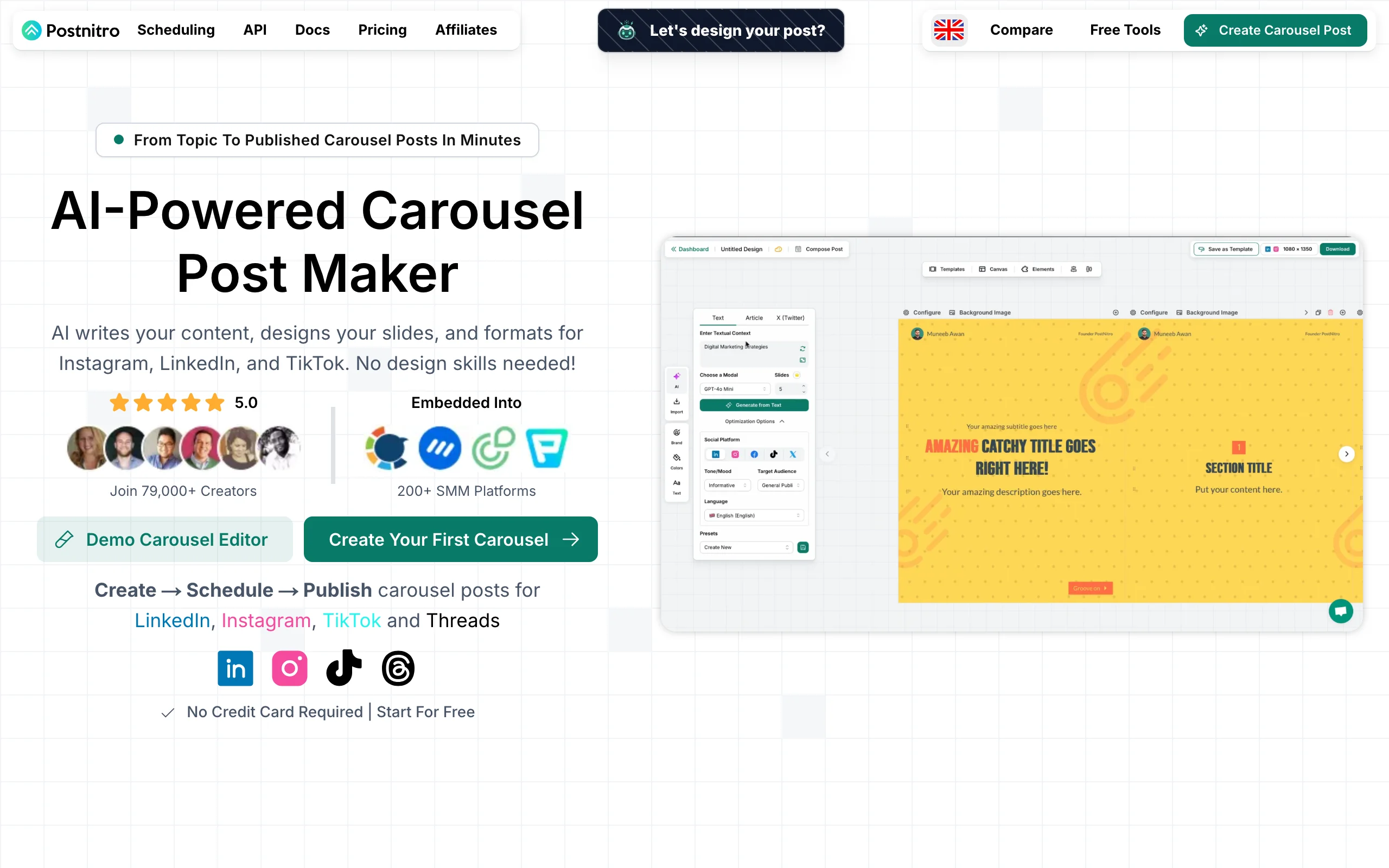
PostNitro is a dedicated AI carousel generator that writes and designs slides, then exports them across LinkedIn, Instagram, TikTok, Threads, and X. If you repurpose a single carousel idea across several networks, its multi-platform export is the differentiator: design once, publish everywhere.
You give it a prompt and it produces a full slide deck with copy and layout, which you can then customize with your brand. Scheduling and publishing are built in. Because it spreads across many platforms, it is less LinkedIn-specific than the dedicated LinkedIn tools, but that breadth is exactly what multi-channel creators want.
Key features:
- AI writes and designs full carousel slide decks from a prompt
- Multi-platform export for LinkedIn, Instagram, TikTok, and more
- Brand customization for colors, fonts, and logos
- Built-in scheduling and publishing
- Slide count scales with plan tier
Best for:
- Creators repurposing one carousel across multiple platforms
- Social media managers running several channels
- Anyone who wants fast AI design without a learning curve
Pricing:
- Free plan with 5 downloads and basic AI
- Starter from approximately $10-12 per month with more downloads and slides
- Creator and Team tiers add unlimited downloads and more slides
Pros:
- True multi-platform export from a single design
- Fast AI generation with minimal setup
- A free plan to test the workflow
Cons:
- Lower tiers cap slides per carousel and total downloads
- Not LinkedIn-specific, so it lacks deep LinkedIn growth features
7. Piktochart, best design-first, infographic-style carousels
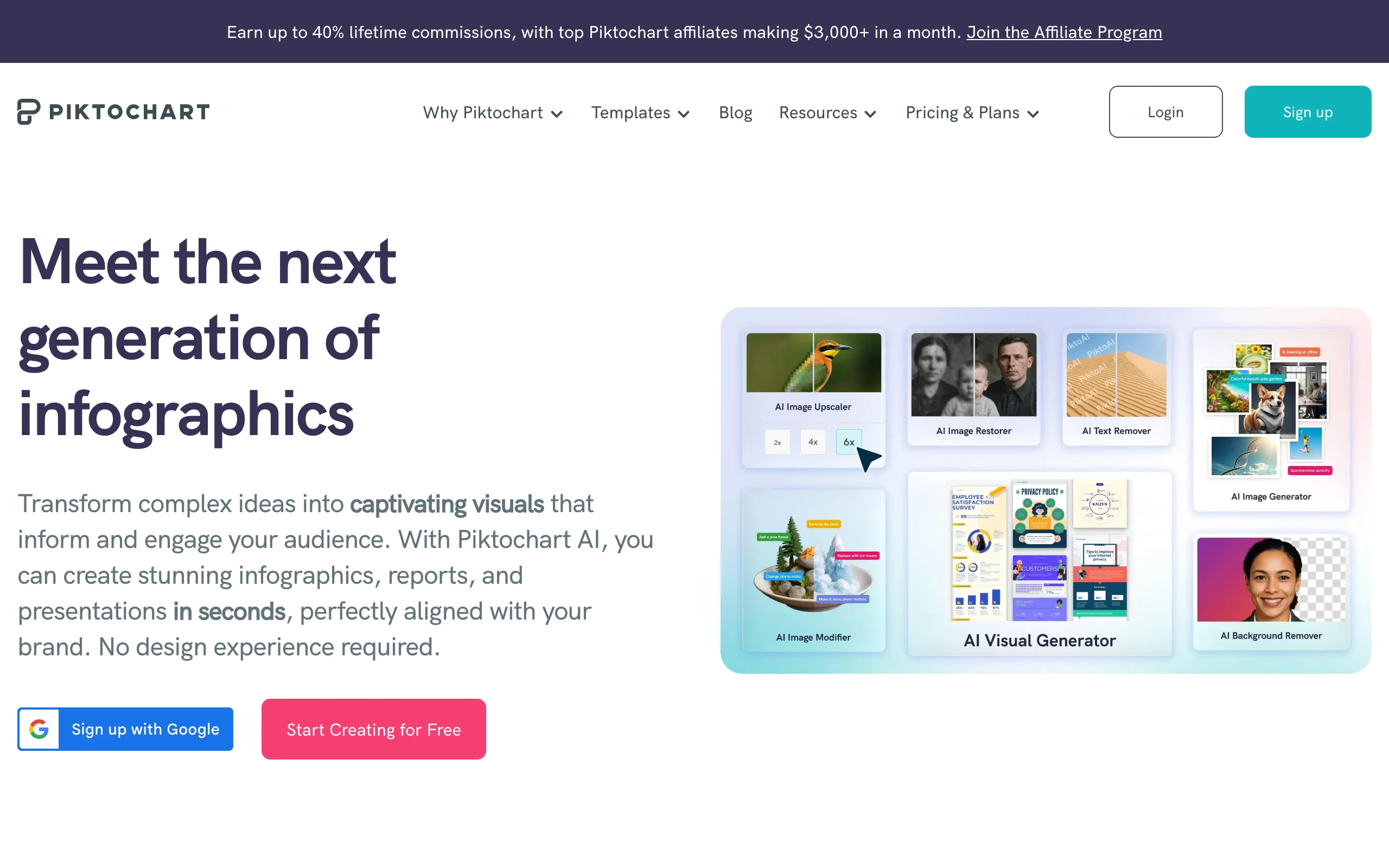
Piktochart is a visual and infographic platform with an AI LinkedIn carousel generator that turns text, a blog, or an outline into clean, multi-slide visuals. It shines when your carousel is data-heavy or framework-driven, since its design heritage is infographics rather than plain text slides.
The AI generator drafts polished slides from a prompt or article, and the template quality is high. It is a strong pick for marketers and educators who want carousels that look like designed visual explainers rather than text cards, though it is a general design tool without LinkedIn-specific scheduling.
Key features:
- AI carousel generator from a prompt, blog, or outline
- Infographic-quality templates and visual elements
- Export-ready slides for document posts
- Brand controls for consistent visuals
- Strong fit for data and framework-driven content
Best for:
- Marketers and educators making data-heavy carousels
- Creators who want an infographic look, not text cards
- Teams that also produce reports and visual explainers
Pricing:
- Free plan with limited active visuals and downloads
- Pro from approximately $14 per member per month on annual billing
- Business tier and education and nonprofit discounts available
Pros:
- Polished, infographic-grade visual output
- Good AI generation from existing content
- Strong for data and framework carousels
Cons:
- Free tier is restrictive, with watermarks and export limits
- No built-in LinkedIn scheduling, so publishing is manual
How to choose the best LinkedIn carousel maker for your needs
The right tool depends on how much you want the software to do and where carousels fit in your workflow. Use these four questions to narrow it down.
1) Do you want AI to write the slides, or do you want to design them yourself?
This is the biggest fork. Writing slide-by-slide copy is the slowest part of making a carousel, and tools split sharply on whether they help.
- If you want the copy written for you: ViralBrain drafts voice-matched slides from a topic or post, and Supergrow and PostNitro generate slide decks from a prompt.
- If you enjoy designing and want full control: Canva and Piktochart give you the richest manual design experience, and you supply the words.
2) LinkedIn-only or multi-platform?
Decide whether you only post carousels on LinkedIn or repurpose them across networks.
- LinkedIn-focused: ViralBrain, ContentDrips, and Taplio are built around LinkedIn document posts and growth.
- Multi-platform: PostNitro exports the same carousel to Instagram, TikTok, and more, and Canva works anywhere you publish.
3) Standalone carousel maker or part of a wider workflow?
Think about whether you want a single-purpose tool or one that also handles writing and scheduling.
- Standalone design: ContentDrips, Canva, and Piktochart focus on making the slides.
- All-in-one: ViralBrain pairs carousels with post writing and scheduling, Taplio bundles scheduling and analytics, and Supergrow combines writing and carousels. For the strategy behind a consistent feed, see the LinkedIn content strategy guide.
4) What is your budget and posting volume?
Match the plan to how often you publish, and run a short trial on your real topics before committing.
- Lowest cost: PostNitro, ContentDrips, and Supergrow have the cheapest entry points, and Canva and Piktochart have usable free plans.
- Higher volume and value: if carousels are a core channel, a tool that also writes and schedules them, like ViralBrain, often saves more time than its sticker price. Try the free carousel generator first, then start a 7-day trial for €1 on the full ViralBrain platform. To understand why carousels earn reach, read how to go viral on LinkedIn.
FAQ
What is a LinkedIn carousel maker?
A LinkedIn carousel maker is a tool that designs multi-slide content and exports it as a PDF you upload to LinkedIn as a document post. Since LinkedIn retired native carousels in late 2023, the PDF document post is the only way to publish a swipeable carousel. Good carousel makers handle the copy, the design, the correct portrait dimensions, and the export in one workflow.
How do I make a LinkedIn carousel in 2026?
Write your slide-by-slide copy with a strong hook on slide one, design the slides at 1080x1350 portrait, export the deck as a PDF, and upload it to LinkedIn using the document post option. A tool like the free carousel planner helps you outline the slides first, and our LinkedIn carousel guide covers the full process and dimensions.
Is there a free LinkedIn carousel maker?
Yes. Canva and Piktochart have permanent free plans, PostNitro and ContentDrips offer free tiers with limited downloads or credits, and ViralBrain has free tools at /tools with no account required. Free tiers are great for testing, though most cap downloads, watermark exports, or limit templates, which pushes regular publishers to a paid plan.
Is there a free AI LinkedIn carousel generator?
Several tools include AI on their free tiers, though with limits. PostNitro's free plan includes basic AI and a handful of downloads, and ViralBrain's free carousel tools let you draft slide structure without paying. For unlimited AI generation, you typically need a paid plan, since AI output is the most resource-intensive feature these tools offer.
What is a LinkedIn PDF carousel?
A LinkedIn PDF carousel is a multi-page PDF uploaded as a document post, which LinkedIn renders as swipeable slides in the feed. It replaced the old native carousel format and is now the standard way to post slides. Export at 1080x1350 portrait for the most screen space, and keep fonts large so slides stay legible after LinkedIn compresses the file.
Do AI-generated LinkedIn carousels perform well?
They can, as long as the copy is structured well and sounds human. The format rewards a strong hook, one idea per slide, and a clear payoff, not generic AI filler. Tools grounded in real post data, like ViralBrain, tend to produce better-structured slides because they learn from carousels that already earn saves and reach. Always review and edit AI output before posting.
Which LinkedIn carousel maker is best for teams?
For teams, ContentDrips offers a brand kit and team tiers for consistency, Taplio adds shared scheduling and analytics, and ViralBrain combines team content creation with carousels and post writing. Match the choice to whether your team needs design consistency, scheduling, or end-to-end content production. Check each tool's team pricing, since per-seat costs add up.
How much do LinkedIn carousel makers cost?
Entry pricing ranges from free up to roughly $40 per month for most tools, with ContentDrips, Supergrow, and PostNitro at the lower end and Taplio's full AI tiers reaching higher. Almost all offer free plans or trials, so test on your real topics first. See ViralBrain pricing for plans that bundle carousels with AI post writing and scheduling.
Automate your LinkedIn for 30 days
ViralBrain plans, writes, and schedules your LinkedIn content, using official LinkedIn APIs so your account stays safe.
- Official LinkedIn APIs, no risk of ban
- You approve every post before it goes live
- Cancel anytime
Keep reading

6 best LinkedIn comment generators in 2026
Six LinkedIn comment generators compared, with pricing checked on each vendor's own page on 3 September 2026 and the ones that publish nothing named as such.
LinkedIn Carousel Size: 1080x1080px (Exact Specs for 2026)
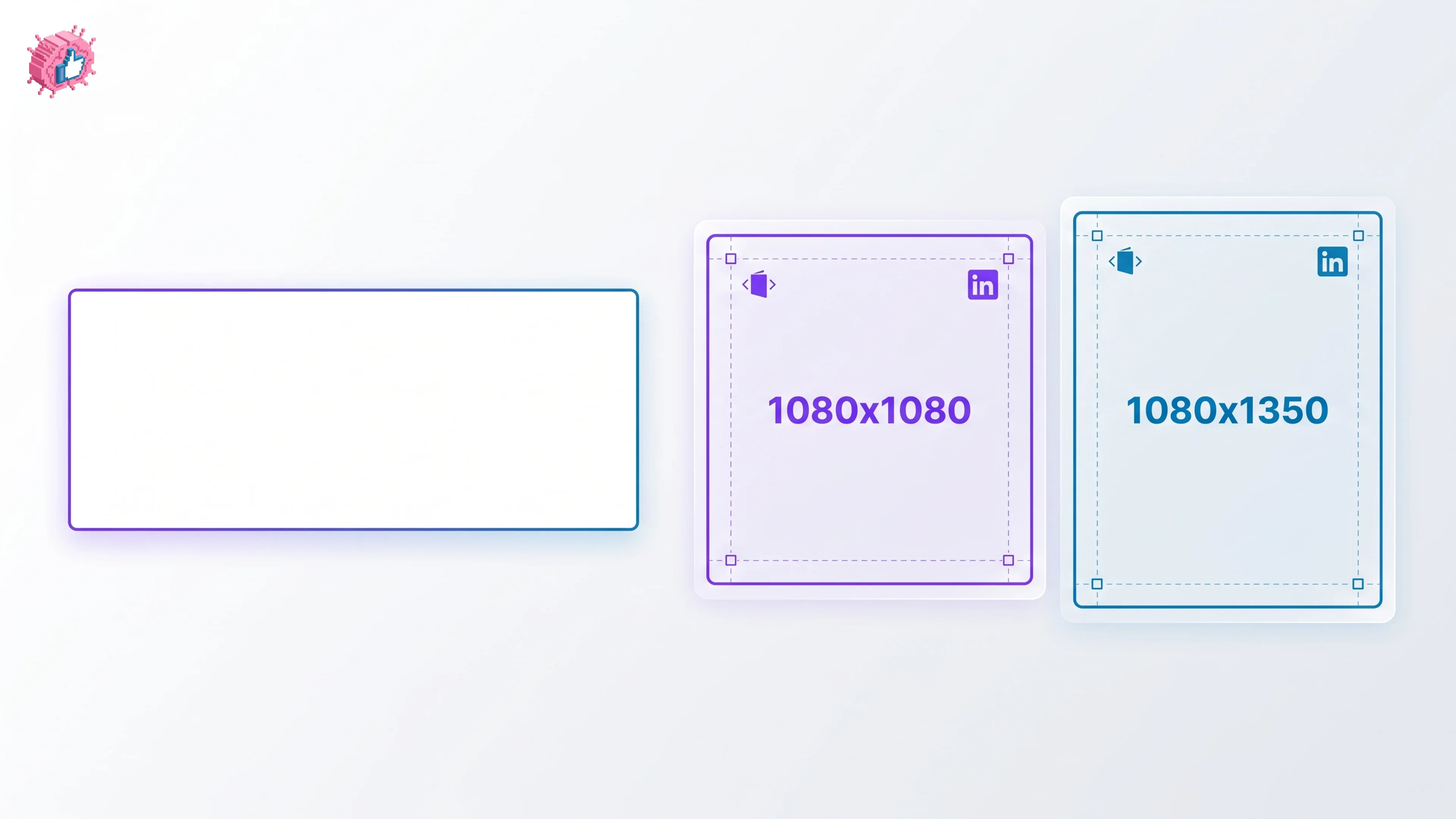
The recommended LinkedIn carousel size is 1080x1080px (square) or 1080x1350px (portrait). Get the exact specs, safe zone, and PDF export limits for 2026.

Buffer Alternatives: 7 Better Tools for LinkedIn in 2026
Buffer charges per channel and treats LinkedIn like every other network. Here are 7 Buffer alternatives compared on pricing, AI, and LinkedIn depth.