

Best 7 AI LinkedIn Post Generators in 2026
Compare the 7 best AI LinkedIn post generators in 2026, with free options, voice-matching tools, and current pricing, pros, and cons for every pick.
Writing consistently on LinkedIn is harder than it looks. Most creators know what they want to say but lose hours staring at a blank editor, second-guessing tone, or producing posts that go nowhere. A good LinkedIn post generator fixes the blank-page problem and helps you draft faster — without sounding like everyone else using the same AI prompt.
The tools in this list range from free viral-data-driven generators to full CRM platforms built around LinkedIn outreach. Some focus purely on speed. Others learn your voice. A few go beyond writing and handle scheduling or analytics. We compared all seven on output quality, pricing, LinkedIn-specific features, and honest trade-offs so you can pick the right one for your workflow. For the wider category beyond generators, see the best LinkedIn marketing tools.
Automate your LinkedIn for 30 days
Best LinkedIn post generators in 2026: a quick overview
- ViralBrain: Best overall free LinkedIn post generator — learns your voice from your LinkedIn profile and generates posts using real viral post data from top creators, not generic AI templates.
- Taplio: Best for teams that want to combine LinkedIn post generation with CRM-style outreach, lead tracking, and relationship management in one platform.
- Supergrow: Best budget-friendly LinkedIn AI writer — solid template library, clean interface, and a low starting price that works for individual creators on a tight budget.
- EasyGen: Best for dead-simple one-click LinkedIn post generation — no configuration, no learning curve, good for creators who want a fast first draft and nothing more.
- Jasper: Best general-purpose AI writing platform — strongest if you need LinkedIn posts as part of a broader content operation across blog, social, and ad copy.
- Copy.ai: Best for marketers who need to repurpose content across multiple channels and formats from a single input, with LinkedIn templates included.
- AuthoredUp: Best LinkedIn post editor and formatter — less of a generator, more of a polish and analytics layer for creators who already write their own drafts.
| Tool | Key strength | Pricing | Best for |
|---|---|---|---|
| ViralBrain | Viral data-driven generation + voice matching + viral score + MCP server | Free tier (3 heroes, 5 posts/mo); €1 trial; Pro €39/mo | LinkedIn creators and solopreneurs who want voice-matched posts grounded in real viral data |
| Taplio | LinkedIn post generation combined with CRM, outreach, and lead tracking | From $49/mo, no permanent free tier | Teams and sales-led creators managing outreach alongside content |
| Supergrow | Budget-friendly AI writer with strong template library | From $19/mo, limited trial | Solo creators and freelancers who need a capable generator at low cost |
| EasyGen | Fastest path from idea to draft — minimal setup | From $29/mo | Busy professionals who want a quick first draft with no configuration |
| Jasper | Enterprise-grade AI writing across all content formats | From $49/mo per seat | Marketing teams producing LinkedIn content within a larger multi-channel workflow |
| Copy.ai | Content repurposing and multi-channel workflow automation | Free tier available; paid from $36/mo | Marketers turning one source (blog, webinar, podcast) into LinkedIn + other formats |
| AuthoredUp | Post formatting, analytics, and pre-publish polish | From $19.95/mo | Creators who write their own drafts and need analytics-driven formatting tools |
1. ViralBrain, best overall free LinkedIn post generator
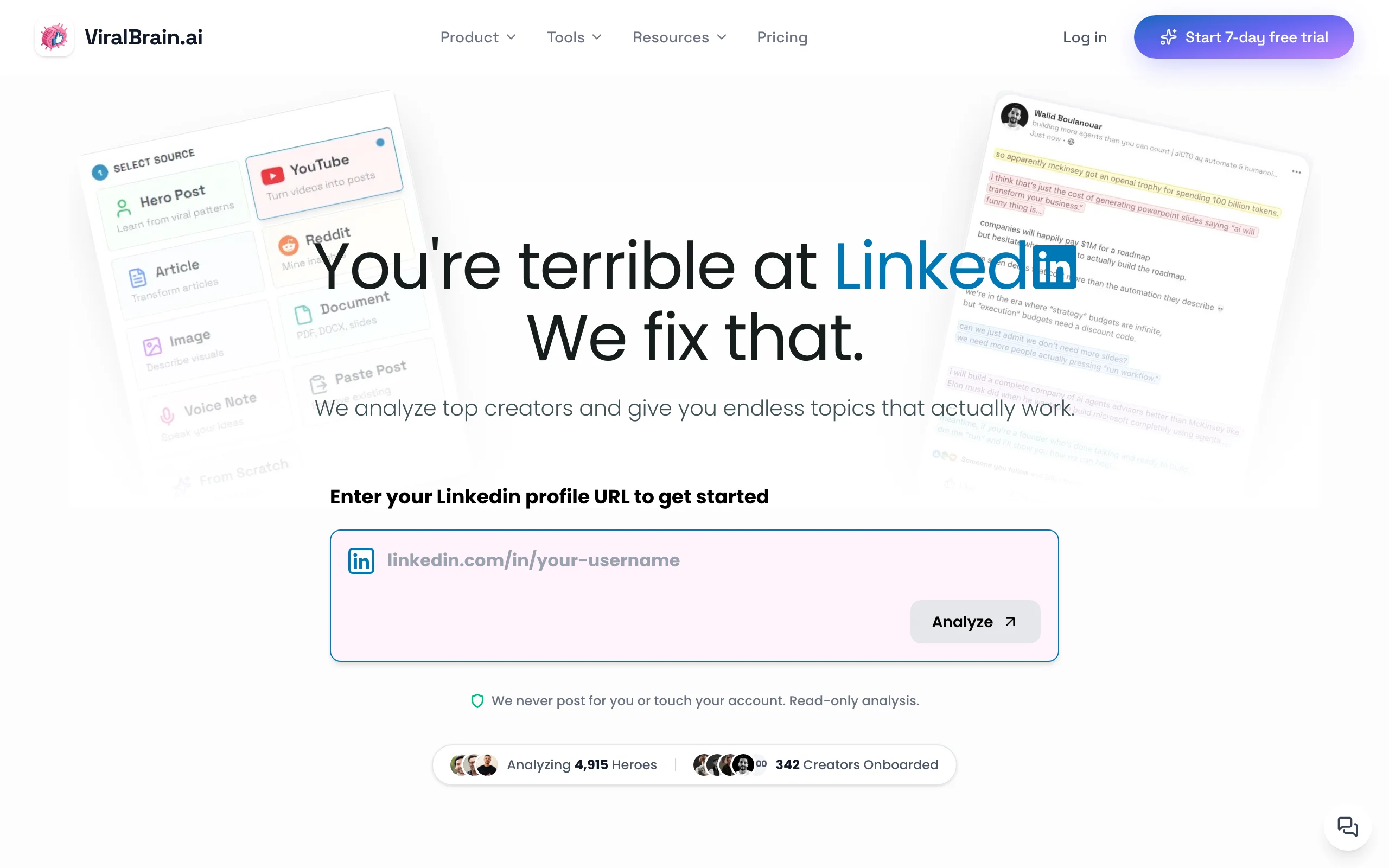
ViralBrain is a LinkedIn AI content platform built specifically around one question: what makes posts actually go viral? Instead of prompting a general-purpose AI with your topic and hoping for the best, ViralBrain pulls from a continuously updated library of high-performing posts from the top LinkedIn creators in your niche — what the platform calls "hero creators." That data feeds the generation engine so outputs are grounded in patterns that have already proven they work, not patterns borrowed from generic web text.
The other key difference is voice matching. ViralBrain analyzes your LinkedIn profile and writing history to learn your style — sentence length, vocabulary, hook structure, pacing — and applies that layer to every post it generates. The result reads like you wrote it on a focused day, not like a template with your name inserted. The free LinkedIn post generator is the most accessible starting point on this list — start a €1 trial and generate your first post in under 60 seconds.
Key features
- Hero creator analysis: generates posts using viral patterns from top creators in your niche
- Voice matching from your LinkedIn profile — outputs align to your actual writing style
- Viral score checker after generation — know your post's likely performance before publishing
- Multi-source input: generate from YouTube URLs, article links, and Reddit threads
- Viral post templates: 100+ format frameworks across hooks, carousels, storytelling, and hot takes
- LinkedIn MCP server: draft, generate, and schedule posts directly from Claude, Codex, or any MCP client, which no other tool in this list offers
- LinkedIn post preview: see exactly how your post renders before it goes live
- Free tool ecosystem: headline generator, text formatter, and more alongside the generator
Best for
- LinkedIn creators and solopreneurs posting 3-5x per week who want posts grounded in real viral data, not generic AI output
- Founders and marketers who've tried ChatGPT for LinkedIn and found the output too generic or off-brand
- Creators repurposing content from other formats (YouTube videos, articles, podcasts) into LinkedIn posts
Pricing
- Free tier (3 heroes, 5 posts/month); €1 trial to start generating immediately
- Paid plans from €39/month (Pro) or €69/month (Premium) with expanded generation credits and hero analysis depth
- Access to 100+ free tools regardless of plan tier
Pros
- Only generator in this list that uses actual viral post data from real LinkedIn creators as its training signal — not just a fine-tuned language model on generic web text
- Voice matching means the output sounds like you, reducing editing time significantly
- Viral score checker closes the loop between generation and performance prediction — you know before you post whether it's likely to land
- Free tier is genuinely usable, not a teaser that locks every meaningful feature behind a paywall
Cons
- No native scheduling or direct publishing to LinkedIn — you copy the draft and post manually or via a separate scheduler
- Newer product with less brand recognition than Taplio or Jasper, so community resources and third-party integrations are more limited
2. Taplio, best for teams combining generation with outreach CRM
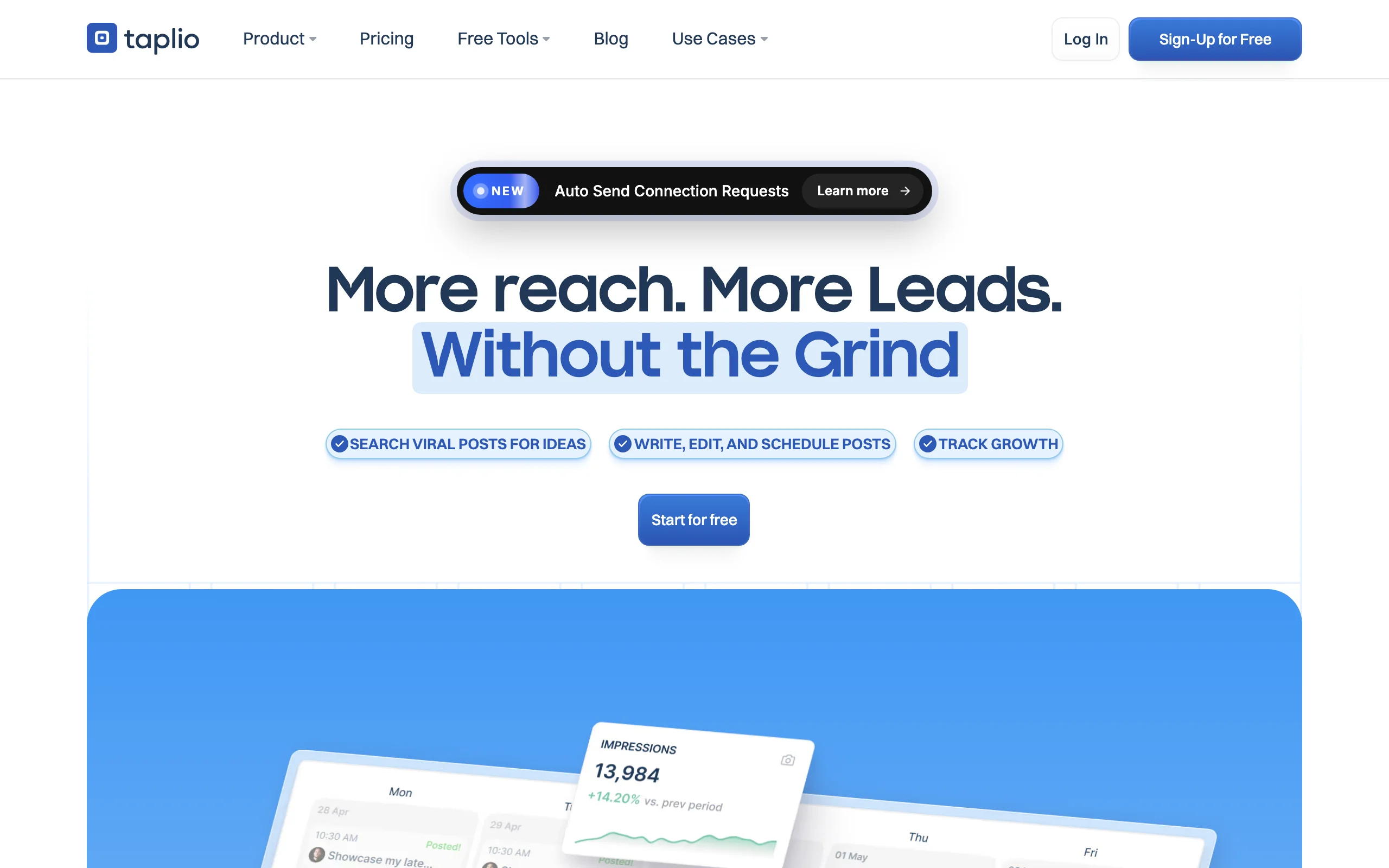
Taplio has established itself as the closest thing to an all-in-one LinkedIn platform on the market. It combines AI post generation with a relationship management layer: you can track who engages with your posts, build lead lists, manage DM outreach, and monitor competitor content — all inside one dashboard. For sales-led creators or small teams managing multiple LinkedIn profiles, that combination removes the need for separate tools.
The content generation side uses OpenAI under the hood, with prompt templates structured around common LinkedIn formats. The AI inspiration feed shows you viral posts in your industry, and the scheduling and analytics layer ties everything together. It is not the most powerful pure generator on this list, but no other tool combines content creation with CRM-depth outreach management as cleanly.
Key features
- AI post generation with viral post inspiration feed from LinkedIn
- Contact relationship management: track engaged leads and organize them into lists
- LinkedIn DM outreach sequences with scheduling
- Team collaboration features — manage multiple LinkedIn profiles from one workspace
- Post scheduling and calendar with built-in analytics
- Content performance tracking at the post and profile level
Best for
- Sales teams and founders who treat LinkedIn as a pipeline channel, not just a brand awareness play
- Agencies managing LinkedIn content and outreach for multiple clients
- Creators who want scheduling, analytics, and AI generation inside a single subscription
Pricing
- No permanent free tier — 7-day trial available
- Starter plan from $49/month (individual)
- Agency and team plans available at higher tiers
Pros
- The strongest combination of content generation and CRM features in this category
- Viral post inspiration library gives real-world examples directly inside the writing workflow
- Team features and multi-profile management are genuinely useful for agencies
Cons
- Pricing starts at $49/month, which is high for a solo creator who only needs post generation
- AI writing quality is solid but relies on standard prompt templates — no voice learning from your LinkedIn history comparable to ViralBrain's approach
- The platform breadth can feel overwhelming if your only goal is to write better posts faster
If you are deciding between the two, see the full ViralBrain vs Taplio breakdown.
3. Supergrow, best budget LinkedIn post generator

Supergrow is a purpose-built LinkedIn AI writing tool that keeps things focused. The platform gives you a solid library of post templates organized by format (hooks, listicles, storytelling, opinion posts), an AI generation engine, and a clean interface that does not try to do too much. For creators who want a capable generator at the lowest price point on this list, it delivers without unnecessary complexity. See how it stacks up against other budget writers in our Supergrow alternatives roundup.
The template library is genuinely useful — formats are tagged by content type and come with guidance on when to use each one. The generation engine produces reasonable first drafts that typically need one editing pass. Supergrow does not offer voice matching or viral data analysis at the depth ViralBrain does, but for a budget-tier tool it punches above its weight on template quality and usability.
Key features
- 50+ LinkedIn post templates organized by format and use case
- AI post generation from topics, ideas, or existing content
- Post scheduling (LinkedIn native publishing via API)
- Content recycling — automatically resurface and re-queue evergreen posts
- Performance analytics at the post level
- Chrome extension for capturing ideas and generating posts without switching tabs
Best for
- Freelancers and individual creators who want a capable LinkedIn post generator at under $20/month
- Creators who rely heavily on structured formats and frameworks (templates) rather than freeform drafting
- Anyone who wants scheduling included in the same tool without paying Taplio-level prices
Pricing
- Trial available (limited credits)
- Paid plans from $19/month
- Higher tiers include more credits and team seats
Pros
- Best price-to-capability ratio in this list for a solo creator
- Template library is organized and practical — not a wall of identical variations
- Scheduling is included at the base tier, removing the need for an additional tool
Cons
- No voice matching or analysis of your personal LinkedIn writing style
- Template quality is the core value prop — if you do not use templates often, you lose a significant part of what you are paying for
- Analytics are basic compared to dedicated LinkedIn analytics tools or AuthoredUp
4. EasyGen, best for dead-simple one-click generation
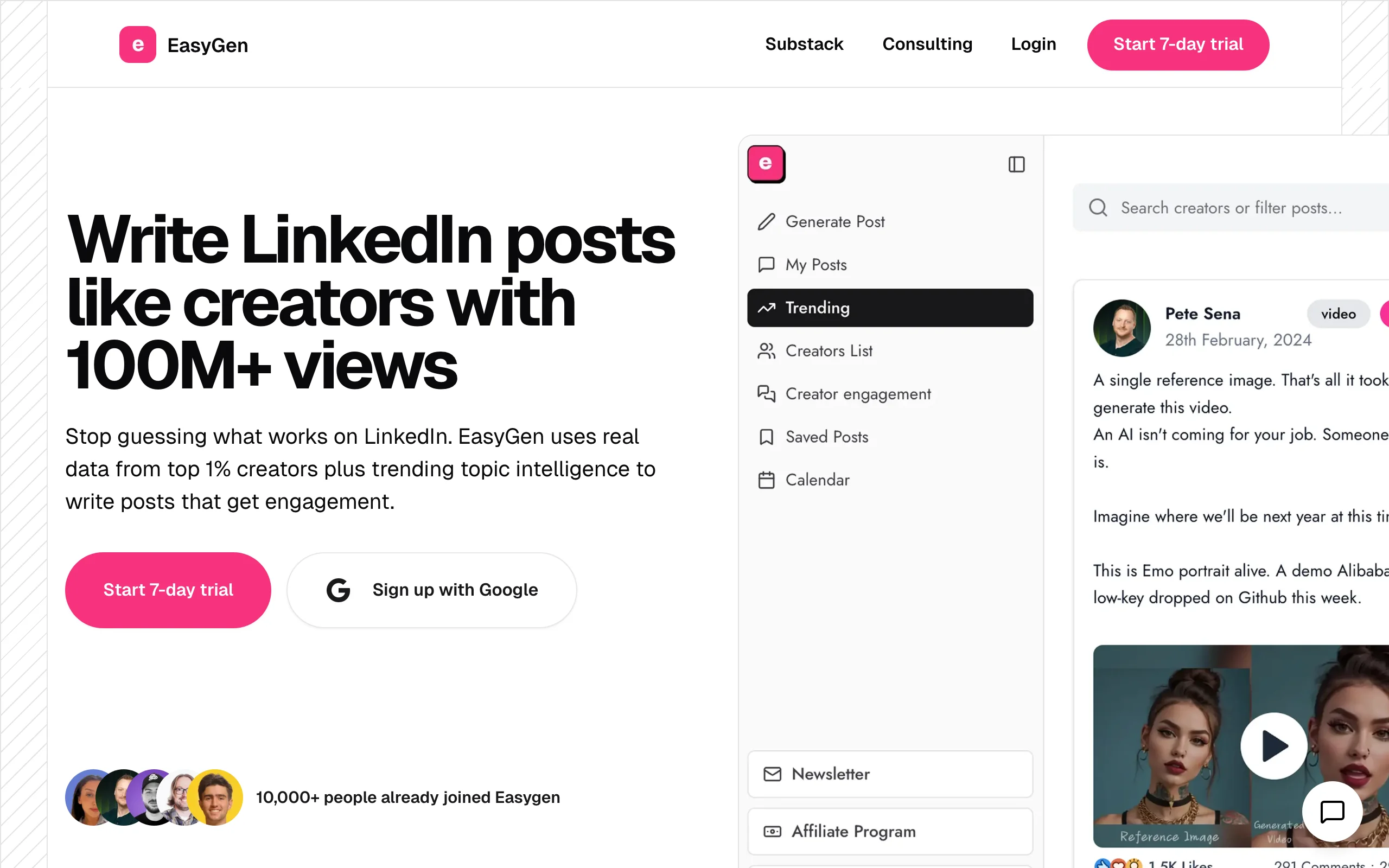
EasyGen does exactly what its name suggests. You input a topic, choose a format, and get a LinkedIn post draft in seconds. There is no complex onboarding, no voice profile setup, no viral score dashboards. The tool is built for professionals who want a fast first draft and plan to edit it themselves — not for creators who want the AI to do all the heavy lifting.
The generation quality is on par with a well-prompted ChatGPT output, which is to say: useful as a starting point, but requiring editorial judgment before posting. Where EasyGen earns its place is ease of access. If you need to write three LinkedIn posts today and want to start all three simultaneously rather than staring at blank screens, EasyGen removes the friction. For how to write a LinkedIn post and get it done quickly, this is the most frictionless path.
Key features
- One-click post generation from a topic input
- Format selection: story, list, opinion, tips, hook-based
- Regeneration and variation generation with one click
- Lightweight editor for in-browser refinement
- No account required for basic generation (freemium access)
- Browser extension available
Best for
- Professionals who post occasionally (1-2x per week) and need a quick first draft, not a full content system
- LinkedIn newcomers who want to get comfortable with the format before investing in a more complex platform
- Users who already know their own voice and editing style and just need a blank-page antidote
Pricing
- Limited free tier available
- Paid plans from $29/month
- No team or agency plans
Pros
- Zero learning curve — operational in under 60 seconds
- Fast draft generation without configuration overhead
- Regeneration is quick, making it easy to explore multiple angles on a single topic
Cons
- No voice matching or personalization to your LinkedIn writing style
- No scheduling, analytics, or publishing features — purely a draft generator
- Output quality relies heavily on the quality of your input topic — vague inputs produce generic drafts
- At $29/month for a tool with no analytics or scheduling, the pricing feels premium relative to what is offered
For a detailed feature-by-feature breakdown, see ViralBrain vs EasyGen.
Automate your LinkedIn for 30 days
5. Jasper, best general AI writing platform with LinkedIn templates
Jasper is an enterprise-grade AI writing platform that covers the full content spectrum: blog posts, ads, email sequences, social media, and more. LinkedIn templates are one component of a much broader system. If your LinkedIn content is produced inside a marketing team that also needs AI assistance for long-form content, ad copy, and landing pages, Jasper is the natural choice because you avoid managing multiple AI writing tools.
For LinkedIn-only creators, Jasper is overbuilt and overpriced. The platform has strong brand voice training features and a well-designed template library, but LinkedIn content quality does not significantly exceed what the tools built specifically for LinkedIn produce — and at $49/month per seat, the math only makes sense if you are using it across multiple content formats. The brand voice training is genuinely useful for teams who need multiple writers producing content that sounds consistent.
Key features
- 50+ content templates including LinkedIn post, LinkedIn article, and LinkedIn ad formats
- Brand voice training — define your voice once, apply across all content types
- AI-powered long-form content editor (useful for LinkedIn newsletters)
- Jasper Chat for conversational content generation and iteration
- Team collaboration with role-based access
- Integrations with Surfer SEO, Grammarly, and other marketing stack tools
Best for
- Marketing teams producing content across LinkedIn, blog, email, and paid channels who want one AI writing tool for everything
- Agencies managing content for multiple brands with distinct voice profiles
- Organizations where LinkedIn is one channel in a broad B2B content strategy, not the primary focus
Pricing
- No permanent free tier — 7-day trial
- Creator plan from $49/month per seat
- Business and enterprise plans at custom pricing
Pros
- Strongest multi-format coverage — useful well beyond LinkedIn
- Brand voice training is mature and consistent across outputs
- Jasper Chat allows fast conversational iteration on drafts
Cons
- Significant overkill for a solo LinkedIn creator who only needs post drafts
- No LinkedIn-specific features like viral post analysis, engagement prediction, or profile voice matching
- Per-seat pricing makes team adoption expensive
- LinkedIn template quality is not meaningfully better than dedicated LinkedIn tools at a lower price point
6. Copy.ai, best for marketers repurposing content across channels
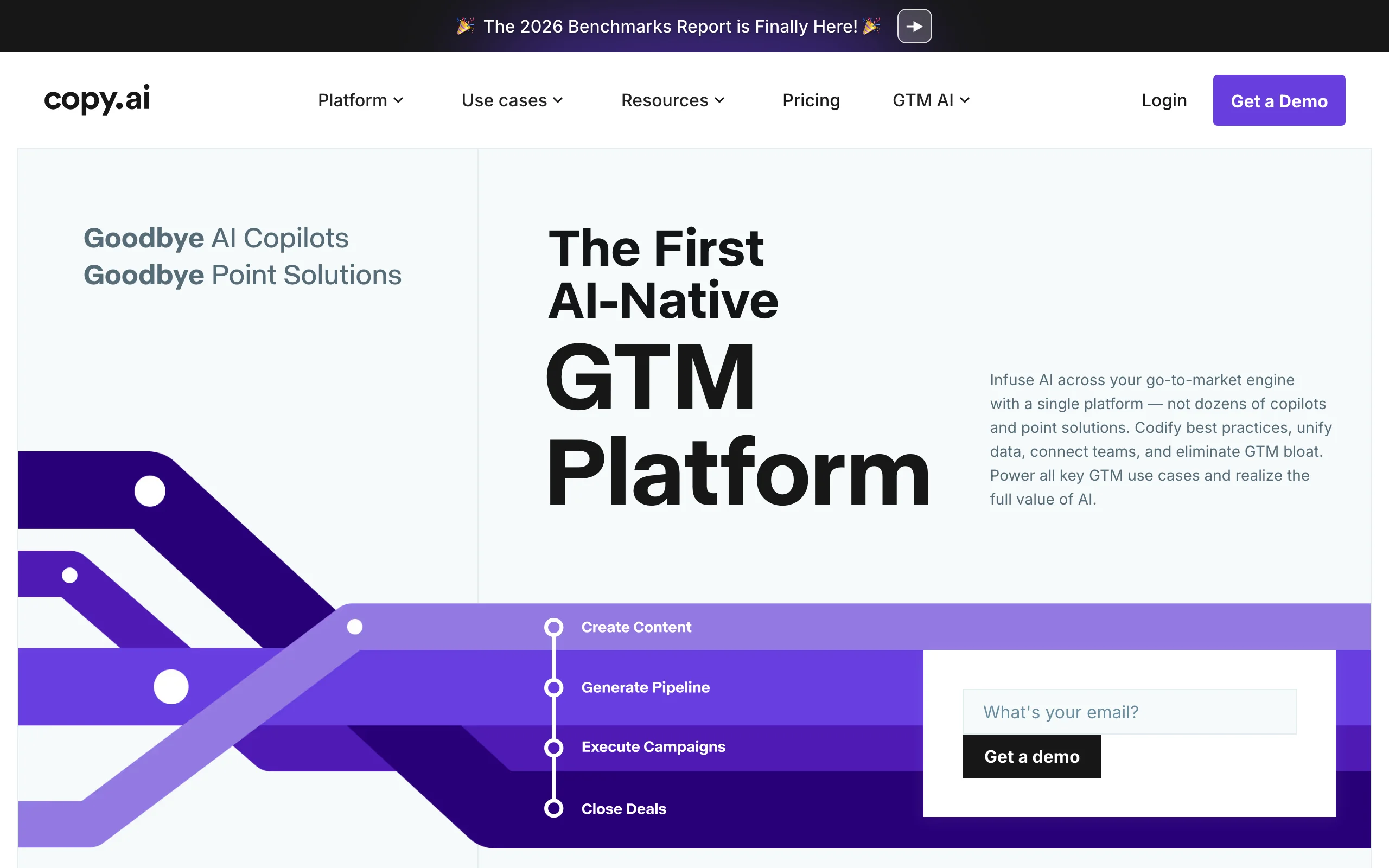
Copy.ai started as a short-form marketing copy tool and has expanded into a multi-step workflow platform that can take a source input — a blog post URL, a podcast transcript, a webinar recording — and produce content across multiple formats and channels in one automated pass. For marketers who create once and want to distribute everywhere, the workflow automation separates Copy.ai from single-format generators.
The LinkedIn post templates are solid, and the AI output quality on shorter formats is reliable. Where Copy.ai genuinely earns its spot is the repurposing workflow: paste an article URL, trigger a workflow, and get a LinkedIn post, a Twitter thread, an email newsletter blurb, and a blog summary simultaneously. That multi-channel automation is not available at this level in any other tool on this list. The free tier is usable for individual creators, though workflow automation and team features are locked behind paid plans.
Key features
- 90+ marketing copy templates including LinkedIn posts, ads, and headlines
- Automated content repurposing workflows — one source to multiple formats in one run
- Copy.ai Chat for conversational draft generation and editing
- LinkedIn-specific templates: posts, connection requests, InMail messages
- Team workspace with shared assets and brand voice settings
- Integration with Zapier, HubSpot, Salesforce, and Notion
Best for
- Content and demand generation marketers who need LinkedIn posts as part of a broader repurposing workflow
- Marketing operations teams automating content distribution across channels
- Solo marketers managing both LinkedIn and other content channels who want to cut production time across all of them
Pricing
- Free tier available (limited workflow runs and credits)
- Starter plan from $36/month
- Team and enterprise plans at higher tiers
Pros
- Multi-channel repurposing automation is the strongest in this list — unique capability
- Free tier is functional enough for occasional use
- Template library covers the full marketing use case, not just LinkedIn posts
Cons
- LinkedIn-specific features are not as deep as tools built exclusively for LinkedIn
- No voice matching from your LinkedIn profile history
- Workflow setup requires time investment upfront — not a "generate in 30 seconds" experience
- The platform's strength is breadth, not depth — if LinkedIn is your only channel, you are paying for features you will not use
7. AuthoredUp, best post editor and formatter
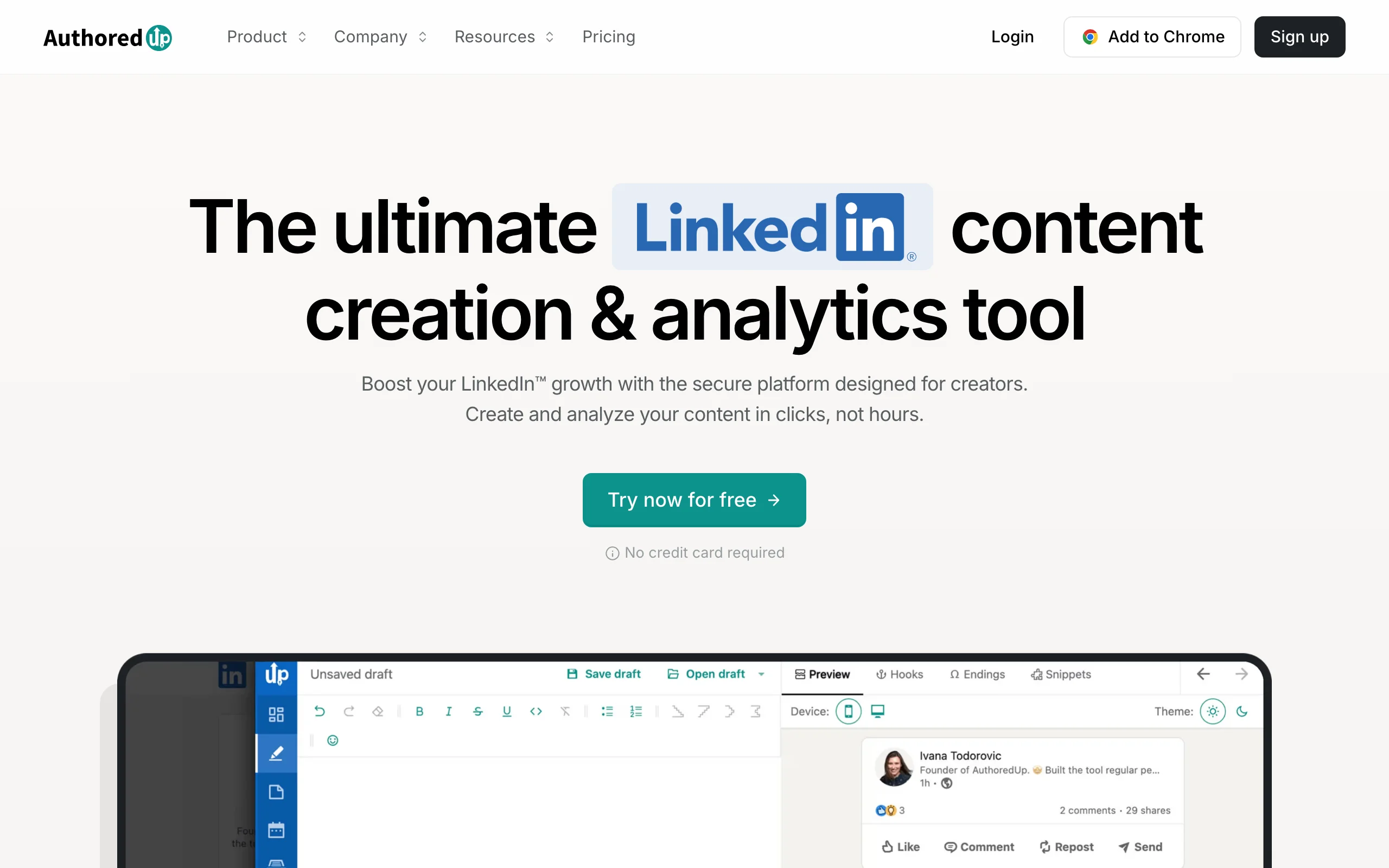
AuthoredUp is not a content generator in the same sense as the other tools on this list — it is better described as the most powerful post editor, formatter, and analytics layer available for LinkedIn. If you already write your own drafts and need a tool to structure them professionally, track how each formatting choice performs, and preview before publishing, AuthoredUp is the specialist tool for that job.
The Chrome extension integrates directly into the LinkedIn compose window. You can apply rich text formatting (bold, italic, strikethrough), structure posts with dividers and spacing, preview how the post looks on both desktop and mobile before posting, and access a personal library of saved drafts and templates. Post analytics track impressions, engagement rate, and read-through at the post level so you can understand which formats are working over time. For creators who want data on their own content rather than AI-generated suggestions, AuthoredUp's analytics are among the best available.
Key features
- LinkedIn post text formatter: bold, italic, strikethrough, spacing, and special characters
- Desktop and mobile post preview before publishing
- Personal template and draft library inside LinkedIn's compose interface
- Post-level analytics: impressions, engagement rate, read rate, and saves
- Chrome extension with seamless integration into the LinkedIn editor
- Hook and CTA library for structure inspiration (not AI generation)
Best for
- Experienced LinkedIn creators who have a consistent writing routine and want better analytics and formatting tools, not AI drafts
- Creators who find AI-generated content too generic and prefer to write from scratch with structural support
- Anyone who has ever struggled with LinkedIn's native formatting limitations (spacing, bold text, preview)
Pricing
- Free tier available with basic formatting and limited analytics
- Pro plan from $19.95/month
- Team and agency plans available
Pros
- Best LinkedIn post formatting and preview tool available — solves a genuine pain point that every LinkedIn creator encounters
- Post-level analytics are detailed enough to drive real format decisions over time
- Chrome extension integration makes it frictionless — works inside LinkedIn without context switching
Cons
- Not a content generator — if you need AI drafting help, this is not the right primary tool
- Analytics are limited to your own post history, with no competitor benchmarking or viral pattern analysis
- Chrome extension dependency means no mobile or cross-browser access
If you are weighing the differences in formatting and analytics depth, see the ViralBrain vs AuthoredUp comparison.
How to choose the best LinkedIn post generator for your needs
With seven tools covering very different needs, the right choice depends on four practical questions about how you actually use LinkedIn.
1) Do you need the AI to learn your voice, or will you edit heavily anyway?
This is the most important question. If you post consistently and care that your LinkedIn content sounds like you — not like a generic AI — then voice matching matters. ViralBrain is the only tool in this list that analyzes your actual LinkedIn writing history and applies that style model to generation. EasyGen and Copy.ai produce reasonable first drafts, but they write for a generic professional persona, not yours.
If you are comfortable editing heavily and see AI as a blank-page antidote rather than a final draft machine, voice matching is less critical. EasyGen, Supergrow, or Copy.ai will serve you at a lower price point.
2) Is LinkedIn your only channel, or part of a broader content operation?
If LinkedIn is your primary or only channel, use a tool built specifically for it. ViralBrain, Taplio, Supergrow, EasyGen, and AuthoredUp are all LinkedIn-native. They understand LinkedIn post formats, hook structures, and character limits natively. If you are still figuring out what kind of content to produce, the LinkedIn content strategy guide is worth reading before committing to any tool.
If LinkedIn is one of several channels and you need content for blog, email, and ads simultaneously, Jasper or Copy.ai make more economic sense. The multi-channel repurposing capability in Copy.ai specifically is not replicated by any LinkedIn-native tool on this list.
3) Do you need scheduling and CRM, or just drafting?
Several tools in this list are draft-only generators. ViralBrain, EasyGen, and Jasper do not publish to LinkedIn directly. If scheduling is a requirement, you either need Taplio (high end, CRM included), Supergrow (budget-friendly, scheduling included), or a separate tool like Buffer.
If you already have a scheduler or posting workflow, there is no reason to pay a premium for it inside a content generator. Buy the best generator for your needs and add a dedicated scheduler separately. To maximize reach, pair any scheduler with the best time to post tool to find your optimal posting windows.
4) What is your actual budget and posting frequency?
Match the tool cost to your posting volume. A creator posting 2-3x per week does not need a $49/month per-seat Jasper subscription. Use the engagement benchmarks tool to understand what realistic performance looks like for your niche before choosing a tier. The math:
- Occasional poster (1-3x/week): Start with ViralBrain's free tier or EasyGen's base plan
- Regular creator (4-5x/week, style matters): ViralBrain paid or Supergrow
- Sales-led team with outreach + content needs: Taplio
- Multi-channel marketing team: Jasper or Copy.ai
- Already writing, need formatting and analytics: AuthoredUp at $19.95/month
If you have not tried a free LinkedIn post generator yet, start there before committing to any paid plan. ViralBrain's free tier gives you the full generation experience — including viral data analysis and voice matching — so you can validate the output quality against your own content before entering a billing relationship. Once you have a baseline, compare your best-generated draft to what you would have written manually, and the right tier decision becomes clear. Visit ViralBrain to generate your first post in under two minutes.
FAQ
What is a LinkedIn post generator?
A LinkedIn post generator is an AI tool that drafts LinkedIn content from a topic, idea, or source material input. The quality and output style vary significantly across tools: some use generic large language models with minimal LinkedIn context, while others — like ViralBrain — ground generation in real viral post data from top LinkedIn creators. Most generators produce a draft you refine before posting, rather than ready-to-publish content.
Is there a free LinkedIn post generator?
Yes. ViralBrain offers a free LinkedIn post generator — start a €1 trial to access the full generation experience. Copy.ai also has a free tier with limited credits. EasyGen offers limited free generation without an account. Supergrow provides a trial. AuthoredUp has a free tier focused on formatting. Taplio and Jasper are paid-first with trial periods only.
What is the best free LinkedIn post generator in 2026?
ViralBrain is the strongest free option because the free tier includes the full generation experience — voice matching, viral data analysis, and the viral score checker — rather than a stripped-down teaser. Copy.ai's free tier is also functional for occasional use but does not include LinkedIn-specific features like voice matching or post performance prediction.
Does AI-generated LinkedIn content get penalized by the algorithm?
LinkedIn's algorithm does not penalize content based on how it was written. What the algorithm measures is engagement: dwell time, comments, reactions, reshares, and profile clicks. AI-generated posts that drive genuine engagement perform just as well as manually written posts. The risk with AI content is that generic, un-personalized output drives low engagement — which does affect reach. Using a tool with voice matching (like ViralBrain) reduces that risk significantly. For a full breakdown of what the algorithm rewards in 2026, see the LinkedIn algorithm guide.
What is the difference between a LinkedIn post generator and a LinkedIn scheduler?
A generator drafts the content. A scheduler publishes it at a specified time. Several tools combine both: Taplio and Supergrow include scheduling alongside generation. Others, like ViralBrain and EasyGen, are generation-only and integrate with separate schedulers. If you already use Buffer, Hootsuite, or a similar tool, a generation-only tool is typically the better value — you pay for the generation quality, not for duplicate scheduling infrastructure.
Which LinkedIn post generator is best for solopreneurs?
ViralBrain for most solopreneurs: the free tier is genuinely functional, voice matching prevents the "sounds like AI" problem, and the viral score checker tells you whether a post is likely to perform before you invest time promoting it. If budget is the primary constraint and you want scheduling included, Supergrow at $19/month is the strongest alternative.
Can I generate LinkedIn posts from a YouTube video or article URL?
Yes, ViralBrain supports multi-source generation: paste a YouTube URL, an article link, or a Reddit thread, and the generator extracts the key ideas and drafts a LinkedIn post in your voice. Copy.ai's repurposing workflows can do this too, though the output is less LinkedIn-specific. Most other tools in this list require you to input a topic manually rather than a source URL.
Which tool is best for marketing teams managing multiple LinkedIn profiles?
Taplio is the strongest option for teams: it handles multiple LinkedIn profiles, includes CRM features for tracking who engages with each profile, and has team collaboration features built in. Jasper is a solid alternative for teams that need multi-channel AI writing, not just LinkedIn. For teams focused purely on content quality rather than CRM, ViralBrain's team plans or Supergrow's higher tiers are more cost-efficient options.
How do I know if a LinkedIn post will perform before I publish it?
ViralBrain's viral score checker analyzes your draft against patterns from high-performing LinkedIn posts and gives you a performance prediction before you publish. You can also use the LinkedIn post preview to see exactly how the post renders on mobile and desktop — formatting issues (walls of text, missing line breaks) are a common hidden cause of low engagement. AuthoredUp offers similar preview functionality with post-level analytics tracking performance over time. If you want to understand what separates viral posts from average ones at a structural level, the how to go viral on LinkedIn guide covers the patterns in detail.
Should I use AI-generated LinkedIn content verbatim?
No. The best workflow is to use the AI draft as a strong starting point: the structure, hook, and key points are usually solid, but the specific phrasing and examples benefit from one editing pass where you inject concrete details from your own experience. Voice-matched tools like ViralBrain reduce the editing required, but plan for a 5-10 minute review pass on any AI-generated draft before posting. If you want to develop your own content instincts over time, read how to write a LinkedIn post alongside using any generator.
Automate your LinkedIn for 30 days
ViralBrain plans, writes, and schedules your LinkedIn content, using official LinkedIn APIs so your account stays safe.
- Official LinkedIn APIs, no risk of ban
- You approve every post before it goes live
- Cancel anytime
Keep reading

6 best LinkedIn comment generators in 2026
Six LinkedIn comment generators compared, with pricing checked on each vendor's own page on 3 September 2026 and the ones that publish nothing named as such.

LinkedIn Carousel Size: 1080x1080px (Exact Specs for 2026)
The recommended LinkedIn carousel size is 1080x1080px (square) or 1080x1350px (portrait). Get the exact specs, safe zone, and PDF export limits for 2026.

Supergrow Alternatives: 5 Better LinkedIn AI Tools in 2026
Looking for Supergrow alternatives? Compare the 5 best LinkedIn AI tools in 2026: ViralBrain, Taplio, AuthoredUp, EasyGen, and Postdrips on pricing, features, and content quality.