

7 best LinkedIn banner makers in 2026
Compare the 7 best LinkedIn banner makers in 2026. We review Canva, Adobe Express, Snappa, Visme, Fotor, VistaCreate, and Kapwing on templates, pricing, and ease of use.
Your LinkedIn banner is the first thing visitors see when they land on your profile, and most people waste it on a stock photo or leave it blank. A well-designed cover image signals what you do, who you help, and why someone should follow or hire you, all in a strip of pixels above your headline.
The right LinkedIn banner maker turns that strip into a conversion tool without forcing you to learn design software. In this guide, we compare the 7 best LinkedIn banner makers in 2026, covering templates, pricing, image quality, and how fast you can ship a finished cover. Whether you are a founder building authority, a job seeker standing out to recruiters, or a creator reinforcing a personal brand, this comparison helps you pick the tool that fits how you work.
Automate your LinkedIn for 30 days
Best LinkedIn banner makers: a brief overview
- Canva: Best overall LinkedIn banner maker with the deepest template library and the easiest drag-and-drop editor for non-designers.
- Adobe Express: Best free LinkedIn banner maker for people who want Adobe-quality assets and stock without a steep price.
- Snappa: Best for fast, no-fuss banners with simple flat pricing and zero learning curve.
- Visme: Best for brand-consistent banners when you manage a team or want every asset on-brand.
- Fotor: Best budget AI banner maker for solo creators who want photo editing and AI generation in one place.
- VistaCreate: Best for expressive, colorful banners with a genuinely generous free plan.
- Kapwing: Best for creators who already work in video and want banners in the same browser workspace.
| Tool name | Key strength | Pricing | Best for |
|---|---|---|---|
| Canva | Largest template library and simplest editor | Free plan; Pro from $15/mo | Anyone who wants the fastest path to a polished banner |
| Adobe Express | Adobe-quality assets on a generous free tier | Free plan; Premium from $9.99/mo | Creators who want pro stock and design without high cost |
| Snappa | Dead-simple flat pricing, no learning curve | Free (3 downloads/mo); Pro $10/mo | People who want a banner done in five minutes |
| Visme | Brand kits and template control for teams | Free plan; paid from $12.25/mo | Teams keeping every profile banner on-brand |
| Fotor | AI generation plus photo editing in one tool | Free plan; Pro from $3.99/mo | Solo creators on a tight budget who edit photos too |
| VistaCreate | Expressive templates with a strong free plan | Free Starter plan; Pro $10/mo | Creators who want colorful, playful banner styles |
| Kapwing | Banner design inside a video-first workspace | Free plan; Pro from $16/mo | Video creators who want one tool for everything |
1. Canva, best overall LinkedIn banner maker
Canva is the default choice for most LinkedIn banners, and for good reason. It pairs the largest library of ready-made LinkedIn banner templates with a drag-and-drop editor that anyone can use on the first try. You pick a 1584x396 template, swap the text and colors, drop in a photo or logo, and export. No design background required.
What makes Canva stand out for LinkedIn specifically is breadth. There are templates for founders, job seekers, consultants, recruiters, and company pages, plus a deep stock library so you rarely start from a blank canvas. If you only ever use one tool for your profile graphics, Canva covers the most ground. For the words that sit next to your banner, pair it with a strong LinkedIn headline generator so the visual and the copy work together.
Key features:
- Largest library of LinkedIn banner templates sized to 1584x396
- Drag-and-drop editor with no learning curve
- Magic Resize to repurpose one design across LinkedIn, X, and other platforms
- 1M+ free stock photos and graphics
- Brand Kit for fonts, colors, and logo on Pro
- Team collaboration with real-time editing
Best for:
- Founders and creators who want a polished banner in minutes without design skills
- Job seekers building a profile that stands out to recruiters
- Anyone who wants a single tool for all LinkedIn profile graphics
Pricing:
- Free plan with 250,000+ templates and the full editor
- Pro from $15/month or $120/year
- Premium templates and elements are watermarked until you upgrade
Pros:
- Easiest tool in this list to go from blank to finished banner
- Enormous template selection means you rarely start from scratch
- Magic Resize saves time when you want matching graphics across platforms
Cons:
- The best templates and stock are locked behind Pro
- So many options can slow you down if you want one quick banner
2. Adobe Express, best free LinkedIn banner maker
Adobe Express is Adobe's lightweight design tool, and its free plan is one of the most generous for LinkedIn banners. You get a dedicated LinkedIn banner creator, thousands of free templates, royalty-free Adobe Stock images, and AI features, all in the browser. For people who want Adobe-grade visual quality without a Creative Cloud subscription, it is hard to beat.
The dedicated LinkedIn banner workflow sets the canvas to the correct size automatically, so you skip the guesswork around dimensions. Express also leans into generative AI for backgrounds and effects, which helps when you want something custom rather than a stock template. If you are building a broader profile presence, a sharp banner pairs well with a clear LinkedIn headline generator to keep your whole profile consistent.
Key features:
- Dedicated LinkedIn banner creator with the correct preset size
- 100,000+ free templates on the free plan
- Royalty-free Adobe Stock images included
- Generative AI for backgrounds and effects
- Photo editing, animation, and quick actions
- Brand controls on Premium
Best for:
- Creators who want Adobe-quality assets without paying Creative Cloud prices
- Job seekers and founders who want a free banner that looks premium
- People who want AI-assisted backgrounds rather than plain templates
Pricing:
- Free plan with thousands of templates and core editing
- Premium from $9.99/month with millions of assets and more AI credits
- Creative Cloud and Premium members can redeem 3 free months of LinkedIn Premium Career
Pros:
- One of the most capable free tiers for LinkedIn banners
- Strong stock and AI features without a separate subscription
- Correct LinkedIn dimensions are set for you automatically
Cons:
- Fewer LinkedIn-specific templates than Canva
- AI credits on the free plan are limited
3. Snappa, best for fast, no-fuss banners
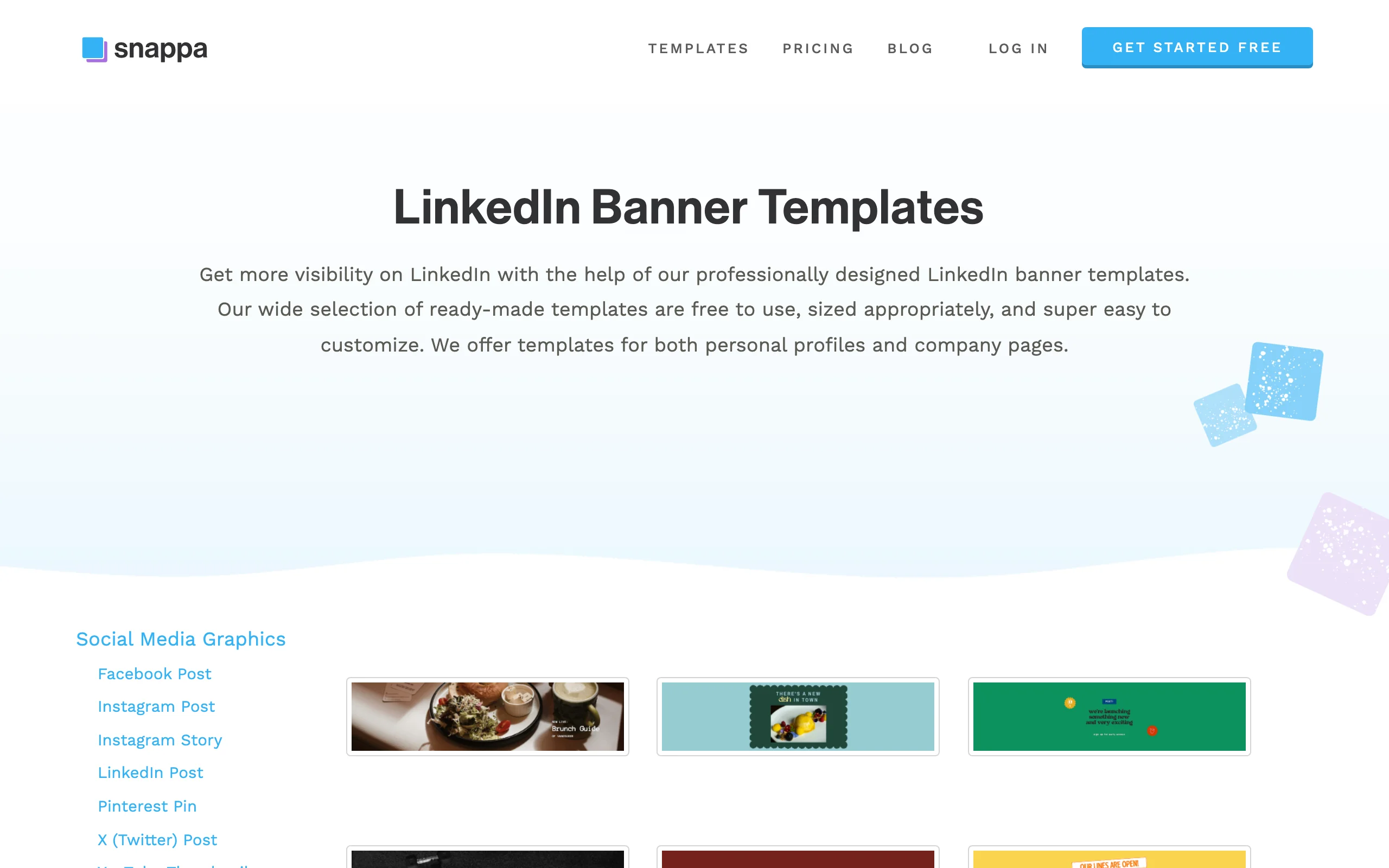
Snappa is built around speed and simplicity. If you want a clean LinkedIn banner in five minutes and you do not care about advanced design features, Snappa is the most direct path. It offers professionally designed LinkedIn banner templates already sized correctly, automatic resizing, and a pricing model with no credit systems or premium-template gates.
The appeal here is restraint. Snappa does not try to be a full design suite, so the interface stays clean and you are not overwhelmed with options. Templates, stock photos, fonts, and a simple editor are all you get, which is exactly what most people need for a profile cover. For founders who want their banner to reinforce a clear positioning message, nail your overall approach first with our LinkedIn content strategy guide, then build the banner around it.
Key features:
- Professionally designed LinkedIn banner templates, pre-sized
- Automatic image resizing across platforms
- 6,000+ templates organized by platform and use case
- Thousands of free photos and graphics
- Simple, flat pricing with no premium-template locks
- Clean editor with a short learning curve
Best for:
- Busy professionals who want a banner done quickly
- People who find full design suites overwhelming
- Anyone who values simple pricing over deep features
Pricing:
- Free plan with 3 downloads per month
- Pro at $10/month with unlimited downloads
- No credit systems or locked premium templates
Pros:
- Fastest way to a clean banner with minimal decisions
- Transparent, flat pricing with no hidden tiers
- Automatic resizing handles dimensions for you
Cons:
- Smaller template library than Canva or Adobe Express
- Free plan caps you at 3 downloads per month
4. Visme, best for brand-consistent banners
Visme is a design platform built for professionals who care about brand consistency. For LinkedIn banners, that means brand kits, premium templates, and controls that keep every team member's profile cover on-brand. If you run a company where multiple people post and each needs a banner that matches the same visual identity, Visme is the strongest fit in this list.
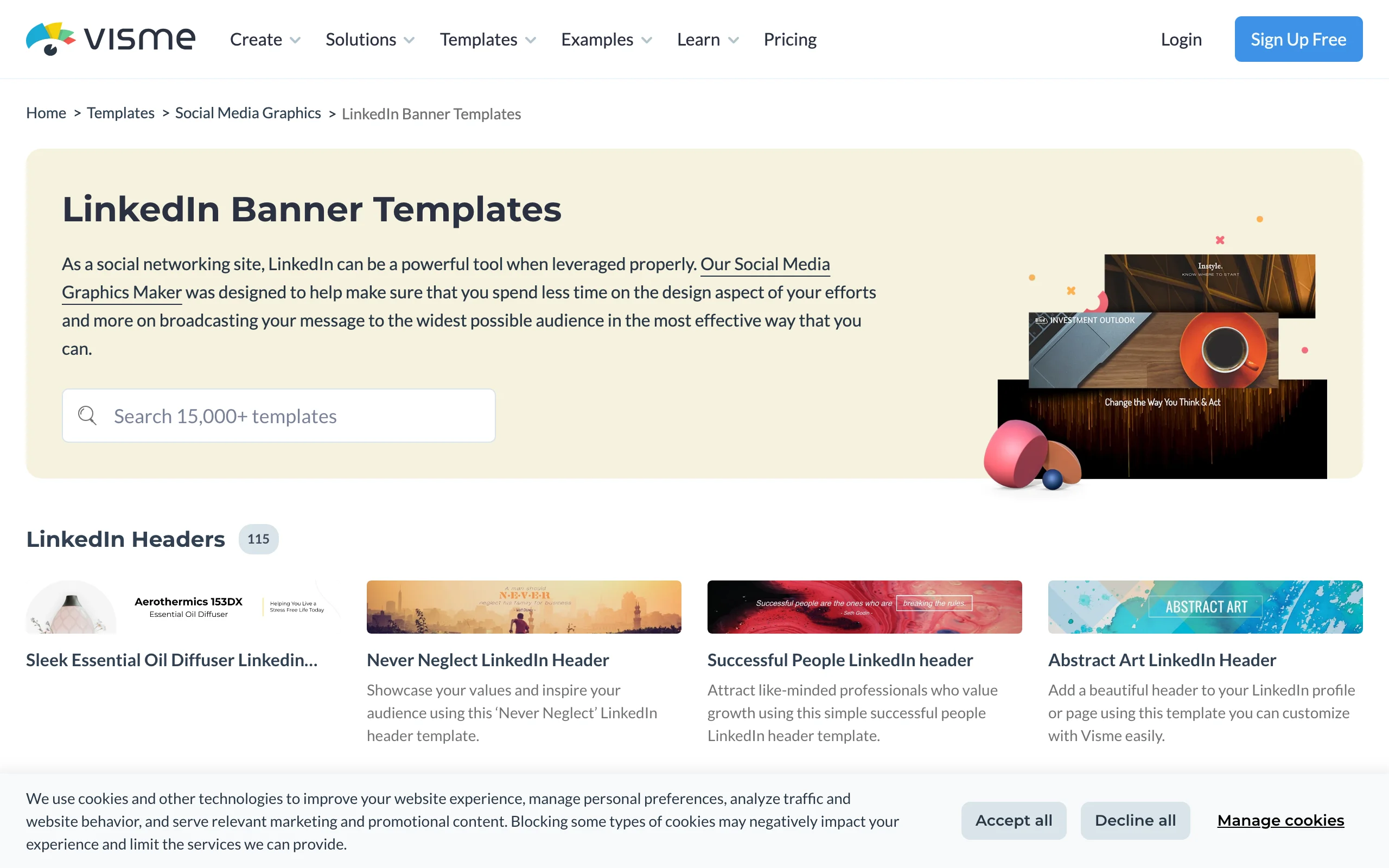
Beyond banners, Visme handles infographics, presentations, and reports, so it suits marketers who want one tool for a range of branded assets. The LinkedIn header templates are customizable directly in the browser and designed to slot into a consistent look. The trade-off is that Visme is heavier than a pure banner tool, so it shines most when brand control matters more than raw speed. To keep your whole feed on-brand too, plan your posts with a viral post generator.
Key features:
- Brand kit to lock fonts, colors, and logos across designs
- Customizable LinkedIn header templates in the browser
- Wider toolkit covering infographics, decks, and reports
- Premium templates on paid plans
- Team collaboration and brand governance
- Analytics on shared assets
Best for:
- Teams keeping multiple LinkedIn profiles visually consistent
- Marketers who want one tool for banners and other branded assets
- Founders building a recognizable visual identity over time
Pricing:
- Free Basic plan with limited templates and Visme branding on downloads
- Paid plans from $12.25/month for individuals
- Team plans from $24.75/month billed annually
Pros:
- Best brand-consistency controls in this list
- Covers far more than banners if you need a wider asset toolkit
- Strong fit for teams managing several profiles
Cons:
- Free plan adds Visme branding to your downloads
- More features than a simple banner-only workflow needs
Automate your LinkedIn for 30 days
5. Fotor, best budget AI banner maker
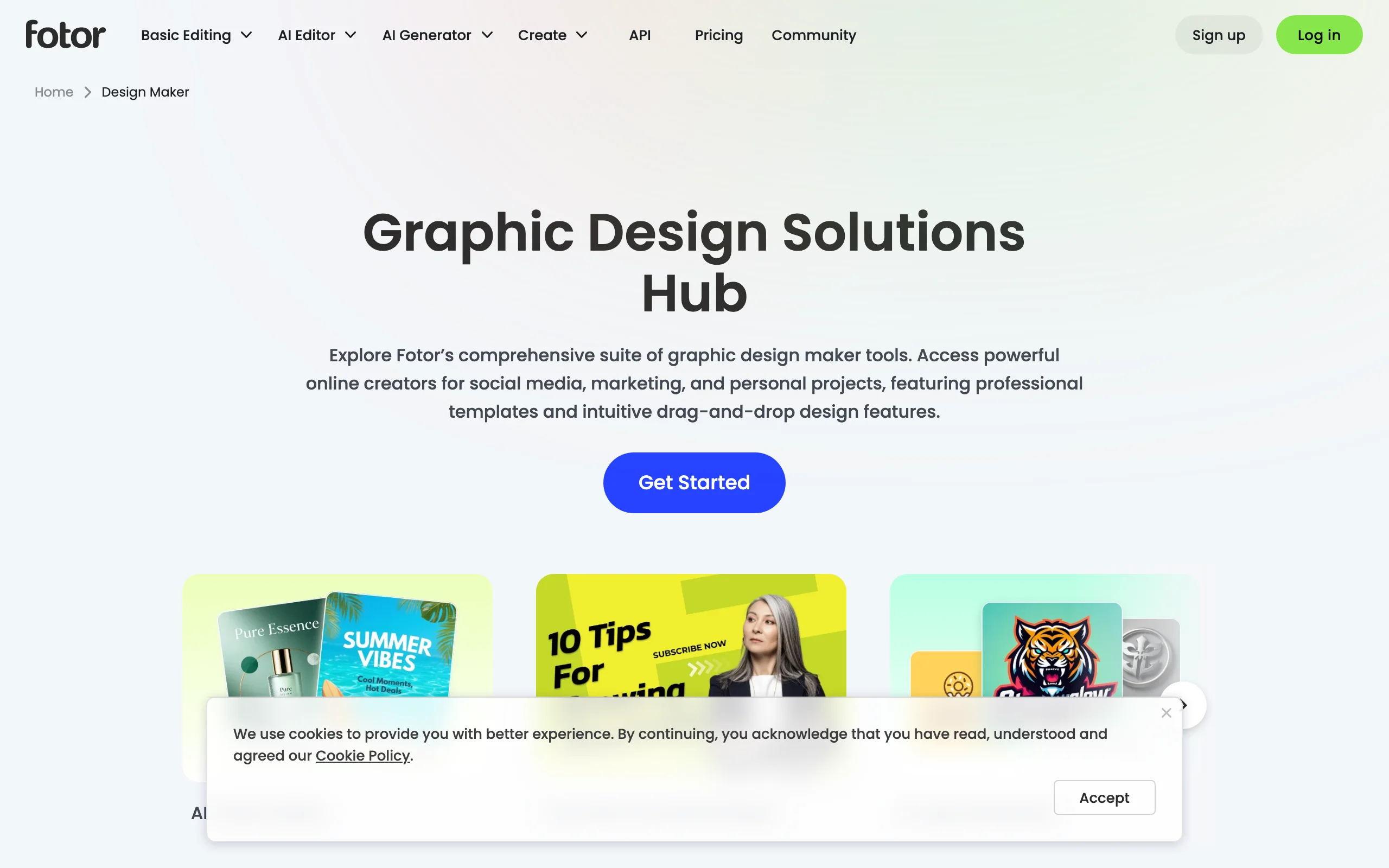
Fotor combines a banner maker, a photo editor, and AI image generation in one affordable tool. For solo creators who want to edit a headshot, generate a custom background, and design a banner in the same place, Fotor is a strong value pick. Its LinkedIn background banner creator includes preset sizes and a steady stream of templates across industries like technology and business.
What sets Fotor apart on this list is the photo editing depth. If your banner relies on a strong image, you can retouch, remove backgrounds, and apply effects without leaving the tool, then drop the result straight into your banner. The AI features help when you want something that is not in the template library. Fotor is also one of the cheapest paid options here, which matters for creators watching their stack cost. Once your visuals are set, plan how often you post with a best time to post on LinkedIn tool.
Key features:
- LinkedIn background banner creator with preset sizes
- AI image generation for custom backgrounds
- Built-in photo editor with retouching and background removal
- Templates across technology, business, and other industries
- Preset sizes for LinkedIn, YouTube, X, Facebook, and Instagram
- Affordable paid tiers
Best for:
- Solo creators on a tight budget who also edit photos
- People who want AI-generated backgrounds rather than stock templates
- Anyone who wants banner design and photo editing in one tool
Pricing:
- Free plan with limited editing features and templates
- Pro from $3.99/month billed annually
- Pro+ from $8.33/month billed annually
Pros:
- One of the cheapest paid options in this list
- Photo editing and AI generation built in, not bolted on
- Good range of LinkedIn-ready preset sizes
Cons:
- Fewer LinkedIn-specific templates than Canva
- Free plan is more limited than Adobe Express or VistaCreate
6. VistaCreate, best for expressive banners
VistaCreate, formerly Crello, is known for expressive, colorful templates and one of the most generous free plans in the category. Its free Starter plan includes 100,000 templates, over a million photos and vectors, a brand kit, and 10GB of storage. For creators who want a banner with personality rather than a corporate-flat look, VistaCreate offers styles you will not find everywhere.
The tool covers LinkedIn cover and header sizes with templates you can customize in the browser, and the free plan is usable enough that many people never need to upgrade. The Pro plan adds AI image generation, background removal, a resize tool, and a much larger asset library. VistaCreate suits creators who want their banner to feel distinct and on-brand at the same time. Pair an expressive banner with a viral post generator so your feed presence matches the energy of your profile.
Key features:
- 100,000 free templates on the Starter plan
- 1M+ free photos and vectors
- Brand kit on the free plan
- AI image generation and background removal on Pro
- Resize tool to adapt designs across formats
- Team collaboration for up to 10 members on Pro
Best for:
- Creators who want colorful, playful banner styles
- Budget-conscious users who want a strong free plan
- People building a distinctive personal brand look
Pricing:
- Free Starter plan with 100,000 templates and 10GB storage
- Pro at $10/month with 200,000+ templates and AI features
- 14-day free trial on Pro
Pros:
- One of the most generous free plans in this list
- Expressive template styles that stand out from corporate defaults
- Brand kit available even on the free tier
Cons:
- AI features and the largest asset library require Pro
- Playful styles may not suit conservative industries
7. Kapwing, best for video creators
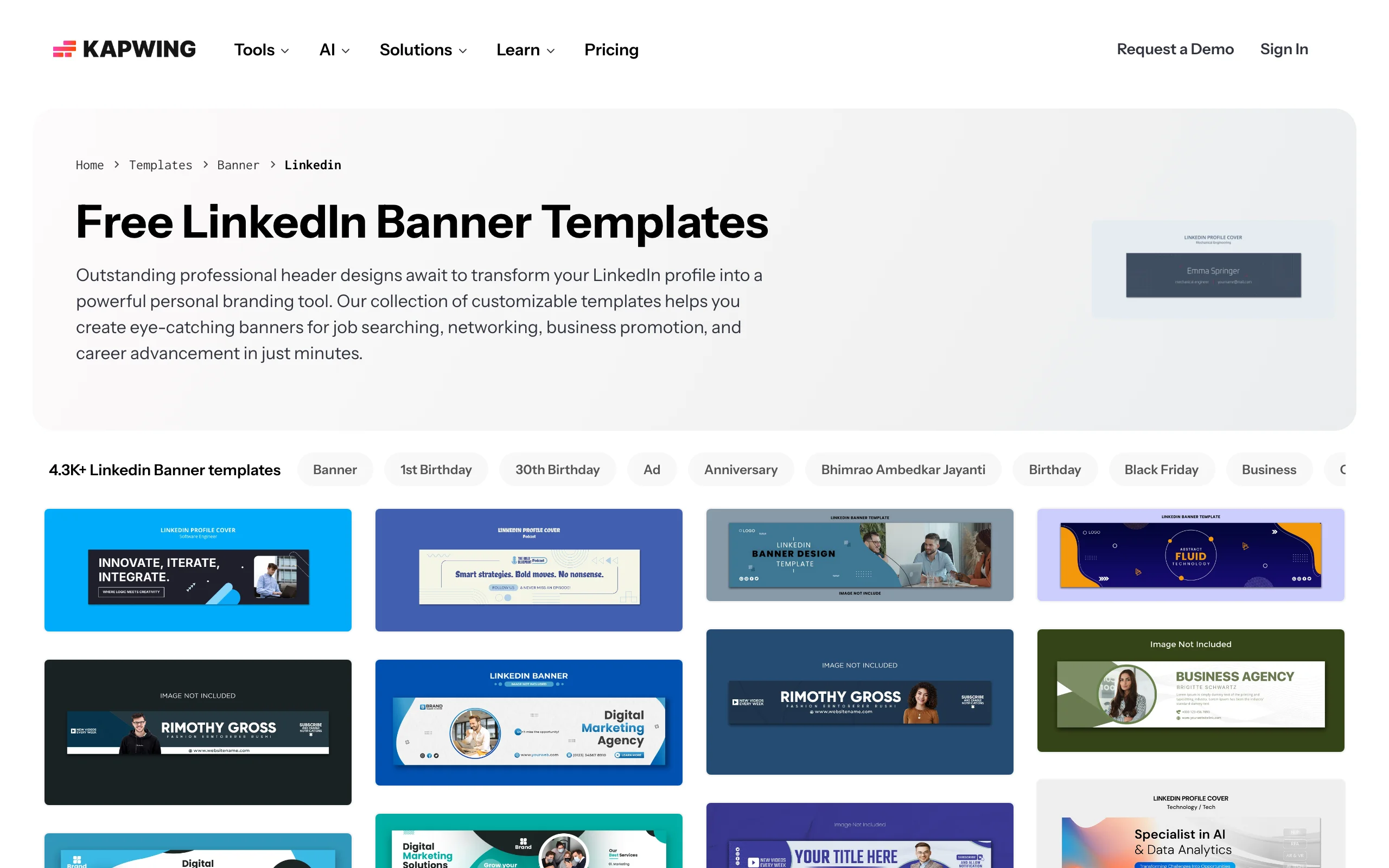
Kapwing is primarily a browser-based video editor, but it includes a genuine LinkedIn banner maker with thousands of customizable templates sized to 1584x396 for personal profiles and 1128x191 for company pages. For creators who already use Kapwing to edit LinkedIn videos, building a banner in the same workspace avoids juggling another tool.
The banner templates cover job searching, networking, and business promotion, with editing controls for colors, fonts, images, and text. Kapwing is the right pick when video is your main format and the banner is one more asset you want in a familiar interface. If you do not already use Kapwing for video, a dedicated banner tool like Canva or Snappa will feel more focused. For LinkedIn video itself, you can grab clips with a LinkedIn video downloader.
Key features:
- LinkedIn banner templates sized to 1584x396 and 1128x191
- Thousands of customizable banner designs
- Editing controls for colors, fonts, images, and text
- Same workspace as Kapwing's video editor
- Templates for job searching, networking, and business
- Browser-based with no install
Best for:
- Creators who already edit LinkedIn video in Kapwing
- People who want banners and video in one tool
- Job seekers who want quick, professional header designs
Pricing:
- Free plan with watermark and export limits
- Pro from $16/member/month billed annually
- Business from $50/member/month billed annually
Pros:
- Convenient if you already use Kapwing for video
- Large library of LinkedIn-sized banner templates
- Correct sizes for both personal and company pages
Cons:
- Video-first interface is more than a banner-only task needs
- Free plan adds a watermark to exports
How to choose the best LinkedIn banner maker for your needs
The right tool depends on how much design you want to do, your budget, and whether you work solo or on a team. Use these four questions to narrow it down.
1) Do you want the easiest path or the deepest control?
Most people want a banner done fast with a professional result. If that is you, Canva and Snappa are the strongest picks. Canva gives you the largest template library and Magic Resize, while Snappa keeps things even simpler with a clean editor and flat pricing.
- If you want maximum templates and flexibility: Canva
- If you want a finished banner in five minutes: Snappa
2) What is your budget?
Banner makers range from genuinely free to paid-first. Adobe Express and VistaCreate offer the most usable free plans, so you can ship a good banner without paying. Fotor is the cheapest paid option if you want to unlock the full toolkit.
- If you want the best free experience: Adobe Express or VistaCreate
- If you want a cheap paid tier with photo editing: Fotor at $3.99/month
- For a full plan comparison across content tools, see ViralBrain pricing
3) Are you a solo creator or a team?
A solo creator can use almost any tool here. Teams that need every profile banner to match a brand identity should prioritize brand-kit controls. Visme is built for this, and VistaCreate and Canva include brand kits on paid plans.
- If you manage multiple profiles on-brand: Visme
- If you are solo and want freedom of style: VistaCreate or Fotor
4) Do you also work in video or photos?
If your LinkedIn presence leans on video, Kapwing lets you handle banners and clips in one place. If you edit photos heavily, Fotor combines retouching and banner design. For everyone else, a dedicated design tool stays more focused.
- If video is your main format: Kapwing
- If you edit photos often: Fotor
Whichever tool you choose, run a 7-day test with your actual positioning and a real headshot before committing to a paid plan. The differences between these tools become obvious fast once you are working with your own brand instead of sample content. A strong banner only converts if the rest of your profile and feed pull their weight, so it is worth reading our LinkedIn personal branding guide to make the whole profile work together.
If you want your banner to support content that actually grows your reach, that is where ViralBrain fits. ViralBrain analyzes the top LinkedIn creators in your niche, learns what hooks and formats drive engagement, and generates posts that sound like you. Design a sharp banner with one of the tools above, then build the LinkedIn banner and the posting habit that turns profile visits into followers. Try ViralBrain free and write your first post in minutes.
FAQ
What is a LinkedIn banner maker?
A LinkedIn banner maker is a design tool that helps you create the wide cover image at the top of your LinkedIn profile, usually sized 1584x396 pixels for personal profiles. Most tools offer ready-made templates, stock images, and a drag-and-drop editor so you can build a professional banner without design software. Popular options include Canva, Adobe Express, and Snappa.
What is the correct LinkedIn banner size?
The recommended LinkedIn personal profile banner size is 1584x396 pixels. Company page cover images use a different size, around 1128x191 pixels. Most banner makers in this list set the correct dimensions automatically when you choose a LinkedIn template, so you do not have to measure anything yourself.
Is there a free LinkedIn banner maker?
Yes. Adobe Express and VistaCreate offer the most generous free plans for LinkedIn banners, with thousands of templates and no cost to export a basic design. Canva and Snappa also have free tiers, though some templates and assets require a paid plan. Fotor includes a free plan with limited features.
Which LinkedIn banner maker is best for job seekers?
Job seekers usually want a clean, professional banner fast. Canva and Snappa are the best picks because they have job-search templates and require no design skills. Adobe Express is a strong free alternative if you want premium-looking assets without paying. Pair your banner with a sharp LinkedIn summary so recruiters get the full picture.
Can I make a LinkedIn banner without design skills?
Yes. Every tool in this list is built for non-designers. You pick a template, swap the text and colors, add a photo or logo, and export. Canva, Snappa, and Adobe Express are the most beginner-friendly, with drag-and-drop editors and pre-sized LinkedIn templates so you never start from a blank canvas.
What should I put on my LinkedIn banner?
A strong LinkedIn banner usually includes a short statement of what you do or who you help, your value proposition or a tagline, and optionally a way to contact you or a brand color scheme. Keep text in the safe zone so your profile photo does not cover it. Treat the banner as an extension of your headline and LinkedIn summary.
Do LinkedIn banners actually affect engagement?
A banner does not directly change the LinkedIn algorithm, but it affects how visitors perceive you, which influences whether they follow, connect, or reach out. A clear banner reinforces your positioning and builds trust at first glance. For the factors that do drive distribution, see our LinkedIn algorithm guide.
Which tool is best for teams managing multiple LinkedIn profiles?
Visme is the best fit for teams because of its brand-kit controls and template governance, which keep every profile banner consistent with your visual identity. Canva and VistaCreate also offer brand kits on paid plans, which work well for smaller teams that want shared assets without heavy administration.
Automate your LinkedIn for 30 days
ViralBrain plans, writes, and schedules your LinkedIn content, using official LinkedIn APIs so your account stays safe.
- Official LinkedIn APIs, no risk of ban
- You approve every post before it goes live
- Cancel anytime
Keep reading
6 best LinkedIn comment generators in 2026
Six LinkedIn comment generators compared, with pricing checked on each vendor's own page on 3 September 2026 and the ones that publish nothing named as such.
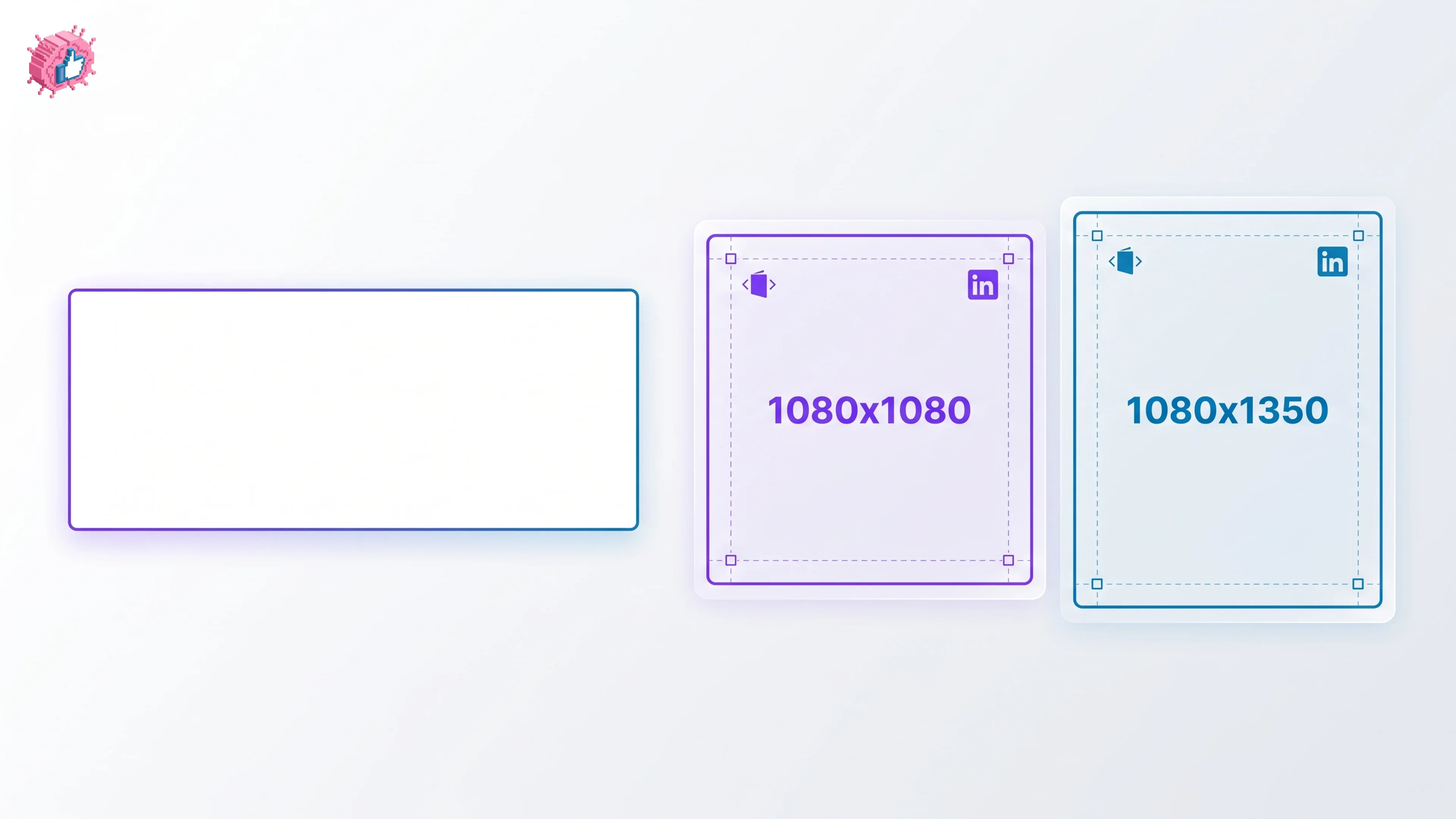
LinkedIn Carousel Size: 1080x1080px (Exact Specs for 2026)
The recommended LinkedIn carousel size is 1080x1080px (square) or 1080x1350px (portrait). Get the exact specs, safe zone, and PDF export limits for 2026.
Buffer Alternatives: 7 Better Tools for LinkedIn in 2026
Buffer charges per channel and treats LinkedIn like every other network. Here are 7 Buffer alternatives compared on pricing, AI, and LinkedIn depth.