

What Makes LinkedIn Posts Go Viral in 2026 (Real Examples)
What makes LinkedIn posts go viral in 2026, with 3 real, verified posts broken down and the pattern that connects all of them.
ViralBrain Team · Published: August 16, 2026 · Updated: August 16, 2026
A LinkedIn post goes viral when it earns enough dwell time and comments, in the first 60 to 90 minutes, that LinkedIn's algorithm keeps pushing it past your own network into people who have never seen your name. Reach and reactions are the visible result. Dwell time and comments are the actual trigger, and they come from one thing: a post that makes a specific claim instead of a generic one.
This isn't a formula article. We already published the deep, data-backed version of that: 11 post structures ranked by measured lift from an analysis of 30,360 posts. This one is shorter and narrower on purpose: three real LinkedIn posts we can actually verify, broken down, plus the one pattern that connects all three.
Automate your LinkedIn for 30 days
What actually counts as viral on LinkedIn
There's no official reaction count where a post "becomes" viral. What's measurable is the engagement gap between formats: per Buffer's State of Social Engagement report, based on more than 52 million posts across over 200,000 accounts, LinkedIn carousels alone perform 585% better than text-only posts, and the wider pattern holds across formats, posts that generate proportionally more comments than likes keep circulating past the initial audience, because comments (not likes) are the signal LinkedIn's distribution algorithm weighs the most heavily.
That's why the three examples below aren't picked for raw like counts. They're picked because each one visibly earned comments, not just views, and each one is a post we can point to directly rather than describe from memory.
3 real LinkedIn posts that went viral, and why
We're keeping this list to three, not ten, because three is what we've independently verified ourselves rather than pulled from someone else's roundup. Each one is also format-different, so the pattern holds across more than one type of post.
1. Anton Osika's $330M raise announcement (text post)
Anton Osika, founder of Lovable, opened his Series B announcement with one sentence and one number: "Lovable just raised $330M at a $6.6B valuation." No throat-clearing, no list of investor logos first. The post went on to thank customers, team, and investors in short, specific lines rather than a generic thank-you paragraph, and closed with a direct question about what Lovable should build next. It earned 11,576 likes and 562 comments. The full line-by-line structure, including exactly why the hook and the CTA each work, is in our post-structures breakdown.
2. David Arnoux's "second brain" carousel (document post)
David Arnoux, ViralBrain's cofounder, posted a carousel titled "How I built A Second Brain That Actually Works," with a black background, white text, and a specific stakes line under the headline instead of a generic subtitle. The opening slide makes a personal, specific claim rather than a general topic promise, which is the same trait that makes the Osika post work as a text post.
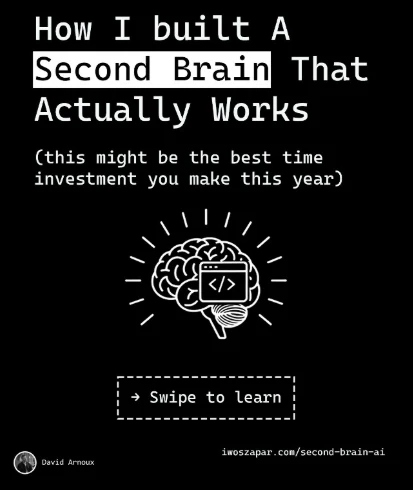
We broke down the full slide-by-slide structure, including the real opening slide image, in 4 real LinkedIn carousel examples.
3. Rosie Chong's carousel about making a carousel (document post)
Rosie Chong posted a genuinely meta carousel: a 5-step guide to making a carousel, using a recurring guinea pig visual across every slide so the post reads as one designed piece instead of five stitched-together images. The post showed 1,034 reactions and 424 comments when we checked it for this article; that number moves over time since it's a live post, not a fixed result. Full breakdown in the same carousel examples article.
The pattern across all three
Strip away the format differences (one text post, two carousels) and all three do the same three things. First, the opening line makes a specific claim, a dollar figure, a personal result, a step count, never a general topic like "let's talk about fundraising" or "here's a carousel." Second, each one delivers on that claim without padding: Osika's gratitude section names real people with one real reason each; Chong's carousel gives exactly one step per slide. Third, each one closes with something concrete to do next, a direct question, a "swipe to learn" prompt, not a vague "thoughts?"
None of that is about topic. A raise announcement, a personal essay, and a tutorial carousel have nothing in common as subjects. What they share is the shape.
Automate your LinkedIn for 30 days
Formats that tend to go viral on LinkedIn
Text-only posts, document posts (carousels), and image-plus-text posts each carry viral examples, and no single format guarantees it. Carousels get the reach advantage Buffer's data shows because the swipe interaction itself counts as engagement and extends dwell time slide by slide. Text-only posts win when the hook alone can carry the weight, the way Osika's dollar figure does. What underperforms consistently is the format built to look impressive rather than say something specific: a slide deck with no single strong claim, or a text post that opens with a question nobody has an opinion on yet.
If you're deciding which format to build in, our LinkedIn carousel size guide covers the exact export specs once you've picked the document-post route, and the viral score checker estimates how a draft will perform before you publish it, in either format.
Which pattern fits what you're posting?
Match your situation to the example closest to it, not the format closest to it.
- You have one concrete result to announce (a raise, a launch, a number) → follow the Osika pattern: lead with the number, skip the buildup.
- You have a personal story with real stakes → lead with the specific stakes line, the way Arnoux's carousel does under its headline slide, not a general "here's my journey" framing.
- You have a process to teach → one step per slide or per paragraph, the way Chong's carousel does, so the post delivers value even to someone who only reads part of it.
- You're not sure which of these you have → run the draft through the viral score checker before publishing, or start from one of the 11 ranked post structures that matches closest.
FAQ
What makes a LinkedIn post go viral?
A LinkedIn post goes viral when it earns enough comments and dwell time in its first hour or two that LinkedIn's algorithm keeps distributing it past your own network. The posts that trigger this open with a specific, concrete claim rather than a general topic, and close with something specific to do next.
Do likes or comments matter more for going viral on LinkedIn?
Comments matter more. LinkedIn's distribution algorithm weighs comments, and the dwell time a post generates, more heavily than likes when deciding how far to push a post beyond your existing network.
Are LinkedIn carousels more likely to go viral than text posts?
Carousels have a real, measured advantage: per Buffer's research across more than 52 million posts, LinkedIn carousels perform 585% better than text-only posts on average. That's an average, not a guarantee. A weak carousel with no clear per-slide idea still underperforms a strong text post with a specific hook.
Can you actually verify how many likes or comments a viral LinkedIn post got?
Only at the moment you check it. LinkedIn reaction and comment counts change after a post is published, so any specific number, including the ones in this article, is a snapshot from when it was checked, not a permanent fact. We link directly to the original posts where a stable link exists so you can check current numbers yourself.
Is there a minimum number of followers needed to go viral on LinkedIn?
No. LinkedIn's distribution is driven by how a post performs with the people who see it first, not by how large your existing following is. Several of the format traits in this article, a specific hook and a real CTA, matter more for a smaller account than follower count does.
Sources: Buffer: State of Social Engagement report, ViralBrain: how to go viral on LinkedIn, 11 post structures, ViralBrain: 4 real LinkedIn carousel examples.
Automate your LinkedIn for 30 days
ViralBrain plans, writes, and schedules your LinkedIn content, using official LinkedIn APIs so your account stays safe.
- Official LinkedIn APIs, no risk of ban
- You approve every post before it goes live
- Cancel anytime
Keep reading
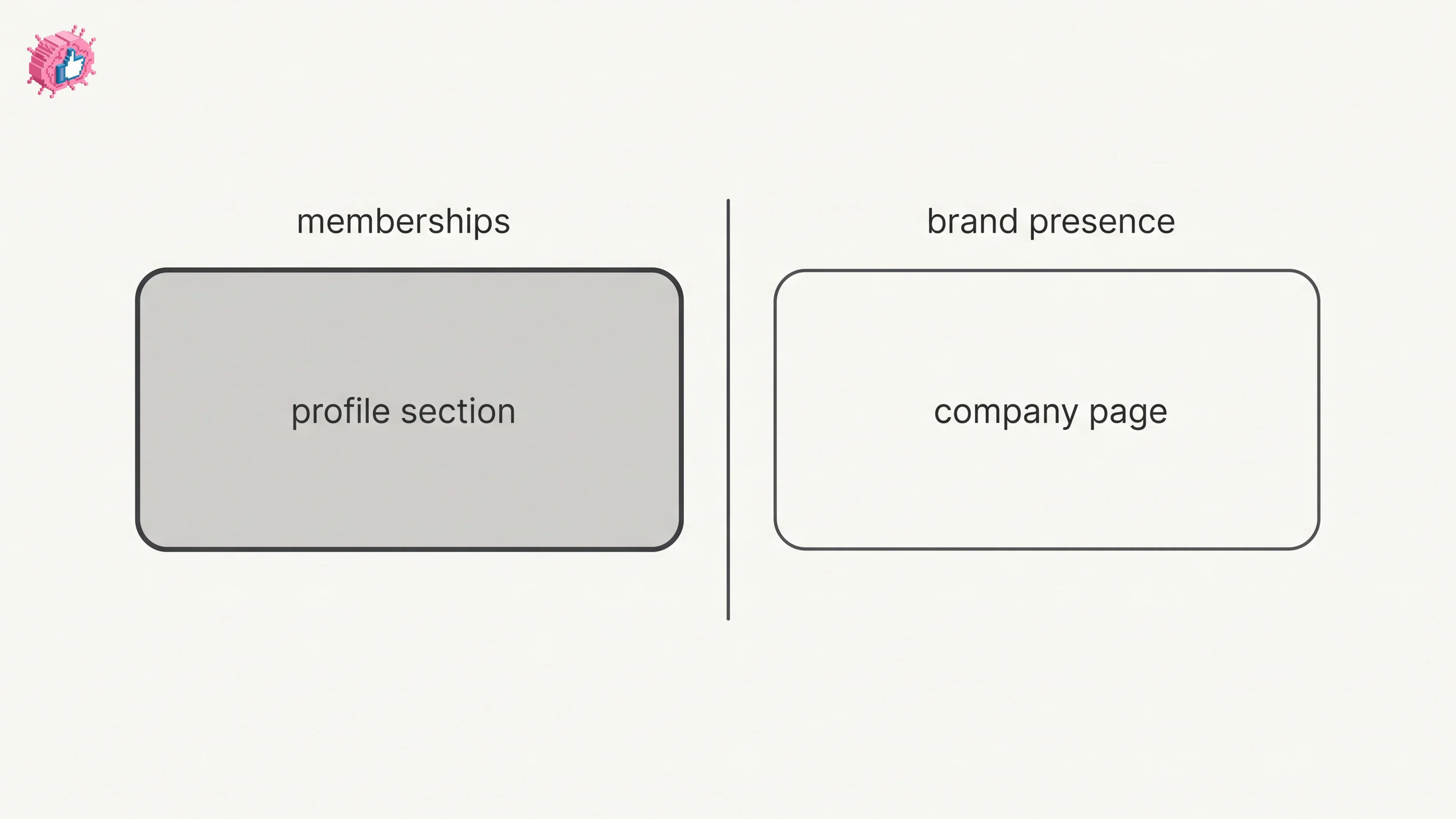
How to Add Organizations on LinkedIn: Full Steps
How to add organizations on LinkedIn, where the section sits, desktop and app steps, editing entries, and why a LinkedIn Page is a different thing.
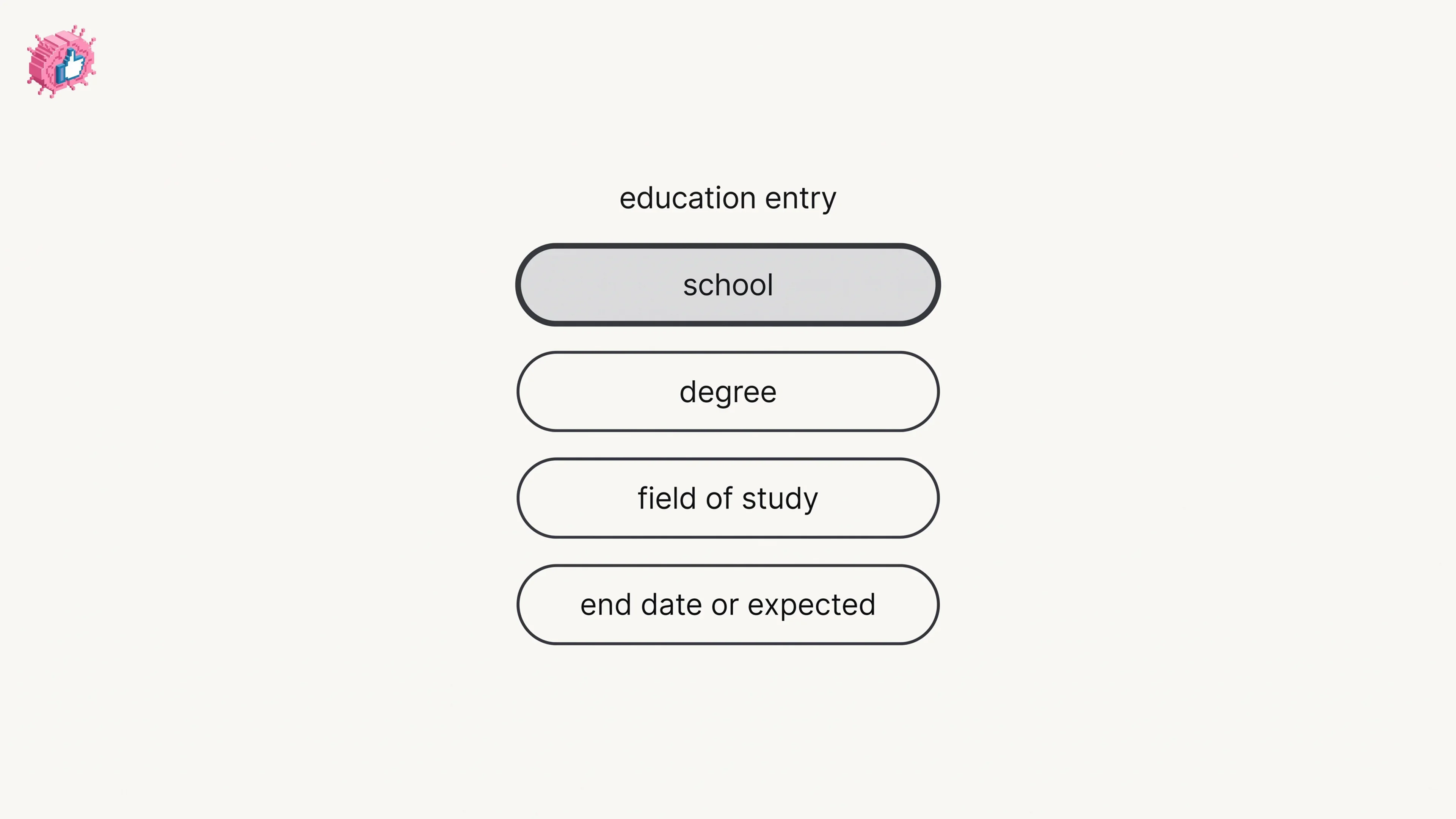
How to Add Education on LinkedIn: Fields and Steps
How to add education on LinkedIn, the eight fields LinkedIn documents, multiple entries, the expected end date, reordering, and the 24 hour notify window.
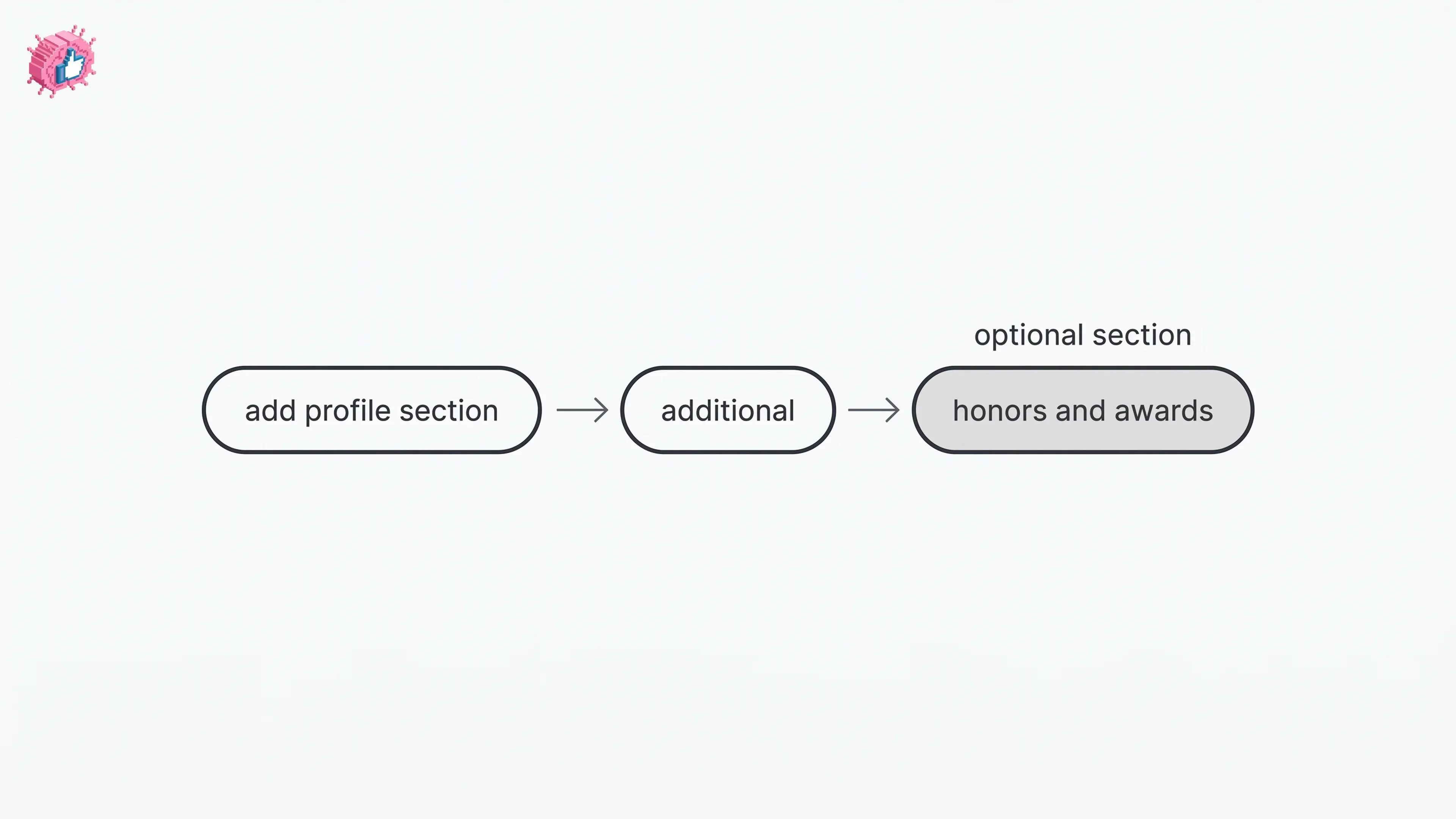
How to Add Honors and Awards on LinkedIn
How to add the Honors and awards section on LinkedIn on desktop and in the app, the exact steps LinkedIn publishes, and how to edit or delete an entry.