

What Is the Featured Section on LinkedIn?
The Featured section lets you pin your best posts, articles, links, and media to the top of your LinkedIn profile. Here's what to put in it and how.
ViralBrain Team · Published: August 17, 2026 · Updated: August 17, 2026
Automate your LinkedIn for 30 days
What is the Featured section on LinkedIn?
The Featured section is a profile block near the top of your LinkedIn profile where you manually pin your best posts, articles, external links, and media, instead of leaving visitors to scroll through your full activity history. Unlike the rest of your profile, nothing lands there automatically. You choose exactly what shows, which makes it the one part of your profile that's fully curated rather than a chronological record.
What you can add to Featured
- LinkedIn posts you've created or reshared
- Articles you've written and published on LinkedIn
- External links, like a personal site, portfolio, or a piece of press coverage
- Uploaded media: images, documents, presentations, and videos
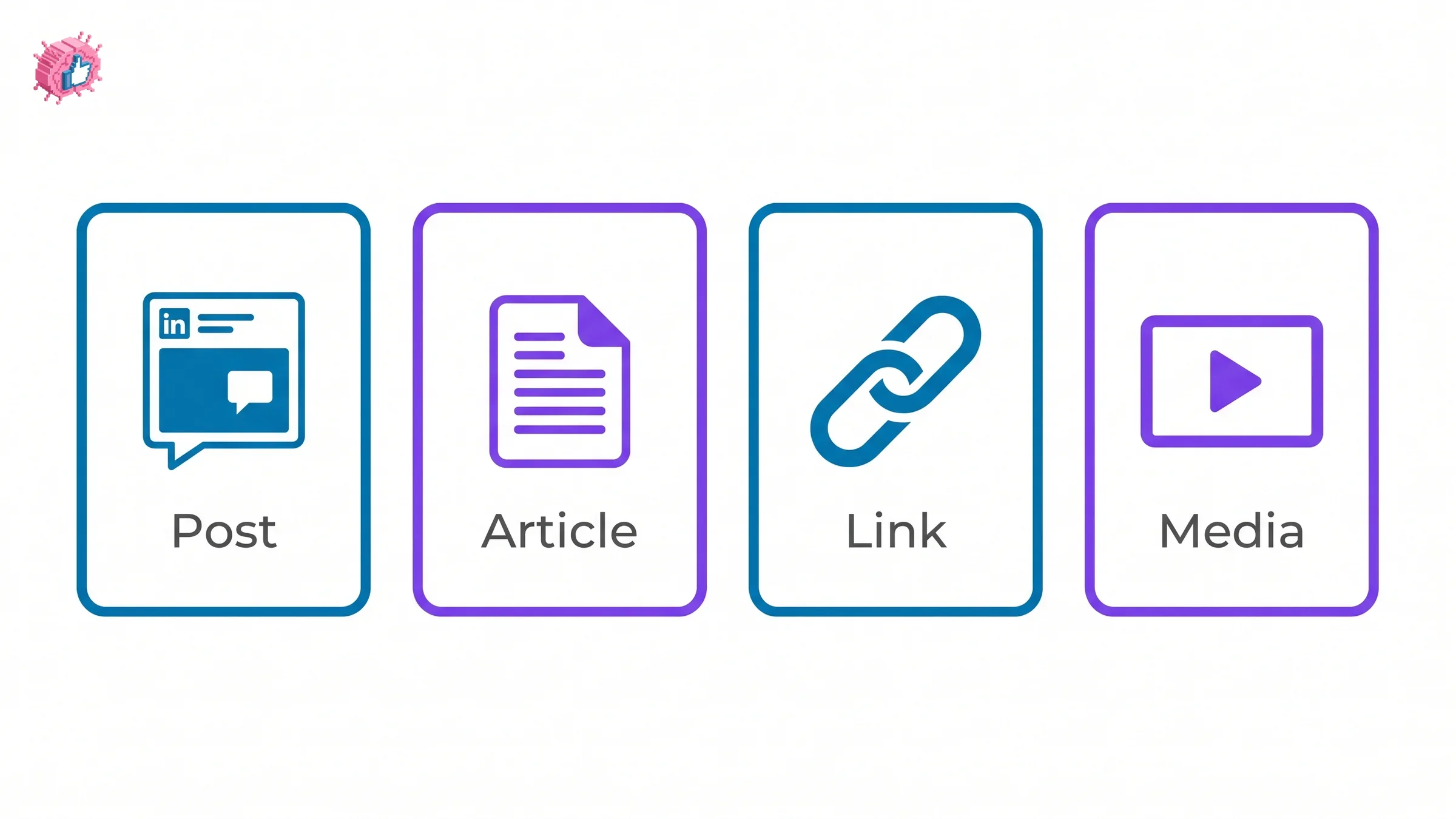
Featured vs Activity: what's the difference?
| Featured | Activity | |
|---|---|---|
| What it shows | Only what you manually pin | Everything from the past 45 days: posts, comments, likes |
| Curated or automatic | You choose every item | Automatic, chronological |
| Best for | Your strongest, most representative work | A live record of recent engagement |
| Visible by default | Yes, near the top of your profile | Yes, further down the profile |
Featured is where you control the first impression. Activity is where a visitor sees whether you're actually active right now.
Automate your LinkedIn for 30 days
Where Featured shows up in practice
- A consultant pinning a case study article and a client testimonial link
- A job seeker pinning a portfolio link and their best-performing post about their work
- A founder pinning their product launch post, a press mention, and a link to their site
- Anyone pinning their single best-performing post so a new visitor sees proof of relevance, not whatever they posted most recently
What this means for you
Featured is worth setting up even if you only add two or three items, since an empty section is a missed first impression, not a neutral one. Pick your single strongest post, one external proof point (press, a portfolio, a testimonial), and update it when something better replaces your current best. If you don't have a strong post to feature yet, what makes LinkedIn posts go viral breaks down what a genuinely feature-worthy post looks like, and the viral score checker can tell you before you publish whether a draft is strong enough to be worth pinning later.
FAQ
How do I add something to my LinkedIn Featured section?
From your profile, scroll to the Featured section (or add it via "Add profile section" if it isn't there yet), then choose to add a post, article, link, or media file. You can reorder or remove items at any time.
What's the difference between Featured and Activity on LinkedIn?
Featured shows only what you manually choose to pin, giving you full control over the first impression. Activity automatically shows your posts, comments, and likes from the past 45 days, whether or not you'd want a visitor to see them.
Can I feature a post I didn't write myself?
Yes, you can feature a post you've reshared, not just one you originally created, as long as it appears on your own profile activity.
How many items should I put in my Featured section?
There's no fixed limit, but quality matters more than quantity. Two or three genuinely strong items, your best post, a proof point, and a link, do more for a visitor's first impression than a long list of average ones.
Does everyone see the same LinkedIn Featured section?
Yes, unlike some profile elements that adjust based on the viewer, Featured content is the same for every visitor to your profile, public or connected.
Sources: LinkedIn Help: Manage featured samples of your work on your LinkedIn profile, LinkedIn Help: Featured section on your profile FAQs.
Automate your LinkedIn for 30 days
ViralBrain plans, writes, and schedules your LinkedIn content, using official LinkedIn APIs so your account stays safe.
- Official LinkedIn APIs, no risk of ban
- You approve every post before it goes live
- Cancel anytime
Keep reading
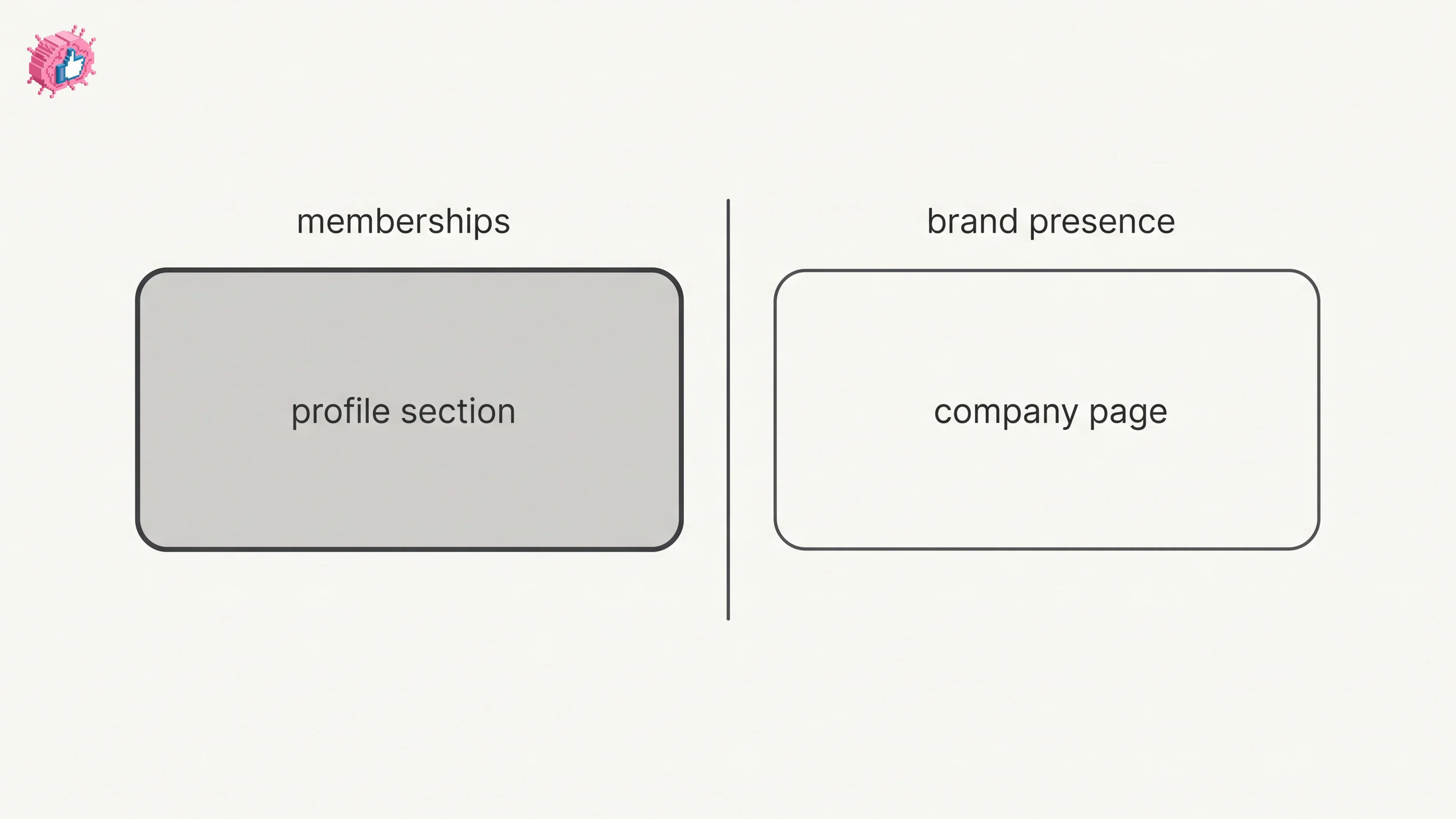
How to Add Organizations on LinkedIn: Full Steps
How to add organizations on LinkedIn, where the section sits, desktop and app steps, editing entries, and why a LinkedIn Page is a different thing.
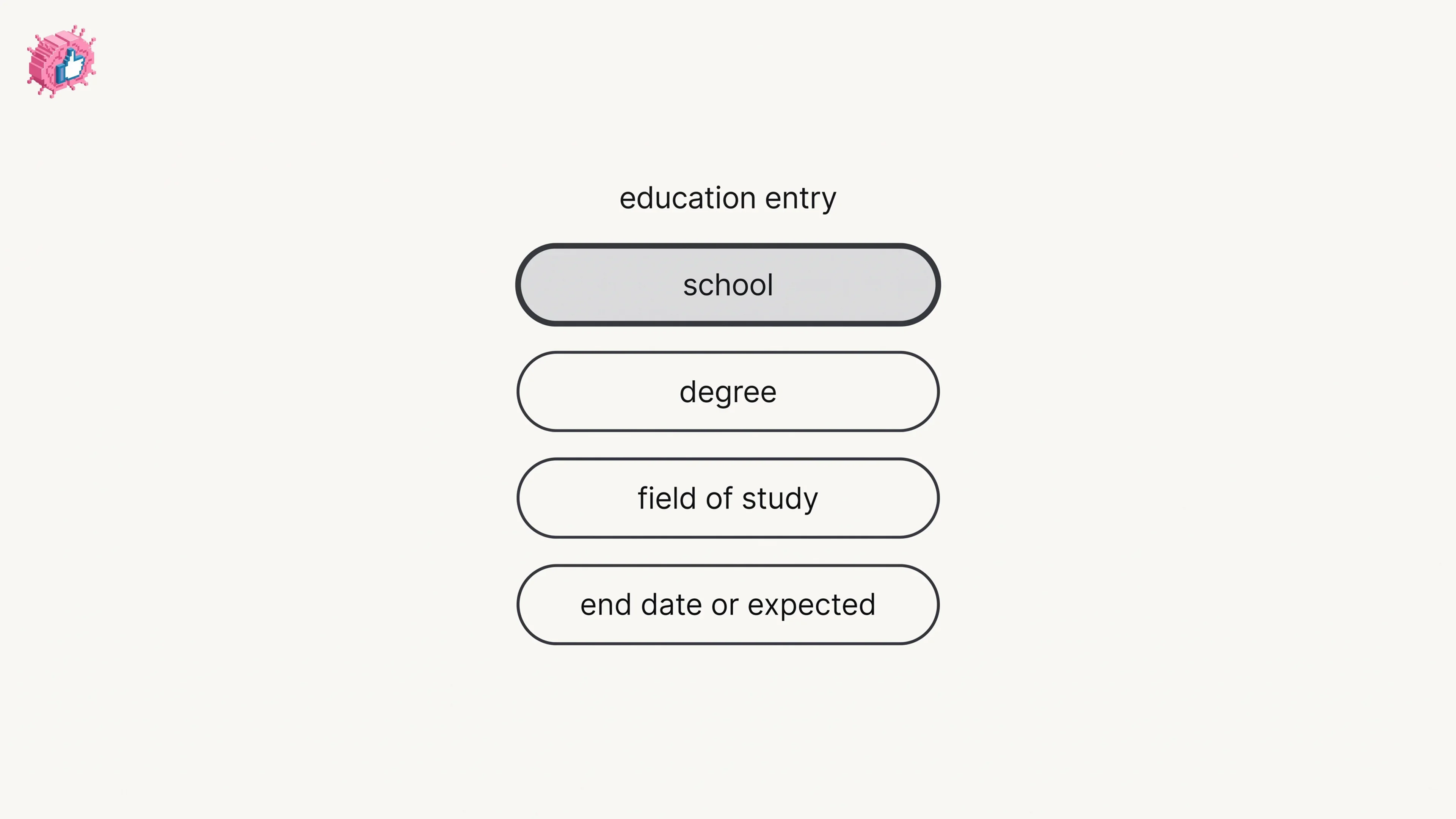
How to Add Education on LinkedIn: Fields and Steps
How to add education on LinkedIn, the eight fields LinkedIn documents, multiple entries, the expected end date, reordering, and the 24 hour notify window.
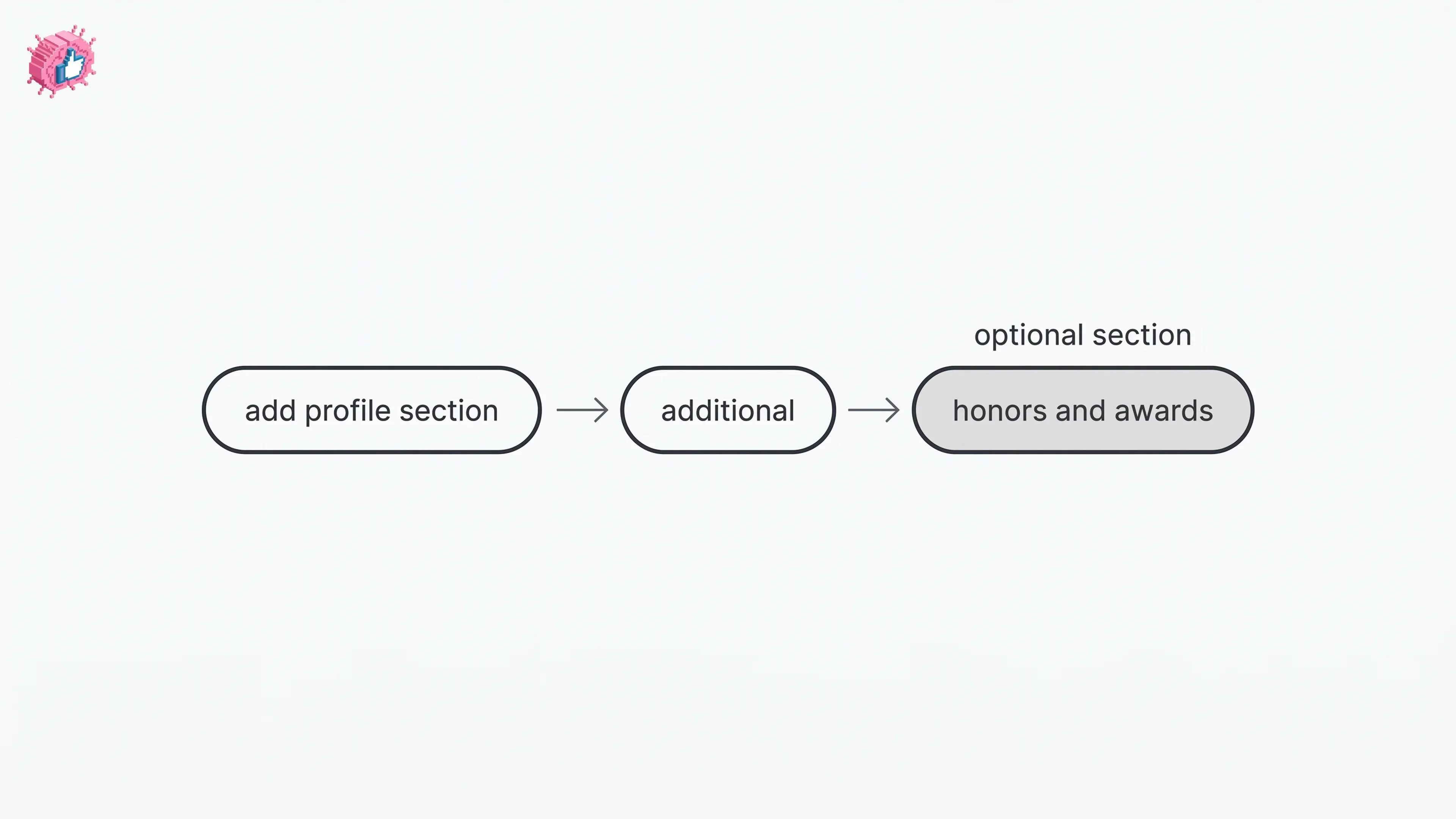
How to Add Honors and Awards on LinkedIn
How to add the Honors and awards section on LinkedIn on desktop and in the app, the exact steps LinkedIn publishes, and how to edit or delete an entry.