

Best MCP Servers for Marketers: 7 Worth Installing in 2026
Over 10,000 MCP servers exist. Marketers need about six. Here are 7 MCP servers worth installing, what each actually does, and what they really cost.
By early 2026 there are more than 10,000 MCP servers. Almost nobody needs more than six.
Model Context Protocol is the standard that lets an AI assistant talk to your actual tools. Instead of copying a spreadsheet into Claude and asking it to find the pattern, you connect the source once and ask the question directly. The assistant pulls live data, and in the better implementations, writes back.
For marketers that changes the shape of the work. Reporting stops being an export-and-summarise ritual. Publishing stops being a separate tab. The useful question is no longer whether MCP is worth setting up, it is which six servers earn a slot.
This guide covers seven MCP servers worth installing, what each genuinely does, and what they actually cost. One point up front, because most comparisons get it wrong: the MCP server itself is nearly always free. What you pay for is the product underneath it.
Automate your LinkedIn for 30 days
Best MCP servers for marketers: a quick overview
ViralBrain: Best for LinkedIn content. Drafts, schedules and publishes in your own voice without leaving your assistant.
HubSpot: Best for CRM. Official remote server with read and write access to contacts, deals and companies.
Google Analytics 4: Best for behavioural data. Ask questions of GA4 in plain language rather than fighting the reporting UI.
Google Search Console: Best for organic search. Query, page and index data, which makes it the highest-value free server on this list.
Ahrefs: Best for SEO research. Keyword, backlink and competitor data on demand.
Zapier: Best as connective tissue. One server exposing thousands of app actions when no native server exists.
Apify: Best for data collection. Scraping and structured extraction when the data has no API.
| Server | Job | Cost of the server | Cost of the product underneath |
|---|---|---|---|
| ViralBrain | LinkedIn drafting, scheduling, publishing | Free, included | Free tier; EUR 1 trial; EUR 39/mo Pro |
| HubSpot | CRM records, deals, contacts | Free, official | Free CRM tier; paid hubs scale steeply |
| Google Analytics 4 | Site and campaign behaviour | Free | Free |
| Google Search Console | Organic queries, pages, indexing | Free | Free |
| Ahrefs | Keywords, backlinks, competitors | Free with a plan | Paid plans only |
| Zapier | Cross-app actions where no server exists | Free tier, then paid | Usage-based |
| Apify | Scraping and structured extraction | Free, pay per run | Usage-based credits |
Four of the seven cost nothing beyond what you already pay. That is worth knowing before anyone tries to sell you an "MCP strategy".
1. ViralBrain, best for LinkedIn content
Most MCP servers are read-only. They fetch data, you interpret it, and any action still happens somewhere else. ViralBrain is one of the few that closes the loop: it drafts, schedules and publishes without you leaving the assistant.
That matters for LinkedIn specifically, because the friction is never the writing tool. It is the context switch. You are in Claude working on positioning, you have a good idea, and publishing it means opening another tab, losing the thread, and rewriting it worse.
The server exposes 14 tools including generate_post, create_post, schedule_post, list_voices and add_context, so the assistant can go from idea to scheduled post in one conversation.
Key features
- 14 tools covering drafting, editing, scheduling and image generation
- Voice matching, so posts sound like you rather than like an assistant
- OAuth 2.1 through Better Auth, revocable from your account rather than a pasted API key
- Works in Claude, Codex and OpenClaw
- Hosted, so there is nothing to run locally, and the same drafting sits behind the free LinkedIn post generator
- Install with one line:
claude mcp add --transport http viralbrain https://viralbrain.ai/api/mcp
Best for
- Founders and marketers who live in Claude or Codex and post to LinkedIn regularly
- Anyone whose LinkedIn drafts die in a separate tab
- Teams wanting publishing and content strategy in the same conversation
Pricing
- The MCP server is included, not a separate product
- Free tier: 3 heroes and 5 posts per month
- EUR 1 trial, then EUR 39/mo Pro. See ViralBrain pricing
- Setup detail on the LinkedIn MCP server page
Pros
- Genuinely write-capable rather than read-only, which most servers are not
- OAuth rather than API keys, so access is revocable per client
- Removes the context switch that kills most LinkedIn consistency
Cons
- LinkedIn only. If you need X, Instagram or a general scheduler, this is not it, and the wider AI tools for LinkedIn comparison covers those
- Requires a paid plan for meaningful volume, since the free tier is 5 posts a month
- Newer than the Google or HubSpot servers, so fewer community examples to copy
2. HubSpot, best for CRM
HubSpot runs two official servers. The remote CRM server at mcp.hubspot.com reached general availability in April 2026 and gives read and write access to contacts, companies and deals. A separate local server covers app and CMS development.
The practical value is ending the copy-paste loop between CRM and everything else. Ask which deals stalled after a demo, and get an answer from live data rather than an exported CSV that was stale before you opened it.
Key features
- Official and maintained by HubSpot rather than a community wrapper
- Read and write across contacts, companies and deals
- Remote hosting, so no local process to manage
- Separate developer server for app and CMS work
- Permissions inherited from your HubSpot user
Best for
- Teams already running HubSpot as their CRM
- Marketers who need pipeline context while writing campaigns
- Anyone building reports that combine CRM data with other sources
Pricing
- The MCP server is free
- Requires a HubSpot account. The free CRM tier works
- Paid hubs scale steeply, which is a HubSpot question rather than an MCP one
Pros
- Write access, which many CRM integrations do not offer
- Official support means it will not break on the next API change
- Free tier is enough to evaluate properly
Cons
- Only useful if HubSpot is already your CRM
- Write access to live CRM data deserves care about which clients you authorise
- Two servers with overlapping names causes genuine confusion when setting up
3. Google Analytics 4, best for behavioural data
GA4's reporting interface is widely disliked for good reason. Answering a simple question often means building an exploration, waiting, then discovering the dimension you needed is incompatible with the metric you chose.
The MCP server sidesteps that. You ask in plain language, the assistant constructs the query, and you get an answer. For marketers who know what they want but not where GA4 buried it, this is the single biggest quality-of-life change on this list.
Key features
- Natural language queries against GA4 properties
- Access to standard dimensions and metrics without building explorations
- Combines with other servers, so GA4 data can sit alongside Search Console in one answer
- Read-only, which removes a whole category of risk
- Free
Best for
- Anyone who finds the GA4 interface actively hostile
- Marketers building recurring reports they would rather not rebuild monthly
- Teams correlating site behaviour with campaign or content activity, alongside LinkedIn engagement benchmarks for the social side
Pricing
- Free, as is GA4 itself
- Requires property access on the Google account you authorise
Pros
- Removes the worst part of GA4 without replacing it
- Read-only, so there is nothing to break
- Pairs naturally with Search Console for a full organic picture
Cons
- Inherits GA4's data model, including sampling and thresholding on smaller properties
- Cannot answer what GA4 does not collect, so bad tracking stays bad
- Query accuracy depends on the assistant framing the request correctly, so sanity-check surprising numbers
4. Google Search Console, best for organic search
If you install one server from this list, make it this one. Search Console holds the only first-party record of how people actually find you in Google: real queries, real positions, real click-through rates, plus index coverage.
It is also the data most marketers look at least, because pulling anything beyond the default view means fighting export limits. Through MCP, questions like "which pages rank between 11 and 20 with over 50 impressions" become one sentence rather than a filtering exercise.
Key features
- Query, page, country and device breakdowns
- Index coverage and URL inspection
- Sitemap submission and status
- Comparison across date ranges
- Free
Best for
- Anyone doing SEO with real intent rather than as an afterthought
- Finding striking-distance keywords, meaning positions 11 to 20 where small edits pay
- Diagnosing why a page stopped ranking
Pricing
- Free, as is Search Console
- Requires property access, and full permission rather than restricted for complete data
Pros
- The highest-value free data on this list by a distance
- Turns striking-distance analysis into a routine rather than a project
- Index coverage answers questions no third-party tool can
Cons
- Setup involves Google Cloud credentials, which is fiddlier than the others here
- Query-level data is sampled and anonymised, so named queries never sum to the page total
- Read-only for the data that matters, though sitemaps can be submitted
Automate your LinkedIn for 30 days
5. Ahrefs, best for SEO research
Where Search Console tells you how you perform, Ahrefs tells you about everyone else. Keyword volumes, difficulty, backlink profiles, and which competitor pages rank for the terms you want.
Through MCP that becomes conversational. Rather than exporting three reports and reconciling them in a spreadsheet, you ask which competitors gained links last month for a topic cluster and get a direct answer.
Key features
- Keyword research with volume and difficulty
- Backlink profiles for any domain
- Competitor organic keyword overlap
- SERP overviews showing who ranks and why
- Site audit data
Best for
- SEO-led teams doing regular competitor research
- Content teams validating topics before writing rather than after
- Anyone running a link-building program
Pricing
- The MCP server is free with an Ahrefs plan
- Ahrefs is paid only, with no meaningful free tier
- API and MCP access may depend on your plan level, so check before committing
Pros
- Best-in-class link data and it is not close
- Conversational access removes most of the export-and-reconcile work
- Pairs well with Search Console: one tells you where you are, the other where you could be
Cons
- The most expensive item on this list by some margin
- Volume estimates are estimates, so treat them directionally
- Overkill if you publish occasionally rather than systematically
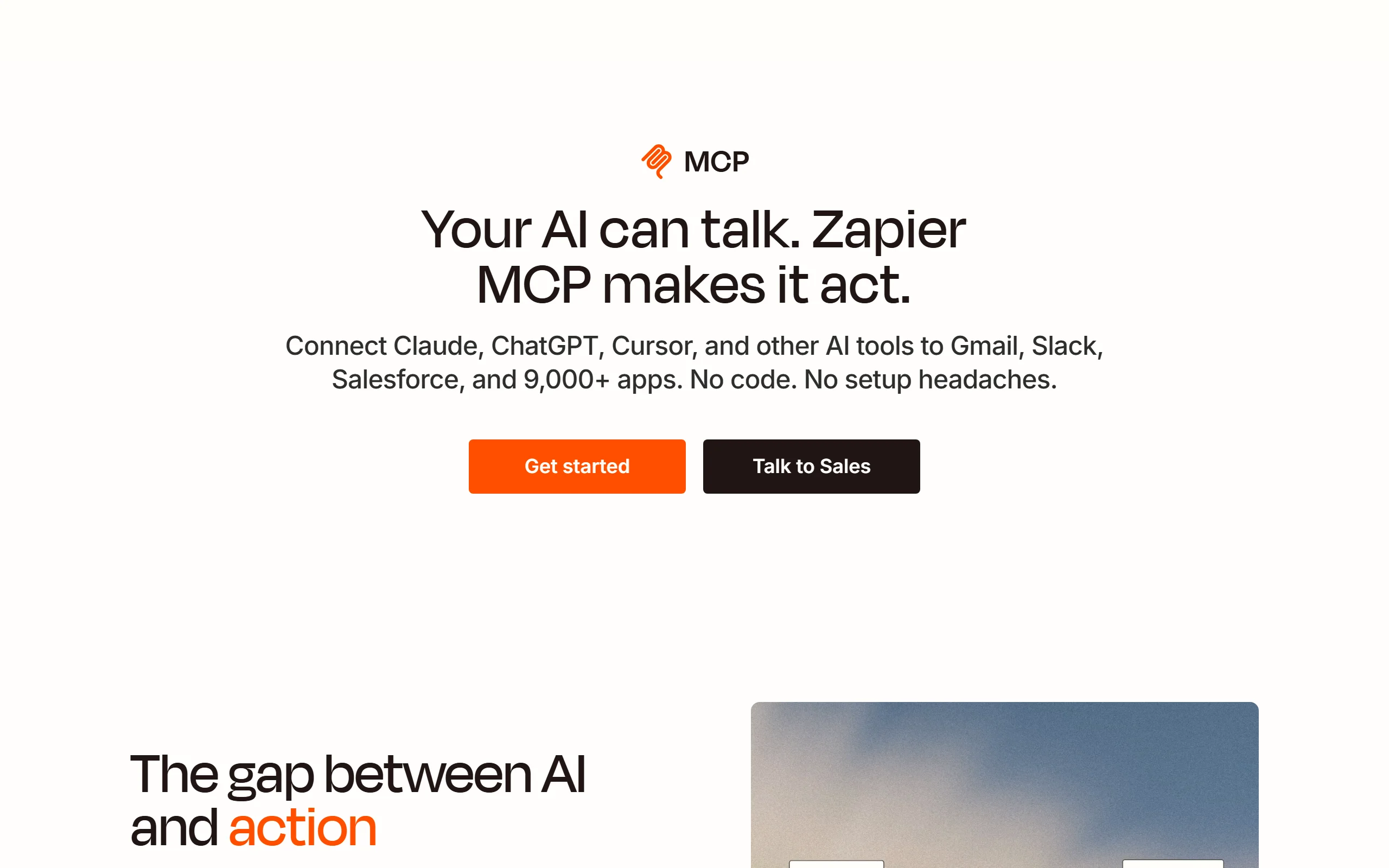
6. Zapier, best as connective tissue
Zapier's server is a different kind of thing. Rather than exposing one product, it exposes thousands of app actions through a single connection, which makes it the fallback for everything without a native server.
If your stack includes a tool nobody has built an MCP server for, and most tools qualify, this is usually the shortest route to reaching it.
Key features
- Access to thousands of apps through one server
- Trigger existing Zaps from an assistant
- Actions rather than just reads, so things actually happen
- No custom development for long-tail tools
- Existing Zapier authentication carries over
Best for
- Teams already invested in Zapier
- Reaching tools with no native MCP server
- Prototyping a workflow before deciding it deserves a real integration
Pricing
- Free tier available with limited task volume
- Paid plans are usage-based and scale with tasks run
- Costs are easy to underestimate when an assistant is triggering actions
Pros
- The broadest coverage of anything here
- Removes the "no server exists for this" problem entirely
- Sensible bridge while the ecosystem fills in
Cons
- Slower and less capable than a native server for any given app
- Task-based pricing gets expensive when an agent runs actions in a loop
- One more layer to debug when something misfires
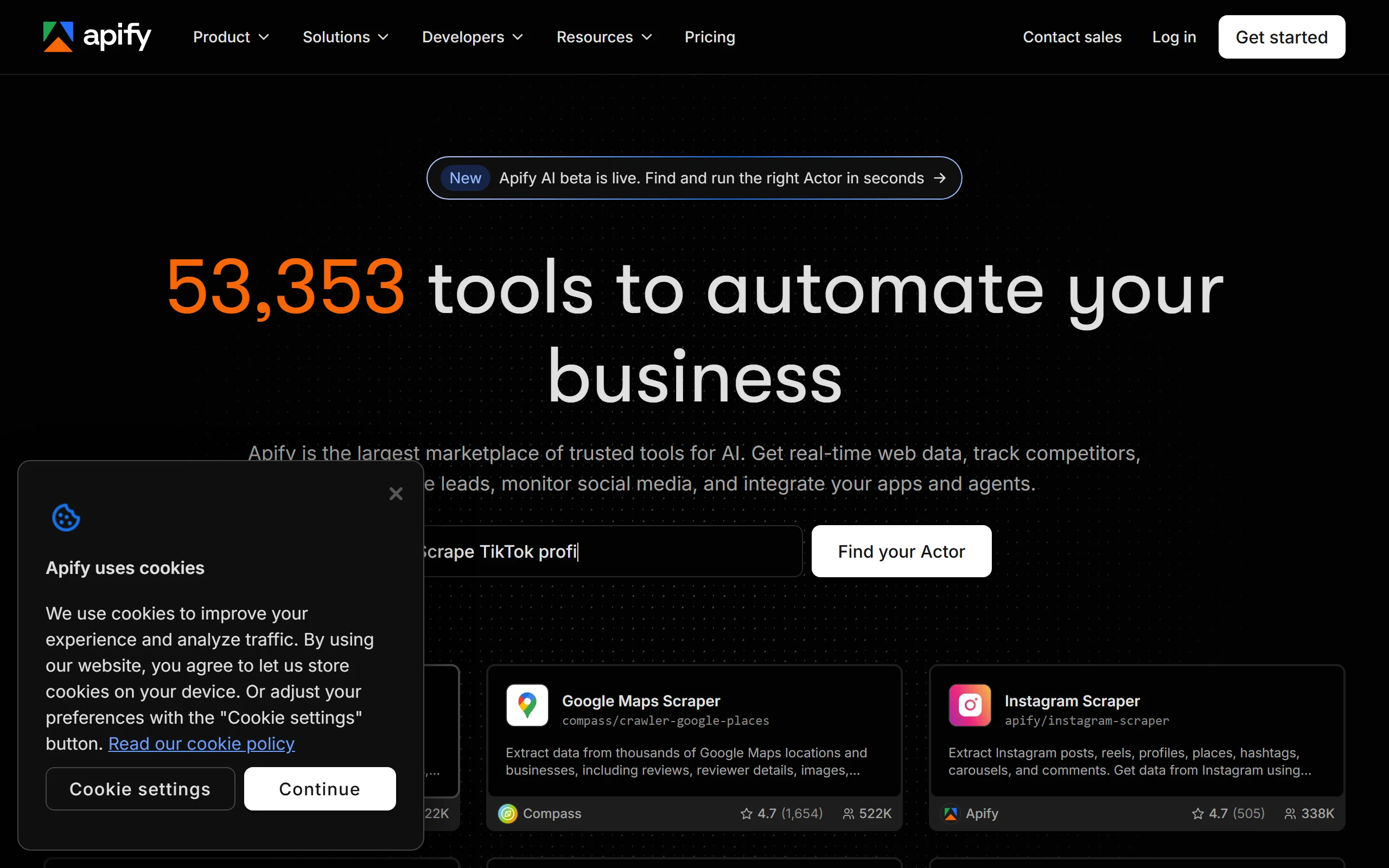
7. Apify, best for data collection
Apify handles the case where the data exists but the API does not. Scraping, structured extraction, and a large library of prebuilt actors for specific sites.
For marketers that usually means competitor monitoring, review aggregation, or building a dataset nobody publishes cleanly. Through MCP, an assistant can trigger a run and work with the result in the same conversation.
Key features
- Large library of prebuilt scrapers for common targets
- Structured output rather than raw HTML
- Runs in the cloud, so nothing local to maintain
- Usage-based pricing rather than seats
- Custom actors when nothing prebuilt fits
Best for
- Competitor and review monitoring at scale
- Building datasets that have no clean public source
- Research where the answer is spread across many pages
Pros
- Solves a genuine gap that no API-based server covers
- Prebuilt actors mean most jobs need no code
- Pay per run suits occasional use
Cons
- Scraping carries terms-of-service and legal questions worth checking per target
- Credit costs are unpredictable until you have run a job a few times
- More technical than everything else here
How to choose which MCP servers to install
1) Start with what you already pay for
The cheapest useful stack is servers for tools already in your budget. Search Console and GA4 are free, HubSpot's server is free if you use HubSpot, and ViralBrain's is included in any plan.
Installing a server for a product you do not own is not a saving. It is a new subscription with extra steps.
2) Separate read from write
Most servers only read. A few, including ViralBrain, HubSpot and Zapier, also write.
- Read-only: install freely. The downside is a wrong answer, which you can check.
- Write-capable: think about which clients you authorise and what they can reach. An assistant that can create CRM records or publish posts deserves more care than one that can only query analytics.
This is why OAuth matters more than convenience. Access you can revoke per client beats an API key pasted into three config files.
3) Six is usually the ceiling
Every server adds tools to the assistant's context, and past a certain point it starts choosing badly between overlapping options. A stack covering analytics, search, CRM, SEO research and publishing is usually four to six servers.
If you are past ten, you are likely paying a quality cost you have not measured.
4) Match it to what you actually do weekly
- Publishing on LinkedIn: ViralBrain, and it removes the context switch that kills consistency. Our content strategy guide covers the cadence side, and the free hook generator covers the opening line
- Reporting: GA4 and Search Console
- Pipeline: HubSpot
- SEO research: Ahrefs
- Everything else: Zapier as the fallback
Install two, use them for a fortnight, then add more. A stack assembled in one afternoon is usually a stack nobody opens again.
FAQ
What is an MCP server?
An MCP server is a bridge between an AI assistant and a data source or tool, using the Model Context Protocol. It handles authentication, schema and rate limits so any MCP-compatible client such as Claude, ChatGPT or Gemini can query that source in plain language and get structured data back.
Do MCP servers cost money?
Usually not. The server is typically a free interface to a product you already pay for. Search Console and GA4 are entirely free. Ahrefs requires a paid plan. Zapier and Apify charge by usage, which is where costs can surprise you.
Which MCP server should a marketer install first?
Google Search Console. It is free, it holds first-party data on how people actually find you, and it answers questions that are genuinely tedious through the interface, such as which pages sit in positions 11 to 20 with meaningful impressions.
Can MCP servers publish content, or only read data?
Both, depending on the server. Most are read-only. ViralBrain can draft, schedule and publish LinkedIn posts, HubSpot can create and update CRM records, and Zapier can trigger actions across thousands of apps. Write access is worth authorising deliberately.
Are MCP servers safe to connect to work accounts?
It depends on the authentication model. Servers using OAuth, like ViralBrain and HubSpot, let you revoke access per client from your account settings. Servers using pasted API keys are harder to audit and revoke. Prefer OAuth for anything touching production data. The LinkedIn MCP server page documents how that revocation works in practice.
How many MCP servers should I run at once?
Four to six covers most marketing work. Each server adds tools to the assistant's context, and too many overlapping options degrade how well it picks between them. More servers is not more capability past a point.
Does using MCP to publish LinkedIn posts affect reach?
No. LinkedIn does not distinguish between a post published through its API and one written in the app, and ViralBrain publishes through the official API rather than browser automation. What affects reach is the content itself, covered in our LinkedIn algorithm guide and in how to write a LinkedIn post.
What is the difference between MCP and a normal API integration?
A normal integration is built once per tool per client. MCP exposes a source once, and every compatible assistant can use it. That is why the ecosystem passed 10,000 servers within roughly a year, where equivalent per-client integrations would have taken far longer.
Automate your LinkedIn for 30 days
ViralBrain plans, writes, and schedules your LinkedIn content, using official LinkedIn APIs so your account stays safe.
- Official LinkedIn APIs, no risk of ban
- You approve every post before it goes live
- Cancel anytime
Keep reading
Supergrow Alternatives: 5 Better LinkedIn AI Tools in 2026
Looking for Supergrow alternatives? Compare the 5 best LinkedIn AI tools in 2026: ViralBrain, Taplio, AuthoredUp, EasyGen, and Postdrips on pricing, features, and content quality.
Best LinkedIn Content Creation Tools in 2026
Compare the 7 best LinkedIn content creation tools in 2026, covering ideation, voice-matched drafts, carousels, and pre-publish checks, plus current pricing.

Why LinkedIn Is Full of AI Slop in 2026 (and What Changed)
LinkedIn AI slop now fills the feed because 53.7% of long posts are AI-generated. Here is why it happened and what the 2026 Authenticity Update changed.