

Buffer Alternatives: 7 Better Tools for LinkedIn in 2026
Buffer charges per channel and treats LinkedIn like every other network. Here are 7 Buffer alternatives compared on pricing, AI, and LinkedIn depth.
Buffer is a good scheduler that happens to support LinkedIn. That distinction matters more than it used to. Buffer prices per channel, so costs climb every time you add a profile, and its LinkedIn support stops at publishing: no hook testing, no formatting that survives the editor, no read on why one post reached 40,000 people and the next reached 400.
If LinkedIn is where your pipeline actually comes from, you are paying for breadth you do not use and missing depth you do.
This guide compares seven Buffer alternatives on real pricing, AI capability, and how much they actually understand LinkedIn. Every price below was checked against the vendor's live pricing page in July 2026.
Automate your LinkedIn for 30 days
Buffer alternatives: a quick overview
ViralBrain: Best overall for LinkedIn-first creators. Learns your voice from creators already winning in your niche, then drafts in it.
Publer: Best like-for-like Buffer replacement. Same multi-platform scheduling, meaningfully cheaper, generous free tier.
Taplio: Best all-in-one for LinkedIn plus outreach. Content, scheduling and a lead database in one subscription, at a price to match.
AuthoredUp: Best for post formatting and analytics. Not a generator, a writing environment with the deepest post-level data on this list.
Supergrow: Best budget LinkedIn AI writer. Solid drafting and carousels at roughly half what Taplio charges.
Hypefury: Best for cross-posting X and LinkedIn. Built for people whose audience lives on both.
Hootsuite: Best for large teams with compliance requirements. Enterprise workflows, enterprise pricing.
| Tool | Key strength | Pricing | Best for |
|---|---|---|---|
| ViralBrain | Voice matching trained on real creator data, not generic prompts | Free tier; EUR 1 trial; EUR 39/mo Pro | LinkedIn-first founders and creators |
| Publer | Closest feature match to Buffer at lower cost | Free (3 accounts); from $12/mo | Multi-platform posters leaving Buffer on price |
| Taplio | Content plus a 3M+ LinkedIn lead database | $39/mo (no AI credits); $65/mo with AI | Sales-led teams doing outreach and content |
| AuthoredUp | Post-level analytics and formatting that survives LinkedIn | $19.95/mo; 14-day free trial | Writers who draft themselves and want data |
| Supergrow | AI drafting and carousels at a lower price point | From $25/mo; 7-day free trial | Solo creators on a budget |
| Hypefury | Repurposes one post across X and LinkedIn | From $29/mo; 7-day free trial | Creators with an audience on both platforms |
| Hootsuite | Approval workflows, permissions, compliance | $99/user/mo billed annually | Enterprise and regulated industries |
One row worth adding, because no competitor on this list can tick it: hosted MCP server. ViralBrain is the only tool here you can drive from inside Claude, Codex or OpenClaw, so drafting and scheduling happen in the tool you already work in rather than another browser tab. Details on the LinkedIn MCP server page.
1. ViralBrain, best overall for LinkedIn-first creators
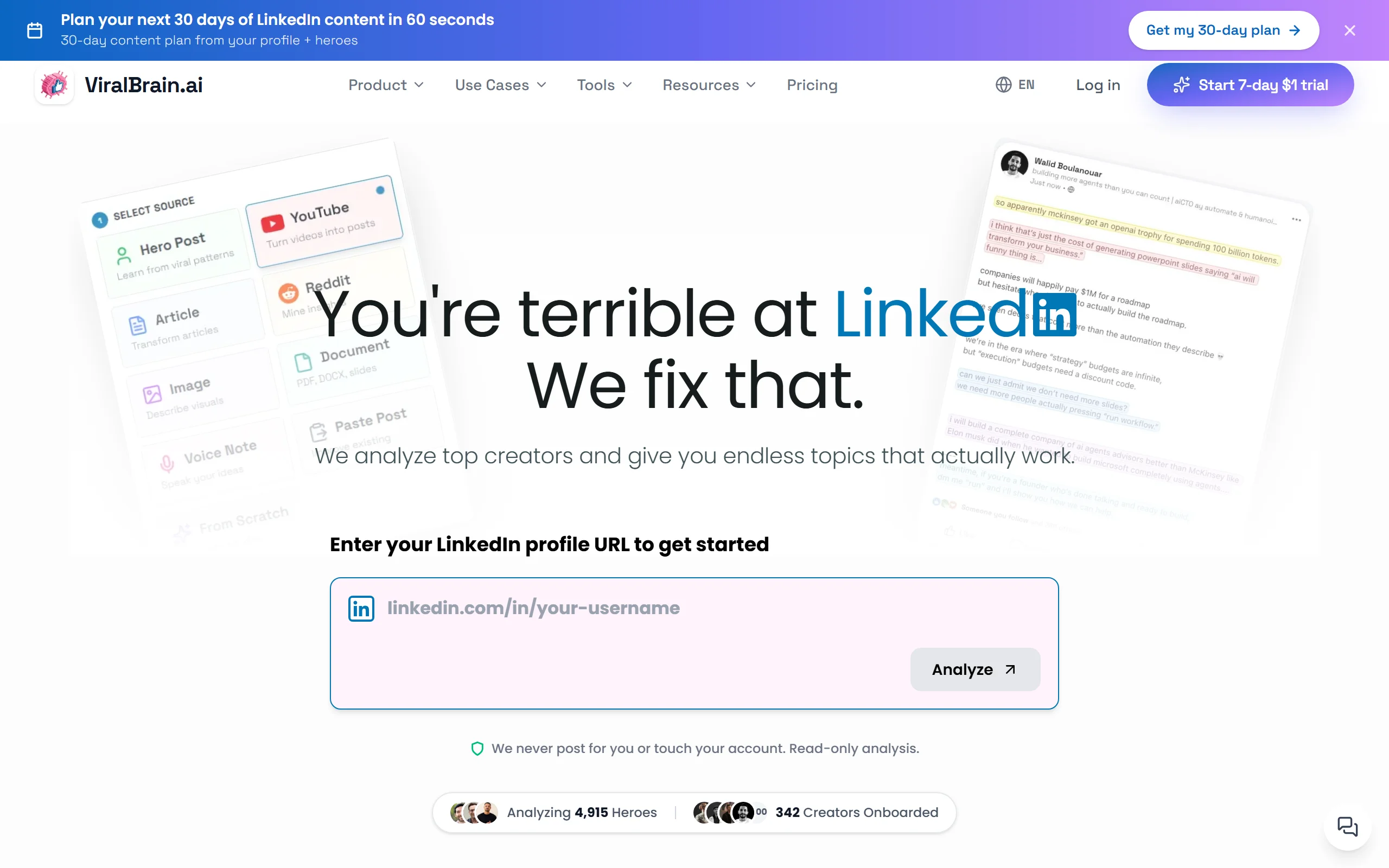
ViralBrain starts from a different question than the rest of this list. Instead of asking what you want to post, it asks who is already winning in your niche and why. You pick creators to learn from, it analyzes their posts for structure, hook shape and format, then drafts in your voice using those patterns.
That is the difference between an AI tool that writes generically and one that writes like someone who has studied your market. Buffer schedules what you give it. ViralBrain helps decide what to give it in the first place. See the full ViralBrain vs Buffer comparison for a feature-by-feature breakdown.
It also ships more than 100 free tools that need no account, which is unusual for a paid platform.
Key features
- Hero analysis: pick creators in your niche, learn what actually works for them
- Voice matching trained on your own writing, not a tone dropdown
- Viral score before you publish, so you fix weak posts rather than discovering them
- Scheduling with deliberately irregular posting minutes so slots read as organic
- Hosted MCP server, so you can draft from Claude or Codex directly
- 100+ free tools including a LinkedIn post generator and text formatter
Best for
- Founders and creators posting 3 to 5 times a week who want their own voice, not a template
- People who want to know why a post worked, not just that it did
- Anyone already working inside Claude or Codex who wants LinkedIn in the same place
Pricing
- Free tier: 3 heroes and 3 posts per month
- EUR 1 trial for full access
- EUR 39/mo Pro, EUR 69/mo Premium. Full breakdown on ViralBrain pricing
Pros
- Voice matching is genuinely closer to your writing than prompt-based tools
- Viral scoring catches weak hooks before they cost you reach
- The free tool library is usable without ever paying
Cons
- LinkedIn only. If you need Instagram and TikTok in the same dashboard, this is the wrong tool and Publer or Buffer is the better fit
- The trial requires a card, so it is a free trial rather than a no-commitment sandbox
- Newer than Taplio or Hootsuite, so a smaller community and fewer third-party tutorials
2. Publer, best like-for-like Buffer replacement
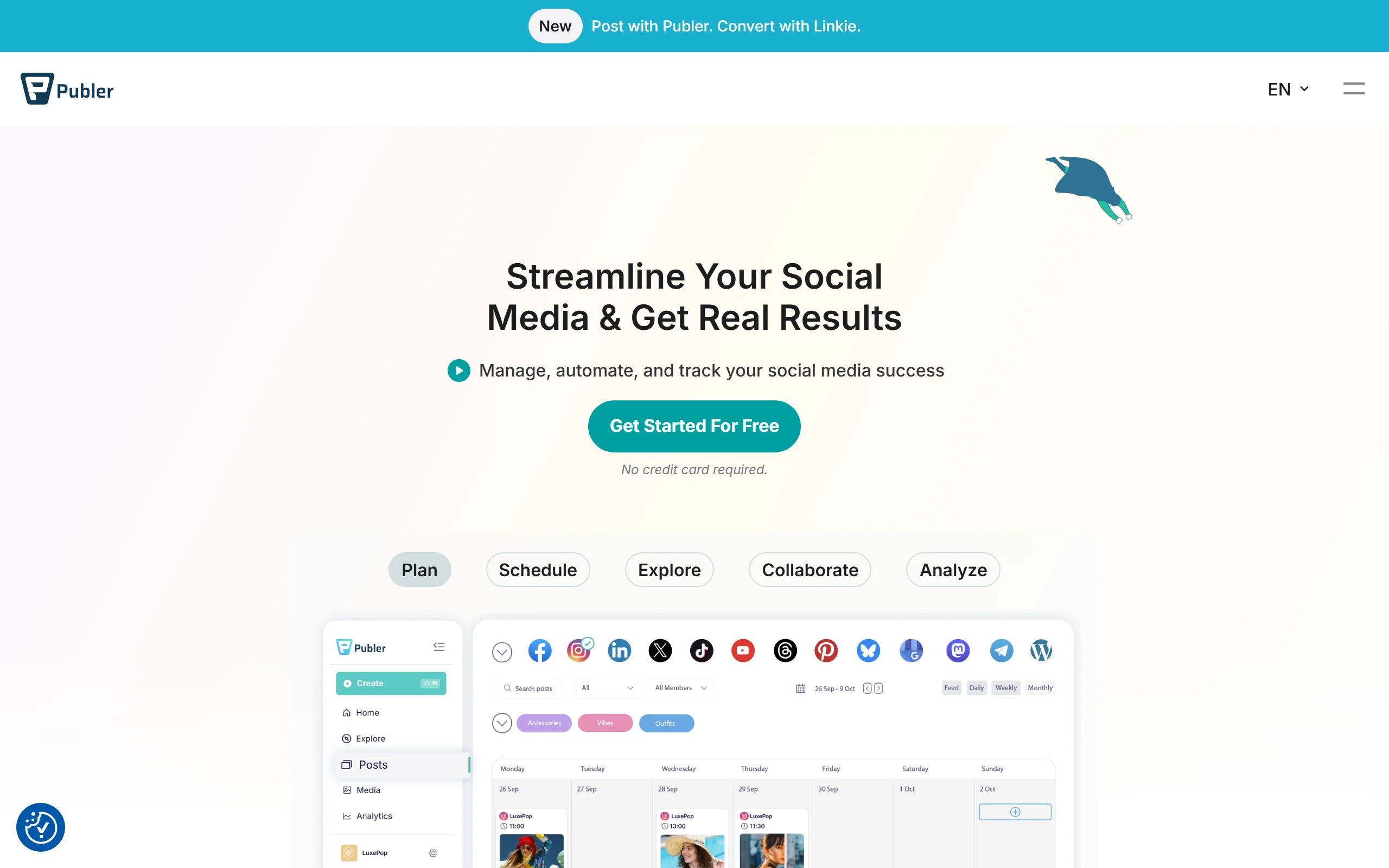
If you like how Buffer works and are only leaving over cost, Publer is the shortest move. It covers the same networks, the interface is familiar within an afternoon, and the free tier connects three accounts rather than limiting you to ten queued posts.
Publer also handles the things Buffer charges more for: bulk scheduling, watermarking, and recycling evergreen posts on a repeating schedule.
Key features
- Multi-platform scheduling across all major networks
- Bulk upload and CSV import for batch planning
- Evergreen recycling for posts worth repeating
- Workspaces for separating clients
- Link in bio and basic analytics included
Best for
- Teams managing several brands who found Buffer's per-channel pricing punitive
- Anyone posting to four or more networks where a LinkedIn-only tool makes no sense
- Agencies wanting client separation without enterprise pricing
Pricing
- Free plan: 3 social accounts
- Professional: from $12/mo for 3 accounts, roughly $4 per additional account
- Business: from $21/mo, roughly $7 per additional account
Pros
- Materially cheaper than Buffer once you pass a handful of channels
- Free tier is usable rather than a demo
- Evergreen recycling is not available on Buffer's lower tiers
Cons
- AI features are basic. It writes captions, it does not learn your voice
- LinkedIn support is publishing-level, with no hook analysis or post scoring
- Per-account pricing still scales, just from a lower base
3. Taplio, best all-in-one for LinkedIn plus outreach
Taplio is the most complete LinkedIn platform on this list if you also do outbound. Alongside content and scheduling, it carries a lead database of several million LinkedIn profiles and tools for engaging them, which makes it a sales instrument as much as a publishing one.
That breadth is also the catch. The entry plan is scheduling and analytics only, and the AI writing everyone signs up for sits a tier higher. If the price puts you off, our Taplio alternatives roundup compares six tools that cover the same job.
Key features
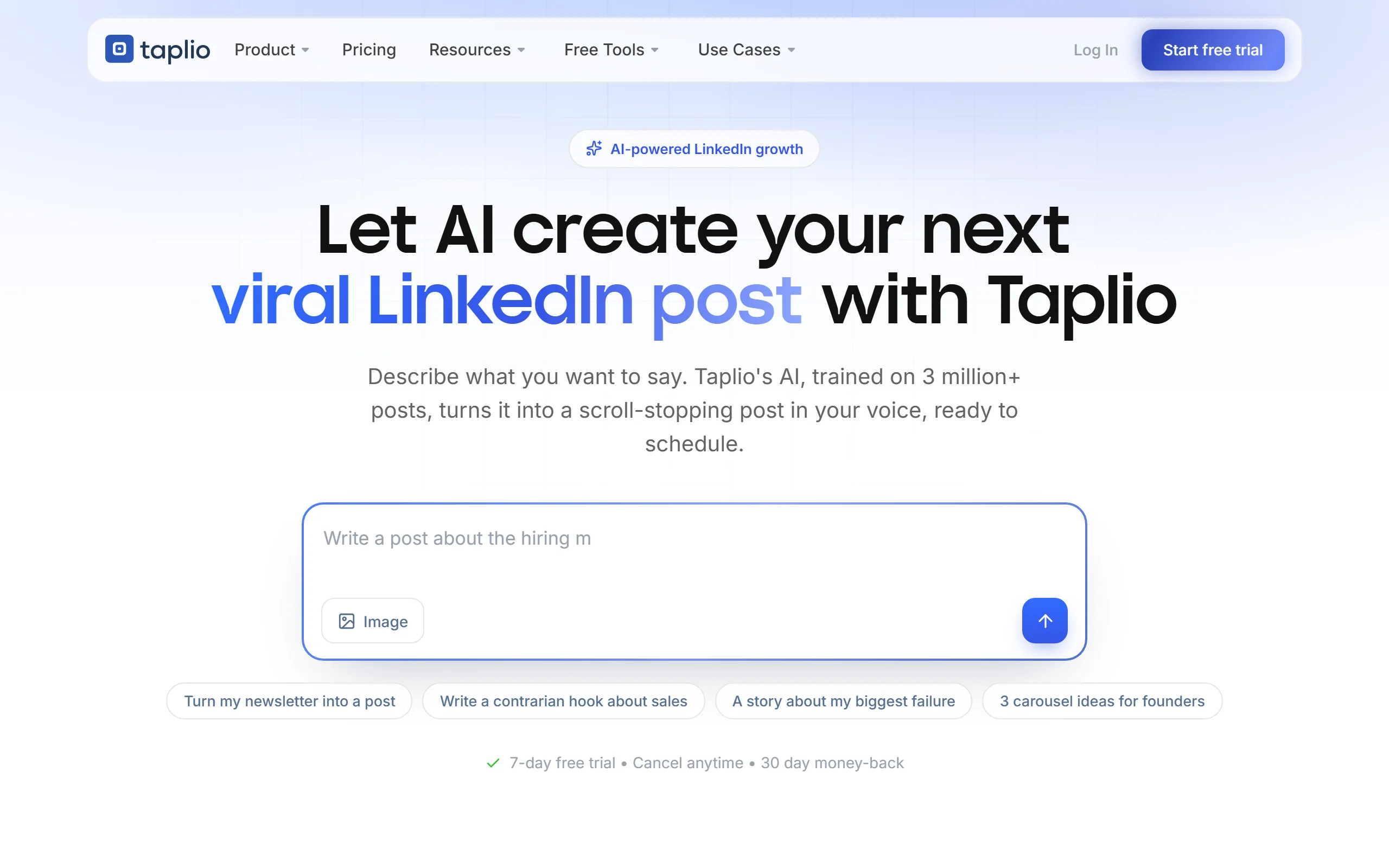
- AI post generation with a large viral post library
- Lead database with filtering for outreach targeting
- Chrome extension for engaging from the feed
- Carousel builder and hook generators
- Scheduling with a content calendar
Best for
- Sales-led teams treating LinkedIn as pipeline rather than publishing
- Agencies handling both content and lead generation for clients
- People who want everything in one subscription and will pay for it
Pricing
- Starter: $39/mo, scheduling and analytics only, zero AI credits
- Standard: $65/mo, includes AI writing, carousels and hook generation
- Pro: $199/mo, lead database and team features
- Annual billing saves roughly 25%
Pros
- The lead database is genuinely useful and nothing else here has one
- Viral post inspiration library is large and well organized
- One tool covering content and outreach
Cons
- The plan most people actually want is $65/mo, not the $39 advertised
- AI output is competent but generic unless you invest heavily in prompting
- Outreach features tempt automation patterns LinkedIn increasingly penalizes
See the full ViralBrain vs Taplio comparison for a feature-by-feature breakdown.
4. AuthoredUp, best for post formatting and analytics
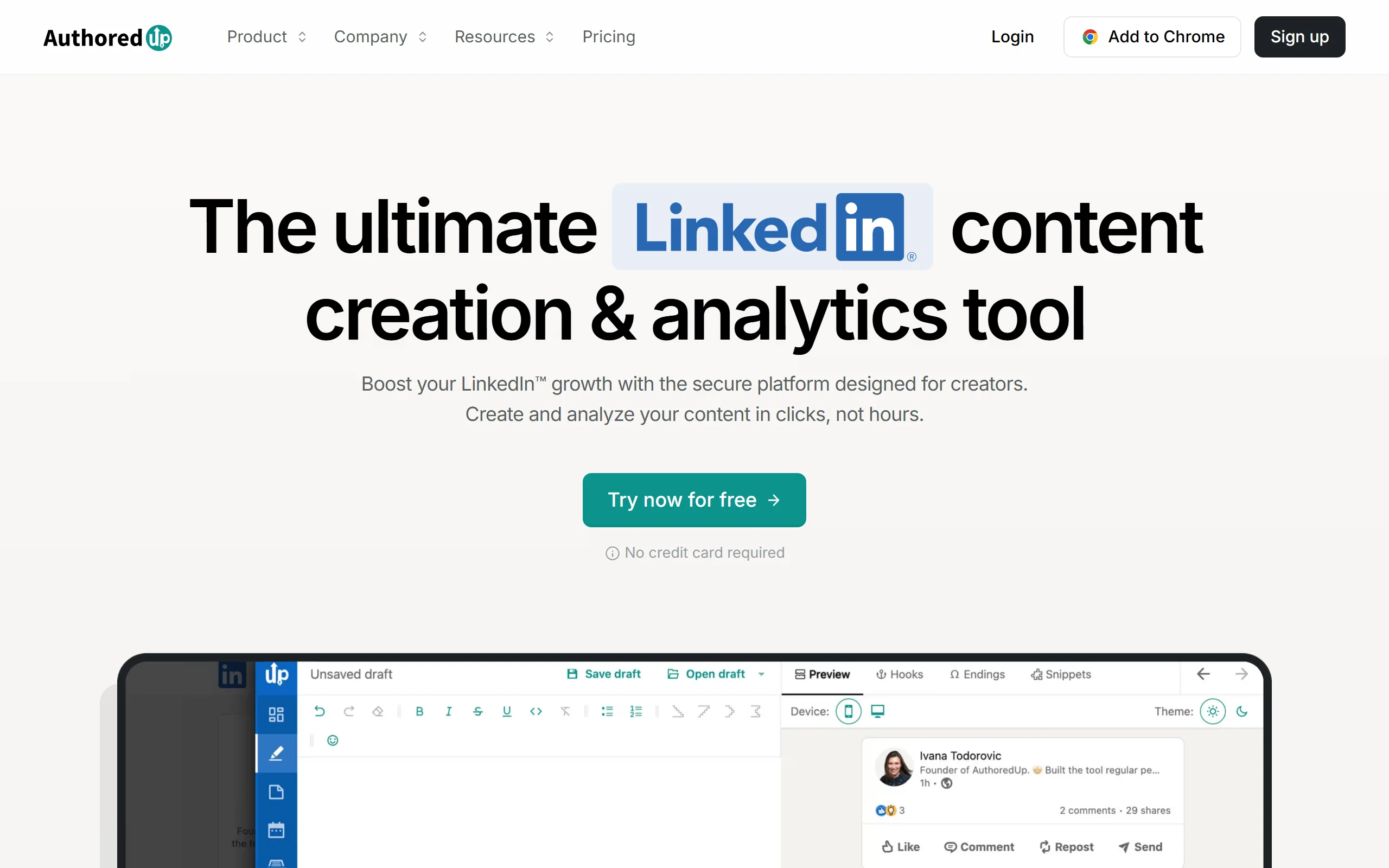
AuthoredUp is deliberately not a content generator. It is a writing environment that sits on top of LinkedIn, and it is the best tool here for people who write their own posts and want to know exactly how they performed.
The formatting alone justifies it for many writers. LinkedIn's native editor strips structure, and AuthoredUp gives you bold, italics, bullets and line breaks that survive publishing, plus a preview showing where the "see more" cut lands.
Key features
- Rich text formatting that persists through LinkedIn's editor
- Preview across desktop and mobile before publishing
- Post-level analytics with historical benchmarking
- Snippets and reusable content blocks
- Readability scoring and hook testing
Best for
- Writers who draft their own posts and want data rather than generation
- Creators obsessive about formatting and the "see more" break
- Teams needing per-post performance history rather than vanity totals
Pricing
- Individual: $19.95/mo, or $16.63/mo billed annually
- Business: $14.95 per seat per month, minimum three seats
- 14-day free trial
Pros
- Best post-level analytics of any tool on this list
- Formatting genuinely solves a real LinkedIn limitation
- Fair pricing for what it does
Cons
- No AI writing at all, so it complements a generator rather than replacing one
- LinkedIn only, so it is an addition to your stack rather than a Buffer swap
See the full ViralBrain vs AuthoredUp comparison if you are weighing generation against analytics.
Automate your LinkedIn for 30 days
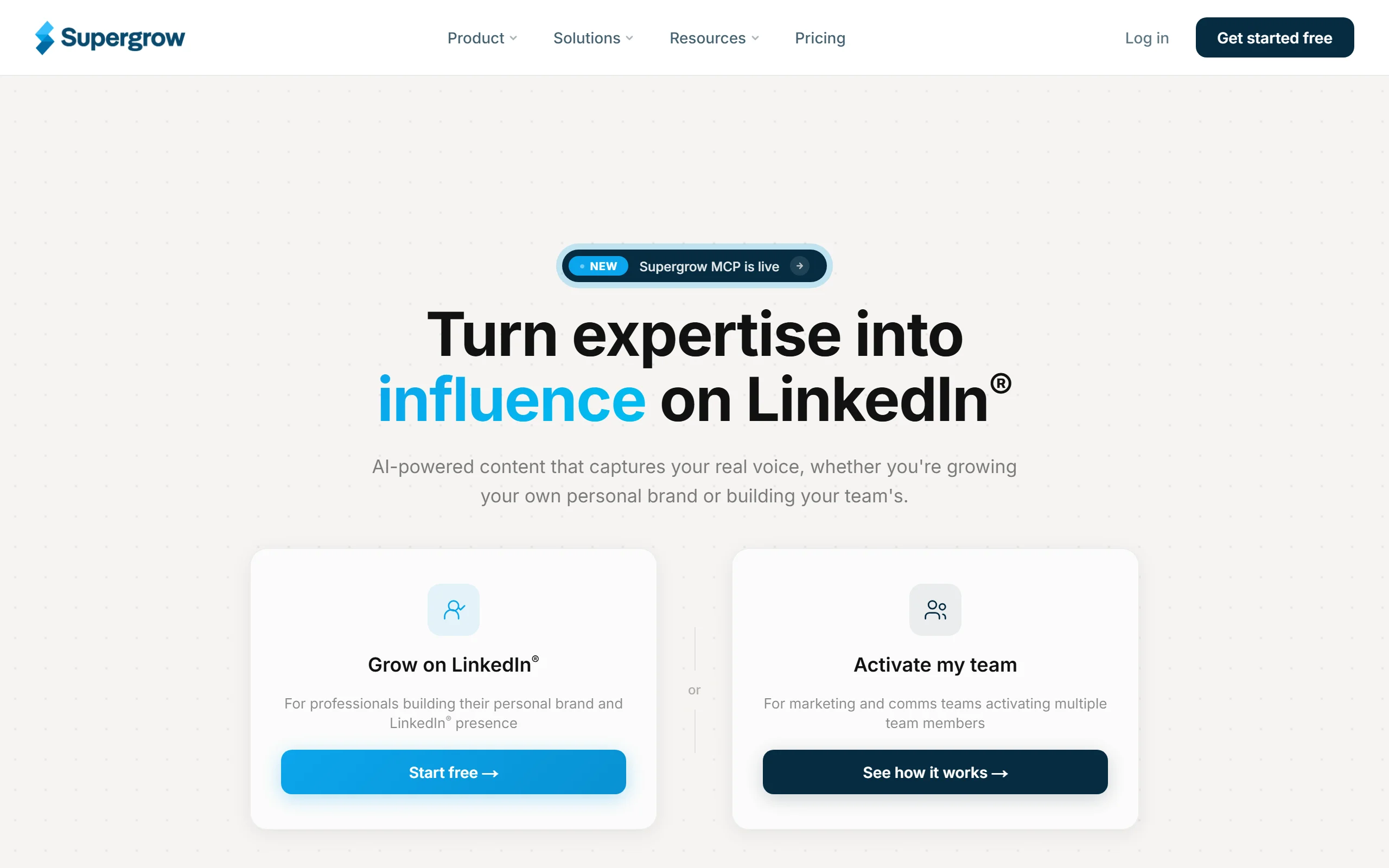
5. Supergrow, best budget LinkedIn AI writer
Supergrow covers most of what Taplio's content side does at roughly half the price. You get AI drafting with voice learning, a carousel maker, content ideas and scheduling, without the lead database or the price tag attached to it.
For solo creators who want AI help and do not need outreach tooling, it is the better value of the two.
Key features
- AI post writing with voice learning from your previous posts
- Carousel maker with template library
- Content idea generation and a hook library
- Scheduling and a content calendar
- Chrome extension for drafting in the feed
Best for
- Solo creators who want AI drafting without a $65/mo commitment
- People who post carousels regularly and want them built in the same tool
- Anyone trialling AI-assisted writing before committing to a heavier platform
Pricing
- Starter: $25/mo, or $19/mo billed annually, 30 AI posts per month
- Growth: $39/mo, or $29/mo annually, 100 AI posts per month
- Pro: $49/mo, or $39/mo annually
- Teams: $139/mo for 4 accounts
- 7-day free trial
Pros
- Clearly cheaper than Taplio for comparable content features
- Voice learning is better than the generic prompting most tools offer
- Carousel maker is strong for the price
Cons
- AI post limits bite quickly on the Starter plan at 30 per month
- No lead database or outreach tooling
- Analytics are thinner than AuthoredUp's
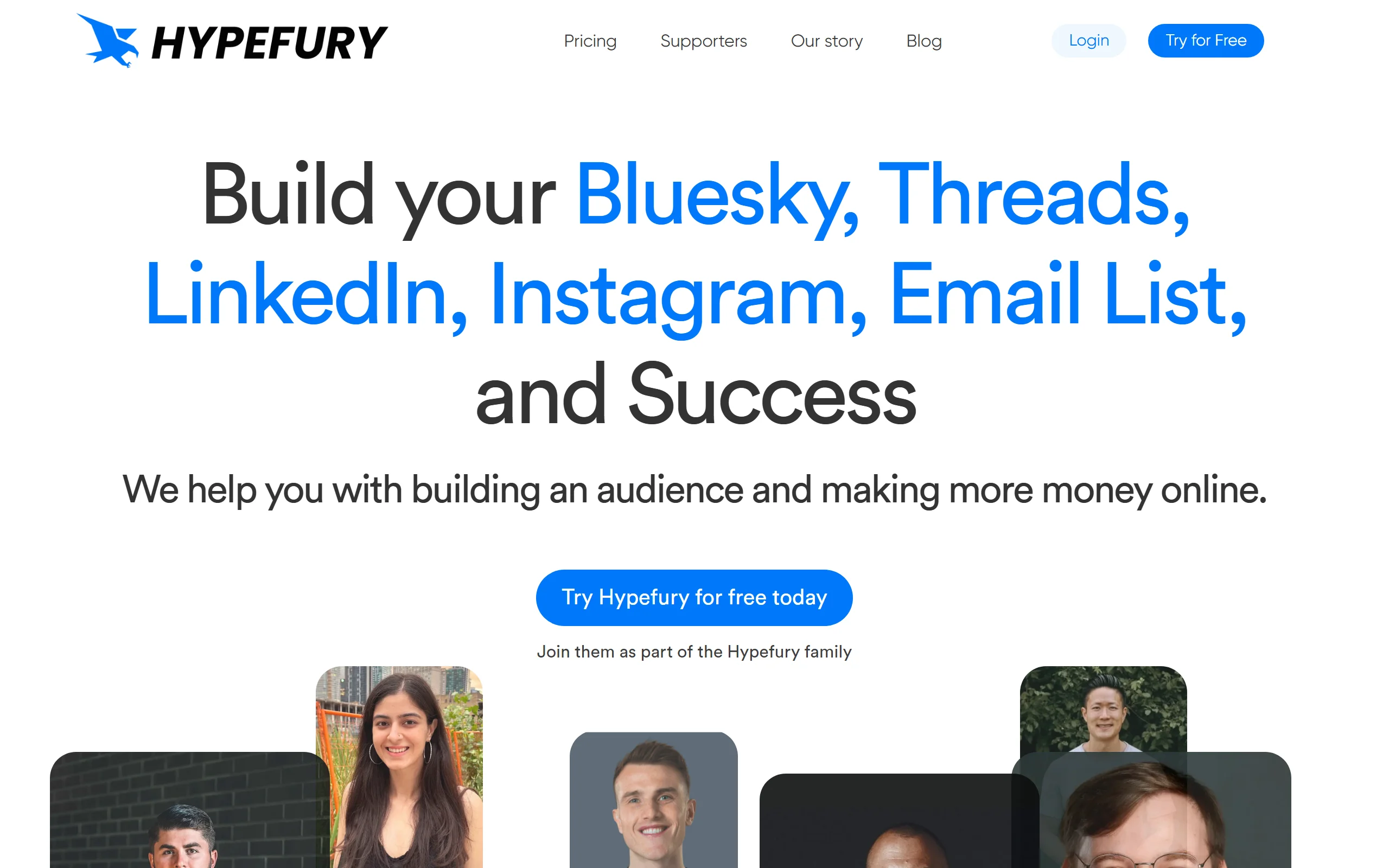
6. Hypefury, best for cross-posting X and LinkedIn
Hypefury was built for X and grew into LinkedIn, and that history shows in the best way if your audience lives on both. Write once, adapt automatically, publish to both. It also handles threads, evergreen recycling and auto-engagement patterns that suit a high-frequency posting style.
If LinkedIn is your only platform, this is more machinery than you need.
Key features
- Cross-posting between X and LinkedIn with per-platform adaptation
- Thread composer and scheduling
- Evergreen queue that recycles top performers
- Auto-plug and auto-retweet for engagement
- Basic analytics across both platforms
Best for
- Creators with genuine audiences on both X and LinkedIn
- High-frequency posters who want one queue feeding two platforms
- People repurposing threads into LinkedIn posts
Pricing
- Starter: $29/mo
- Creator: $65/mo
- Agency: $150/mo
- 7-day free trial, annual billing saves roughly 25%
Pros
- The strongest cross-posting on this list
- Evergreen recycling is genuinely automated rather than manual
- Reasonable entry price
Cons
- LinkedIn is the second platform, not the first, and the feature depth reflects that
- Auto-engagement features need care given how LinkedIn treats automation
- Limited value if you do not use X
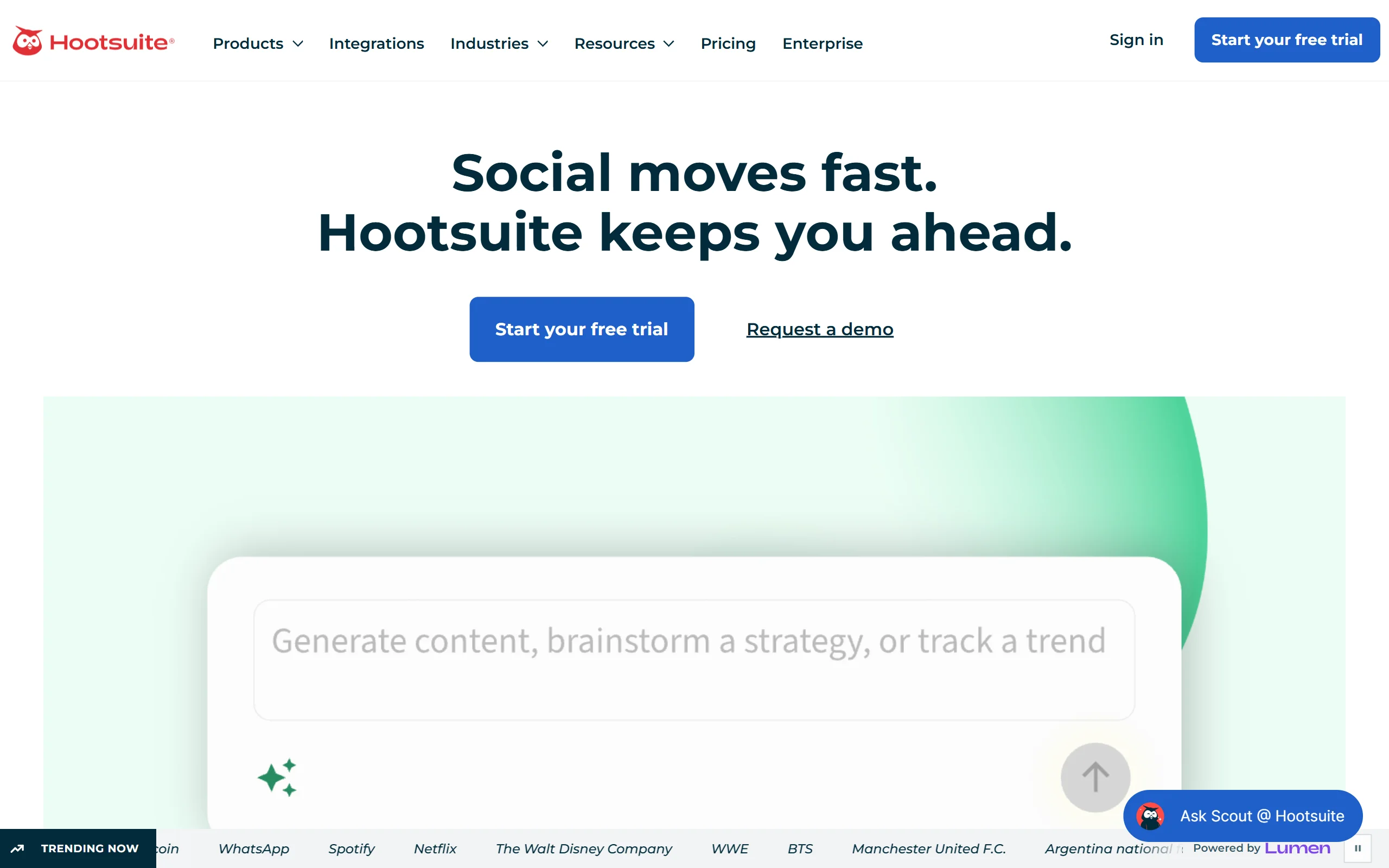
7. Hootsuite, best for large teams with compliance requirements
Hootsuite is the enterprise answer. Approval workflows, granular permissions, audit trails, team assignment and social listening. If a compliance officer needs to sign off before anything publishes, this is the category of tool you need and most of this list cannot serve you.
The pricing is per user, which is where budgets get uncomfortable quickly.
Key features
- Approval workflows and role-based permissions
- Social listening and brand monitoring
- Bulk scheduling across many accounts
- Team assignment and inbox management
- Reporting suitable for stakeholders
Best for
- Enterprise teams with formal approval chains
- Regulated industries needing audit trails
- Organisations managing many brands and many users
See the full ViralBrain vs Hootsuite comparison for a LinkedIn-focused breakdown.
Pricing
- Standard: $99 per user per month, billed annually, no monthly option
- Advanced: $249 per user per month annually, or $399 billed monthly
- Enterprise: custom
Pros
- Approval and permission handling nothing else here matches
- Social listening included rather than bolted on
- Established, well supported, unlikely to disappear
Cons
- Per-user pricing scales painfully. Five users on Standard is $495/mo
- LinkedIn features are generic across networks rather than specialised
- Heavier than most teams need
How to choose the best Buffer alternative for your needs
1) Is LinkedIn your main platform, or one of several?
This is the decision that determines everything else.
- If LinkedIn drives most of your pipeline: a LinkedIn-native tool will outperform any general scheduler. ViralBrain, Taplio, AuthoredUp and Supergrow all understand hooks, formatting and reach in ways Buffer does not attempt.
- If you post to four or more networks: stay general. Publer is the cheapest sensible move from Buffer, and Hootsuite if you need approvals.
Half-answers waste money. Paying for a multi-platform tool while only using LinkedIn is the situation most people leaving Buffer are already in.
2) Do you want AI to write, or to help you write?
- If you want drafts generated: ViralBrain and Supergrow both write. ViralBrain trains on creators in your niche, Supergrow is cheaper with lighter analysis.
- If you write your own and want a better environment: AuthoredUp is the clear pick, and pairs well with a generator rather than replacing one.
Worth being honest with yourself. Generated posts that sound like nobody perform worse than mediocre posts that sound like you. Our content strategy guide covers this in more depth.
3) Does content need to connect to outreach?
- If yes: Taplio, because the lead database and engagement tooling sit in the same subscription.
- If no: you are paying for a sales tool you will not open. Supergrow or ViralBrain cover the content side for less.
4) How many people need access?
- Solo: Supergrow, AuthoredUp or ViralBrain, all under $50/mo
- Small team: Publer or ViralBrain Premium
- Enterprise with approvals: Hootsuite, and budget for per-user pricing
Whatever you shortlist, run a real trial with your actual posting topics rather than the demo content. Two weeks of genuine use tells you more than any comparison table, including this one. It also helps to know when your audience is actually online before you judge a tool on reach.
FAQ
What is the best Buffer alternative for LinkedIn?
For LinkedIn specifically, ViralBrain, Taplio and AuthoredUp all go deeper than Buffer does. ViralBrain suits creators who want AI drafting in their own voice, Taplio suits sales teams who also need outreach, and AuthoredUp suits writers who draft themselves and want post-level analytics.
Is there a free Buffer alternative?
Yes. Publer's free plan connects three social accounts with no time limit, and ViralBrain has a free tier covering 3 heroes and 3 posts per month, plus over 100 free tools that need no account at all.
Why is Buffer's pricing considered expensive?
Buffer charges per channel rather than per account. Essentials is $6 per channel per month, so five channels is $30/mo and ten is $60/mo before you add team members. Tools that charge per account rather than per channel usually work out cheaper past three or four profiles.
What is the difference between a scheduler and a LinkedIn AI tool?
A scheduler publishes what you write at a chosen time. A LinkedIn AI tool helps decide what to write, how to structure the hook, and whether the post is likely to perform before you publish it. Buffer is firmly the first category. Most tools on this list are the second.
Can I schedule LinkedIn posts for free?
LinkedIn has native scheduling built in at no cost, which covers basic needs. Paid tools become worth it when you want a content calendar, drafting help, formatting that survives the editor, or analytics beyond what LinkedIn shows you.
Does AI-generated LinkedIn content get penalised?
LinkedIn does not penalise AI assistance itself. It penalises low engagement, and generic AI output tends to earn exactly that. The tools that perform best are the ones learning your actual voice rather than producing interchangeable posts. Our LinkedIn algorithm guide covers what actually drives distribution.
Which Buffer alternative is best for agencies?
Publer for multi-client scheduling on a budget, Hootsuite if clients need approval workflows, and Taplio if the work includes lead generation alongside content.
Do I need to leave Buffer entirely?
Not necessarily. Plenty of people keep a general scheduler for Instagram and X, and add a LinkedIn-specific tool alongside it. That is often cheaper than forcing one tool to do both jobs badly, particularly if you can drop your Buffer channel count in the process.
Automate your LinkedIn for 30 days
ViralBrain plans, writes, and schedules your LinkedIn content, using official LinkedIn APIs so your account stays safe.
- Official LinkedIn APIs, no risk of ban
- You approve every post before it goes live
- Cancel anytime
Keep reading

6 best LinkedIn comment generators in 2026
Six LinkedIn comment generators compared, with pricing checked on each vendor's own page on 3 September 2026 and the ones that publish nothing named as such.

LinkedIn Carousel Size: 1080x1080px (Exact Specs for 2026)
The recommended LinkedIn carousel size is 1080x1080px (square) or 1080x1350px (portrait). Get the exact specs, safe zone, and PDF export limits for 2026.
Dripify alternatives: 7 best LinkedIn outreach tools in 2026
Compare 7 Dripify alternatives for LinkedIn outreach in 2026: Waalaxy, HeyReach, Expandi, and more, ranked on pricing, account safety, and features.