

7 best free LinkedIn tools to grow in 2026
The 7 best free LinkedIn tools in 2026 for creators, solopreneurs, and job seekers on a budget. Free tiers, what you get, and the catches, compared.
Growing on LinkedIn does not have to cost you a subscription. Between free tools, free tiers, and free trials, you can write better posts, format them cleanly, design carousels, and track what works without spending a cent.
The catch is knowing which free offerings are genuinely useful and which ones lock the good parts behind a paywall. Some tools give you a real free forever plan, some give you a handful of free utilities with no account needed, and others give you a short trial before the bill arrives.
This guide ranks the 7 best free LinkedIn tools in 2026, with exactly what you get for free, who each one fits, and the honest trade-offs. It is built for creators, solopreneurs, and job seekers who want to grow on LinkedIn on a budget.
Automate your LinkedIn for 30 days
Best free LinkedIn tools: a brief overview
- ViralBrain: Best free LinkedIn tools suite: 100+ free tools at
/tools/*covering post writing, hooks, formatting, previews, and engagement benchmarks, no account needed. - Taplio free tools: Best free LinkedIn analytics and mini-tools: a free performance dashboard, a free headline generator, and a free Chrome extension.
- AuthoredUp: Best free LinkedIn post formatter and preview: a free text formatter and multi-device preview, with a free trial of the full editor.
- ContentIn: Best free AI LinkedIn writer: a free forever plan with a few AI-written posts and content ideas each month.
- Canva: Best free LinkedIn design tool: thousands of free carousel, banner, and graphic templates on the free tier.
- LinkedIn native analytics: Best free analytics built into LinkedIn: post impressions, follower growth, and audience data at no cost.
- Scripe: Best trial for deep LinkedIn analytics: a live Shield replacement with analytics on every plan and a 7-day free trial (card required).
| Tool | Key strength | Pricing | Best for |
|---|---|---|---|
| ViralBrain | 100+ free LinkedIn tools, no account needed | Free tools at /tools/*; free trial of the full app | Creators who want free utilities plus AI when ready |
| Taplio free tools | Free analytics dashboard and mini-tools | Free tools; paid plans from $49/mo | Creators tracking performance for free |
| AuthoredUp | Free formatter and post preview | Free formatter and preview; trial of full editor | Writers who want clean formatting and previews |
| ContentIn | Free forever AI writing plan | Free plan; paid from $29/mo | Solopreneurs testing AI drafting at zero cost |
| Canva | Free carousel and graphic templates | Free tier; Pro from around $13/mo | Anyone making LinkedIn visuals and carousels |
| LinkedIn native analytics | Free built-in performance data | Free with any LinkedIn account | Everyone, as a baseline analytics layer |
| Scripe | Deep LinkedIn analytics on every plan | 7-day free trial (card required); paid from €19.19/mo | Creators who want granular data and a live Shield alternative |
1. ViralBrain, best free LinkedIn tools suite
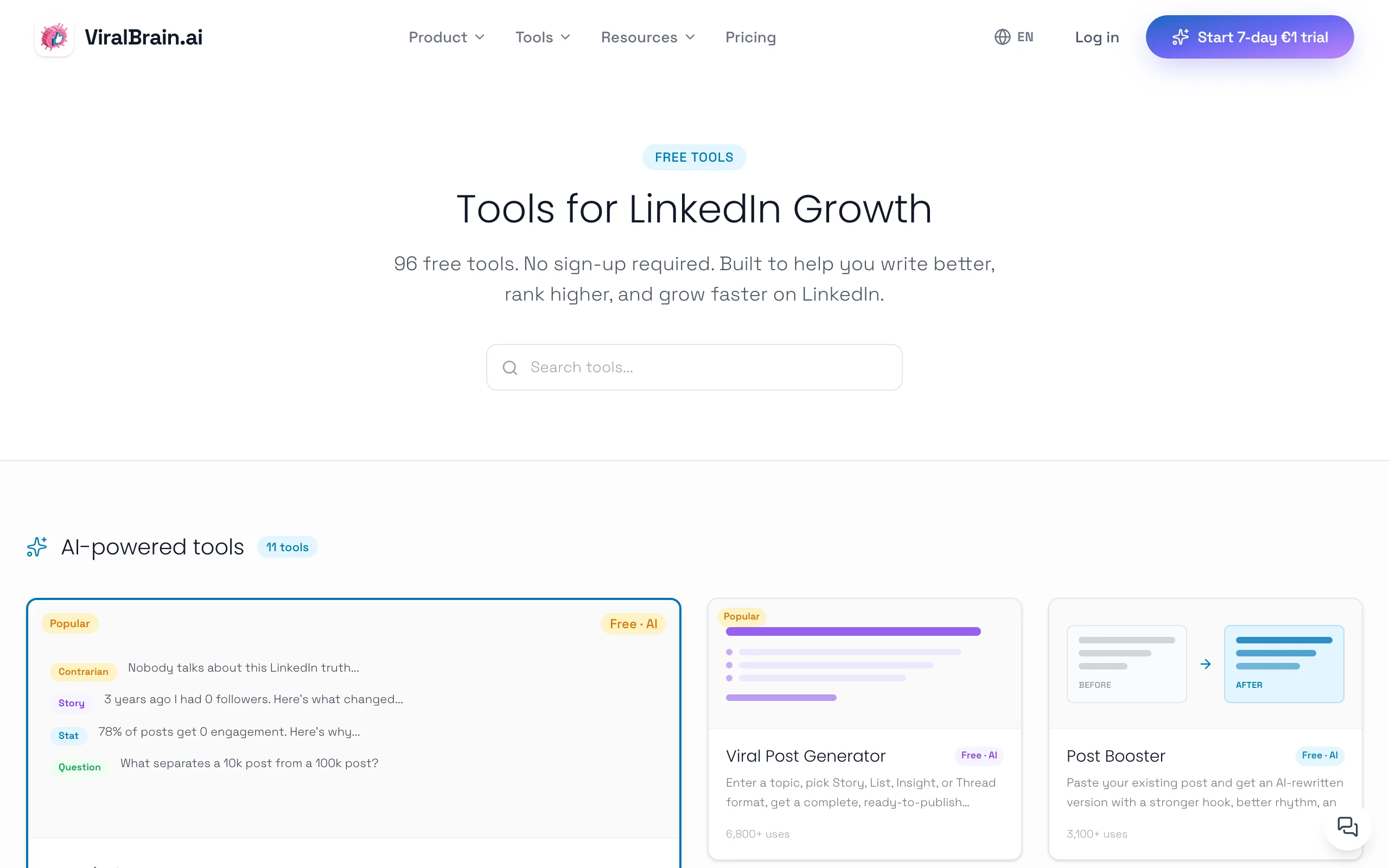
ViralBrain runs a library of more than 100 free LinkedIn tools at /tools/*, and none of them require an account. That is the part that matters for a budget guide: you can land on a tool, use it, and leave without signing up or entering a card. The free tools cover the full content workflow, from writing the first draft to checking how it might perform before you publish.
The suite includes a LinkedIn post generator for drafting posts, a LinkedIn hook generator for stronger openers, a LinkedIn text formatter for bold and italic styling, a LinkedIn post preview to see how a post renders, and a viral score checker that predicts engagement. There is also a free engagement benchmarks tool for comparing your numbers to realistic targets. The full ViralBrain app, which adds hero creator analysis and voice-matched generation, is a separate paid product with a free trial.
Key features:
- 100+ free LinkedIn tools at
/tools/*, all usable without an account - LinkedIn post generator and LinkedIn hook generator for fast drafting
- LinkedIn text formatter for bold, italic, and styled text
- Viral score checker to predict engagement before posting
- Engagement benchmarks to set realistic targets
Best for:
- Creators and solopreneurs who want a stack of free utilities in one place
- Job seekers polishing posts and profiles without a paid subscription
- Writers who want to try AI generation free before deciding on the paid app
Pricing:
- 100+ free tools at
/tools/*, no account required - Full ViralBrain app: free trial available, then paid plans (see ViralBrain pricing)
Pros:
- The free tools are genuinely free and need no signup, unlike most freemium gates
- Covers the whole workflow: writing, hooks, formatting, preview, and prediction
- A clear upgrade path if you later want hero analysis and voice matching
Cons:
- The 100+ free tools are utilities; deeper hero analysis and voice-matched generation sit in the paid app
- The full app trial requires a card, so it is a trial rather than a free forever plan
2. Taplio free tools, best free LinkedIn analytics and mini-tools
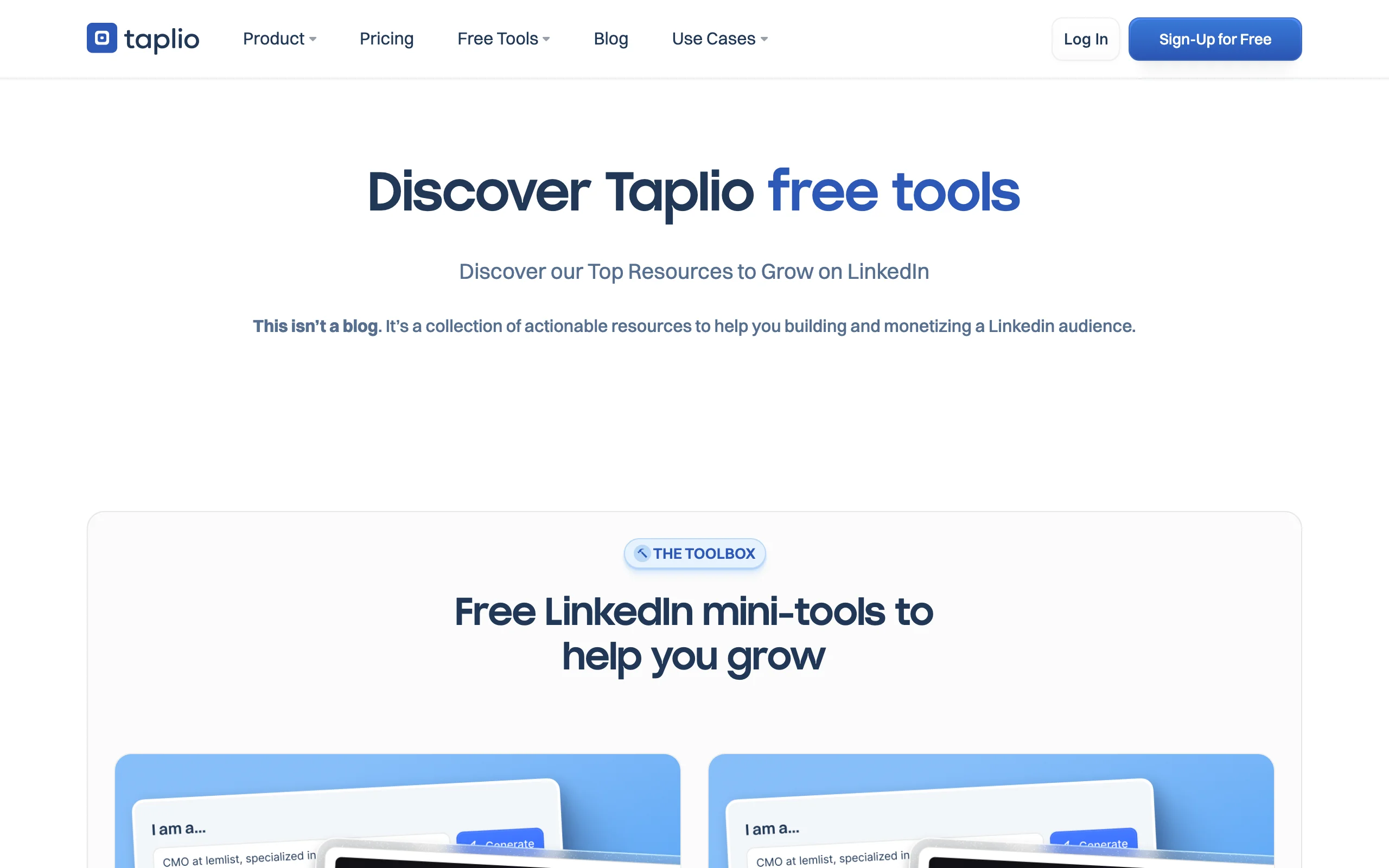
Taplio is best known as a paid LinkedIn growth platform, but it maintains a set of free tools that are useful on their own. The standout is a free LinkedIn analytics dashboard that tracks follower growth, post engagement, impressions, and audience insights without a paid plan. Taplio also offers a free LinkedIn headline generator and a free Chrome extension that surfaces post data while you browse the feed.
These free tools are a good way to measure performance and sharpen your profile at zero cost. The full Taplio platform, with AI content creation, scheduling, and a lead CRM, sits behind a 7-day trial and paid plans, so the free pieces are a sample of the wider product rather than the whole thing.
Key features:
- Free LinkedIn analytics dashboard for followers, impressions, and engagement
- Free LinkedIn headline generator for profile optimization
- Free Taplio X Chrome extension for in-feed post insights
- Curated free and paid LinkedIn tool resources
Best for:
- Creators who want to track LinkedIn performance for free
- Solopreneurs optimizing their headline without paying
Pricing:
- Free analytics dashboard, headline generator, and Chrome extension
- Full platform: 7-day trial, then paid plans from around $49/mo
Pros:
- Free analytics dashboard is more detailed than LinkedIn's native view in places
- Mini-tools require minimal setup and give quick wins
Cons:
- The genuinely valuable content and scheduling features are paid only
- Free tools nudge you toward the paid platform
See the full ViralBrain vs Taplio comparison if you are weighing the two.
3. AuthoredUp, best free LinkedIn post formatter and preview
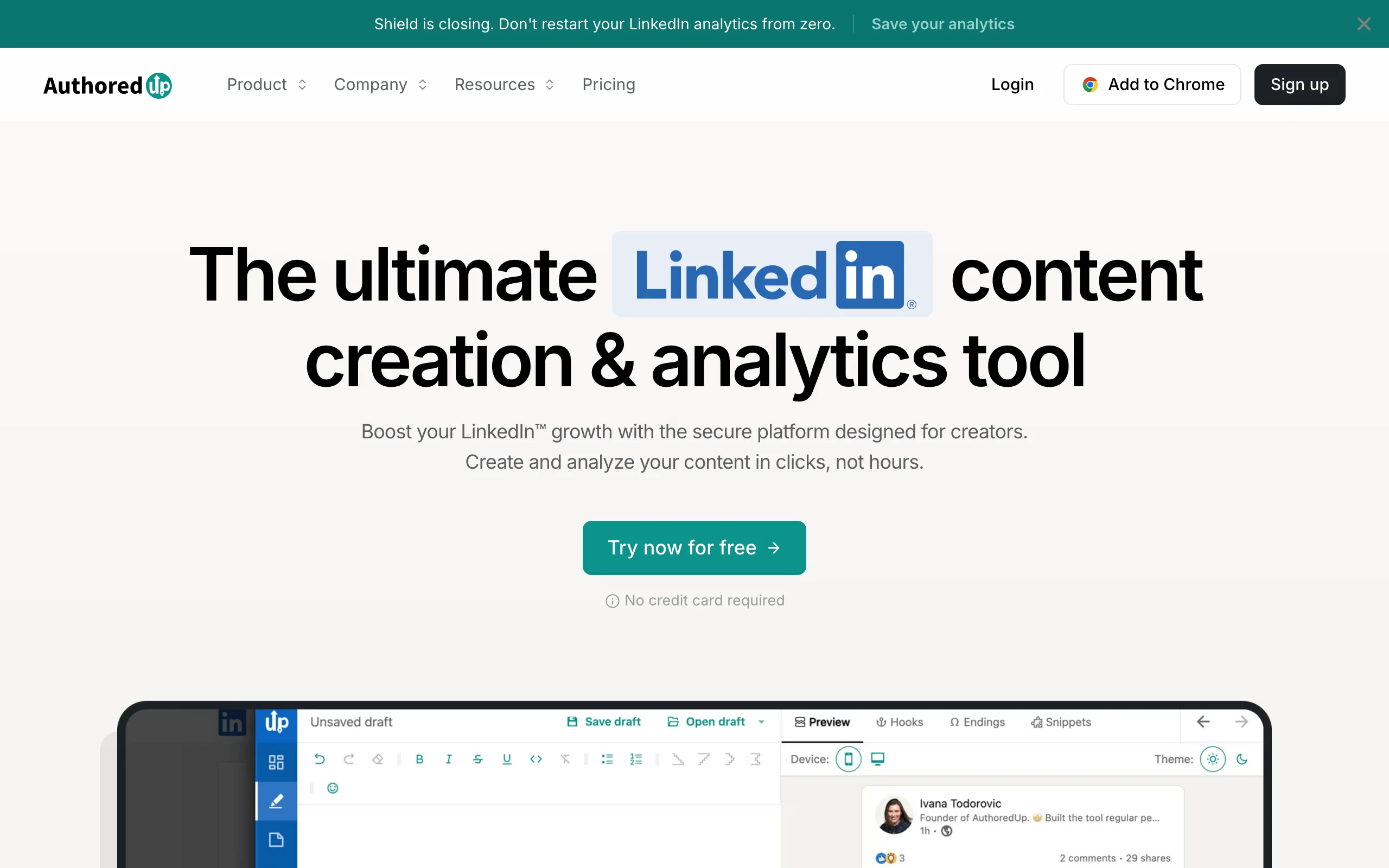
AuthoredUp is a LinkedIn writing and analytics tool that creators reach for when they care about how a post looks before it goes live. Its free LinkedIn text formatter lets you add bold, italic, and styled text, and its multi-device post preview shows how your draft will render on desktop and mobile, including where the "see more" cut-off lands. For a free formatting and preview workflow, that combination is hard to beat.
AuthoredUp does not have a permanent free plan for its full editor, but it runs trial periods and keeps the formatter and preview accessible. Note that AuthoredUp deliberately excludes AI generation, so you write every post yourself, with help from its 300-plus hook and ending templates.
Key features:
- Free LinkedIn text formatter for bold, italic, and styled characters
- Multi-device post preview, including the "see more" cut-off line
- 300+ hook and post-ending templates
- Drafts, content library, and post-level analytics in the full editor
Best for:
- Writers who want clean formatting and accurate previews for free
- Creators who prefer writing their own posts over AI drafting
Pricing:
- Free text formatter and preview
- Full editor: trial available, then paid from around $19.95/mo
Pros:
- The preview is one of the most accurate free LinkedIn render checks available
- Strong formatting controls without needing the paid plan
Cons:
- No AI content generation, so it speeds up editing, not drafting
- The full editor and analytics are paid
See the full ViralBrain vs AuthoredUp comparison for a side-by-side.
4. ContentIn, best free AI LinkedIn writer
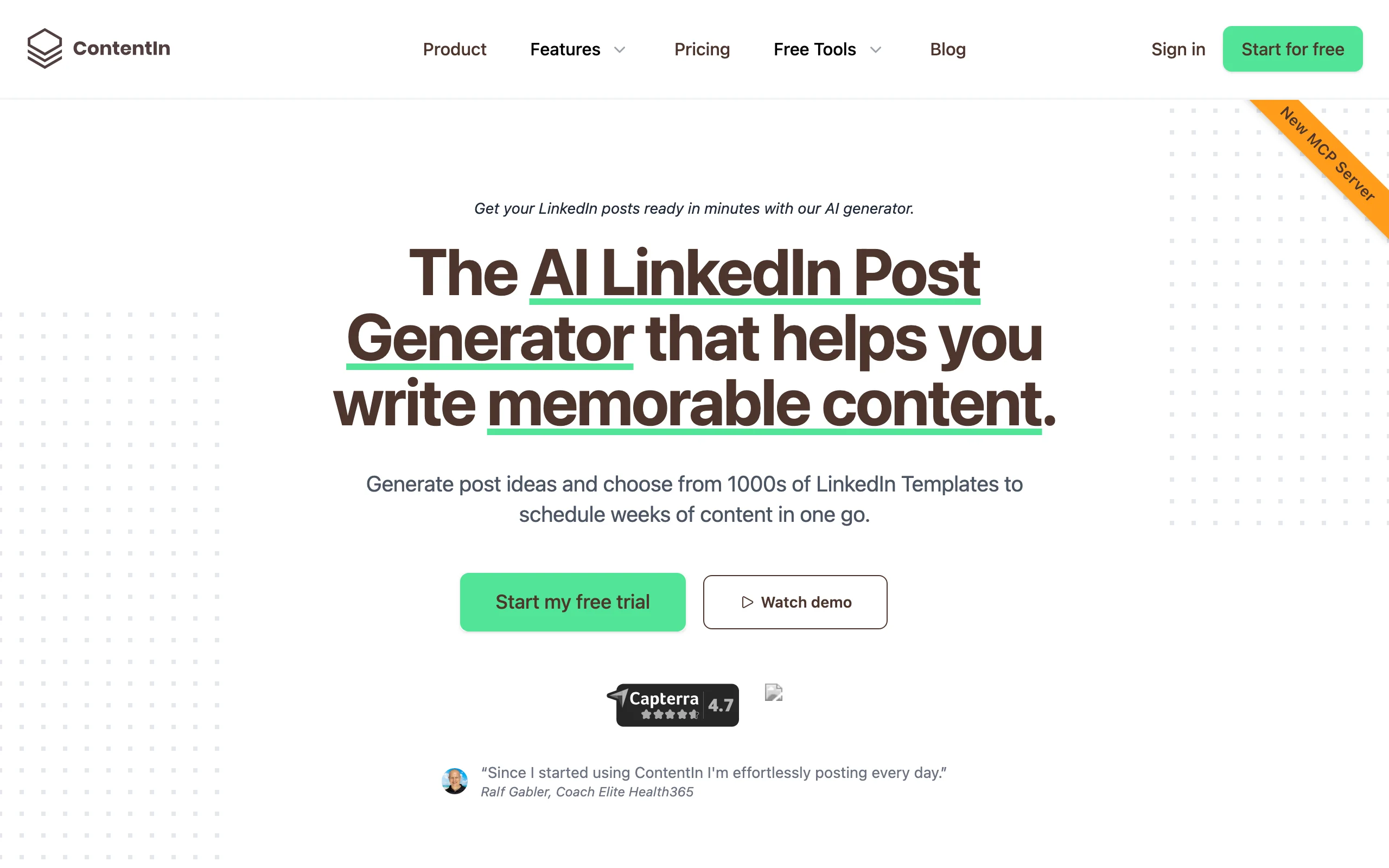
ContentIn is an AI LinkedIn writing tool built specifically for content marketing on the platform, and it offers a real free forever plan. On the free tier you get one connected LinkedIn profile, around 10 AI-generated content ideas, and roughly 4 AI-written posts per month. For a solopreneur testing whether AI drafting fits their workflow, that is enough to publish a post a week without paying.
The free plan is a genuine sample rather than a crippled demo, which makes ContentIn one of the few AI writers you can use month to month at zero cost. The trade-off is volume: 4 posts a month is light for an active creator, and unlimited scheduling and analytics require the paid Creator or Pro plans.
Key features:
- Free forever plan with limited AI posts and content ideas each month
- AI writer aimed at LinkedIn-specific post structures
- Post scheduling on paid tiers
- Company pages and analytics on the Pro plan
Best for:
- Solopreneurs who post once a week and want AI drafting for free
- Creators testing AI output before committing to a paid tool
Pricing:
- Free forever plan: 1 profile, around 10 ideas and 4 AI posts monthly
- Creator plan from $29/mo; Pro from $49/mo
Pros:
- A true free forever plan, not just a trial
- Low-risk way to try AI LinkedIn writing
Cons:
- The free post limit is too low for daily or near-daily creators
- Scheduling and analytics are paid only
Automate your LinkedIn for 30 days
5. Canva, best free LinkedIn design tool
Canva is the default free design tool for LinkedIn visuals, and its free tier carries thousands of editable templates for carousels, banners, single-image posts, and profile graphics. Carousels (document posts) are one of the strongest formats for reach in 2026, and Canva lets you build a clean 5 to 10 slide deck with a drag-and-drop editor and no design skills.
The free plan covers most creators' needs: templates, stock elements, and export to PDF for carousel upload. Canva Pro adds premium assets, background removal, and brand kits, but you can run a full LinkedIn visual workflow on the free tier alone. The main limitation is that some of the best templates and elements are Pro only.
Key features:
- Thousands of free LinkedIn carousel and post templates
- Drag-and-drop editor with no design experience needed
- PDF export for carousel (document) posts
- Free stock photos, icons, and elements
Best for:
- Creators making LinkedIn carousels and image posts on a budget
- Job seekers designing clean profile banners and graphics
Pricing:
- Free tier with extensive templates and elements
- Canva Pro from around $13/mo for premium assets
Pros:
- The free tier alone can run a complete LinkedIn visual workflow
- Carousel templates save hours versus designing from scratch
Cons:
- The most polished templates and assets are gated behind Pro
- It is a general design tool, not LinkedIn-specific, so no post analytics
6. LinkedIn native analytics, best free analytics built into LinkedIn
The most overlooked free LinkedIn tool is LinkedIn itself. Every account includes native analytics that show post impressions, engagement, follower growth over time, and basic audience data such as job titles, industries, and locations of the people engaging with you. For creators and job seekers, this is the free baseline layer that every other analytics tool builds on top of.
The data is reliable because it comes straight from the source, with no extension or third-party access needed. The limitation is depth: LinkedIn shows you recent windows and headline numbers, but it does not track long-term trends, compare formats over months, or export easily. To check whether your numbers are healthy, pair it with a free LinkedIn engagement benchmarks reference.
Key features:
- Post impressions and engagement per post
- Follower growth over time
- Audience demographics: titles, industries, locations
- Profile view and search appearance data
Best for:
- Everyone, as the free baseline analytics layer
- Job seekers tracking profile views and search appearances
Pricing:
- Free with any LinkedIn account
Pros:
- Most accurate source of your own LinkedIn data, free and built in
- No extension, signup, or third-party access required
Cons:
- Limited historical depth and no long-term trend tracking
- Hard to export or compare formats over months
7. Scripe, best trial for deep LinkedIn analytics
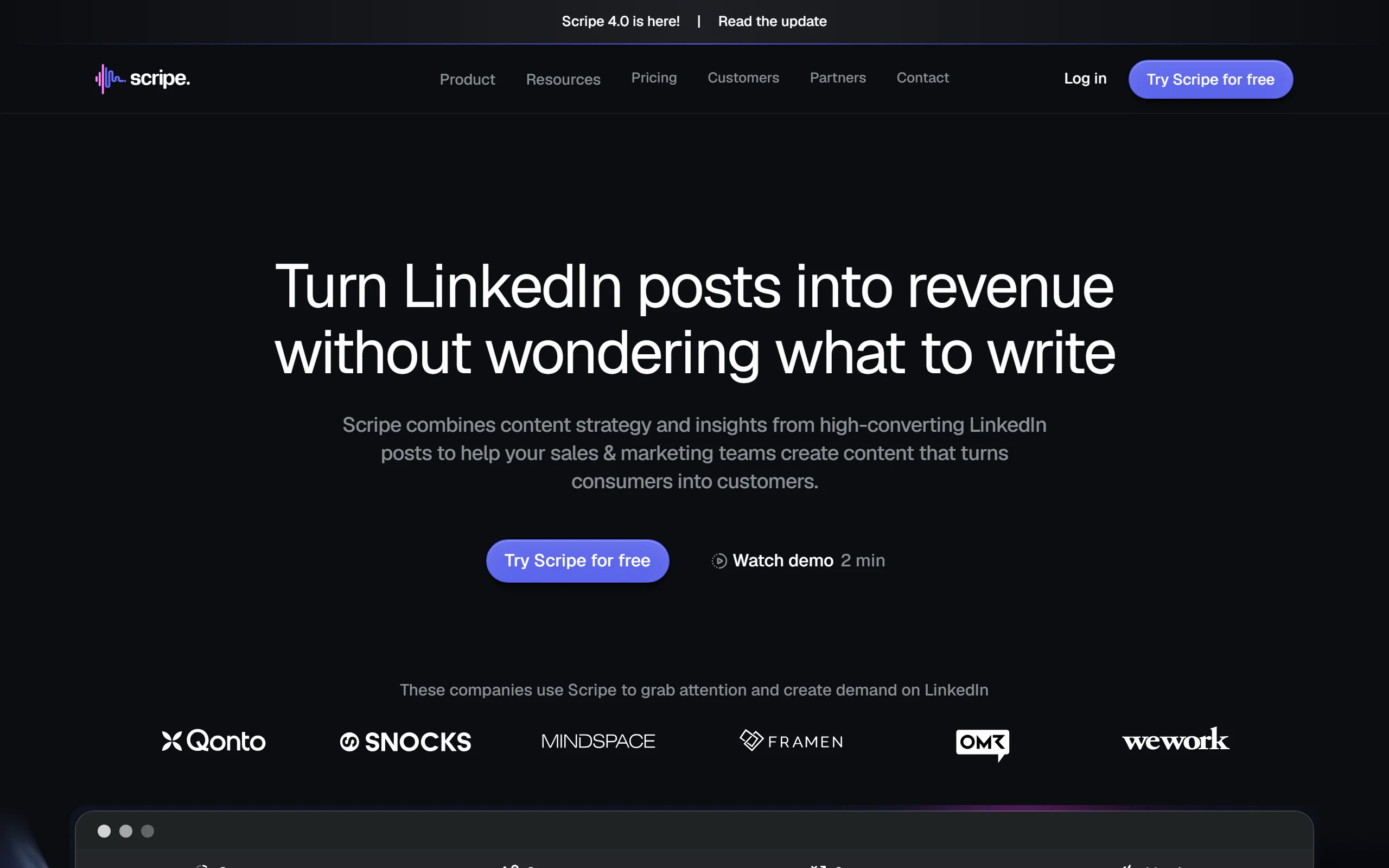
Shield shut down in 2026, and former users moved to tools like Scripe. Scripe is a LinkedIn content and analytics platform that tracks impressions, engagement, follower growth, content-type performance, and best-times-to-post over custom date ranges, the depth native LinkedIn does not surface. What sets it apart from the old Shield model is that analytics come on every plan, not gated behind a top tier.
For a budget guide, the value is the trial: a 7-day free trial is enough to audit your recent posting and learn which formats actually move your numbers. Note that the trial requires a card, so set a reminder if you only want the audit.
Key features:
- Impressions, engagement, and follower analytics over custom ranges
- Content-type performance and best-time-to-post heatmaps
- Trend graphs and period-over-period comparison
- Analytics included on every plan, not just the top tier
Best for:
- Former Shield users looking for a live analytics tool
- Creators who want to audit their data before paying
Pricing:
- 7-day free trial (card required)
- Paid plans from €19.19/mo (Starter, includes analytics)
Pros:
- Analytics on every plan, not gated to a top tier
- Far deeper than native LinkedIn analytics
Cons:
- The trial requires a card, unlike a permanent free tier
- Paid beyond the trial window
How to choose the best free LinkedIn tool for your needs
The right free tool depends on which part of your LinkedIn workflow is the bottleneck. Most creators do not need one tool; they need a small free stack covering writing, design, and measurement.
1) Do you need help writing or just formatting?
This is the first fork. Writing help and formatting help are different jobs.
- If you struggle to draft posts: start with ViralBrain's free post generator and hook generator, or ContentIn's free AI plan for a few full posts a month.
- If you write fine but want clean output: use AuthoredUp's free formatter and preview, or ViralBrain's free LinkedIn text formatter and LinkedIn post preview tools.
2) Do you post text, or do you post visuals?
Format choice changes your tooling.
- If you post mostly text and carousels of slides: Canva's free tier handles the design side, and a viral score checker helps you sanity-check the copy first.
- If visuals are central to your brand: Canva free is the foundation, with Pro only if you outgrow the free templates.
3) How deep does your analytics need to go?
Match analytics depth to how data-driven you are.
- If you want a free baseline: LinkedIn native analytics plus free LinkedIn engagement benchmarks is enough for most creators.
- If you want granular trends: use Taplio's free dashboard, or try Scripe's 7-day trial (card required) for deeper analytics.
4) Are you on a permanent budget or just testing?
Free forever and free trial are not the same.
- If you need zero ongoing cost: lean on ViralBrain's 100+ free tools, ContentIn's free plan, Canva free, and LinkedIn native analytics.
- If you are evaluating before buying: use the free trials from Scripe and the full ViralBrain app, and run them with your real posting topics for a week before deciding.
FAQ
What are the best free LinkedIn tools in 2026?
The best free LinkedIn tools in 2026 include ViralBrain's 100+ free tools at /tools/*, Taplio's free analytics and mini-tools, AuthoredUp's free formatter and preview, ContentIn's free AI writing plan, Canva's free design templates, LinkedIn's native analytics, and Scripe's analytics trial. Together they cover writing, design, and measurement at little to no cost.
Are there genuinely free LinkedIn tools with no account needed?
Yes. ViralBrain runs more than 100 free LinkedIn tools at /tools/* that need no account at all, including a free post generator and a free text formatter. Most other tools require a signup or a trial to access their free features.
Is there a free LinkedIn post generator?
Yes. ViralBrain offers a free LinkedIn post generator with no account required, and ContentIn includes a few AI-written posts per month on its free forever plan. For free utilities you can use immediately, the ViralBrain tools are the fastest path.
What is the best free LinkedIn analytics tool?
For a free baseline, LinkedIn's own native analytics is the most accurate source of your data. For more depth, Taplio offers a free analytics dashboard and Scripe offers a 7-day trial (card required) with analytics on every plan. Pair any of them with a free engagement benchmarks reference to judge whether your numbers are healthy.
Can job seekers use free LinkedIn tools?
Yes, and they should. Job seekers can use Taplio's free headline generator and ViralBrain's free profile and post tools to sharpen how they show up, then use LinkedIn native analytics to track profile views and search appearances. None of this requires a paid subscription.
Does AI-generated LinkedIn content get penalized?
LinkedIn does not penalize content for being AI-assisted; it rewards posts that earn engagement. The risk with free AI writers is generic output that all sounds the same. Tools that anchor to your voice and to proven post structures, and a quick check with a viral score checker, help keep AI drafts from reading like templates.
Free plan vs free trial: what is the difference?
A free forever plan, like ViralBrain's free tools or ContentIn's base plan, costs nothing on an ongoing basis. A free trial, like Scripe's 7 days or the full ViralBrain app, gives you temporary access before a paid plan begins. For a permanent budget, prioritize free plans; for evaluating a paid tool, use trials.
Which free LinkedIn tools work best together?
A strong free stack is ViralBrain's free writing and preview tools for content, Canva's free tier for visuals, and LinkedIn native analytics for measurement. When you are ready to go deeper on creation, the full ViralBrain app adds hero analysis and voice matching, with a free trial to test it first.
Automate your LinkedIn for 30 days
ViralBrain plans, writes, and schedules your LinkedIn content, using official LinkedIn APIs so your account stays safe.
- Official LinkedIn APIs, no risk of ban
- You approve every post before it goes live
- Cancel anytime
Keep reading
7 best LinkedIn marketing tools for 2026
Compare the 7 best LinkedIn marketing tools in 2026 for content, scheduling, analytics, and prospecting, with pricing, strengths, and who each fits.

6 best LinkedIn comment generators in 2026
Six LinkedIn comment generators compared, with pricing checked on each vendor's own page on 3 September 2026 and the ones that publish nothing named as such.
LinkedIn Carousel Size: 1080x1080px (Exact Specs for 2026)
The recommended LinkedIn carousel size is 1080x1080px (square) or 1080x1350px (portrait). Get the exact specs, safe zone, and PDF export limits for 2026.