

7 Best AI Tools to Repurpose Content Into LinkedIn Posts (2026)
The 7 best AI tools to repurpose content for LinkedIn in 2026, ranked and compared. Turn blogs, videos, podcasts, and newsletters into LinkedIn posts.
You already create plenty of content. The blog posts, the YouTube videos, the podcast episodes, the newsletters. The problem is that almost none of it makes it to LinkedIn, where your network actually pays attention. Writing fresh LinkedIn posts from scratch every day is the bottleneck, not a shortage of ideas.
The fix is to repurpose content for LinkedIn: take what you have already made and reshape it into posts that read like you wrote them on purpose. The right AI tool does this in minutes instead of hours, which is the difference between posting once a week and posting daily. That speed is exactly what AI content repurposing automates.
In this guide we compare the 7 best AI tools to repurpose content into LinkedIn posts in 2026. You will get pricing, key features, honest pros and cons, and a decision framework so you can pick the tool that fits how you actually work.
Automate your LinkedIn for 30 days
Best tools to repurpose content for LinkedIn: a brief overview
Here is the quick recommendation map before the deep dive. Each tool is best at a different kind of repurposing, so match it to the source material you have the most of.
- ViralBrain: Best overall for turning your existing material into voice-matched LinkedIn posts that sound like you, not generic AI.
- Repurpose.io: Best for automated cross-channel distribution when you publish the same clip to LinkedIn plus five other platforms.
- OpusClip: Best for slicing long-form video into short LinkedIn-ready clips with captions.
- Munch: Best for marketers who want AI to find the viral moments inside long videos before clipping.
- Castmagic: Best for podcasters who want LinkedIn posts, threads, and show notes from one audio file.
- ContentIn: Best budget LinkedIn-native tool for rewriting and scheduling repurposed posts.
- Taplio: Best for combining LinkedIn repurposing with outreach and a large post inspiration database.
| Tool name | Key strength | Pricing | Best for |
|---|---|---|---|
| ViralBrain | Voice-matched LinkedIn posts from your existing content, trained on real top creators | Free tools available, paid trial | Creators and founders who want repurposed posts that sound like them |
| Repurpose.io | Automated publishing of one clip to LinkedIn and other channels | From $35/mo | Multi-platform creators distributing video at scale |
| OpusClip | AI clipping of long video into short LinkedIn-ready cuts | Free tier, from $15/mo | Video creators repurposing webinars and YouTube |
| Munch | AI finds high-engagement moments inside long videos | From $49/mo | Marketers and agencies repurposing long video |
| Castmagic | Turns one podcast episode into LinkedIn posts and threads | Free tier, from $39/mo | Podcasters repurposing audio into text |
| ContentIn | LinkedIn-native AI writing, rewriting, and scheduling | Free forever, from $29/mo | Solo founders on a budget |
| Taplio | LinkedIn AI content plus outreach and inspiration library | From $39/mo | Creators who want content and lead generation in one tool |
1. ViralBrain, best overall for voice-matched LinkedIn repurposing
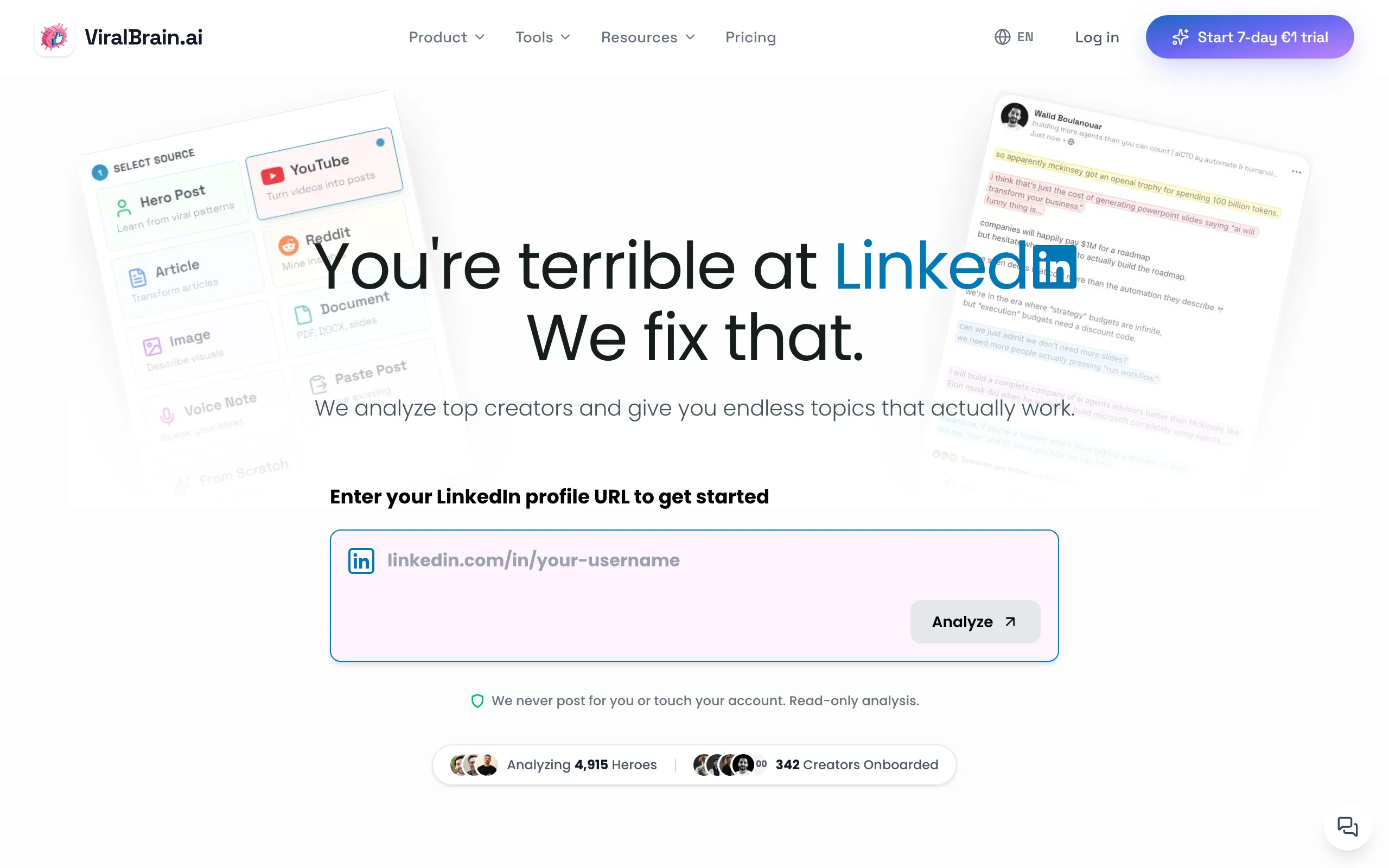
ViralBrain is built for one job that most repurposing tools treat as an afterthought: turning content you already have into LinkedIn posts that actually sound like you. Instead of pasting a blog into a generic model and getting back the same flat AI tone everyone recognizes, ViralBrain analyzes the top creators in your niche, learns the formats and structures that drive engagement, and matches the output to your own writing voice.
That matters because repurposed content lives or dies on whether it feels native to LinkedIn. A clip caption or a copy-pasted newsletter rarely does. ViralBrain reshapes the source into a hook, a body, and a close that fit how people read in the feed, then lets you predict performance before you publish.
Key features
- Turns blogs, videos, podcasts, and newsletters into native LinkedIn posts
- Voice matching trained on your existing writing, not a generic model
- Hero creator analysis that learns winning formats in your niche
- Viral score to predict reach before you post
- 100+ free LinkedIn tools at
/toolsincluding a LinkedIn post generator and hook generator - Viral post templates to reframe source material into proven structures
Best for
- Creators and founders who repurpose their own blogs, talks, and threads and need them to sound human
- Anyone posting 3-5x per week who wants speed without losing their voice
Pricing
- 100+ free tools at
/toolsthat require no account - Free trial available on the full platform (card required)
- See current plans on the ViralBrain pricing page
Pros
- Repurposed posts keep your voice instead of reading like generic AI
- Viral score lets you check a post before spending reach on it
- The free tools ecosystem covers hooks, formatting, and templates without a subscription
Cons
- No native scheduling or auto-publishing, so you post manually or pair it with a scheduler
- Newer platform with a smaller community than long-established tools like Taplio
2. Repurpose.io, best for automated cross-channel distribution
Repurpose.io is a distribution engine more than a writing tool. You connect your source channels, set up rules, and it automatically pushes one piece of content to LinkedIn along with Facebook, Instagram, YouTube, TikTok, and Pinterest. For creators who film once and want it everywhere, including LinkedIn, this removes the manual upload grind.
The trade-off is that Repurpose.io focuses on moving and reformatting media, not crafting the LinkedIn copy around it. It is the right pick when LinkedIn is one of many destinations and you care most about consistent presence across all of them.

Key features
- Automated publishing from a source channel to LinkedIn and five other platforms
- Rules-based workflows that reformat video and audio per destination
- Up to five accounts per channel on the entry plan
- Watermark removal and aspect ratio adjustment for clips
Best for
- Multi-platform video creators who want LinkedIn included in automatic distribution
- Solo creators tired of manually reposting the same clip everywhere
Pricing
- Content Marketer plan from $35/mo
- Agency plan at $149/mo for up to 20 accounts per channel
- Roughly 17% off with annual billing
Pros
- Set-and-forget automation across many channels at once
- Strong for video and audio repurposing, not just text
- Predictable pricing with clear account limits
Cons
- No real LinkedIn copywriting, so your captions still need work
- Built for distribution breadth, not LinkedIn-specific post quality
3. OpusClip, best for repurposing long video into LinkedIn clips
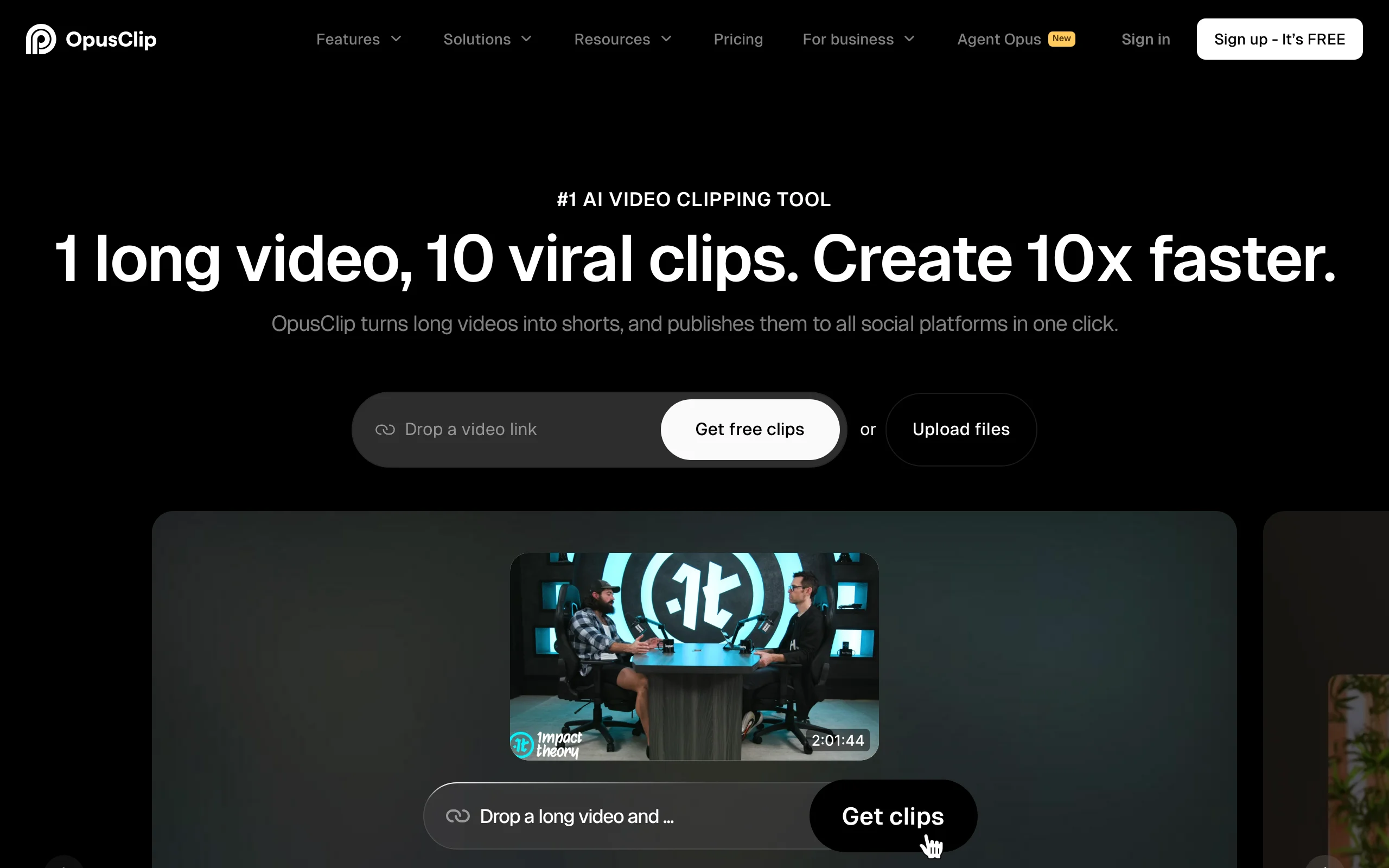
OpusClip (opus.pro) takes a long video, a webinar, a YouTube upload, or a recorded talk, and uses AI to cut it into short clips ready for LinkedIn. It adds captions, picks aspect ratios, and on higher tiers schedules straight to LinkedIn and five other platforms. If your richest content lives in video, this is the fastest path to a steady stream of LinkedIn clips.
OpusClip is popular because the clip selection is genuinely good at finding self-contained moments. It is less useful if your goal is text posts, since it is a video-first tool. Pair the clips with a strong written hook for best results in the LinkedIn feed.
Key features
- AI clip selection that finds standalone moments in long video
- Auto captions and multiple aspect ratios including 16:9 for LinkedIn
- Social scheduling to LinkedIn, YouTube, TikTok, Instagram, Facebook, and X
- AI B-roll and clip analytics on the Pro tier
Best for
- Video creators repurposing webinars, podcasts on camera, and YouTube into LinkedIn
- Founders who speak more than they write
Pricing
- Free tier with 60 processing minutes
- Starter at $15/mo
- Pro at $29/mo with 300 minutes and scheduling
Pros
- Excellent automatic clip detection saves hours of editing
- Free tier is enough to test with real footage
- Scheduling built in on paid plans
Cons
- Video-only, so it does not help repurpose blogs or newsletters
- LinkedIn captions still need to be written separately for reach
4. Munch, best for finding viral moments in long video
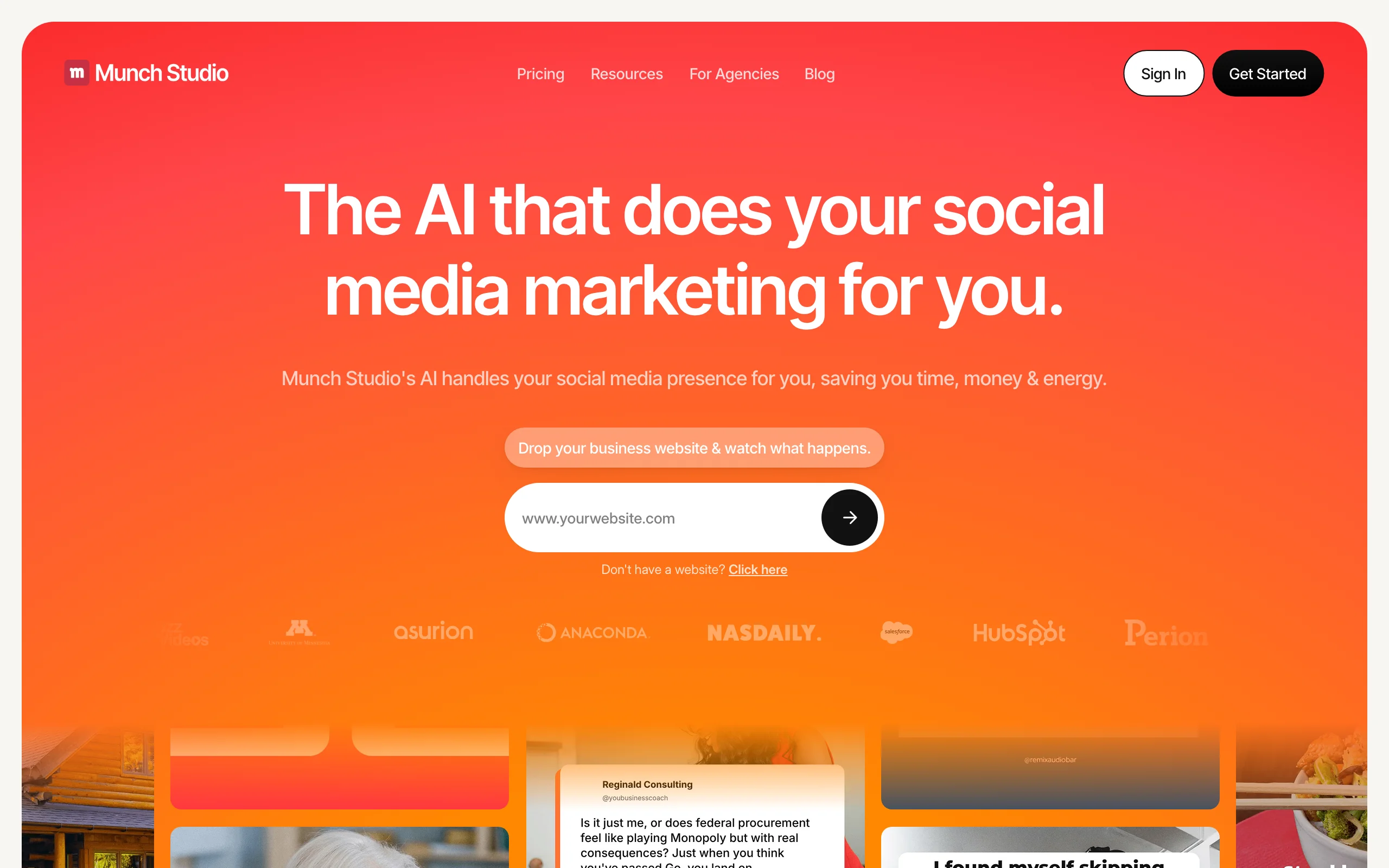
Munch (getmunch) overlaps with OpusClip but leans harder into analysis. It uses NLP and trend data to identify the segments of a long video most likely to perform, then clips and optimizes them for each destination including LinkedIn. For marketing teams and agencies that produce a lot of long video, the data-driven moment selection is the main draw.
Munch is priced for businesses rather than solo creators, with plans starting higher than most tools on this list. The value is in the analytics layer, so it fits teams that want to repurpose strategically and track what lands.
Key features
- AI moment detection based on engagement and trend signals
- Clip generation optimized per platform, LinkedIn included
- Keyword research and performance analytics
- Support for 50+ languages
Best for
- Marketing teams and agencies repurposing large volumes of long video
- Brands that want data behind which clips to push to LinkedIn
Pricing
- Pro at $49/mo for 200 minutes
- Elite at $116/mo for 500 minutes
- Ultimate at $220/mo for 1,000 minutes
Pros
- Trend and engagement analysis guides clip selection
- Strong multilingual support for global teams
- Built for volume, with generous minute allowances on higher tiers
Cons
- Entry price is high for solo creators
- Video-focused, so it does not cover text-based repurposing
Automate your LinkedIn for 30 days
5. Castmagic, best for repurposing podcasts into LinkedIn posts
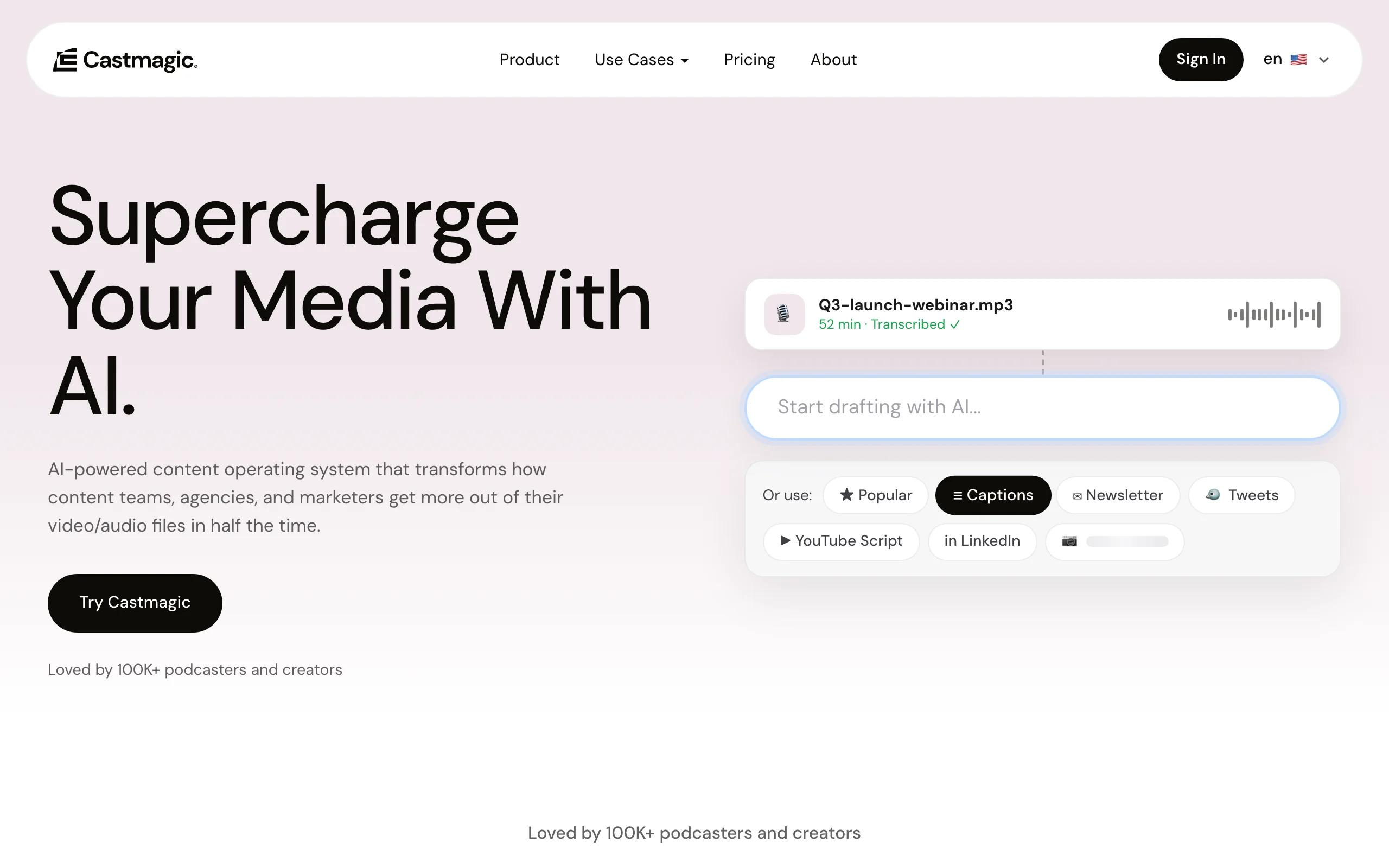
Castmagic is built for audio. Upload a podcast episode or any recording and it produces transcripts, show notes, LinkedIn posts, threads, newsletters, and quote cards from that single file. A one-hour episode can become dozens of content assets, with LinkedIn posts among the most useful for creators who talk more than they type.
Because it generates many asset types at once, Castmagic is the strongest pick when your core content is conversational audio. The generated LinkedIn posts are a solid starting draft, though you will want to edit them so they read in your voice rather than a templated summary.
Key features
- Turns one audio file into LinkedIn posts, threads, and newsletters
- Accurate transcription with speaker and topic detection
- Template library for branded, repeatable outputs
- Magic chat to query an episode and pull quotes
Best for
- Podcasters and interviewers repurposing episodes into LinkedIn text
- Founders who record conversations and want them on the feed
Pricing
- Free tier with 3 files per month
- Starter at $39/mo for 40 hours of audio
- Pro at $99/mo for 100 hours
Pros
- Massive output volume from a single upload
- Strong transcription and topic extraction
- Free tier to test with a real episode
Cons
- Generated posts often need editing to avoid a summary tone
- Built around audio, so it is overkill if you do not have a podcast
6. ContentIn, best budget LinkedIn-native repurposing tool
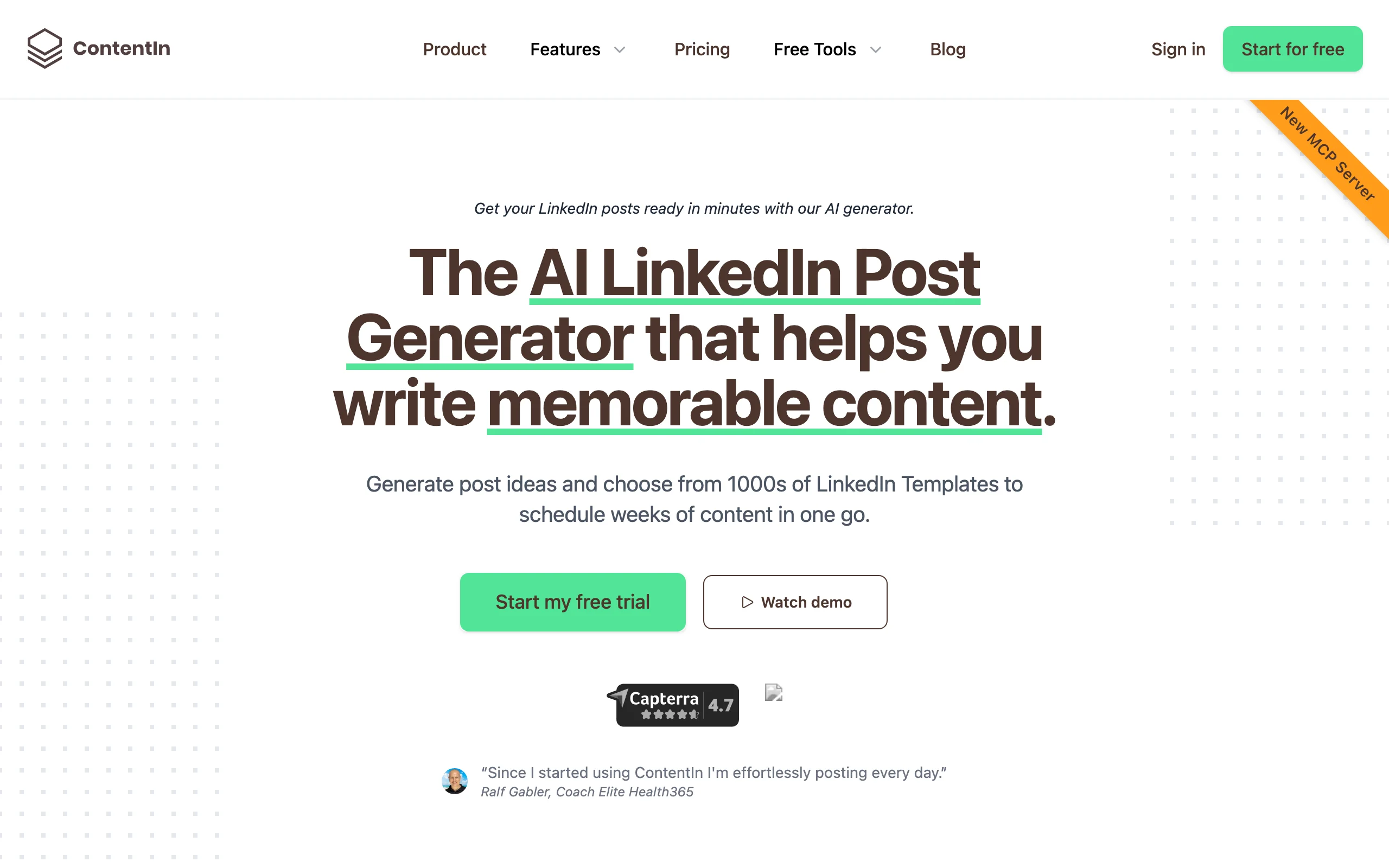
ContentIn is a LinkedIn-first platform that builds AI writing, rewriting, carousels, and scheduling into one affordable tool. For repurposing, the useful part is its rewrite feature: feed it an existing post or a chunk of source content and it generates fresh variations you can schedule directly to LinkedIn. It is aimed squarely at founders and creators who want a simple, native workflow without a big bill.
The free forever plan makes it easy to start, and the paid tiers stay cheaper than most competitors. ContentIn does not do video clipping or audio transcription, so it is best when your source material is already text you want to reshape and post.
Key features
- AI rewriting of existing posts into new variations
- LinkedIn-native scheduling and carousel generation
- AI idea and post generation built in, not an add-on
- Post analytics on the Pro tier
Best for
- Solo founders and creators repurposing text on a tight budget
- People who want writing and scheduling in one LinkedIn-only tool
Pricing
- Free forever plan with limited AI posts
- Creator plan at $29/mo with unlimited scheduling
- Pro at $49/mo with analytics and company pages
Pros
- Genuinely useful free tier
- Repurposing and scheduling in one place
- Cheaper than most LinkedIn AI tools
Cons
- No video or audio repurposing, text only
- AI rewrites can feel generic without manual editing
7. Taplio, best for repurposing plus outreach
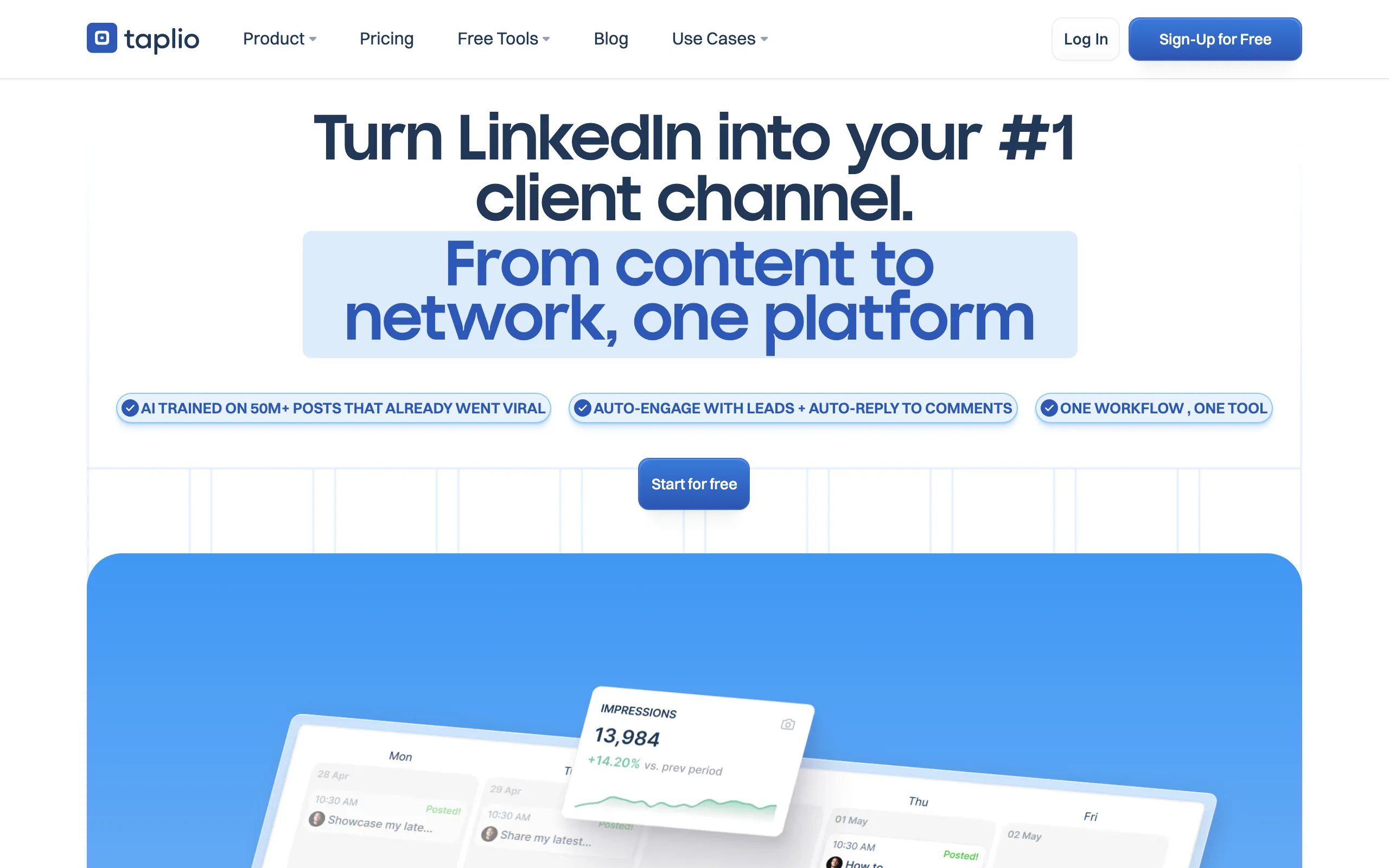
Taplio combines LinkedIn content creation with scheduling, analytics, and on its top tier, lead generation and outreach. For repurposing it offers a post generator, an improve-my-draft rewriter, a carousel generator, and a content repurposing feature, all drawing from one monthly AI credit pool. Its inspiration database of LinkedIn posts is handy for reframing your source material into formats that already work.
Taplio is the most established tool on this list, which shows in its polish and community. The catch is that its AI is LinkedIn-only with no cross-platform publishing, and meaningful AI usage starts on the $65 Growth plan rather than the $39 entry tier.
Key features
- Post generator, draft rewriter, and content repurposing in one credit pool
- Large inspiration database of LinkedIn posts trained on 500M+ examples
- Scheduling, analytics, and a queue
- Lead database and outreach automation on the Pro tier
Best for
- Creators who want content and lead generation in a single tool
- Power users repurposing into LinkedIn at higher volume
Pricing
- Starter at $39/mo with zero AI credits
- Growth at $65/mo for 250 AI credits
- Pro at $199/mo with outreach automation
Pros
- Mature, polished tool with a strong inspiration database
- Combines content and outreach so you can repurpose and prospect in one place
- Large training set behind its AI suggestions
Cons
- AI repurposing requires the $65 Growth plan, not the entry tier
- LinkedIn-only, with no repurposing to other channels
See the full ViralBrain vs Taplio comparison to weigh content quality against outreach features.
How to choose the best tool to repurpose content for LinkedIn
The right tool depends on what kind of content you already make and how much you care about the post sounding like you. Use these questions to narrow it down.
1) What is your main source material?
The format you start with decides the tool.
- If it is video (webinars, YouTube, talks): use OpusClip or Munch to clip, then write a strong hook to pair with the clip.
- If it is audio (podcasts, interviews): Castmagic turns one episode into LinkedIn posts and threads.
- If it is text (blogs, newsletters, old posts): ViralBrain or ContentIn reshape it into native posts.
2) Does the post need to sound like you?
Repurposed content often reads like a summary, which kills engagement on LinkedIn.
- If voice matters most: ViralBrain learns your writing and matches it, so posts read human. Browse the LinkedIn content strategy guide to plan what to repurpose.
- If you just need volume fast: ContentIn and Taplio generate drafts quickly, but budget time to edit the tone.
3) How many channels are you posting to?
Decide whether LinkedIn is the focus or one stop on a wider route.
- If LinkedIn is one of many: Repurpose.io and OpusClip publish across platforms automatically.
- If LinkedIn is the priority: ViralBrain, ContentIn, or Taplio keep you focused on feed-native quality.
4) What is your budget and volume?
Match the plan to how often you post.
- Tight budget, solo: ContentIn free plan or the free tools at
/tools. - Daily creator who wants quality: ViralBrain, then format posts with the LinkedIn text formatter.
- Team or agency: Munch or Taplio for volume and analytics.
Run a 7-day trial with your actual source content before committing. Repurpose a real blog or episode, post it, and see whether it performs. The how to go viral on LinkedIn guide covers the post structures worth testing.
FAQ
What does it mean to repurpose content for LinkedIn?
Repurposing content for LinkedIn means taking something you have already created, a blog, video, podcast, or newsletter, and reshaping it into a native LinkedIn post. The goal is to reach your professional network without writing every post from scratch. Done well, it keeps your voice and fits how people read in the feed.
What is the best AI tool to repurpose content into LinkedIn posts?
For most creators and founders, ViralBrain is the best overall because it matches your writing voice instead of producing generic AI text. If your source is video, OpusClip or Munch clip it for LinkedIn. If it is audio, Castmagic is purpose-built for podcasts. The best tool depends on your main source format.
Can I repurpose a blog post into a LinkedIn post automatically?
Yes. Tools like ViralBrain and ContentIn take a blog or its key points and turn them into LinkedIn-ready posts. ViralBrain reshapes the material into a hook, body, and close that read natively, while keeping your voice. You can also use the free LinkedIn post generator to draft one fast.
Is there a free tool to repurpose content for LinkedIn?
Yes. ContentIn has a free forever plan, OpusClip and Castmagic offer free tiers, and ViralBrain provides 100+ free LinkedIn tools at /tools that require no account. These are enough to test repurposing before paying. For full platform access, check the ViralBrain pricing page.
Does AI-generated LinkedIn content get penalized by the algorithm?
LinkedIn does not penalize content for being AI-assisted. It rewards posts that hold attention and start conversations. The risk with repurposing is a flat, generic tone that readers scroll past, which is why voice matching and a strong hook matter more than the tool itself.
How do I repurpose a podcast episode into LinkedIn posts?
Upload the episode to a tool like Castmagic, which transcribes it and generates LinkedIn posts, threads, and quotes. Edit the drafts so they sound like you rather than a summary, then add a hook. You can also use a LinkedIn hook generator to sharpen the opening line.
Which tool is best for teams repurposing content for multiple LinkedIn profiles?
For teams and agencies, Munch and Taplio handle volume and analytics well, and Repurpose.io manages multiple accounts per channel. If voice quality across profiles matters, pair a content tool with manual review so each profile keeps a distinct tone.
Can I repurpose LinkedIn videos I have already posted?
Yes. You can download an existing LinkedIn video with a LinkedIn video downloader, then run it through a clipper like OpusClip to cut new short versions, or pull the transcript to write fresh text posts from the same ideas.
Automate your LinkedIn for 30 days
ViralBrain plans, writes, and schedules your LinkedIn content, using official LinkedIn APIs so your account stays safe.
- Official LinkedIn APIs, no risk of ban
- You approve every post before it goes live
- Cancel anytime
Keep reading

Supergrow Alternatives: 5 Better LinkedIn AI Tools in 2026
Looking for Supergrow alternatives? Compare the 5 best LinkedIn AI tools in 2026: ViralBrain, Taplio, AuthoredUp, EasyGen, and Postdrips on pricing, features, and content quality.

Best MCP Servers for Marketers: 7 Worth Installing in 2026
Over 10,000 MCP servers exist. Marketers need about six. Here are 7 MCP servers worth installing, what each actually does, and what they really cost.
Best LinkedIn Content Creation Tools in 2026
Compare the 7 best LinkedIn content creation tools in 2026, covering ideation, voice-matched drafts, carousels, and pre-publish checks, plus current pricing.