

Best 7 LinkedIn Automation Tools in 2026
Compare the 7 best LinkedIn automation tools in 2026. ViralBrain, Taplio, Buffer, Hootsuite, Hypefury, LinkedHelper, and Dripify ranked on scheduling, AI generation, publishing, and outreach automation.
The best LinkedIn automation tool for most creators who want the full content loop (plan, write, publish) automated is ViralBrain, which auto-publishes through the official LinkedIn API on a 30-day AI calendar. If you mainly need scheduling for posts you already write, Buffer or Hootsuite are the cleaner fit; if outreach is the actual gap, LinkedHelper or Dripify handle that instead, since no single tool here does all three well.
One disclosure up front: ViralBrain, the tool publishing this comparison, is also ranked first below for full-loop automation. We ranked it first on the criterion this piece is about, which tool actually closes plan-to-publish without manual steps, not because we wrote the article. The category breakdown below, including where the other six tools win on their own strengths (price, scheduling depth, outreach), is there so you can judge that call yourself.
"Automating LinkedIn" can mean three very different things in 2026, and most comparison articles blur them into one. Some tools only schedule posts you wrote yourself. Some only generate drafts you still have to publish manually. Others automate cold outreach but never touch your content feed. The right pick depends on which part of the workflow is actually slowing you down.
This guide ranks the 7 best LinkedIn automation tools across all three categories: content generation, scheduling and auto-publishing, and outreach. Pricing below was checked directly against each vendor's own pricing page in August 2026. If you want the shortest path to a fully automated content pipeline (plan, write, publish), jump to the LinkedIn post scheduler feature.
Automate your LinkedIn for 30 days
How we evaluated
Four things, in order: whether the tool actually publishes to LinkedIn (not just drafts), how much of the plan-to-publish loop it covers without manual steps, real entry-tier pricing (not the "from" price on the homepage), and fit for a specific workflow, solo creator, marketing team, or sales outreach, rather than a generic "best for everyone" claim.
Best LinkedIn automation tools: a brief overview
- ViralBrain: Best full-loop LinkedIn automation. AI plans a 30-day content calendar, drafts posts in your voice, and auto-publishes through the official LinkedIn API. The only tool in this list that closes the entire content loop.
- Taplio: Best for combining AI content drafting with scheduled publishing and a built-in LinkedIn CRM. Strong for sales-driven creators who want one platform for content plus outreach.
- Buffer: Best pure-scheduling automation. Reliable, clean UX, generous free tier, no AI content generation. You bring the drafts, Buffer queues them.
- Hootsuite: Best enterprise LinkedIn automation for marketing teams running multiple profiles, company pages, and approval workflows.
- Hypefury: Best for Twitter-first creators cross-posting to LinkedIn. Strong on threads and content recycling, lighter on LinkedIn-specific features.
- LinkedHelper: Best for outreach automation (connection requests, DMs, sequences). Distinct from publishing tools, focuses on top-of-funnel pipeline.
- Dripify: Best sales-side LinkedIn outreach automation with multi-step drip campaigns and CRM integrations.
| Tool name | Key strength | Pricing | Best for |
|---|---|---|---|
| ViralBrain | Full-loop automation: plan, draft, auto-publish in your voice | Free plan available; 7-day trial for €1, then from €39/mo (full auto-publish calendar on Premium, €69/mo) | Founders and creators who want the whole content workflow automated |
| Taplio | AI drafting plus scheduled publishing plus LinkedIn CRM | From $39/mo (Starter has no AI credits; AI drafting starts on Growth, $69/mo) | Sales pros bundling content and outreach in one tool |
| Buffer | Clean, reliable LinkedIn scheduling with a real free tier | Free tier; paid from $6/mo per channel ($5/mo per channel billed annually) | Solo creators who already write their own posts |
| Hootsuite | Enterprise multi-profile scheduling and approval workflows | From $99/user/mo (Standard, billed annually) | Marketing teams managing multiple LinkedIn profiles |
| Hypefury | Twitter-first cross-posting with content recycling | From $6/mo per channel (Flexible); $19/mo for all channels (Full) | Creators publishing primarily on X with LinkedIn as a secondary channel |
| LinkedHelper | Outreach automation: connection requests, DMs, sequences | From $15/mo (local-based Standard); cloud-based plans from $29.90/mo | B2B sellers automating top-of-funnel LinkedIn pipeline |
| Dripify | Multi-step outreach drip campaigns with CRM sync | From $39/mo billed annually ($59/mo month-to-month) | Sales teams running structured LinkedIn prospecting |
1. ViralBrain, best full-loop LinkedIn automation
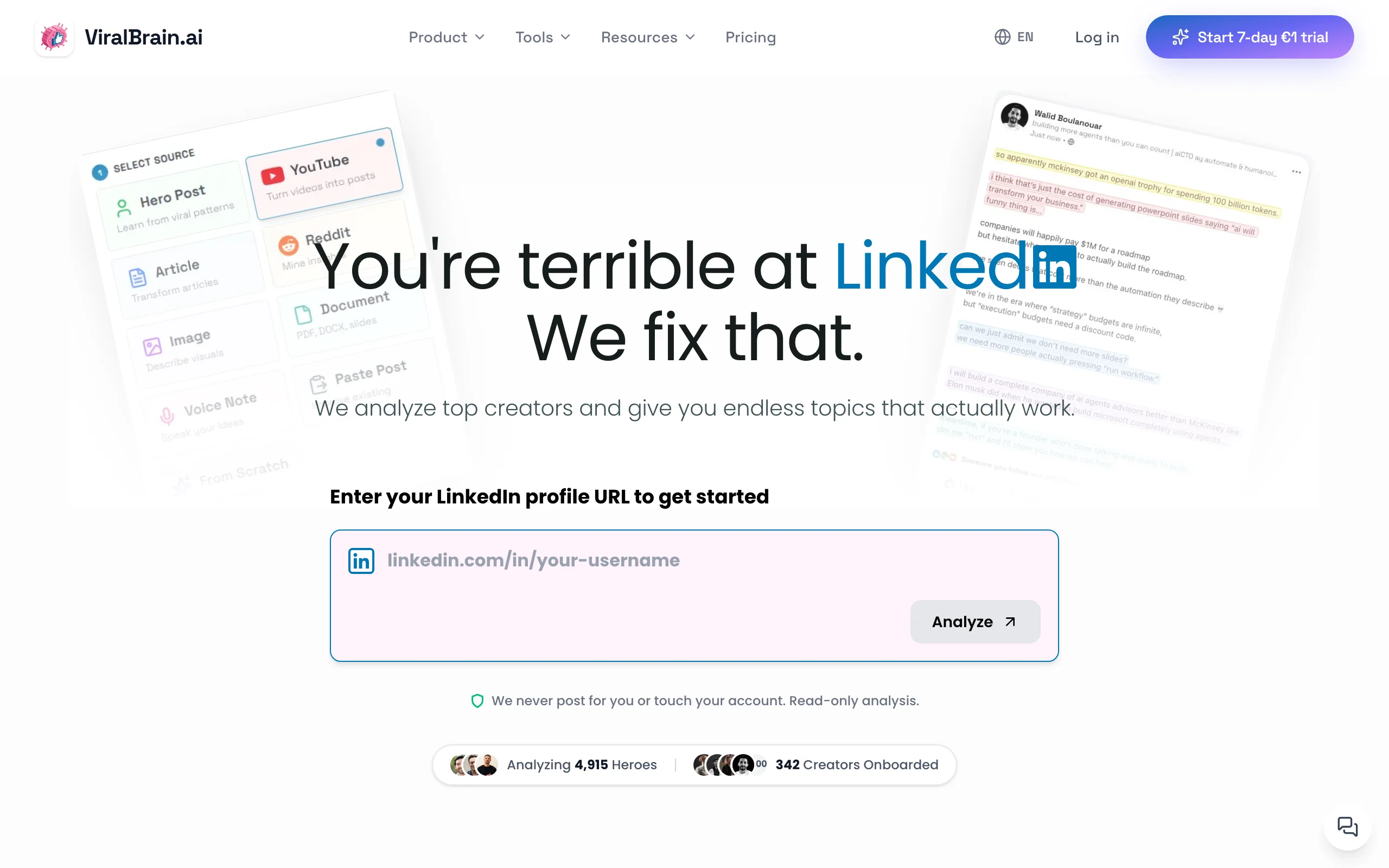
ViralBrain is the only tool in this list that automates every stage of the LinkedIn content loop. Most other tools handle one piece: scheduling, drafting, or outreach. ViralBrain plans a 30-day calendar based on your niche and audience, drafts each post in a voice it learned from your top performers and hero creators, and auto-publishes through the official LinkedIn API on your chosen cadence.
The differentiator is the LinkedIn post scheduler feature: instead of asking you to come up with topics or sit in front of a blank queue, the calendar maps out what to post each day, generates the draft, scores it against viral patterns, and pushes it live at the right time. You can still edit anything before publish, but the default state is fully automated. Full 30-day auto-posting is on the Premium plan; the entry Pro plan includes a 7-day calendar preview rather than the complete auto-publish loop.
Key features:
- 30-day AI content calendar with auto-generated topics
- Voice-matched drafting trained on your past posts and chosen hero creators
- Official LinkedIn API auto-publishing on your selected cadence
- Viral score checker on every draft before it queues
- Best time to post on LinkedIn intelligence based on real top creator data
- Free LinkedIn post generator and engagement benchmarks tools
- Multi-source content: turn YouTube videos, articles, and podcasts into ready-to-publish drafts
Best for:
- Founders and operators who want the full content workflow automated, not just scheduling
- Creators posting 3-5x per week who want every post to ship on autopilot in their voice
- Teams who want plan, write, and publish handled in one tool without copy-paste
Pricing:
- Free plan available (start at viralbrain.ai)
- 7-day trial for €1, then Pro from €39/month
- Full 30-day auto-publish calendar requires Premium at €69/month; Pro includes a 7-day calendar preview
- See ViralBrain pricing for current plan details
Pros:
- Only tool here that automates the entire loop from plan to published post
- Voice-matched drafts read like you, not like generic AI
- Pre-publish viral score means automated posts still pass a quality gate
- Free tools ecosystem covers timing, hooks, and previews without an account
Cons:
- Focused on content publishing automation, not outreach (use LinkedHelper or Dripify for cold DMs)
- Full auto-publish calendar is gated to the Premium tier, not the entry Pro plan
- Newer platform with a smaller community than Taplio or Buffer
For a deeper view on automated vs manual publishing, read manual vs auto LinkedIn posting. For scheduling-only comparisons, see our best LinkedIn scheduling tools breakdown.
2. Taplio, best content plus outreach bundle
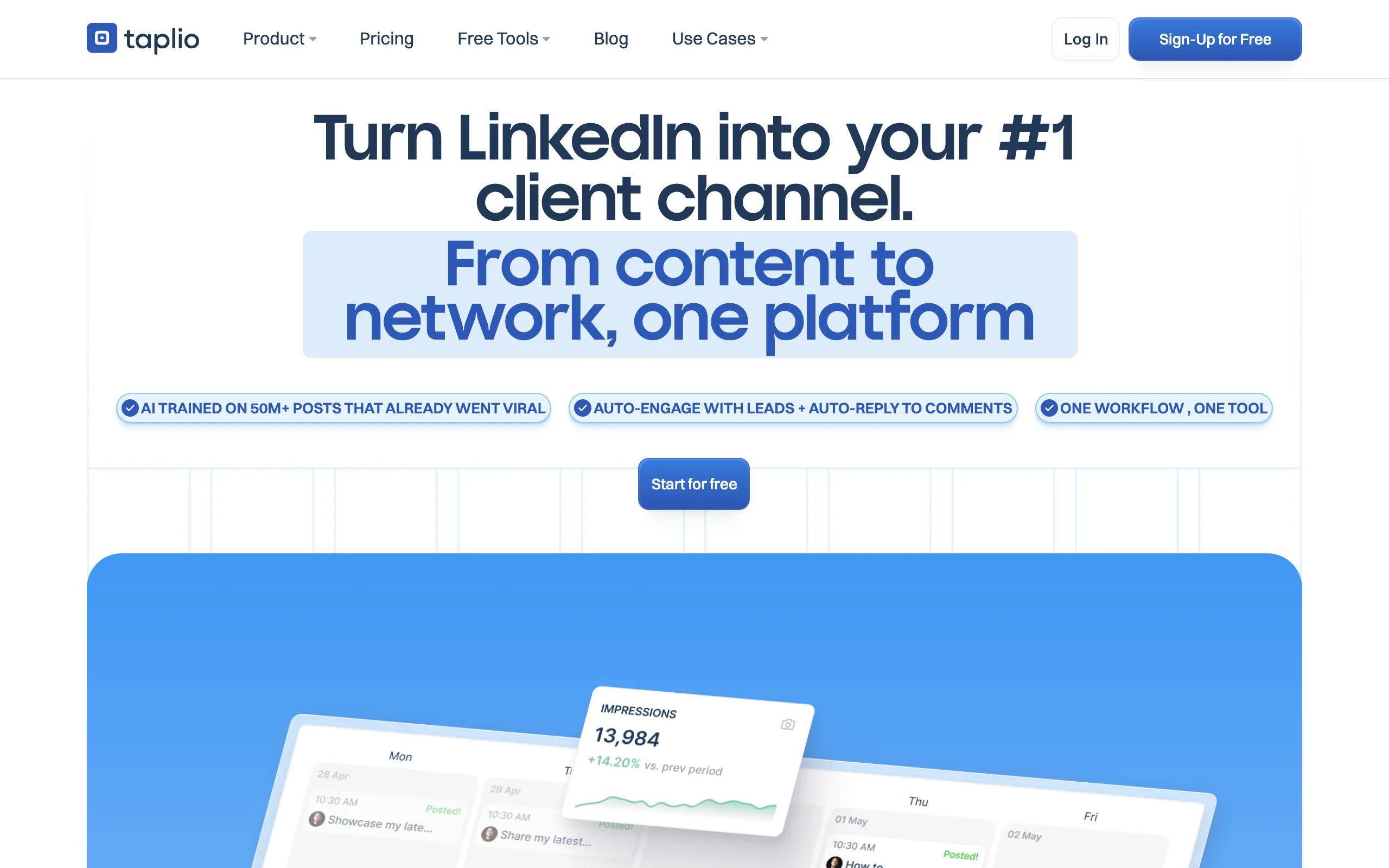
Taplio bundles AI content drafting, scheduled LinkedIn publishing, a LinkedIn CRM, and a lead list builder into one platform. For sales-driven creators and B2B founders who want content and outreach in the same tool, Taplio is the most complete single-vendor option.
The scheduler publishes directly to LinkedIn, AI drafts feed into the queue, and analytics flow back into the CRM for follow-up. It is broader than a pure publisher and lighter than a dedicated outreach platform, sitting in a useful middle ground for solo sellers.
Key features:
- Direct LinkedIn auto-publishing through the official API
- Built-in AI content generation from prompts and topics (Growth tier and up)
- LinkedIn CRM with contact tracking and lead lists
- Trending post inspiration feed by topic or creator
- Post analytics with reach, engagement, and follower growth
- Team collaboration for agencies managing multi-profile workflows
Best for:
- B2B sales pros and founders running content plus outreach in one tool
- Agencies managing scheduling and CRM for multiple client profiles
- Creators who want the broadest single-tool feature set
Pricing:
- Starter from $39/month: scheduling only, zero AI content or comment credits
- Growth from $69/month: adds AI drafting (250 AI credits, 500 comment credits/mo)
- Pro from $199/month: adds a 3M+ contact database, auto-DMs, and bulk outreach
- Annual billing drops each tier roughly 25%
Pros:
- Most complete bundle in this comparison: scheduling, AI content, and CRM
- Direct LinkedIn auto-publishing removes the manual copy-paste step
- Strong fit for sales-driven LinkedIn strategies
Cons:
- The entry $39/mo Starter tier has no AI content generation at all; AI is a Growth-tier-and-up feature
- Most expensive option here if you want the CRM plus outreach layer (Pro is $199/mo)
- CRM features add complexity if all you want is automated publishing
See the full ViralBrain vs Taplio comparison for a detailed breakdown.
3. Buffer, best pure-scheduling automation
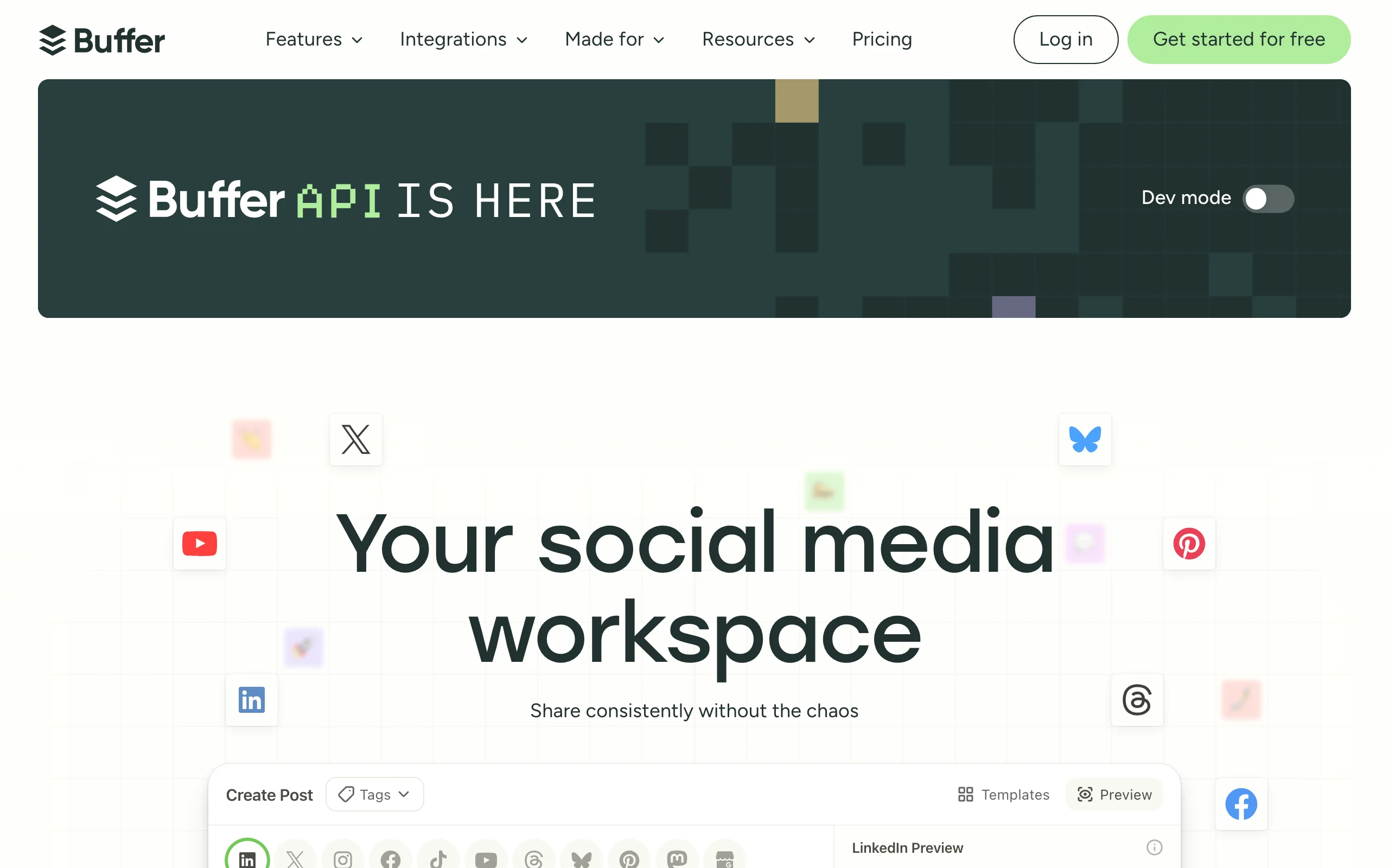
Buffer is the most popular general-purpose social scheduler with a clean interface, a real free tier, and reliable multi-platform support. It does one job well: it queues content you already wrote and publishes it to LinkedIn (and other networks) at scheduled times.
Buffer is not an AI content tool and does not pretend to be. If your bottleneck is "I have drafts and I want them auto-posted across LinkedIn, X, and Instagram," Buffer is the default pick. Pair it with a generator like ViralBrain if you also need help producing those drafts.
Key features:
- LinkedIn auto-publishing alongside X, Instagram, Facebook, TikTok, and Bluesky
- Drag-and-drop calendar view for visual scheduling
- Best-time-to-post suggestions based on audience activity
- Browser extension and mobile apps
- Free tier with up to 3 social channels
- Buffer Analyze for deeper post performance (paid add-on)
Best for:
- Solo creators who write their own posts and just need reliable queuing
- Multi-platform creators posting on LinkedIn plus 2-4 other networks
- Teams that need straightforward scheduling without enterprise complexity
Pricing:
- Free tier (up to 3 channels, 10 scheduled posts per channel, refills on demand)
- Essentials from $6/month per channel ($5/month per channel billed annually)
- Team from $10/month per channel, adds unlimited team members
Pros:
- Cleanest UX for scheduling in this list
- Free tier is genuinely usable for creators posting weekly
- Reliable, well-maintained product with strong support
Cons:
- No AI content generation, you bring your own drafts
- Per-channel pricing adds up across many platforms
- Best-time-to-post suggestions are basic compared to LinkedIn-specific tools
Automate your LinkedIn for 30 days
4. Hootsuite, best enterprise LinkedIn automation
Hootsuite is the enterprise standard for multi-profile social media management. Marketing teams running LinkedIn company pages, multiple executive profiles, and other social networks rely on Hootsuite for its depth on approval workflows, user roles, and reporting. Automating what the company page publishes is a separate job from getting employees to share it, which is what the tools in our employee advocacy roundup do.
It is overkill for solo creators but unmatched when you need bulk scheduling, content libraries, paid campaign management, and detailed analytics across an organization. Hootsuite handles LinkedIn alongside every major social platform.
Key features:
- Multi-profile LinkedIn scheduling across personal and company pages
- Approval workflows with role-based access for teams
- Bulk scheduling and a shared content library
- Multi-platform support: LinkedIn, X, Facebook, Instagram, TikTok, and more
- Paid campaign management alongside organic posting
- Detailed analytics and white-label reporting
Best for:
- Marketing teams managing multiple LinkedIn profiles or company pages
- Agencies running LinkedIn for enterprise clients
- Companies that need LinkedIn scheduling alongside other social networks
Pricing:
- Standard from $99/user/month (billed annually)
- Professional from $199/user/month, Advanced from $399/user/month (billed annually)
- Custom Enterprise pricing available
Pros:
- Most complete multi-profile scheduling for teams
- Strong approval workflows reduce mistakes in regulated industries
- Covers every major social platform, not just LinkedIn
Cons:
- Significantly more expensive than creator-focused schedulers
- Overkill for solo creators or single-profile use cases
- Interface complexity is higher than Buffer or Later
5. Hypefury, best Twitter-first cross-poster
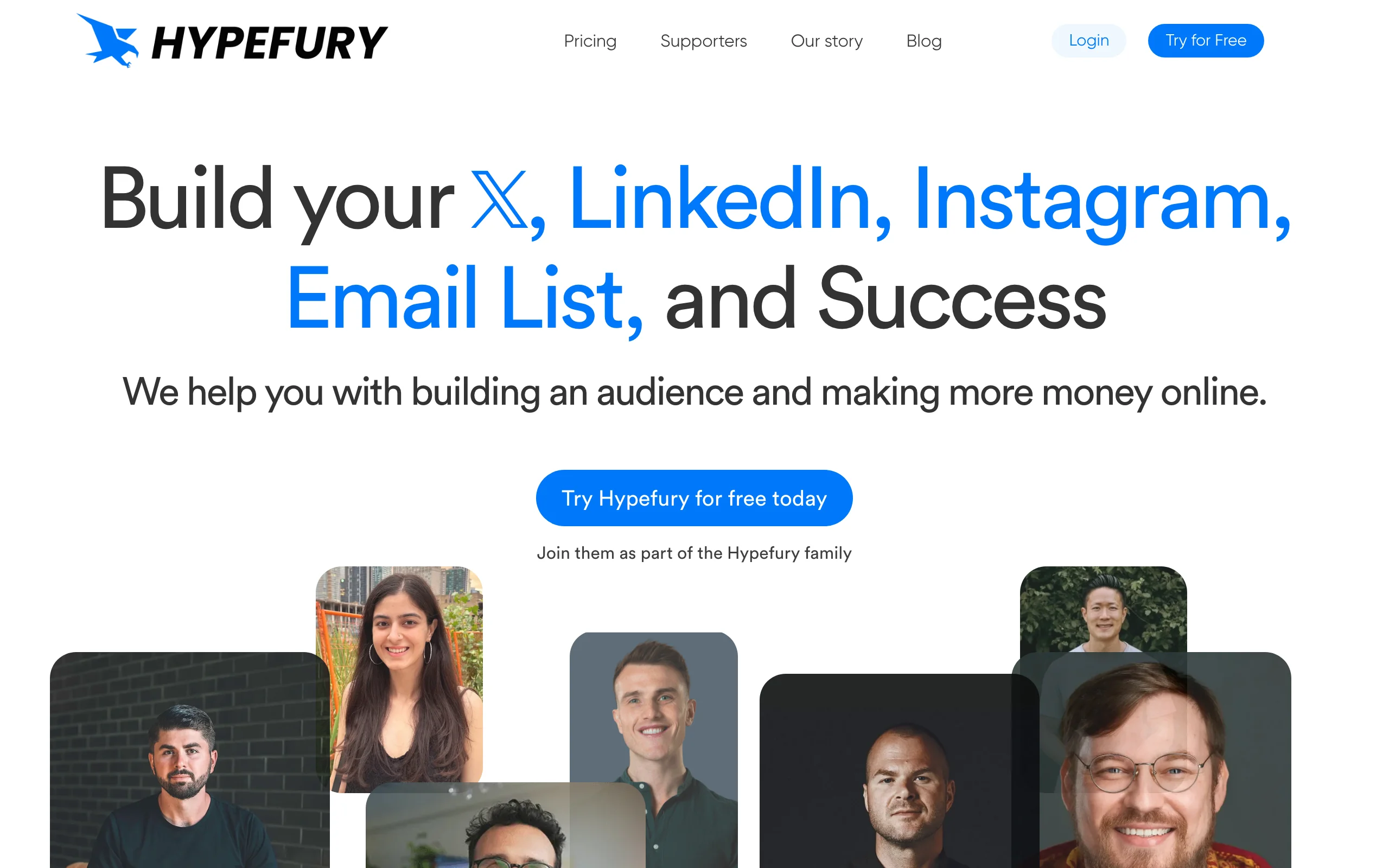
Hypefury is built primarily for X (Twitter) creators, with LinkedIn as a secondary cross-posting destination. It automates threads, evergreen recycling, and auto-DMs on X, with the option to publish the same content (adapted or as-is) to LinkedIn at scheduled times.
For creators whose primary audience is on X but who want to mirror content to LinkedIn without rewriting it each time, Hypefury is the cleanest cross-poster in this list. It is not a LinkedIn-first tool and lacks the LinkedIn-specific analytics and formatting depth of Taplio or ViralBrain.
Key features:
- X (Twitter) scheduling with thread automation
- LinkedIn cross-posting from X drafts
- Evergreen post recycling for both platforms
- Auto-DM triggers based on tweet engagement
- AI assistance for tweet ideation
- Analytics across X and LinkedIn from one dashboard
Best for:
- Creators with a Twitter-first audience cross-posting to LinkedIn
- Threaders who want both platforms automated from one queue
- Solopreneurs using evergreen recycling strategies on X
Pricing:
- Flexible from $6/month per channel (the real entry price)
- Full from $19/month for all channels included
- 7-day free trial, no credit card required
Pros:
- Best Twitter to LinkedIn cross-posting workflow in this list
- Evergreen recycling extends post lifespan on both platforms
- Affordable entry pricing
Cons:
- LinkedIn is a second-class citizen, not the primary use case
- No LinkedIn-specific viral scoring or hero creator analysis
- Limited LinkedIn analytics compared to dedicated tools
6. LinkedHelper, best outreach automation
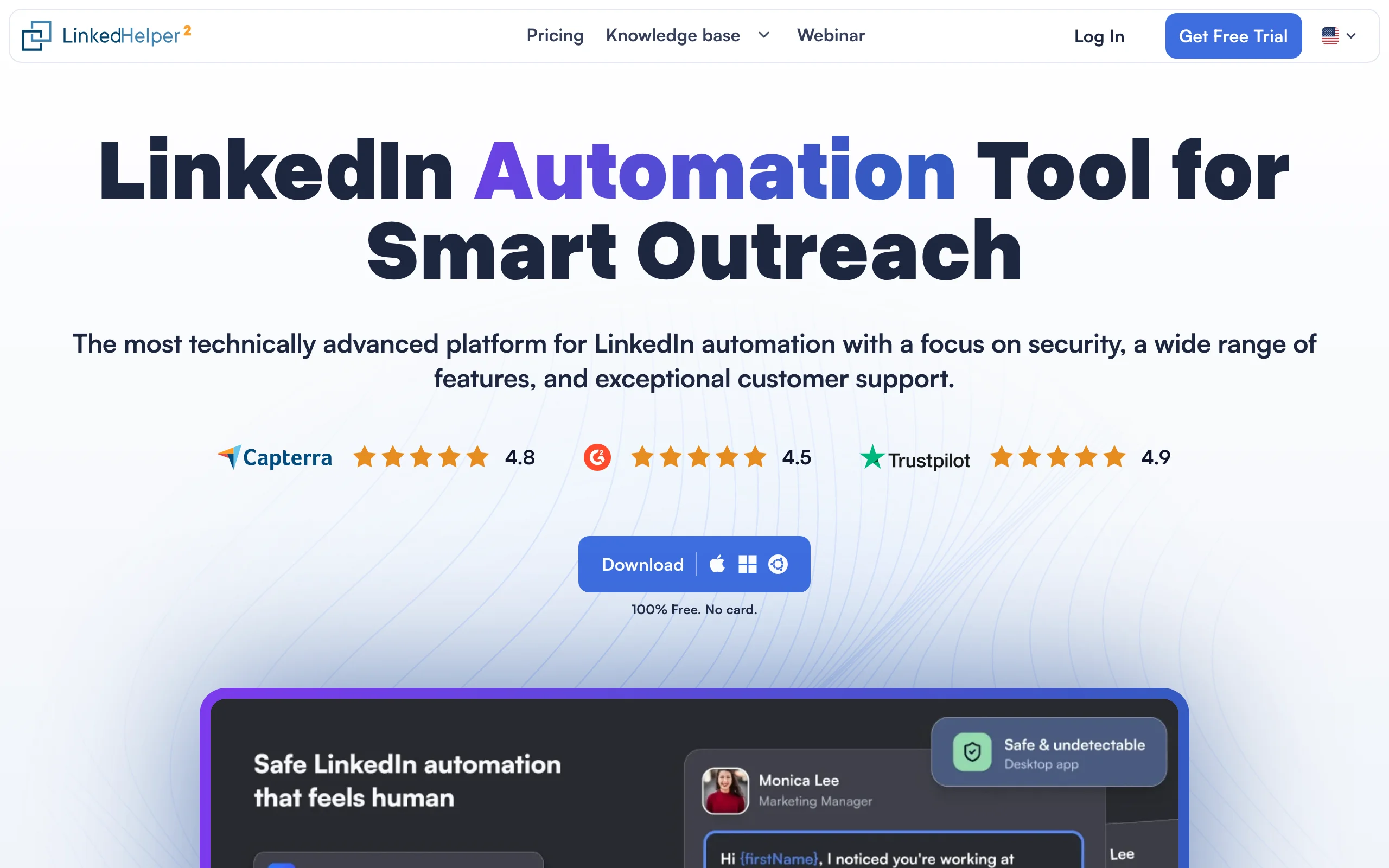
LinkedHelper is in a different category from the publishing tools above: it automates outreach. Connection requests, DMs, message sequences, profile visits, and follow-ups are all handled by a browser-based tool that runs in the background while you work.
It is not a content publisher. You will not use LinkedHelper to schedule posts. You will use it to fill the top of your B2B pipeline by reaching the right LinkedIn profiles at scale. For founders or sellers who already publish manually but need to automate the relationship-building side, LinkedHelper is one of the longest-running specialists.
Key features:
- Automated connection requests with personalized templates
- Multi-step DM sequences and follow-ups
- Profile visit and endorsement automation
- Lead list building from LinkedIn Sales Navigator searches
- CRM-style contact tracking
- Safety limits to stay within LinkedIn activity thresholds
Best for:
- B2B sales reps and founders automating top-of-funnel LinkedIn pipeline
- Recruiters running candidate outreach at scale
- Lead-gen agencies managing prospecting for clients
Pricing:
- Local-based version: Standard $15/month, Pro $45/month
- Cloud-based version: Standard $29.90/month, Pro $59.90/month
- 14-day free trial on either version; discounts for 3/6/12-month commitments
Pros:
- One of the longest-running, most stable LinkedIn outreach tools
- Affordable starting price for solo sellers
- Granular safety controls to manage account risk
Cons:
- Not a content tool, so you still need a publisher for posts
- Browser-based, requires your machine to be on for some workflows
- LinkedIn enforces stricter limits on outreach automation, so always respect daily caps
7. Dripify, best multi-step outreach drip campaigns
Dripify is a cloud-based LinkedIn outreach platform built around drip campaigns: multi-step sequences that combine connection requests, DMs, profile views, and follow-ups on a schedule. Sales teams use it for structured prospecting across hundreds or thousands of LinkedIn profiles.
Dripify is closer to a sales engagement platform than a content tool. It does not generate or schedule posts. It automates the relationship-building motion that happens before and after a prospect sees your content. If your content engine is already humming (via ViralBrain or another publisher) but pipeline is the gap, Dripify fills it.
Key features:
- Multi-step drip campaigns combining connections, DMs, views, and follow-ups
- Cloud-based execution, no need to keep your computer on
- A/B testing for outreach copy
- CRM integrations (HubSpot, Salesforce, Zapier)
- Team management with role-based access
- Detailed conversion analytics across campaign steps
Best for:
- Sales teams running structured B2B prospecting at scale
- Agencies managing outreach campaigns for multiple clients
- Founders running founder-led sales through LinkedIn
Pricing:
- Basic from $39/month billed annually ($59/month month-to-month)
- Pro from $59/month annually ($79/month monthly), Advanced from $79/month annually ($99/month monthly)
- Custom Enterprise pricing available
Pros:
- Cloud-based execution removes the always-on machine requirement
- Strong A/B testing on outreach copy
- Solid CRM integrations for sales workflows
Cons:
- Pure outreach tool, no content publishing or generation
- Higher entry price than LinkedHelper for solo users
- LinkedIn detection risk is real for any outreach tool, use conservative daily limits
How to choose the best LinkedIn automation tool for your needs
1) What part of the workflow are you actually automating?
The biggest source of confusion in this category is that "automation" can mean three different things. Be honest about which one you need before picking a tool.
- If you want to automate content (plan, write, publish): ViralBrain is the only tool here that handles all three. Taplio is the closest runner-up.
- If you want to automate scheduling only (you write, the tool queues): Buffer or Hootsuite cover this cleanly. Buffer for solo creators, Hootsuite for teams.
- If you want to automate outreach (DMs, connections, sequences): LinkedHelper or Dripify. Neither will help you publish posts.
2) Solo creator or team?
The team layer changes the answer significantly.
- Solo creators: ViralBrain plus its built-in calendar is the lowest-friction full-loop setup. Buffer plus ViralBrain works if you want the cheapest possible scheduler combined with strong drafting.
- Marketing teams: Hootsuite for multi-profile approvals, Taplio for content plus CRM bundled.
- Sales teams: Dripify for outreach plus ViralBrain or Taplio for the content side of the funnel.
3) Do you care about post quality or just queue volume?
Some tools optimize for "more posts, more often." Others optimize for "every post earns its slot in the feed."
- For quality-first automation: ViralBrain scores every draft against viral patterns from real top LinkedIn creators before it queues. Read the LinkedIn algorithm guide for why reach now depends more on quality signals than frequency.
- For volume-first automation: Buffer, Hootsuite, and Hypefury will happily publish whatever you queue. Use the viral post generator free tool to filter weaker drafts before scheduling.
- For both, with a structured plan: pair ViralBrain's calendar with a long-term content strategy, see the LinkedIn content strategy guide for cadence and topic planning.
4) Are you replacing manual posting entirely?
Going from manual to automated is a real shift. Some creators worry it makes their posts feel less human. The reality is that with voice-matched drafting and a pre-publish review window, automation actually improves consistency without sacrificing voice.
- For a deeper look at the trade-offs, read manual vs auto LinkedIn posting. Short answer: automation wins on consistency, manual wins on spontaneity, and a hybrid wins on both.
- Start a 7-day trial on your top pick and run it against your actual content topics. Marketing copy looks similar across these tools, daily use does not.
FAQ
What are LinkedIn automation tools?
LinkedIn automation tools handle parts of the LinkedIn workflow that would otherwise eat hours of manual work: planning content, drafting posts, scheduling and auto-publishing, or running outreach sequences. Some tools cover one of these (Buffer for scheduling, LinkedHelper for outreach), and a few like ViralBrain cover the full content loop from plan to published post.
Is LinkedIn automation safe?
Publishing automation through official LinkedIn API integrations (used by ViralBrain, Taplio, Buffer, Hootsuite) is fully safe and treated identically to manual posts. Outreach automation (LinkedHelper, Dripify) carries more risk because LinkedIn enforces daily activity limits on connection requests and DMs. Use conservative settings and stay within published limits.
What is the best LinkedIn automation tool in 2026?
For full content automation (plan, write, auto-publish), ViralBrain is the most complete tool in this comparison thanks to its 30-day AI calendar and voice-matched drafting. For scheduling alone, Buffer is the cleanest pick. For outreach, LinkedHelper or Dripify lead. The best tool depends on which part of the workflow you are automating.
Can I automate LinkedIn posts without an AI tool?
Yes. LinkedIn includes a native scheduler in the post composer, and tools like Buffer or Hootsuite queue posts you wrote yourself. The trade-off is that without AI drafting you still spend the time writing each post. Tools like ViralBrain shift that drafting load to AI, then auto-publish on a calendar.
What is the difference between LinkedIn automation and LinkedIn scheduling?
Scheduling is one piece of automation. A scheduler (Buffer, Hootsuite) queues posts you already wrote. Full automation also covers planning what to post and drafting the content itself. ViralBrain handles all three stages. For a scheduling-only comparison, see our best LinkedIn scheduling tools guide.
Does LinkedIn penalize automated posts?
LinkedIn does not penalize posts published through its official API, which is what every publisher in this list uses. The risk is content quality: low-effort or generic AI posts get suppressed by the algorithm regardless of how they were published. Use a viral score checker on every draft before it auto-publishes to make sure quality holds.
Which LinkedIn automation tool is best for founders?
Founders typically need three things: consistent content output, voice-matched drafts, and minimal time spent in the tool. ViralBrain hits all three by automating the full content loop with founder-friendly voice matching. Taplio is the runner-up if you also want outreach and CRM in one platform. See the LinkedIn personal branding guide for the strategy side.
Can I automate LinkedIn outreach and content with the same tool?
Taplio is the closest single-tool answer, combining AI drafting, scheduling, and a LinkedIn CRM. Most serious operators run two tools: a content publisher (ViralBrain or Taplio) plus a dedicated outreach platform (LinkedHelper or Dripify). The reason is that LinkedIn rate-limits outreach much more aggressively than publishing, so a specialized outreach tool with safety controls is worth its own seat.
Is there a free LinkedIn automation tool?
Buffer has a real free tier covering up to 3 channels and 10 scheduled posts each. LinkedIn's native scheduler is free for any account but lacks calendar and queue views. ViralBrain has a free plan plus free LinkedIn hook generator and engagement benchmarks tools without an account, alongside a 7-day, €1 trial into its paid plans.
How much time does LinkedIn automation save?
Most creators report saving 4-8 hours per week once a full-loop tool like ViralBrain is set up: roughly 30 minutes per day of drafting plus 1-2 hours per week of planning. Scheduling-only tools save less (about 1-2 hours per week) because you still write each post manually. Outreach automation saves the most for sales-driven users, often 10+ hours per week.
Automate your LinkedIn for 30 days
ViralBrain plans, writes, and schedules your LinkedIn content, using official LinkedIn APIs so your account stays safe.
- Official LinkedIn APIs, no risk of ban
- You approve every post before it goes live
- Cancel anytime
Keep reading
How to Change Your Profile Picture on LinkedIn
How to add, change and remove your LinkedIn profile photo on desktop, in the app and in a mobile browser, plus who can see it and the file specs.
How to Hide Active Status on LinkedIn
How to hide your LinkedIn active status: the Manage active status setting, its three documented options on desktop and in the app, and what you give up.
How to Log Out of LinkedIn on Desktop and in the App
How to log out of LinkedIn on desktop, on iOS and on Android, how to sign out of other sessions or all devices, and what Keep me logged in changes.