

Best 7 LinkedIn Tools for Founders in 2026
The 7 best LinkedIn tools for founders in 2026, with current pricing. ViralBrain, Taplio, AuthoredUp, Dripify, Waalaxy, PhantomBuster, and what to use now that Shield is winding down.
Building a LinkedIn presence as a founder sounds simple until you realize you're supposed to post consistently, write hooks that stop the scroll, track what actually works, and somehow grow your network while running a company. Most founders either post sporadically or delegate their voice entirely, and both approaches kill the authenticity that makes founder content worth following.
The tools that actually help founders on LinkedIn fall into three categories: content creation, analytics, and outreach automation. The best founder LinkedIn stack combines at least one from each. This guide covers seven tools that serve those jobs, what each one does best, honest trade-offs, and a decision framework to help you build the right stack for your stage and goals. For the research side of building pipeline, see the best LinkedIn prospecting tools.
To build a strong foundation first, read our LinkedIn personal branding guide and LinkedIn content strategy guide.
Automate your LinkedIn for 30 days
Best LinkedIn tools for founders: a brief overview
- ViralBrain: Best for AI-generated LinkedIn content that sounds like you. Analyzes top LinkedIn creators in your niche, learns what drives engagement, and generates posts matched to your voice and style.
- Taplio: Best for founders who want content creation, a LinkedIn CRM, lead tracking, and outreach in one integrated platform.
- Scripe: Best for founders who want LinkedIn analytics on every plan tier alongside AI content creation, so they can see what drives growth and act on it in one tool.
- AuthoredUp: Best for founders who want a powerful post editor with formatting tools, content history, draft management, and built-in analytics.
- Dripify: Best for founders automating LinkedIn connection request sequences and outreach at scale to build their network fast.
- Waalaxy: Best for founder-led sales teams combining LinkedIn and email outreach in multi-channel sequences.
- PhantomBuster: Best for technical founders or growth teams who need advanced LinkedIn data extraction, automation workflows, and large-scale lead generation.
| Tool | Key strength | Pricing | Best for |
|---|---|---|---|
| ViralBrain | Hero analysis + voice-matched AI content generation | €1 trial available; paid plans from €39/mo | Founders building thought leadership through consistent, authentic posts |
| Taplio | All-in-one: content + CRM + outreach on LinkedIn | From $39/mo | Founders who want content creation and lead management in one tool |
| Scripe | LinkedIn analytics on every tier plus AI content creation | From €19.99/mo | Founders who want data and content in one tool to drive their decisions |
| AuthoredUp | Advanced post editor with formatting, drafts, and history | From $19.95/mo | Founders who want full control over post formatting and history |
| Dripify | LinkedIn outreach automation and connection sequences | From $39/mo (annual) | Founders scaling their network through automated connection campaigns |
| Waalaxy | LinkedIn + email multi-channel outreach sequences | Free plan; paid from €19/mo | Founders running outreach-heavy sales motions across channels |
| PhantomBuster | LinkedIn data extraction and workflow automation | From $69/mo | Technical founders or growth teams needing data-driven LinkedIn automation |
1. ViralBrain, best for AI content that sounds like the founder
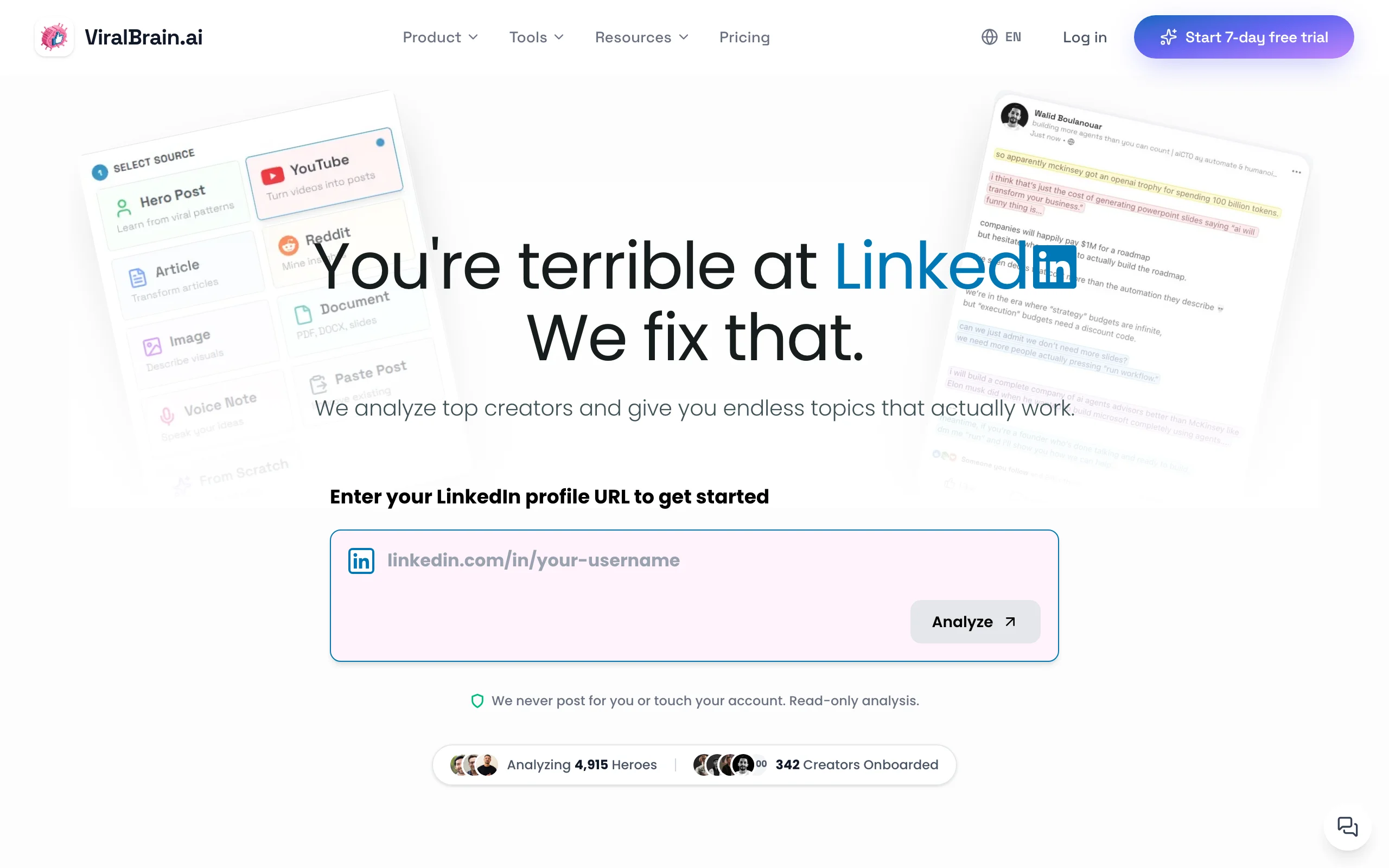
ViralBrain is built specifically for LinkedIn creators who need to post consistently without sacrificing their voice. The core differentiator is hero analysis: you pick the top LinkedIn voices in your niche, ViralBrain analyzes what content structures, hooks, and formats drive their highest-performing posts, and then uses that intelligence to generate content tailored to your style. The result reads like you, not like a generic AI template.
For founders, this matters because your audience follows you for your perspective, not polished marketing copy. ViralBrain learns your writing patterns from your existing posts and lets you set a tone profile, so every generated draft maintains your voice. You can use the LinkedIn post generator to draft posts in seconds, then check your content against the viral score checker before you post to predict reach and engagement.
Key features:
- Hero creator analysis: learns what content structures drive engagement in your specific niche
- Voice matching from your own writing DNA, so drafts sound like the founder and not a template
- Viral score prediction to evaluate posts before publishing
- 30-day content calendar with official-API auto-posting to LinkedIn
- 9-source repurposing (turn articles, videos, and more into LinkedIn posts) plus a hosted MCP server (OAuth 2.1) for agent workflows
- Free tools including viral post templates, LinkedIn post preview, and more
Best for:
- Founders posting 3-5x per week who need high-quality drafts fast without sounding like every other AI post
- Solopreneurs who want to model the best creators in their space and adapt those patterns to their own audience
- Founders building thought leadership in a specific niche where authenticity and voice consistency matter
Pricing:
- Free tier available (3 heroes, 5 posts per month)
- €1 trial, then paid plans at €39/mo Pro and €69/mo Premium
- See full ViralBrain pricing for plan details
Pros:
- Hero analysis means your content is benchmarked against real high-performers in your niche, not generic AI patterns
- Voice matching is genuinely good: posts need less editing than competitors
- Free tool ecosystem (post preview, viral score, templates) adds standalone value at no cost
Cons:
- LinkedIn-only: if you post across multiple networks, you'll still need a separate tool for the others
- Younger, smaller brand than Taplio, with a smaller user community
2. Taplio, best for content creation combined with LinkedIn CRM
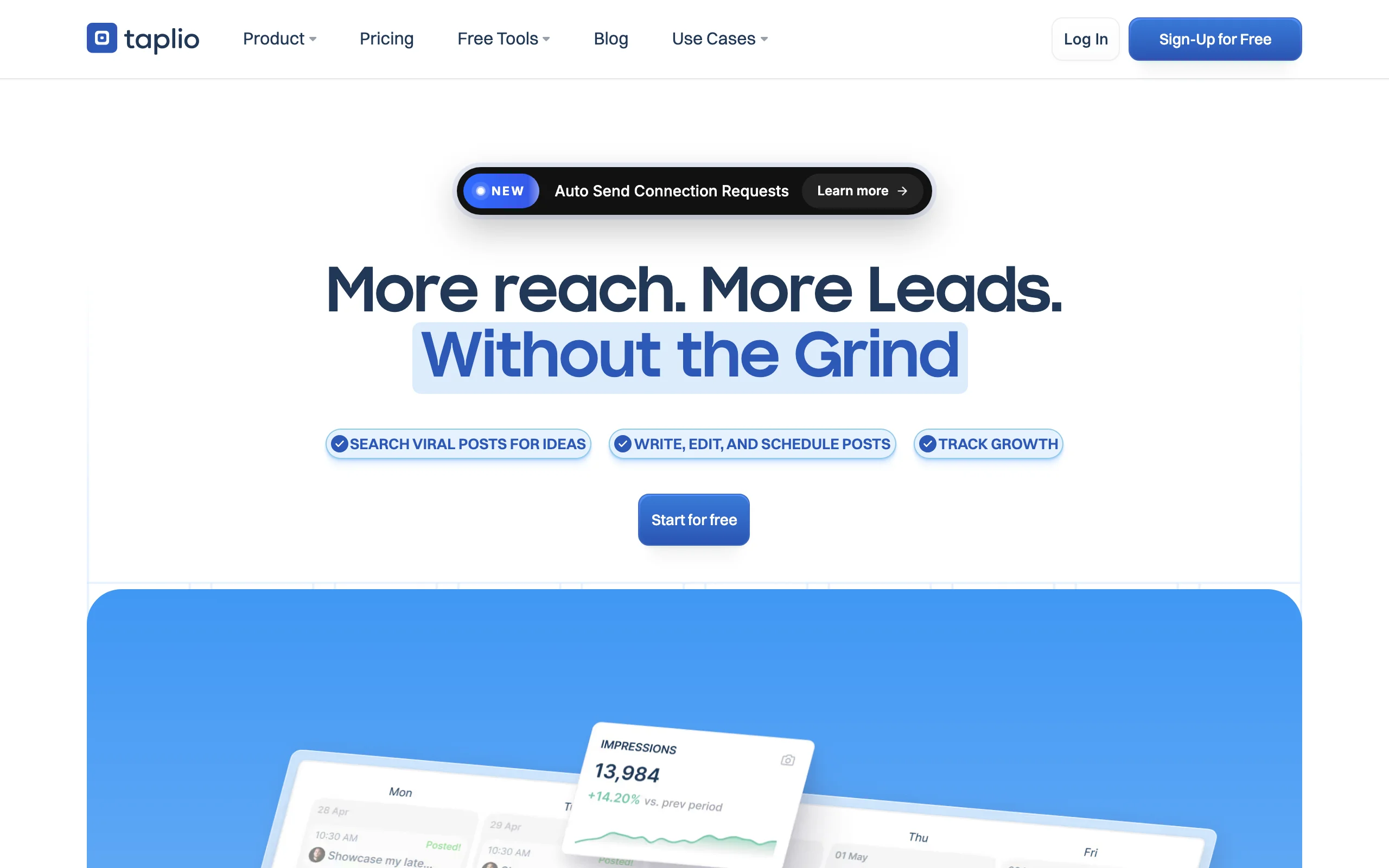
Taplio positions itself as an all-in-one LinkedIn growth platform, and it delivers on that promise better than most. It combines an AI content writer, a post scheduler, a contact CRM where you can track who engages with your posts, and LinkedIn outreach sequences. For founders who want to convert LinkedIn engagement into pipeline, Taplio's CRM layer is a significant advantage over pure content tools.
The content generation side uses AI to suggest posts, carousels, and hooks. It is not as deeply personalized as tools built around voice matching, but it covers the full workflow from content creation to publishing to relationship tracking. If you are managing LinkedIn as both a brand-building and a lead generation channel simultaneously, Taplio reduces the number of tools you need.
Key features:
- AI-assisted LinkedIn post creation and scheduling
- Contact CRM: tracks who liked, commented, or shared your posts
- Outreach sequences with automated follow-up messaging
- Content inspiration feed from top LinkedIn creators
- Team collaboration for agencies managing multiple profiles
Best for:
- Founders who want content creation and LinkedIn lead tracking in one platform
- Early-stage SaaS founders running outbound alongside their content strategy
- Small teams where one tool covering multiple jobs is a real efficiency gain
Pricing:
- From $39/mo Starter, $69/mo Growth, $199/mo Pro (no permanent free plan)
- Higher tiers add more AI credits and team seats
See the full ViralBrain vs Taplio comparison if you are deciding between the two.
Pros:
- The CRM feature is uniquely useful for founders tracking who engages with their content
- Covers content, scheduling, and outreach in one subscription
- Strong inspiration feed helps with post ideas when you are stuck
Cons:
- Pricier than content-only tools for founders who only need generation, not CRM
- AI content quality is solid but less voice-specific than tools built for personalization
- Learning curve on the outreach and CRM features
3. Scripe, best for tracking what content actually drives growth
Scripe pairs AI content creation with LinkedIn analytics on every plan tier, which is unusual: most tools charge extra or reserve analytics for higher plans. It connects to your LinkedIn account and surfaces the post performance, audience growth, and engagement trend data that LinkedIn's native analytics either hide or make hard to use. For founders who want to know which topics, formats, and posting times drive the most impressions and followers, Scripe turns that guesswork into data and lets you act on it in the same tool. (Shield shut down in 2026; former users moved to tools like Scripe or AuthoredUp.)
The platform tracks metrics like post impressions over time, follower growth by week, engagement rate by content type, and profile views correlated with your posting activity. Because the analytics sit next to an AI writer and scheduler, you can turn what the data shows into your next post without exporting to another app.
Key features:
- LinkedIn analytics included on every tier: impressions, engagement rate, reach, and reactions per post
- Audience growth tracking with follower gain/loss over time
- AI content creation and scheduling built into the same tool
- Content type breakdown: which formats (text, image, video, carousel) perform best for your audience
- Profile view trends correlated to posting activity
Best for:
- Founders who are already posting consistently and want to double down on what works
- Founders who are spending time on content but can not tell if it is moving their growth metrics
- Teams that need to report LinkedIn performance to investors or stakeholders
Pricing:
- From €19.99/mo Starter, €39.99/mo Pro, €108/mo Team
- 10-day trial available
Pros:
- Fills a real gap: LinkedIn's native analytics are minimal and Scripe goes much deeper
- Analytics on every tier means you don't pay extra to see what's working
- Content, scheduling, and analytics in one place shortens the loop from insight to next post
Cons:
- Analytics are bundled with the content suite, so you pay for the whole tool even if you only wanted data
- LinkedIn-only; no email or multi-channel outreach
- Voice matching is lighter than tools built specifically around your writing DNA
4. AuthoredUp, best for post editing, formatting, and content history
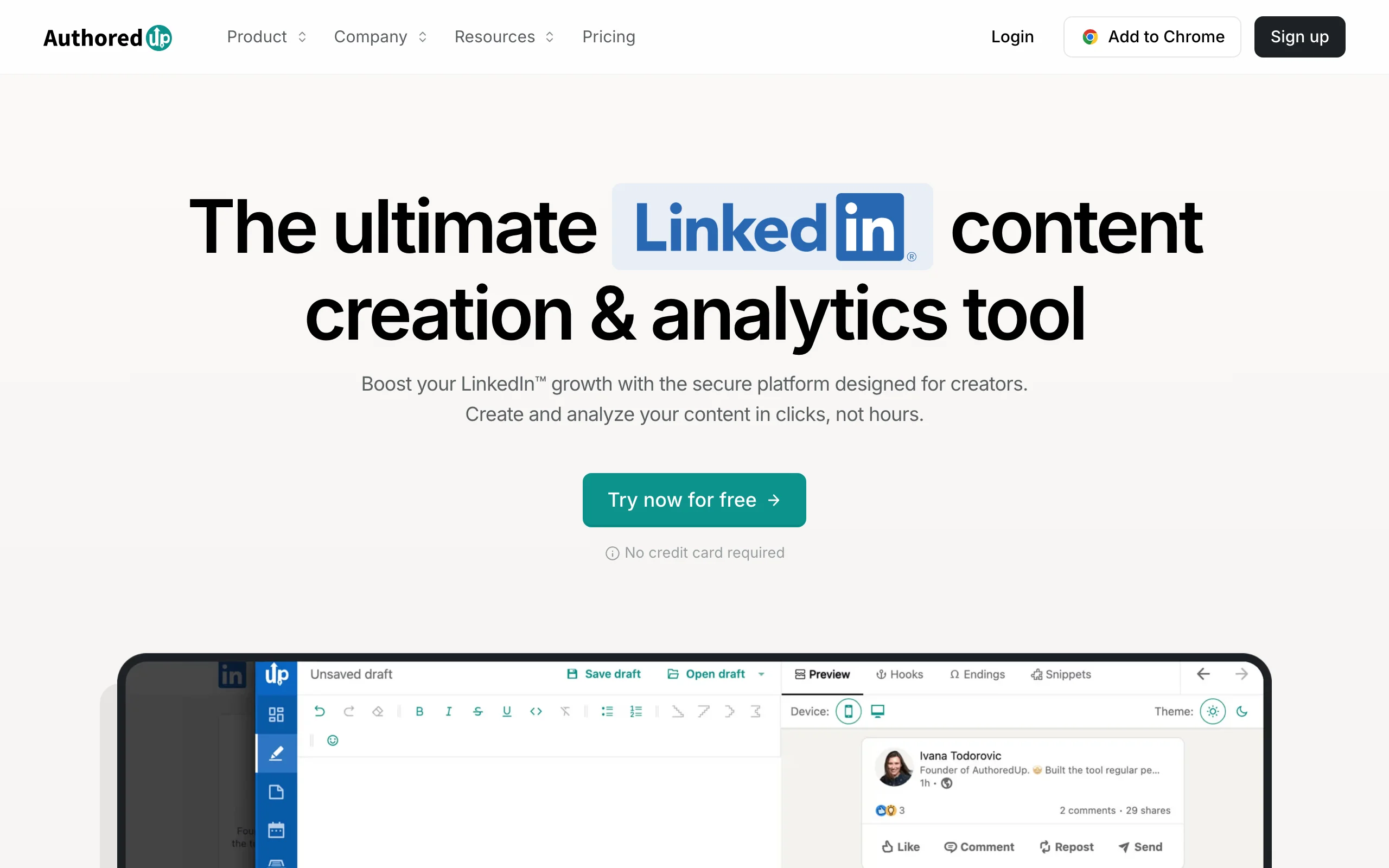
AuthoredUp is a browser extension and web app that gives you a proper writing environment for LinkedIn posts. Its core strength is the post editor: you get rich text formatting with bold, italic, and special characters that LinkedIn supports but makes difficult to apply, a draft library so you never lose work, content history across all your past posts, and analytics on how each post performed. It is a productivity tool for founders who write their own content and want more control over the process.
The editor also includes a post preview so you can see exactly how your formatting will appear on LinkedIn before you publish. The content history feature is genuinely valuable: being able to scroll through every post you have ever written, see which ones performed best, and identify patterns is a capability LinkedIn itself doesn't offer.
Key features:
- Advanced LinkedIn post editor with full formatting support (bold, italic, special characters)
- Draft management and unlimited content history
- Post preview before publishing
- Built-in analytics for your past posts
- Templates and saved snippets for recurring content elements
Best for:
- Founders who write their own posts and want a better editing experience than LinkedIn's native composer
- Creators who post frequently and need organized draft and history management
- Founders who want to audit their past content to find patterns in what works
Pricing:
- From $19.95/mo for individuals
- $14.95/user/mo on the business plan
See the ViralBrain vs AuthoredUp comparison for a deeper breakdown.
Pros:
- The formatting tools are the best available for LinkedIn and save significant time
- Content history across all past posts is a feature no other tool matches
- Flat, predictable pricing with no usage metering
Cons:
- Not an AI content generator: it helps you write and format better, but the ideas and drafts are still yours to produce
- Browser extension model means it only works when you are in the LinkedIn web interface
- Analytics are LinkedIn-post-level only, not deep audience growth tracking
Automate your LinkedIn for 30 days
5. Dripify, best for automating LinkedIn outreach and connection sequences
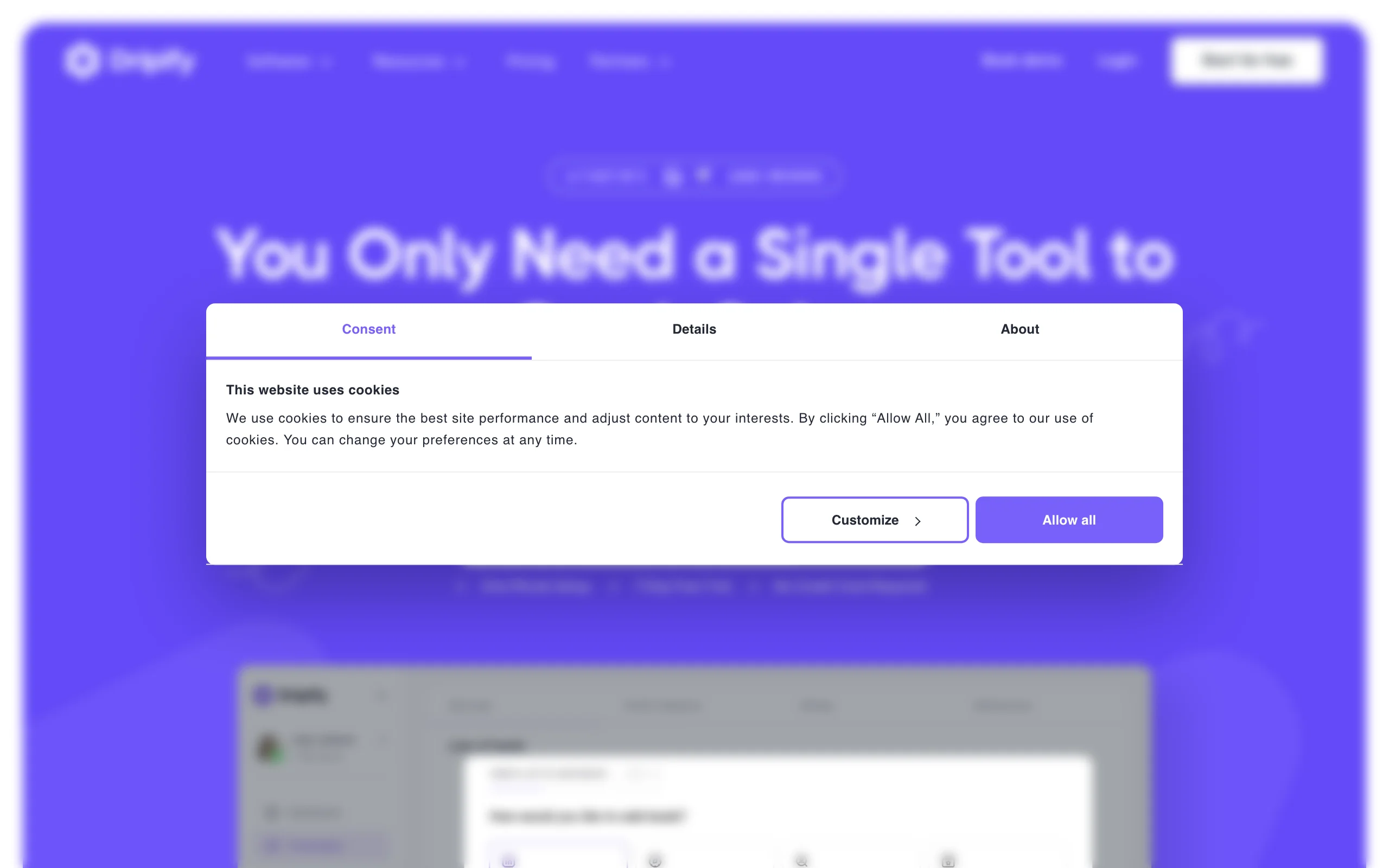
Dripify is a LinkedIn automation tool focused on connection request campaigns and outreach sequences. You define a target audience using LinkedIn search filters, build a sequence of automated actions (connect, message, follow up), and Dripify runs the campaign within LinkedIn's daily limits while you focus on other things. For founders who need to grow their network or run founder-led sales outreach, it removes the manual grind of one-by-one connection requests.
The tool includes a simple CRM for managing campaign leads, response tracking, and team collaboration features. It is not a content creation tool, and it won't help you write better posts, but for the specific job of growing your network at scale through outreach, it is one of the cleaner automation options.
Key features:
- LinkedIn connection request campaigns with custom message personalization
- Multi-step outreach sequences (connect, message, follow-up)
- Daily action limits respected automatically to reduce LinkedIn account risk
- Lead management and response tracking
- Team access for agency or sales team use
Best for:
- Founders running outbound sales through LinkedIn who need to scale connection outreach
- Founders in a network-building phase who want to reach specific industries, titles, or company sizes systematically
- Small sales teams using LinkedIn as a primary prospecting channel
Pricing:
- $39/mo Basic, $59/mo Pro, $79/mo Advanced per user (annual billing; monthly is about 33% higher)
- No permanent free plan; trial available
Pros:
- Genuinely reduces the time cost of LinkedIn prospecting for founder-led sales
- Sequence builder is straightforward and does not require technical setup
- Respects LinkedIn rate limits more carefully than older automation tools
Cons:
- Account-safety risk is real and rising: after LinkedIn's May 2026 enforcement wave, Dripify user restriction reports climbed to 27-34%, so treat any automation volume with caution
- Content-only founders with no outreach goal will find this tool irrelevant
- The CRM is functional but basic compared to dedicated sales CRM tools
6. Waalaxy, best for multi-channel LinkedIn plus email outreach
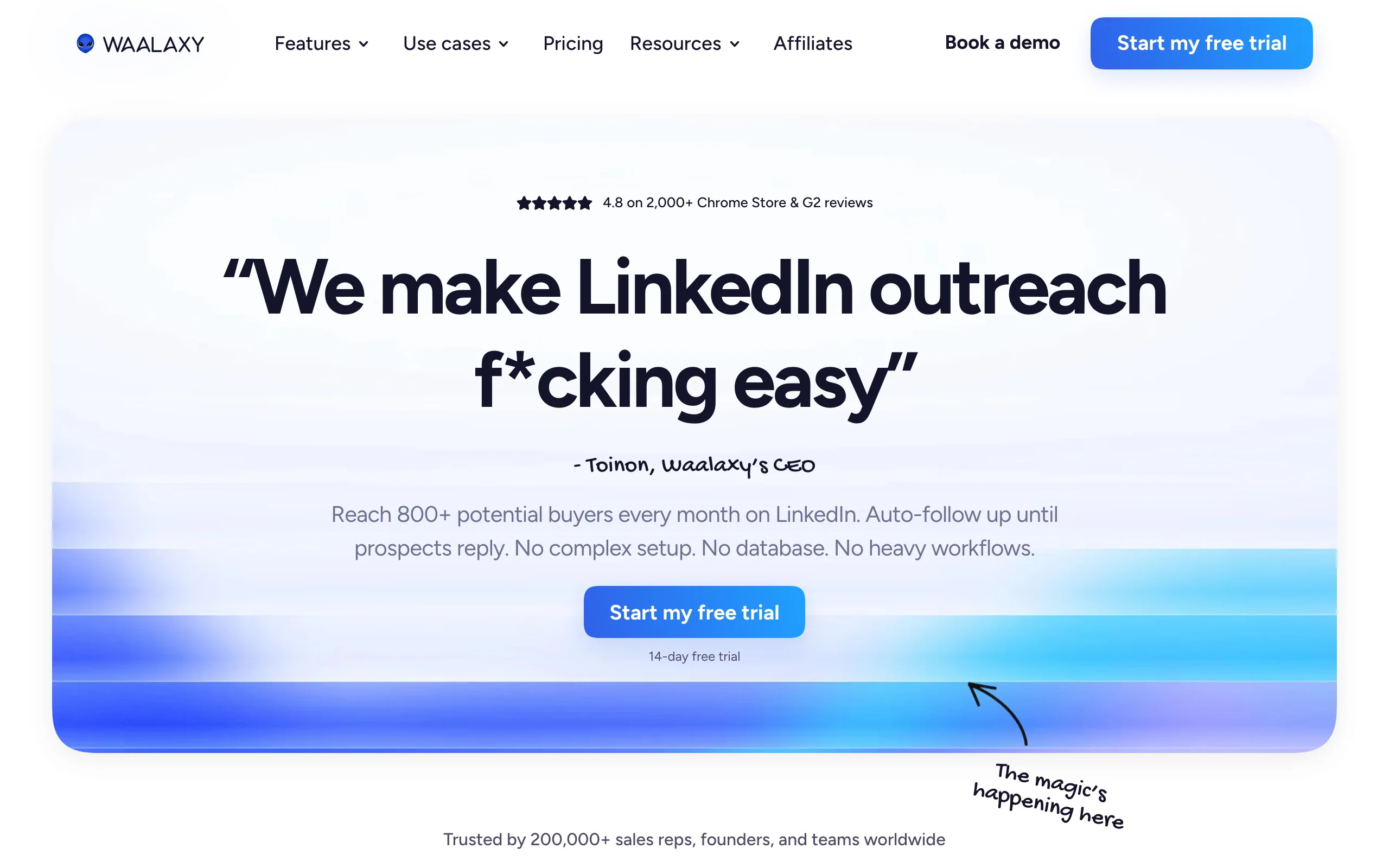
Waalaxy extends LinkedIn outreach into multi-channel sequences that combine LinkedIn connection requests, LinkedIn messages, and email follow-ups in a single automated workflow. For founder-led sales motions where prospects need multiple touches across channels before they respond, combining LinkedIn and email in one sequence rather than managing them separately is a meaningful efficiency gain.
The platform has a simple sequence builder, a free plan that covers basic LinkedIn outreach, and a template library for common founder sales scenarios. If you are running a B2B sales motion where email is part of your outreach alongside LinkedIn, Waalaxy brings both into one workflow.
Key features:
- Multi-channel sequences: LinkedIn + email in a single automated flow
- Contact import from LinkedIn search, Sales Navigator, or CSV
- Template library for outreach sequences
- A/B testing on message sequences
- Team collaboration for shared prospect lists
Best for:
- Founders running founder-led sales where both LinkedIn and email are active channels
- B2B SaaS founders doing outbound prospecting who want LinkedIn + email managed together
- Small sales teams that need structured multi-channel outreach without a heavy CRM setup
Pricing:
- Free plan available (LinkedIn-only, limited volume)
- Paid plans at €19/mo Pro, €49/mo Advanced, €69/mo Business per user
Pros:
- The LinkedIn + email combination in one tool is genuinely useful for founders doing outbound
- Free plan is functional for low-volume LinkedIn-only outreach
- Clean, intuitive interface that doesn't require sales ops expertise to configure
Cons:
- Advanced and Business tiers add up quickly once you need higher email volume and multiple seats
- Email deliverability depends on your own domain setup; Waalaxy doesn't manage this for you
- Sequence personalization is good but limited for highly customized outreach at scale
7. PhantomBuster, best for advanced LinkedIn automation and data extraction
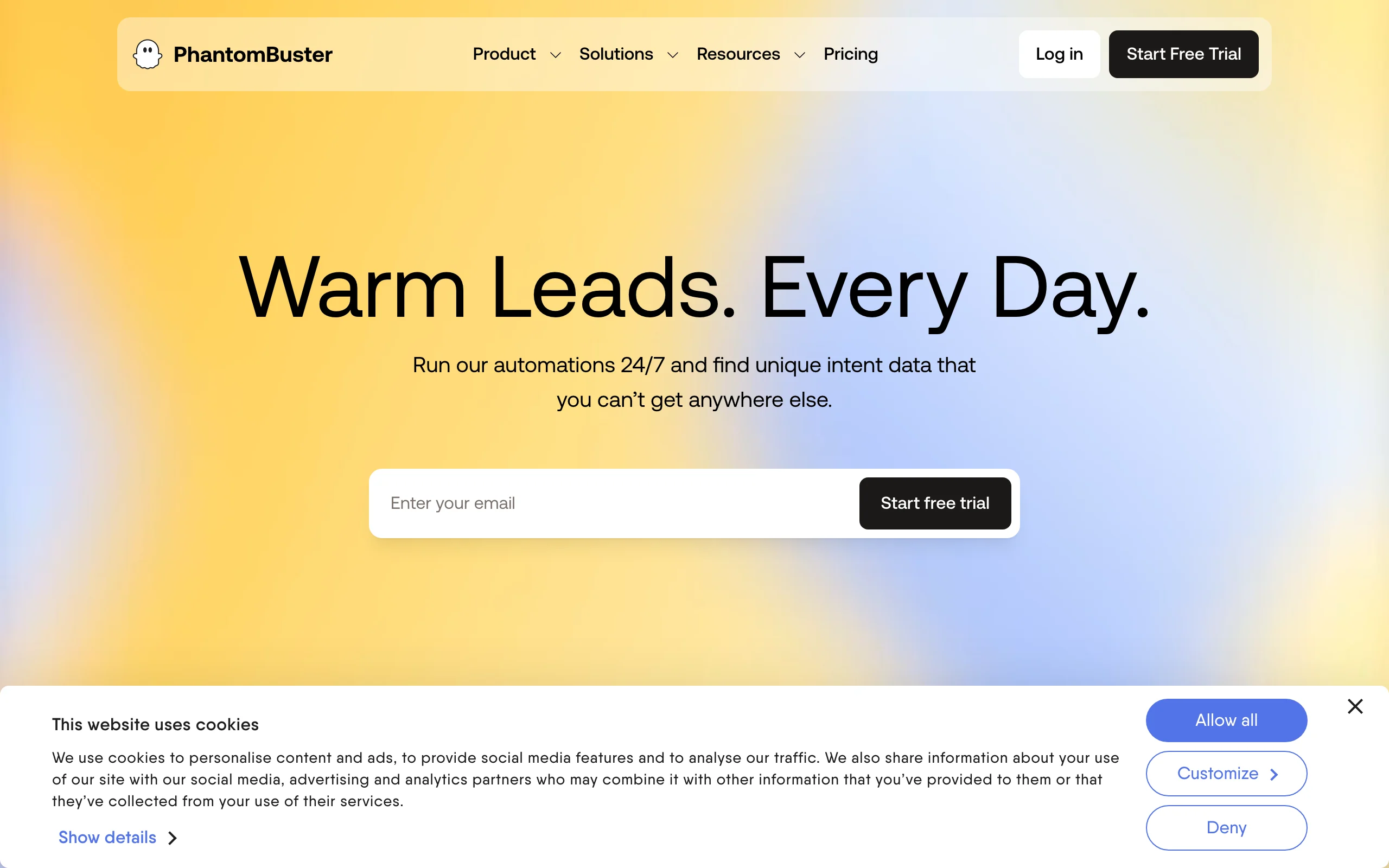
PhantomBuster is the most technically capable tool in this list. It offers a library of pre-built automation workflows called "Phantoms" that can extract LinkedIn profile data, scrape search results, auto-connect with filtered lists, send messages, and export everything to a spreadsheet or CRM. For founders or growth teams who want to build custom LinkedIn data pipelines, PhantomBuster gives you far more flexibility than any of the other tools here.
The trade-off is complexity. Setting up Phantoms requires more configuration than Dripify or Waalaxy, and getting the most out of the platform assumes some comfort with data exports, API keys, and workflow logic. For technical founders or startups with a growth team, that flexibility is the point.
Key features:
- 100+ pre-built LinkedIn automation workflows (Phantoms)
- Profile data extraction and LinkedIn search scraping
- Auto-connect and message sequences with high configurability
- Export to Google Sheets, CSV, or direct CRM integrations
- Webhook support for building custom data pipelines
Best for:
- Technical founders or growth teams who need custom LinkedIn data extraction for lead generation
- Founders building LinkedIn data into their sales stack or internal tools
- Startups running large-scale, highly configurable outreach that requires more flexibility than packaged outreach tools
Pricing:
- $69/mo Starter, $159/mo Pro, $439/mo Team
- Trial available; higher tiers add execution time and slots
Pros:
- The most flexible LinkedIn automation available for custom workflows and data extraction
- Phantom library covers almost every LinkedIn automation use case imaginable
- Integrations with CRMs, spreadsheets, and webhooks make it fit complex stacks
Cons:
- Steeper learning curve than other outreach tools; not built for non-technical users
- LinkedIn automation at high volumes carries account risk regardless of tool
- Pricing scales with usage, which can get expensive for large campaigns
How to choose the best LinkedIn tool for your needs
1) What is your primary goal: content, analytics, or outreach?
LinkedIn tools do distinct jobs. Buying the wrong category wastes budget and doesn't move the metric you care about.
- If your goal is posting consistently and building thought leadership: start with a content tool. ViralBrain is built for this. Use it alongside Scripe once you have a posting cadence worth measuring.
- If your goal is growing your network or generating pipeline: outreach tools like Dripify or Waalaxy address this directly. Content tools won't help with prospecting volume.
- If your goal is understanding why your content isn't growing your audience: Scripe gives you the data first, then you can fix the content strategy with what you learn.
2) Do you write your own content or do you need AI to draft it?
Founders fall into two camps: those who have ideas but struggle with output speed, and those who struggle with ideas entirely.
- If you have ideas but need faster execution: a voice-matched AI generator like ViralBrain will accelerate output without changing your voice. Pair it with AuthoredUp for editing and formatting control.
- If you are starting from scratch each time and find ideation hard: Taplio's content inspiration feed and AI suggestions help with ideation. PhantomBuster is irrelevant here.
Check out our LinkedIn content strategy guide and how to write a LinkedIn post for foundational strategy before investing in tools.
3) Are you doing founder-led sales on LinkedIn, or just building authority?
This is the most important budget question.
- Authority-only: you need content creation (ViralBrain) and optionally analytics (Scripe). Outreach tools are a cost you don't need yet.
- Authority plus sales: add an outreach tool (Dripify for simplicity, Waalaxy if email is also part of your motion, PhantomBuster if you need custom data pipelines). Taplio is a reasonable single-tool option if you want content and CRM together without adding more subscriptions.
4) What is your posting frequency and team size?
Solo founders posting 2-3x per week have different tool needs than a team managing a founder's LinkedIn account at 5x per week.
- Solo, lower volume: ViralBrain plus Scripe is a lean, effective stack. Run a viral score check on each post before publishing to benchmark quality. Use our free LinkedIn post preview to verify formatting.
- Solo, high volume: add AuthoredUp for draft management and formatting so posts stay polished at pace.
- Team: Taplio or PhantomBuster handle multi-user collaboration better than single-user tools. Waalaxy also supports team workflows for shared outreach lists.
Whatever your stack, check your LinkedIn engagement benchmarks after the first 30 days to see whether your content is performing above or below average for your audience size.
FAQ
What are the best LinkedIn tools for founders in 2026?
The best linkedin tools for founders depend on what you need. For content creation and thought leadership, ViralBrain and Taplio are the strongest options. For analytics, Scripe is the go-to now that it bundles LinkedIn analytics on every tier. For outreach and network growth, Dripify, Waalaxy, and PhantomBuster each serve different levels of complexity. Most founders benefit from at least one content tool and one analytics tool before adding outreach automation.
Do LinkedIn automation tools get your account banned?
LinkedIn has become stricter about automation, particularly for connection requests and mass messaging. Tools like Dripify and Waalaxy are designed to stay within LinkedIn's daily action limits to reduce risk, but no tool can guarantee zero risk. The safest approach is to use automation for connection campaigns at reasonable daily volumes (under 20-30 new connections per day) and avoid spammy message templates that trigger LinkedIn's spam filters.
Is there a free LinkedIn tool for founders?
Yes. ViralBrain has a free tier (3 heroes and 5 posts per month) plus a €1 trial, and Waalaxy has a free LinkedIn-only plan. PhantomBuster and Scripe both offer trials before you commit. Beyond paid tools, ViralBrain's free tool ecosystem includes a LinkedIn post generator, viral score checker, and viral post templates that require no account to use.
What is the difference between ViralBrain and Taplio?
ViralBrain focuses on voice-matched AI content generation using hero creator analysis to benchmark your posts against top performers in your niche. Taplio is broader: it includes AI content, scheduling, a LinkedIn CRM, and outreach sequences in one platform. ViralBrain produces higher-quality, more personalized content. Taplio is better if you need content and lead management in the same tool. See our ViralBrain vs Taplio page for a full side-by-side comparison.
Can I use LinkedIn tools to grow followers as a founder?
Yes, but the tools that drive follower growth most directly are content creation and analytics tools, not outreach tools. Posting consistently with content that gets high engagement signals to the LinkedIn algorithm to distribute your posts more widely, which drives organic follower growth. Scripe helps you measure follower growth over time. ViralBrain's hero analysis and viral score tools help you produce content with stronger reach potential. Our LinkedIn personal branding guide covers the full strategy.
Which LinkedIn tool is best for a founder who is not technical?
ViralBrain, Scripe, AuthoredUp, and Taplio all have clean interfaces designed for non-technical users. Dripify and Waalaxy require some setup but are approachable. PhantomBuster is the only tool in this list that genuinely benefits from technical comfort. If you're starting out, pick one content tool and one analytics tool and avoid automation until your content strategy is working.
Does AI-generated LinkedIn content get penalized by LinkedIn?
LinkedIn has not announced any algorithmic penalty for AI-generated content. What does get suppressed is low-engagement content, regardless of how it was written. AI content that is generic, off-topic, or clearly not in the author's voice tends to underperform because it doesn't resonate with the author's existing audience. Voice-matched tools like ViralBrain reduce this risk by generating content that aligns with your established writing patterns and audience expectations. The LinkedIn algorithm guide covers how the feed ranking actually works.
What is the best LinkedIn tool stack for a solo founder?
A lean stack: ViralBrain for content creation and voice-matched drafts, Scripe for analytics once you have 4-6 weeks of posting data, and optionally AuthoredUp if you want better formatting control and content history. That covers content, quality benchmarking, and analytics without adding outreach automation before you need it. Total cost: around €60/mo at entry-level plans.
Can I use these tools to manage LinkedIn for a founder without them being involved?
Tools like Taplio and AuthoredUp support team collaboration, and PhantomBuster supports multi-user workflows for agencies. However, LinkedIn content that performs well at the founder level almost always requires the founder's actual voice and ideas. Ghostwriting and AI tools can speed up execution, but the perspective and positioning decisions need the founder's input. ViralBrain is designed to capture and replicate a specific voice, which makes it the most useful tool for ghostwriting workflows where maintaining authenticity matters.
Automate your LinkedIn for 30 days
ViralBrain plans, writes, and schedules your LinkedIn content, using official LinkedIn APIs so your account stays safe.
- Official LinkedIn APIs, no risk of ban
- You approve every post before it goes live
- Cancel anytime
Keep reading
7 best LinkedIn marketing tools for 2026
Compare the 7 best LinkedIn marketing tools in 2026 for content, scheduling, analytics, and prospecting, with pricing, strengths, and who each fits.
6 best LinkedIn comment generators in 2026
Six LinkedIn comment generators compared, with pricing checked on each vendor's own page on 3 September 2026 and the ones that publish nothing named as such.

LinkedIn Carousel Size: 1080x1080px (Exact Specs for 2026)
The recommended LinkedIn carousel size is 1080x1080px (square) or 1080x1350px (portrait). Get the exact specs, safe zone, and PDF export limits for 2026.