

What Is Considered Viral on LinkedIn? (The Actual Numbers)
What counts as viral on LinkedIn isn't a fixed number. Here's the real engagement-rate threshold from 14,095 posts, and why it depends on your baseline.
ViralBrain Team · Published: August 16, 2026 · Updated: August 16, 2026
Automate your LinkedIn for 30 days
What is considered viral on LinkedIn?
There's no official LinkedIn definition, but in our analysis of 14,095 posts from 968 active hero creators, the top-performing 3.6% of posts hit an engagement rate of 29.17%, 6.32 times the median post. That top tier, which we call EXCEPTIONAL in our own data, is the closest thing to a real, measurable line between "did well" and "went viral." Everything below it is a spectrum, not a cliff edge.
Why there's no fixed number
LinkedIn doesn't publish a viral threshold, and it couldn't publish one that means anything the same way for every account. A post with 500 likes is unremarkable for a creator with 200,000 followers and genuinely viral for someone with 800. That's why "viral" has to be measured as a rate (engagement relative to your own audience or reach), not a raw count. Our full LinkedIn engagement rate benchmarks break down both formulas in detail; the short version is below.
The follower-based formula
(weighted engagement / your follower count) × 100
This is what we use to rank posts against each other. It's comparable across accounts of different sizes without needing access to anyone's private analytics.
The impression-based formula
(reactions + comments + shares) / impressions × 100
This is the industry-standard formula (Socialinsider, Meet Lea, and most public benchmark studies use it), and it's more accurate for judging your own posts since impressions reflect actual delivered reach. The catch: impressions are private to each creator, visible only in their own post analytics 24 hours after publishing.
The real threshold, from real data
| Tier | Engagement rate | vs baseline | Share of posts |
|---|---|---|---|
| EXCEPTIONAL (viral territory) | 29.17% | 6.32x | 3.6% |
| HIGH | 4.51% | 2.72x | 8.9% |
| AVERAGE | 1.03% | 0.55x | 52.8% |
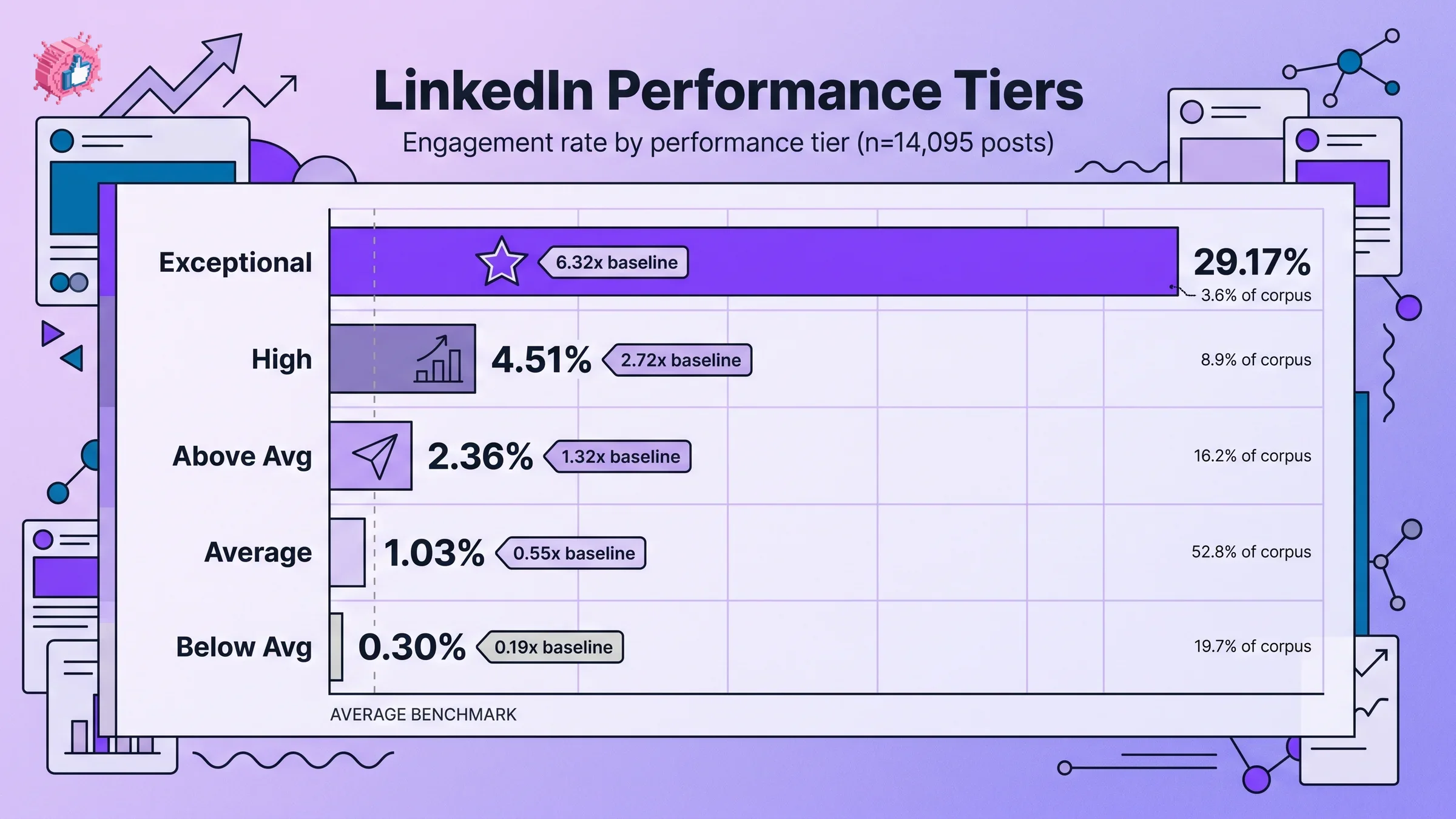
EXCEPTIONAL is the tier worth calling viral: a small number of posts, 504 out of 14,095 in our dataset, capture a share of total engagement wildly out of proportion to their count. HIGH is a genuinely good post; it just isn't the same event. The full 5-tier breakdown, including the BELOW_AVG and ABOVE_AVG tiers, is in the engagement rate benchmarks piece.
Automate your LinkedIn for 30 days
Viral vs high-performing vs trending: what's the difference?
| Term | What it actually means |
|---|---|
| Viral | Engagement rate far above your own baseline (our data puts this around 6x or higher), reaching people outside your existing network |
| High-performing | Engagement clearly above average, but still mostly reaching your existing network and their immediate connections |
| Trending | A LinkedIn-assigned label on hashtag or topic pages, based on velocity, not the same thing as an individual post going viral |
What actually happens when a post goes viral
A post crosses into viral territory when it earns enough comments and dwell time in its first hour or two that LinkedIn's distribution algorithm keeps pushing it to people who don't follow you yet. We cover the specific traits that trigger this, and three real, verified examples, in what makes LinkedIn posts go viral.
What this means for you
Don't set "viral" as your bar for every post. At 3.6% of posts in even a large, curated dataset of active creators, it's the exception, not the target. Set HIGH (roughly 3 to 5x your own baseline) as the bar you're actually trying to clear consistently, and treat EXCEPTIONAL as a bonus when a specific post's hook, timing, and format line up. You can run a draft through the viral score checker before publishing to estimate which tier it's likely to land in.
FAQ
How many likes is considered viral on LinkedIn?
There's no fixed like count, since what counts as viral depends entirely on your existing audience size. The more useful measure is engagement rate: in our data, posts reaching roughly 6 times their creator's normal engagement rate (the EXCEPTIONAL tier, 29.17% in our 14,095-post dataset) are the closest real-world threshold for "viral."
Is 1000 likes viral on LinkedIn?
It depends entirely on the account. For a creator with 5,000 followers, 1,000 likes would be an exceptional result. For a creator with 500,000 followers, it would be an unremarkable one. Judge by engagement rate relative to your own baseline, not an absolute like count.
What's the difference between viral and trending on LinkedIn?
Viral describes an individual post that reaches far beyond its creator's normal audience through high engagement. Trending is a LinkedIn platform label applied to hashtags or topics based on overall velocity across many posts and accounts, not a single post's performance.
Can a small LinkedIn account go viral?
Yes. Going viral is measured relative to your own baseline engagement rate, not your follower count, so a small account with a post that earns unusually high comments and dwell time can go viral the same way a large account can.
How long does it take for a LinkedIn post to go viral?
Most of the distribution decision happens in the first 60 to 90 minutes after publishing. LinkedIn's algorithm uses early comment and dwell-time signals from that window to decide whether to keep pushing a post beyond your immediate network.
Sources: ViralBrain: LinkedIn engagement rate benchmarks (proprietary analysis of 14,095 posts, 968 hero creators), Socialinsider LinkedIn benchmarks.
Automate your LinkedIn for 30 days
ViralBrain plans, writes, and schedules your LinkedIn content, using official LinkedIn APIs so your account stays safe.
- Official LinkedIn APIs, no risk of ban
- You approve every post before it goes live
- Cancel anytime
Keep reading
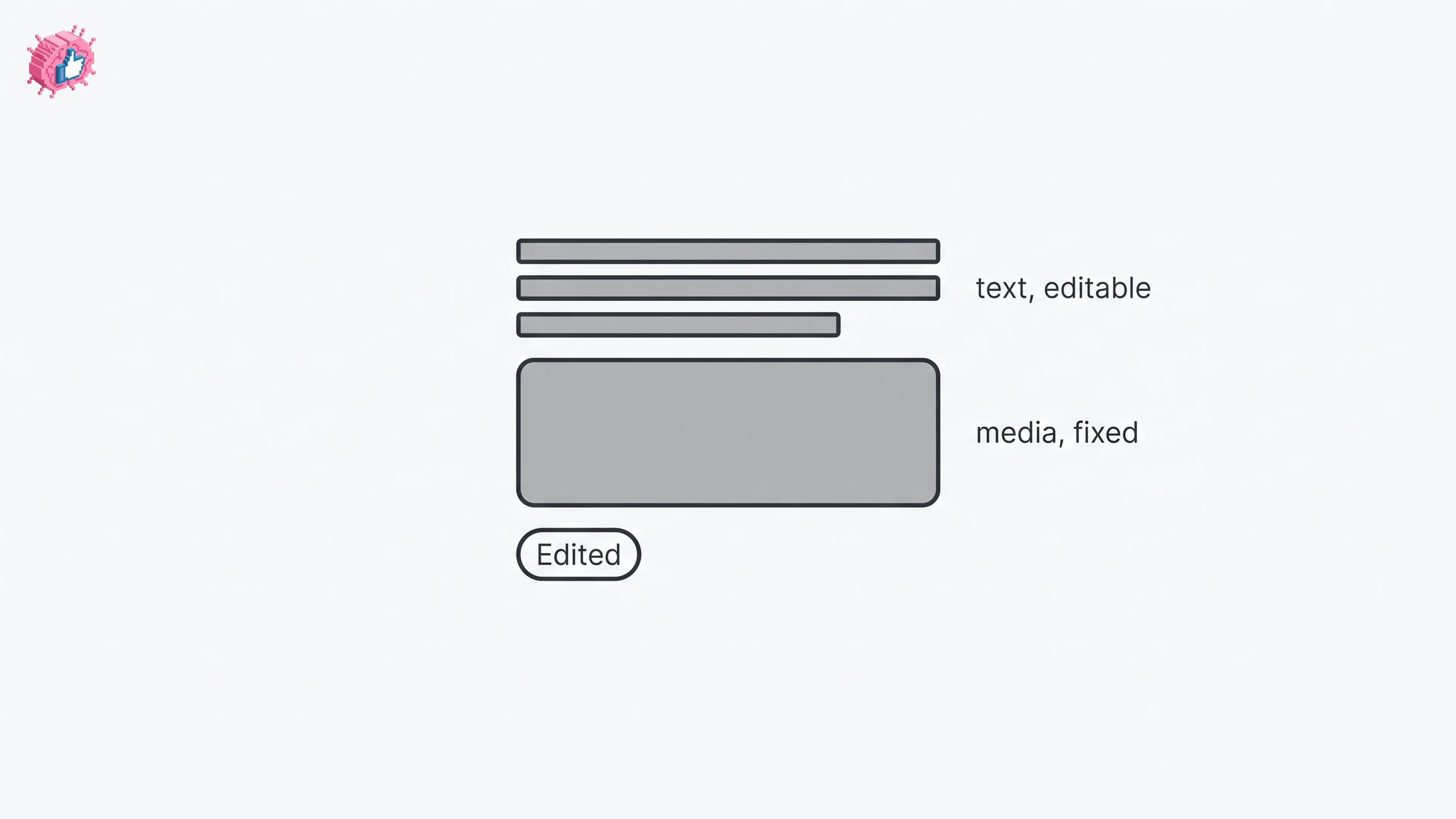
How to Edit a Post on LinkedIn: What You Can Change
Editing a LinkedIn post takes five steps, and on a post you shared only the text can change. LinkedIn's rules on media, previews, Pages and polls.
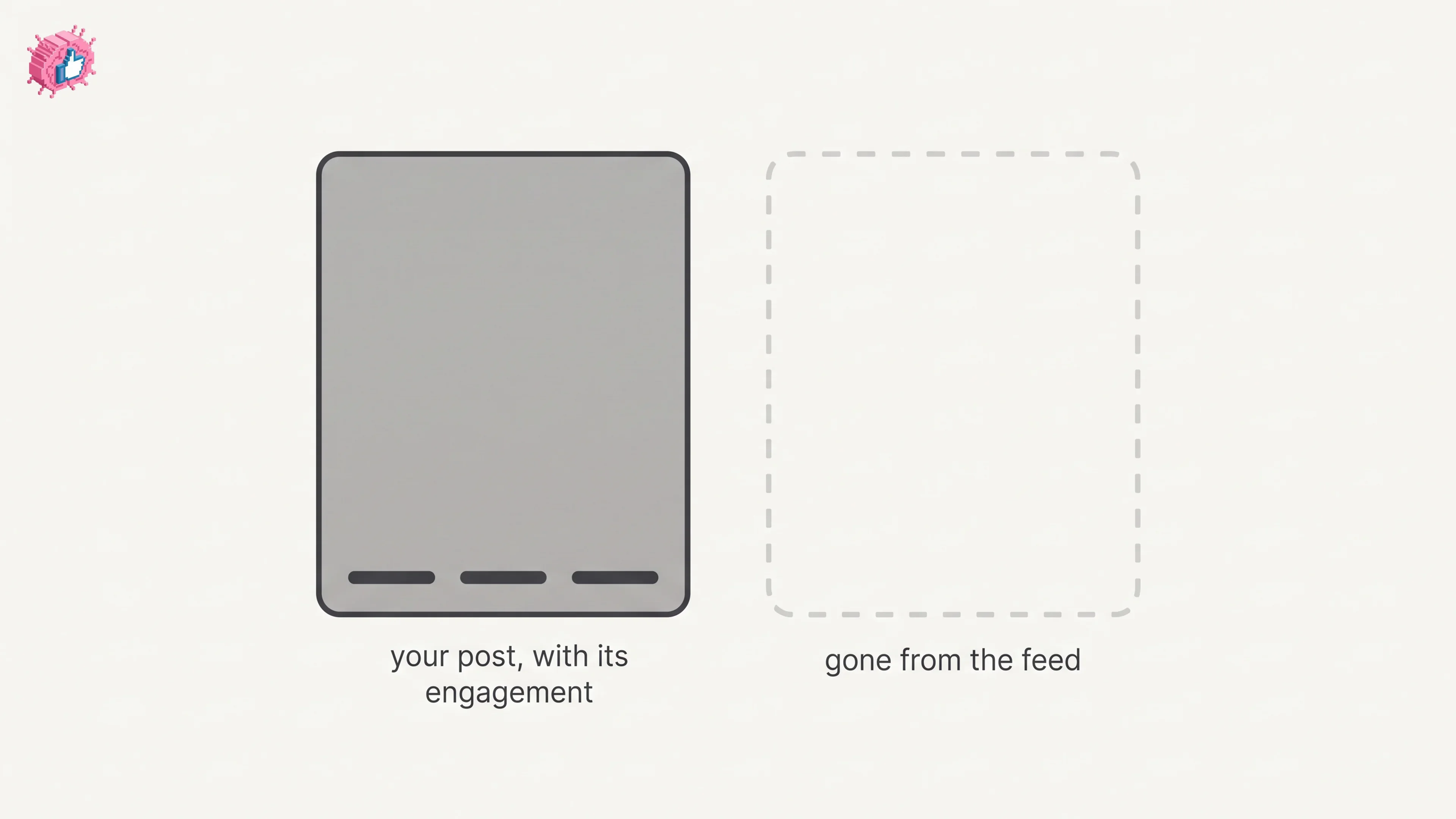
How to Delete a Post on LinkedIn (Feed, Page, Group)
The four documented steps to delete a LinkedIn post on desktop and mobile, plus Page, group, scheduled and comment deletes, and what happens to engagement
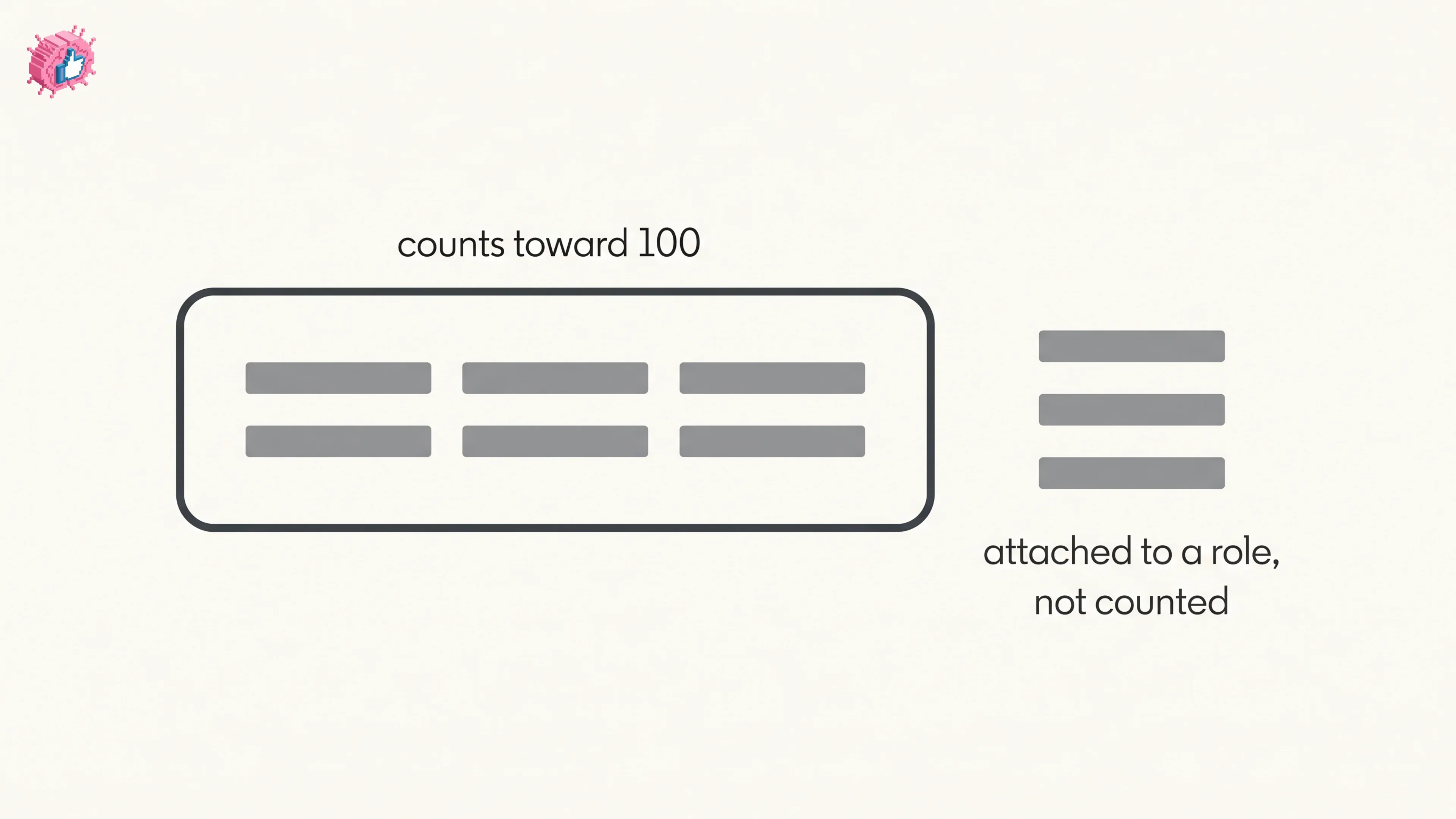
How to Add Skills on LinkedIn: Steps and Limits
How to add skills on LinkedIn on desktop and in the app, the 100 skill cap and its exemption, plus reordering, editing and removing a skill.