

Best Employee Advocacy Tools: 11 Platforms Compared 2026
Most employee advocacy tools solve distribution, not participation. We compare 11 platforms and name which ones publish no price at all.
Most employee advocacy programs do not fail because the software is bad. They fail in month three, when the content queue is full of company blog links nobody wants to attach their name to, and participation quietly drops to the same six people who were already posting anyway.
That is worth saying before comparing tools, because almost every platform on this list solves the same problem: distribution. They queue approved content, push it to employees, and measure who shared what. Very few of them address why an employee would want to share it, or help them say something in their own words.
This guide compares eleven employee advocacy tools on what they actually do, what they publish about price, and the adoption problem underneath all of them. The first seven were checked against each vendor's own pricing page on 4 September 2026, and the four added later, Oktopost, Haiilo, Clearview Social and Sprinklr, were checked the same way on 8 October 2026. Five of the eleven publish no price at all. Haiilo and Clearview Social publish advocacy prices, ViralBrain publishes its own plans, the Hootsuite and Sprout add-ons publish only the base plan they require, and Sociabble would not load for us. Where a vendor does not publish a number, this page says so rather than guessing.
Automate your LinkedIn for 30 days
Best employee advocacy tools: a quick overview
ViralBrain: Best for the content problem underneath advocacy. Helps employees write posts in their own voice instead of resharing corporate copy.
EveryoneSocial: Best for large enterprise programs. Deep permissions, strong analytics, priced accordingly.
DSMN8: Best for structured programs with clear reporting. Priced per employee and by module, on quote only.
Hootsuite Amplify: Best if you already run Hootsuite. An add-on rather than a separate purchase and login.
Sociabble: Best for combining internal comms with advocacy. Advocacy is one module of a wider employee communication platform.
GaggleAMP: Best for activity-based engagement. Assigns specific actions rather than just surfacing a content library.
Sprout Social Employee Advocacy: Best for teams already inside Sprout. Same reasoning as Hootsuite, different ecosystem.
Oktopost: Best for B2B teams that want advocacy and corporate social in one suite. Advocacy shares workflows, campaigns and reporting with the social management side.
Haiilo: Best for buying advocacy alongside an intranet. Publishes a per-seat starting price for advocacy.
Clearview Social: Best for seeing a real price before booking a demo. Publishes flat monthly plans with employee counts included.
Sprinklr: Best for enterprises already standardized on Sprinklr. Publishes no price, and has no pricing page for any product.
| Tool | Key strength | Pricing | Best for |
|---|---|---|---|
| ViralBrain | Employees write in their own voice, not resharing corporate copy | Free tier; EUR 1 trial; EUR 39/mo Pro | Teams where participation, not distribution, is the blocker |
| EveryoneSocial | Enterprise permissions, governance and analytics | No published price; quote only | Large organizations with formal programs |
| DSMN8 | Per-employee pricing scaled to headcount and modules | No published price; quote only | Mid-size programs with many occasional sharers |
| Hootsuite Amplify | Bolts onto an existing Hootsuite deployment | Add-on, price not published; Hootsuite Advanced $399/user/mo | Teams already standardized on Hootsuite |
| Sociabble | Internal communication and advocacy in one platform | Custom, quoted by deployment size | Companies solving comms and advocacy together |
| GaggleAMP | Assigns specific engagement actions, not just content | No published price; quote only | Programs needing structured participation |
| Sprout Social Advocacy | Native to Sprout's publishing and analytics | Add-on, price not published; Sprout Standard $199/seat/mo | Existing Sprout Social customers |
| Oktopost | Advocacy connected to its own social management suite | No published price; quote only, annual plans | B2B teams wanting advocacy and corporate social together |
| Haiilo | Publishes a per-seat starting price; intranet sold separately | From $15 per seat/month; Starter minimum 100 seats on the plan card, 150 users in the FAQ | Programs large enough for the Starter minimum, or comms and advocacy together |
| Clearview Social | Flat published plans with employee counts included | $425/mo Team (50 employees), $675/mo Business (100) | Teams that want a price without a sales call |
| Sprinklr | Advocacy inside a wider customer experience platform | No published price, and no pricing page at all | Existing Sprinklr customers |
ViralBrain runs a hosted MCP server, so it can be driven from inside Claude, Codex or OpenClaw and an employee drafting a post never leaves the tool they already work in. That matters more than it sounds for advocacy, because every extra login is a reason not to participate. Oktopost publishes an MCP server too, covered in its entry below. Details on the LinkedIn MCP server page.
1. ViralBrain, best for the content problem underneath advocacy
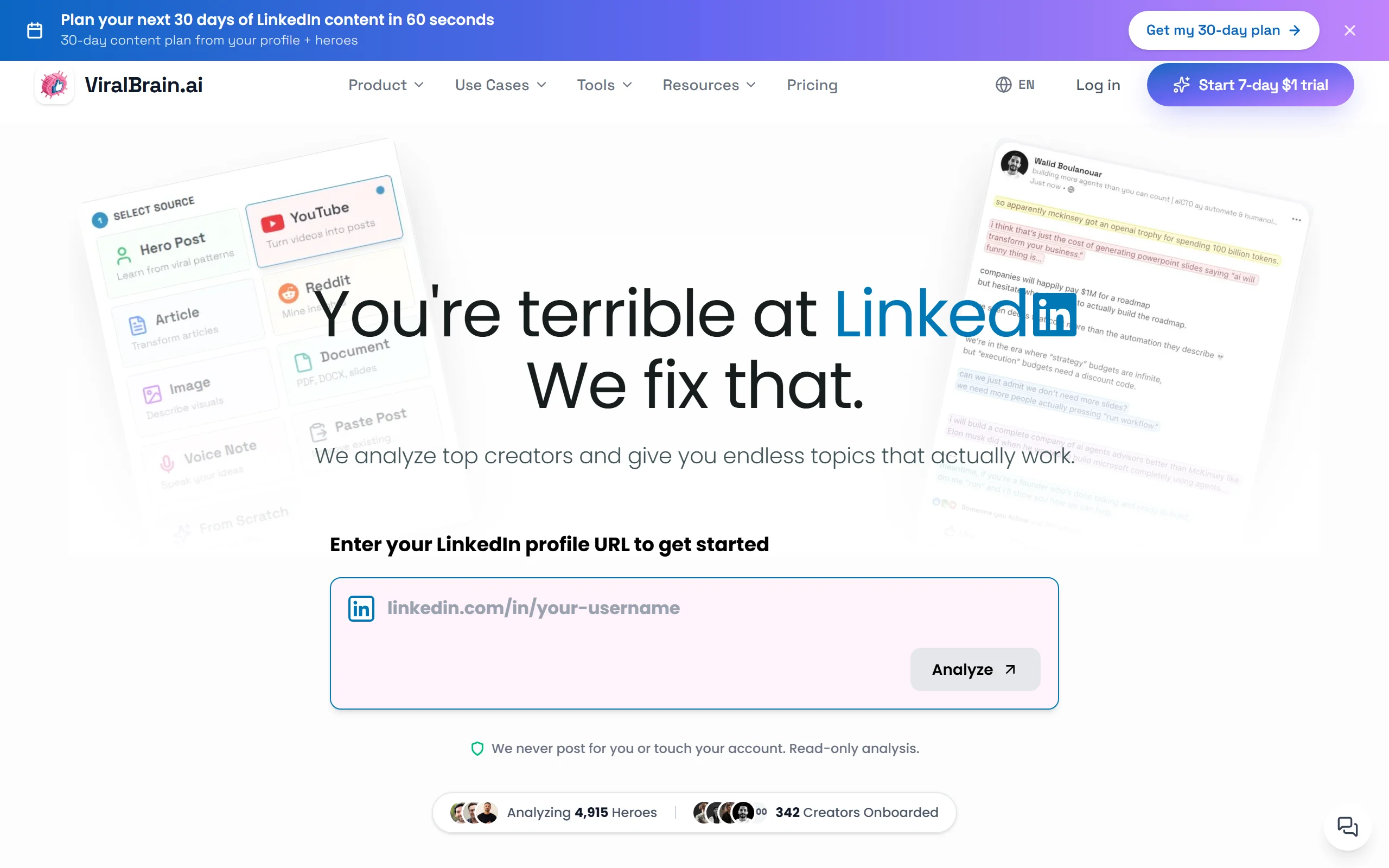
Be clear about what this is. ViralBrain is not a traditional employee advocacy platform. It has no content library for admins to fill, no leaderboards, no program-level share reporting. If your brief is "roll out advocacy to 2,000 employees with governance," one of the enterprise tools below is the right answer.
What it does solve is the reason most of those rollouts stall. Employees do not post because they do not know what to say, and resharing a company link with "great read" feels like homework. ViralBrain analyzes creators already doing well in your industry, learns each person's own writing voice, and drafts posts that sound like them rather than like marketing.
For a sales team of twelve where the real blocker is participation rather than distribution, that is a more direct fix than a content library.
Key features
- Voice matching per person, so ten employees do not publish ten near-identical posts
- Hero analysis: learns from creators already winning in your niche
- Viral scoring before publishing, so weak posts get fixed rather than discovered
- Scheduling with deliberately irregular posting minutes, so a team's posts do not look coordinated
- Hosted MCP server for drafting inside Claude or Codex
- 100+ free tools including a LinkedIn post generator and hook generator
Best for
- Sales and founder-led teams under about 50 people where participation is the blocker
- Companies whose advocacy program died because the content felt corporate
- Teams who want employees building personal brands, not amplifying a company page
Pricing
- Free tier: 3 heroes and 3 posts per month
- EUR 1 trial for full access
- EUR 39/mo Pro, EUR 69/mo Premium per person. See ViralBrain pricing
Pros
- Directly addresses why employees do not participate, which no content library fixes
- Posts sound like the individual, so they perform like personal posts rather than corporate ones
- Cheap enough to trial with a handful of people before committing
Cons
- Not a full advocacy platform. No admin content queue, no approval workflow, no program-level analytics
- Priced per person at creator-tool rates (EUR 39/mo Pro), so enrolling a thousand employees costs far more than an advocacy platform such as DSMN8, which prices from "a few dollars per employee per month"
- No compliance or governance features, which rules it out for regulated industries
2. EveryoneSocial, best for large enterprise programs
EveryoneSocial is the platform most often chosen when an advocacy program has executive sponsorship and a real budget. It handles the things that matter at scale: granular permissions, content governance, segmented distribution by team or region, and analytics detailed enough to defend the program's existence in a budget review.
The trade-off is that it is sold as an enterprise purchase. Pricing is not published, and implementation is a project rather than a signup.
Key features
- Segmented content distribution by department, region or role
- Detailed program analytics including attributed reach and engagement
- Content governance and approval workflows
- Gamification with leaderboards and recognition
- Integrations with major internal comms and HR systems
Best for
- Enterprises running formal advocacy programs with a dedicated owner
- Organizations needing reporting thorough enough for executive review
- Companies distributing different content to different regions or business units
Pricing (checked 4 September 2026)
- No published price. everyonesocial.com/pricing carries no figures and routes to a quote
- Expect an implementation period rather than self-serve onboarding
Pros
- Detailed program analytics, including attributed reach and engagement
- Governance genuinely suited to large, regulated organizations
- Mature product with a long enterprise track record
Cons
- Pricing is opaque and high enough to rule out small teams
- Solves distribution thoroughly, but participation still depends on content quality
- Implementation overhead is significant
3. DSMN8, best for structured programs with clear reporting
DSMN8 is a dedicated advocacy platform built around the reporting that structured programs need. It publishes no price. Its own FAQ says pricing "typically starts from a few dollars per employee per month, depending on the number of users and selected modules", so the cost grows with how many people you put on it and which modules you buy.
The product itself covers the expected ground well: content library, scheduling, leaderboards, analytics, and a mobile app that matters more than vendors admit, since most employees share from a phone.
Key features
- Modular pricing, priced by user count and the modules you select
- Content library with auto-scheduling
- Leaderboards and gamification
- Mobile app for sharing away from a desk
- Analytics on reach, engagement and estimated earned media value
Best for
- Mid-size programs with many occasional sharers
- Teams that want to buy specific modules rather than a full suite
- Teams wanting managed services alongside the platform
Pricing (checked 4 September 2026)
- No published price. dsmn8.com/pricing carries no figures and routes to "Get a personalized quote"
- Its own FAQ says only: "Every business is different. Pricing typically starts from a few dollars per employee per month, depending on the number of users and selected modules"
- So the model is per employee, varying with user count and modules, not a flat monthly tier
Pros
- Modular pricing, so you pay for the modules you use rather than a full suite
- Strong mobile experience
- Managed service option for teams without a program owner
Cons
- No published price at all, so you cannot budget without a sales conversation
- Content library still depends on someone producing content worth sharing
- Less recognized than EveryoneSocial in enterprise procurement
4. Hootsuite Amplify, best if you already run Hootsuite
Amplify is Hootsuite's advocacy module rather than a standalone product. If your social team already lives in Hootsuite, that is a real advantage: one vendor, one login, one invoice, and content flows from the existing publishing workflow into the advocacy feed without a separate integration.
If you do not already use Hootsuite, buying into the ecosystem for advocacy alone is an expensive route.
Key features
- Advocacy feed fed directly from Hootsuite publishing
- Shared content library with approval controls
- Analytics inside the existing Hootsuite reporting
- Mobile sharing through the Hootsuite app
- Permissions inherited from the main platform
Best for
- Teams already standardized on Hootsuite
- Organizations wanting advocacy without adding another vendor
- Social teams who want publishing and advocacy in one workflow
Pricing (checked 4 September 2026)
- Sold as an add-on, priced on request. Amplify is not mentioned on hootsuite.com/plans at all
- Requires a Hootsuite plan. Its FAQ states paid plans "start at $99 for a Standard plan, $199 for a Professional plan, and range up to $399 for an Advanced plan", all per user per month billed annually
- Enterprise pricing custom
Pros
- No new vendor, login or procurement cycle if you already use Hootsuite
- Content flows from existing publishing rather than being duplicated
- Familiar interface reduces training
Cons
- Only economical if Hootsuite is already in place
- Advocacy features are less deep than dedicated platforms like EveryoneSocial
- Per-user Hootsuite pricing gets expensive quickly
5. Sociabble, best for combining internal comms with advocacy
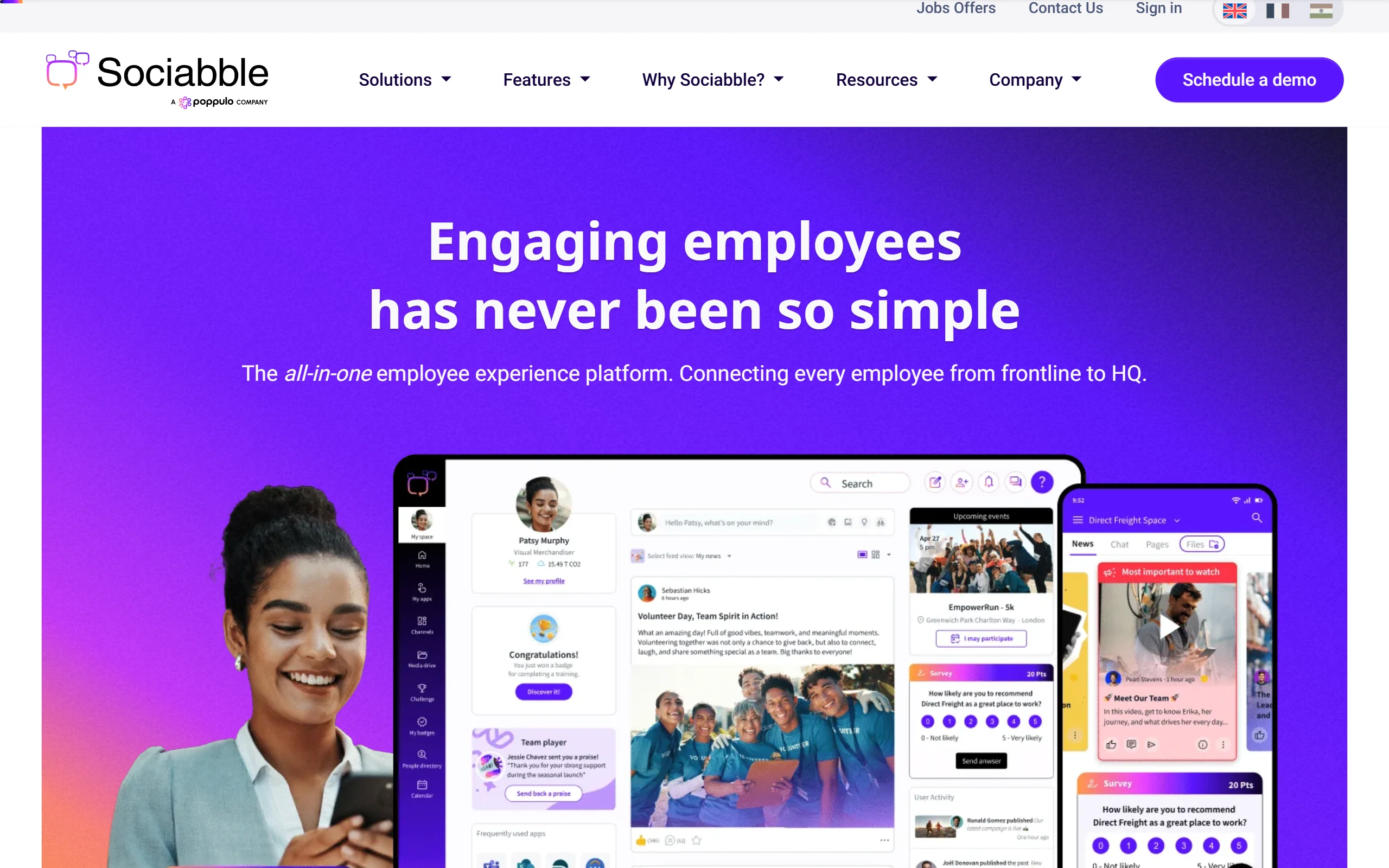
Sociabble treats advocacy as one part of employee communication rather than a standalone discipline. The platform covers internal news, engagement, recognition and social selling, with advocacy sitting alongside.
That framing is either exactly right or entirely wrong for you. If you are also solving internal comms, one platform for both is efficient. If you only need advocacy, you are buying a lot of surface area you will not use.
Key features
- Internal communication hub alongside advocacy
- Multi-channel content distribution including email and mobile
- Gamification, quizzes and recognition programs
- Multilingual support for global organizations
- Social selling features for sales teams
Best for
- Companies solving internal communication and advocacy together
- Global organizations needing multilingual content distribution
- Businesses with large deskless or frontline workforces
Pricing
- Not published, and we could not verify it directly this time: sociabble.com/pricing returned HTTP 403 to us on 4 September 2026, so treat this row as unchecked rather than confirmed
- Expect an enterprise sales process quoted by deployment size, user count and modules
Pros
- Genuinely strong for internal comms, not an afterthought
- Multilingual handling suits global rollouts
- Good fit for deskless and frontline workforces
Cons
- Overkill if advocacy is the only requirement
- Pricing opacity makes budgeting difficult
- Broader scope means less depth on advocacy analytics specifically
6. GaggleAMP, best for activity-based engagement
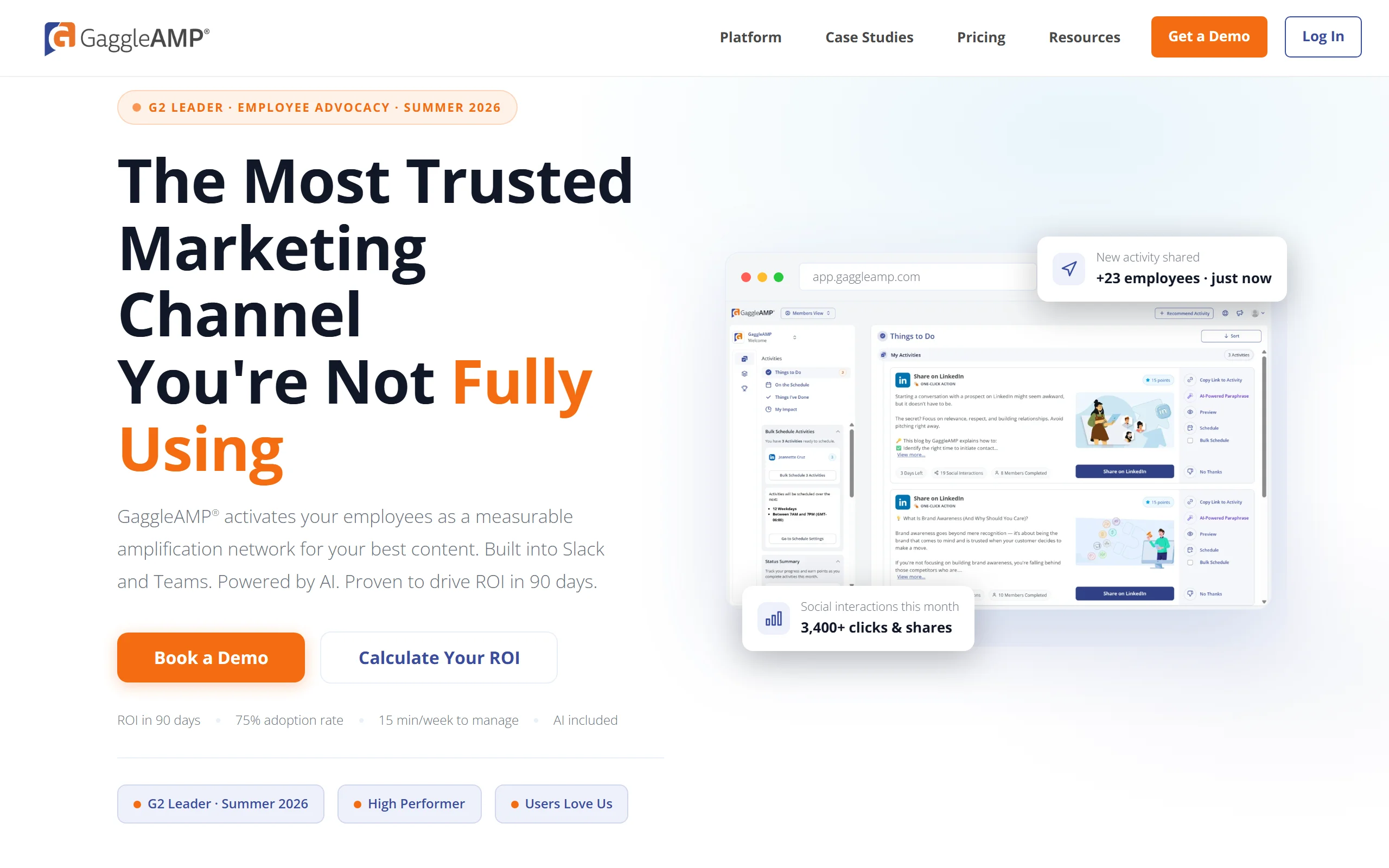
GaggleAMP takes a different angle. Rather than presenting a library and hoping people share, managers assign specific activities: comment on this post, share this with your own commentary, follow this account. Employees see a list of small tasks rather than an open-ended feed.
Whether that appeals depends entirely on your culture. Some teams find the structure removes the "what do I do here" friction. Others find assigned social activity patronizing.
Key features
- Assignable engagement activities rather than a passive content feed
- Points and leaderboards tied to completed actions
- Scheduling and content queues
- Analytics on participation rates by individual
- Integrations with Slack and Microsoft Teams
Best for
- Programs where participation needs structure rather than encouragement
- Teams comfortable with assigned social activity
- Managers who want per-person participation visibility
Pricing (checked 4 September 2026)
- No published price. gaggleamp.com/pricing carries no figures and routes to "Get a Quote"
- The page says pricing is "built around your company size" and that there are "Unlimited members in every plan"
Pros
- Unlimited members on every plan, which is unusual in a category that usually charges per seat
- Activity assignment genuinely reduces employee decision fatigue
- Strong Slack and Teams integration
Cons
- Assigned tasks feel like surveillance in some cultures, worth testing before rollout
- Encourages engagement volume, which is not the same as engagement quality
- Weaker content creation support than the positioning suggests
Automate your LinkedIn for 30 days
7. Sprout Social Employee Advocacy, best for existing Sprout customers
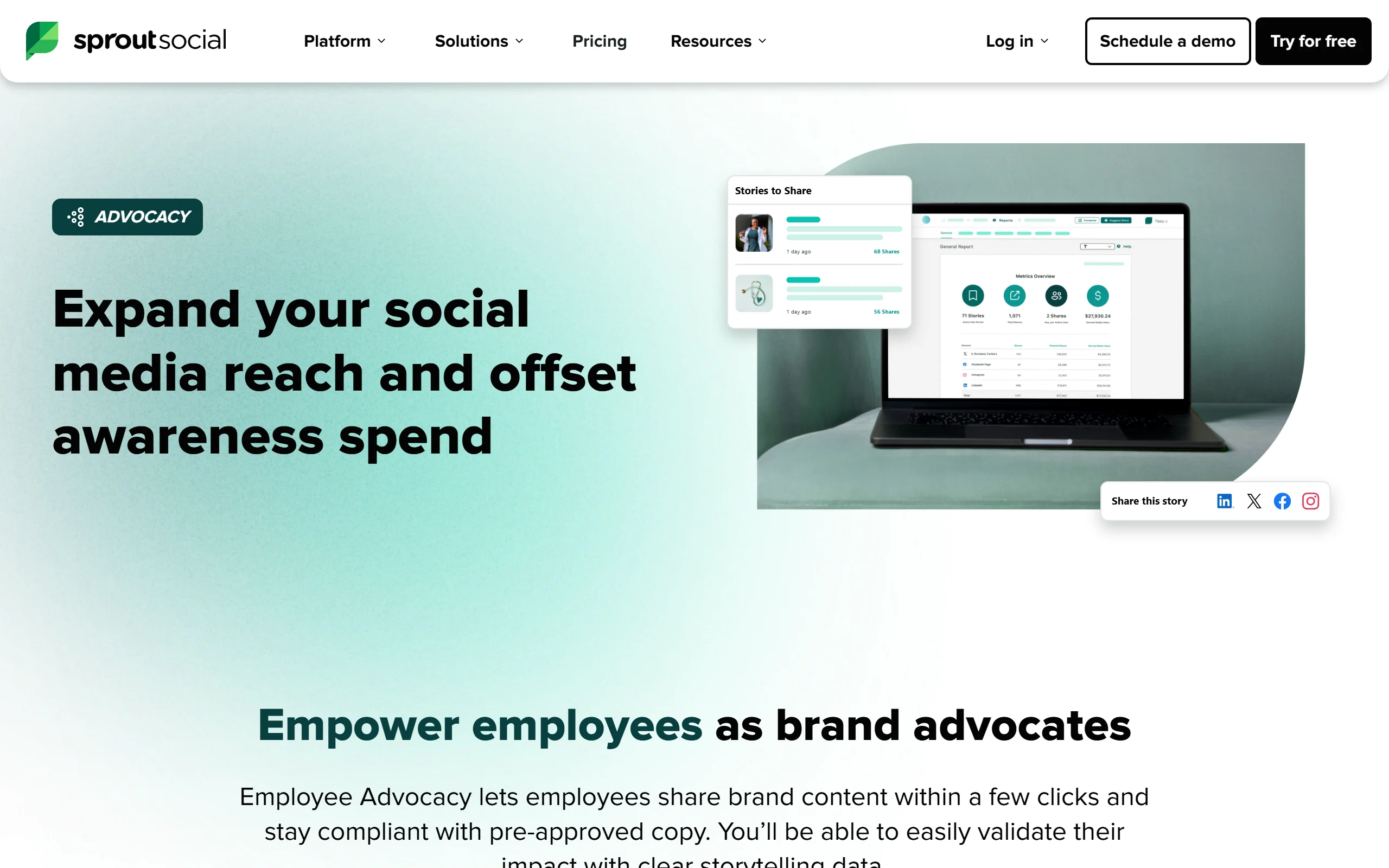
Formerly Bambu, Sprout's advocacy product follows the same logic as Hootsuite Amplify: if your team already runs social through Sprout, adding advocacy avoids a second vendor and keeps reporting in one place.
Content curated in Sprout flows into the advocacy feed, and results appear in Sprout's analytics rather than a separate dashboard.
Key features
- Curated story feed sourced from Sprout publishing
- Suggested post copy employees can edit before sharing
- Reporting inside Sprout's analytics suite
- Mobile sharing
- Team and department segmentation
Best for
- Existing Sprout Social customers
- Marketing teams wanting advocacy reporting alongside social reporting
- Companies with a curated rather than employee-generated content model
Pricing (checked 4 September 2026)
- Add-on to a Sprout Social plan, priced separately and not published
- Sprout's pricing page lists Standard at "$199 per seat/month", with Essentials at "$79 per seat/month" billed annually, Professional $299 and Advanced $399
- Sprout states the Employee Advocacy add-on is "Available on Standard plan and up" and directs you to schedule a demo rather than showing a price
Pros
- Works without extra setup if Sprout is already your social platform
- Suggested copy lowers the barrier for hesitant employees
- Unified reporting across social and advocacy
Cons
- Only makes sense with an existing Sprout subscription
- Suggested copy produces similar-sounding posts across employees
- Two separate costs, since advocacy is not included in the base plan
8. Oktopost, best for B2B teams that want advocacy in their social suite
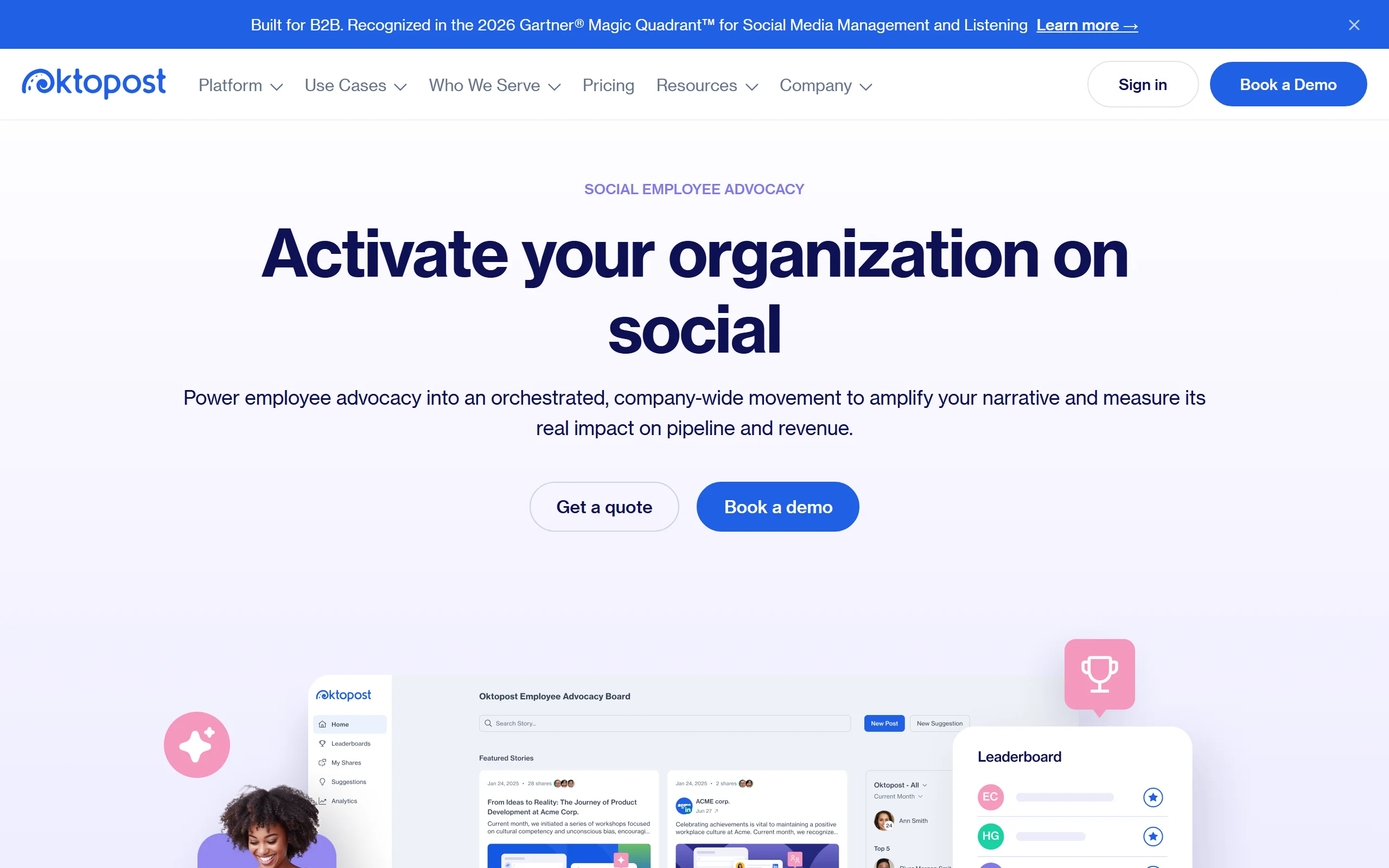
Oktopost sells advocacy as one product inside a wider B2B social platform that also covers social media management, social listening and marketing intelligence. The advocacy side is built around an Advocacy Board, where employees discover, filter, recommend and share pre-approved company content to their own profiles.
What separates it from the dedicated platforms is the link back to the rest of the suite. Oktopost describes its advocacy as connected to its own social media management platform, sharing workflows, campaigns and reporting with the corporate social side. Its Social Signals feature analyzes the social activity of leads, accounts and opportunities and passes those signals to revenue teams.
It also publishes an MCP server and a Claude plugin, which lets drafting, scheduling and campaign work happen from an AI client while approvals stay inside Oktopost.
Key features
- Advocacy Board for discovering, filtering, recommending and sharing approved content
- Content segmentation by topic, department, region and language
- Gamification with leaderboards and performance insights
- Approval workflows and banned keywords for compliance control
- Multiple boards in one account for different brands, teams or languages
- Integrations with Salesforce, Slack, Microsoft Teams and Yammer
- Mobile app, AI Assist, and an MCP server with a Claude plugin
Best for
- B2B marketing teams wanting advocacy and corporate social in one platform
- Teams that need advocacy activity tied back to CRM pipeline
- Programs running across several brands, regions or languages
Pricing (checked 8 October 2026)
- No published price. oktopost.com/pricing shows two plans, Professional and Advanced, with "Get a quote" on both and no figures anywhere
- The page states that plans are annual and that the "Final quote depends on team size and add-ons"
- Advanced adds approvals and compliance controls, SSO, provisioning and API access on top of Professional
- The pricing page lists unlimited social profiles, described as "no per-profile fees"
Pros
- Advocacy shares workflows, campaigns and reporting with the corporate social side
- CRM integration connects advocacy activity to leads, accounts and opportunities
- Governance covers approval workflows, banned keywords, and roles and permissions
Cons
- No published price, so budgeting needs a sales conversation
- Plans are annual, per its own pricing page
- Buying the wider suite for advocacy alone is more platform than the job needs
9. Haiilo, best for buying advocacy alongside an intranet
Haiilo sells two separate things: an AI-powered intranet and employee app, and an employee advocacy platform. Its pricing page prices them separately, on two tabs.
It publishes a number for advocacy, as Clearview Social does. Advocacy starts "From $15 per seat /month" on the Starter plan, which Haiilo describes as being for "teams experimenting with advocacy" and marks with a "minimum of 100 seats". The FAQ on the same pricing page gives a different figure: "Yes we have a minimum of 150 users on the starter package." The two plans above it, Scaling and Enterprise, are both listed as custom pricing.
The tiering is useful on its own, because it shows what the vendor treats as advanced. Starter covers the app, sharing and analytics. Scaling adds attribution. Enterprise adds AI, security and executive ghostwriting.
Key features
- Web and mobile app for iOS and Android, with instant social sharing
- Personal user analytics, an admin analytics suite and an email digest
- Smart Share, which Haiilo describes as algorithmically optimal timing (Scaling and up)
- Automated UTM tagging and attribution, plus LinkedIn impressions analytics (Scaling and up)
- Content import from RSS, LinkedIn and SharePoint, and custom CPC values for earned media value reporting (Scaling and up)
- White labeling, SSO, and perks and rewards including gift cards (Enterprise)
- Post on behalf, which Haiilo labels executive ghostwriting (Enterprise)
Best for
- Companies solving internal communication and advocacy with one vendor
- Programs large enough for the Starter minimum, which its pricing page gives as 100 seats on the plan card and 150 users in its FAQ
- Teams wanting earned media value reporting against their own CPC values
Pricing (checked 8 October 2026)
- Publishes a starting figure. Employee advocacy is listed "From $15 per seat /month"
- The Starter plan card says "minimum of 100 seats" and describes it as for teams experimenting with advocacy; the FAQ on the same page says "a minimum of 150 users on the starter package"
- Scaling and Enterprise are both listed as custom pricing
- The intranet is priced separately, built from its own modules and quoted on request
Pros
- Publishes a per-seat starting price, which most of the tools here do not
- Plan tiering is specific enough to see what moving up a plan actually buys
- Advocacy and intranet from one vendor when both are needed
Cons
- The Starter minimum, 100 seats on the plan card or 150 users in the FAQ, rules out small teams
- Only the entry price is published, and both higher plans are quote only
- Advocacy is one half of a wider platform, so expect surface area you may not use
10. Clearview Social, best for seeing a price before a sales call
Clearview Social publishes its prices. It lists flat monthly figures with the number of employees included in each plan, so a shortlist decision is possible without booking a demo.
Team is $425 a month, billed annually, covering one admin, three social accounts and advocacy for 50 employees. Business is $675 a month, also billed annually and marked "Most Popular", covering three admins, ten social accounts and 100 employees, and adding approval workflows, tagging, referral and campaign tracking, and branded emails. Enterprise is custom and quoted by sales.
The product is deliberately plain. Upload a list of users with their email addresses, and people start getting an email or a Slack message with approved content they can schedule in one click. Its PeakTime feature schedules posts at times its own page calls "the most strategic times of the day and week".
Key features
- Setup by uploading a list of users with their email addresses
- One-click sharing to LinkedIn, Facebook and Twitter from an email or Slack prompt
- PeakTime algorithmic auto-scheduling
- Analytics covering who sees your content, its reach and earned media value
- Approval workflows, tagging, referral and campaign tracking, and branded emails (Business and up)
- Single sign-on (Enterprise)
Best for
- Teams that want to compare real prices without booking a demo
- Programs of roughly 50 to 100 employees, which is what the published plans cover
- Marketing teams wanting setup to be a list upload rather than an implementation project
Pricing (checked 8 October 2026)
- Team: $425/mo, billed annually. One admin, three social accounts, advocacy for 50 employees
- Business: $675/mo, billed annually, marked "Most Popular". Three admins, ten social accounts, 100 employees, plus approval workflows, tagging, referral and campaign tracking, and branded emails
- Enterprise: "Custom", contact sales. Three or more admins, ten or more social accounts, "100+ Employees (tiered)", and single sign-on
- Both published plans bundle a set number of employees rather than charging per head
Pros
- Publishes flat monthly prices with employee counts included
- Setup is a list upload rather than an implementation project
- Sharing starts from an email or Slack prompt
Cons
- Both published plans are billed annually, and the pricing page shows no monthly option
- Approval workflows start at Business, and single sign-on is listed only at Enterprise
- The sharing destinations it publishes are LinkedIn, Facebook and Twitter, so check coverage if you need others
11. Sprinklr, best for enterprises already standardized on Sprinklr
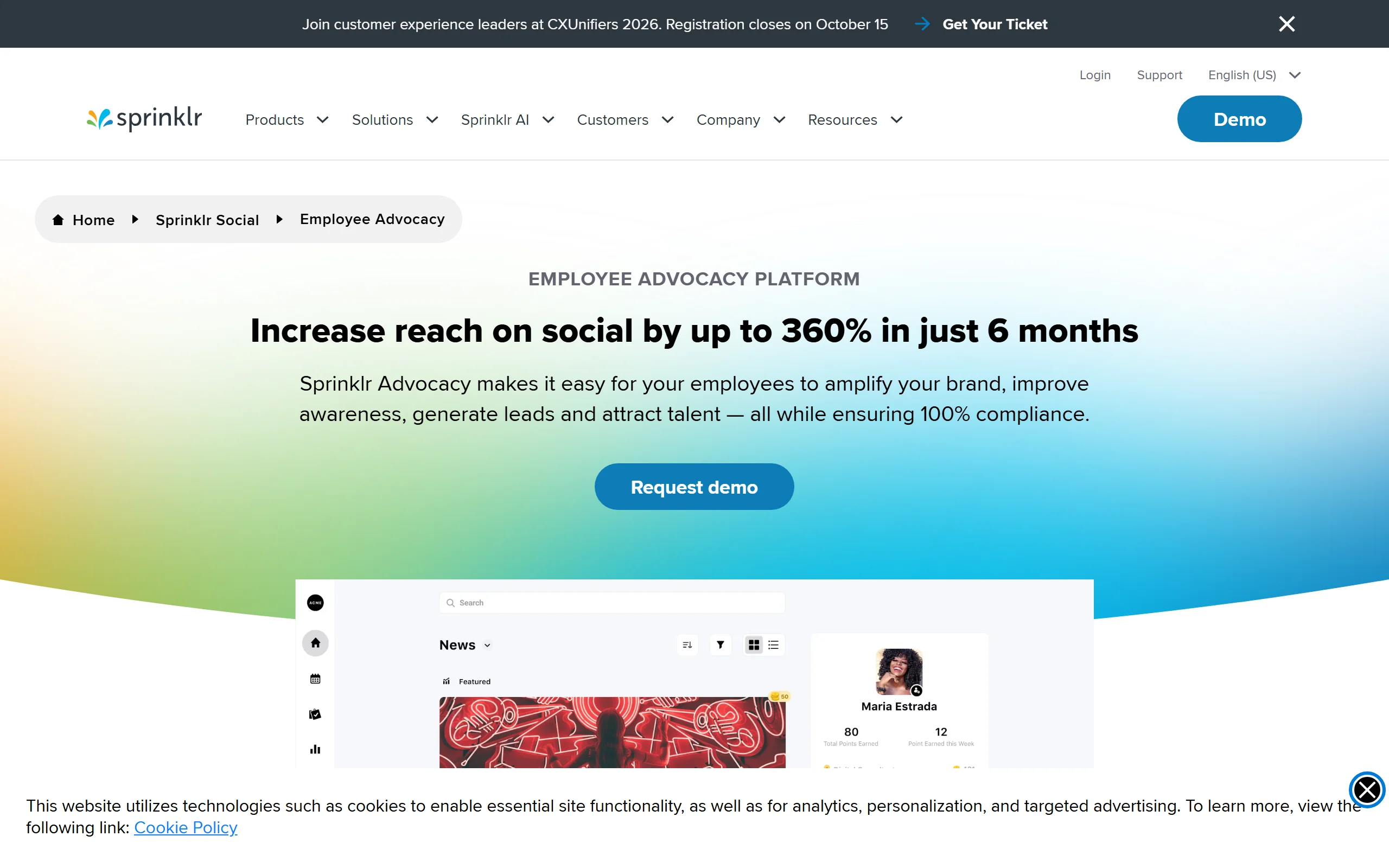
Sprinklr Advocacy is the employee advocacy product inside Sprinklr's wider platform, and it follows the same logic as Hootsuite Amplify and Sprout's advocacy feature. If a company already runs social through Sprinklr, advocacy avoids adding a vendor.
On price it publishes nothing that we could find. Its advocacy page gives no figure, and four likely pricing URLs on sprinklr.com return 404. Its own page sitemap, fetched on 8 October 2026, lists 3,523 URLs, and its one path matching "pricing" is a press release about the pricing of its initial public offering.
The product covers the expected ground. Employees get a library of approved posts, articles and whitepapers, pre-set captions and hashtags, and a content planner on desktop or mobile, with awards and badges for participation and dashboards for the program owner.
Key features
- Curated library of approved brand posts, thought leadership articles and whitepapers
- Pre-set captions and hashtags, with a content planner on desktop and mobile
- Awards and badges for posts, likes, shares and comments
- Approval workflows for creating and publishing advocacy content
- Out-of-the-box and custom dashboards for engagement and participation
- Integrations with Microsoft Teams, SharePoint, Slack, Yammer, HubSpot, Salesforce and Cisco Webex
Best for
- Enterprises already running social through Sprinklr
- Global programs wanting advocacy alongside the rest of a large platform
- Teams recruiting through employee networks as well as marketing through them
Pricing (checked 8 October 2026)
- No published price. The employee advocacy page carries no figures and routes to "Request demo"
- There is no pricing page for any Sprinklr product. Its own page sitemap, fetched 8 October 2026, lists 3,523 URLs and contains no product pricing page
- Expect an enterprise sales process rather than self-serve onboarding
Pros
- One vendor if Sprinklr already runs the social program
- Integrates with workplace tools it names, including Microsoft Teams, Slack and SharePoint
- Participation incentives and approval controls are both built in
Cons
- Publishes no price at all, and has no pricing page to check against
- Only makes sense with an existing Sprinklr footprint
- Advocacy is a small part of a large platform, so evaluate its depth specifically
How to choose the best employee advocacy tool for your needs
1) Is your problem distribution or participation?
This is the question that decides everything, and most buyers skip it.
- If you have willing employees and no system: a distribution platform is the right purchase. EveryoneSocial, DSMN8 or Sociabble all solve this properly.
- If you have a system nobody uses: another content library will not help. The blocker is that employees do not want to publish what is in it. Fix the content and the voice first.
An honest test: how many people shared something last month without being reminded? If that number is under a fifth of your enrolled users, you have a participation problem, and buying more distribution software will not move it.
2) How many employees, and how active?
- Under 50, mostly active: ViralBrain (priced per person) or GaggleAMP (priced by company size, unlimited members).
- Hundreds, mostly occasional: ask every vendor how it counts users before comparing quotes. DSMN8 prices per employee and by module, and GaggleAMP says every plan has unlimited members, so a large, lightly active roster is exactly where quotes diverge.
- Thousands with governance requirements: EveryoneSocial or Sociabble, and budget for implementation.
3) Do you already use Hootsuite or Sprout?
- If yes: price their advocacy add-on first. One vendor is worth real money in procurement and training time.
- If no: do not buy into either ecosystem for advocacy alone. Compare the dedicated platforms first.
4) Personal brands or company amplification?
- If you want reach: curated resharing works, and any distribution tool delivers it.
- If you want employees building credibility in their market: they need to sound like themselves, which curated copy actively prevents. Our personal brand versus company page breakdown covers why individual posts outperform corporate ones, and the LinkedIn personal branding guide covers how employees build one without it becoming a second job.
Whatever you shortlist, run a real pilot with ten employees for a month before signing anything annual. Measure the percentage who post unprompted in week four, not week one. Almost every program looks healthy in week one. Our LinkedIn content strategy guide covers building a cadence that survives past the launch enthusiasm.
FAQ
What are employee advocacy tools?
Employee advocacy tools help organizations get employees sharing company-related content on their own social accounts, usually LinkedIn. Most provide a curated content library, scheduling, and analytics on who shared what and how much reach it earned.
How much do employee advocacy platforms cost?
Mostly you cannot find out without asking, though Haiilo and Clearview Social do publish advocacy prices. Checked on 4 September 2026, three of the first seven publish no price: DSMN8, GaggleAMP and EveryoneSocial all route to a quote. A fourth, Sociabble, we could not check at all, because its pricing page would not load for us. Checked on 8 October 2026, Oktopost publishes no figure either, and neither does Sprinklr, which has no pricing page for any of its products. Their figures: Clearview Social lists Team at $425/mo for 50 employees and Business at $675/mo for 100, both billed annually, and Haiilo lists employee advocacy "From $15 per seat /month" on its Starter plan, with a minimum its pricing page gives as both 100 seats and 150 users. DSMN8 will say only that pricing "typically starts from a few dollars per employee per month". The two add-ons require a subscription you can price: Sprout Standard is "$199 per seat/month" and Hootsuite's Advanced plan is $399 per user per month, but neither publishes the advocacy add-on itself. Treat any specific figure you read elsewhere for this category as unsourced unless the article says which vendor page it came from.
Why do employee advocacy programs fail?
Usually participation, not tooling. Programs launch with enthusiasm, then decline once employees realize the content is corporate marketing they would not post under their own name. Programs that survive give employees something genuinely worth sharing, or help them write it themselves.
Is employee advocacy still effective on LinkedIn in 2026?
Yes, and structurally more so than company pages. LinkedIn's distribution consistently favors individual accounts over company pages, so the same message reaches further from an employee profile. Our LinkedIn algorithm guide covers how that distribution actually works, and you can sanity-check your team's numbers against LinkedIn engagement benchmarks before deciding whether a program is underperforming.
What is the difference between employee advocacy and social selling?
Advocacy is broad: employees amplify company content to extend reach. Social selling is narrower and sales-specific: individuals build relationships with prospects through their own content and engagement. Several tools here do both, but the metrics that matter differ.
Do employees need separate licenses for advocacy tools?
It depends on how each vendor counts people, and the models differ more than the question suggests. DSMN8 prices per employee, from "a few dollars per employee per month, depending on the number of users and selected modules". GaggleAMP says every plan has "Unlimited members" and prices by company size. Hootsuite Amplify and Sprout's advocacy feature are add-ons to per-user and per-seat plans, and neither publishes the add-on price, so ask each vendor whether every advocate needs a license. ViralBrain is priced per person. Haiilo and Clearview Social, which both publish advocacy prices, differ again: Clearview Social bundles a set number of employees into a flat monthly plan, 50 on Team and 100 on Business, while Haiilo charges per seat from $15 a month, with a Starter minimum of 100 seats on its plan card and 150 users in its FAQ. For a wide program where most employees share only occasionally, the price per head decides it: a few dollars per employee suits enrolling a large roster, while a per-person price at creator-tool level, like ViralBrain's EUR 39 a month, suits the smaller group who actually write.
Can small teams run employee advocacy without enterprise software?
Yes, and often better. Under about twenty people, the enterprise tooling is overhead. What matters is that each person has something worth posting and the confidence to write it, which is a content problem rather than a software one.
Which employee advocacy tool is best for LinkedIn specifically?
Not every vendor page read for this guide names LinkedIn: Sprinklr's advocacy page names no network at all, so confirm it with any tool you shortlist. Beyond that, the difference is depth. Dedicated advocacy platforms treat LinkedIn as a distribution endpoint, while LinkedIn-native tools understand hooks, formatting and reach. If LinkedIn is the only channel that matters to you, weight that heavily.
Automate your LinkedIn for 30 days
ViralBrain plans, writes, and schedules your LinkedIn content, using official LinkedIn APIs so your account stays safe.
- Official LinkedIn APIs, no risk of ban
- You approve every post before it goes live
- Cancel anytime
Keep reading
How to Change Your Profile Picture on LinkedIn
How to add, change and remove your LinkedIn profile photo on desktop, in the app and in a mobile browser, plus who can see it and the file specs.
How to Hide Active Status on LinkedIn
How to hide your LinkedIn active status: the Manage active status setting, its three documented options on desktop and in the app, and what you give up.
How to Log Out of LinkedIn on Desktop and in the App
How to log out of LinkedIn on desktop, on iOS and on Android, how to sign out of other sessions or all devices, and what Keep me logged in changes.