

How to Add a Phone Number to LinkedIn
How to add a phone number to your LinkedIn account and to your profile Contact info, on desktop and in the app, plus who can see it and how to remove it.
LinkedIn keeps phone numbers in two separate places that do two different jobs, and adding one in the first place does not put it in the second.
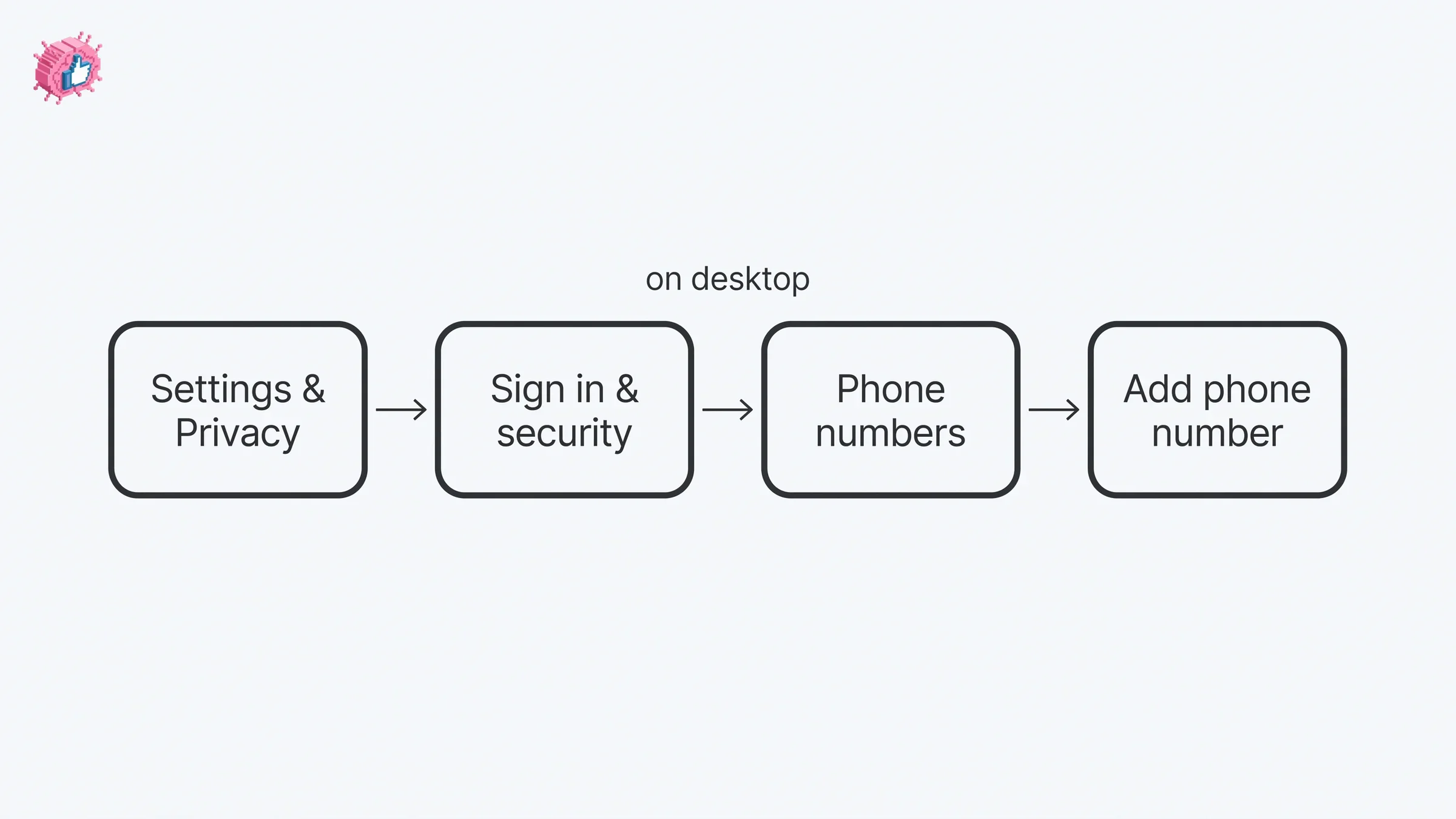
A phone number on your account lives in Settings & Privacy, under Sign in & security, then Phone numbers under Account access. It is there for sign-in and account recovery, and LinkedIn attaches a note to that screen: "Mobile phone numbers added here won't be displayed on your LinkedIn profile."
A phone number on your profile lives in the Contact info section of your introduction section, alongside your email address, your websites and your profile URL. LinkedIn states the relationship between the two directly: "Your phone number won't appear on your profile unless you add it to the Contact Info section on your profile."
Its page on verifying a phone number puts the same thing as a sequence: "Once you confirm your phone number, the phone number used to authenticate the account will not be visible by default. You can separately choose to display it in the Contact Info section of your profile."
The steps and rules below come from LinkedIn Help pages fetched for this guide, quoted where the exact wording decides the answer, and labeled by the platform tab LinkedIn publishes them under. Where those pages do not document something, this guide says so instead of filling it in.
Automate your LinkedIn for 30 days
The two places LinkedIn keeps a phone number
| On your account | On your profile | |
|---|---|---|
| Where it sits | Phone numbers under Account access, in Sign in & security | The Contact info section of your introduction section |
| What LinkedIn says it is for | Keeping your account secure, recovering it, resetting your password | Contact and personal information you choose to display |
| Shown on your profile | No, "won't be displayed on your LinkedIn profile" | Yes, that is what the section is |
| Who can see it | Not documented as visible to other members | "only visible to your 1st-degree connections" |
| Verification | A code by SMS, and the number "must be verified before it can be used to reset your account password" | Not documented on the pages read for this guide |
| Platform tabs LinkedIn publishes | Desktop and Mobile | Desktop steps plus a Mobile steps section, and Desktop, iOS and Android on the screen reader page |
| A type label | Not documented on the pages read for this guide | Phone type: home, work, or mobile |
Both are covered below, account first, because that is the one the Add phone number control belongs to.
How to add a phone number to your LinkedIn account on desktop
LinkedIn publishes these under its Desktop tab.
- Click the Me icon at the top of your LinkedIn homepage.
- Select Settings & Privacy from the dropdown.
- Select Sign in & security on the left rail and click Phone numbers under Account access.
- Click Add phone number and enter the verification code sent to your primary email address.
- Select the appropriate country from the dropdown, and enter your phone number in the New phone number field.
- Click Send code. This will send a verification code to your mobile device via SMS (text message) to confirm that you own this number.
- Click Done.
- On the next screen that appears, enter the verification code you received on your mobile device and click Confirm.
There are two codes in that list, not one. The first goes to your email, not to your phone: step 4 asks for a code "sent to your primary email address" before the phone step begins. The second, at step 8, is the SMS one.
LinkedIn adds its usual hedge inside the list: "You may be asked to enter your password for security reasons. You may also be asked to enter a verification code sent to your email address or to approve the change through your LinkedIn mobile app." If the SMS does not arrive, the confirm step offers two controls: Resend code, or Call me with the code "to have the code read out to you via a phone call."
One more line sits at the end of the desktop list: "Your mobile phone number must be verified before it can be used to reset your account password."
How to add a phone number to your LinkedIn account in the app
LinkedIn publishes these under its Mobile tab, as one list rather than separate iOS and Android tabs.
- Tap your profile photo.
- Tap Settings & Privacy.
- Tap Sign in & security.
- Tap Phone numbers under Account access.
- Tap Add phone number and enter the verification code sent to your primary email address or your phone number.
- Select the appropriate country from the dropdown, and enter your phone number in the New phone number field.
- Tap Send code. This will send a verification code to your mobile device via SMS (text message) to confirm that you own this number.
- Tap Done.
- On the next screen that appears, enter the verification code you received on your mobile device and tap Confirm.
Step 5 differs from its desktop counterpart, step 4, by one phrase. The Desktop tab names a code "sent to your primary email address", while the Mobile tab names one "sent to your primary email address or your phone number". The verification requirement appears on this tab too, as a note rather than a list item: "Your mobile phone number must be verified before it can be used to reset your account password."
If your primary email address is the thing standing between you and that first code, how to change your email address on LinkedIn covers adding and confirming a new one, and the order LinkedIn requires.
Choosing which number resets your password
LinkedIn enables your first number for this automatically: "We recommend adding at least one mobile phone number to your account as a way to reset your password in case you are locked out of your account. When you add your first mobile number, we'll automatically enable it for this purpose."
Changing which number does that job is a separate control, and it is a checkbox on one platform and a toggle on the other.
On desktop: "Select the checkbox Use for password reset below one of the existing phone numbers listed. Only one mobile phone number at a time can be used for sign-in problems."
In the app: "Toggle Use for resetting password to the right, below the existing phone number listed. You must enter your LinkedIn password to continue with this change. Only one mobile phone number at a time can be used for sign-in problems."
The control is named differently on each tab, Use for password reset on desktop and Use for resetting password in the app, and the mobile tab is the one that states the password requirement outright rather than as a possibility.
How to remove or change a phone number on your account
Removal is documented on both tabs, with different controls.
On desktop: "Click Remove to the right of the existing phone number listed."
In the app: "Tap the Cancel icon in the top right of the box containing the existing phone number."
Both carry the same hedge afterward: "You may be asked to enter your password for security reasons. You may also be asked to enter a verification code sent to your email address or to approve the change through your LinkedIn app."
There is one documented blocker, for a number that is also used for two-factor authentication: "You may not be able to remove a phone number if it's been used to establish two-factor authentication for your account. You'll have to disable two-factor authentication before you can remove the phone number from your account."
Editing a saved account number is not documented on the pages read for this guide. What those pages give is adding a number and removing one, so the documented way to replace a number is to add the new one, verify it, and remove the old one. That is also the shape of the flow LinkedIn publishes for accounts that have a phone number and no email address, covered further down, where the extra step is Make primary.
| Action | Desktop | In the app |
|---|---|---|
| Add a number | Add phone number, then Send code, then Confirm | Same controls, one extra phrase at the first code step |
| Verify it | SMS code, with Resend code or Call me with the code | SMS code, with Resend code or Call me with the code |
| Pick the password reset number | Checkbox, Use for password reset | Toggle, Use for resetting password |
| Remove a number | Remove to the right of it | The Cancel icon in the top right of its box |
| Edit a saved number | Not documented on the pages read for this guide | Not documented on the pages read for this guide |
How to add a phone number to your LinkedIn profile
This is the other place, and it is a different screen with a different purpose. The route runs through your profile rather than through settings: on desktop, the Me icon, View Profile, Contact info in your introduction section, then the Edit icon in the pop-up. On mobile, LinkedIn's Contact info page, which has no platform tabs, gives its Mobile steps as tapping your profile photo, then "Tap your profile photo again to access your profile", then the More icon next to Add section in your introduction section, then selecting Contact info and tapping the Edit icon.
That same form is where website links and your Profile URL live, and how to add a website to LinkedIn walks the Contact info route in full, including the second route LinkedIn publishes to the same pop-up. LinkedIn notes that clicking your Profile URL inside it "will redirect you to the Public profile settings page", which how to find and share your LinkedIn URL covers.
Once the form is open, LinkedIn's description of what you can do in it is broad: you "enter, edit or delete your information", then Save. So a phone number in Contact info can be changed in place, which is the difference from the account screen above.
LinkedIn's screen reader page names the two phone fields in that form, and it splits into Desktop, iOS and Android tabs that agree on both of them:
- Phone number, a field you type into.
- Phone type, a dropdown, and this page names the options outright: "To select whether your phone number is your home, work, or mobile number".
A formatting note appears once, on that page's Desktop tab: "We recommend that you use the internationally compatible format, starting the number with a plus sign (+) and your country code." It is a recommendation rather than a validation rule, and the pages read for this guide do not say what happens if you type the number another way.
Automate your LinkedIn for 30 days
Who can see the phone number on your profile
Your 1st-degree connections, per the page LinkedIn writes about profile visibility: "Contact and personal information that you've provided in the Contact Info section of your profile is only visible to your 1st-degree connections."
Two other pages describe the same section more loosely, and they word it differently from each other. The Contact info page says: "Some of your information is only visible to your connections, while the rest of it is visible to other members on LinkedIn." The page on editing that section says: "Some of your details are only visible to your connections, while the rest of your details are visible to people in your network." Neither of those two sentences names which field falls on which side.
The same paragraph of the visibility page goes on to name exceptions, and these two sentences do not name a phone number: "People you've emailed before and who've added you to their LinkedIn contacts can see your email address. Other information that could be used to contact you, such as your webpage, blog URL or Twitter handle, may be visible to all members." The second sentence keeps its own hedge, may, and its "such as" gives examples rather than a complete list.
There is also a setting for who can view your email address, which LinkedIn names on the editing page: "You can choose what contact information you provide and who can view your email from your Settings & Privacy page." The pages read for this guide do not describe an equivalent per-field setting for a phone number.
If the question underneath this is who can reach you rather than who can see the number, that is a different control: LinkedIn Open Profile governs who can message you without a connection, and it is a Premium setting rather than a Contact info field.
What LinkedIn says it uses your phone number for
LinkedIn publishes a page for this, and it lists five uses. The bold lead-in on each bullet below is LinkedIn's own wording. What follows it is quoted where it sits inside quotation marks and paraphrased where it does not:
- To help secure your account if we detect suspicious activity. If you add your number to enable two-factor authentication, LinkedIn sends an authentication code to your phone when it detects an unusual sign-in attempt.
- To prevent abuse. If LinkedIn suspects potential abuse, it can ask for your phone number "as an additional authentication method to prove you're a real person".
- To help you reset your password. "When you add a mobile phone number to your account, we'll automatically enable it for this purpose."
- To help others find you. "If someone uploads their address book and your phone number is included, we may suggest them as a connection. Other permitted services may also look up your profile using your email address or phone number."
- To verify your identity. "In limited instances, we may use your phone number to support your request to verify your LinkedIn profile."
That page closes with the separation this guide opened on, plus a cost caveat: "Your phone number won't appear on your profile unless you add it to the Contact Info section on your profile. Carrier charges may apply. Contact your phone provider for details."
The identity verification use connects to profile verification: how to get verified on LinkedIn covers which route applies where, including the one that asks for a personal phone number registered in a named set of countries.
Phone numbers and two-factor authentication
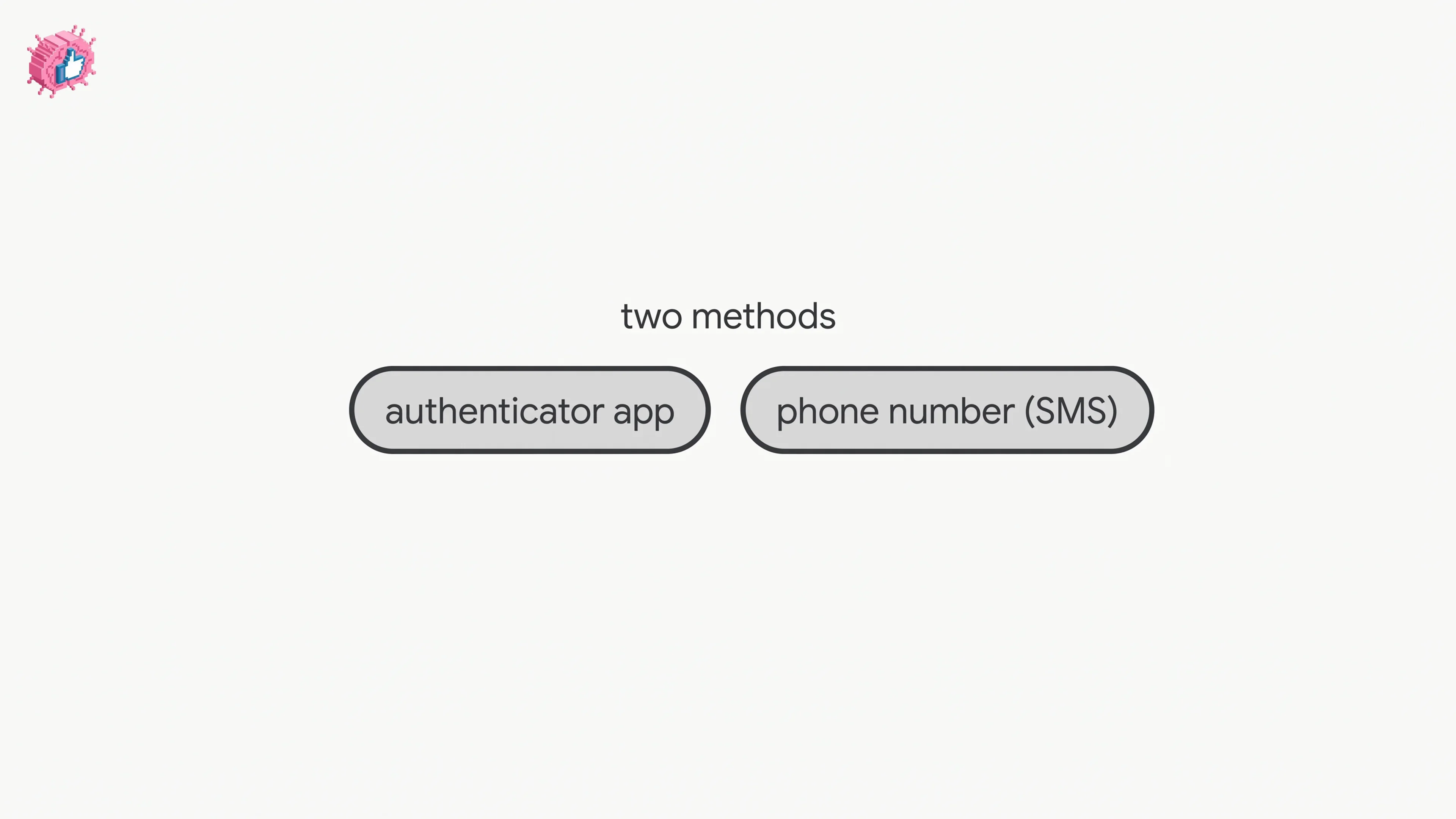
Two-factor authentication is one of the documented reasons to put a number on your account, and LinkedIn offers two methods: an Authenticator App, or Phone Number (SMS).
For the SMS method, LinkedIn repeats the profile separation in its own words on that page: "The phone number you enter to turn on two-factor authentication won't appear on your LinkedIn profile."
It also states the prerequisite: "If you choose SMS authentication, you'll have to use a mobile phone number associated with your LinkedIn account before you can complete the two-factor authentication."
That page is tabbed Desktop and Mobile, and the route is the same shape on both: Settings & Privacy, then Sign in & security, then Two-factor authentication. One cost line travels with the SMS method, hedged: "Carrier charges may apply."
If your account has a phone number and no email address
LinkedIn publishes a separate page for this case, and it is the one place in the pages read for this guide where an account phone number gets a Make primary control, the way email addresses do.
Its opening sets the scope: "If you're a member who only has a phone number associated with your account (and no email address), and you have a new phone number, you can add your new number to your account. You should also remove the old number from your account."
That page is tabbed Desktop, iOS and Android, and the desktop list differs from the other two:
- Desktop routes you through Sign in & security in the left rail, then "Under the Account access section, click Change next to Phone numbers." It then runs through Add phone number, the country, the number, Send code, the code and Confirm, then Make primary, then Remove next to your old number.
- iOS and Android both start from your profile picture, then Settings, then Sign in & security, then Phone numbers. Both name the send control Send Verification Code rather than Send code, and both add a step the desktop list does not have: "Enter your LinkedIn account password to continue with this change." Both end with Make primary, then "Next to your old number, tap X to remove it."
The page closes with a recommendation rather than a rule: "If you have an email address, we highly suggest that you add your email address to your LinkedIn account to avoid losing access for any reason."
Does adding a phone number notify your network
Adding one to your account is a settings change rather than a profile edit, and the pages read for this guide do not describe any notification for it.
For the Contact info version, LinkedIn's page on editing the introduction section carries this note: "Your network won't be notified when you make changes to the introduction section on your profile." Its Desktop tab lists Contact info among the fields in that section. That note does not name a phone number specifically.
The broader toggle is a different control again. Updating LinkedIn without notifying your network covers Share profile updates, which LinkedIn documents as covering job changes, education changes, and work anniversaries. A contact info edit is not named in that list.
If this is one edit in a longer session on your profile, the LinkedIn profile optimization checklist covers other sections, and the per-feature guides are indexed in LinkedIn features explained.
Sources: LinkedIn Help, Add and remove mobile phone numbers from your account, Add and Remove Mobile Phone Numbers for Accounts with No Associated Email, How LinkedIn uses your phone number, Verify your phone number on LinkedIn, Contact Info Section of Your Profile, Edit the Contact Info Section of Your Profile, Edit your contact info with screen reader support, What People Can See on Your Profile, Edit the Introduction section on your profile, Turn two-factor authentication on and off, Share profile updates.
FAQ
How do I add a phone number to LinkedIn?
It depends which one you mean. For your account, click the Me icon, select Settings & Privacy, select Sign in & security and click Phone numbers under Account access, click Add phone number, enter the code sent to your primary email address, pick your country, type the number, click Send code, click Done, then enter the SMS code and click Confirm. For your profile, open Contact info in your introduction section, click the Edit icon, and fill in the Phone number field.
How do I add a phone number to my LinkedIn profile so people can see it?
Through Contact info, not through settings. LinkedIn states: "Your phone number won't appear on your profile unless you add it to the Contact Info section on your profile." The account screen carries the matching note: "Mobile phone numbers added here won't be displayed on your LinkedIn profile."
How do I add a mobile number to LinkedIn in the app?
Tap your profile photo, tap Settings & Privacy, tap Sign in & security, tap Phone numbers under Account access, tap Add phone number and enter the verification code sent to your primary email address or your phone number, select your country, type the number, tap Send code, tap Done, then enter the SMS code and tap Confirm.
Who can see my phone number on LinkedIn?
Your 1st-degree connections, for the one in Contact info. LinkedIn states: "Contact and personal information that you've provided in the Contact Info section of your profile is only visible to your 1st-degree connections." A number added on the account screen is documented as not displayed on your profile.
How do I change the phone number on my LinkedIn account?
Editing a saved account number is not documented on the pages read for this guide. What they document is adding a number and removing one, so the documented route is to add the new number, verify it by SMS, and then remove the old one. On the separate page for accounts with no email address, the equivalent flow adds a Make primary step before the removal.
How do I remove a phone number from LinkedIn?
On desktop, "Click Remove to the right of the existing phone number listed." In the app, "Tap the Cancel icon in the top right of the box containing the existing phone number." LinkedIn adds that you may be asked for your password or a verification code, and that "You may not be able to remove a phone number if it's been used to establish two-factor authentication for your account."
What are the LinkedIn phone type options?
Home, work, or mobile. LinkedIn's screen reader page names them on its Desktop, iOS and Android tabs, in the instruction "To select whether your phone number is your home, work, or mobile number".
How should I format my phone number on LinkedIn?
LinkedIn recommends one format on the Desktop tab of its screen reader page: "We recommend that you use the internationally compatible format, starting the number with a plus sign (+) and your country code." The pages read for this guide do not say what happens if you enter it another way.
Why does LinkedIn want my phone number?
It publishes five uses: securing your account if it detects suspicious activity, preventing abuse by confirming you are a real person, helping you reset your password, helping others find you when your number is in an uploaded address book, and, "in limited instances", supporting a request to verify your profile.
Does adding a phone number to my account put it on my profile?
No. The account screen's note reads: "Mobile phone numbers added here won't be displayed on your LinkedIn profile." The two-factor page says the same of the number you use there: it "won't appear on your LinkedIn profile." Displaying a number is a separate edit in Contact info.
Automate your LinkedIn for 30 days
ViralBrain plans, writes, and schedules your LinkedIn content, using official LinkedIn APIs so your account stays safe.
- Official LinkedIn APIs, no risk of ban
- You approve every post before it goes live
- Cancel anytime
Keep reading
LinkedIn Two Step Verification: How to Turn It On and Off
LinkedIn documents it as two-factor authentication. How to turn it on and off on desktop and in the app, the two methods, and what to do if locked out.
How to Log Out of LinkedIn on Desktop and in the App
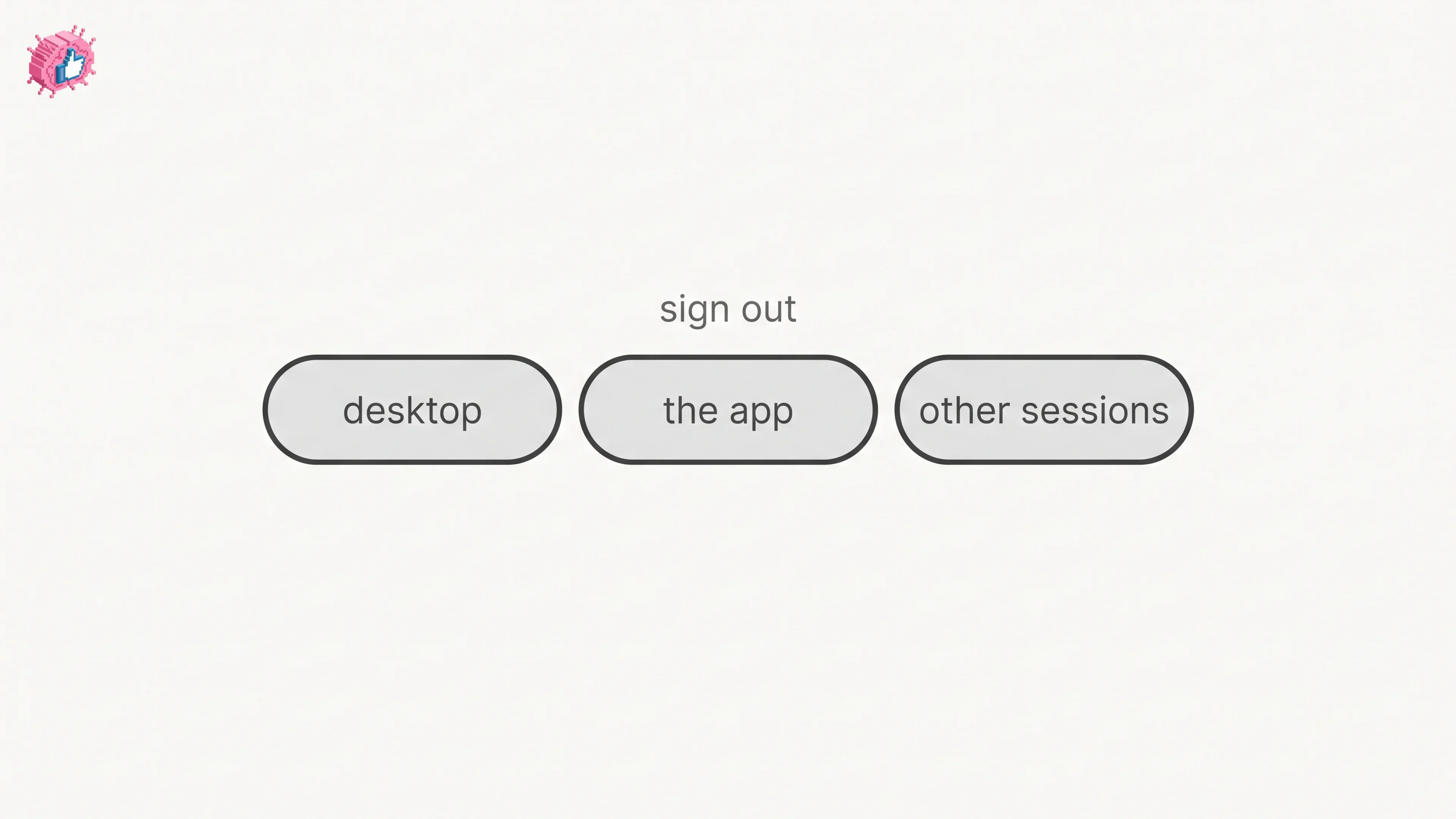
How to log out of LinkedIn on desktop, on iOS and on Android, how to sign out of other sessions or all devices, and what Keep me logged in changes.
How to Change Your LinkedIn Password
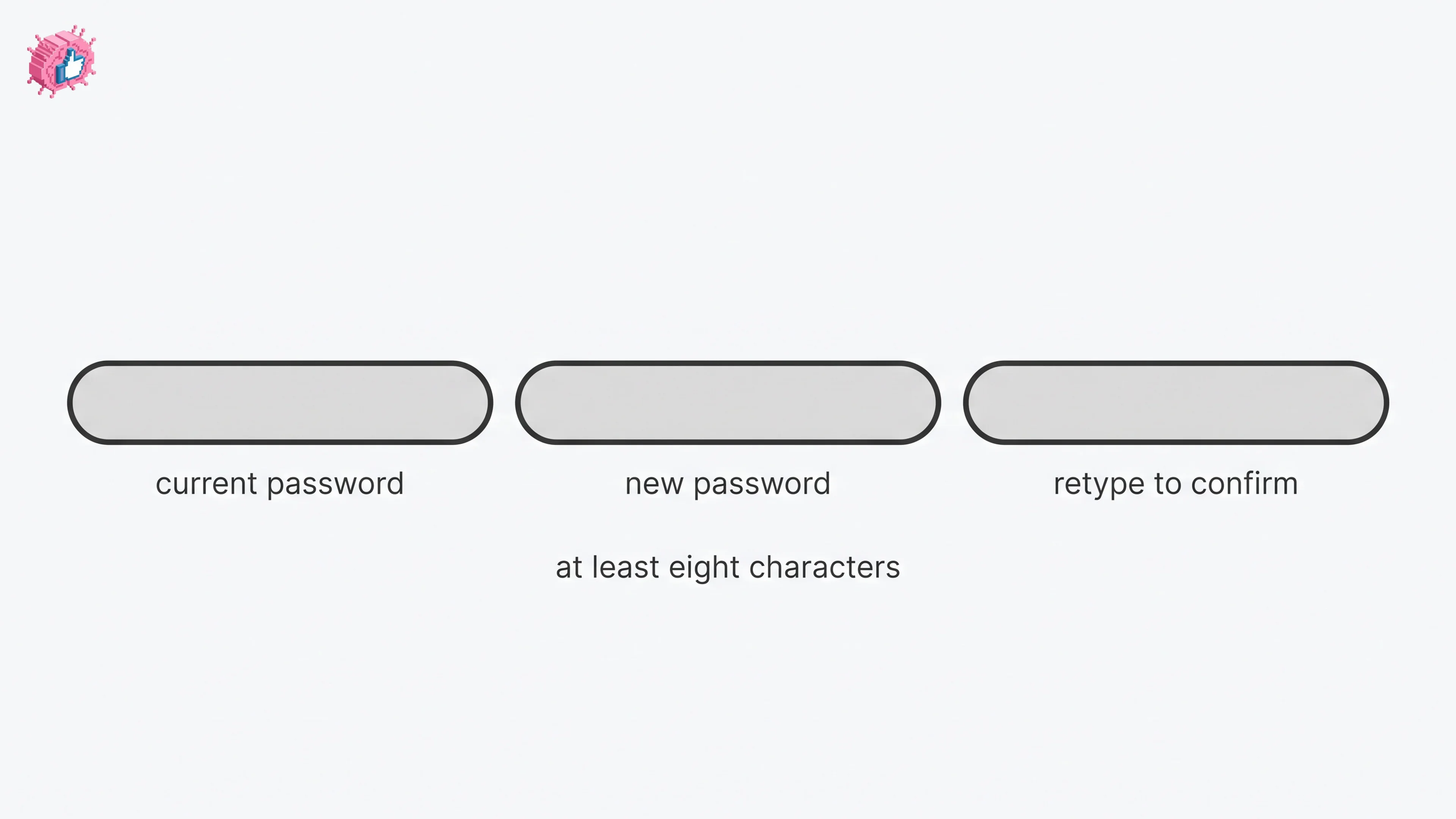
How to change your LinkedIn password on desktop, iOS, Android and a mobile browser, how to reset a forgotten one, and what the sign out control does.