

LinkedIn Open Profile: Who Can Message You for Free
What LinkedIn Open Profile means, who can turn it on, whether it uses InMail credits, and how it differs from Open to Work. From LinkedIn Help.
Open Profile is a LinkedIn Premium setting that lets any member message you directly, without a connection request and without spending an InMail credit. It is one of the few LinkedIn controls that changes what other people can do to you rather than what you can see.
It is also easy to confuse with Open to Work. The two settings live in different parts of your profile, do different jobs, and neither one switches on the other.
Everything below comes from LinkedIn's own Help pages, quoted where the wording decides the answer. Where LinkedIn does not document something, that is stated rather than filled in.
Automate your LinkedIn for 30 days
What Open Profile means on LinkedIn
Open Profile is a Premium feature that removes the connection requirement from your inbox. LinkedIn describes it in one line: the "Open Profile feature allows other LinkedIn members to message you for free, without using InMail messages."
| Question | What LinkedIn documents |
|---|---|
| Who can turn it on | Premium subscribers |
| What it changes | Other members can message you directly |
| What it costs the sender | Nothing, LinkedIn states the message is free |
| Does it use the sender's InMail credits | No, LinkedIn states it works "without using InMail messages" |
| Where the control lives | The introduction section of your profile, under Edit intro |
| Is it the same as showing the Premium badge | No, the settings are controlled separately |
| Does it affect job-seeking signals | Not documented as doing anything to Open to Work |
The last row in that table is covered in full further down.
Who can turn on Open Profile
Only Premium subscribers. LinkedIn's page is titled "Manage your Open Profile settings as a Premium subscriber" and opens with "As a Premium subscriber, you can adjust who sends you messages on LinkedIn."
That is the whole eligibility rule as published. LinkedIn does not specify which Premium tier is required, so the page does not separate Premium Career from Premium Business or any other plan. If you are on a basic account, the toggle is not yours to set, though you can still receive messages from your connections as normal.
There is a second thing the page settles. LinkedIn notes: "You can still show your Premium membership without accepting Open Profile messages. The settings for each are controlled separately." The gold Premium badge and the Open Profile toggle are two different switches. Showing one does not commit you to the other.
How to turn Open Profile on or off
LinkedIn publishes two tabs for this, labeled Desktop and Mobile. It does not publish separate iOS and Android tabs, and there is no mobile browser tab, so the mobile steps below are LinkedIn's single mobile set rather than a per-platform split.
On desktop:
- Click the Me icon at the top of your LinkedIn homepage.
- Click View Profile.
- Click the Edit icon in the introduction section.
- Click the Dropdown icon next to the gold Linkedin Premium profile badge on the upper left in the Edit intro pop-up window.
- From the dropdown switch the toggle right under Open Profile to allow anyone on LinkedIn to contact you directly for free, even if they aren't connected with you. Switch the toggle to the left to disable Open Profile.
- Click Save on the lower right.
On mobile:
- Tap your profile picture.
- Tap your profile photo again to access your profile.
- Tap the Edit icon in your introduction section.
- Tap the Dropdown icon next to the gold Linkedin Premium profile badge.
- Switch the toggle to the right under Open Profile to allow anyone on LinkedIn to contact you directly for free, even if they aren't connected with you. Switch the toggle to the left to disable Open Profile.
- Tap Save.
Turning it off is the same path in reverse on both platforms, which LinkedIn documents inside step 5 rather than as a separate flow. Worth knowing if you switch it on for a launch and want it off afterward.
Who can message you when Open Profile is on
Any LinkedIn member, connected to you or not. The toggle's own description is explicit: it allows "anyone on LinkedIn to contact you directly for free, even if they aren't connected with you."
There are two documented limits, and both sit on the sender's side rather than yours. LinkedIn's settings page states: "Members with basic or free accounts can only send a limited number of open profile messages each month." Its page on sending one adds, without naming any account type: "we limit the number of Open Profile messages you can send in a given time period."
LinkedIn does not publish what either limit is. No number appears on either page. Anyone telling you it is five or ten a month is quoting something other than the documentation.
So the practical picture: every sender is capped at an unpublished number, basic accounts are named specifically, and you receive from both. If the volume becomes a problem, the toggle comes back off in six steps, and blocking remains available for individual cases. Our blocking guide notes that LinkedIn itself lists "turning Open Profile on or off" among the lighter measures it suggests before a block.
Does an Open Profile message use InMail credits
No. LinkedIn states the feature works "without using InMail messages," and its page on sending one says "The Open Profile Premium feature allows members to contact a Premium member for free."
This is where a genuinely confusing detail shows up, and it is documented rather than folklore.
| Desktop | Mobile | |
|---|---|---|
| Button you tap to send | Message | InMail |
| What LinkedIn says it costs | Free | Free |
| Does it consume an InMail credit | Not per the Open Profile pages | Not per the Open Profile pages |
On mobile, LinkedIn's own steps tell you to tap a button labeled InMail to send a message it describes as free. The label and the billing do not match, and that is LinkedIn's published wording on both pages, not an inconsistency introduced here.
One caveat on how firmly this is settled. LinkedIn's dedicated InMail Messages page does not mention Open Profile anywhere. The "no credit" answer comes from the Open Profile pages stating the message is free and does not use InMail messages, not from the InMail page carving out an exception. That is still LinkedIn's documentation, but it is worth knowing where the answer lives. Our guide to what LinkedIn InMail is covers the credit system on its own terms.
Automate your LinkedIn for 30 days
How to send an Open Profile message
LinkedIn publishes four steps, with the same Desktop and Mobile split.
On desktop:
- Navigate to the profile of the Premium member you'd like to message.
- Click the Message button in their introduction section.
- Type your message in the fields provided.
- Click Send.
On mobile:
- Navigate to the profile of the Premium member you'd like to message.
- Tap the InMail button in their introduction section.
- Type your message in the provided fields.
- Tap Send.
Notice what is missing from both: LinkedIn does not document any indicator that tells you Open Profile is switched on before you open the profile. The page says to navigate to a Premium member's profile and press the button. Whether a given Premium member has the toggle on is not something the documentation gives you a way to check in advance.
Open Profile vs Open to Work
These two are easy to mix up because both sound like an invitation. They are separate controls with separate purposes, and turning one on does not turn on the other.
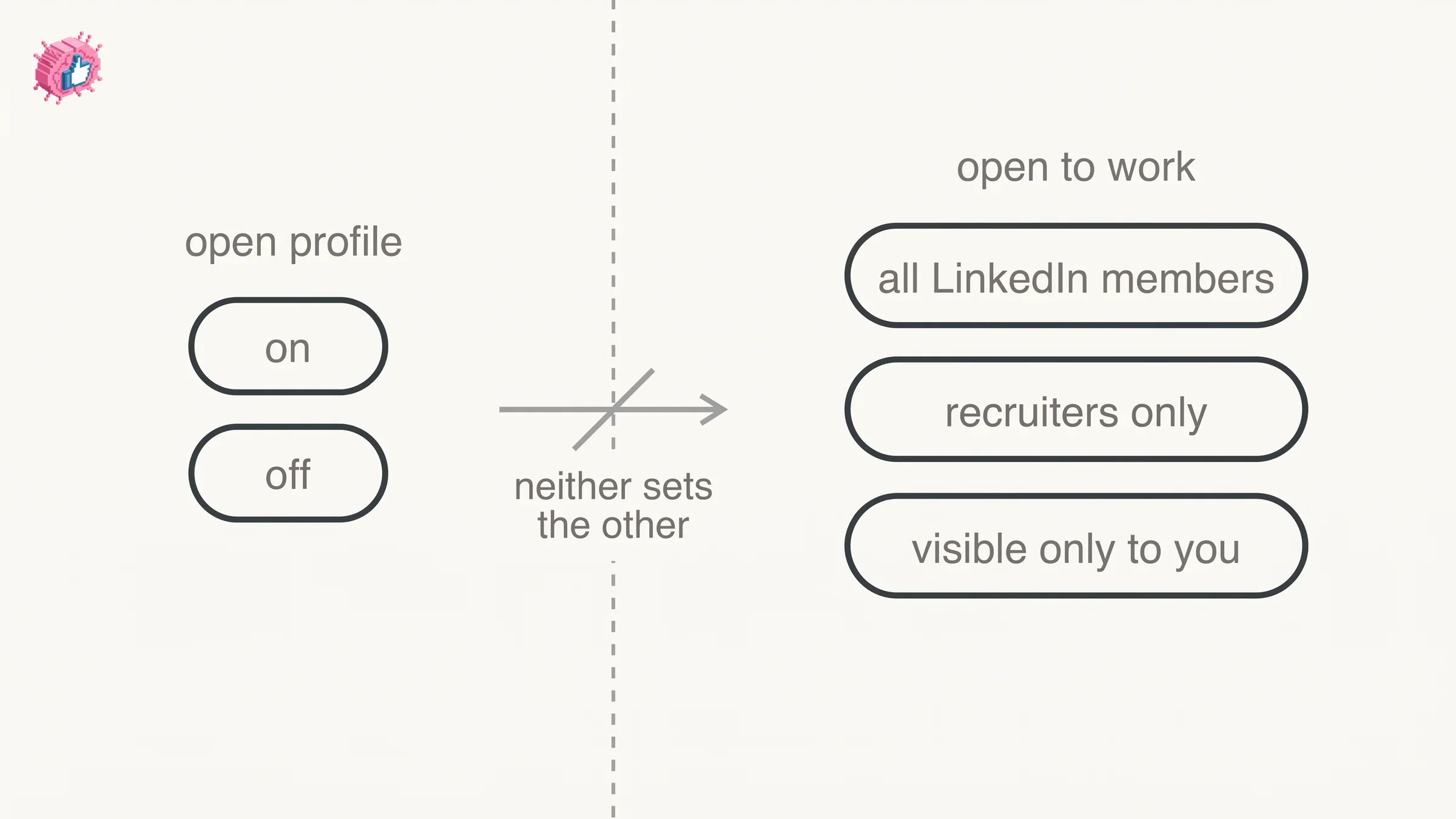
| Open Profile | Open to Work | |
|---|---|---|
| What it signals | You accept messages from anyone | You are open to new job opportunities |
| Who it is for | Premium subscribers | Any member |
| Where you set it | Edit intro, under the Premium badge dropdown | The Open to button on your profile |
| Who it is aimed at | Anyone on LinkedIn | Recruiters and, optionally, all members |
| Visibility choices | On or off | Three choices, see below |
| Adds a photo frame | Not documented | Yes, with the all-members option |
Open to Work gives you three visibility choices rather than a simple switch, in LinkedIn's own wording: All LinkedIn members ("This also includes recruiters and people at your current company. It also adds the #OpenToWork photo frame"), Recruiters only ("People using LinkedIn Recruiter only"), and Visible only to you ("Your job preferences are used for LinkedIn to tailor your job recommendation").
Open Profile has no equivalent. It is on or it is off.
The practical difference: Open Profile is a messaging setting that works year-round for anyone doing business development, sales, or inbound work. Open to Work is a job-search signal with a defined audience. Our full guide to Open to Work covers its three options and the photo frame in detail, and the index of LinkedIn features places both among the settings that do something different from what their label suggests.
Open Profile vs InMail
Both get a message from a stranger into your inbox. They work from opposite directions.
| Open Profile | InMail | |
|---|---|---|
| Who pays for the Premium | The recipient | The sender |
| Who it lets you reach | Only members who turned it on | Members you are not connected to |
| Cost to the sender | Free | Consumes an InMail credit |
| Documented limit | Senders capped at an unpublished number, basic accounts named specifically | Credits allotted by subscription type |
LinkedIn states that InMail "is a premium feature, and it allows you to directly message another LinkedIn member that you're not connected to," and that "If you have a Basic (free) account, then you can only directly message LinkedIn members that you're connected to."
On credits, LinkedIn writes: "We currently don't offer a subscription plan with unlimited InMail message credits; however, you can receive InMail message credits back if a recipient accepts your InMail message."
Reading those together: Open Profile is the recipient paying to be reachable, and InMail is the sender paying to reach out. If you want inbound without connection requests, Open Profile is the setting. Connecting normally remains the free route, and the difference between connecting and following is covered in follow vs connect.
What the documentation does not cover
The gaps matter here.
- Which Premium tiers include it. LinkedIn says "Premium subscriber" and stops. No tier breakdown is published.
- The sending caps. Documented as existing, monthly for basic accounts and per time period for senders generally, never quantified.
- How to tell Open Profile is on before messaging. No indicator is documented on the send page.
- Whether Open Profile affects who can see your profile. Not addressed. It is documented as a messaging control, nothing more.
- Why the mobile button says InMail. LinkedIn publishes both the label and the free-of-charge wording without reconciling them.
- Message length limits. Not specified on the send page.
What this means for you
Open Profile is worth turning on if people already have a reason to reach you and the connection request is the thing in the way. Founders and consultants publishing regularly, anyone running inbound, anyone whose profile gets traffic from content: the toggle converts a profile visit into a conversation without the extra step.
It is worth leaving off if your inbox is already the bottleneck. You cannot cap the volume yourself: the documented caps sit on the sender's side, and LinkedIn does not say what they are.
The setting only pays off if the profile it sits on is doing its job. Someone who lands on a thin profile does not message, toggle or not. Our profile optimization checklist and About section guide cover what to fix first, and removing a connection is the other side of controlling who reaches you.
FAQ
Is Open Profile free on LinkedIn?
It is free for the person sending you a message. Turning it on requires a Premium subscription, so it is not free for the recipient.
Does Open Profile use InMail credits?
No. LinkedIn states the feature lets members message you "without using InMail messages," and describes sending an Open Profile message as free.
Why does the mobile button say InMail if the message is free?
LinkedIn's mobile steps do say to tap InMail, while the same page describes the message as free. LinkedIn publishes both and does not explain the mismatch.
Can anyone message me if Open Profile is on?
Yes. The toggle allows "anyone on LinkedIn to contact you directly for free, even if they aren't connected with you." LinkedIn limits how many Open Profile messages a sender can send, and names basic accounts specifically, without publishing the numbers.
Is Open Profile the same as Open to Work?
No. Open Profile is a Premium messaging setting with an on and off state. Open to Work is a job-search signal with three visibility choices: All LinkedIn members, Recruiters only, and Visible only to you.
Do I need Premium to use Open Profile?
To turn it on, yes. To message someone who has it on, no.
How do I turn off Open Profile?
Follow the same six steps and switch the toggle to the left instead of the right, then save. LinkedIn documents the off path inside the same step as the on path.
Can I show my Premium badge without accepting Open Profile messages?
Yes. LinkedIn states "You can still show your Premium membership without accepting Open Profile messages. The settings for each are controlled separately."
How can I tell if someone has Open Profile turned on?
LinkedIn does not document an indicator. Its instructions say to go to the Premium member's profile and use the message button in their introduction section.
Does Open Profile change who can see my profile?
Not as documented. It is a messaging control, and no Help page describes it as affecting profile visibility.
Automate your LinkedIn for 30 days
ViralBrain plans, writes, and schedules your LinkedIn content, using official LinkedIn APIs so your account stays safe.
- Official LinkedIn APIs, no risk of ban
- You approve every post before it goes live
- Cancel anytime
Keep reading
How to Add Organizations on LinkedIn: Full Steps
How to add organizations on LinkedIn, where the section sits, desktop and app steps, editing entries, and why a LinkedIn Page is a different thing.
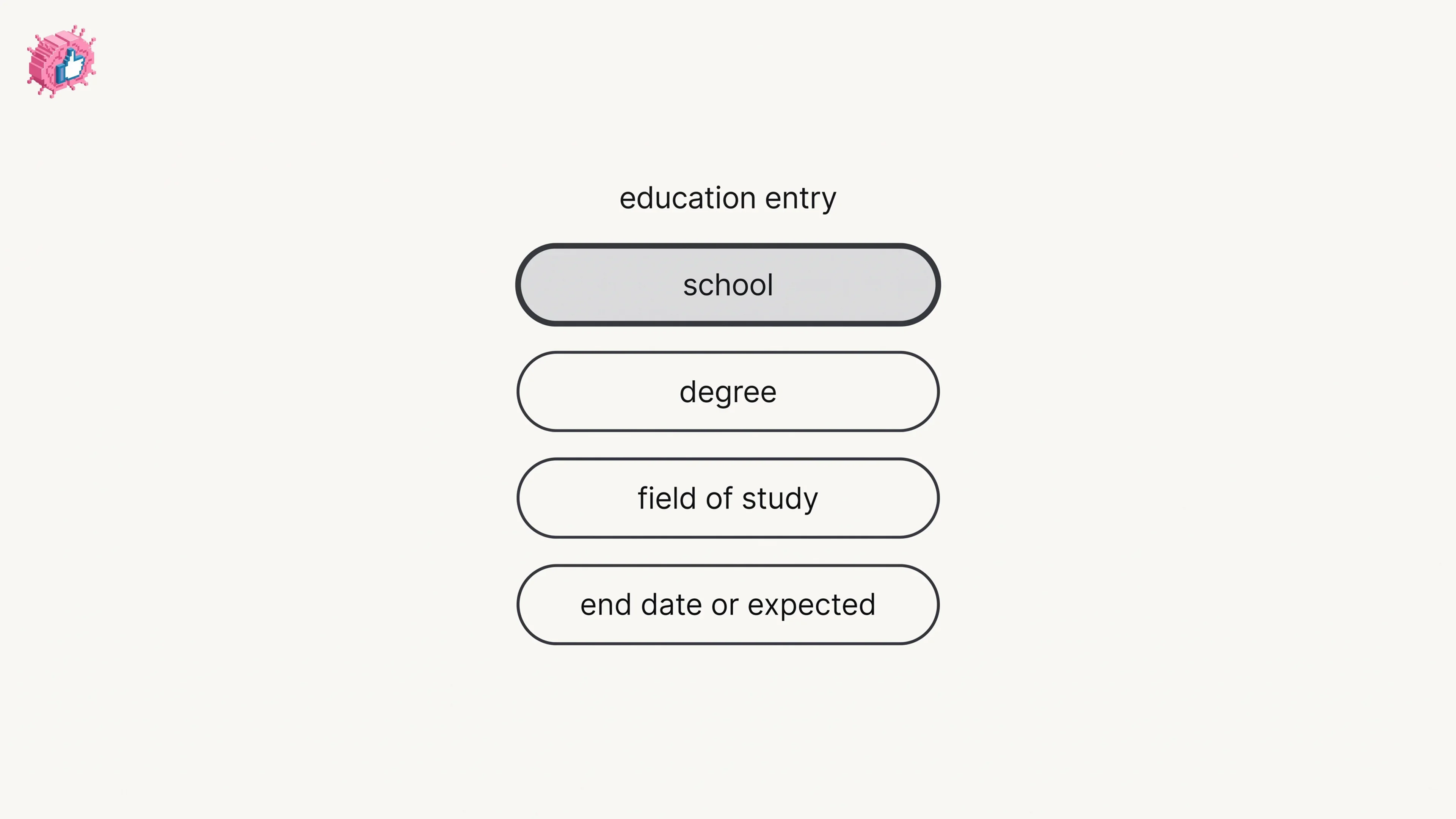
How to Add Education on LinkedIn: Fields and Steps
How to add education on LinkedIn, the eight fields LinkedIn documents, multiple entries, the expected end date, reordering, and the 24 hour notify window.
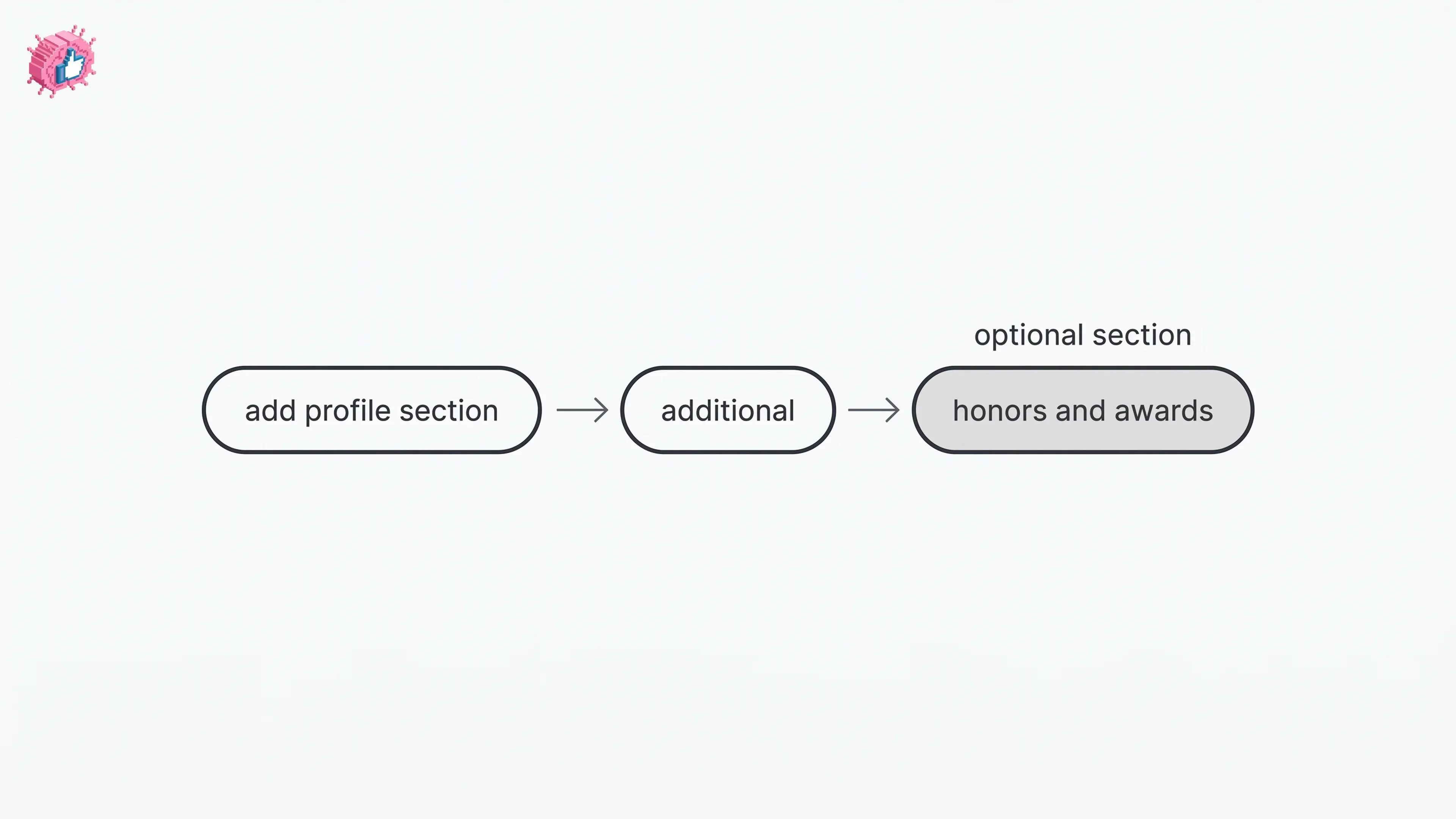
How to Add Honors and Awards on LinkedIn
How to add the Honors and awards section on LinkedIn on desktop and in the app, the exact steps LinkedIn publishes, and how to edit or delete an entry.