

How to Get Verified on LinkedIn in 2026
LinkedIn verification is free and takes minutes. The identity, workplace, and education routes, the new peer-backed badge, and what Pages cost.
Most people assume the LinkedIn verification badge works like the ones on X or Instagram, where you pay a monthly fee and a checkmark appears. It does not. LinkedIn verification is free, it is available to ordinary members rather than to public figures, and the slowest route takes about five minutes.
The rules also changed on September 23, 2026, when LinkedIn expanded verification to cover work history confirmed by the people you actually worked with. This guide covers what you can verify today, the exact steps for each route, what the badge does for your reach, and the one kind of verification that is not free at all.
Automate your LinkedIn for 30 days
What does verification on LinkedIn actually mean?
Verification on LinkedIn confirms one specific claim, not your importance. A badge next to your name means a third party checked something concrete: that your legal identity matches your profile name, that you work where you say you work, or that you studied where you say you studied.
That is a different promise from a celebrity checkmark. LinkedIn is not certifying that you are notable. It is certifying that a specific claim on your profile survived a check, which is the signal that matters when a stranger is deciding whether to reply to you.
More than 115 million members are now verified, and LinkedIn says 75 members verify every minute, according to its September 2026 announcement. Verification has stopped being a rare marker and started becoming the default.
Does LinkedIn verification cost anything?
Profile verification is free. LinkedIn's help documentation states that "verifications and adding a verification to your profile is available with no additional cost."
You do not need Premium. You do not need a paid plan of any kind. This is the single most common misconception about the badge, and it stops people from spending the five minutes it takes.
Page verification is the exception, and it is covered further down, because the requirements there are genuinely different and there is a real cost buried in them.
| Profile verification | Page verification | |
|---|---|---|
| Cost | Free | No fee, but see eligibility |
| Who can request | Any eligible member | Super admins only |
| Requirement | ID, work email, or license | Commercial relationship with LinkedIn |
| Where | Desktop or mobile | Desktop only |
| Typical time | Minutes | Up to 48 hours |
The three things you can verify
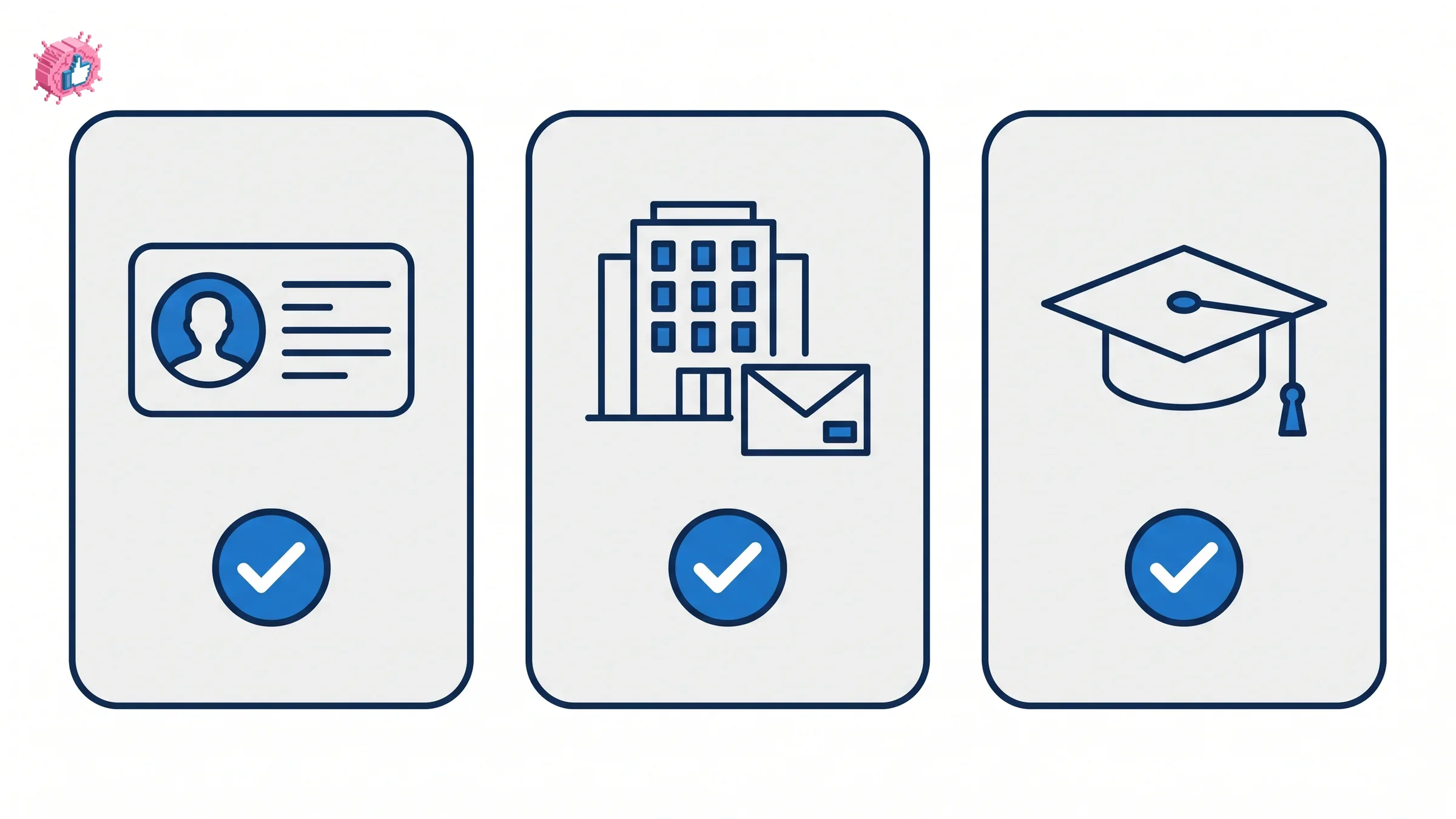
LinkedIn splits verification into three categories, and you can hold more than one at a time.
Identity. Confirms you are a real person whose legal name matches your profile. The provider depends on where you are:
- United States, Canada, and Mexico: CLEAR, using a government-issued ID and a personal phone number from one of those countries
- India: DigiLocker credentials
- Many other countries: Persona, which reads an NFC-enabled passport
Workplace. Confirms you work where your profile says. There are four routes:
- Confirming a work email address, though only some companies are eligible
- Microsoft Entra Verified ID, if your employer has enabled it
- A LinkedIn Learning license provided by your employer
- An active LinkedIn Recruiter license with specific user roles
Education. Confirms you attended the institution listed, and requires a LinkedIn Learning license from an accredited institution taking part in the program.
The practical read: the work email route is the fastest if your company is eligible, and the ID route is the one that always works regardless of employer.
How to verify your identity on LinkedIn
The flow is the same on desktop and mobile, and LinkedIn keeps it inside your profile rather than in billing settings.
- Open your own profile and find the verification prompt, or go to Settings, then Account preferences, then Verifications
- Choose identity verification and pick the provider offered for your country
- Follow the provider's flow: scan a government ID with CLEAR, tap an NFC passport with Persona, or sign in to DigiLocker
- Confirm the name matches. This is the step that fails most often, and the reason is covered below
- Return to LinkedIn, where the badge appears on your profile
The name has to match. LinkedIn states that the name used for verification "must match the name on your LinkedIn profile." If your profile says "Mike" and your passport says "Michael," the check fails. If you have added credentials, an emoji, or a tagline to your name field, remove them first. That habit is worth breaking anyway, and the LinkedIn profile optimization checklist covers what belongs in the name field and what does not.
Two things worth knowing before you start. The information you hand to the provider "will not be visible to anyone," and verification is optional and removable from settings at any time.
What changed in September 2026
On September 23, 2026, LinkedIn announced the largest expansion of verification since the program launched, aimed at fake profiles and invented work histories.
Peer-backed verification. LinkedIn is testing a system where verified members confirm the workplace and education history of people they know. Once someone collects enough confirmations, a badge appears on their profile. LinkedIn says members will soon be able to request this confirmation from their connections directly, rather than waiting for it.
This matters because it opens workplace verification to people whose employers are not eligible for the work email route: small companies, agencies, and anyone self-employed who has a network that can vouch for where they have been.
Employer controls. Company Page admins can now remove imposter accounts from appearing in search results under their company name. LinkedIn is also piloting a requirement that anyone claiming current employment at a participating organization must verify that workplace.
Verification that travels. LinkedIn named Truecaller and PeerSpot as new partners, joining Adobe, TrustRadius, and UserTesting. Your LinkedIn verification can be recognized on those platforms, which turns the badge into something with value beyond your profile page.
LinkedIn says it has "invested tens of millions of dollars" in the program. Independent coverage of the rollout is available from TechCrunch, which frames it around fake recruiters and AI-generated profiles.
Automate your LinkedIn for 30 days
How to get a LinkedIn Page verified
Page verification follows different rules from profile verification, and this is where the real cost sits.
The steps themselves are simple. Only a super admin can do this, and only on desktop:
- Open your Page super admin view
- Select Settings in the left menu
- Choose Verification controls
- Click Request verification, then Get started
- Enter your legal business name and website URL
- Enter your business address
- Review everything and submit
You then need to prove ownership of your Page's website, and the site "must accurately represent the organization associated with your Page." LinkedIn says the process can take "up to 48 hours to complete," depending on your domain provider.
Here is the part most guides omit. LinkedIn requires an eligible Page to have "an established commercial relationship with LinkedIn," which its documentation describes as using products such as Ads, Jobs, or a Premium Company Page subscription. A Page also has to show "meaningful engagement with LinkedIn, such as posting regularly, or responding to members," and meeting the criteria still does not guarantee approval.
So profile verification is free to anyone, while Page verification is in practice limited to organizations already paying LinkedIn for something. If you are weighing where to put your credibility effort, that asymmetry is worth knowing early, and it is one more reason the personal brand versus company page question usually resolves toward the personal profile.
Does the badge actually do anything?
LinkedIn publishes engagement figures for verified members, and they are striking. They also deserve a caveat, so here is both halves.
LinkedIn's own numbers disagree with each other. Its help documentation says verified members "naturally see 60% more profile views and 50% more engagement on average." Its September 2026 announcement says verified members receive "50% more post engagement and close to 90% more profile views." Same company, same program, two different profile-view figures.
More important than the gap is the word "naturally." These are correlations drawn from members who chose to verify, not results from a controlled test. People who verify also tend to be the people who fill out their profile, post regularly, and reply to comments. A badge on an empty profile is not going to produce 90% more views.
Treat verification as removing a reason to distrust you rather than as a growth tactic. It clears a doubt; your content still has to earn the attention. If reach is the actual goal, the LinkedIn algorithm changes and when you post move the number far more than a checkmark will.
Who should prioritize this
Verification is worth doing for everyone, since it is free and quick. It is worth doing today if you fall into one of these groups:
- Founders and executives building an audience. You are asking strangers to trust a claim about who you are before they read anything you wrote. The badge answers that question before your first line does, which compounds with everything else in building a personal brand.
- Anyone sending cold outreach. Verification travels to partner platforms, and a verified sender is materially harder to dismiss as a scam.
- People posting about their own expertise. With AI-generated profiles multiplying, a verified work history is becoming the cheap separator between a real practitioner and a synthetic one. That is the same pressure driving the AI slop problem on the content side.
- Anyone chasing formal recognition. Verification is not a requirement for LinkedIn Top Voice, but every credibility signal points the same direction, and content credentials work the same way.
It is less urgent if your profile is dormant. A badge on a profile nobody visits changes nothing, and your About section is the bigger win in that case.
Getting verified is the floor, not the plan
Verification takes five minutes and removes a specific objection. What it cannot do is give anyone a reason to follow you, and that is the harder problem.
Once the badge is there, the work is the same as it always was: post consistently, in a voice that sounds like you, about things you actually know. ViralBrain analyzes the creators you admire and your own past writing, then drafts posts in your voice rather than a generic model voice. There is a free tier with 3 hero profiles and 3 posts a month, and paid plans start at EUR 39 a month with a 7-day trial that starts at EUR 1.
You can also check a draft before it goes out with the free readability score and post preview tools, which need no account.
FAQ
Is LinkedIn verification free?
Yes. LinkedIn's documentation states that verifications are "available with no additional cost," and you do not need Premium. Page verification charges no fee either, but it requires an established commercial relationship with LinkedIn, which in practice means paying for Ads, Jobs, or a Premium Company Page.
How long does LinkedIn verification take?
Identity verification through CLEAR, Persona, or DigiLocker usually finishes in minutes. Workplace verification by work email is similarly quick. Page verification can take up to 48 hours, depending on your domain provider.
Why did my LinkedIn verification fail?
The most common cause is a name mismatch. LinkedIn requires the name used for verification to match your profile name exactly, so nicknames, added credentials, or decorations in the name field will break it. Region is the second cause: CLEAR covers the United States, Canada, and Mexico, Persona needs an NFC-enabled passport, and DigiLocker is India only.
Can I get verified without a government ID?
Yes. Workplace verification through a work email, Microsoft Entra Verified ID, or an employer-provided LinkedIn Learning license does not require a government ID. From September 2026, peer-backed verification lets former colleagues confirm your work history instead.
Does the verification badge increase reach?
LinkedIn reports that verified members see more profile views and post engagement, though its two published figures disagree (60% more profile views in its help documentation, close to 90% in its September 2026 announcement). Both are correlations among members who chose to verify, not results from a controlled test. Verification removes a reason to distrust you; it does not distribute your posts.
Can I remove my LinkedIn verification?
Yes. Verification is optional and can be removed from your settings at any time. The information you gave the verification provider is not visible to anyone on LinkedIn.
What is peer-backed verification on LinkedIn?
Announced on September 23, 2026, it lets verified members confirm the workplace and education history of people they know. Once someone receives enough confirmations, a badge appears on their profile. LinkedIn says members will soon be able to request these confirmations from their connections directly.
Can a company remove fake employees from its LinkedIn Page?
Yes, as of the September 2026 update. Company Page admins can remove imposter accounts from appearing in search results under their company name, and LinkedIn is piloting a requirement that anyone claiming current employment at a participating organization verify that workplace.
Automate your LinkedIn for 30 days
ViralBrain plans, writes, and schedules your LinkedIn content, using official LinkedIn APIs so your account stays safe.
- Official LinkedIn APIs, no risk of ban
- You approve every post before it goes live
- Cancel anytime
Keep reading
LinkedIn Career Break: How to Add One and Who Sees It
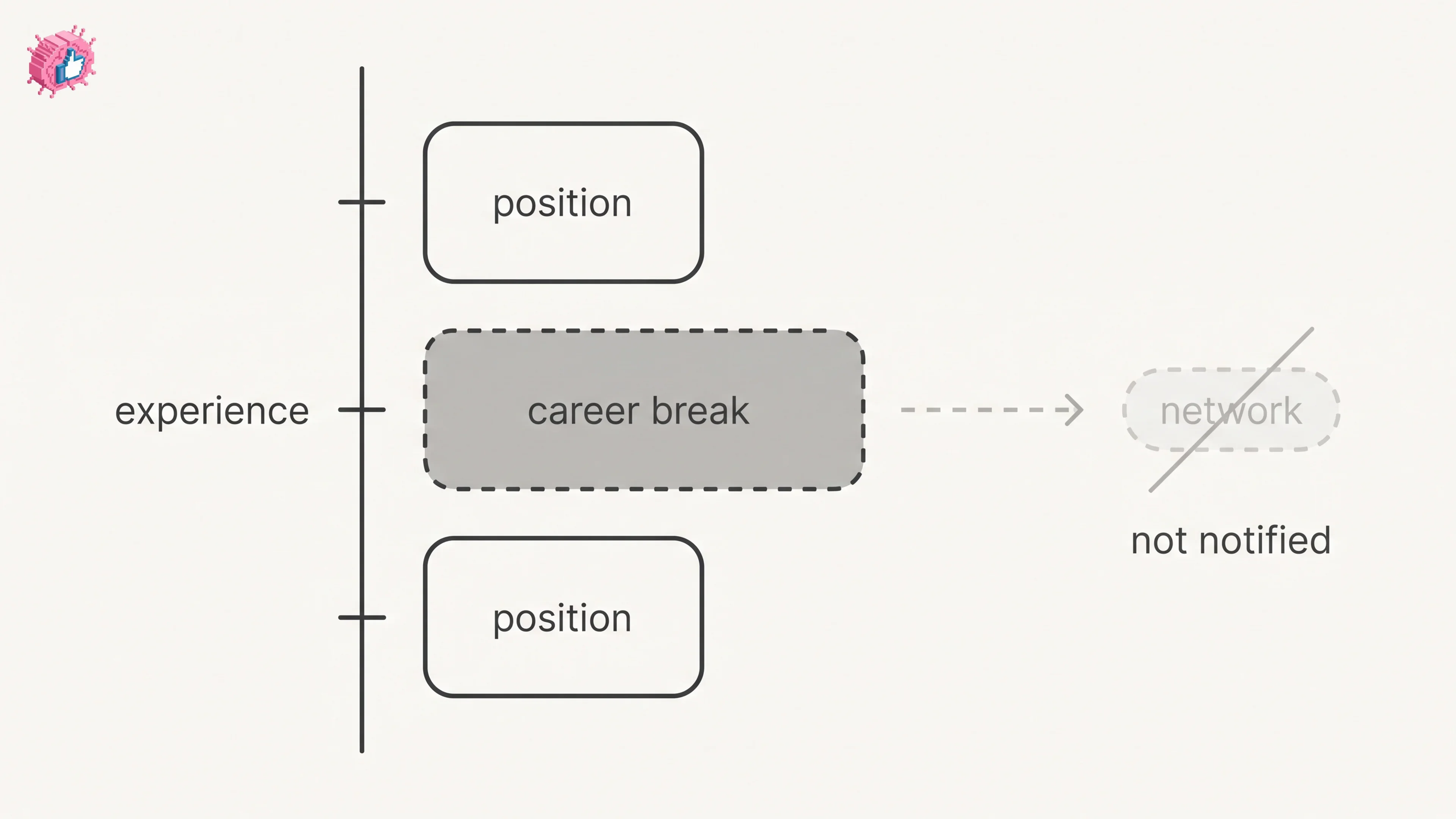
Add a career break on LinkedIn desktop or the app. Your network is not notified, the type is optional, and signed-in members see it. From LinkedIn Help.
How to Add a Certification to LinkedIn Without Posting
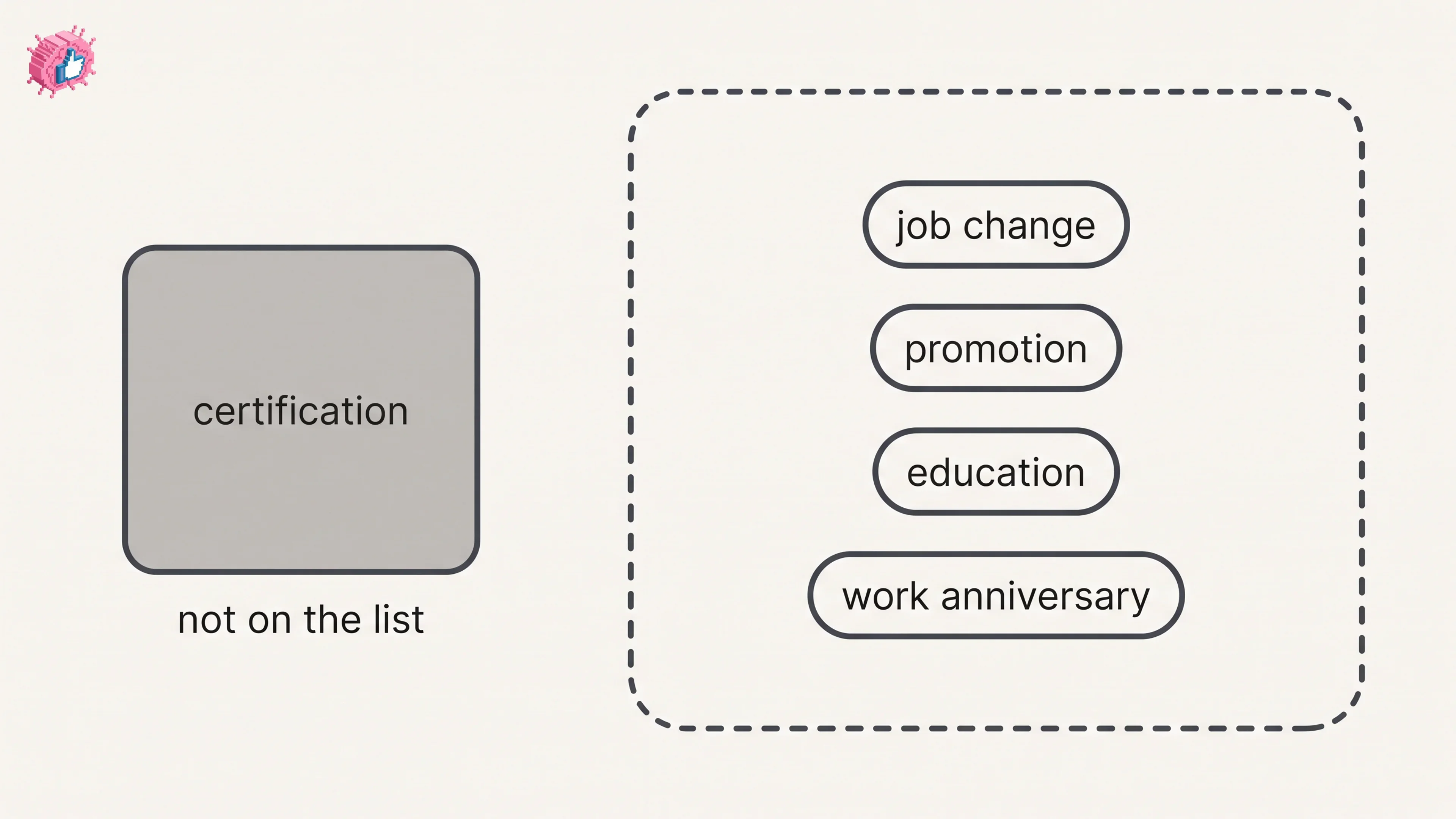
Add a certification on LinkedIn desktop or the app, put credentials after your name, and see what LinkedIn documents about notifying your network.
How to Remove a Connection on LinkedIn: What It Erases
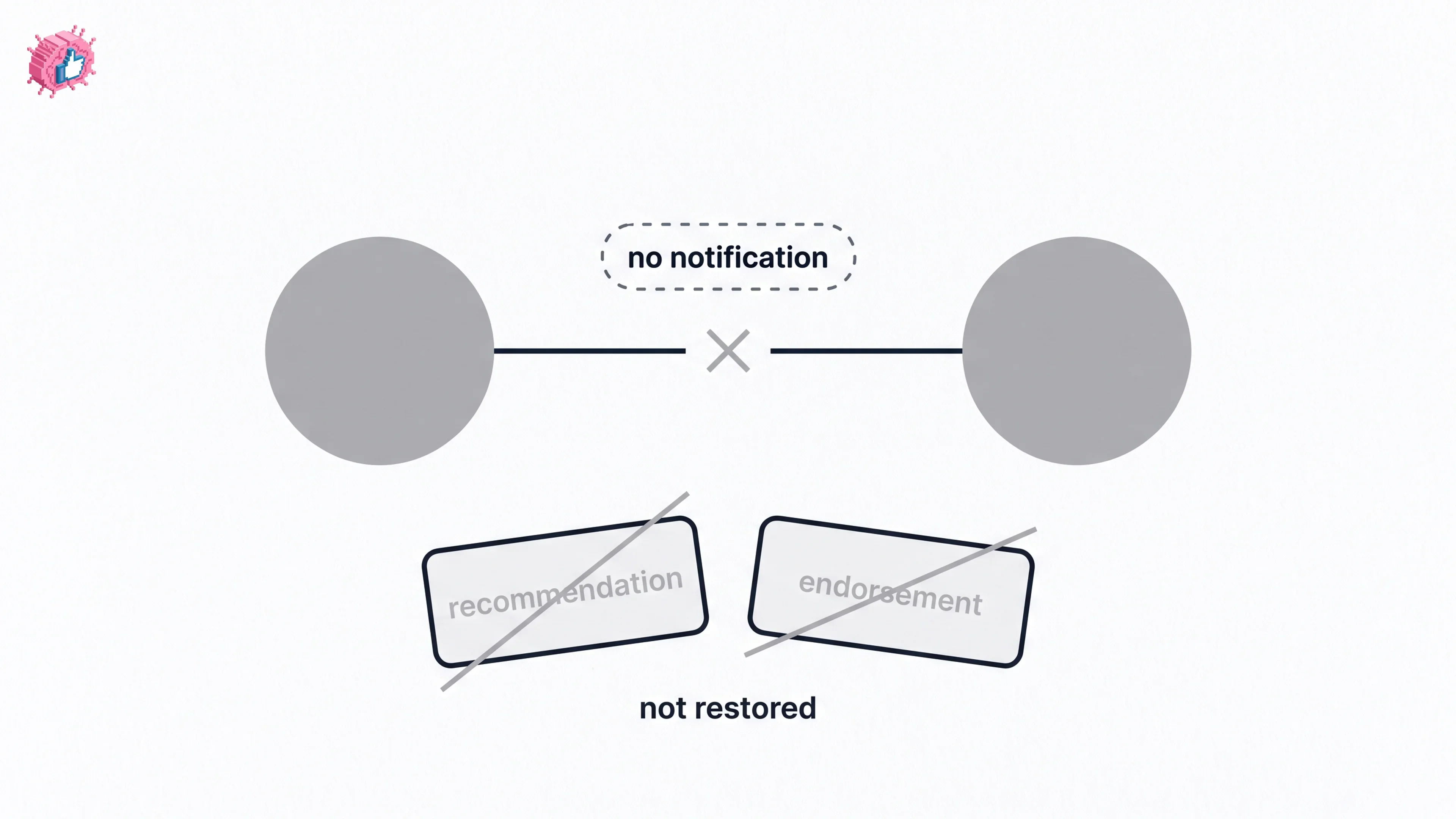
Remove a LinkedIn connection on desktop or the app. They are not notified, but recommendations and endorsements go for good. Steps from LinkedIn Help.