

LinkedIn Premium Company Page: What You Get
LinkedIn does not publish a price for Premium Company Page. The eight features, why only a super admin can buy it, and the admin trap to avoid.
Two things about LinkedIn Premium Company Page are worth knowing before you buy it, and neither is on the marketing page.
LinkedIn does not publish the price. And the subscription belongs to the individual who bought it rather than to the Page, which means removing that person from your admin list leaves you with a subscription nobody on the Page can cancel.
This guide covers what is actually in the bundle, who is allowed to buy it, why there is no price on this page, and the handover problems that follow from how the subscription is owned.
Automate your LinkedIn for 30 days
What is Premium Company Page?
LinkedIn describes it as "a subscription to help you make your Page stand out and convert more LinkedIn members into clients for your business."
It is a Page-level subscription, which makes it a different product from the individual Premium plans a person buys for their own profile. LinkedIn is explicit that "Premium Business and Premium Company Page are separate subscriptions," and you can hold both at once. If you are weighing the individual tiers instead, those are covered in our guide to LinkedIn Premium All-in-One, and this page does not repeat their pricing.
It is also not a Career Page. LinkedIn states that "access to Career Pages is separate from Premium Company Page," so a Career Page remains its own purchase.
What does it cost?
LinkedIn does not publish a figure, and it says so in the FAQ itself. Asked how much it costs, the answer is to "go to your LinkedIn homepage and click one of the following in the left menu: Try Premium for $0, Retry Premium for $0, Reactivate Premium, Upgrade to Premium," after which "the on-screen instructions will then display how much the subscription costs."
So the price is shown in product, at the point of purchase, and the only reliable number is the one your own account displays. Anything you read elsewhere is a figure somebody saw on their own checkout screen, in their own currency and region, on a day that may not be today.
Two related billing facts worth having up front:
- Monthly or annual. The billing cycle can be changed to either, but only by one specific person, covered below.
- One subscription per Page. LinkedIn states that "each Page needs a separate subscription," so running three Pages means buying it three times.
What is included
Eight features, in LinkedIn's own words:
| Feature | |
|---|---|
| Page verification | Custom call-to-action (CTA) button |
| Who's visited my Page | Custom testimonial |
| Credibility highlights | Auto-invite engaged members and invite followers of similar Pages |
| Dynamic cover images | Receive and respond to additional service requests |
There is also a cosmetic marker: "a gold LinkedIn IN logo will appear at the top right of your Page header to show that you have a Premium Company Page subscription and to help your Page stand out."
The CTA button here is not the one on your profile. LinkedIn sells a custom button for individual profiles under different subscriptions entirely, and we cover that separately in the LinkedIn custom button. This one is a Page call-to-action and comes with this Page subscription. They are easy to confuse and they are bought in different places.
For a Page offering services, a Service Page picks up extra capability from this subscription too. LinkedIn documents "greater visibility for Services module," a larger services section with images and video, a "Request services" call-to-action, and a toggle to "receive additional projects." Service Pages themselves do not require a premium subscription; these are the parts a subscription adds.
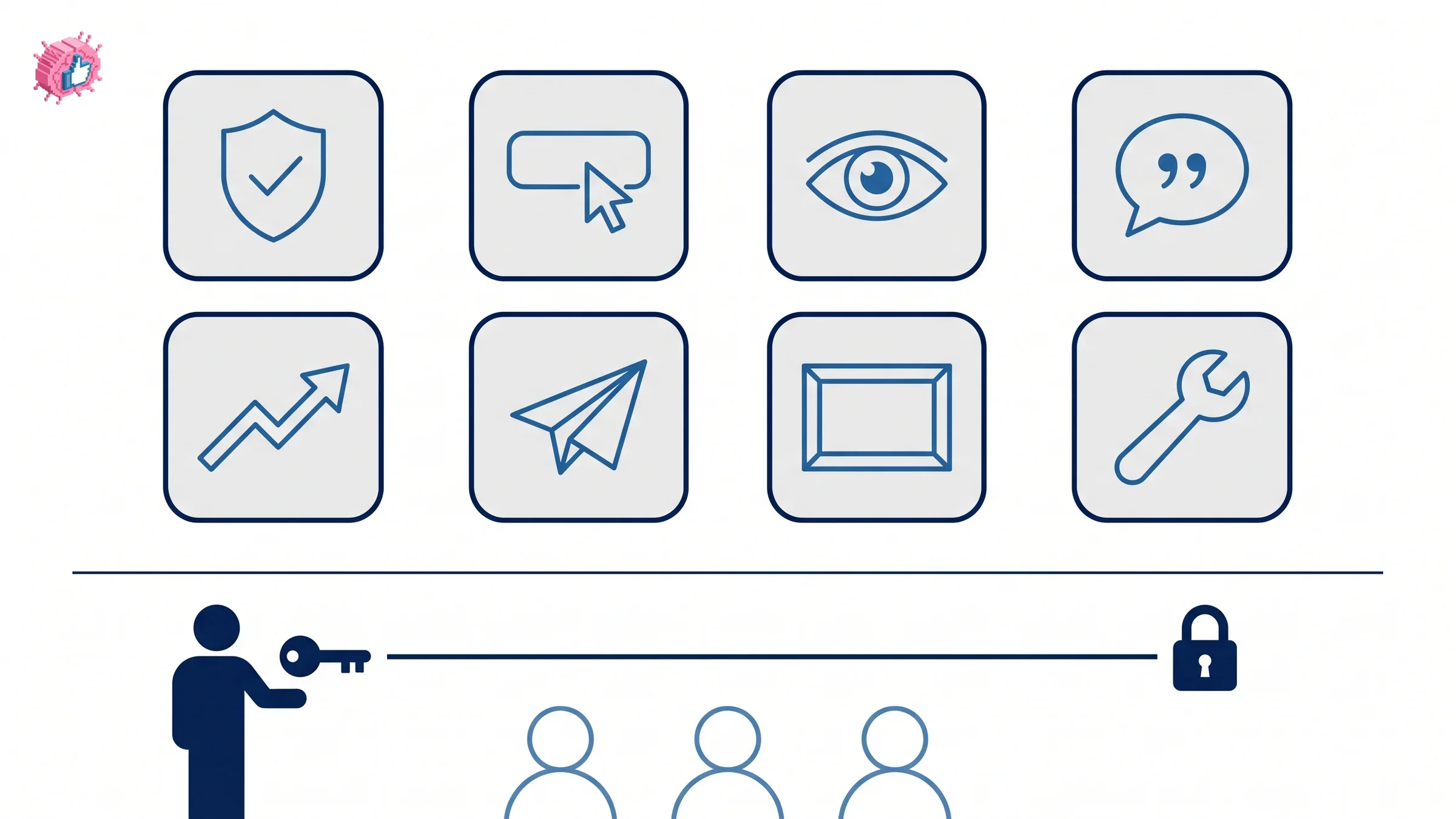
Who can buy it, and who can use it
These are two different questions with two different answers.
Buying: "You must be a super admin of the Page to subscribe," and you subscribe from the Page super admin view. No other admin role can start the subscription.
Using: "All admins of the Page that has a Premium Company Page subscription can use the Premium features." LinkedIn adds one caveat, that "some features are only available to super or content admins," without listing which.
Availability is also not guaranteed. LinkedIn says it is "gradually making Premium Company Page available, and you might not have access to it at this time," so a super admin may look for the option and simply not find it.
Automate your LinkedIn for 30 days
The admin trap
This is the part that causes real operational pain, and it follows from a single design decision: the subscription is tied to the person who purchased it, not to the Page.
Only the purchasing admin can manage or cancel it. That includes changing the billing cycle, which LinkedIn states "only the admin who subscribed to Premium Company Page can change."
Three consequences follow, all quoted:
- Removing that admin strands the subscription. "If you remove the admin who purchased the subscription, they will need to cancel the subscription and a current admin will need to resubscribe. The removed admin can't access the Page admin view, but the Page will keep the premium features until the subscription is canceled." You are billed, and the only person who can stop it no longer has access to your Page.
- It cannot be handed over. "Premium Company Page subscriptions can't currently be transferred." Moving it to a colleague means cancelling and having them buy their own.
- Deactivating the Page does not stop it. "The subscription remains active unless the admin cancels the subscription."
The practical rule: buy it from an account that will still be at the company in a year, and treat offboarding that person as a billing task rather than only an access task. Who holds which role on your Page is the thing that decides all of this, and it is worth getting right before you spend anything.
You also cannot switch out of it sideways. "You cannot convert or switch a Premium Company Page subscription," so moving to Premium Business or Premium Career means cancelling first and buying the other.
How to change the billing cycle
For the one person who can:
- Go to your Page super admin view
- Click Premium features in the left menu
- Click the Subscription details dropdown near the upper right
- Click Manage subscription, which redirects you to the LinkedIn Admin Center
- In Billing information, under Billing frequency, click Edit
- Choose Monthly or Annual
- Click Update
Is it worth buying?
Worth it if:
- Your Page is a real acquisition channel. The bundle is aimed at conversion, so it earns its keep where the Page already receives traffic that could become enquiries.
- You sell services through the Page. The Services module improvements and the request-services flow are the most concrete part of the package.
- You want Page verification. It is bundled here, and verification is a trust signal that works on visitors who have never heard of you, in the same way profile verification does for a person.
Skip it if:
- Your Page is quiet. Premium features multiply traffic you already have. A Page posting monthly to a few hundred followers has nothing to multiply, and growing the following is the cheaper prior step.
- You mainly wanted competitor analytics. That is largely a free feature with a smaller ceiling, and the tier split is covered in LinkedIn competitor analysis rather than here.
- Your reach problem is distribution, not polish. Employees sharing posts moves more than a gold logo does, which is the argument in employee advocacy tools.
- You cannot name the person who will own the subscription for the next two years. Given the transfer and cancellation rules, that is a genuine blocker rather than a detail.
The honest summary
Premium Company Page bundles verification, a Page CTA, visitor data and services visibility behind a subscription whose price LinkedIn only shows in product.
The feature list is reasonable. The ownership model is the part to plan around: one super admin buys it, only that person can cancel or change it, it cannot be transferred, and removing them leaves a live subscription with no one on the Page able to stop it. Decide who holds it before you decide whether to buy it, and revisit the choice against what a company page is actually for.
FAQ
How much does LinkedIn Premium Company Page cost?
LinkedIn does not publish a price. Its FAQ directs you to your LinkedIn homepage and the Try Premium, Reactivate Premium or Upgrade to Premium options in the left menu, after which "the on-screen instructions will then display how much the subscription costs." The figure depends on your account and region, so treat any number quoted elsewhere as someone else's checkout screen.
Who can buy a Premium Company Page subscription?
Only a super admin. LinkedIn states "you must be a super admin of the Page to subscribe," and you do it from the Page super admin view. Availability is also being rolled out gradually, so an eligible super admin may not see the option yet.
What features come with Premium Company Page?
Page verification, a custom call-to-action button, Who's visited my Page, custom testimonial, credibility highlights, auto-invite for engaged members and followers of similar Pages, dynamic cover images, and the ability to receive and respond to additional service requests. A gold LinkedIn IN logo also appears on your Page header.
Can other admins use the premium features?
Yes. "All admins of the Page that has a Premium Company Page subscription can use the Premium features," though LinkedIn notes that "some features are only available to super or content admins" without listing which ones.
What happens if the admin who bought it leaves?
The subscription is stranded. LinkedIn states that if you remove that admin, "they will need to cancel the subscription and a current admin will need to resubscribe," and that the removed admin "can't access the Page admin view, but the Page will keep the premium features until the subscription is canceled."
Can I transfer a Premium Company Page subscription to another admin?
No. "Premium Company Page subscriptions can't currently be transferred." The original purchaser cancels, and the new admin buys their own.
Is Premium Company Page the same as Premium Business?
No. LinkedIn states they "are separate subscriptions," and a Premium Business subscription is not required to use Premium Company Page. You can hold an individual Premium subscription and a Premium Company Page subscription at the same time.
Does one subscription cover all my Pages?
No. "Each Page needs a separate subscription," so multiple Pages mean multiple purchases.
Automate your LinkedIn for 30 days
ViralBrain plans, writes, and schedules your LinkedIn content, using official LinkedIn APIs so your account stays safe.
- Official LinkedIn APIs, no risk of ban
- You approve every post before it goes live
- Cancel anytime
Keep reading
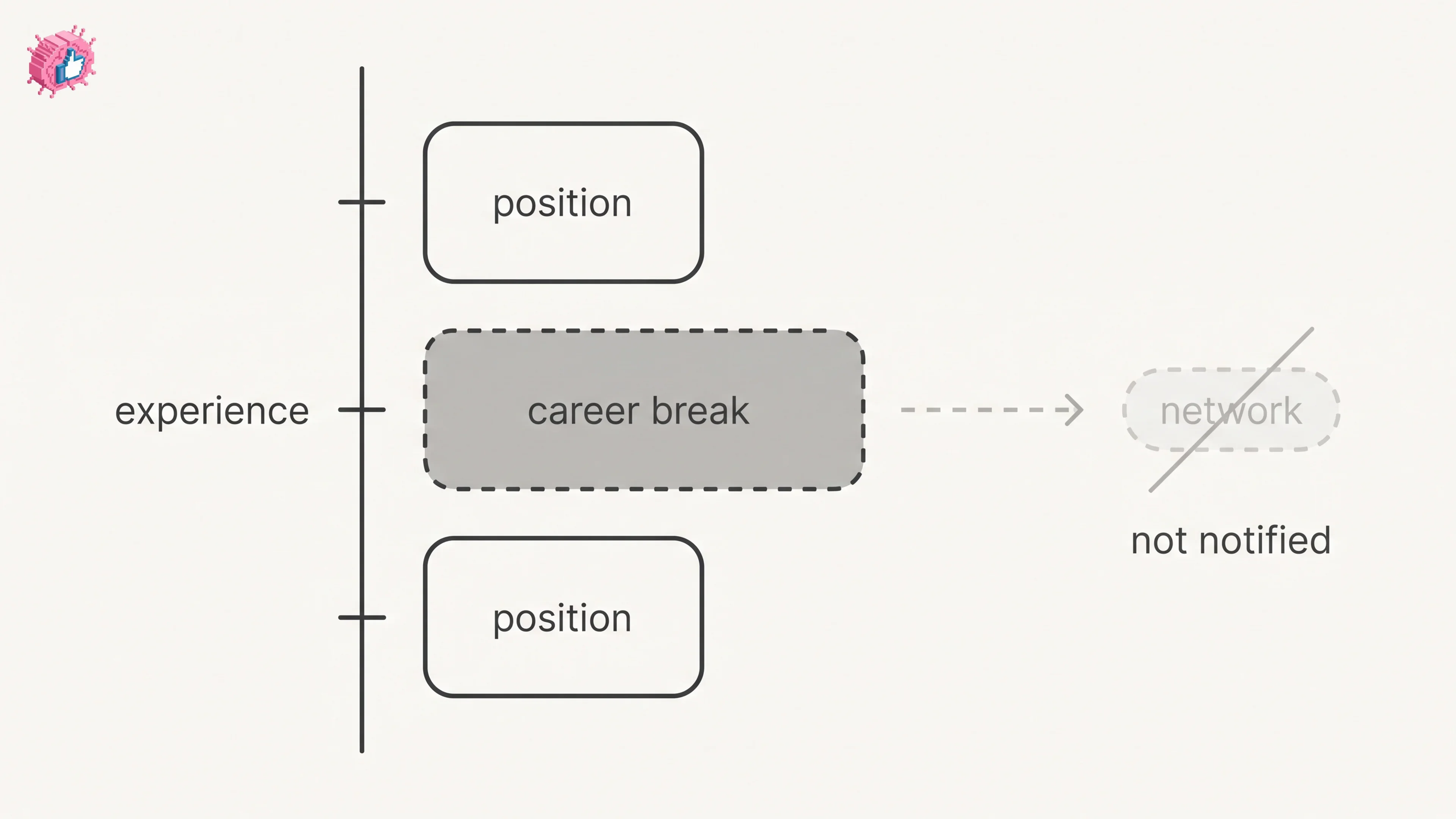
LinkedIn Career Break: How to Add One and Who Sees It
Add a career break on LinkedIn desktop or the app. Your network is not notified, the type is optional, and signed-in members see it. From LinkedIn Help.
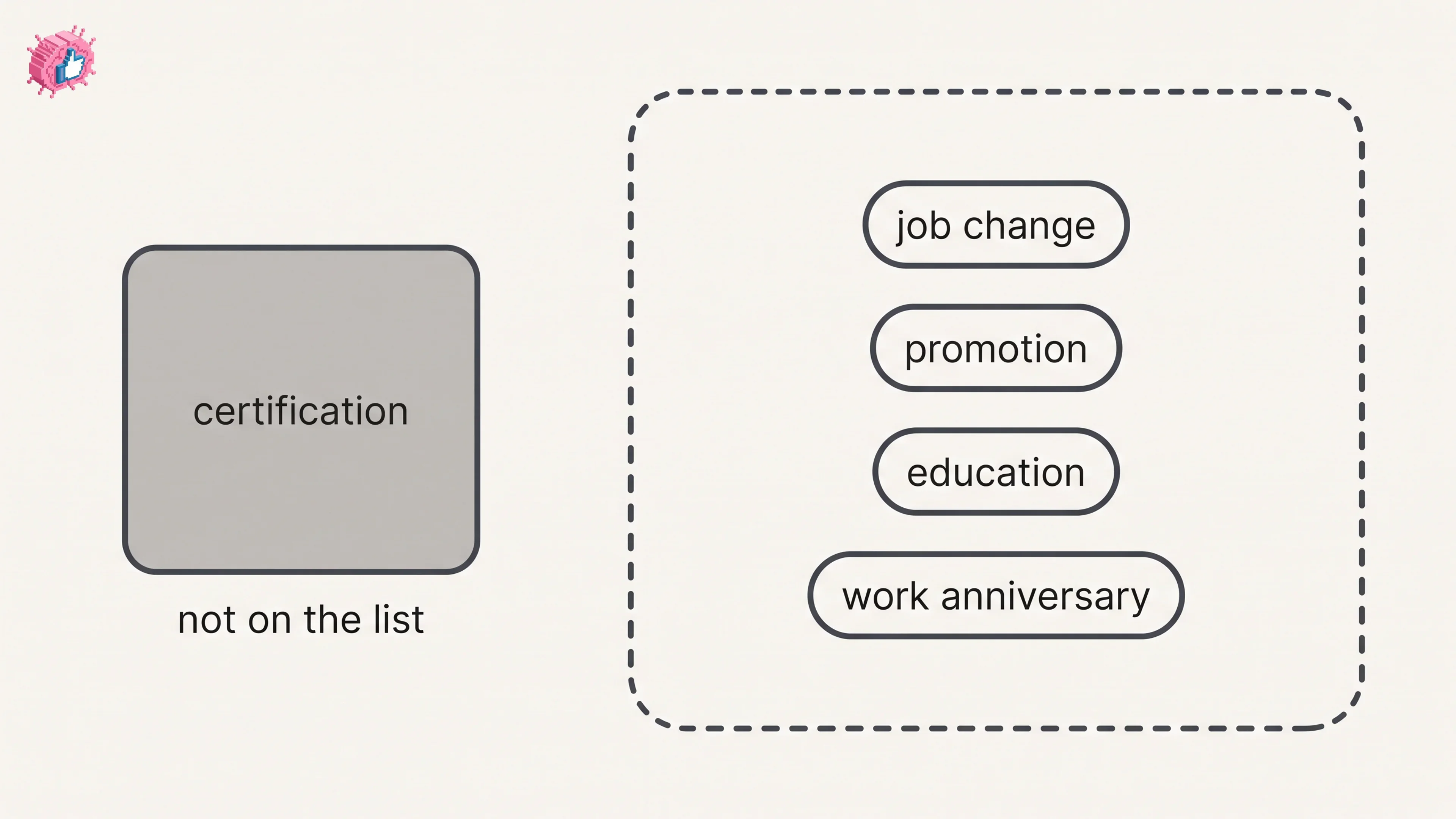
How to Add a Certification to LinkedIn Without Posting
Add a certification on LinkedIn desktop or the app, put credentials after your name, and see what LinkedIn documents about notifying your network.
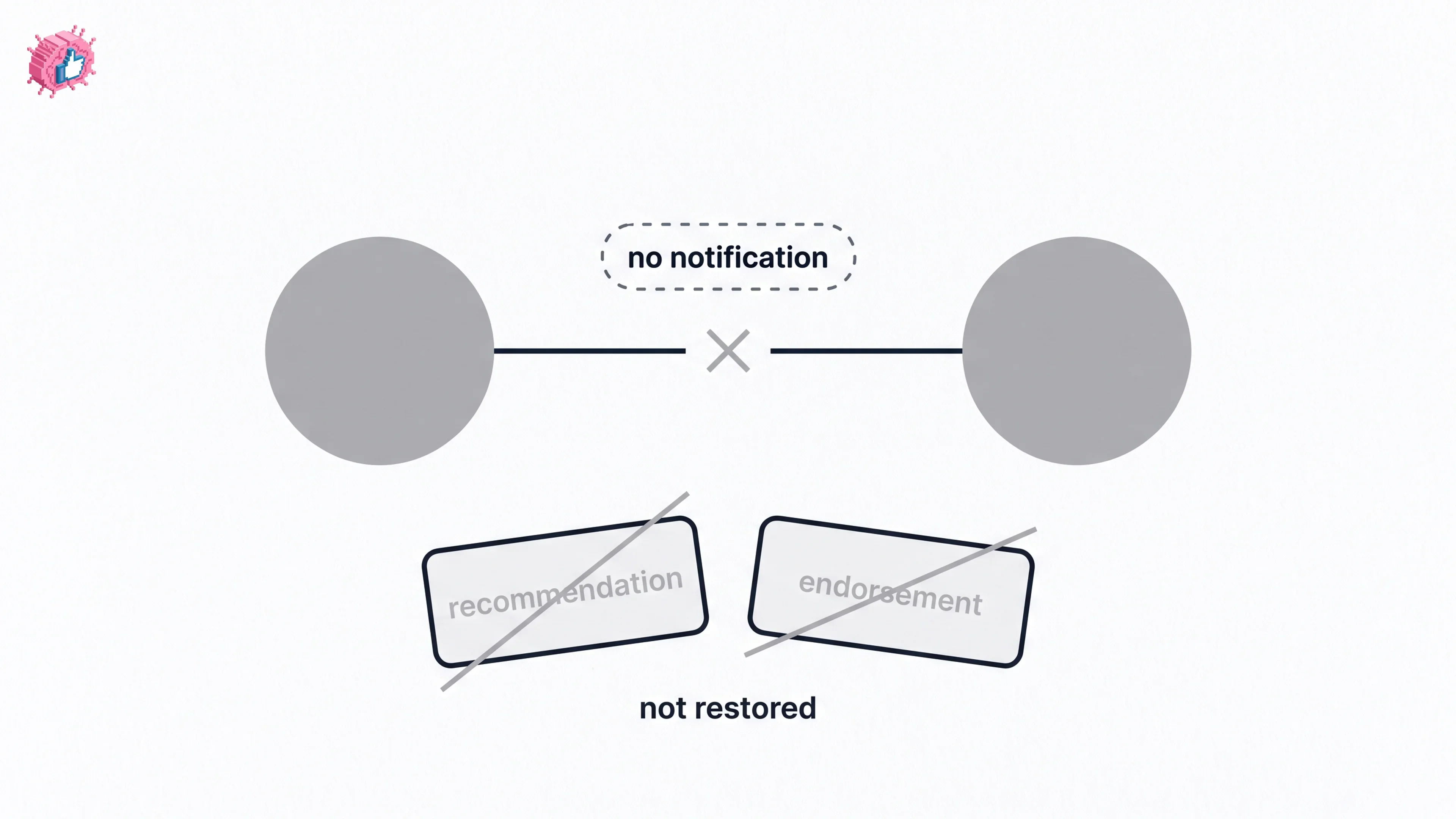
How to Remove a Connection on LinkedIn: What It Erases
Remove a LinkedIn connection on desktop or the app. They are not notified, but recommendations and endorsements go for good. Steps from LinkedIn Help.