

LinkedIn competitor analysis: what you can actually see
LinkedIn gives Page admins competitor analytics for one competitor free and up to nine on Premium. Here is exactly what it shows and where it stops.
This guide is about analysing your competitors' performance on LinkedIn: what LinkedIn itself shows you, what it charges for, and where you have to go outside it. If you arrived looking for which platforms compete with LinkedIn as a company, that is a different question about the social-network market and this page does not answer it.
Start with the part almost nobody realises: LinkedIn has a built-in competitor analytics feature, it is free for one competitor, and most people who go shopping for a tool never open it. Everything below about what it does is quoted from LinkedIn's own Help documentation, checked on 7 September 2026.
Automate your LinkedIn for 30 days
LinkedIn's own competitor analytics, and exactly where it stops
LinkedIn Page admins get competitor analytics built in, covering follower and organic content metrics. Per its competitor analytics Help page, checked 7 September 2026:
"Competitor analytics provide LinkedIn Page admins the opportunity to gauge their brand's performance on LinkedIn against competitors through follower and organic content metrics."
Two things in that sentence decide whether it is any use to you. It is for Page admins, so it compares company Pages rather than people. And it covers follower and organic content metrics, so it is about reach and engagement rather than anything strategic.
The feature splits across a free tier and a paid one, and the split is published rather than something you discover after signing up.
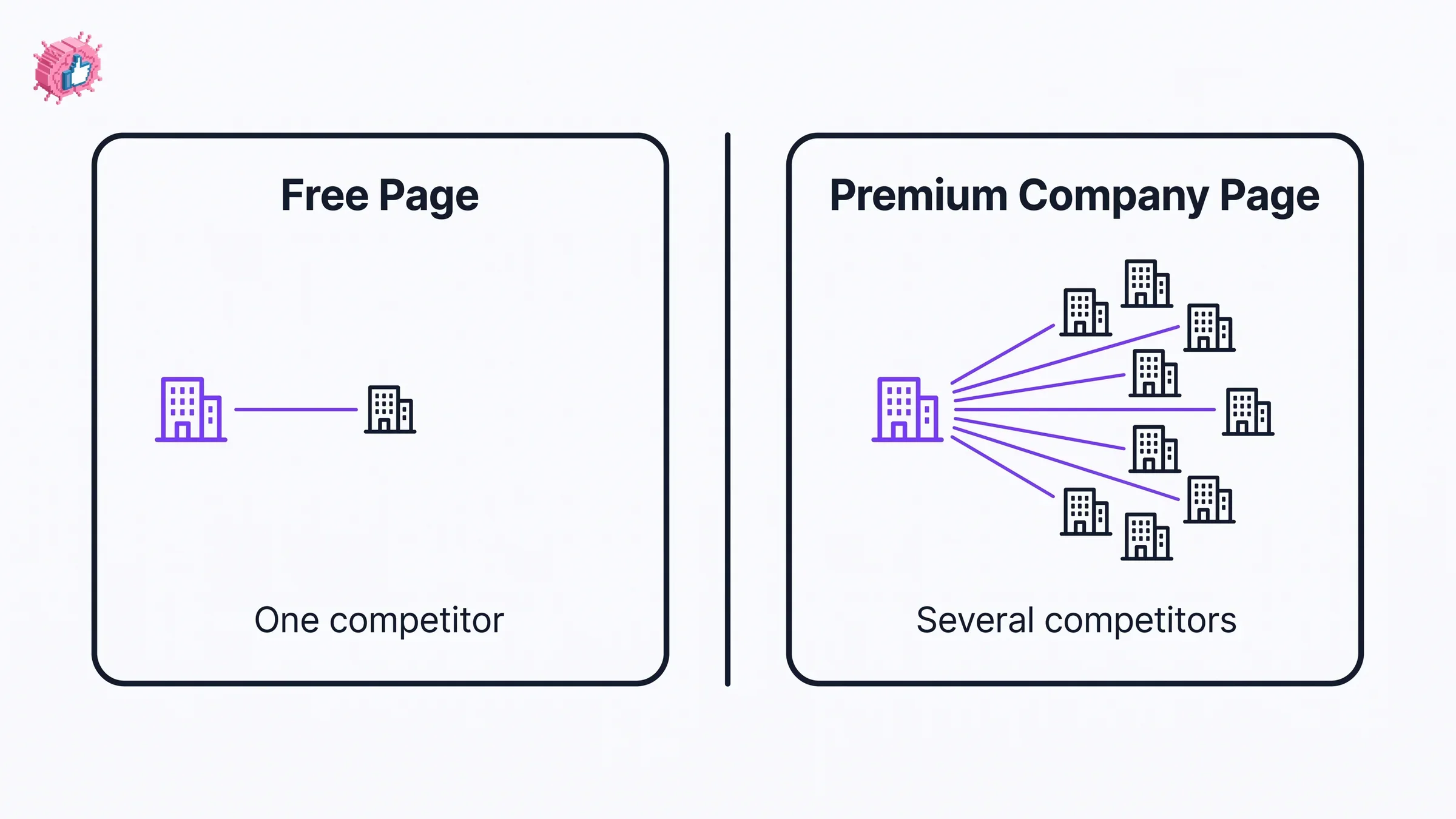
| Capability | Free Page | Premium Company Page |
|---|---|---|
| Data for competitors | "1 competitor" | "upto 9 competitors" |
| Add and edit competitor information | "1 competitor" | "8 additional competitors" |
| View trending posts from competitors | "1 competitor" | "Upto 3 competitors" |
| Competitor highlights on new followers and engagement rates | Included | Included |
Those are LinkedIn's own words and its own comparison table, not a summary of them. The metrics it names include "new comments, new posts, and new reactions", and the trending view shows "top trending original posts created by your competitors in the past 30 days", with data "refreshed daily".
So the honest read: one competitor, free, as LinkedIn documents it today. If you only need to know how you stack up against your single closest rival, LinkedIn already does that and you can stop reading. The paid tier is about breadth, going from one competitor to nine, rather than about depth.
The gap that sends people looking for a tool
Three limits push people off LinkedIn's native feature, and it is worth knowing which one is yours before you pay for anything.
It only works for Pages. The feature requires Page admin access and compares Pages. If you are an individual, a founder, a consultant or a creator wanting to see how rival people are performing, LinkedIn gives you nothing. There is no personal-profile equivalent, and this is the limit that catches most of our readers.
One competitor is often not the question. Real positioning work usually means watching a set, not a rival. Free covers one; nine requires Premium.
It measures reach, not approach. Followers, reactions, comments and trending posts tell you that something worked. They do not tell you what the post was doing, which hook it used, or which format it was. That is the analysis most people actually want when they say competitor analysis, and no follower count contains it.
What to actually do, in order
- Check whether you have a Page. If you do, open Analytics and add your closest competitor. It costs nothing and takes a minute, and it settles whether you need anything else.
- Write down the question you are trying to answer. "Are we growing faster than them" is a metrics question and native handles it. "Why does their content work" is a content question and native does not.
- Count your competitors. One is free. If the honest answer is five, you are looking at Premium or a third-party tool.
- Decide whether people or Pages matter to you. If you are comparing individuals rather than companies, native is not an option at any price and you can skip straight past it.
- Only then go shopping. Most tool comparisons for this skip steps one to four entirely, which is how people end up paying for a dashboard that duplicates something free.
Automate your LinkedIn for 30 days
Where a third-party tool earns its money
Rather than rebuild a tool comparison here, we keep a separate roundup with pricing checked against each vendor's own page: the best LinkedIn analytics tools. Several of the platforms in it include competitor benchmarking alongside your own reporting, and that page states plainly which vendors publish a price and which do not.
Two honest notes on the category before you read it.
Most tools sold for this analyse the same public signals you can see yourself, at scale and on a schedule. That is a real service, because doing it by hand weekly is the part that stops happening in month two. It is not privileged access to data LinkedIn hides.
And nobody outside LinkedIn can tell you how the feed decides what to show. LinkedIn describes its relevance systems as proprietary, a point our LinkedIn SEO guide covers with LinkedIn's own wording. So a tool that reports what your competitor posted and how it performed is measuring an outcome. Any tool claiming to tell you why the algorithm rewarded it is inferring, and should say so.
The case for analysing creators rather than Pages
If your competition is other individuals, which it is for most founders, consultants and creators, the native feature does not apply and a Page-based tool does not help either.
This is the job ViralBrain does, and it is our product so weigh that accordingly: it analyses specific creators you nominate, looking at the structure of what they post rather than only the totals, then benchmarks your own posts against people at a comparable size in your niche. That is a different question from "did their follower count grow", and it is the one with no native answer at any tier.
What we would say regardless of what we sold: start with LinkedIn's free competitor slot if you have a Page, because it is free and it answers the metrics question. Go outside only when your question is about people rather than Pages, about a set rather than a rival, or about how content is built rather than how it performed.
FAQ
Does LinkedIn have a competitor analysis tool?
Yes, built in. LinkedIn's Help documentation, checked 7 September 2026, states that "Competitor analytics provide LinkedIn Page admins the opportunity to gauge their brand's performance on LinkedIn against competitors through follower and organic content metrics." It is available to Page admins, covers one competitor on a free Page, and extends to up to nine on a Premium Company Page.
Is LinkedIn competitor analysis free?
For one competitor, yes, as LinkedIn documents it today. LinkedIn publishes the current tier split and makes no commitment about keeping it, so read that as today's position rather than a guarantee. LinkedIn's published comparison lists "Data for 1 competitor" on a free Page against "Data for upto 9 competitors" on a Premium Company Page, and the same split applies to editing competitor information and to viewing their trending posts. The paid tier buys breadth rather than deeper metrics.
How many competitors can I track on LinkedIn?
One on a free Page. A Premium Company Page raises that to "upto 9 competitors", described as "8 additional competitors" beyond the first, with trending posts viewable for "Upto 3 competitors". Those are LinkedIn's own figures, checked 7 September 2026.
Can I do LinkedIn competitor analysis on a personal profile?
Not with LinkedIn's own feature. Competitor analytics requires Page admin access and compares company Pages, so there is no equivalent for comparing individual creators or founders. If your competition is other people rather than other companies, you need something outside LinkedIn, and that is true at every price tier.
What does LinkedIn's competitor analytics actually show?
Follower and organic content metrics, including what LinkedIn describes as "new comments, new posts, and new reactions", plus competitor highlights on new followers and engagement rates. It also surfaces the "top trending original posts created by your competitors in the past 30 days", with data "refreshed daily". What it does not show is anything about how a post was constructed.
Do I need a third-party LinkedIn competitor analysis tool?
Only if native leaves your question unanswered, which happens in three cases: you are comparing people rather than Pages, you need more than one competitor without paying for Premium, or you want to understand how competitor content is built rather than how it performed. If none of those apply, the free slot is enough. Our analytics tools roundup covers the paid options with pricing checked per vendor.
Can a tool tell me why my competitor's post did well?
It can tell you what they posted and how it performed. Any claim beyond that is inference, because LinkedIn does not publish how its feed ranks content and describes its relevance systems as proprietary. Treat "why the algorithm favoured this" claims as an opinion with a number attached, and prefer tools that show you the post structure and let you draw the conclusion.
Automate your LinkedIn for 30 days
ViralBrain plans, writes, and schedules your LinkedIn content, using official LinkedIn APIs so your account stays safe.
- Official LinkedIn APIs, no risk of ban
- You approve every post before it goes live
- Cancel anytime
Keep reading
Shield analytics alternative: where to go now
Shield is winding down. What that means for your LinkedIn analytics, what to save while you still can, and how to pick a Shield analytics alternative.
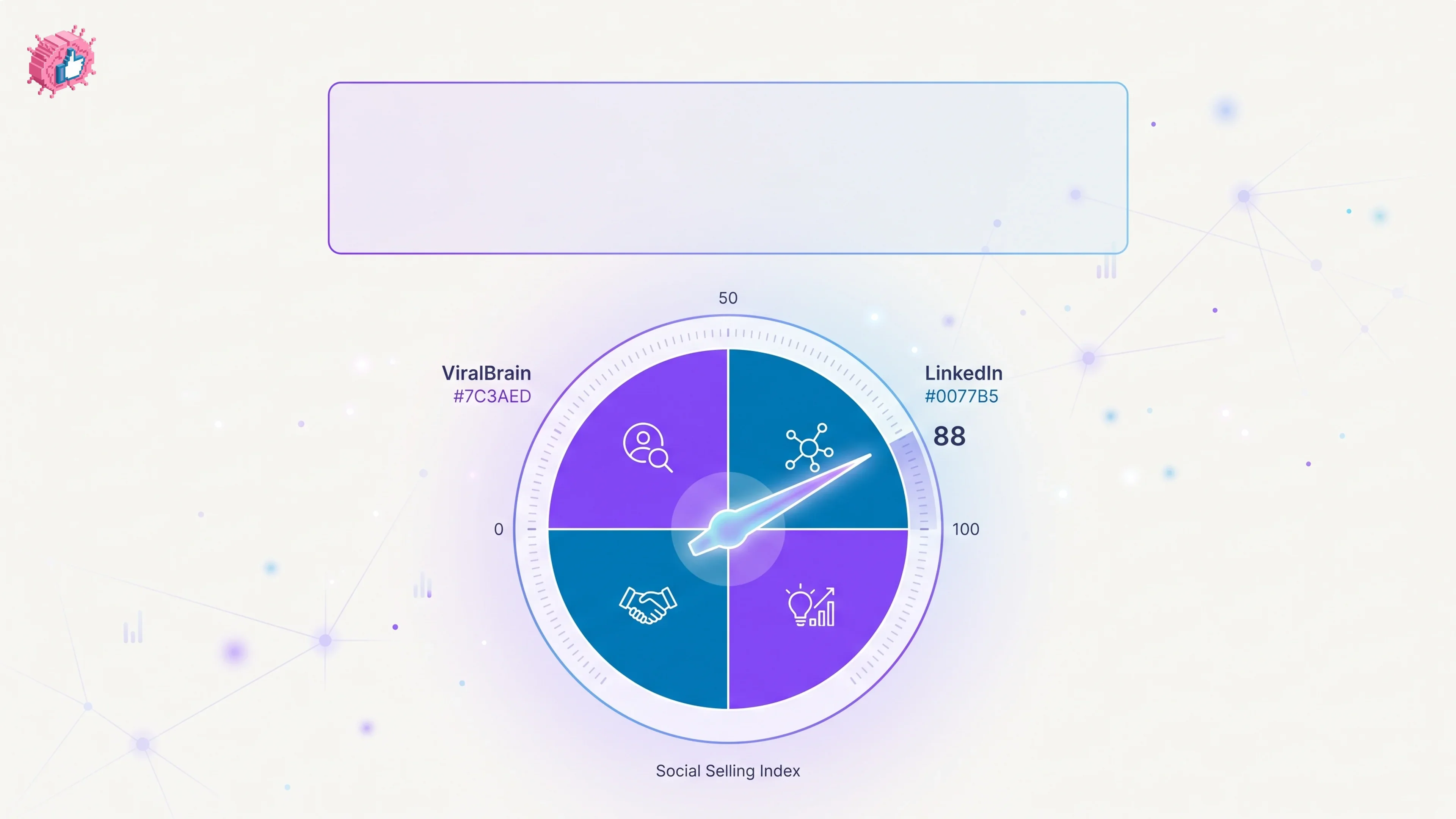
What Is LinkedIn SSI? (Social Selling Index Explained)
LinkedIn SSI (Social Selling Index) scores your profile 0-100 across 4 pillars. Here's how each pillar is scored and how to check your own score.
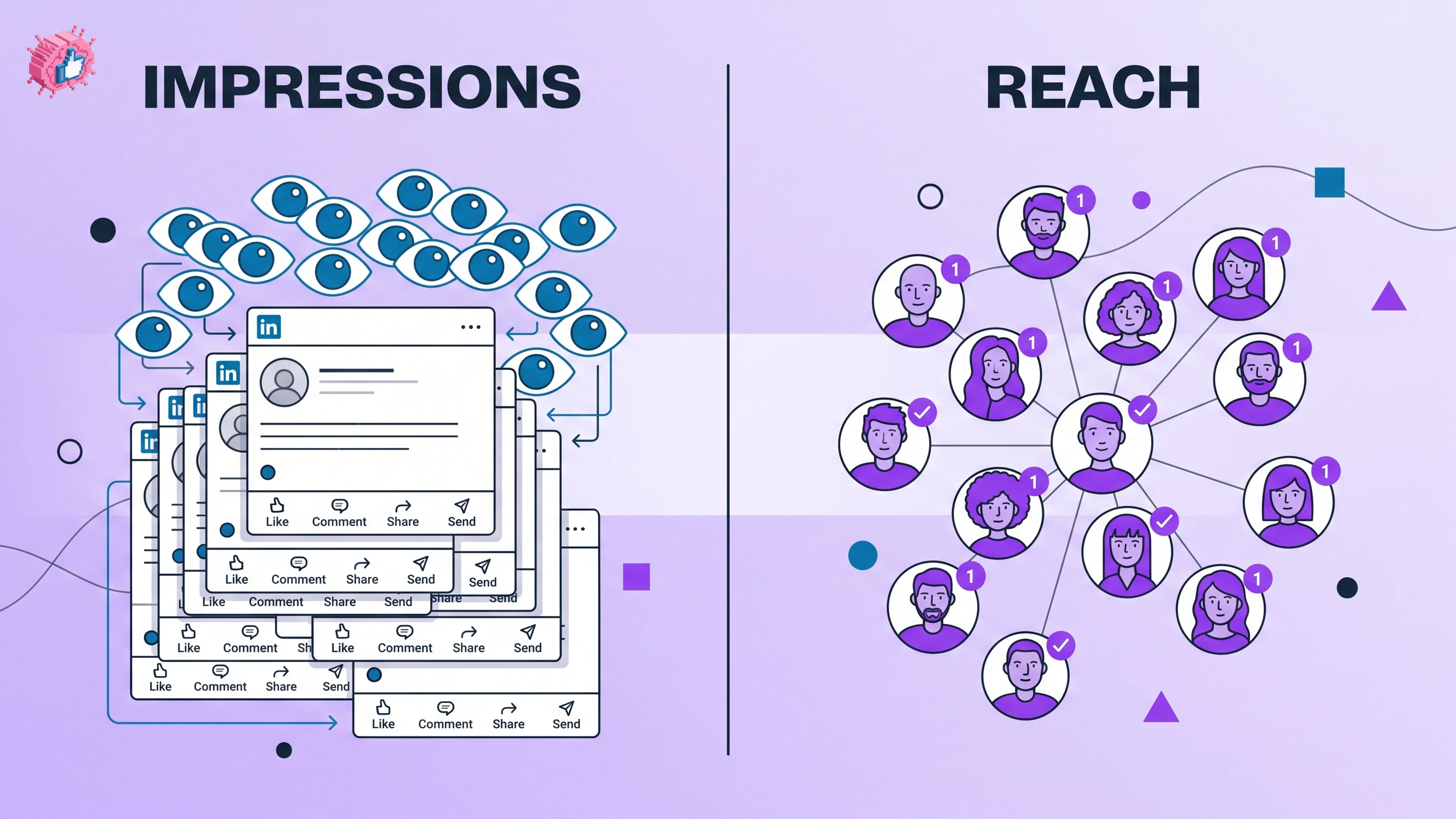
LinkedIn Impressions vs Reach: What the Numbers Mean (2026)
LinkedIn impressions vs reach explained: how LinkedIn counts each, why they differ, what a healthy ratio looks like, and how to grow both in 2026.