

LinkedIn Follow vs Connect: What Changes
Connections cap at 30,000; followers are unlimited. What each gives you, what happens at the cap, and why a declined invite leaves you following.
Connecting and following look like two versions of the same action. They are not, and the clearest evidence is that one of them runs out.
LinkedIn caps connections at 30,000. Followers have no cap at all. That single asymmetry explains why established creators quietly stop accepting invitations, why some profiles show Follow where you expected Connect, and why the two buttons are worth understanding before you default to one.
This guide covers what each action actually gives you, what happens when you hit the ceiling, and the behavior that catches people out when an invitation is declined.
Automate your LinkedIn for 30 days
What is the difference?
LinkedIn puts it in one line: "following lets you learn from someone's content, while connecting builds a two-way relationship."
Connecting is mutual. "When you connect with someone, you both become first-degree connections. This allows you to message each other directly and see each other's posts and updates in your feeds."
Following is one-way. "Following someone lets you see their public posts and articles in your feed without sending a connection invitation." Nothing is requested, nothing is approved, and the other person is not asked for anything.
| Follow | Connect | |
|---|---|---|
| Direction | One-way | Mutual |
| Approval needed | No | Yes, they accept the invitation |
| Direct messaging | No | Yes |
| Whose posts you see | Theirs, public ones | Each other's |
| Limit | Unlimited | 30,000 |
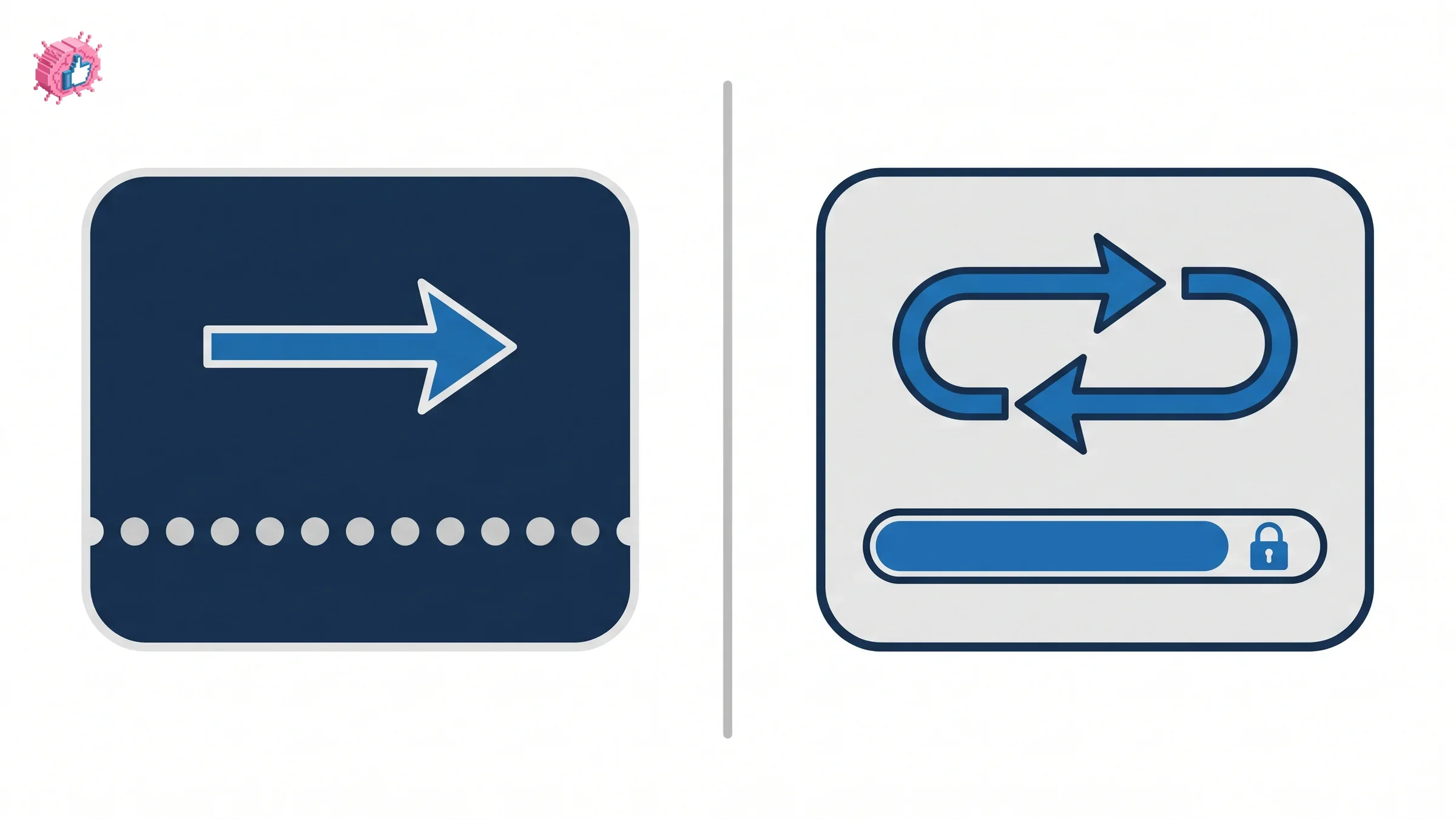
The 30,000 connection cap
This is the number most people have heard and few have seen stated. It is on LinkedIn's network size limit page, not on the follow-and-connect page: "LinkedIn members can have up to 30,000 1st-degree connections."
What happens when you arrive there is spelled out too: "if you have reached 30,000 connections, Follow will become the default option on your profile. You will not be able to accept or send new connection invitations unless you remove connections to keep network size under the limit."
So the cap is not a soft warning. It converts your profile's primary button and it blocks invitations in both directions until you prune. Anyone running an aggressive connection strategy is spending a finite resource, which is the honest frame missing from most advice about getting connections.
Followers are unlimited
The other half of the same page: "the number of people who can follow you (and who you can follow) is unlimited."
That is the structural argument for building a following rather than a connection list. Connections buy you direct messaging and a mutual feed relationship, and they run out at 30,000. Followers buy you distribution, and they do not run out.
For anyone publishing regularly, the follower number is the one that scales, and the tactics for moving it are covered in growing your LinkedIn followers. This page stays on the mechanics of the two buttons.
A declined invitation leaves you following them
Here is the behavior almost nobody expects, quoted directly: "if they decline your invitation, you'll continue following them unless you manually unfollow."
A complete profile reduces how often that happens in the first place, which is the quiet argument for the profile checklist. Rejection does not return you to neutral. It leaves you as a follower of someone who just declined to connect with you, their posts stay in your feed, and nothing tells you this has happened.
Two practical consequences:
- Your feed fills with people who said no. Over a few hundred sent invitations, that is a meaningful share of what you see every day.
- Unfollowing is a separate, manual action. If you want out, you have to do it deliberately on their profile.
Worth auditing if you have sent invitations at volume. What lands in your feed shapes what you think the platform rewards, and a feed built from declined invitations is a poor sample. The same reasoning applies to what the algorithm actually promotes.
Automate your LinkedIn for 30 days
When Follow is someone's main button
Some profiles show Follow where you expected Connect. LinkedIn explains why and what it means for you: "some members have Follow set as their main profile action. If you choose to connect instead using the overflow menu, you'll automatically follow them while your invitation is pending."
So on those profiles, sending an invitation makes you a follower immediately, before any decision is made. Combined with the rule above, the outcome is the same whether they accept or decline: you end up following them either way.
This is also what the 30,000 cap produces. A member at the ceiling has Follow as their default because LinkedIn switched it for them. The same button appears on company pages by design, which is part of the personal brand versus company page trade-off.
Which one should you use?
LinkedIn's own guidance is unusually direct, and it is a reasonable default:
- "Connect with people you know personally and trust professionally."
- "Follow anyone whose posts you want to keep up with, so you always stay informed."
Read that as a budget rather than etiquette. You have 30,000 connection slots for your working life and unlimited follows, so the question for any given person is whether you need the two-way relationship or only the content.
- Connect when you want to be able to message them, when you have met or worked with them, or when you want your posts in their feed as well as theirs in yours. Relationship depth is also what the social selling index tries to score.
- Follow when you want their thinking and nothing else. Analysts, competitors, people whose work you track: following costs you nothing and spends no slot.
- Follow rather than connect at scale. If your goal is to learn from an industry, following fifty people is strictly better than sending fifty invitations, because none of it is capped and none of it can be declined.
For building your own presence, the choice barely matters compared to whether you publish. A consistent posting habit converts profile visitors into followers without you sending anything, and that is the mechanism behind building a personal brand at any scale.
The honest summary
Connecting is a mutual relationship with direct messaging, capped at 30,000. Following is one-way access to someone's public posts, capped at nothing.
The two rules worth remembering are that the cap flips your profile to Follow when you reach it, and that a declined invitation quietly leaves you following the person who declined. Neither is obvious from the buttons, and both change how you should spend invitations.
FAQ
What is the difference between follow and connect on LinkedIn?
LinkedIn states that "following lets you learn from someone's content, while connecting builds a two-way relationship." Connecting makes you both first-degree connections with direct messaging and each other's posts in your feeds. Following is one-way and shows you their public posts without an invitation.
How many connections can you have on LinkedIn?
"LinkedIn members can have up to 30,000 1st-degree connections." Followers are separate: "the number of people who can follow you (and who you can follow) is unlimited."
What happens when you reach 30,000 connections on LinkedIn?
"Follow will become the default option on your profile. You will not be able to accept or send new connection invitations unless you remove connections to keep network size under the limit."
Do you still follow someone if they reject your connection request?
Yes. LinkedIn states that "if they decline your invitation, you'll continue following them unless you manually unfollow." A declined invitation leaves you as a follower until you undo it yourself.
Why does a profile show Follow instead of Connect?
Either the member has set Follow as their main profile action, or they have reached the 30,000 connection limit, which makes Follow the default automatically. You can still send an invitation through the overflow menu.
Does connecting make someone a follower?
Connecting creates a mutual first-degree relationship where you see each other's posts. Separately, if you send an invitation on a profile where Follow is the main action, "you'll automatically follow them while your invitation is pending."
Can I unfollow someone without removing them as a connection?
LinkedIn's follow and connect page describes unfollowing as the reverse of following, but it does not address keeping a connection while unfollowing them, so treat that as undocumented on this page rather than assuming either way.
Should I follow or connect on LinkedIn?
LinkedIn recommends you "connect with people you know personally and trust professionally" and "follow anyone whose posts you want to keep up with." Since connections are capped and follows are not, following is the better default for anyone you only want to learn from.
Automate your LinkedIn for 30 days
ViralBrain plans, writes, and schedules your LinkedIn content, using official LinkedIn APIs so your account stays safe.
- Official LinkedIn APIs, no risk of ban
- You approve every post before it goes live
- Cancel anytime
Keep reading
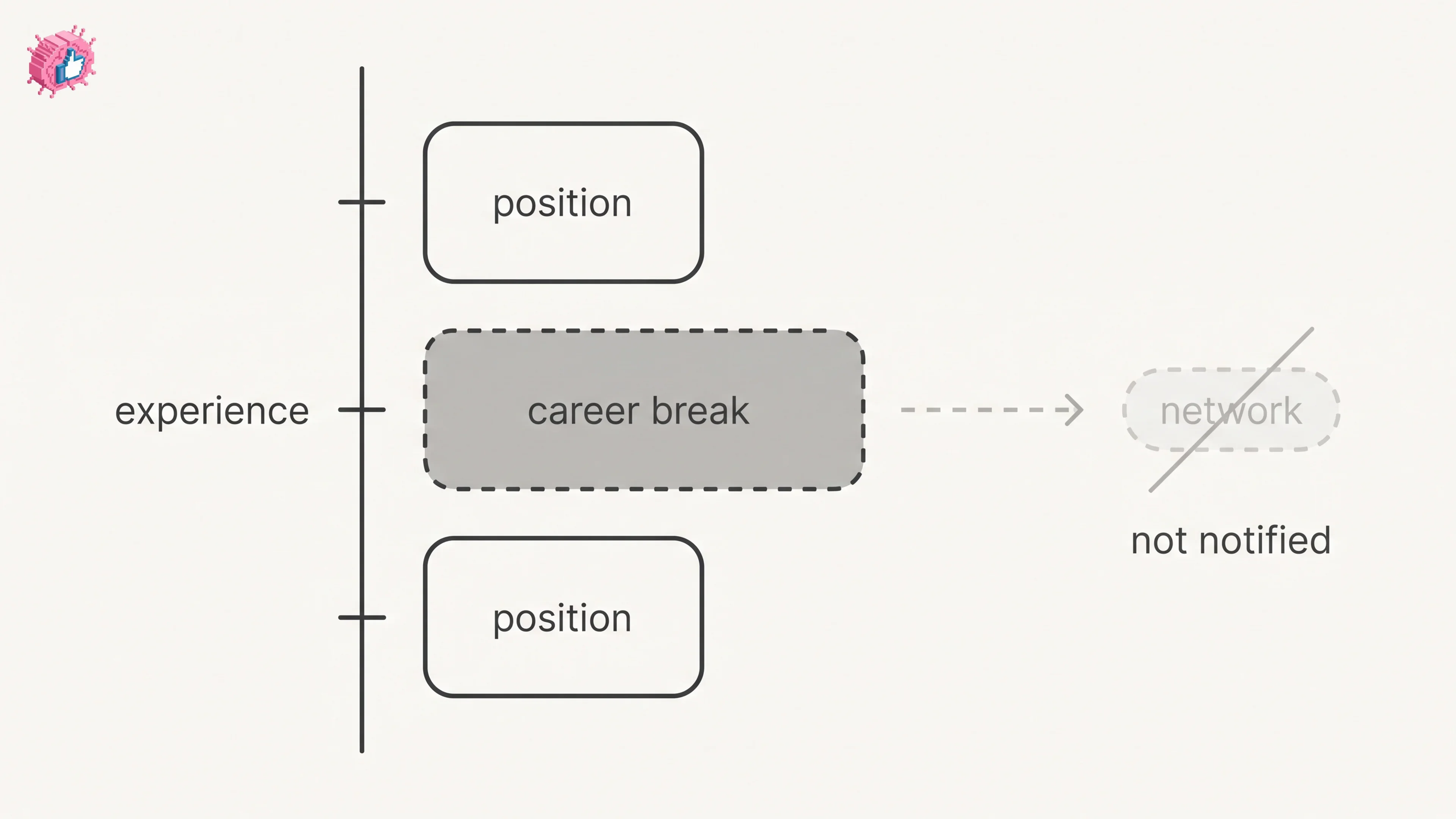
LinkedIn Career Break: How to Add One and Who Sees It
Add a career break on LinkedIn desktop or the app. Your network is not notified, the type is optional, and signed-in members see it. From LinkedIn Help.
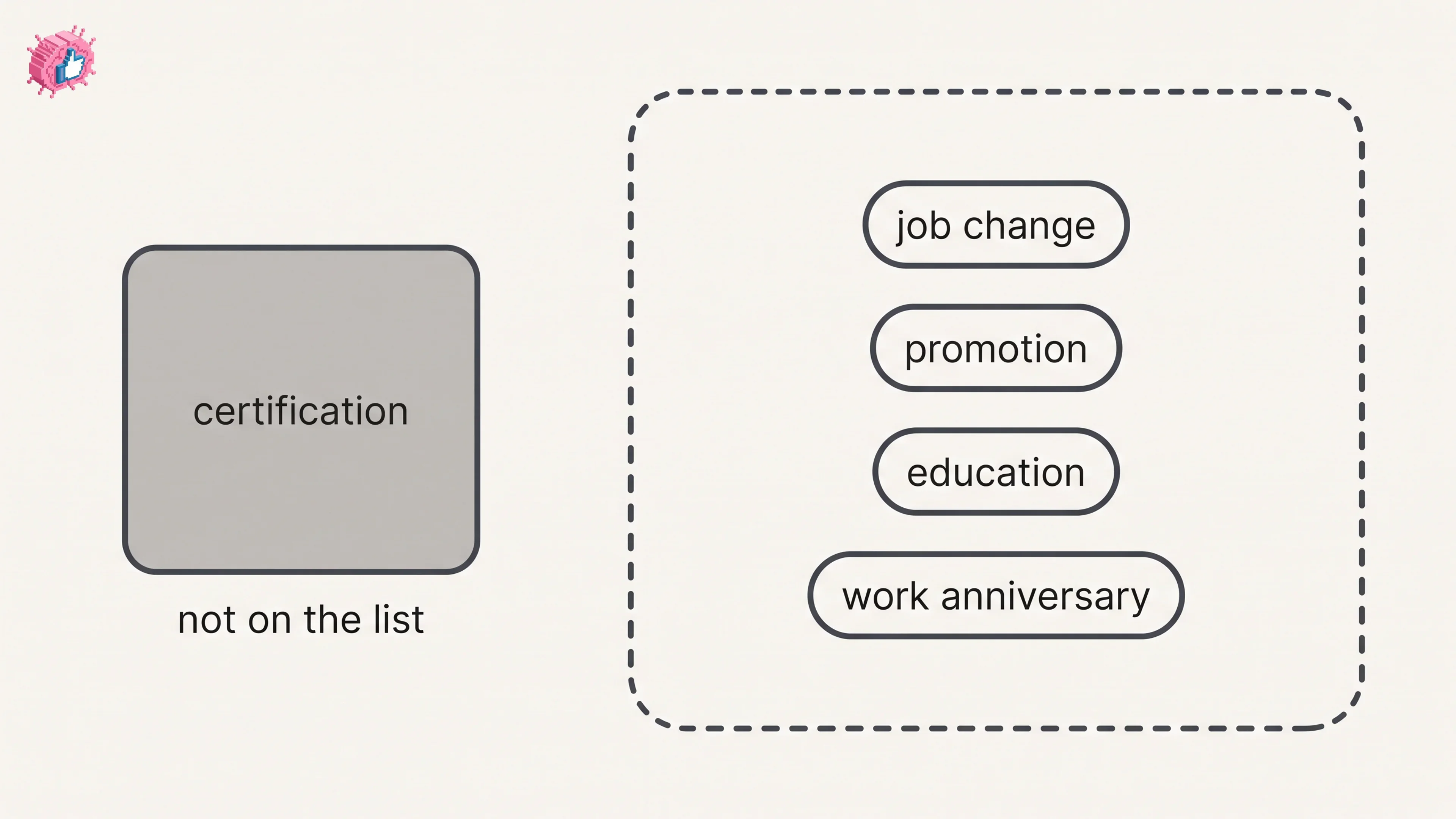
How to Add a Certification to LinkedIn Without Posting
Add a certification on LinkedIn desktop or the app, put credentials after your name, and see what LinkedIn documents about notifying your network.
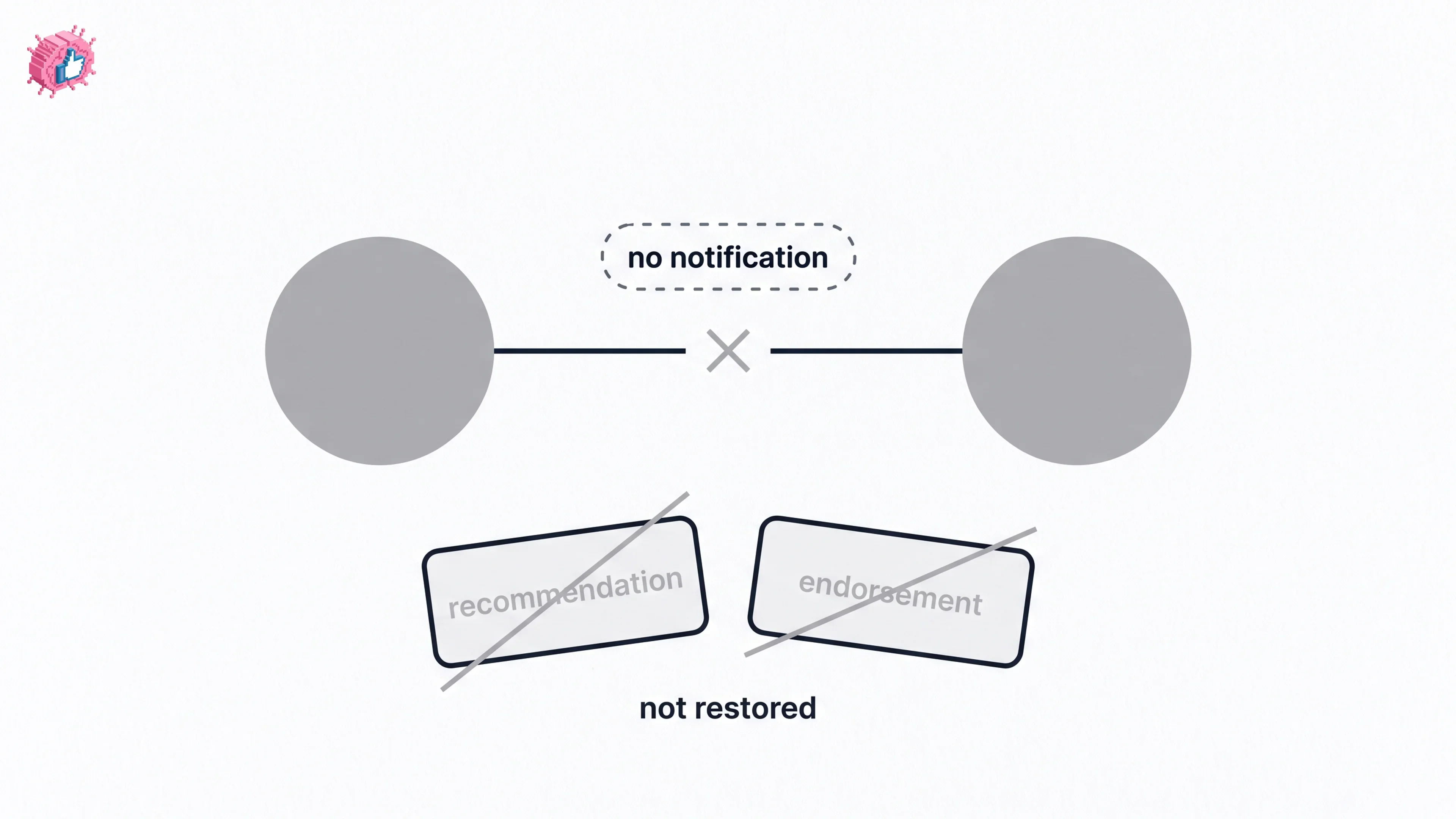
How to Remove a Connection on LinkedIn: What It Erases
Remove a LinkedIn connection on desktop or the app. They are not notified, but recommendations and endorsements go for good. Steps from LinkedIn Help.