

LinkedIn Thought Leader Ads: How They Work in 2026
LinkedIn thought leader ads let your Page sponsor a member's organic post. Eligibility rules, permissions, setup, costs, and what you can measure.
A LinkedIn thought leader ad is your company paying to put an employee's or creator's organic post in front of a bought audience. The post stays on their profile, under their name and face. Your Page picks up the bill and the targeting.
That single design choice is what makes the format worth understanding. Every other LinkedIn ad format starts with an ad. Thought leader ads start with a post that already exists, which means the ad cannot be better than the writing underneath it.
This guide covers what LinkedIn's own documentation says: which posts qualify, who has to approve what, how the setup runs in Campaign Manager, what the format costs, and which numbers you can actually see afterward. Where LinkedIn publishes no answer, this says so rather than filling the gap with a plausible number.
Automate your LinkedIn for 30 days
What is a LinkedIn thought leader ad?
A thought leader ad is sponsored content where the creative is an existing organic post from a member's personal profile, promoted by a company's ad account with that member's permission.
LinkedIn describes the purpose as promoting "content from LinkedIn members, creators, or employees of your company." The member keeps ownership of the post. Your company Page supplies the budget, the audience targeting, and the campaign objective.
Three things follow from that structure, and they explain most of the format's quirks:
- The creative is a real post, so it carries a real person's name, photo, and posting history.
- You need the author's consent, because you are spending money against something they wrote.
- You cannot fix a weak post with a bigger budget, because the post is the ad.
If you want the organic side of this first, our guide to thought leadership on LinkedIn covers what to write before there is any question of promoting it.
How thought leader ads differ from boosting your own post
Boosting promotes a post your company Page published, while a thought leader ad promotes a post an individual published from their personal profile. Boosting needs nobody's permission. A thought leader ad needs the author's.
Put another way, a boost puts money behind your own content. A thought leader ad puts your Page's money behind someone else's. We cover the first in detail in how to boost a post on LinkedIn.
| Boosting a Page post | Thought leader ad | |
|---|---|---|
| Whose post | Your company Page's | A member's personal profile |
| Whose name appears | The company | The individual |
| Permission needed | None, it is your post | The author must approve |
| Where you set it up | Boost button or Campaign Manager | Campaign Manager or Creator Marketplace |
| Can it be duplicated | Yes | No |
| Call-to-action button | Available | Not on single image or video ads |
The permission row is the one that changes how teams work. A boost is a budget decision. A thought leader ad is a budget decision plus a conversation with a person who has to say yes.
The reason companies bother: personal profiles reach further than Page posts do. We broke the gap down in personal brand vs company page, and the short version is that the 2026 LinkedIn algorithm treats a human author as a stronger relevance signal than a logo.
Which posts are eligible to be promoted?
Not every post qualifies, and LinkedIn's exclusion list is specific. Check this before you plan a campaign around a particular post.
| Post type | Eligible as a thought leader ad |
|---|---|
| Public text post | Yes |
| Single image post | Yes |
| Video post | Yes |
| Article or newsletter published on LinkedIn | Yes |
| Eligible collaborative posts | Yes |
| Celebrations | No |
| Documents (carousels) | No |
| Polls | No |
| Multi-image posts | No |
| Reposted content | No |
Two conditions sit on top of the list. The member's profile must display their full name, and the post must be public. A post shared to connections only cannot be sponsored.
The repost rule catches teams out. If someone on your team reshared a post you want to promote, you cannot sponsor the reshare. LinkedIn's instruction is to request permission from the original author and promote the original post instead.
The documents exclusion matters more than it looks, because carousels are a heavily used organic format. If your best-performing content is carousels, this format is closed to you until you publish something else.
Articles and newsletters being eligible is the quieter opportunity. A LinkedIn newsletter issue can be promoted the same way a text post can, and far fewer advertisers are doing it.
Who needs to approve what?
A thought leader ad needs two approvals: admin rights on the company Page running the ad, and the post author's consent to have their content sponsored. They sit with different people and neither substitutes for the other.
On your side, you need super admin, content admin, or Sponsored Content poster permissions on the company Page attached to the ad account. If the ad account belongs to a Showcase Page, you need those permissions on the parent company Page rather than the Showcase Page itself. LinkedIn also notes that the ad stays tied to the parent Page regardless.
On the author's side, they receive an email when you request sponsorship. It opens a page showing the exact post you want to promote, where they can:
- Approve or reject the request
- Turn auto-approvals on or off for future requests
- Read the terms and conditions
The auto-approval toggle is what makes this workable at any scale. Without it, every campaign needs a fresh yes from a busy executive. With it, the exec agrees once and marketing can move.
LinkedIn states there is no limit on how many requests you can send to a given thought leader. That is a capability, not an invitation. Requesting sponsorship on twelve posts from someone who agreed to one is how you lose access to the person.
Whose posts you can find depends on how far they sit from you. First and second-degree connections are searchable in Campaign Manager or Creator Marketplace. Third-degree and beyond are only reachable through Creator Marketplace.
Automate your LinkedIn for 30 days
How to set up a thought leader ad
The flow runs through Campaign Manager and looks like this:
- Confirm your Page permissions. Super admin, content admin, or Sponsored Content poster on the Page tied to the ad account.
- Find the post. Search for the member in Campaign Manager or Creator Marketplace, then locate the specific post you want behind your budget.
- Request permission. The author gets an email and approves or rejects it. Nothing runs until they approve.
- Pick the matching ad format. Single image for a text or image post, video for a video post, article and newsletter for long-form, event for a Live Event post.
- Choose an available objective. Brand awareness and engagement are available to every format, plus video views for video.
- Build the ad set and launch. Remember you cannot duplicate the ad afterward, so set the targeting up properly the first time.
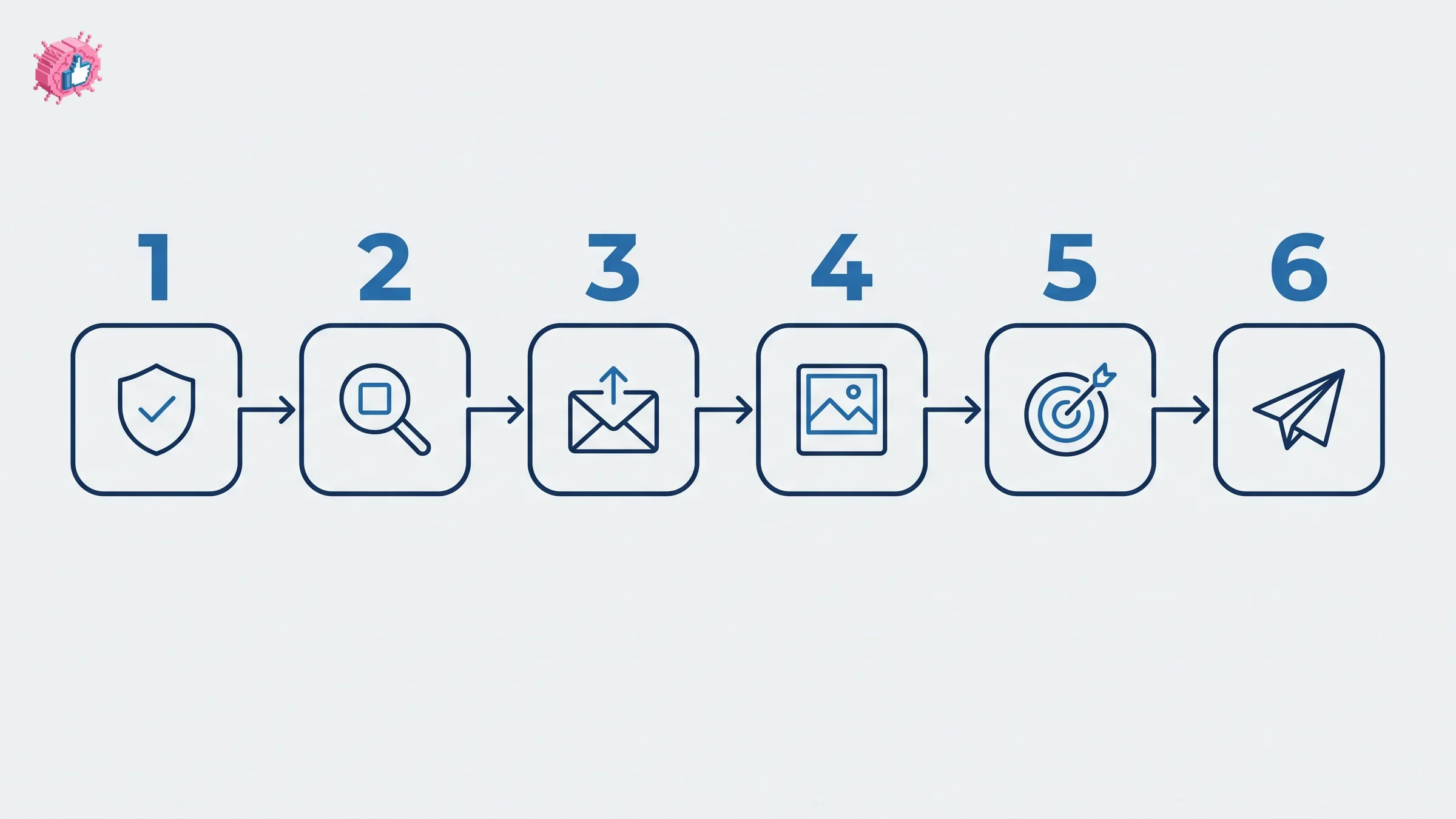
That last point deserves emphasis. With ordinary sponsored content, the usual workflow is to duplicate a campaign and vary one thing. Thought leader ads block duplication, so A/B testing means requesting permission on a second post and building a second ad from scratch.
Event thought leader ads work differently on one point: the member has to be an attendee of a LinkedIn Live Event your Page created, and their post must include the event link. Event ads are also the only thought leader format that carries a call-to-action button.
What do LinkedIn thought leader ads cost?
LinkedIn publishes no rate card for thought leader ads. Neither the product page nor the Help Center article lists a price, a minimum spend, or a benchmark cost per click, and both were checked for this article on September 18, 2026.
What LinkedIn does define is the set of objectives you can buy, and that constrains the economics more than any CPC figure would:
| Post format | Ad format | Objectives available |
|---|---|---|
| Single image or text | Single image | Brand awareness, engagement |
| Video | Video | Brand awareness, engagement, video views |
| LinkedIn Live Event | Event | Brand awareness, engagement |
| Newsletter or article | Article and newsletter | Brand awareness, engagement |
Read that table again if you are building a business case. There is no lead generation or conversion objective. You cannot attach a lead gen form to a thought leader ad, and on single image and video ads you cannot even attach a call-to-action button, though LinkedIn does allow URLs in the intro text.
So the honest framing is that this format buys attention and profile follows, not form fills. Anyone quoting you a cost per lead for thought leader ads is modeling something LinkedIn does not sell.
On performance, LinkedIn reports that B2B marketers see 1.6 times higher engagement with thought leader ads than with single image promotions, and that 71% of decision-makers find thought leadership more effective than conventional ad approaches. Both figures come from LinkedIn and were reported by Social Media Today on September 14, 2026. Treat them as vendor numbers, because that is what they are.
You will also find "2x click-through rate" quoted widely for this format. We could not find that figure on either of LinkedIn's own pages, so it is not repeated here.
What you can measure, and what you cannot
Campaign Manager reports on the ad the way it reports on other sponsored content, with two metrics specific to this format:
- Member follows, when someone follows the author's profile through the ad
- Clicks to member profile, when someone clicks through to the thought leader's profile
Both measure the same underlying thing, which is that the format grows the person rather than the Page. If your executive is building a personal audience, these are the numbers that show it working. Compare them against your organic engagement rate benchmarks to see whether paid reach is pulling a different quality of audience.
The author sees something too. From their profile, the member can view aggregated total impressions and reach combining organic and paid for that post. That total excludes LinkedIn Audience Network metrics.
This creates a measurement trap worth avoiding. Once the campaign starts, the author's view of their own post mixes organic and paid, so you lose the clean organic baseline. LinkedIn's own guidance is to have the thought leader record their organic performance before the campaign begins. Do that, or you will never know what the money actually bought. A LinkedIn analytics tool that snapshots post performance handles this automatically.
The ad is only as good as the organic post
Everything above is mechanics. The part that decides whether the format works is upstream of Campaign Manager.
A thought leader ad puts paid distribution behind writing that already exists. If the post was mediocre at 400 organic impressions, it is mediocre at 40,000 paid ones, and now more people have seen your executive say something forgettable. The format has no creative lever. You cannot rewrite the headline, swap the image, or test a second hook without going back to the author for a new post entirely.
Which makes the real constraint obvious: you need a steady supply of posts from your executives that are worth promoting. That is the bottleneck for most teams, and it is why the exec-plus-ghostwriter workflow exists. Finn Thormeier's approach to executive thought leadership is a good model for how that collaboration runs in practice, and if you are buying the capability rather than building it, we compared LinkedIn ghostwriting services separately.
Three practical consequences:
- Build the organic habit before the ad budget. A profile that posts twice a year has nothing to sponsor.
- Promote posts that already performed organically. The signal is free and it is the closest thing to a creative test this format allows.
- Get the auto-approval toggle switched on early, while the executive is enthusiastic rather than mid-quarter and unreachable.
If the supply of exec posts is the thing holding you back, that is the problem ViralBrain is built for: it analyzes how a person actually writes, then drafts posts in that voice for them to approve. The free tier covers 3 hero profiles and 3 posts a month, and paid plans start with a 7-day trial that costs EUR 1 today.
For teams running this across many employees rather than a handful of executives, employee advocacy tools solve a related but distinct problem, which is organic reach at headcount scale rather than paid reach behind one voice.
FAQ
What are LinkedIn thought leader ads?
LinkedIn thought leader ads are sponsored ads where the creative is an existing organic post from an individual member's profile, promoted by a company's ad account with that member's permission. The post keeps the person's name and photo rather than the company's branding.
Do thought leader ads have to be employees?
No. LinkedIn allows you to promote public posts from employees, creators, and members who are first, second, or third-degree connections. First and second-degree connections can be found in Campaign Manager or Creator Marketplace, while third-degree and beyond are only searchable in Creator Marketplace.
How much do LinkedIn thought leader ads cost?
LinkedIn does not publish a price, minimum spend, or benchmark cost for thought leader ads on its product or Help Center pages. Cost depends on your targeting and objective in Campaign Manager, and the available objectives are limited to brand awareness, engagement, and video views on video ads.
Can you run lead generation with thought leader ads?
No. The objectives available to thought leader ads are brand awareness, engagement, and video views for video posts. There is no lead generation or conversion objective, and single image and video thought leader ads carry no call-to-action button, although you can include URLs in the intro text.
Which LinkedIn posts cannot be promoted as thought leader ads?
Celebrations, documents, polls, and multi-image posts are not eligible for promotion, and reposted content cannot be sponsored. To promote something that was reshared, you request permission from the original author and promote the original post.
Does the thought leader have to approve every campaign?
Not necessarily. The author receives an email for each sponsorship request with the option to approve or reject it, and that page also carries a toggle to turn auto-approvals on. With auto-approvals enabled, later requests do not need individual sign-off.
Can you duplicate a thought leader ad?
No. LinkedIn does not allow thought leader ads to be duplicated, so you cannot copy a campaign to test a variation. Testing a second angle means requesting permission on a different post and building a new ad.
What can the thought leader see about the campaign?
From their profile, the member can view aggregated total impressions and reach for the post, combining organic and paid performance. That figure excludes LinkedIn Audience Network metrics. Because the totals merge once the campaign starts, LinkedIn recommends the author records their organic performance beforehand.
Sources: LinkedIn Marketing Solutions Help, Thought Leader Ads, LinkedIn, Thought Leader Ads product page, Social Media Today, LinkedIn shares tips on Thought Leader ads
Automate your LinkedIn for 30 days
ViralBrain plans, writes, and schedules your LinkedIn content, using official LinkedIn APIs so your account stays safe.
- Official LinkedIn APIs, no risk of ban
- You approve every post before it goes live
- Cancel anytime
Keep reading
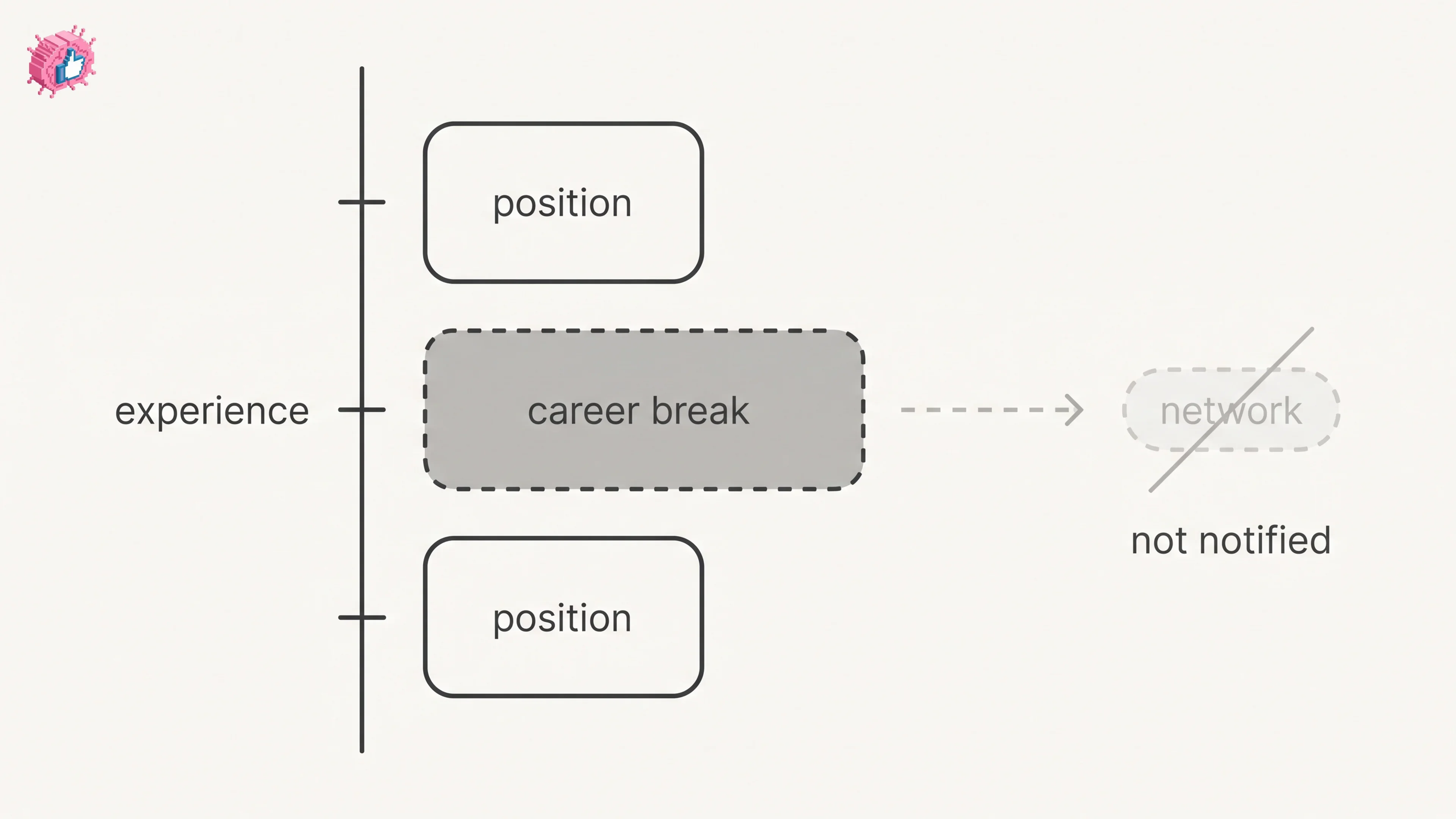
LinkedIn Career Break: How to Add One and Who Sees It
Add a career break on LinkedIn desktop or the app. Your network is not notified, the type is optional, and signed-in members see it. From LinkedIn Help.
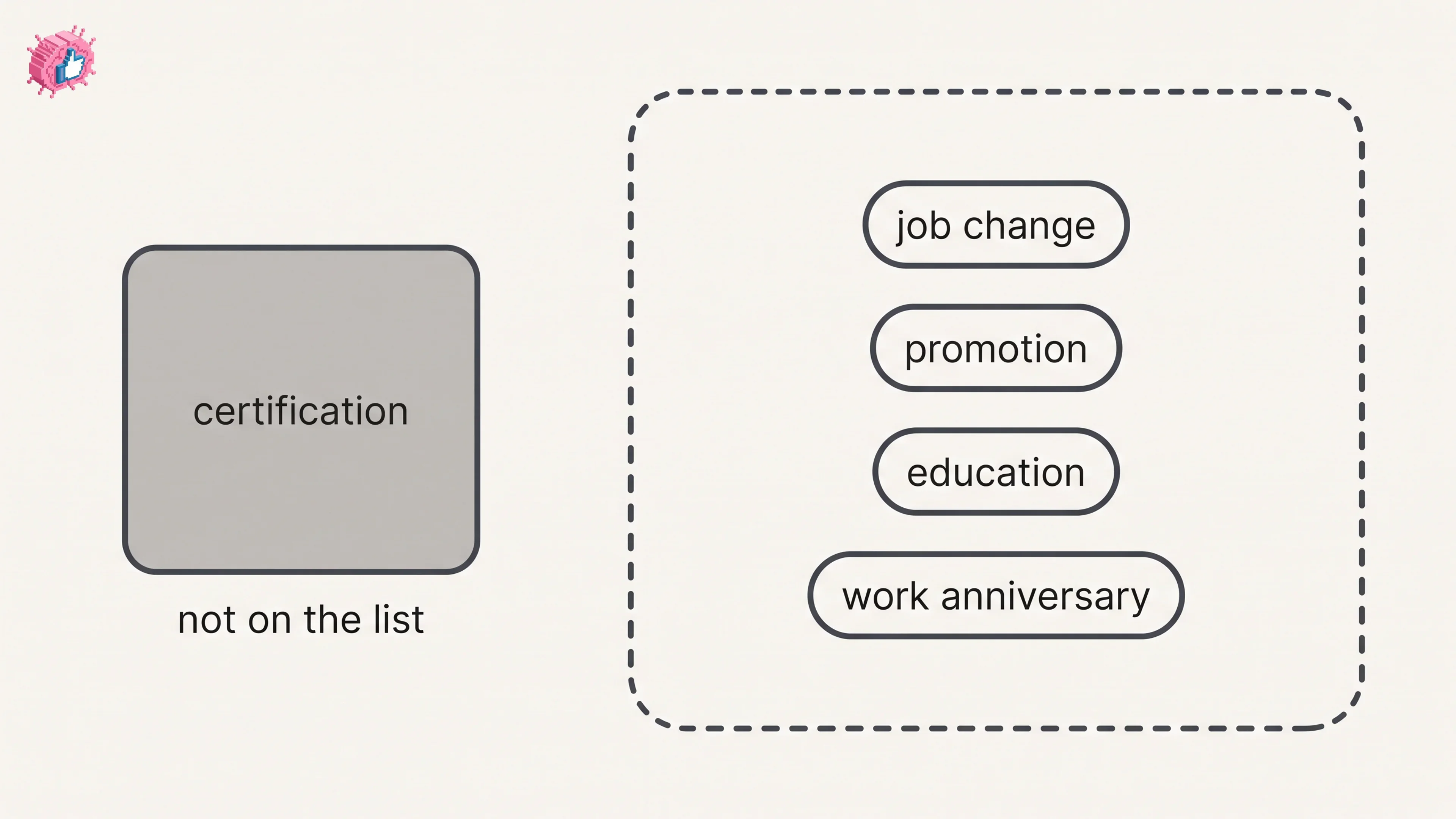
How to Add a Certification to LinkedIn Without Posting
Add a certification on LinkedIn desktop or the app, put credentials after your name, and see what LinkedIn documents about notifying your network.
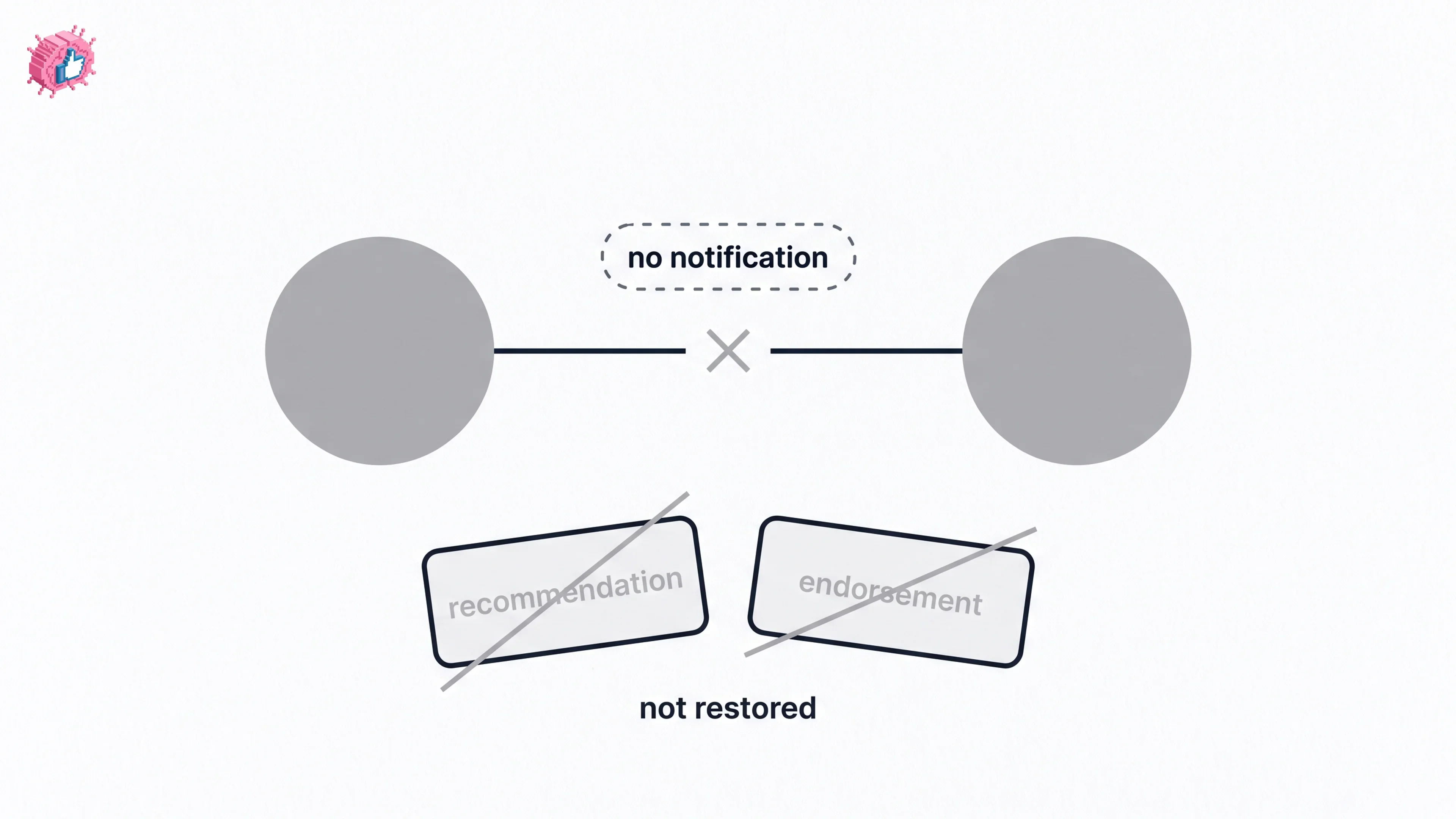
How to Remove a Connection on LinkedIn: What It Erases
Remove a LinkedIn connection on desktop or the app. They are not notified, but recommendations and endorsements go for good. Steps from LinkedIn Help.