

LinkedIn Recommendations: Limits and How to Ask
LinkedIn allows one recommendation per position per member, and a signed-out visitor sees only two. How to request one, write one, and who can see them.
A LinkedIn recommendation is the only thing on your profile written by someone other than you. That is what makes it worth collecting, and it is also why LinkedIn caps how you can collect it.
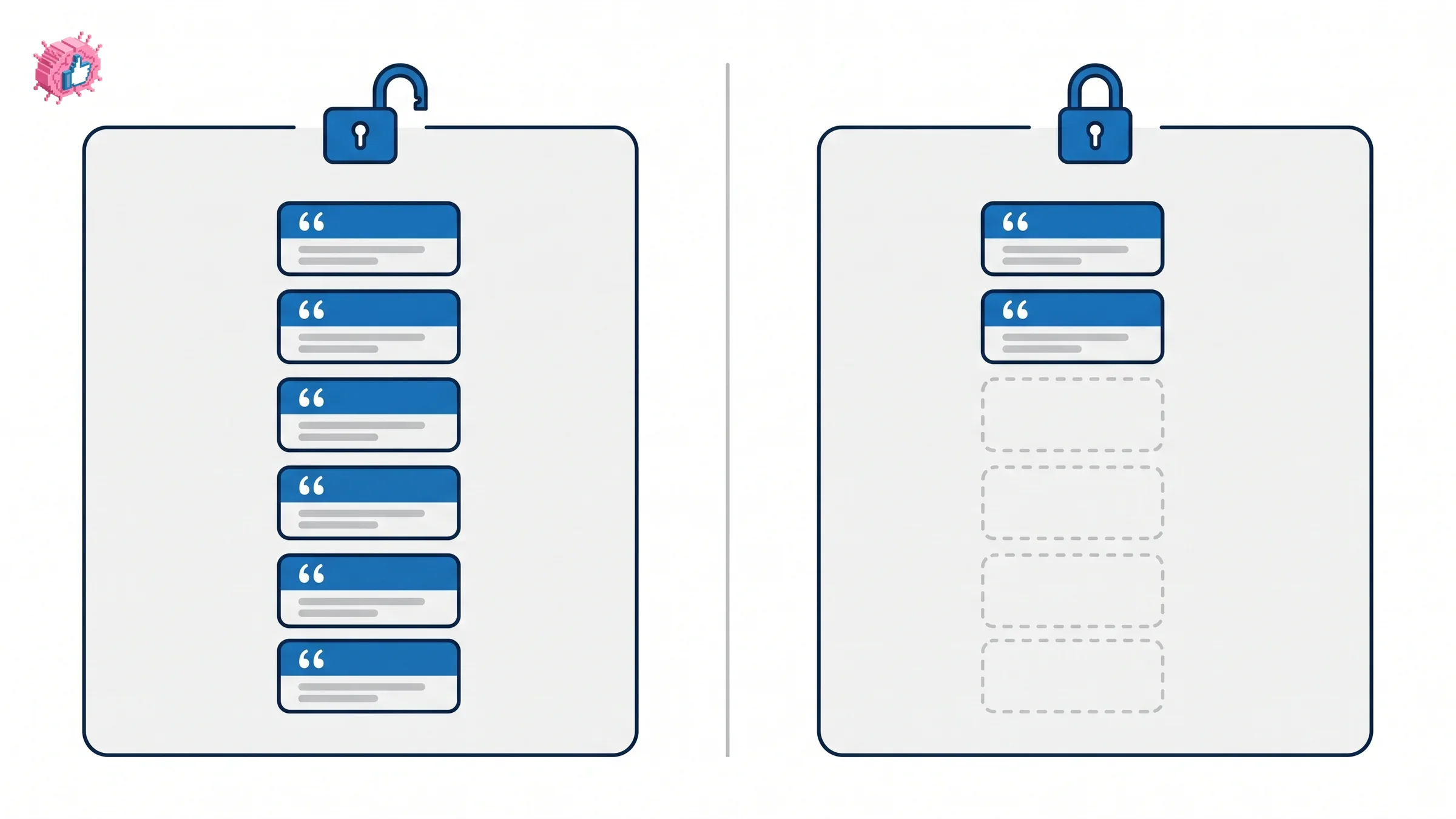
Two caps shape the whole exercise. You can hold only one recommendation per position from any given person, and a visitor who is not signed in to LinkedIn sees at most two of them no matter how many you have.
This guide covers the full set of limits, the exact steps to request one and to write one, what happens after it is sent, and which of these actions cannot be undone.
Automate your LinkedIn for 30 days
What is a LinkedIn recommendation?
LinkedIn defines it simply: "a recommendation is a commendation written by a LinkedIn member to recognize your work."
It is attached to a specific position on your profile rather than floating free, which is why the per-position limit below exists. You request them from 1st-degree connections you work with or have worked with, and any connection can write you one unprompted.
This is a different mechanism from the skills section, where the claim is yours. A recommendation carries someone else's name, which is the same reason profile verification and content credentials do work that your own copy cannot.
Every limit, in one place
| Limit | Rule |
|---|---|
| Per position, per person | "You can request or give only one recommendation per position, per member" |
| Pending requests to one person | "You can only request one recommendation from a connection at a time" |
| Total recommendations | No limit to how many you can request or give overall |
| Language | "Recommendations can only be requested in your primary profile language" |
| Visible to logged-out visitors | The count, and a maximum of two |
| Who can see them signed in | 1st, 2nd and 3rd-degree connections |
The first row is the one that shapes strategy. One person can write you one recommendation per role, so a former manager who supervised you in two different positions can write two, and a peer from a single role can write one. Asking the same person twice for the same job is not an option the product offers.
The language rule catches people who maintain a profile in more than one language. Requests go out in your primary profile language only.
How to request a recommendation
The flow starts from your connections list rather than from the other person's profile.
On desktop: Click My Network, then Connections, search for the connection, click the More icon, then Request a recommendation.
On mobile: Tap My Network, then Manage my network, then Connections, search, tap the More icon, then Request a recommendation.
The form asks for three things:
- Relationship, how the two of you worked together
- Position at the time, which role this recommendation attaches to
- A personalized message
Write the third field properly. The person you are asking has to recall specific work, and a blank request makes them do that from memory. Naming the project, the period and what you would like them to speak to is the difference between a recommendation that says something and one that says you were a pleasure to work with.
How to write one for someone else
Writing one starts from the other person's profile, and they have to be a 1st-degree connection.
On desktop:
- Click the More button in the introduction section
- Select Recommend
- Fill out the Relationship and Position at the time fields, then click Next
- Write your recommendation in the message field and click Send
On mobile, tap More, tap Recommend, select the relationship and the position, tap Next, write it, and send.
You keep control after sending: "you can edit or delete recommendations you've sent at any time."
Nothing appears until the recipient accepts
This is the step people forget when they wonder why a recommendation they wrote is nowhere to be seen.
A recommendation you receive shows in your Recommendations section only after you accept it. The recipient can accept it, dismiss it, or ask for a revision.
The same applies in reverse. A recommendation you have given sits in the Given tab of your own profile, and it does not appear on your public profile until the recipient accepts it. If you wrote one for a colleague last month and cannot find it, the likely answer is that they have not actioned it yet.
Once accepted, recommendations are visible to your network by default, and you can hide individual ones.
Automate your LinkedIn for 30 days
Who can actually see them
The audience is narrower than most people assume, and this is the most useful thing on this page.
Signed in: recommendations "are only visible to 1st, 2nd, and 3rd-degree connections when they are signed in to LinkedIn."
Signed out: a public profile shows only the count and a maximum of two recommendations.
Think about who reads your profile cold. A prospective client checking you out before a call, or someone passed your name by a colleague, is frequently not signed in and is frequently outside your network. That person sees two recommendations and a number.
So the marginal value of your eleventh recommendation, to a stranger, is the counter moving from ten to eleven. The first two are doing nearly all the persuading for the audience that matters most, which is an argument for quality over volume and for thinking about which two are likely to surface. It is the same reason a strong About section outperforms a long one.
What you cannot undo
Three things are worth knowing before you click.
The relationship field is fixed once sent. On a request, "you won't be able to change the relationship once you send the recommendation request." Correcting it means deleting the request and starting again.
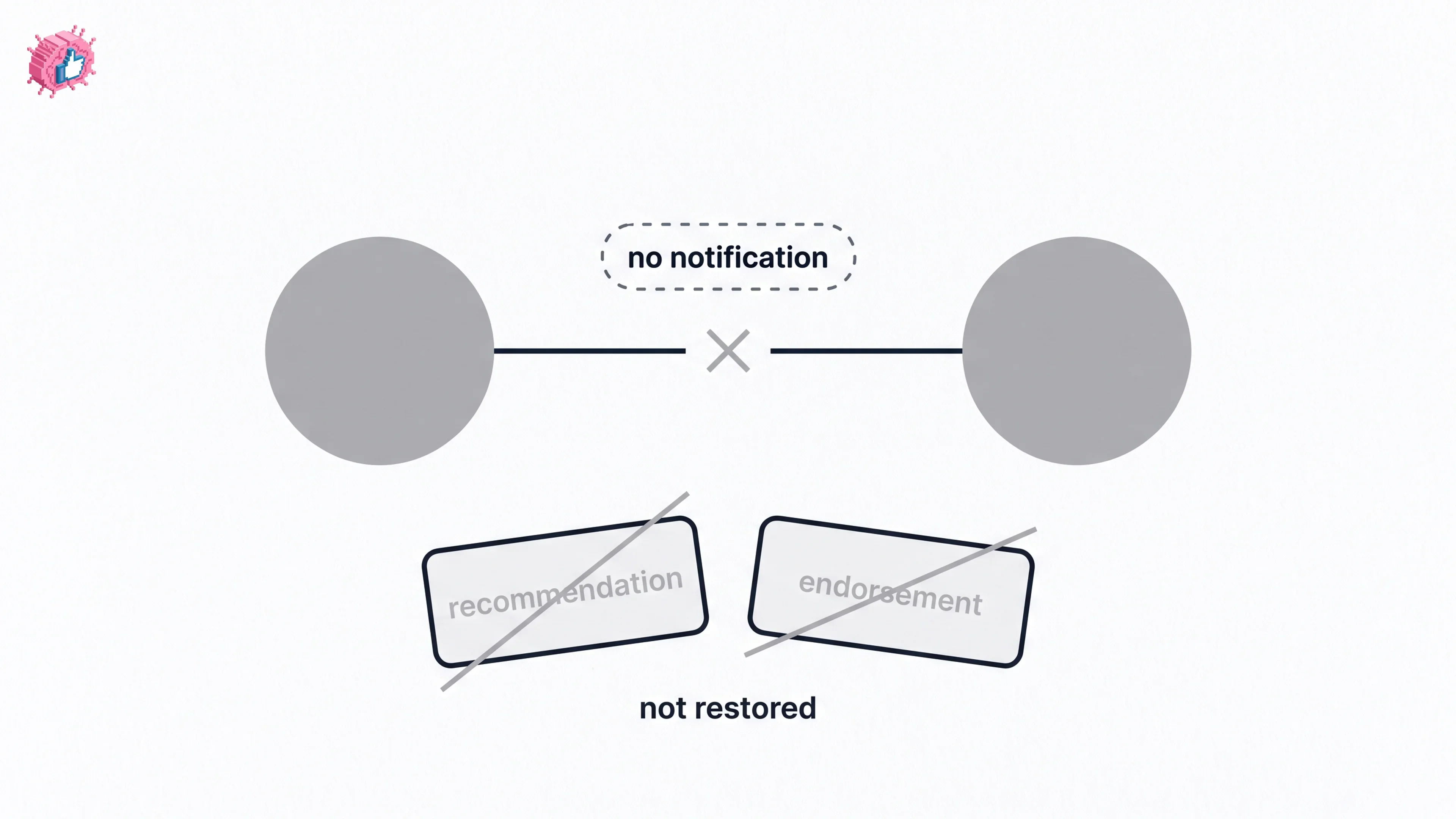
Removing a connection withdraws the recommendations. If you remove a connection, "any recommendations between you and that person will be withdrawn." Reconnecting later does not bring them back. A recommendation from someone you subsequently disconnect from is gone permanently, in both directions.
The recommender can delete theirs at any time. You hold recommendations at the writer's discretion, so a recommendation is not an asset you own outright.
How many should you have, and from whom
The caps push toward a specific shape rather than a number.
- Cover your recent positions. One or two per role reads as normal. Fifteen on one job and none on the others reads as a campaign.
- Mix the relationship types. A manager, a peer and a client say different things. The relationship field makes the type visible, so the mix is legible to a reader, which matters most for the senior profiles covered in personal branding for executives.
- Prioritize the two that would surface. Given the public cap, decide which two you would want a signed-out stranger to read, and make sure those are strong and current.
- Ask close to the work. People write better recommendations about things they did recently, and a request two years after a project produces vague copy.
Recommendations are one credibility signal among several. They sit alongside a complete profile checklist, a clear position on what you do, and a public track record of the kind that leads to LinkedIn Top Voice. For anyone selling services, they pair naturally with a LinkedIn service page, where the proof and the offer sit together.
The honest summary
Recommendations are cheap to collect and slow to collect well. The limits are generous in total and tight per person, so the constraint is not how many you can have but how many people will write you a good one.
Given that a signed-out visitor sees two, the target is not a long list. It is a handful of specific, recent recommendations spread across your real positions, from people whose relationship to you a reader can understand at a glance. Everything beyond that is a counter, and counters persuade nobody on their own, which is why building a personal brand over time still does the heavier work.
FAQ
How many recommendations can I have on LinkedIn?
There is no overall limit. LinkedIn states there is "no limit to the number of recommendations you can request or give," with one constraint: "you can request or give only one recommendation per position, per member."
Can the same person recommend me twice?
Only for different positions. The cap is one recommendation per position per member, so someone who worked with you in two separate roles can write two, while a colleague from a single role can write one.
How do I request a recommendation on LinkedIn?
Click My Network, then Connections, find the person, click the More icon, and select Request a recommendation. Fill in the relationship, the position at the time, and a personalized message. On mobile the path runs through My Network, then Manage my network, then Connections.
Does a LinkedIn recommendation appear automatically?
No. A recommendation you receive appears in your Recommendations section only after you accept it. You can also dismiss it or ask the writer for a revision. One you have given sits in your Given tab and does not reach your public profile until the recipient accepts.
Who can see my LinkedIn recommendations?
Signed-in 1st, 2nd and 3rd-degree connections see them. A visitor who is not signed in sees only the count and a maximum of two recommendations on your public profile.
Can I delete or hide a LinkedIn recommendation?
Yes. Recipients can hide recommendations they have accepted, and anyone who has written one can "edit or delete recommendations you've sent at any time."
What happens to recommendations if I remove a connection?
They are withdrawn. LinkedIn states that if you remove a connection, "any recommendations between you and that person will be withdrawn," and reconnecting later does not restore them.
Can I request a recommendation in another language?
No. "Recommendations can only be requested in your primary profile language," so a multilingual profile still sends requests in the primary one.
Automate your LinkedIn for 30 days
ViralBrain plans, writes, and schedules your LinkedIn content, using official LinkedIn APIs so your account stays safe.
- Official LinkedIn APIs, no risk of ban
- You approve every post before it goes live
- Cancel anytime
Keep reading
LinkedIn Career Break: How to Add One and Who Sees It
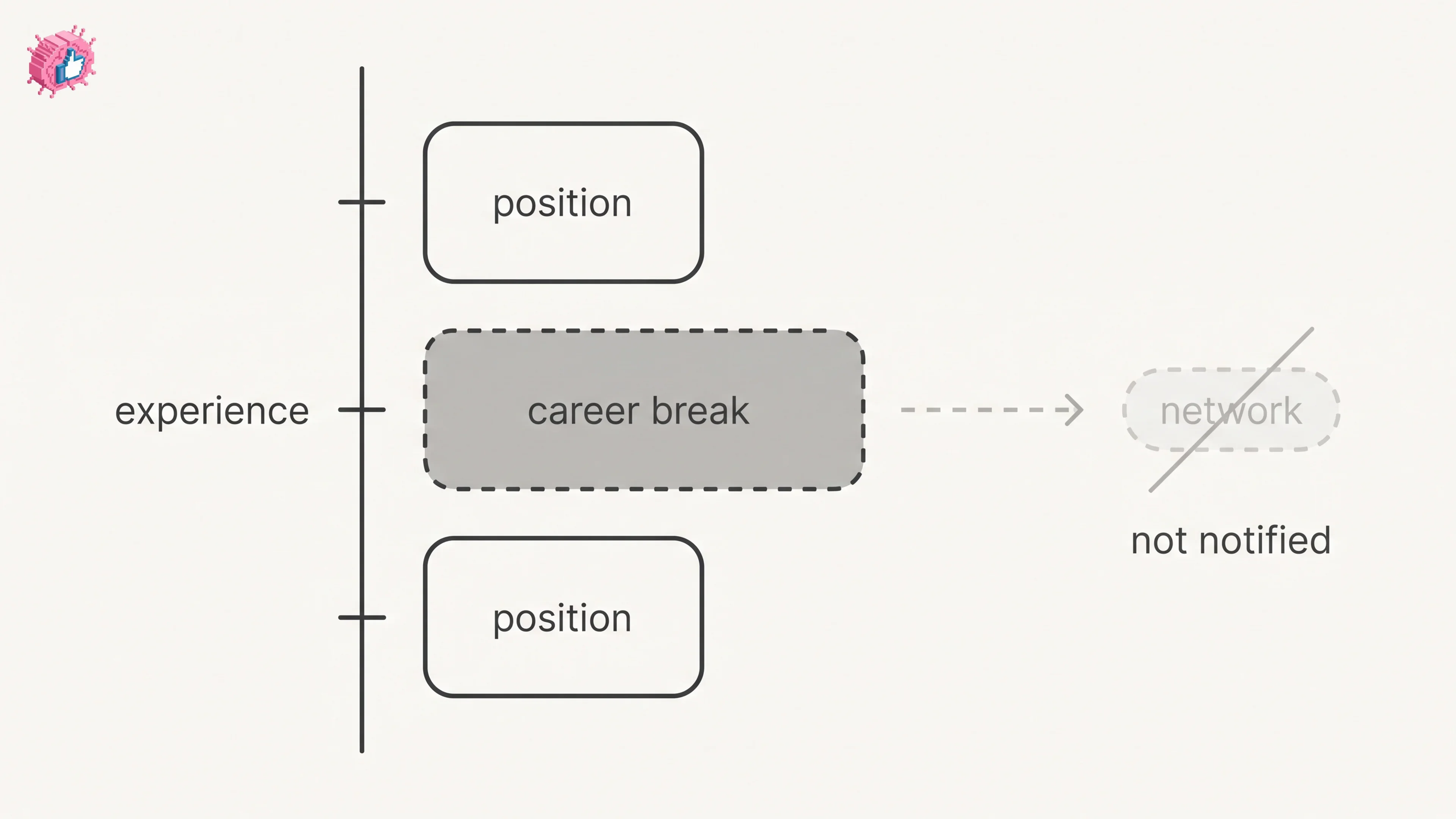
Add a career break on LinkedIn desktop or the app. Your network is not notified, the type is optional, and signed-in members see it. From LinkedIn Help.
How to Add a Certification to LinkedIn Without Posting
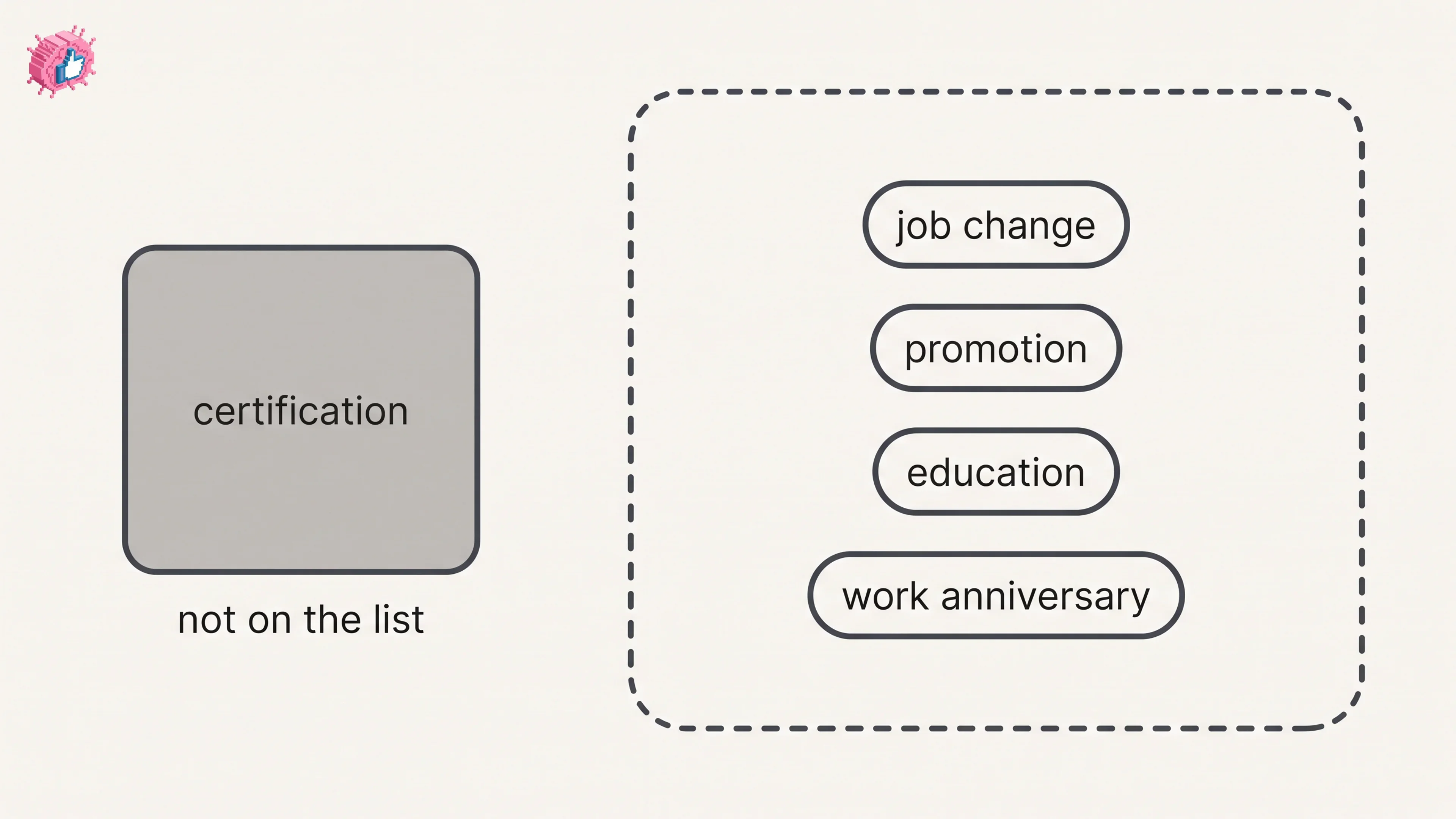
Add a certification on LinkedIn desktop or the app, put credentials after your name, and see what LinkedIn documents about notifying your network.
How to Remove a Connection on LinkedIn: What It Erases
Remove a LinkedIn connection on desktop or the app. They are not notified, but recommendations and endorsements go for good. Steps from LinkedIn Help.