

LinkedIn Groups: Types, Limits, and Real Uses
LinkedIn caps you at 15 posts per group per week and 100 memberships. The three group types, what public groups expose, and when one is worth it.
Anyone planning to use LinkedIn Groups for distribution runs into a number fairly quickly: you can make 15 posts in a single group per week, in at most 20 groups, for 60 posts across all of them. LinkedIn publishes those caps, and they are the clearest statement of what the feature is for.
The other thing worth knowing before you join anything is that groups come in three types, and one of them publishes your words to anyone on the internet, signed in or not.
This guide covers the three types and what each exposes, every published limit, how group type changes work, and an honest read on whether posting in groups is worth your time.
Automate your LinkedIn for 30 days
What is a LinkedIn Group?
A LinkedIn Group is a space where members post discussions on a shared topic, separate from the main feed. Members can start a conversation from the group homepage, edit or delete their own posts, and message other members directly from the member list.
Moderation is partly communal. LinkedIn notes that "all members can report inappropriate content" that breaches its User Agreement or Professional Community Policies, so enforcement does not sit only with admins.
The three types of group
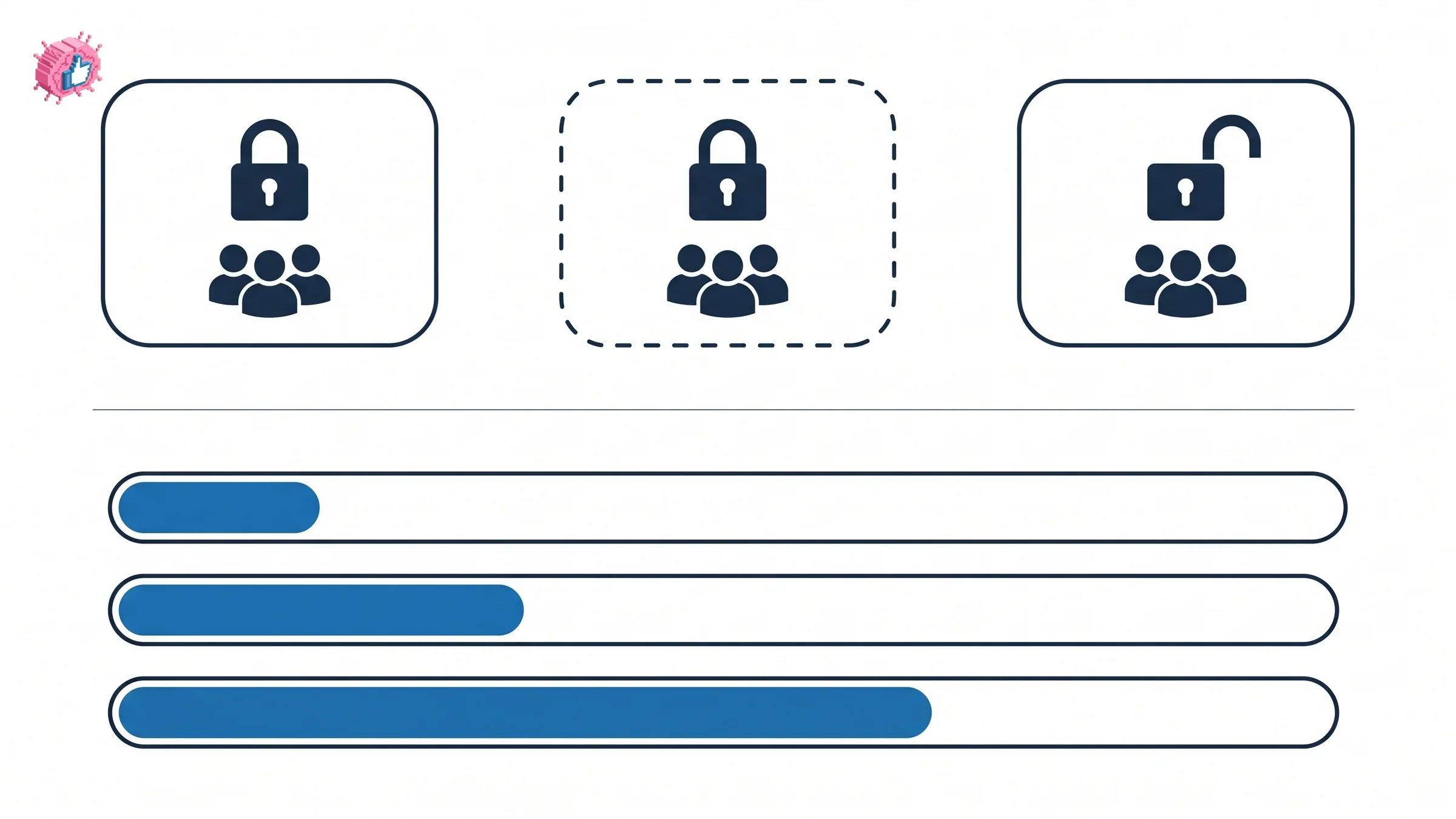
This is the setting that determines who sees what you write, and it is worth checking before you post anything you would not publish openly.
| Appears in search | Shown on your profile | Who can read posts | |
|---|---|---|---|
| Private, listed | Yes | Yes, under Interests | Members only |
| Private, unlisted | No | No | Members only, joined "only via a direct link or invitation" |
| Public | Yes | Yes | "Anyone, including people not signed in" |
Private groups keep posts "only within the group." Unlisted private groups go further and stay out of search results and off member profiles entirely, which makes them genuinely closed spaces.
Public groups put your posts in front of non-members
Public groups behave less like a private forum and more like a publishing channel, which is the detail most guides skip.
LinkedIn states that "public groups allow anyone on or off LinkedIn to view what members post and share in the group." Non-members can read the discussion and react to it, though they "can't add comments or create new posts."
Two consequences follow, and they cut in both directions:
- Reach. Public group posts "can appear in search results on LinkedIn" and are visible "on the feed," so a post in a public group is not sealed off from the platform the way a private group post is.
- Exposure. Anything you write in a public group is readable by people who are not signed in to LinkedIn at all. Treat a public group post with the same care as a post on your own profile, because the audience is the same size or larger.
Member lists stay restricted to members in both cases, and LinkedIn members can see which public groups their connections belong to.
Every published limit
LinkedIn publishes a full table of group caps. These are the ones that shape how you can actually use the feature.
| Limit | Number |
|---|---|
| Groups a member can be part of | 100 |
| Posts in a single group per week | 15 |
| Groups a member can post in per week | 20 |
| Total posts across all groups | 60 |
| Character limit for group posts | 3,000 |
| Character limit for comments | 1,250 |
| Groups a member can manage | 30 |
| Groups a member can create in one day | 5 |
| Groups a member can delete in one day | 30 |
| Owners a group can have | 10 |
| Managers a group can have | 20 |
| Membership limit for one group | 3 million |
| Groups with a pending join request | 20 |
| Mentions within one conversation | 20 |
| Admin message requests per day to non-connections | 50 |
That delete cap deserves a warning rather than a number: LinkedIn states that "deleting a group is a permanent action and groups can't be reopened after they've been deleted," and recommends transferring ownership to another member instead.
The three posting numbers are the ones to plan around. Fifteen posts in one group per week is generous for a genuine participant and restrictive for anyone hoping to broadcast. The 20-group and 60-post ceilings exist for the same reason, and together they rule out posting the same thing everywhere.
The 3,000-character limit is worth noting for a different reason: it is the same ceiling as a regular LinkedIn post, so a post you have already written will usually drop straight in without editing.
Automate your LinkedIn for 30 days
Joining, managing and changing a group
You can belong to 100 groups and manage 30, which is more than anyone should attempt in practice. Pending join requests are capped at 20 at a time, so a scattergun approach to joining stalls quickly.
On changing a group's type, LinkedIn's documentation says one thing and it is worth quoting exactly: "Only group owners can request a change to the group type. Please contact our customer support team to make this request."
So the type you choose at creation is not a toggle you can flip later from your admin panel. It needs an owner and a support request. Decide deliberately, particularly on the public setting, because that is the one that changes who can read your members' words.
One more constraint on the admin side. LinkedIn's groups management FAQ says it believes "in transparency for group management" and that, as a result, "LinkedIn policy doesn't allow groups to be created, managed, or moderated anonymously." A group has named humans behind it.
Is posting in groups actually worth it?
Here is the honest read, and it is not a straight yes.
The case against. Groups sit outside the main feed, and the main feed is where LinkedIn's attention is. The posting caps make groups unusable as a broadcast channel by design. LinkedIn's own membership documentation is dated five years old at the time of writing, which tells you something about where the feature sits on the roadmap. For pure reach, an ordinary post working with the algorithm, published when people are reading, will beat a group post most weeks.
The case for. Public groups are indexed in LinkedIn search and surface on the feed, so the ceiling is higher than the private-forum reputation suggests. A group also puts you in front of a self-selected audience who chose that topic, which is a better filter than a feed impression. And running your own group gives you something posting cannot: a membership list on a subject you own.
The read. Groups are worth participating in when the group is active and genuinely on your topic, and worth creating only when you would run it like a product. They are not worth it as a distribution hack, and the 15-post cap is LinkedIn telling you so directly. If the goal is reach, growing your own followers compounds in a way group membership does not.
Worth naming the adjacent trap: groups organized purely to trade likes are a different thing entirely, and the risks there are covered in LinkedIn engagement pods.
Who should run a group, and who should not
Create one if:
- You have a topic and an audience that does not have a home yet. A group works when it fills an absence rather than duplicating a busy feed.
- You will moderate it properly. Up to 10 owners and 20 managers exist because active groups need people. An unmoderated group fills with recruiters and spam.
- You want a membership list on your subject. This is the durable asset, and it is the one thing a group gives you that posting does not. It compounds alongside a personal brand rather than replacing one.
Skip it if:
- You want reach. The caps make broadcast impossible, and your own feed is the faster route.
- You cannot commit to posting in it every week. A dormant group with 30 members is a public signal that you abandoned something.
- You already struggle to fill one calendar. Adding a group means a second publishing schedule, and a content calendar that is already thin will not survive it.
- Your real aim is employee reach. Staff sharing your posts moves more than a group does, and employee advocacy is the tool built for that.
The honest summary
LinkedIn Groups are a real feature with published limits and three meaningful privacy settings. They are also a feature LinkedIn has left largely alone, and the posting caps make clear that groups are for participating rather than for publishing at scale.
Join a few that are genuinely active on your topic and contribute properly. Create one only if you would treat it as a long-term commitment with named moderators. For everything else, a consistent posting habit and a clear brand voice on your own profile will do more, and it will not ask you to build an audience in someone else's room.
FAQ
How many LinkedIn Groups can I join?
- You can also have up to 20 pending join requests at any one time, and you can manage up to 30 groups.
How many times can I post in a LinkedIn Group?
15 posts in a single group per week. You can post in a maximum of 20 groups per week, with a ceiling of 60 posts across all groups.
What is the difference between a public and a private LinkedIn Group?
Private group posts are visible "only within the group." Public group posts "can be viewed by anyone, including people not signed in," appear in LinkedIn search results and surface on the feed. Non-members of a public group can react to posts but cannot comment or create posts.
What is an unlisted LinkedIn Group?
A private group that "does not appear in search results" and is not shown on member profiles. It can be joined "only via a direct link or invitation," which makes it the most closed of the three types.
Can I change a LinkedIn Group from private to public?
Not from your admin settings. LinkedIn states that "only group owners can request a change to the group type" and that you must "contact our customer support team to make this request."
What is the character limit for a LinkedIn Group post?
3,000 characters, the same as a standard LinkedIn post. Comments are limited to 1,250 characters.
How many members can a LinkedIn Group have?
Up to 3 million. A group can have up to 10 owners and 20 managers, and LinkedIn states that its "policy doesn't allow groups to be created, managed, or moderated anonymously."
Do LinkedIn Group posts show up in the main feed?
Posts in public groups can surface on the feed and in LinkedIn search results. Posts in private groups, whether listed or unlisted, stay within the group.
Automate your LinkedIn for 30 days
ViralBrain plans, writes, and schedules your LinkedIn content, using official LinkedIn APIs so your account stays safe.
- Official LinkedIn APIs, no risk of ban
- You approve every post before it goes live
- Cancel anytime
Keep reading
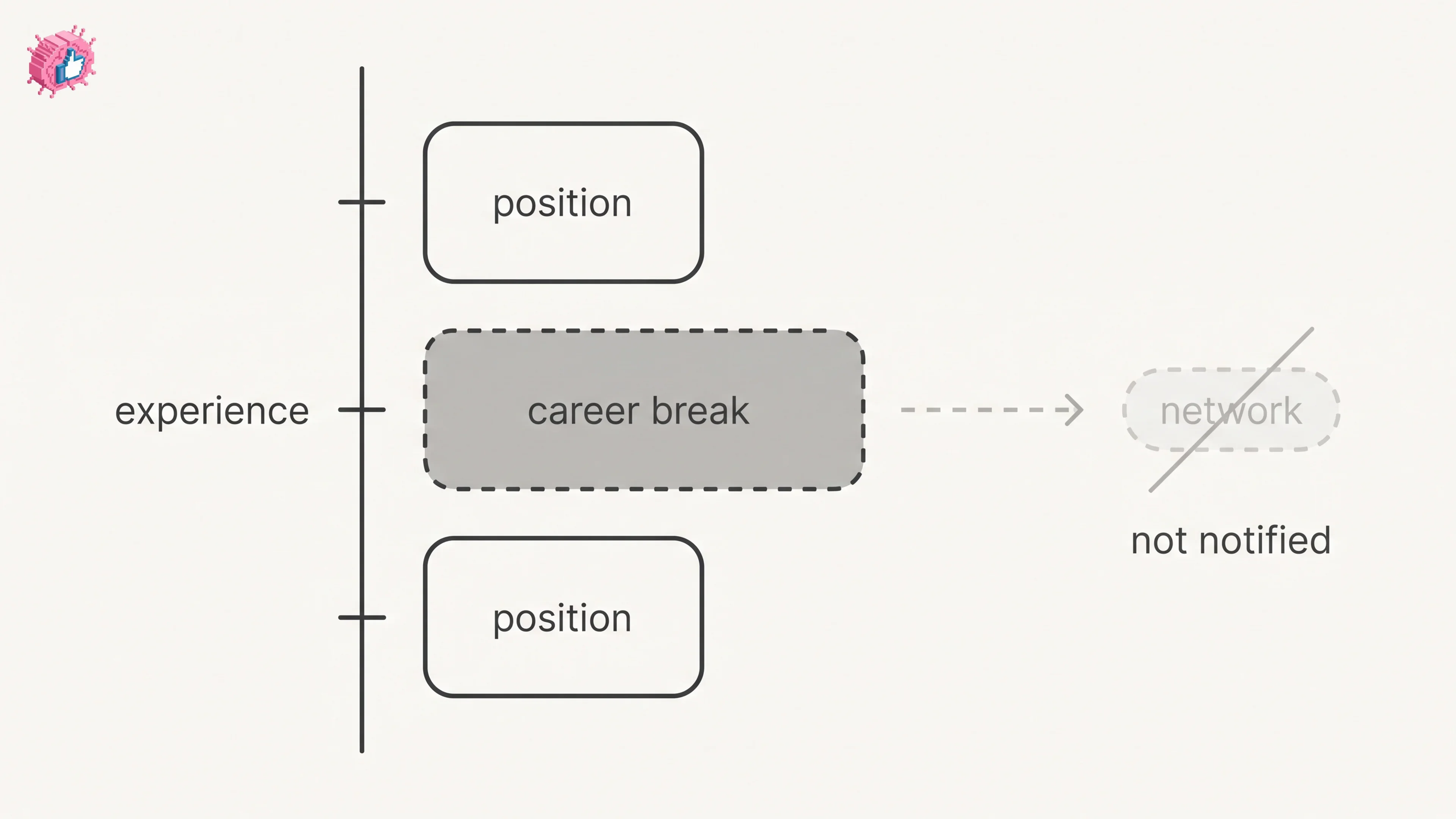
LinkedIn Career Break: How to Add One and Who Sees It
Add a career break on LinkedIn desktop or the app. Your network is not notified, the type is optional, and signed-in members see it. From LinkedIn Help.
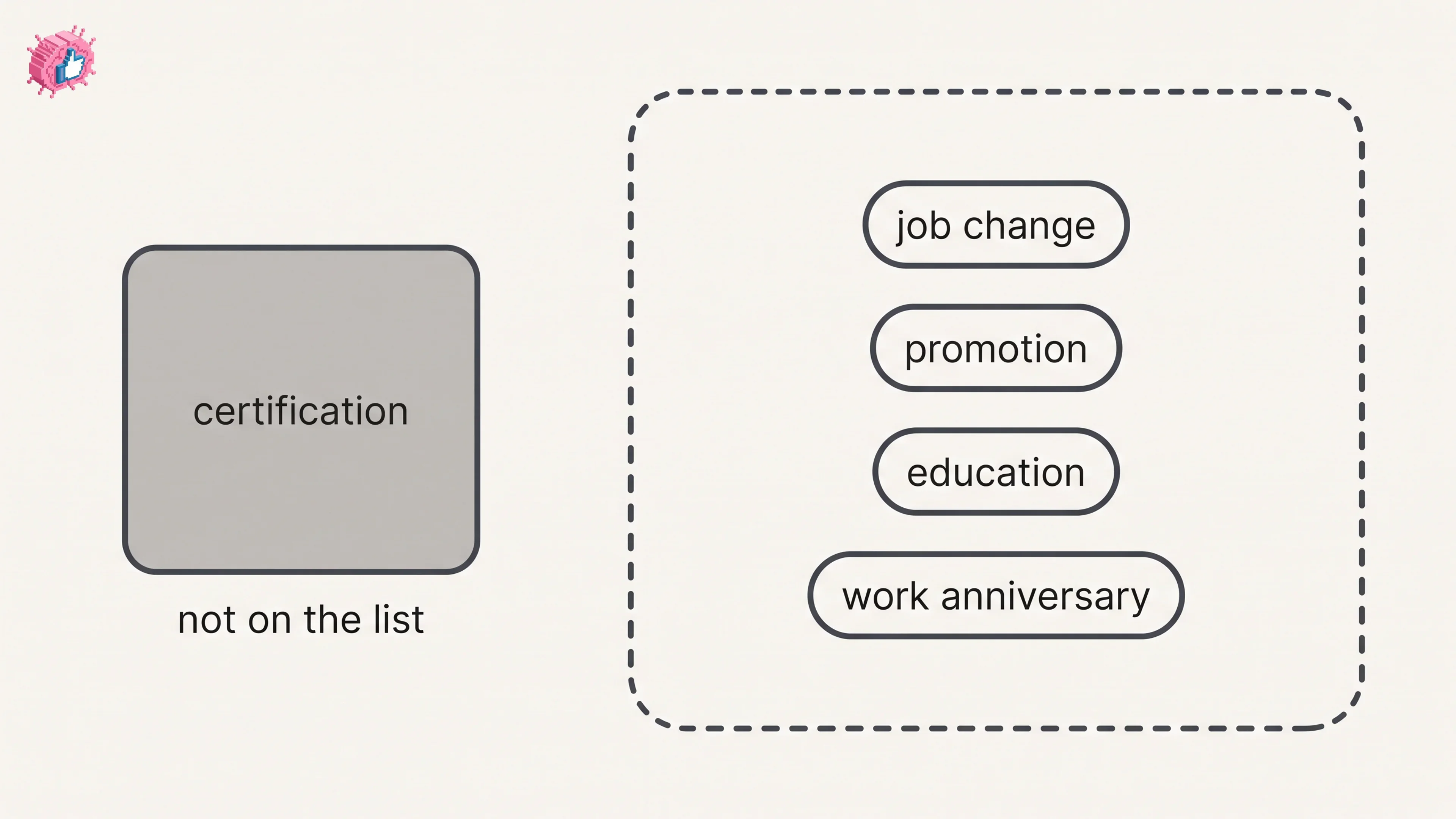
How to Add a Certification to LinkedIn Without Posting
Add a certification on LinkedIn desktop or the app, put credentials after your name, and see what LinkedIn documents about notifying your network.
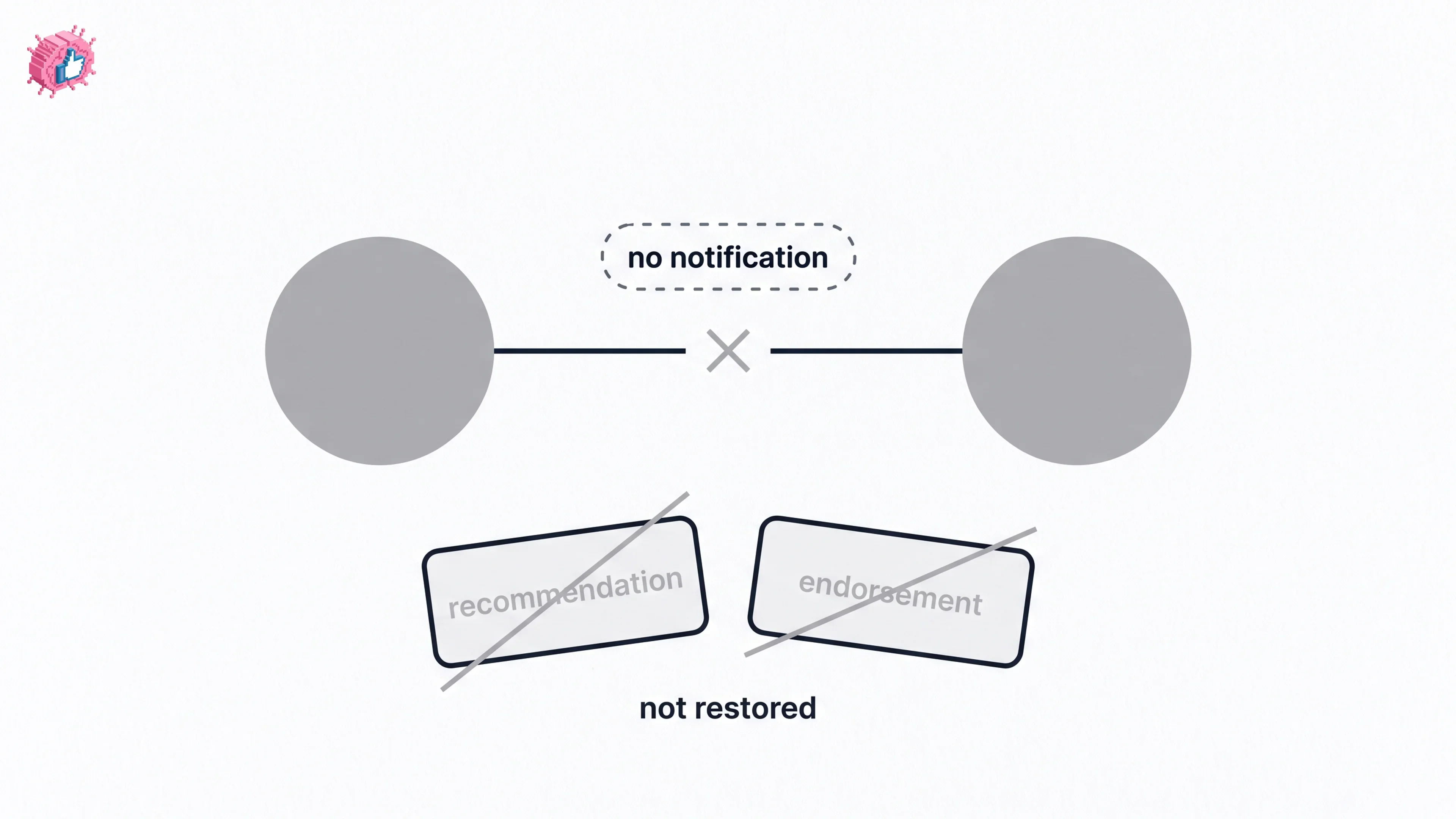
How to Remove a Connection on LinkedIn: What It Erases
Remove a LinkedIn connection on desktop or the app. They are not notified, but recommendations and endorsements go for good. Steps from LinkedIn Help.