

6 best LinkedIn comment generators in 2026
Six LinkedIn comment generators compared, with pricing checked on each vendor's own page on 3 September 2026 and the ones that publish nothing named as such.
Commenting is the cheapest reach on LinkedIn and the easiest habit to drop. A LinkedIn comment generator drafts the reply so the blank box stops being the reason you skip it.
This comparison covers six of them, and it is honest about a problem the category has: several of these vendors do not publish their prices in a form you can read. Where a rate card did not render or does not exist, this page says so rather than quoting a figure it cannot point at. Every price below was read off the vendor's own page on 3 September 2026.
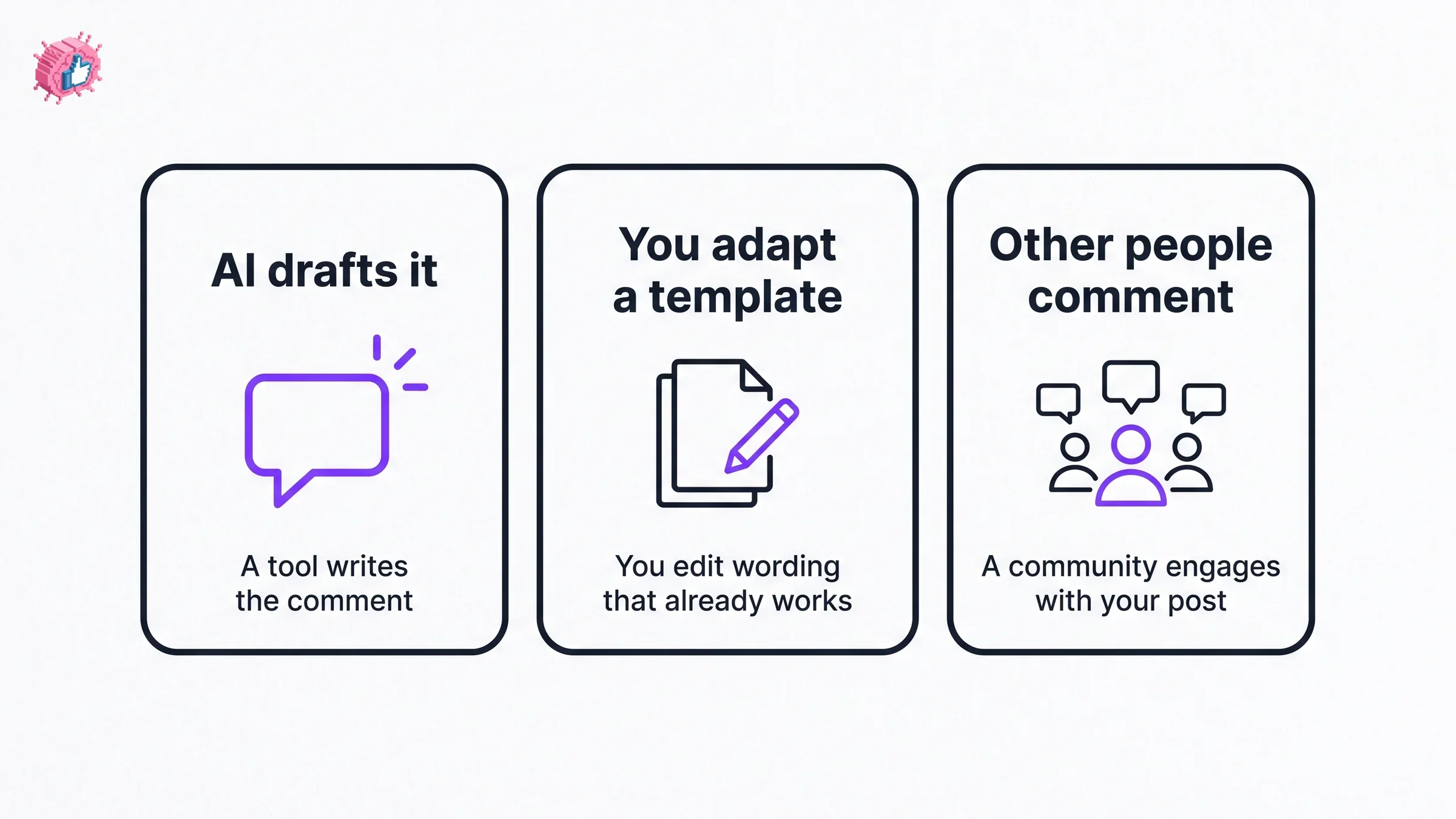
One thing to get straight before the list, because these products are not all doing the same job. Some draft a comment with AI. Some hand you a template to adapt. And one gets real people to comment on your posts, which is a different proposition with different risks.
Automate your LinkedIn for 30 days
Best LinkedIn comment generators: a brief overview
- Planable: Best free option. Generates comments with no account at all.
- Supergrow: Best generator bundled with a content tool, and the clearest published pricing here.
- Taplio: Best for working a target list rather than the feed.
- Engage AI: Best dedicated commenting workflow, though its tier pricing does not render.
- Podawaa: Not an AI generator. Real people from a community comment on your posts.
- ViralBrain: Best non-AI starting point, with free reply templates and a habit tracker.
| Tool | What it does | Price (checked 3 Sep 2026) |
|---|---|---|
| Planable | Generates comment drafts in ten tones | Free, no registration |
| Supergrow | AI comments plus a full content tool | $19/mo Starter, $39/mo Pro, $139/mo Teams |
| Taplio | Engagement alongside content and CRM | From $39/mo; full table did not render for us |
| Engage AI | Dedicated LinkedIn commenting workflow | Tier prices did not render; see its entry |
| Podawaa | Community members comment on your posts | Tier prices did not render; see its entry |
| ViralBrain | Reply templates and a commenting streak tracker | Free, no account |
1. Planable, best free LinkedIn comment generator
Planable's AI LinkedIn comment generator is a free web tool that drafts comments from a post you paste in. Its page states, checked 3 September 2026: "Effortlessly generate AI LinkedIn comments for free. No registration required, start engaging with your network now."
No account is the whole appeal. Every other AI option here wants a signup before you find out whether the output sounds like you.
What you get
- Ten tone options, including humorous, informative, empathetic and convincing
- A choice of short or long comments
- One, three or five variations per generation
- An emoji toggle
- A field for extra context about the post or your angle
Best for
- Trying a comment generator before paying for anything
- Occasional commenting rather than a daily routine
Pricing (checked 3 September 2026)
- Free. The page states no registration is required
- Planable's own page does not state a usage cap, so treat any limit as undocumented rather than absent
Pros
- Genuinely free with no signup wall
- Five variations at once makes the weak drafts obvious fast
- The context field is what lifts output above generic praise
Cons
- A separate browser tab rather than something that sits inside LinkedIn
- No memory of your voice between sessions, so every generation starts cold
2. Supergrow, best generator bundled with a content tool
Supergrow publishes the clearest rate card of anything in this comparison, which is worth something in a category this opaque. Its pricing page lists Starter at "$19/mo", Pro at "$39/mo" and Teams at "$139/month" including four accounts, all checked 3 September 2026.
Commenting is a named feature rather than an afterthought. The page describes its Engage feature as "Focus Mode and AI comments to engage without the feed", and lists "Auto first-comment" across plans.
What you get
- Engage, described as "Focus Mode and AI comments to engage without the feed"
- Auto first-comment, included on all plans per the pricing page
- A full content tool around the commenting features
- Team accounts on the Teams tier
Best for
- Anyone who wants commenting and posting on one subscription
- People who find the feed itself the distraction, which is what Focus Mode addresses
Pricing (checked 3 September 2026)
- Starter $19/mo, Pro $39/mo, Teams $139/month with four accounts
- "7-day free trial" with no commitment. The page states that if you do not pick a plan afterwards, "your account pauses. No surprise charges, no data loss"
- Engage sits on the Pro plan per the plan comparison
Pros
- Published prices you can check yourself, which most of this list does not offer
- Focus Mode targets the actual failure, which is opening LinkedIn and losing an hour
Cons
- The commenting features are part of a wider product, so you pay for posting tools you may not want
- Engage is not on the entry tier, so the real commenting price is $39/mo rather than $19/mo
3. Taplio, best for working a target list
Taplio is a LinkedIn content and CRM platform whose product menu includes an Engage feature, described on its site as helping you "Engage with your audience". The pitch is commenting on the right people's posts rather than whatever the feed serves you.
A pricing caveat, and it is the same one we hit auditing this vendor before. Taplio's pricing table did not render into readable text for us on 3 September 2026. The page title reads "Taplio Pricing - Plans from $39/mo | Free Trial", so the entry price is stated here and the higher tiers are not. Check the live page before subscribing.
What you get
- An Engage surface for commenting on selected people's posts
- A CRM layer, so the people you engage are tracked rather than forgotten
- Content creation and scheduling in the same product
Best for
- Sales-led users engaging a defined list of accounts
- Anyone who wants engagement recorded against a contact
Pricing (checked 3 September 2026)
- From $39/mo, per the pricing page title
- Higher tiers exist but did not render for us, so they are not quoted here
- A free trial is advertised in the page title
Pros
- Targeting a list is a better use of commenting time than reacting to the feed
- Engagement and contact history live together
Cons
- The pricing table did not render, so confirm the tier you need first
- Commenting is one feature in a broad platform rather than the focus
- Priced above the cheapest options here on the entry tier alone
4. Engage AI, best dedicated commenting workflow
Engage AI is built around LinkedIn commenting rather than treating it as a side feature, which makes it the most focused product in this comparison.
Its pricing needs care. On 3 September 2026 the tier table on its pricing page did not render into readable text for us. The only price sentence in the served page reads: "flexible plans for every need: $50/month for individuals, $250/month for groups with unlimited clients". Those two figures attach to its engagement community offering rather than to the named software tiers, and the software tier prices were not readable. We are not going to guess at them.
What you get
- A commenting workflow as the core product rather than an add-on
- An engagement community offering, priced separately at the figures above
- Named plan tiers on the site, though without readable prices
Best for
- People whose main LinkedIn activity is commenting rather than posting
- Anyone who wants one tool that does this job and not five others
Pricing (checked 3 September 2026)
- Tier prices did not render for us and are not quoted here
- The one readable sentence gives $50/month for individuals and $250/month for groups with unlimited clients, for the engagement community
- Ask them directly for the software tier prices, or read the live page
Pros
- The most focused commenting product in this list
- A community option exists if you want reciprocal engagement
Cons
- You cannot budget from the public page, which is a real obstacle
- The $50 and $250 figures are easy to mistake for the software price, and they are not
- A community offering raises the same reciprocity questions as any pod
Automate your LinkedIn for 30 days
5. Podawaa, and why it is not a comment generator
Podawaa is in this list because people find it while searching for comment tools, and because the difference matters. It does not draft comments for you. It gets other people to comment on your posts.
Its own page, checked 3 September 2026, describes "Real likes and comments from 10,000+ creators, delivered in minutes". Community Mode is explained as: "Your account likes & comments on others' posts in exchange for engagement on yours. Requires the Chrome extension." A Private Mode is offered that "works without linking your LinkedIn account".
On pricing, the tier figures did not render for us. The only euro amounts in the served page are €19, €39 and €59 per month, appearing beside the Private Mode tiers, and we could not determine from the page whether those are the Private prices or a comparison against Community Mode. The page also carries its own footnote: "All prices approximate."
What you get
- Comments and reactions from a creator community rather than from AI
- Community Mode, which requires the Chrome extension and reciprocal engagement
- Private Mode, which the page says runs without linking your LinkedIn account
- Keyword seeding, which the page describes as seeding first comments containing a term such as "DM"
Best for
- People whose goal is visible engagement volume rather than better comments of their own
Pricing (checked 3 September 2026)
- Tier prices did not render for us
- €19, €39 and €59 per month appear in the page, attached to Private Mode tiers, with the mapping unclear from the markup
- "Free 7 days trial" is advertised, and the page notes "All prices approximate"
Pros
- Solves a different problem honestly, and says on its own page exactly how it works
- Private Mode avoids handing over account access, per its own description
Cons
- Reciprocal engagement schemes carry account risk that no vendor can underwrite for you
- Engagement from a community is not the same as engagement from your buyers
- You cannot budget from the public page
6. ViralBrain, best non-AI starting point
This is our own product, so weigh it accordingly. We offer two free things here rather than a comment generator, and for a lot of people they solve the problem better.
LinkedIn comment reply templates gives you over 100 free templates to adapt, which is faster than editing a generated draft when someone has replied to your own post. And the comment streak tracker is a free habit tool, which addresses what actually goes wrong with commenting: not the writing, the consistency.
What you get
- Over 100 free comment reply templates
- A commenting streak tracker for building the habit
- No account required for either
Best for
- Replying to comments on your own posts, where templates beat generation
- Anyone whose real problem is showing up rather than phrasing
Pricing (checked 3 September 2026)
- Free, no account, for both tools
Pros
- Nothing to sign up for and nothing to cancel
- Templates you edit tend to sound more like you than drafts you approve
Cons
- Not an AI generator. If you want a comment written from a post you paste in, use Planable or Supergrow
- Templates need adapting, which is a small amount of work every time
What LinkedIn itself gives you
Nothing, for this specific job. LinkedIn provides no comment drafting or suggestion feature for member commenting, which is the entire reason this category exists. If you want help with the words, it comes from a third party.
How to choose
Start free before you pay. Planable needs no account and ViralBrain's templates need no account. Between them you can find out within an afternoon whether generated comments or adapted templates suit you, at no cost and no risk.
Then pick by where your commenting time goes. If you comment on whatever the feed shows you, a focus-mode product like Supergrow's Engage is aimed at that. If you work a list of named accounts, Taplio's combination of engagement and CRM fits better. If commenting is the main thing you do on LinkedIn, Engage AI is the most focused option, provided you are willing to ask for a price.
Budget honestly. Only two vendors here let you plan a budget from their public pages: Supergrow in full, and Taplio for its entry tier only. For the others you are starting a sales conversation, which is worth knowing before you begin.
One warning about output. A comment that reads as generated is worse than no comment, because it is visible to exactly the people you were trying to impress. Use the context field, cut the compliment, and say something only you would say. The tools that let you generate several variations are useful mainly because they make the weak ones obvious.
FAQ
What is the best free LinkedIn comment generator?
Planable's is the best free option in this comparison. Its page states, checked 3 September 2026: "Effortlessly generate AI LinkedIn comments for free. No registration required." It offers ten tones, a short or long setting, and up to five variations per generation. Planable does not publish a usage cap, so treat any limit as undocumented rather than confirmed.
How much does a LinkedIn comment generator cost?
It depends heavily on whether the vendor publishes anything. Supergrow lists Starter at $19/mo, Pro at $39/mo and Teams at $139/month, checked 3 September 2026. Taplio's page title gives "Plans from $39/mo" but the full table did not render for us. Engage AI and Podawaa did not show readable tier prices at all. Free options exist from Planable and from our own template tools.
Is there a LinkedIn comment generator Chrome extension?
Several products in this space are delivered as browser extensions rather than websites, and Podawaa's page states that its Community Mode "Requires the Chrome extension". We have not verified the extension mechanics of every tool here, so check the vendor's own page for how each one is installed before assuming it works inside LinkedIn.
Do AI comment generators hurt your LinkedIn account?
Generating a draft that you then post yourself is ordinary writing assistance. The higher-risk category is different: reciprocal engagement schemes, where accounts comment on each other's posts in exchange for engagement, as Podawaa describes for its Community Mode. That model carries account risk that no vendor can underwrite for you, and it is worth separating from AI drafting in your own thinking.
Are generated LinkedIn comments obvious?
Often, and that is the main thing to guard against. A generic agreement with a compliment attached reads as automated to the people whose attention you wanted. The practical fix is to add real context before generating, cut any opening flattery, and keep one specific detail that only you would have noticed. Generating several variations helps mainly because it exposes the bland ones.
What is better for replying to comments on my own posts?
Templates usually beat generation for replies, because the reply is short and the variation is small. Our free comment reply templates cover the common cases without an account. Generation is more useful when you are commenting on someone else's post and need an angle rather than a phrasing.
Which LinkedIn comment tools publish their pricing?
Two of the six here, as of 3 September 2026. Supergrow publishes a full rate card. Taplio publishes an entry price in its page title, though the tier table did not render for us. Engage AI's software tiers and Podawaa's tier prices were both unreadable on their public pages, and Planable's tool is free with no registration.
Automate your LinkedIn for 30 days
ViralBrain plans, writes, and schedules your LinkedIn content, using official LinkedIn APIs so your account stays safe.
- Official LinkedIn APIs, no risk of ban
- You approve every post before it goes live
- Cancel anytime
Keep reading
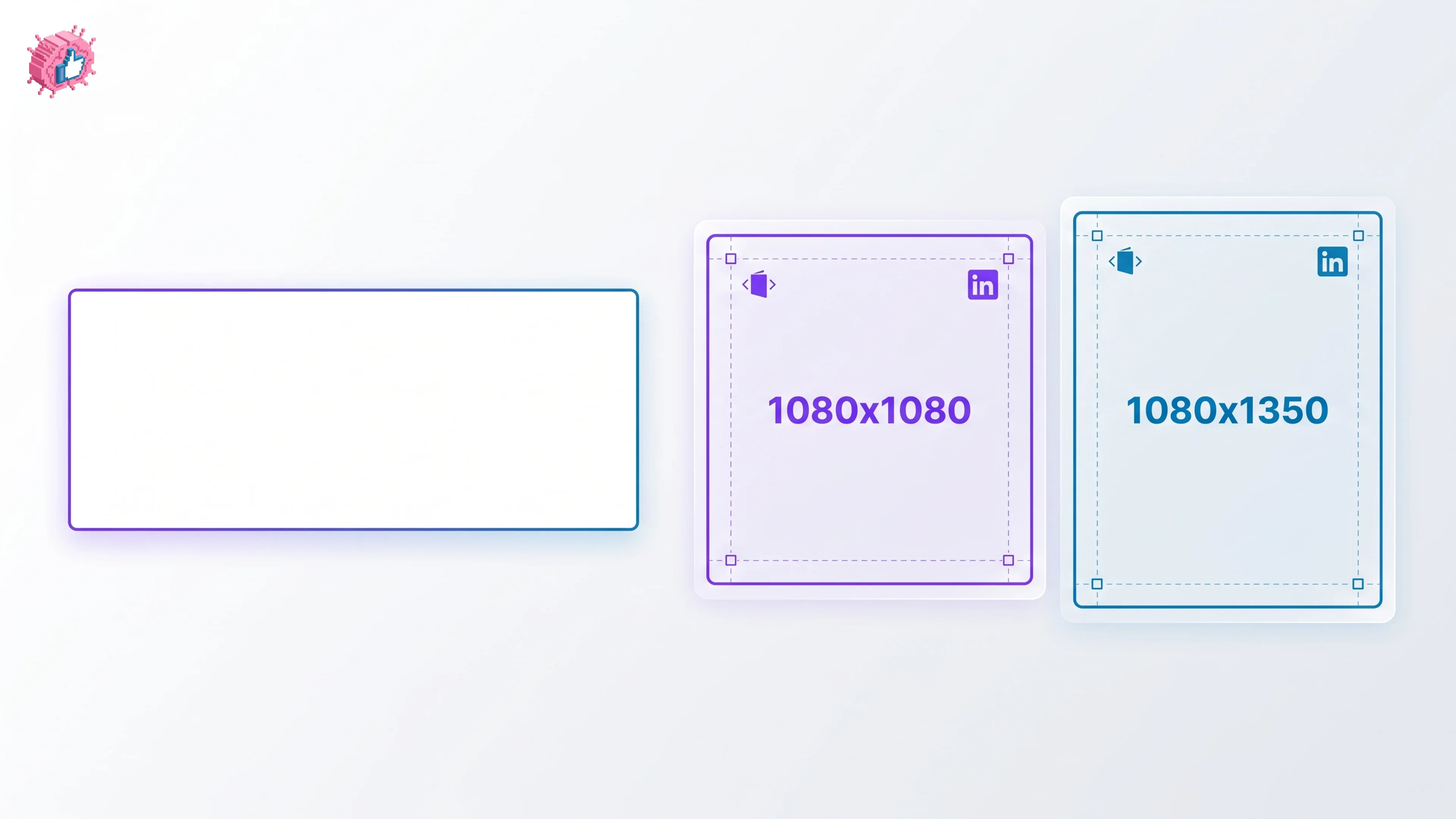
LinkedIn Carousel Size: 1080x1080px (Exact Specs for 2026)
The recommended LinkedIn carousel size is 1080x1080px (square) or 1080x1350px (portrait). Get the exact specs, safe zone, and PDF export limits for 2026.
Buffer Alternatives: 7 Better Tools for LinkedIn in 2026
Buffer charges per channel and treats LinkedIn like every other network. Here are 7 Buffer alternatives compared on pricing, AI, and LinkedIn depth.
Dripify alternatives: 7 best LinkedIn outreach tools in 2026
Compare 7 Dripify alternatives for LinkedIn outreach in 2026: Waalaxy, HeyReach, Expandi, and more, ranked on pricing, account safety, and features.