

Best SEO MCP Servers: 6 Worth Installing in 2026
Six SEO MCP servers worth connecting to Claude or ChatGPT in 2026: what each one actually returns, what it costs, and which ones you already pay for.
Most SEO tools now ship an MCP server, and most of them are not worth connecting. The Model Context Protocol lets an AI assistant query a live tool instead of guessing from training data, which matters for SEO because rankings, volumes and backlinks change weekly and a model's memory does not.
The practical question is not which servers exist. It is which ones return data you cannot already get faster in a dashboard, and what each one costs once an agent starts calling it in a loop.
This guide covers six SEO MCP servers worth installing in 2026: what each returns, how it bills, and the failure mode to watch for. If you want the broader marketing stack rather than the SEO-specific one, we cover that separately in best MCP servers for marketers.
Automate your LinkedIn for 30 days
Best SEO MCP servers: a quick overview
- Ahrefs: Best overall for SEO research. First-party, hosted, and included with a paid seat, so there is no second bill to approve.
- DataForSEO: Best for SERP and keyword data at volume. Pay per call with no subscription, which suits agencies running bulk jobs.
- Screaming Frog: Best for technical crawls. The only server here that audits your own site structure rather than querying an index.
- Google Search Console: Best for your own performance data. Free, and the only source of what you actually rank for.
- Firecrawl: Best for reading competitor pages. Turns any URL into clean text an agent can analyze.
- SE Ranking: Best all-in-one if you are not already paying for Ahrefs, and one of the few covering AI search visibility.
| Server | What it returns | Pricing | Hosting |
|---|---|---|---|
| Ahrefs | Keywords, backlinks, SERPs, Search Console data | Included with paid Ahrefs plans; API units metered | Hosted (remote) |
| DataForSEO | SERPs, keyword data, competitor research | Pay as you go, no subscription; $50 minimum account funding | Hosted (remote) |
| Screaming Frog | Crawl data from your own site | Included with a license ($279/yr); free version capped at 500 URLs | Local (your machine) |
| Google Search Console | Clicks, impressions, position, queries | Free | Community servers, self-hosted |
| Firecrawl | Clean page text and structured extraction | Free plan of 1,000 credits a month; paid from $16/mo billed yearly | Hosted or self-hosted |
| SE Ranking | Keywords, backlinks, rank tracking, AI visibility | Paid plans, see vendor | Hosted (remote) |
1. Ahrefs, best overall for SEO research
The Ahrefs MCP server is first-party and hosted, so there is no local process to run and no separate API key to rotate. It exposes most of what the web app does: Keywords Explorer, Site Explorer, SERP overviews, Site Audit, Rank Tracker, and Brand Radar for AI citations.
The detail that changes how you use it: the Search Console endpoints cost zero API units. Site Explorer and Keywords Explorer calls are metered against your monthly unit allowance, but gsc-keywords, gsc-pages and the rest of the GSC family bill nothing. Every response carries its own cost block, so you can verify this yourself rather than taking it on trust.
That distinction is worth building a habit around. An agent asking "what do we already rank for" can run all day for free, while an agent asking "what is the volume on these 200 keywords" will eat units fast.
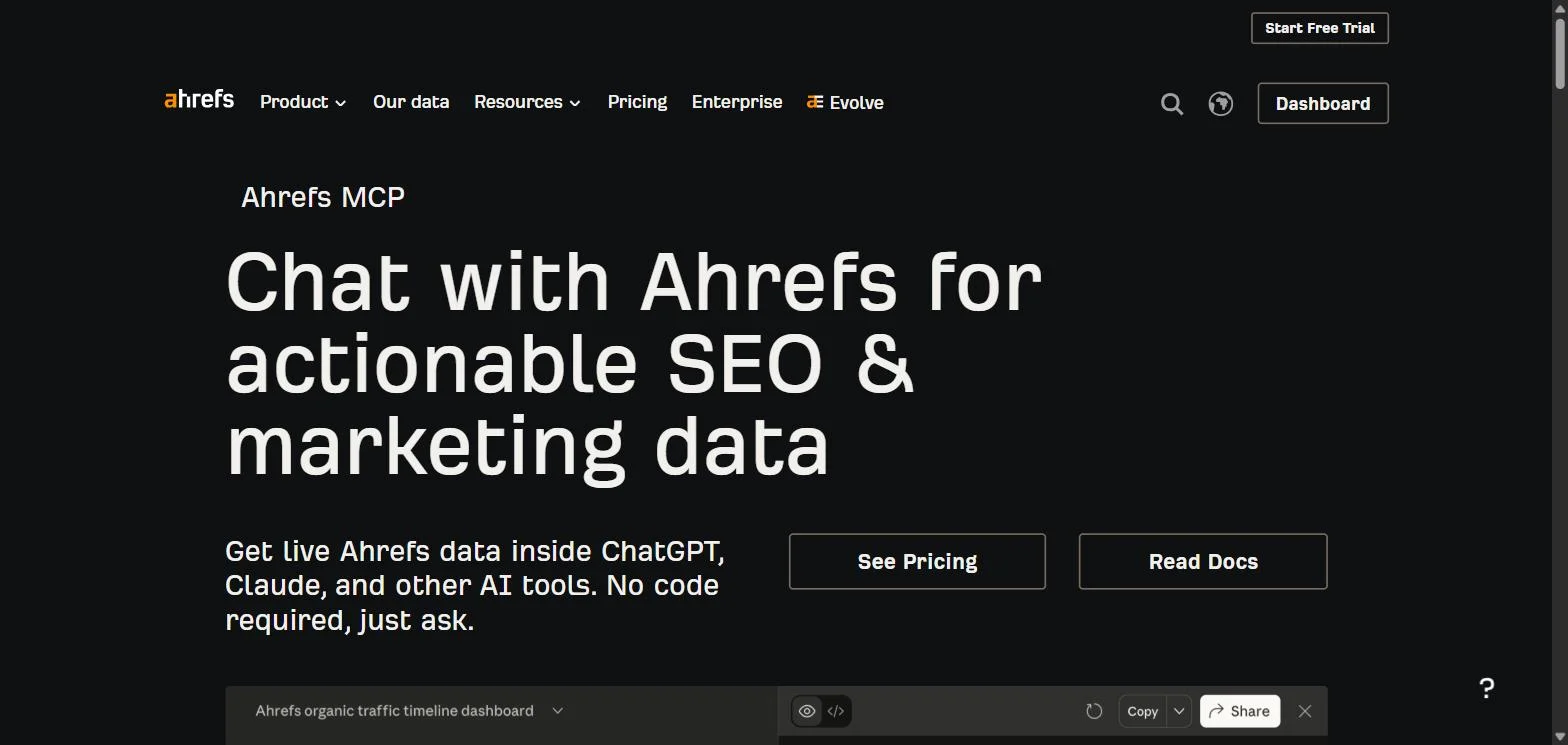
Key features
- Keywords Explorer, Site Explorer, SERP overview, Rank Tracker, Site Audit
- Search Console integration at zero unit cost
- Brand Radar for AI-assistant citation tracking
- Per-response cost reporting on every call
- Free subscription endpoint for checking your remaining balance
Best for
- Teams already paying for an Ahrefs seat who want agent access without a new vendor
- Anyone who wants Search Console and third-party index data behind one connection
Pricing
- Included with paid Ahrefs plans, no separate MCP fee
- Metered against your plan's monthly API unit allowance
- Search Console endpoints consume zero units
Pros
- No extra bill, no local process, no key management
- The zero-cost GSC path makes routine reporting genuinely free
- Cost transparency per call makes runaway agent spend easy to catch
Cons
- Unit consumption on research endpoints is easy to underestimate once an agent loops
- Requires a paid Ahrefs plan, so it is not an option for teams without one
2. DataForSEO, best for SERP and keyword data at volume
DataForSEO sells raw SEO data by the call rather than by the seat. Its MCP server is vendor-maintained and suits a different buyer than Ahrefs: agencies and in-house teams running bulk jobs where a per-seat tool would be the wrong shape.
There is no subscription and no MCP surcharge. You fund an account and draw it down, which makes cost scale with usage instead of headcount. For a team running one large competitive analysis a quarter, that is considerably cheaper than a seat sitting idle.
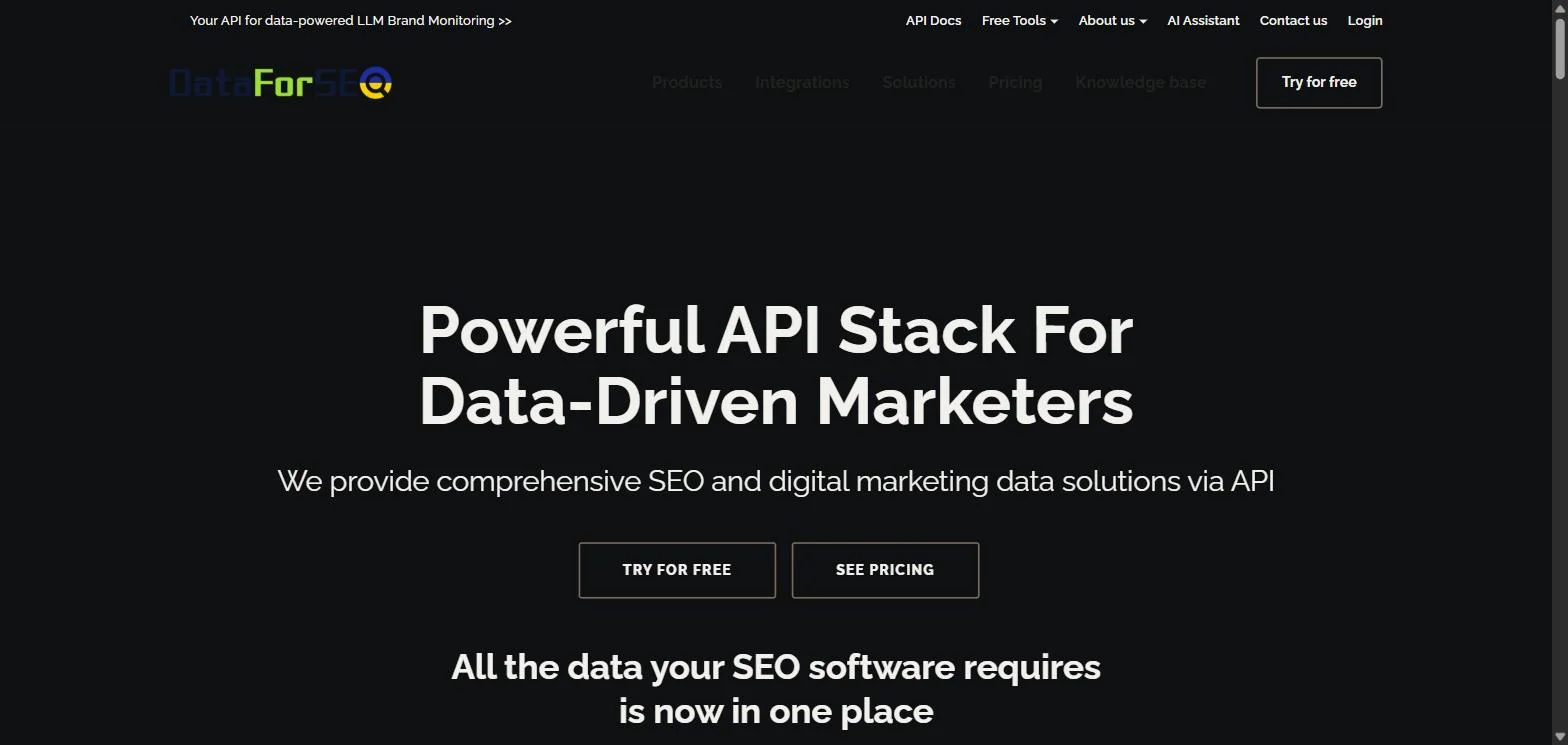
Key features
- SERP results across search engines and locations
- Keyword data, competitor research, and backlink endpoints
- Vendor-maintained server rather than a community wrapper
- Pay-per-call billing with no monthly commitment
Best for
- Agencies running bulk SERP or keyword jobs across many client domains
- Engineering teams building internal SEO tooling on top of an API
Pricing
- No subscription and no MCP fee, you pay per call
- Free trial available to test before funding
- $50 minimum to fund an account
Pros
- Cost tracks usage, so occasional heavy jobs stay affordable
- Location and engine coverage is broad
Cons
- The $50 minimum is a real barrier for a single practitioner testing the water
- Raw data means you build the interpretation layer yourself
3. Screaming Frog, best for technical crawls
Every other server here queries somebody else's index. Screaming Frog crawls your site, which makes it the only one on this list that can answer a question like "which of my pages return 200 but should return 404."
Native MCP support arrived in version 24.0, released 19 May 2026, and appears under Settings then MCP Server. It runs locally, so your crawl data never leaves your machine, which is the deciding factor for anyone under a client NDA.
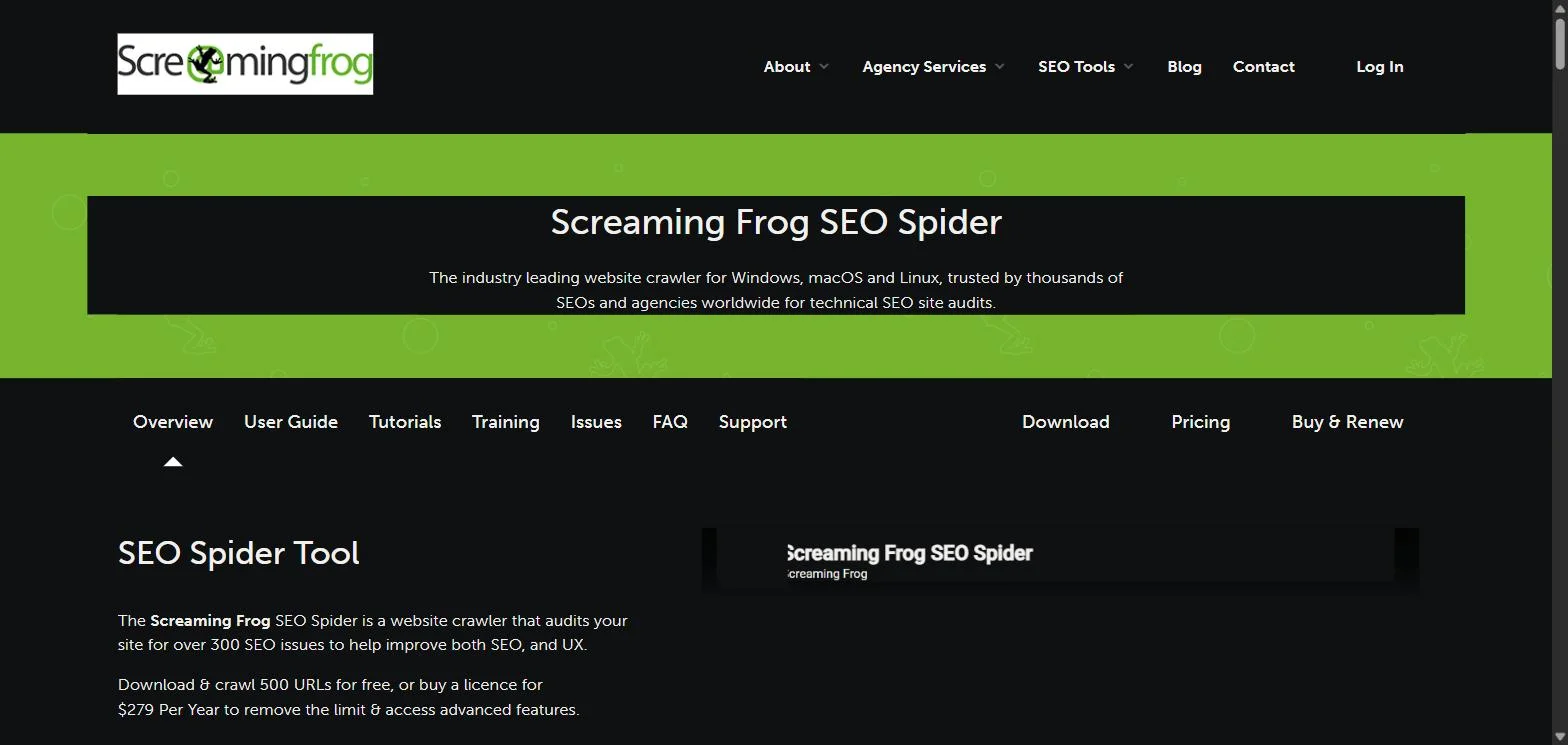
Key features
- Full technical crawl exposed to an agent: status codes, redirects, canonicals, headers
- Runs locally, so crawl data stays on your machine
- Headless CLI operation for scheduled and unattended audits
- Save and load crawls, plus export, on a paid license
Best for
- Technical SEOs who need status codes and redirect chains, not keyword volumes
- Consultants under NDA who cannot send client crawl data to a hosted service
Pricing
- Included at no extra cost for licensed users since v24.0
- The free version caps crawls at 500 URLs
- A license is $279 per year, which removes the limit and gives access to the advanced features
- Headless CLI, saving and loading crawls, and exports need that paid license
Pros
- The only server here that audits your own site rather than an index
- Local execution avoids the data-residency question entirely
Cons
- Most of the useful MCP surface sits behind the paid license
- A local process is one more thing to keep running and updated
Automate your LinkedIn for 30 days
4. Google Search Console, best for your own performance data
Search Console is the only source of truth for what your site actually ranks for, and it is free. Third-party tools estimate; Search Console reports. When the two disagree, Search Console is right about your own property.
The catch is that there is no official Google-maintained MCP server for Search Console. What exists is a set of community wrappers around the Search Console API, so vet the one you pick and check what scopes it requests before you authorize it.
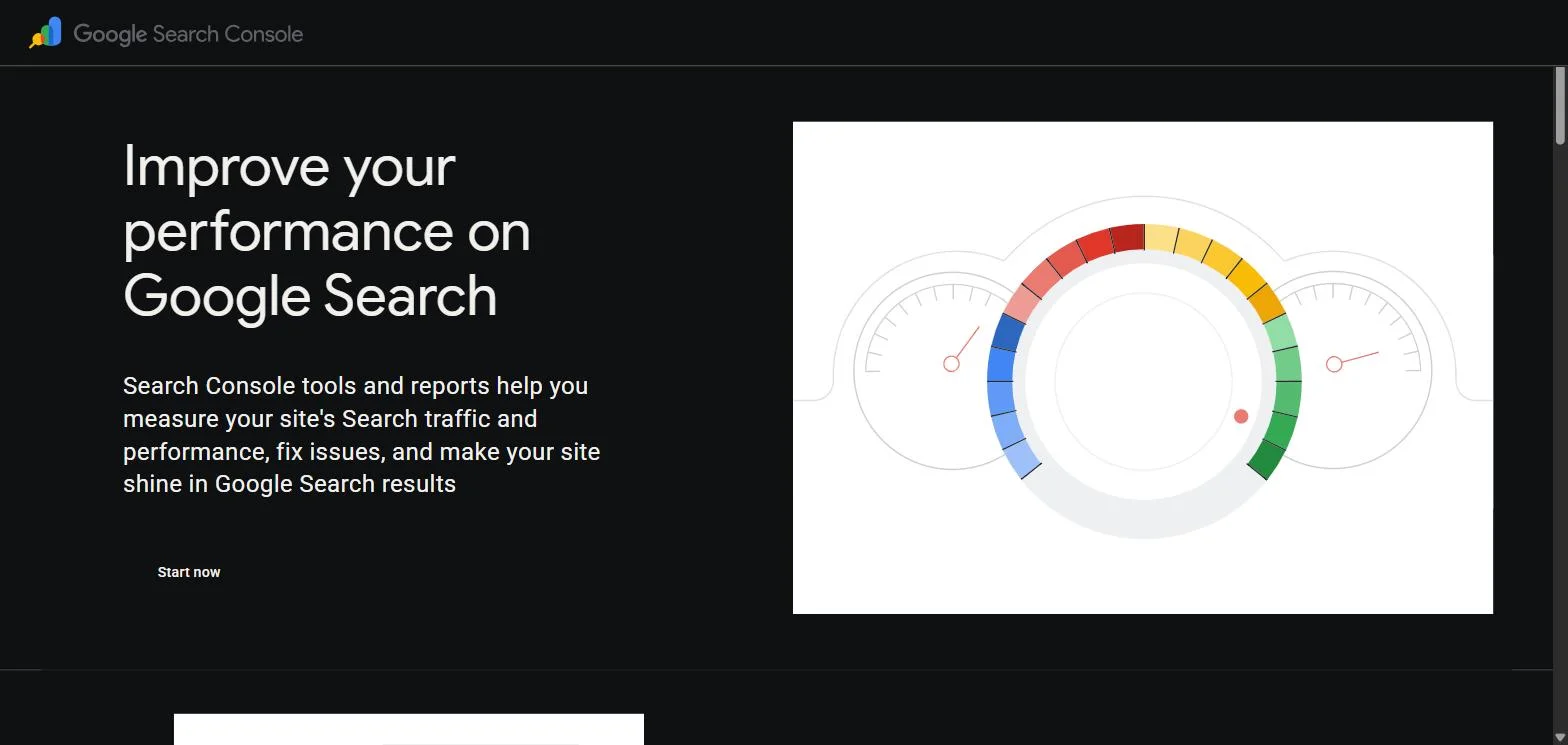
Key features
- Query-level clicks, impressions, CTR and average position
- Page-level and country-level breakdowns
- URL inspection for indexing and canonical status
- Free, because it is your own data
Best for
- Anyone wanting an agent to answer "what are we losing" from real data
- Teams who want to stop paying for estimates of their own performance
Pricing
- Free
Pros
- Authoritative for your own property in a way no third-party estimate is
- No cost, so an agent can query it as often as you like
Cons
- No official server, so you are trusting a community implementation with an OAuth scope
- Data lags roughly two to three days, and the most recent days are provisional
5. Firecrawl, best for reading competitor pages
The four entries above carry a screenshot of the vendor's own page. Firecrawl and SE Ranking do not: neither renders a capturable interface to a browser, and a generated illustration of a product is not a screenshot of it.
Firecrawl converts a URL into clean, structured text an agent can actually reason over. That solves a specific and common problem: asking a model to compare your page against the three ranking above it, without pasting anything by hand.
It handles JavaScript-rendered pages, which matters because a lot of competitor content is client-rendered and a naive fetch returns an empty shell. The official server is maintained by Firecrawl rather than the community.
Key features
- Clean markdown or structured extraction from any URL
- Handles JavaScript-rendered pages
- Crawl mode for multi-page extraction
- Hosted or self-hosted
Best for
- Content teams running competitor gap analysis at the page level
- Anyone whose research workflow currently involves copy and paste
Pricing
- Free plan with 1,000 credits a month
- Hobby from $16 per month billed yearly, for 5,000 credits per month
- Growth up to $333 per month billed yearly, for 500,000 credits per month
Pros
- Removes the manual step from competitor content analysis
- The free 1,000 credits a month are enough to decide whether it belongs in your stack
Cons
- Credits are consumed fast by crawl mode, so scope jobs before running them
- One more vendor bill if your existing stack already extracts content
6. SE Ranking, best all-in-one if you are not on Ahrefs
SE Ranking covers keyword research, backlinks, rank tracking and AI search visibility from a single server, which makes it the sensible pick for teams who want breadth without assembling four connections.
The AI visibility piece is the genuinely differentiated part. Tracking whether assistants cite you is becoming a separate discipline from tracking whether Google ranks you, and comparatively few tools expose it over MCP yet. If you are mapping that category more widely, our list of AI tools for LinkedIn covers the content side of the same shift.
Key features
- Keyword, backlink and rank-tracking data in one server
- AI search visibility tracking
- Competitor analysis across the same connection
Best for
- Teams wanting one connection rather than four
- Anyone tracking whether AI assistants cite their content
Pricing
- Paid plans, check the vendor for current tiers
Pros
- Breadth from a single connection reduces setup and key management
- AI visibility coverage is still uncommon over MCP
Cons
- Overlaps heavily with Ahrefs, so running both is usually waste
- Another subscription if your team already has a research tool
How to choose which SEO MCP servers to install
1) Start with the ones you already pay for
If you have an Ahrefs seat, its MCP server costs nothing extra and covers research plus Search Console in one connection. If you have a Screaming Frog license, MCP has been included since v24.0. Most teams can build a working setup from tools already on the invoice, so audit that before adding a vendor. The same audit is worth running on the reporting side, where teams routinely pay for two analytics tools doing one job.
2) Separate your own data from everyone else's
Search Console and Screaming Frog tell you about your site. Ahrefs, DataForSEO and SE Ranking tell you about the market. These answer different questions, and most useful workflows need one of each. Connecting three market-data servers and none of your own is the most common mistake here.
3) Decide whether you are billed per seat or per call
Per-seat tools reward constant use and punish idleness. Per-call tools like DataForSEO reward occasional heavy jobs. Agencies with lumpy workloads usually save money on per-call billing; in-house teams querying daily usually do not.
4) Watch what an agent does in a loop
This is the failure mode nobody warns you about. A person clicks a report once. An agent asked to "research these keywords" may issue hundreds of calls in a minute. Before you point an agent at a metered server, check whether it reports per-call cost, and set the task up so you can see the bill accumulating rather than discovering it at the end of the month.
Once you have a stack, the next question is what you do with the output. If your answer involves turning research into LinkedIn content, that is a content strategy problem before it is a tooling one.
ViralBrain exposes its drafting, scheduling and posting over a hosted MCP server, so an assistant can carry research through to a scheduled post without leaving the conversation. You connect or revoke it under connected apps. There is a free tier (3 hero profiles, 3 posts per month) if you want to try it before looking at pricing.
FAQ
What is an SEO MCP server?
An SEO MCP server connects an SEO tool to an AI assistant using the Model Context Protocol, an open standard for how models talk to external systems. Once connected, the assistant queries the live tool instead of relying on training data, so it returns current rankings and volumes rather than remembered ones.
Which SEO MCP server is best for beginners?
Start with Google Search Console, because it is free and it reports on your own site. Add Ahrefs if you already hold a seat. Both answer useful questions on day one without a new purchase or a local process to maintain.
Is there a free SEO MCP server?
Yes. Search Console access is free, Firecrawl's free plan gives 1,000 credits a month, DataForSEO has a free trial, and Screaming Frog's free version crawls up to 500 URLs. You can assemble a working setup at no cost, with limits you will feel once you scale. For checks that need no setup at all, our free tools run in the browser.
Do MCP servers cost extra on top of my existing subscription?
Usually not. Ahrefs includes MCP access with paid plans and Screaming Frog includes it with a license. What can cost you is consumption: metered endpoints and per-call vendors bill for what the agent requests, which is a different pattern from a flat seat.
What is the difference between an SEO MCP server and an SEO API?
The API is the underlying interface; MCP is a standard wrapper that lets an assistant discover and call it without custom integration code. If you are building software, use the API directly. If you want to ask questions in a chat window, use MCP.
Can an MCP server change my site or my rankings?
Most SEO servers are read-only, which is the safe default. Before you authorize any server, check what write scopes it requests. Community-built servers deserve more scrutiny here than vendor-maintained ones, because nobody is accountable for the implementation.
How many SEO MCP servers should I install?
Fewer than you expect. Two or three covering distinct jobs beats six with overlapping data, because every connected server adds tool definitions the assistant has to read on every turn. One for your own data, one for market research, and one for crawling covers most work.
Which SEO MCP server tracks AI search visibility?
SE Ranking covers AI visibility, and Ahrefs exposes Brand Radar for citation tracking. This is a young category and coverage changes quickly, so verify what a vendor tracks before buying on that basis alone.
Automate your LinkedIn for 30 days
ViralBrain plans, writes, and schedules your LinkedIn content, using official LinkedIn APIs so your account stays safe.
- Official LinkedIn APIs, no risk of ban
- You approve every post before it goes live
- Cancel anytime
Keep reading
Best MCP Servers for Marketers: 7 Worth Installing in 2026
Over 10,000 MCP servers exist. Marketers need about six. Here are 7 MCP servers worth installing, what each actually does, and what they really cost.
How to Change Your Profile Picture on LinkedIn
How to add, change and remove your LinkedIn profile photo on desktop, in the app and in a mobile browser, plus who can see it and the file specs.
How to Hide Active Status on LinkedIn
How to hide your LinkedIn active status: the Manage active status setting, its three documented options on desktop and in the app, and what you give up.