LinkedIn recommends 1584 x 396 pixels, a 4:1 shape.
JPG or PNG, under 8 MB. From LinkedIn Help, read 14 November 2026.
Drop your banner image here
Read in your browser. Never uploaded.
Example result for example-banner.png
1584 x 396
pixels. LinkedIn recommends 1584 x 396.
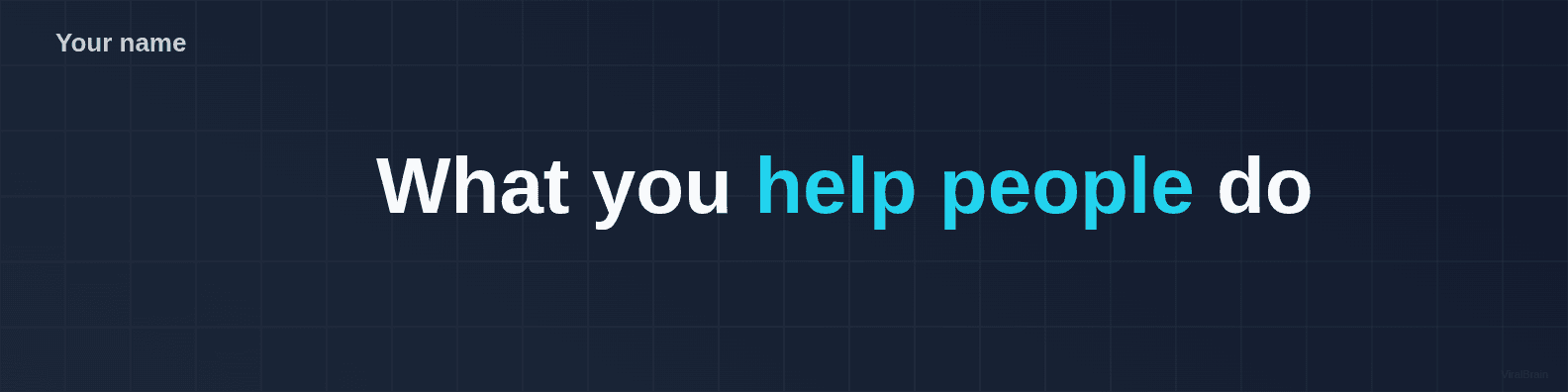
Shown at its real shape. It is already 4:1, so a 4:1 crop cuts nothing.
Ratio
4:1
1584 x 396 is 4:1
File
14.3 KB
PNG. LinkedIn: JPG or PNG, under 8MB
The example banners were made with the ViralBrain banner generator.
Your browser reads the image. Nothing is sent anywhere. Three ideas drive the verdict.
1584 divided by 396 is 4. LinkedIn lists the pixel size. The 4:1 shape is that division.
An image of another shape is cut to 4:1 from its middle. The dark parts go. This is math, and LinkedIn's editor lets you choose the crop.
The tool warns. LinkedIn's page says a blurry cover needs a larger image. It does not say how it scales.
| Item | LinkedIn says |
|---|---|
| Recommended size | 1584 (w) x 396 (h) pixels (recommended) |
| File types | JPG or PNG file |
| Maximum file size | Under 8 MB |
| Minimum size | Not stated on the page |
Source: LinkedIn Help: Add or change the cover image on your profile. Read 14 November 2026.
So this page draws no safe zone and makes no claim about the mobile crop.
Every number on this page comes from one LinkedIn page, read on 14 November 2026. LinkedIn calls the banner the cover image there, and the page showed "Last updated: 1 week ago".
LinkedIn Help: Add or change the cover image on your profile
Tool collection
LinkedIn Image ToolsRead next
LinkedIn banner size guidePick a topic and tap any post, no login needed. This is what ViralBrain writes for you every week.
Monday,
Tuesday,
Wednesday,
Thursday,
Friday,
New posts every week.
