LinkedIn Comment Controls: Every Option
Your LinkedIn comment setting is saved as the default for every future post. The three options, the Page steps, and the platform limits nobody mentions.
Insights and analysis on viral LinkedIn content and content strategy

Your LinkedIn comment setting is saved as the default for every future post. The three options, the Page steps, and the platform limits nobody mentions.

The poll author sees exactly how each person voted, and Page admins see it too. Durations, option limits, the iOS difference, and what voters cannot see.

LinkedIn has six Page admin roles in two groups. What each one can do, the seven super admin exclusives, and the prerequisite that blocks most additions.

LinkedIn does not publish a price for Premium Company Page. The eight features, why only a super admin can buy it, and the admin trap to avoid.

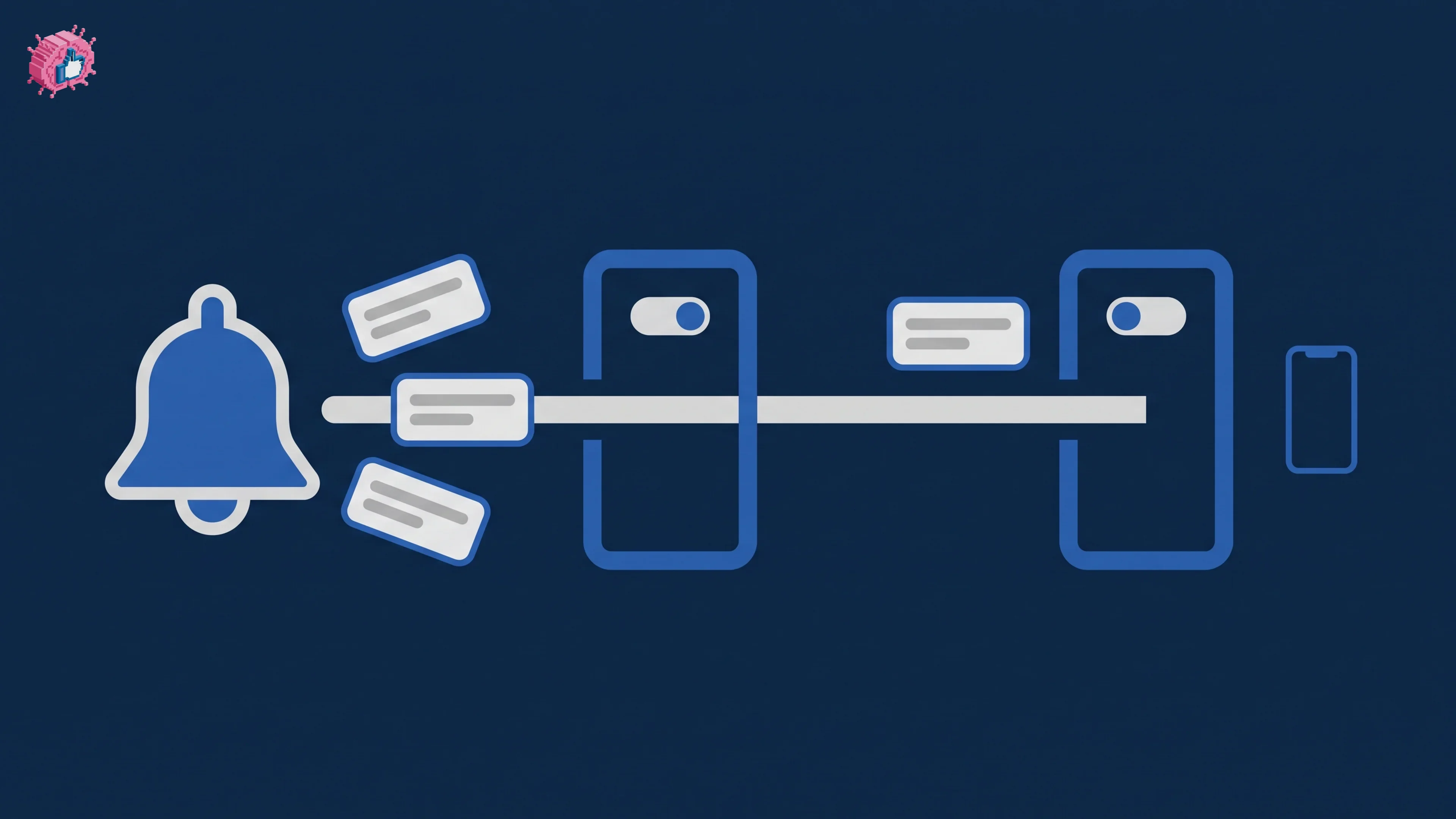
Turning off a LinkedIn notification type also deletes the ones already in your tab. Where the settings live, and the two layers that control delivery.

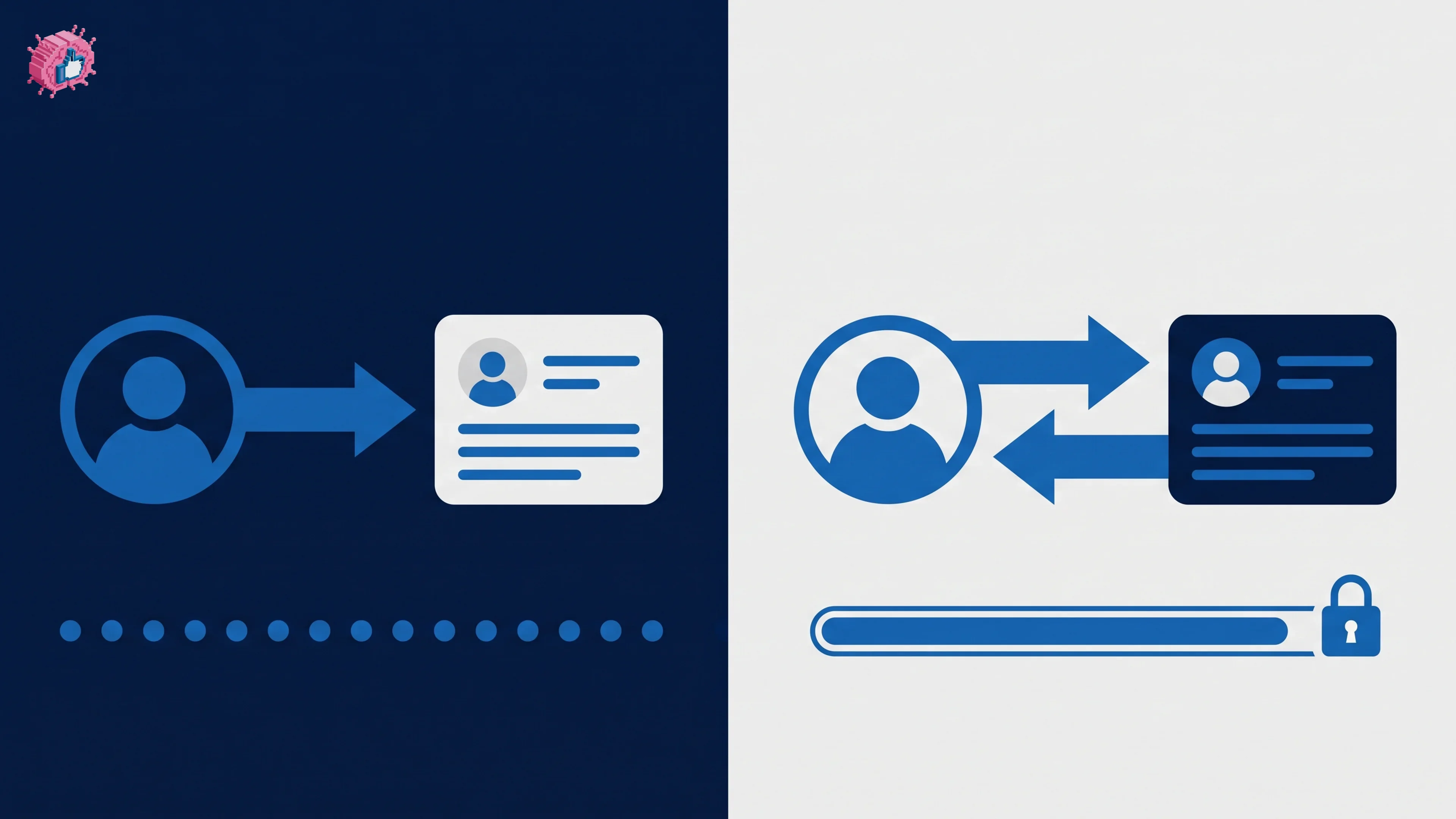
Connections cap at 30,000; followers are unlimited. What each gives you, what happens at the cap, and why a declined invite leaves you following.

LinkedIn endorsements need no approval, unlike recommendations. The 100-skill cap and its exemption, how to hide one, and what deletes them permanently.

LinkedIn defines five reactions beyond Like, and reacting tells your network which one you chose. Each meaning verbatim, plus how to add and remove one.

LinkedIn allows one recommendation per position per member, and a signed-out visitor sees only two. How to request one, write one, and who can see them.

The LinkedIn custom button needs Premium Business, Sales Navigator or Recruiter Lite. The seven labels, the setup steps, and where it actually appears.

LinkedIn caps you at 15 posts per group per week and 100 memberships. The three group types, what public groups expose, and when one is worth it.

Three LinkedIn Event fields lock permanently once you post, and registration forms are Pages only. The setup steps, invitation limits, and how to cancel.
Get insights from top creators and create posts that perform.
Start freePick a topic and tap any post, no login needed. This is what ViralBrain writes for you every week.
Monday,
Tuesday,
Wednesday,
Thursday,
Friday,
New posts every week.