ViralBrain Blog - LinkedIn Content Strategy Insights

Blog

Insights and analysis on viral LinkedIn content and content strategy

Creator Deep Dive

LinkedIn Content Intelligence Report - Q4 2026

Comprehensive analysis of 53,352 LinkedIn posts from 1,206 creators. Discover what actually works (and what doesn't) based on real data.

#linkedin-intelligence#content-patterns#viral-strategy
Creator Deep Dive

LinkedIn Engagement Benchmarks - October 2026

Monthly benchmark report showing engagement metrics (likes, comments, engagement rate) by follower range. Based on 43,976+ posts from LinkedIn creators.

#benchmarks#metrics#statistics
LinkedIn Open to Work: Recruiters Only vs Everyone (2026)
How-To Guide

LinkedIn Open to Work: Recruiters Only vs Everyone (2026)

Turn on LinkedIn Open to Work, choose recruiters only or all members, and manage the #OpenToWork photo frame. Steps and limits from LinkedIn's Help pages.

#linkedin open to work#open to work linkedin#opentowork photo frame
LinkedIn Features Explained: 44 Guides
How-To Guide

LinkedIn Features Explained: 44 Guides

Forty-four LinkedIn features, each read from LinkedIn's own documentation. Profile, posting, your feed, Pages, Events, Live and Groups, in one index.

#linkedin features explained#linkedin features list#how linkedin works
How to Block Someone on LinkedIn: What It Does
How-To Guide

How to Block Someone on LinkedIn: What It Does

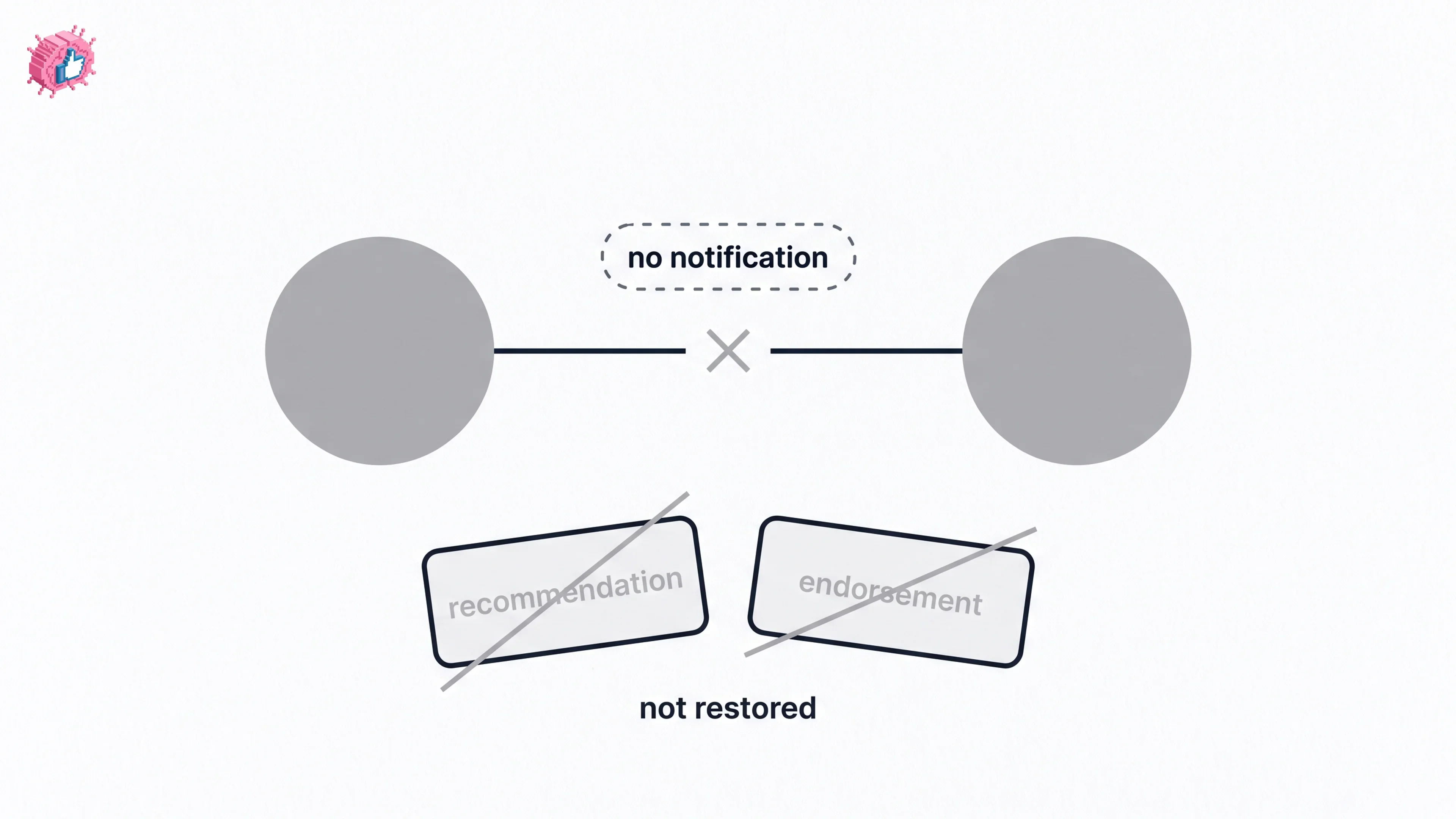
Blocking removes their endorsements and recommendations, and recommendations never come back. The steps, what they can still see, and the 48 hour wait.

#how to block someone on linkedin#unblock on linkedin#does linkedin notify when you block
LinkedIn Saved Posts: Where They Actually Are
How-To Guide

LinkedIn Saved Posts: Where They Actually Are

Saved Items, not My Items. How to save and unsave, where the list really lives on desktop and mobile, what you cannot save, and what LinkedIn never says.

#linkedin saved posts#where are my saved posts on linkedin#how to save a post on linkedin
LinkedIn Mute vs Unfollow: What Is Documented
Comparison

LinkedIn Mute vs Unfollow: What Is Documented

Unfollow hides every update and keeps the connection. Mute is named on three LinkedIn help pages and explained on none. What each one actually does.

#linkedin mute vs unfollow#how to mute someone on linkedin#unfollow on linkedin
How to Repost on LinkedIn (and Delete One)
How-To Guide

How to Repost on LinkedIn (and Delete One)

Repost and Repost with your thoughts are two different features. The desktop and mobile steps, the documented way to delete a repost, and the limits.

#how to repost on linkedin#repost with your thoughts#delete a linkedin repost
LinkedIn Comment Controls: Every Option
How-To Guide

LinkedIn Comment Controls: Every Option

Your LinkedIn comment setting is saved as the default for every future post. The three options, the Page steps, and the platform limits nobody mentions.

#linkedin comment controls#turn off comments linkedin#limit comments to connections
LinkedIn Polls: Options, Limits and Privacy
How-To Guide

LinkedIn Polls: Options, Limits and Privacy

The poll author sees exactly how each person voted, and Page admins see it too. Durations, option limits, the iOS difference, and what voters cannot see.

#linkedin polls#how to create a linkedin poll#linkedin poll duration
LinkedIn Page Admin Roles: All Six Explained
How-To Guide

LinkedIn Page Admin Roles: All Six Explained

LinkedIn has six Page admin roles in two groups. What each one can do, the seven super admin exclusives, and the prerequisite that blocks most additions.

#linkedin page admin roles#how to add admin to linkedin page#linkedin super admin
LinkedIn Premium Company Page: What You Get
How-To Guide

LinkedIn Premium Company Page: What You Get

LinkedIn does not publish a price for Premium Company Page. The eight features, why only a super admin can buy it, and the admin trap to avoid.

#linkedin premium company page#linkedin premium company page cost#premium company page features
Showing 25 to 36 of 961 blogs

Nail your LinkedIn strategy with ViralBrain.

Get insights from top creators and create posts that perform.

Start free

Stop reading about LinkedIn growth. Watch a week of it get written.

Pick a topic and tap any post, no login needed. This is what ViralBrain writes for you every week.

Week 1:this week

Monday,

Tuesday,

Wednesday,

Thursday,

Friday,

New posts every week.