

Best 7 LinkedIn Analytics Tools in 2026
Compare the 7 best LinkedIn analytics tools in 2026. We review ViralBrain, Shield, Taplio Analytics, AuthoredUp, Sprout Social, Buffer Analyze, and LinkedIn native — features, pricing, and benchmarks.
LinkedIn's native analytics give you a starting point, but they stop short of the data you actually need to grow. The right LinkedIn analytics tool tells you which post structures drive engagement, how your performance compares to creators in your niche, and where your reach is leaking.
In this guide, we compare the 7 best LinkedIn analytics tools in 2026, covering engagement benchmarks, post-level data, follower growth, and which tool fits your specific stage. Whether you're a solo creator measuring your first 100 posts or a marketing team reporting on multi-profile performance, this comparison gives you a clear pick. Analytics is one piece of a wider stack, so for the full picture see the best LinkedIn marketing tools.
Automate your LinkedIn for 30 days
Best LinkedIn analytics tools: a brief overview
- ViralBrain: Best overall LinkedIn analytics + content intelligence platform. Combines pre-publish viral scoring with engagement benchmarks based on real data from top LinkedIn creators in your niche.
- Scripe: Best LinkedIn content tool with analytics built into every tier. Post analytics and follower growth alongside AI content creation, with nothing gated behind a top plan.
- Taplio Analytics: Best analytics bundled with content creation and CRM. Strong fit if you want one platform for posting, scheduling, and measurement.
- AuthoredUp: Best for per-post engagement data combined with formatting and editing tools. Tight integration between what you write and what performs.
- Sprout Social: Best LinkedIn analytics for marketing teams managing multiple profiles or company pages.
- Buffer: Best multi-platform analytics that includes LinkedIn alongside other social networks, with analytics now part of every plan.
- LinkedIn native: Best free baseline, limited but useful for understanding what LinkedIn itself surfaces.
| Tool name | Key strength | Pricing | Best for |
|---|---|---|---|
| ViralBrain | Viral score + engagement benchmarks + hero creator data | €1 trial available; paid plans from €39/mo | Creators who want pre-publish scoring and real benchmarks |
| Scripe | LinkedIn analytics built into every content tier | From €19.99/mo | Creators who want analytics bundled with AI content |
| Taplio Analytics | Analytics bundled with content + CRM workflow | From $39/mo | Sales pros and founders who want one platform for everything |
| AuthoredUp | Per-post analytics paired with editing and formatting | From $19.95/mo | Writers measuring posts at the format and structure level |
| Sprout Social | Enterprise LinkedIn analytics for teams and company pages | From $199/mo | Marketing teams reporting on multi-profile or company pages |
| Buffer | LinkedIn analytics inside a multi-platform suite | Free tier; from $6/channel/mo | Creators posting across LinkedIn, X, Instagram |
| LinkedIn native | Free baseline analytics inside LinkedIn itself | Free | Anyone wanting basic post and profile data without subscribing |
1. ViralBrain, best overall LinkedIn analytics and content intelligence
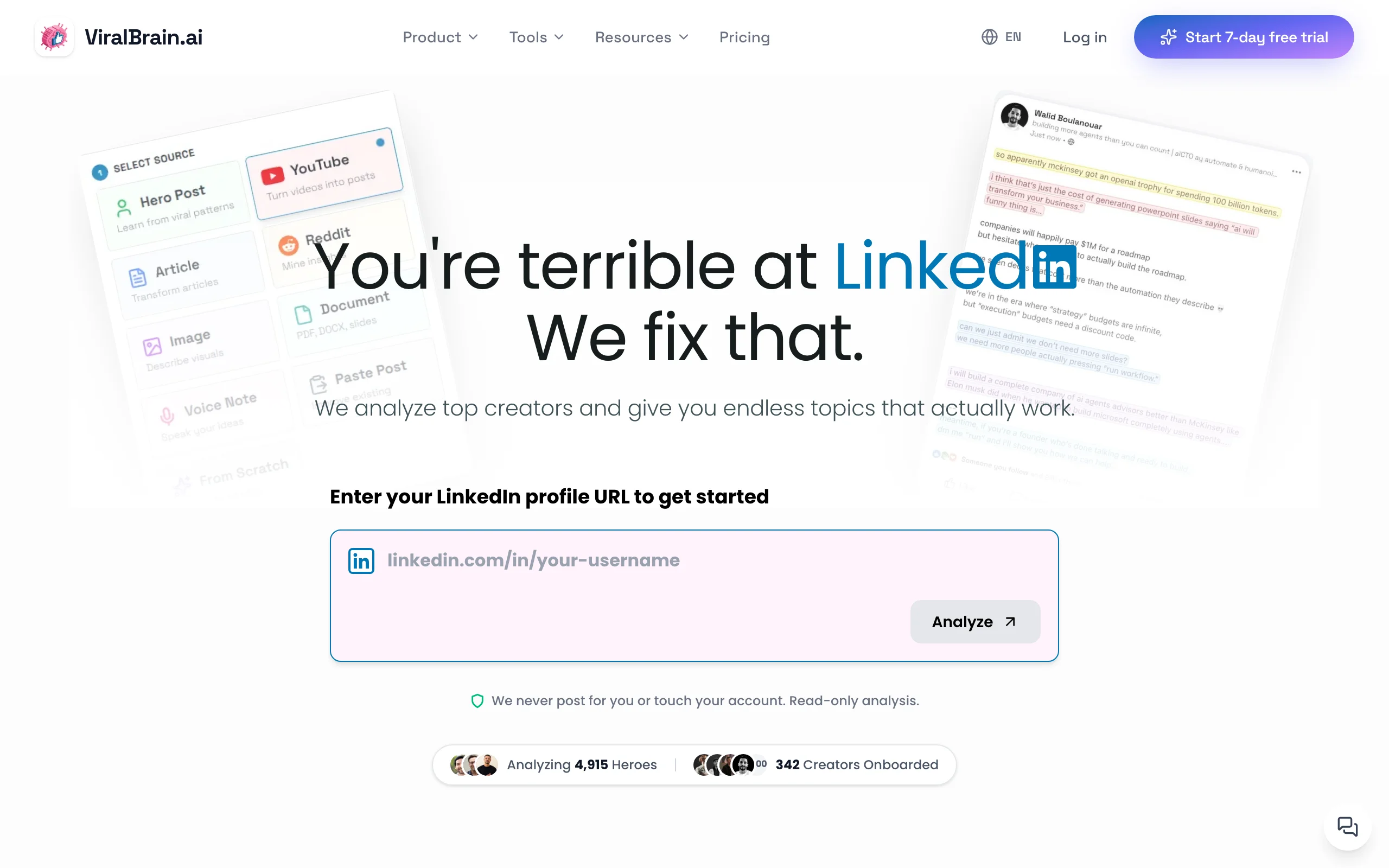
ViralBrain takes a different angle on LinkedIn analytics. Instead of just showing you what already happened, it predicts what will happen: every post draft gets a viral score before you publish, based on real data from top-performing LinkedIn creators in your niche. That makes it the only tool in this list that combines pre-publish quality signals with post-mortem analytics.
ViralBrain also includes free LinkedIn engagement benchmarks you can use without an account, plus deeper hero creator analytics inside the paid product. If your goal is to understand not just what your reach is, but why your reach is what it is, and how to improve the next post, ViralBrain is the strongest analytics layer in this list.
Key features:
- Viral score: pre-publish engagement prediction on every draft
- Hero creator benchmarks: see how top LinkedIn creators in your niche perform
- Free LinkedIn engagement benchmarks tool, no account required
- Post structure analysis: which hooks, lengths, and formats drive engagement
- Voice-matched content generation that learns from your own writing DNA
- Viral score checker for ongoing post quality control
Best for:
- Creators who want to know if a post will perform before publishing, not just after
- Founders posting 3-5x per week who need actionable benchmarks, not raw numbers
- Solopreneurs who want analytics tied directly to content recommendations
Pricing:
- Free tier available (3 heroes, 5 posts per month)
- €1 trial, then €39/month Pro or €69/month Premium
- See ViralBrain pricing for current plan details
Pros:
- Only LinkedIn analytics tool that gives you pre-publish quality signals, not just post-mortem data
- Free benchmark tool means you get immediate value without subscribing
- Tied directly to content generation: see a weak score, regenerate, retest
- Hero creator data gives you a niche-specific baseline most tools lack
Cons:
- LinkedIn-only, with no multi-platform analytics
- Younger and smaller brand than Taplio or AuthoredUp
See the full ViralBrain vs Taplio comparison for a detailed breakdown.
2. Scripe, best LinkedIn content tool with analytics on every tier
Scripe is a LinkedIn content platform with analytics built into every plan. Shield shut down in 2026; former users moved to tools like Scripe or AuthoredUp, and Scripe stands out because its LinkedIn analytics are not gated behind a top tier. Every plan, from Starter up, includes post analytics and follower growth tracking.
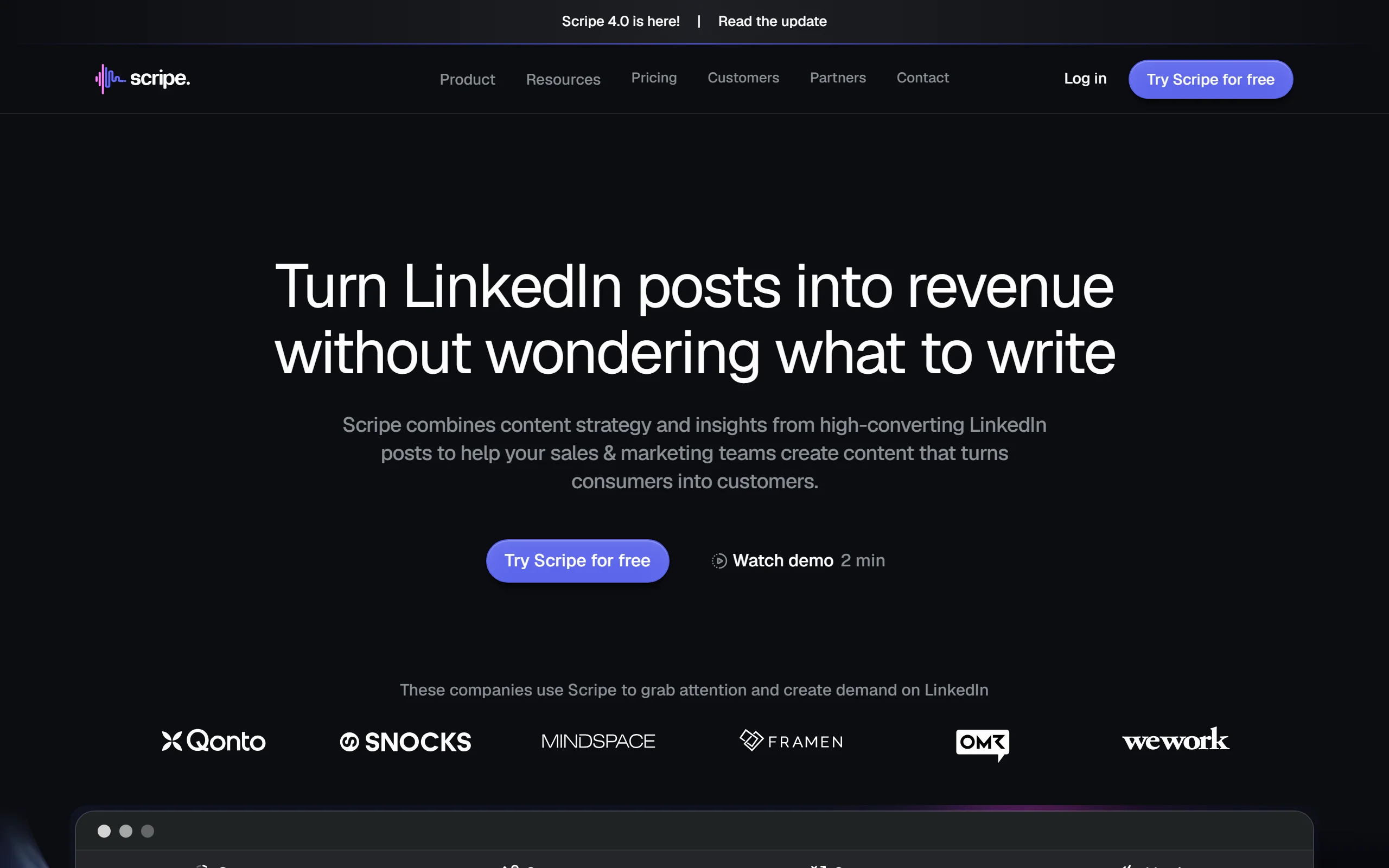
Scripe's strength is combining measurement with creation. You see reach, impressions, engagement, and follower growth over time, then act on it inside the same tool that handles your AI content and scheduling. It is not a pure historical dashboard, but it gives you live LinkedIn analytics on every tier, which most bundled tools reserve for their higher plans.
Key features:
- Post analytics with reach, impressions, and engagement on every tier
- Follower growth tracking over time
- AI content creation and scheduling built in
- Post performance trends by format and topic
- LinkedIn analytics included on Starter, Pro, and Team plans
- Dashboard and browser access
Best for:
- Creators who want analytics bundled with AI content creation
- Former Shield users looking for a live tool with LinkedIn analytics
- Solopreneurs who want measurement and posting in one place
Pricing:
- 10-day free trial
- Starter €19.99/month, Pro €39.99/month
- Team €108/month for multi-user access
Pros:
- LinkedIn analytics on every tier, not gated behind a top plan
- Content creation, scheduling, and analytics in one subscription
- Low entry price at €19.99/month with a 10-day trial
Cons:
- Analytics are bundled with a content tool, not a dedicated deep-historical dashboard
- LinkedIn-only focus, no multi-platform analytics
- Newer analytics layer than long-established measurement tools
3. Taplio Analytics, best analytics bundled with content and CRM
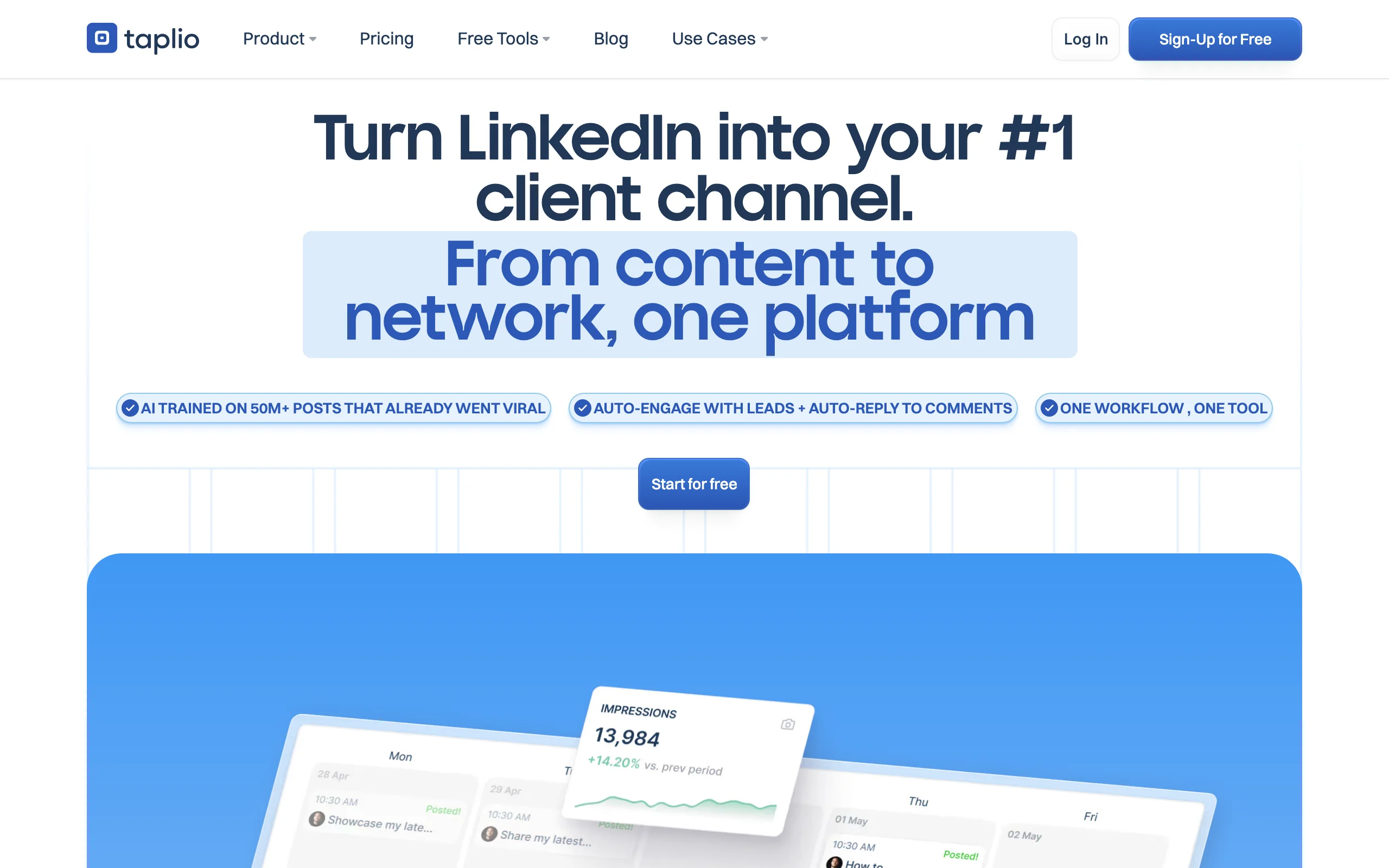
Taplio is best known as a content + CRM platform, but its analytics layer is solid in its own right. Where Taplio earns a place in this list is the bundle: you get post analytics, follower growth tracking, and audience insights inside the same tool that handles your scheduling and outreach.
The analytics depth is below tools built purely for measurement, but for creators who want one platform for content, scheduling, CRM, and measurement, Taplio is the most complete pick. The dashboard tracks reach, engagement, follower growth, and post performance over time.
Key features:
- Post analytics with reach, impressions, and engagement
- Follower growth tracking over time
- Audience insights when LinkedIn data is available
- Post performance trends by format and topic
- Bundled with Taplio's content generation, scheduling, and CRM
- Multi-profile analytics on team tiers
Best for:
- Sales pros and founders who want analytics inside an all-in-one LinkedIn platform
- Agencies that need basic analytics across multiple client profiles
- Creators who don't want to manage a separate analytics subscription
Pricing:
- Starter from $39/month (includes content + scheduling + CRM + analytics)
- Growth $69/month, Pro $199/month for team access and multi-profile tracking
Pros:
- One subscription covers content, scheduling, CRM, and analytics
- Strong for sales-driven LinkedIn workflows where outreach data matters
- Multi-profile analytics on higher tiers
Cons:
- Analytics depth is below tools built purely for measurement
- Pricier than a standalone analytics layer if you only need data
- Bundled features may be overkill if you only want measurement
See the full ViralBrain vs Taplio comparison for a detailed breakdown.
4. AuthoredUp, best for per-post analytics tied to editing
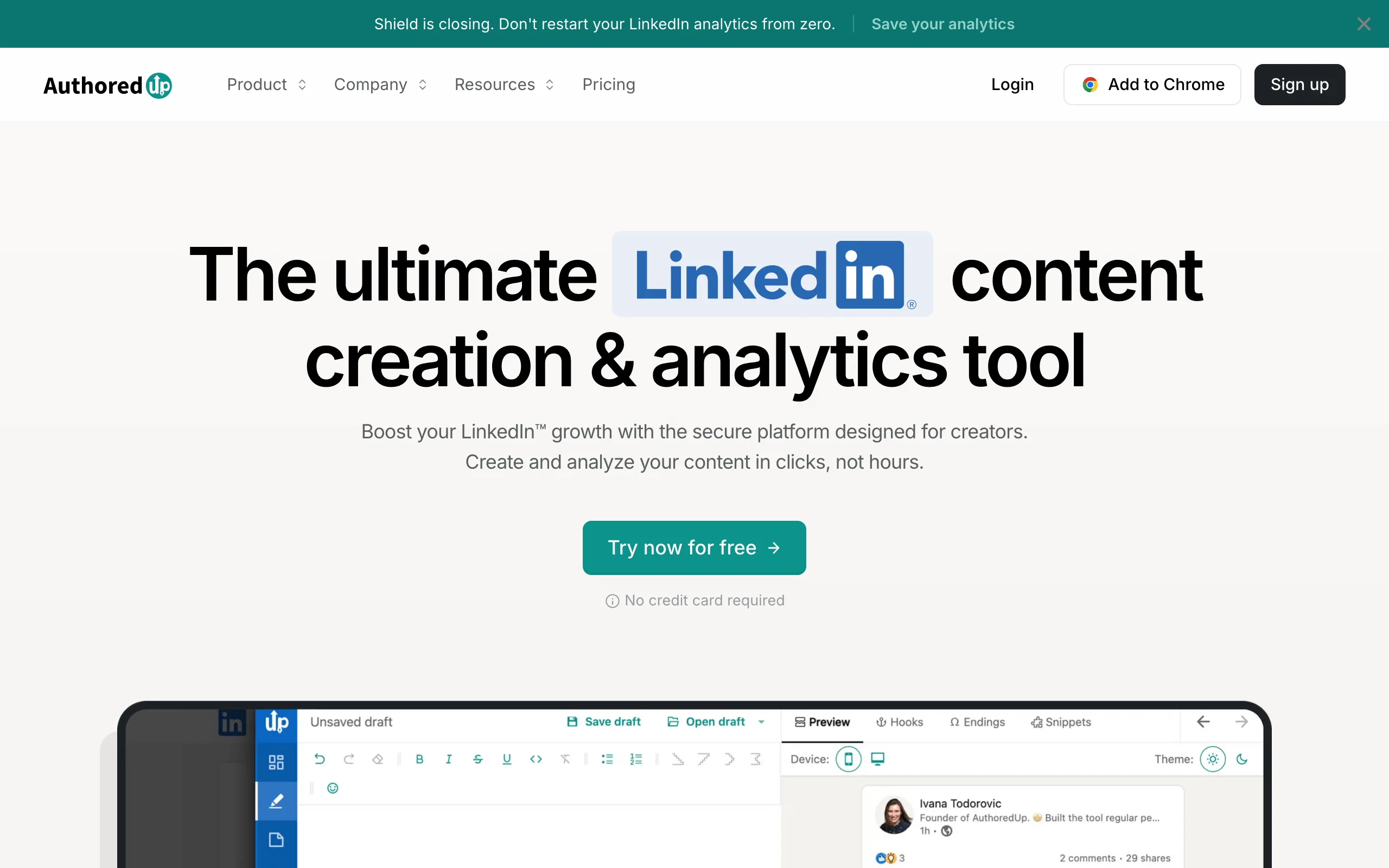
AuthoredUp is a LinkedIn post editor with rich text formatting and per-post analytics built in. Every post you publish through AuthoredUp gets tracked with detailed engagement data, letting you identify which formats, lengths, and topics drive the most reach over time. For writers who already know how to write but want post-level data tied to their editing workflow, AuthoredUp is one of the most precise analytics layers available.
The big distinction is workflow integration: AuthoredUp ties what you write to what performs, so you can iterate on format and structure with real data feeding back into your editor.
Key features:
- Per-post analytics with engagement rate, reach, and click tracking
- Rich text formatting controls integrated with the analytics
- LinkedIn post preview showing exact mobile and desktop rendering
- Content library for saving and analyzing top posts
- Post templates and structure frameworks tied to engagement data
- Browser extension that works directly inside LinkedIn
Best for:
- Writers who want precise formatting control plus post-level performance data
- Creators who iterate on structure and want analytics to guide rewrites
- LinkedIn users who rely heavily on formatted posts
Pricing:
- Individual plans from $19.95/month ($16.63/month billed annually)
- Business from $14.95/user/month (minimum 3 users)
Pros:
- Best integration between editing workflow and post analytics
- Per-post data is more actionable than tool-wide dashboards
- Strong historical per-post data on the formats and structures you publish
Cons:
- AI generation and pre-publish scoring are minimal
- Historical analytics are per-post rather than a broad audience dashboard
- LinkedIn-only, no multi-platform tracking
See the full ViralBrain vs AuthoredUp comparison for a detailed breakdown.
Automate your LinkedIn for 30 days
5. Sprout Social, best LinkedIn analytics for marketing teams
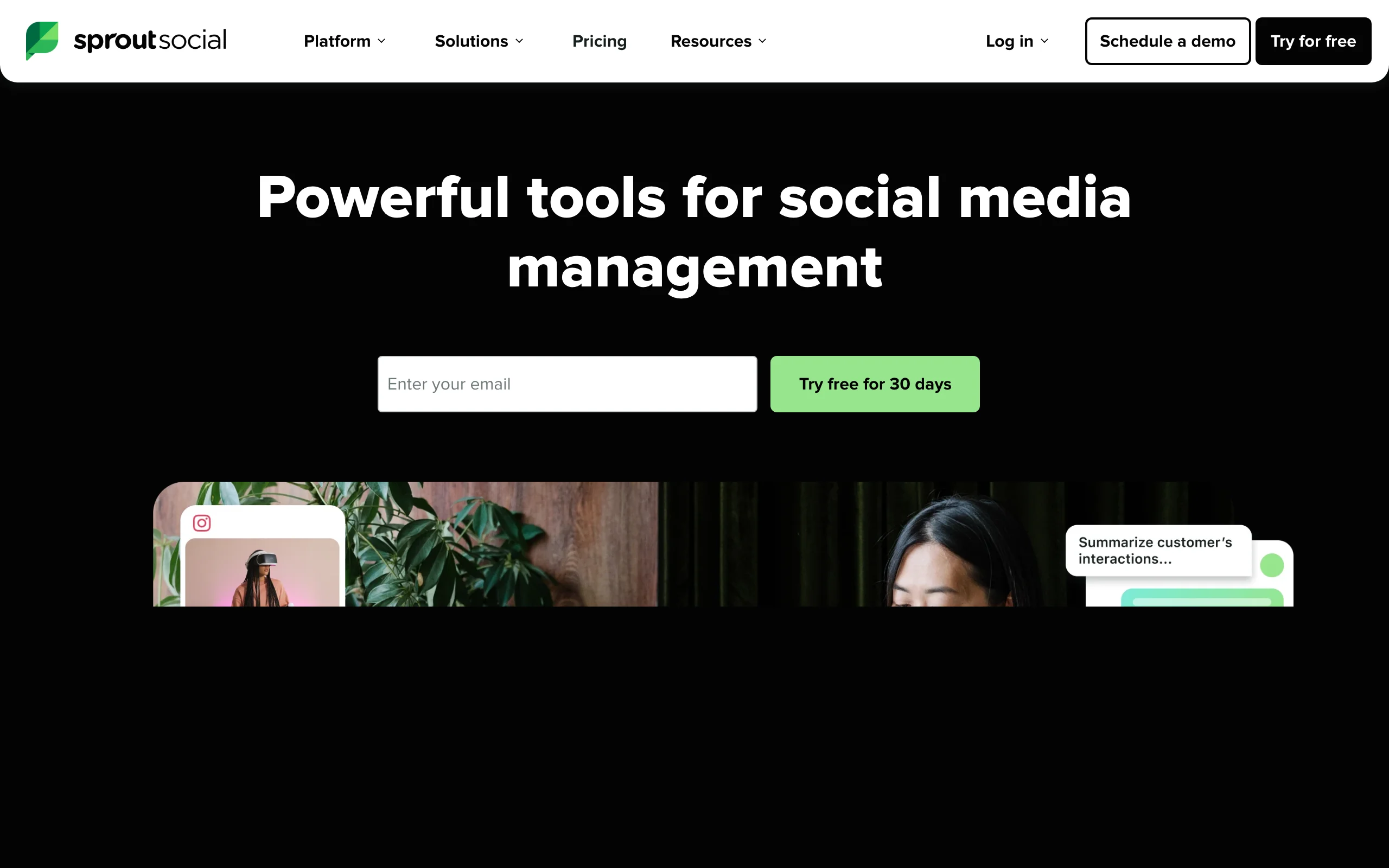
Sprout Social is an enterprise social media management platform that includes deep LinkedIn analytics among many other social network integrations. For marketing teams managing company pages, multiple executive profiles, or running paid campaigns alongside organic, Sprout is the most complete reporting layer.
The platform covers LinkedIn pages, individual creator analytics, paid post performance, and competitor benchmarking. It's overkill for a solo creator but the standard pick for marketing teams reporting up to leadership.
Key features:
- Multi-platform analytics covering LinkedIn, X, Instagram, Facebook, and more
- Company page and personal profile analytics in one dashboard
- Custom report builder with white-label exports
- Competitor benchmarking and share-of-voice tracking
- Paid campaign performance alongside organic
- Multi-user collaboration with role-based access
Best for:
- Marketing teams reporting on multiple LinkedIn profiles or company pages
- Agencies running reports for enterprise clients
- Companies that need LinkedIn analytics alongside other social platforms
Pricing:
- Standard from $199/month per seat ($99/month per seat for Essentials, billed monthly)
- Professional $299/month and Advanced $399/month per seat
- Custom enterprise pricing available
Pros:
- Most complete multi-profile, multi-platform reporting for teams
- White-label exports make it easy to send reports to stakeholders
- Strong competitor benchmarking and share-of-voice data
Cons:
- Significantly more expensive than creator-focused tools
- Overkill for solo creators or single-profile use cases
- LinkedIn analytics depth is broad rather than deep
6. Buffer, best multi-platform analytics including LinkedIn
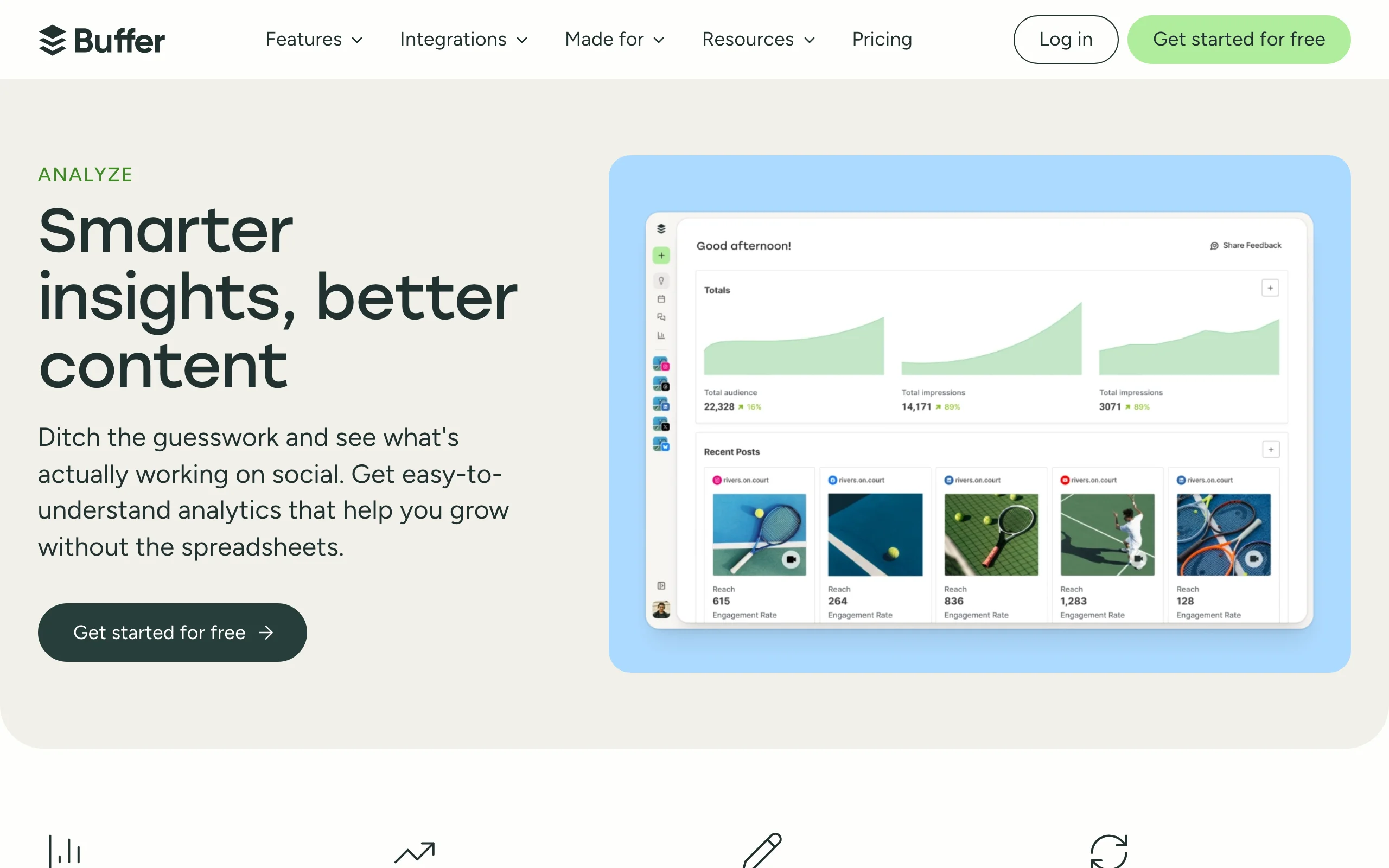
Buffer covers LinkedIn analytics alongside Instagram, X, Facebook, TikTok, and others, making it a strong pick for creators and small teams who post across multiple platforms and want one analytics tool to cover them all. Analytics are now part of Buffer's normal plans rather than a separate paid add-on.
LinkedIn-specific depth is below dedicated LinkedIn tools, but Buffer does a clean job of reporting reach, engagement, and audience growth across LinkedIn alongside other channels. For creators who don't want to manage 3-4 separate analytics tools, this is the most practical multi-platform option.
Key features:
- LinkedIn analytics alongside Instagram, X, Facebook, TikTok, YouTube
- Post performance with reach, engagement, and click tracking
- Audience growth and demographics across platforms
- Report views with PDF and CSV exports
- Tied to Buffer's scheduling and publishing tools
- Multi-user collaboration
Best for:
- Creators posting on LinkedIn plus 2-3 other platforms
- Small marketing teams reporting across multiple social channels
- Users already on Buffer who want analytics bundled in
Pricing:
- Free tier for up to 3 channels
- Essentials from $6 per channel/month, with analytics included in every paid plan
Pros:
- Solid LinkedIn analytics inside a multi-platform suite
- Analytics included in every plan, no separate add-on to buy
- Clean, easy-to-read dashboards
Cons:
- LinkedIn-specific depth is below dedicated LinkedIn tools
- Per-channel pricing adds up once you connect several networks
- No pre-publish quality signals or content recommendations
7. LinkedIn native analytics, best free baseline
LinkedIn's native analytics, accessible from your profile and post-by-post, give you a free starting point for understanding your performance. You see impressions, reactions, comments, shares, and follower count for individual posts and your overall profile.
LinkedIn native is limited: no historical export, no benchmarking, no format breakdowns, and no pre-publish signals. But it costs nothing, and for creators in their first 3 months it's enough to understand what's working at a basic level before subscribing to a paid tool.
Key features:
- Per-post impressions, reactions, comments, and shares
- Profile view count and search appearance data
- Follower count over time (limited historical window)
- Audience demographics for posts that hit threshold reach
- Free with any LinkedIn account
- Available on both web and mobile
Best for:
- Creators in their first 1-3 months of LinkedIn posting
- Anyone who wants free baseline data before subscribing to paid tools
- Users who only need broad numbers, not deep analysis
Pricing:
- Free with any LinkedIn account
Pros:
- Free and built into LinkedIn, no extra subscription
- Always available, no setup required
- Covers basic per-post and profile-level data
Cons:
- No historical export, so you lose data over time
- No benchmarking against creators in your niche
- No format breakdowns, hook analysis, or pre-publish signals
- Reporting depth is too shallow for serious creators
How to choose the best LinkedIn analytics tool for your needs
1) Do you want post-mortem data or pre-publish signals?
The biggest dividing line in this category is whether you want to know what already happened or predict what will happen.
- For pre-publish quality signals, knowing if a post will perform before you hit publish, ViralBrain's viral score is the only tool in this list with that capability.
- For deep post-mortem analysis on what you already published, AuthoredUp and Scripe give you strong per-post historical data.
- For both: ViralBrain plus AuthoredUp is a strong combined stack, pre-publish signals from ViralBrain and per-post historical data from AuthoredUp.
2) Are you a solo creator or a team?
Solo creators and marketing teams need very different analytics tools.
- Solo creators and personal brands: ViralBrain, Scripe, or AuthoredUp cover everything you need, from €19.99 to €39/month.
- Marketing teams reporting on multiple profiles or company pages: Sprout Social is the standard. Buffer is a cheaper multi-platform option.
- Agencies tracking multiple clients: Taplio's team tiers or Sprout Social, depending on whether you need bundled content tools.
3) Do you need LinkedIn only or multi-platform?
If LinkedIn is your only or primary channel, LinkedIn-specific tools win. If you post on 3+ platforms, multi-platform tools save time.
- LinkedIn-only: ViralBrain, Scripe, or AuthoredUp give you the deepest LinkedIn-specific data.
- Multi-platform with LinkedIn included: Buffer or Sprout Social cover LinkedIn alongside other networks.
4) What's your budget and stage?
Tool selection depends heavily on where you are in your LinkedIn journey.
- Just starting (0-3 months): LinkedIn native analytics are enough. Use the free LinkedIn engagement benchmarks tool to understand what's normal for your audience size.
- Growing (3-12 months): ViralBrain (€39), Scripe (€19.99), or AuthoredUp ($19.95) give you the data you need to iterate on what's working.
- Established (12+ months): Layer in Sprout Social or Taplio Analytics if you're reporting up to a team or running paid alongside organic.
Before picking, decide what specific question you want answered. "How is my profile growing?" needs different data than "Which post structures get the most reach?" The right tool is the one that answers your question with the least friction. See the LinkedIn algorithm guide for context on what current distribution factors matter most.
FAQ
What is the best LinkedIn analytics tool in 2026?
The best LinkedIn analytics tool depends on what you measure. For pre-publish quality signals tied to content generation, ViralBrain leads: its viral score predicts engagement before you publish and is paired with free engagement benchmarks. For per-post historical analytics on a personal brand, AuthoredUp is the most granular. For marketing teams managing multiple profiles, Sprout Social is the enterprise standard.
Is there a free LinkedIn analytics tool?
Yes. LinkedIn's native analytics are free. ViralBrain offers a free tier plus a €1 trial and a free engagement benchmarks tool that anyone can use without an account. Buffer has a free tier, and Scripe offers a 10-day trial. Most paid tools also offer trials so you can test the depth of data before subscribing.
How is ViralBrain different from other LinkedIn analytics tools?
ViralBrain is the only LinkedIn analytics tool that combines pre-publish scoring with post-mortem benchmarks. Most analytics tools tell you what already happened. ViralBrain tells you what will happen, based on real data from top LinkedIn creators in your niche, and lets you fix a low-scoring post before you publish. It also includes voice-match content generation from your own writing DNA, a hosted MCP server you can drive from Claude or Codex, and 9-source repurposing, so the analytics feed directly into recommendations for the next post.
What's a good LinkedIn engagement rate in 2026?
A "good" LinkedIn engagement rate depends on your audience size and niche. For most creators, 3-5% is solid, 5-8% is strong, and 8%+ is exceptional. Smaller audiences typically post higher engagement rates because their followers are more closely connected. Use the free LinkedIn engagement rate calculator to work out your own rate, then the LinkedIn engagement benchmarks tool to see specific benchmarks for your follower count.
Can I export LinkedIn analytics data?
Most paid tools (Scripe, Taplio, AuthoredUp, Sprout Social, Buffer) support CSV exports. LinkedIn's native analytics have limited export options, which is one reason creators move to paid tools as they grow. ViralBrain focuses on actionable in-product recommendations rather than raw exports, though benchmark data is shareable.
Which analytics tool is best for tracking follower growth?
Scripe and Taplio track follower growth over time, and AuthoredUp ties growth to per-post performance. Buffer covers follower growth at a higher level across platforms, and LinkedIn native shows current follower count but limited history. For tracking growth tied to specific posts, ViralBrain's hero creator benchmarks help you understand what growth rates are realistic in your niche.
Do I need a LinkedIn analytics tool if I have native LinkedIn analytics?
For the first 1-3 months of serious posting, LinkedIn native is enough. After that, the gaps become real: no historical export, no benchmarking, no format breakdowns, no pre-publish signals. Paid tools from around €20 to €40/month pay back fast if you're posting 3+ times per week and want to iterate on what's working. See the LinkedIn content strategy guide for a framework on when to graduate from native analytics.
Which LinkedIn analytics tool is best for marketing teams?
Sprout Social is the standard pick for marketing teams reporting on multiple LinkedIn profiles or company pages. Buffer is a cheaper multi-platform alternative. Taplio's team tiers handle multi-profile analytics with content and CRM bundled. For teams that want pre-publish quality signals across multiple writers, ViralBrain's team workflows are worth evaluating.
How do I know if a LinkedIn post will perform well before publishing?
Use ViralBrain's viral score checker, the only tool in this list with a pre-publish engagement prediction. Pair it with the LinkedIn post preview to check formatting and readability before you hit publish. For more on what makes posts go viral, see the how to go viral on LinkedIn guide.
What should I look for when evaluating a LinkedIn analytics tool?
Key criteria: Does it answer the specific question you have? Does it include pre-publish signals or only post-mortem data? Does it benchmark against creators in your niche, or just your own history? Does it tie analytics to actionable content recommendations? For most creators, prioritize tools that close the loop between analytics and the next post you write. Start with a €1 trial and test on your actual posting cadence.
Automate your LinkedIn for 30 days
ViralBrain plans, writes, and schedules your LinkedIn content, using official LinkedIn APIs so your account stays safe.
- Official LinkedIn APIs, no risk of ban
- You approve every post before it goes live
- Cancel anytime
Keep reading

LinkedIn Impressions vs Reach: What the Numbers Mean (2026)
LinkedIn impressions vs reach explained: how LinkedIn counts each, why they differ, what a healthy ratio looks like, and how to grow both in 2026.

What Is a Good LinkedIn Engagement Rate? 2026 Benchmarks
A good LinkedIn engagement rate in 2026 is 4-6% for personal profiles and 2-3% for company pages. See full benchmarks, tiers, and format data.
What Is LinkedIn SSI? (Social Selling Index Explained)
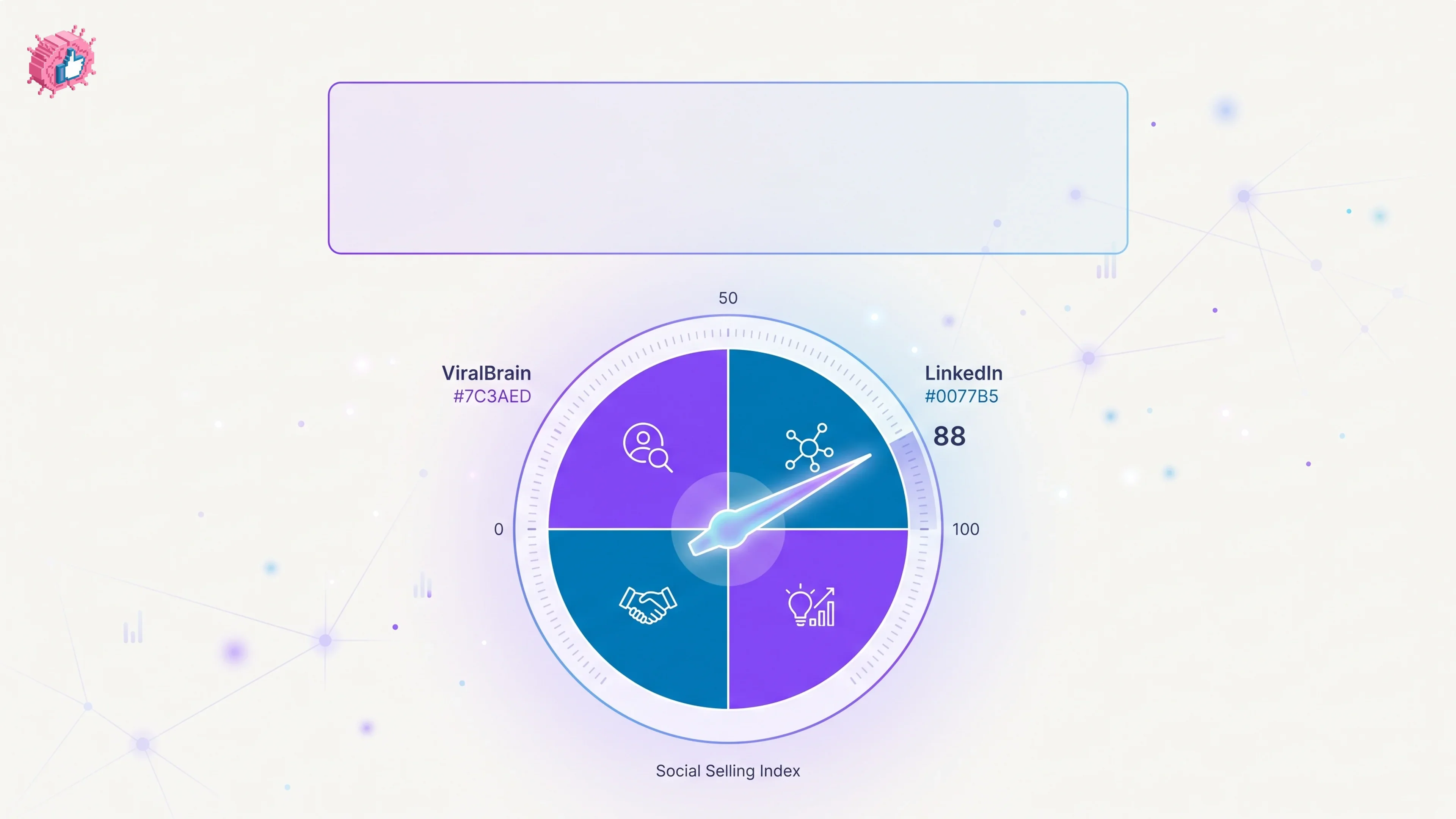
LinkedIn SSI (Social Selling Index) scores your profile 0-100 across 4 pillars. Here's how each pillar is scored and how to check your own score.