

Best 7 AI Tools for LinkedIn Content in 2026
The 7 best AI tools for LinkedIn content in 2026, ranked and compared. Covers pricing, key features, pros and cons, so you can pick the right tool fast.
Writing consistently on LinkedIn is one of the highest-leverage things a founder, marketer, or creator can do in 2026, but producing posts that actually get reach, week after week, is harder than it looks. AI tools have made the drafting process faster, but most still produce generic output that sounds nothing like you.
The tools in this list do more than autocomplete sentences. The best ones learn your voice, surface what's working in your niche, and help you publish with confidence instead of guessing. We tested and evaluated seven platforms across content generation quality, voice matching, analytics, and value for money. For the broader category spanning scheduling and prospecting too, see the best LinkedIn marketing tools.
Here is what each tool does well, where it falls short, and who it fits best, so you can stop comparing and start posting.
One disclosure up front: ViralBrain, the tool writing this, is also #1 on the list below. We ranked it first because of the criteria in this piece (voice matching and creator-pattern analysis), not because we wrote the article. The full comparison, including where the other six tools win, is below so you can judge that call yourself.
Automate your LinkedIn for 30 days
Best AI tools for LinkedIn: a brief overview
- ViralBrain: Best overall AI platform for LinkedIn content. Analyzes top creators in your niche, learns your writing style, and scores posts before you publish. The deepest LinkedIn-specific AI stack available in 2026.
- Taplio: Best for pairing AI content generation with CRM-style outreach and relationship management. Strong pick for sales-driven LinkedIn users who treat the platform as a pipeline tool.
- Supergrow: Best budget option for AI-assisted LinkedIn writing. Covers the core use case, drafting posts fast, without a steep learning curve or a steep price.
- AuthoredUp: Best for post analytics and editing workflow. Not a content generator, but unmatched for tracking what your own posts actually do and refining your formatting before you hit publish.
- EasyGen: Best for quick AI-generated post drafts when you need volume and speed, not depth or voice matching.
- Shield: Winding down after LinkedIn API and Chrome Web Store policy changes, and no longer accepting new signups. If you still have data in it, export before access ends. For LinkedIn analytics today, AuthoredUp covers post-level metrics and ViralBrain's free engagement benchmarks cover niche context.
- Jasper: Best general-purpose AI writer with LinkedIn templates. Fits teams already using Jasper across multiple content channels.
| Tool | Key strength | Pricing | Best for |
|---|---|---|---|
| ViralBrain | Hero creator analysis + voice matching + Viral Score + MCP server | Free tier (3 heroes, 3 posts/mo); €1 trial; Pro €39/mo | Creators and founders who want posts that sound like them and reach further |
| Taplio | AI content + CRM pipeline + comment management | From $49/mo (no free tier) | Sales-led LinkedIn users managing relationships at scale |
| Supergrow | Solid AI drafts with post templates, affordable entry | Free tier; paid from $19/mo | Beginners and budget-conscious creators who need drafts fast |
| AuthoredUp | Deep post performance analytics + formatting editor | Free tier; paid from $19.95/mo | Creators focused on improving their existing content performance |
| EasyGen | Extremely fast AI post generation, simple UI | trial; paid from $29/mo | High-volume posters who prioritize speed over depth |
| Shield (winding down) | LinkedIn analytics dashboard, now closing | Closed to new signups | Existing users should export their data and move to AuthoredUp |
| Jasper | Multi-channel AI writing with LinkedIn template library | From $39/mo (no free tier) | Marketing teams producing content across multiple channels |
1. ViralBrain, best overall AI platform for LinkedIn content
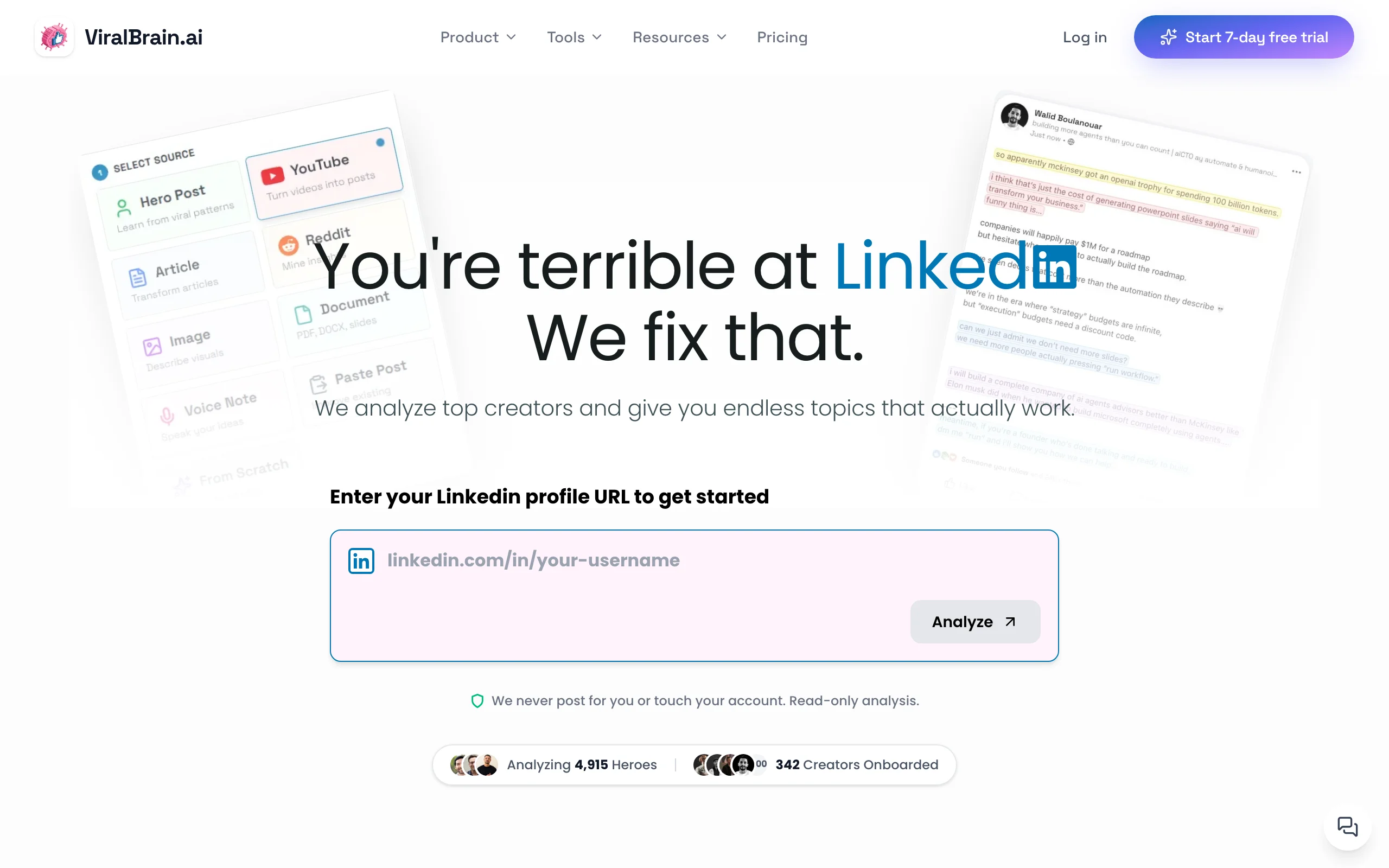
ViralBrain is built specifically for LinkedIn content, not adapted from a general writing tool. The platform's core idea is that producing posts that actually reach people requires two things: understanding what already works in your niche, and writing in a voice that sounds authentically like you. Most AI tools skip both.
The hero creator analysis feature lets you select the top LinkedIn voices in your space. ViralBrain scrapes and analyzes their best-performing posts, surfaces the structural patterns, hook types, and topic clusters driving their reach, and then uses that data to inform your own generation, not by copying, but by applying proven frameworks to your original ideas. Combined with a LinkedIn post generator that learns from your own writing history, the output consistently passes the "did a human write this" test.
The viral score checker adds a pre-publish confidence layer that no other tool in this list offers. Before you post, you get a numerical score based on engagement benchmarks, structural analysis, and pattern matching against high-reach posts. If the score is low, you know to revise, before it's already live and underperforming.
ViralBrain also ships with 100+ free LinkedIn utilities: a headline generator, post preview tool, text formatter, viral templates, and more. These free tools drive meaningful organic traffic and mean you can test the platform's quality before committing to a paid plan.
Key features:
- Hero creator analysis: identifies the structural and tonal patterns behind top-performing posts in your niche
- Voice matching engine: trains on your existing posts and writing style to generate content that sounds like you, not a generic AI
- Viral score checker: pre-publish score based on real LinkedIn engagement benchmarks
- Multi-source content generation: turns YouTube videos, articles, and Reddit threads into LinkedIn posts
- LinkedIn MCP server: draft, generate, and schedule posts directly from Claude, Codex, or any MCP client, no other tool in this list offers this
- 100+ free LinkedIn tools including headline generator, post preview, text formatter, and viral templates
- Built-in engagement benchmark data to calibrate expectations before you publish
Best for:
- LinkedIn creators and founders posting 3-5x per week who want AI-generated posts that still sound like them
- B2B marketers who need data-backed content decisions, not just faster drafting
- Anyone who has tried other AI tools and found the output too generic or off-brand
Pricing:
- Free tier: 3 heroes and 3 posts per month, plus 100+ standalone LinkedIn tools available without signup
- €1 trial, then Pro at €39/month or Premium at €69/month for full platform access. See full pricing details
- No enterprise lock-in; solo creator pricing is accessible
Pros:
- The hero creator analysis is genuinely differentiated, no other tool surfaces niche-specific viral patterns at this depth
- Voice matching noticeably improves over time as it indexes more of your writing
- The viral score provides an objective feedback loop that accelerates learning what works, grounded in the same patterns documented in the LinkedIn algorithm guide
- Free tool ecosystem means you can test quality and functionality before paying anything
Cons:
- No native LinkedIn scheduling or publishing; you draft in ViralBrain and post manually or via a separate scheduler
- Newer platform with a smaller community and fewer third-party integrations than Taplio or Jasper
2. Taplio, best for combining AI content with CRM-style outreach
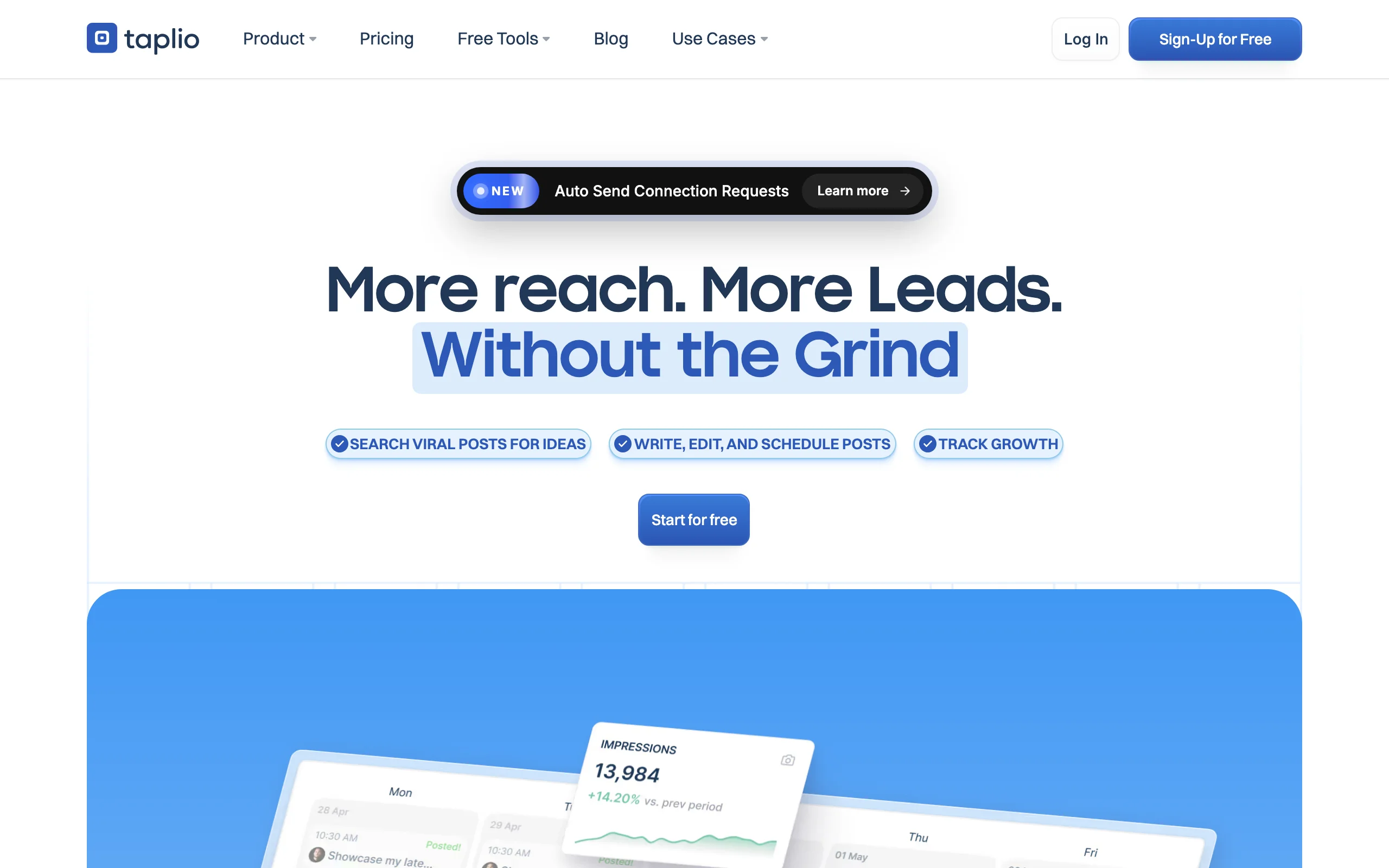
Taplio positions itself at the intersection of content and relationship management. If you think of LinkedIn as a pipeline tool, where growing an audience is a means to building real business relationships, Taplio's feature set makes a lot more sense than if you're a pure content creator.
The content generation side is solid. Taplio uses AI to draft posts, repurpose existing content, and surface trending topics in your space. It also includes a scheduling and publishing layer, which ViralBrain does not. But where Taplio genuinely differentiates is in the CRM functionality: you can track interactions, manage relationship lists, and coordinate outreach alongside your content publishing in one dashboard. For a sales-led user managing a personal brand and a prospecting workflow simultaneously, this matters. If Taplio is on your shortlist, our Taplio alternatives roundup weighs it against six competing tools.
The trade-off is that Taplio's AI generation is less focused on voice accuracy and viral pattern analysis. The output quality is respectable but more template-driven than data-driven. If your primary goal is content reach rather than relationship management, the CRM features you're paying for may not justify the higher price point relative to tools that invest more in generation quality.
Key features:
- AI post drafting and content inspiration from trending topics in your feed
- Native LinkedIn scheduling and publishing (direct integration)
- CRM-style contact tracking and relationship management
- Comment management and engagement tracking dashboard
- Post performance analytics and A/B testing on hooks
Best for:
- Sales professionals and founders who use LinkedIn as an active pipeline tool and want content and outreach in one platform
- Teams managing multiple LinkedIn profiles who need scheduling and relationship tracking centralized
- Users who already use Taplio's CRM layer and want content to complement it
Pricing:
- No free tier; paid-first product
- Plans start at approximately $49/month
- Team plans available at higher tiers
Pros:
- The only tool in this list that meaningfully combines content generation with CRM and outreach management
- Native LinkedIn scheduling means one fewer tool in the stack
- Strong for comment engagement workflows and tracking inbound interactions
Cons:
- No trial; the price point requires commitment before you test output quality
- AI generation is more template-driven; less focused on voice matching or viral data
- The CRM features add pricing overhead for users who only want the content generation layer
3. Supergrow, best budget option for AI-assisted LinkedIn writing
Supergrow is the most accessible entry point in this comparison, it delivers the core AI drafting experience without the higher price tags or steeper learning curves of Taplio or ViralBrain. If your goal is to write LinkedIn posts faster with AI assistance, and you don't need deep voice matching or analytics, Supergrow gets you there at a price that makes sense.
The platform covers the fundamentals well. You can input a topic, select a tone, pick from content frameworks (listicle, story, contrarian take, etc.), and get a usable draft in under 60 seconds. The template library is practical and large enough to support most content archetypes. There is a free tier that lets you generate posts without a credit card.
What Supergrow does not do is analyze what is actually performing in your niche, learn your specific voice over time, or give you any pre-publish signal on how likely a post is to reach. Those features require moving up to ViralBrain or spending more elsewhere. For someone early in their LinkedIn journey or on a tight budget, Supergrow is a reasonable starting point, not a long-term ceiling.
Key features:
- AI post drafting from topic or prompt input with tone and format selection
- Large template library covering common LinkedIn content formats
- Post carousel and document creation support
- Basic scheduling functionality
- Simple, no-setup onboarding, functional within minutes of signing up
Best for:
- LinkedIn beginners who want to publish more without spending hours writing
- Budget-conscious creators who need a reliable drafting assistant without advanced analytics
- Founders or marketers testing LinkedIn content before committing to a more robust platform
Pricing:
- Free tier available with limited post generation credits per month
- Paid plans starting at approximately $19/month
- No enterprise tier
Pros:
- Lowest price point in this comparison for a functional AI writing experience
- No setup friction, one of the fastest tools to get from sign-up to first draft
- Template library is practical and covers the most common LinkedIn content formats
Cons:
- No voice learning or style calibration, output quality plateaus quickly for frequent users
- No engagement analytics or pre-publish quality scoring
- Does not surface or use data from your niche's top performers
4. AuthoredUp, best for post analytics and editing workflow
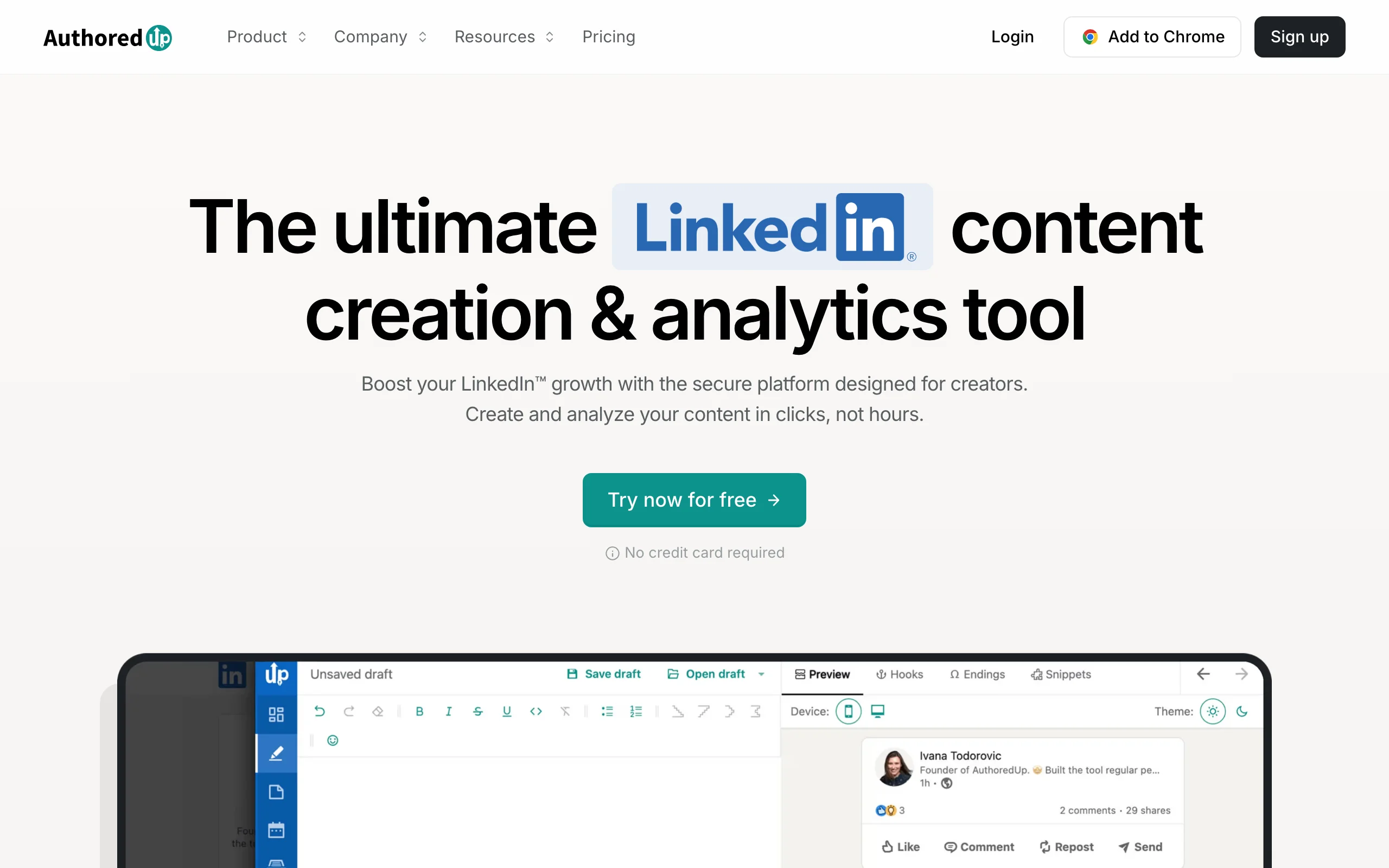
AuthoredUp is not a content generator. It is one of the most precise post analytics and editing tools available for LinkedIn creators, and it occupies a different slot in the stack than every other tool in this list. If you are already generating content (with any AI tool or manually), AuthoredUp helps you understand what is working and format your posts before publishing.
The Chrome extension integrates directly into LinkedIn's editor and adds a layer of control that does not exist natively: rich text formatting options, post preview across desktop and mobile, a full history of your published content with engagement metrics at the post level, and A/B testing support for hooks. For creators serious about improving their LinkedIn content strategy over time, the analytics layer here is more detailed than what Taplio offers on the content side.
Where AuthoredUp falls short is obvious: if you need help writing, this is not your tool. It assumes you have a draft and helps you refine, format, and measure it. Used alongside a generation tool like ViralBrain or Supergrow, it fills a genuine gap. Standalone, it only covers part of the content workflow. If you are deciding between the two platforms, the ViralBrain vs AuthoredUp comparison covers the full overlap and differences.
Key features:
- Chrome extension that integrates directly into LinkedIn's native editor
- Rich text formatting: bold, italic, emoji, line spacing controls from inside LinkedIn
- Post preview for desktop and mobile before publishing
- Full post performance history with engagement metrics at post level
- A/B hook testing and content archive
Best for:
- Creators with an existing posting habit who want to systematically improve performance, not just write faster
- LinkedIn power users who care about post formatting precision and mobile render accuracy
- Teams auditing their LinkedIn content history and identifying what content types drive the most engagement
Pricing:
- Free tier with limited history access
- Paid plans starting at approximately $19.95/month, still one of the more affordable paid plans in this comparison
- No enterprise tier; individual-focused
Pros:
- The deepest individual post analytics of any tool in this list, down to hourly engagement curves
- Formatting controls are genuinely useful; LinkedIn's native editor is limited and AuthoredUp fills that gap well
- Very low price for the depth of analytics provided
Cons:
- Not a content generator; you still need a separate AI tool if you want AI drafting assistance
- Chrome extension only, no standalone web app or mobile support
- No niche-level analytics; focused entirely on your own content, not what is working in your space
Automate your LinkedIn for 30 days
5. EasyGen, best for quick AI-generated post drafts
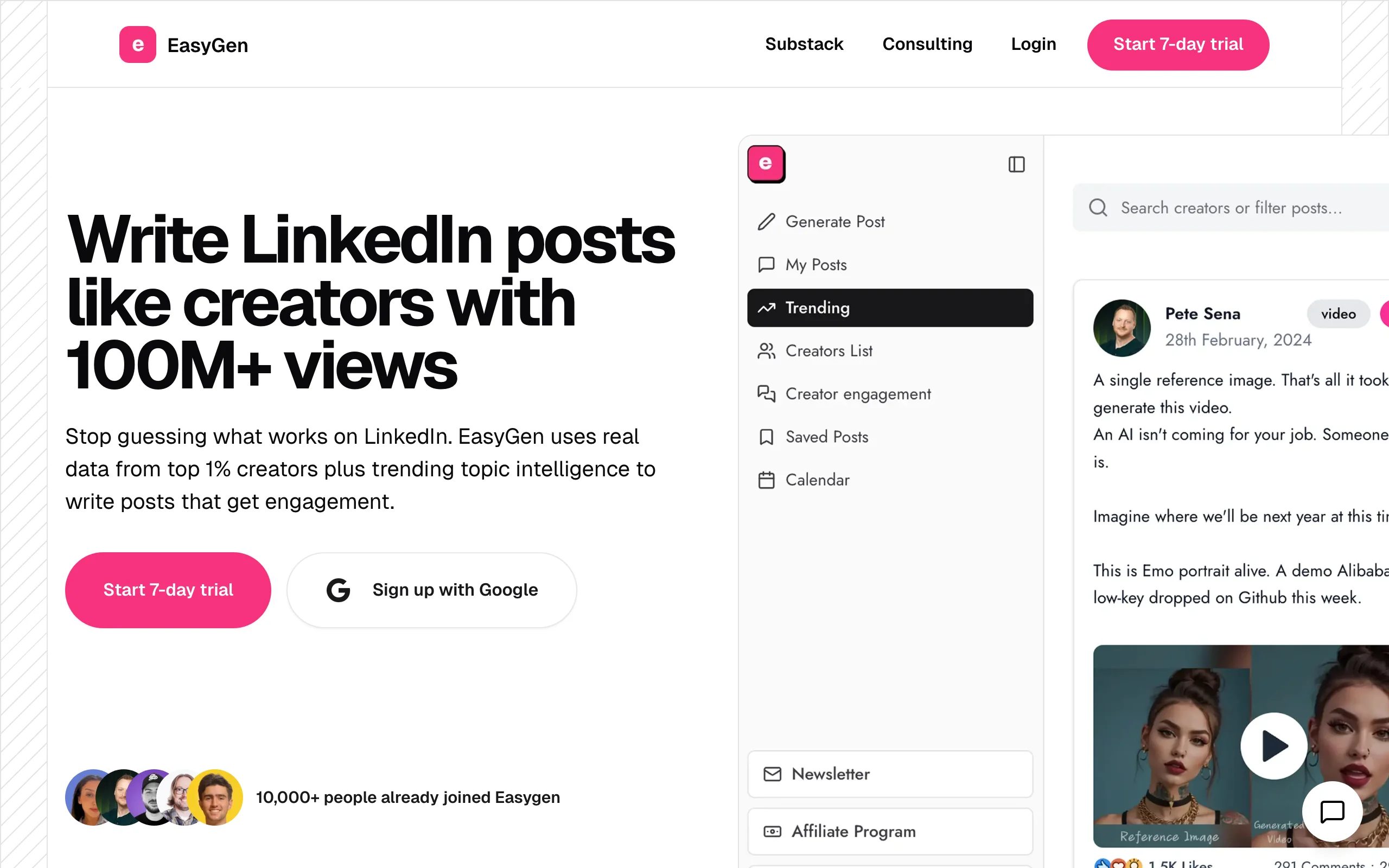
EasyGen was one of the earlier LinkedIn-specific AI writing tools, and it earned its reputation by keeping things simple. The interface is stripped down: you input a topic, select a format, and get a draft fast. There is no onboarding maze, no CRM layer, no extensive analytics, just fast AI drafting.
That focus on simplicity is both EasyGen's strength and its ceiling. If you post frequently and need to generate multiple drafts quickly, for your own profile or for clients, EasyGen handles volume better than more complex tools. The output quality is acceptable for a first draft that you will edit; it is not polished enough to publish without review, and it does not learn your voice or improve post quality based on past performance.
For creators who have developed a clear editing process and just need a fast first draft engine, EasyGen fills that role. For creators who want the AI to do more of the heavy lifting, voice matching, viral pattern analysis, pre-publish scoring, the tool runs out of depth quickly. See the ViralBrain vs EasyGen comparison if you are choosing between the two.
Key features:
- Fast AI draft generation from a topic or prompt
- LinkedIn-specific post formats including hooks, carousels, and storytelling frameworks
- Simple, distraction-free interface with minimal setup
- Team accounts for agencies managing multiple profiles
- Basic content repurposing (turn a blog post into a LinkedIn post)
Best for:
- High-volume LinkedIn creators or ghostwriters who need to generate 10+ drafts per week and have a strong editing process
- Agencies managing LinkedIn content for multiple clients who need speed above all else
- Creators who already know what format they want and just need a fast starting point
Pricing:
- Trial available
- Paid plans starting at approximately $29/month
- Team pricing available for agencies
Pros:
- Among the fastest tools from prompt to draft, minimal friction between idea and output
- LinkedIn-specific formatting awareness is better than general AI writers like Jasper for platform-specific output
- Team account support makes it viable for agencies at a lower price than Taplio
Cons:
- No voice learning; output reads similarly regardless of your own writing style
- No analytics or pre-publish quality signal
- Output quality requires editing before publishing; less polished than ViralBrain's voice-matched generation
6. Shield (winding down)
Shield is winding down. The LinkedIn analytics dashboard that creators and teams relied on for follower growth, reach, and per-post performance data is closing to new signups, after LinkedIn API restrictions and Chrome Web Store policy pressure made third-party analytics extensions harder to sustain. Its own site now carries a wind-down notice. We are leaving it in this list because it is still widely recommended in older roundups, and readers deserve to know it is closing before they go looking for it.
If you still have a Shield account, export your reports now while any residual access lasts. Historical LinkedIn analytics are hard to reconstruct once a tool goes offline.
Live replacements for what Shield does:
- AuthoredUp (above) is the closest direct replacement for per-post analytics. Its Chrome extension surfaces engagement metrics at the individual post level and keeps a full history of your published content.
- ViralBrain's free LinkedIn engagement benchmarks give you category-level reference points so you can judge whether your engagement rate is strong or weak for your follower count and format, plus a free LinkedIn best time to post tool for timing context.
- LinkedIn's own native analytics have also expanded since Shield launched, and now cover more of the basics for individual creators.
The takeaway is unchanged: measurement without generation is only half the job. Pair whichever analytics tool you choose with a generation tool, and if you want to go viral on LinkedIn, keep both the generation and the measurement loop running.
7. Jasper, best general AI writer with LinkedIn templates
Jasper is the broadest tool in this comparison. It is not built for LinkedIn specifically, it is a general-purpose AI writing platform that covers blog posts, email campaigns, ad copy, social content, and more. LinkedIn posts are one output type among dozens. That breadth is exactly who Jasper is for: marketing teams that produce content across multiple channels and want one AI platform to cover all of it.
For LinkedIn specifically, Jasper provides templates for posts, headlines, and engagement hooks, plus a brand voice feature that attempts to calibrate output to your company's tone guidelines. The generation quality is high for general content; for LinkedIn specifically, it lacks the platform intelligence that tools like ViralBrain and EasyGen build in by design. Jasper does not analyze what is performing in your niche, does not learn from your LinkedIn posting history, and does not score posts against engagement benchmarks.
If your team already uses Jasper for other content and wants to fold LinkedIn posts into the same workflow, the LinkedIn templates deliver workable output. If LinkedIn is your primary or only channel, Jasper is overbuilt and underspecialized compared to the alternatives above.
Key features:
- AI writing across 50+ content types including blog, email, ads, and social (LinkedIn included)
- Brand voice configuration for consistent company tone across content types
- LinkedIn post templates and hook frameworks
- Team collaboration features with content workflows and approval steps
- Integrations with Surfer SEO, Webflow, HubSpot, and other marketing tools
Best for:
- Marketing teams producing content across multiple channels who want one AI writing platform
- Companies with established brand voice guidelines they need consistently applied to all content
- Organizations already invested in the broader Jasper ecosystem for other content functions
Pricing:
- No free tier; paid-first product
- Plans starting at approximately $39/month for individual users
- Team and business plans at higher price points; custom enterprise pricing available
Pros:
- The most versatile tool in this comparison, genuinely covers multi-channel content needs
- Brand voice feature is well-implemented for teams with defined tone guidelines
- Strong integrations with existing marketing tech stacks
Cons:
- LinkedIn is one output type among many; lacks the platform-specific intelligence of dedicated LinkedIn AI tools
- No LinkedIn analytics, voice learning from your posting history, or engagement benchmarking
- Overkill for creators who only need LinkedIn content; more expensive than specialized alternatives
How to choose the best AI tool for LinkedIn for your needs
With seven tools across different use cases, the right pick comes down to a few key decision points. Work through these to narrow it down fast.
1) Do you want content creation, analytics, or both?
This is the most important split. AuthoredUp is the measurement tool in this list; it tells you how your content is performing (Shield used to fill this slot but is winding down). Everything else generates or helps draft content. If you need both, you need two tools (or ViralBrain, which builds engagement data into the generation loop via its viral score checker).
- If you want to create content: ViralBrain, Taplio, Supergrow, EasyGen, or Jasper
- If you want to measure performance: AuthoredUp, or ViralBrain's free engagement benchmarks
- If you want to do both in one platform: ViralBrain is the closest to a complete solution, pairing generation with built-in benchmark data
2) How much does your LinkedIn voice matter to you?
Generic AI output is fast but forgettable. If you have built or are building a personal brand on LinkedIn, posts that do not sound like you actively work against that brand, readers notice the shift in voice immediately.
- If voice accuracy is critical: ViralBrain's voice matching engine is meaningfully better than every other tool in this list for LinkedIn-specific output
- If voice is a nice-to-have and speed is the priority: EasyGen or Supergrow deliver fast drafts that you can then edit into your own voice
- If you need brand voice consistency across channels: Jasper's brand voice feature is the strongest option for team-level consistency
3) Are you a solo creator or part of a team?
Solo creators and teams have different needs. Team setups require scheduling, collaboration, and often multi-profile management.
- Solo creator posting 1-3x per week: Supergrow or ViralBrain, both work without onboarding overhead
- Solo creator with a serious growth goal: ViralBrain gives you the analytical depth to make systematic progress, not just faster drafting
- Small team or agency managing multiple profiles: Taplio or EasyGen support multi-profile workflows at a reasonable price
- Marketing team producing LinkedIn as part of a broader content mix: Jasper if the team is already in the ecosystem; ViralBrain if LinkedIn is the primary channel
4) What is your budget and how quickly do you need to test?
Not every tool lets you try before you buy.
- Free tier with real functionality: ViralBrain (100+ free tools), Supergrow (free post credits), AuthoredUp (free tier)
- Paid-first with no free tier: Taplio ($49/mo minimum), Jasper ($39/mo minimum)
- If budget is the binding constraint: Start with Supergrow's free tier to validate AI drafting fits your workflow, then evaluate ViralBrain when you are ready to go deeper on voice and analytics
If LinkedIn content is a core channel for you in 2026, not a side experiment, the LinkedIn post generator at ViralBrain is worth testing before committing elsewhere. The free tools alone surface what the platform can do, and the viral score gives you an immediate feedback loop that other tools simply do not offer. Start at ViralBrain and run a trial week with your actual posting topics.
FAQ
What is the best AI tool for LinkedIn content in 2026?
For most LinkedIn creators and B2B marketers, ViralBrain is the strongest overall option in 2026. It combines voice-matched generation, hero creator analysis, a pre-publish viral score, and a free tool ecosystem that no other LinkedIn-specific platform matches. If you primarily need outreach and CRM alongside content, Taplio is the closest alternative.
Are there free AI tools for LinkedIn content creation?
Yes. ViralBrain offers 100+ free LinkedIn tools including a post generator, viral score checker, LinkedIn headline generator, and text formatter, all without requiring a paid plan. Supergrow has a free tier with monthly post generation credits. AuthoredUp offers a limited free tier. Taplio and Jasper do not have free tiers.
Does AI-generated LinkedIn content get penalized by the LinkedIn algorithm?
LinkedIn does not algorithmically penalize AI-generated content as of 2026. The larger risk is audience detection, posts that sound generic or clearly AI-written tend to get lower engagement, which signals the algorithm to reduce distribution. The practical solution is to use a tool that learns your voice and generates posts that still sound like you, which is the core problem ViralBrain's voice matching is designed to solve. For a deeper breakdown of how distribution works, see the LinkedIn algorithm guide.
What is the difference between ViralBrain and Taplio?
Both generate LinkedIn content with AI, but the emphasis is different. ViralBrain is focused on content quality and virality: it analyzes your niche's top creators, learns your writing style, and scores posts before you publish. Taplio is focused on combining content with CRM and outreach: it includes native scheduling, contact tracking, and relationship management alongside AI drafting. If LinkedIn is a pipeline tool for you, Taplio makes sense. If LinkedIn growth and content quality are the goal, ViralBrain is the stronger fit. See the full ViralBrain vs Taplio breakdown for a detailed feature-by-feature comparison.
Can I use these AI tools to manage LinkedIn content for multiple clients?
Yes, but not all tools are equal for agency or multi-profile use. EasyGen and Taplio both offer team accounts designed for managing multiple LinkedIn profiles. ViralBrain is primarily optimized for individual creator use; team and agency functionality is more limited at the current stage of the platform.
Which AI tool for LinkedIn works best for B2B founders?
For a founder posting thought leadership content with the dual goal of audience growth and deal flow, ViralBrain is the strongest fit: voice matching keeps posts sounding personal, hero analysis surfaces what is working in your space, and the viral score lets you make data-informed decisions before publishing. If inbound relationship management alongside content is the priority, Taplio adds the CRM layer that ViralBrain does not cover.
Is there a LinkedIn AI tool that also handles scheduling and publishing?
Taplio includes native LinkedIn scheduling. Supergrow includes basic scheduling. ViralBrain does not currently offer native LinkedIn publishing, you generate drafts in the platform and publish manually or via a standalone scheduler like Buffer or Taplio. For most creators, this is a minor friction; for teams managing high volume across multiple accounts, it is worth factoring into the decision.
How do I know if my LinkedIn posts are performing well?
AuthoredUp's Chrome extension surfaces engagement metrics at the individual post level directly inside LinkedIn, including a full history of your published content broken down by post type and time (it is the closest replacement for Shield, which is winding down). ViralBrain's LinkedIn engagement benchmarks tool gives you category-level reference points so you can calibrate whether your engagement rate is strong or weak relative to your follower count and post format. For creators trying to go viral on LinkedIn, combining a generation tool with a measurement tool is the fastest way to accelerate the feedback loop.
What is a viral score for LinkedIn posts?
A viral score is a pre-publish quality signal that estimates how likely a post is to achieve above-average reach based on structural analysis, hook quality, and pattern matching against high-performing posts. ViralBrain's viral score checker assigns a numerical score to your draft before you publish, so you can revise low-scoring posts before they go live rather than after. No other tool in this comparison offers a comparable feature.
Which tool is best for LinkedIn beginners?
Supergrow is the most accessible entry point: low price, free tier, minimal setup, and fast output. If you want a free start without any payment commitment, ViralBrain's free tools, including the LinkedIn post generator, let you generate and refine posts without signing up for a paid plan. AuthoredUp is worth adding once you have a posting history to analyze, even on its free tier.
Automate your LinkedIn for 30 days
ViralBrain plans, writes, and schedules your LinkedIn content, using official LinkedIn APIs so your account stays safe.
- Official LinkedIn APIs, no risk of ban
- You approve every post before it goes live
- Cancel anytime
Keep reading
7 best LinkedIn marketing tools for 2026
Compare the 7 best LinkedIn marketing tools in 2026 for content, scheduling, analytics, and prospecting, with pricing, strengths, and who each fits.

LinkedIn Carousel Size: 1080x1080px (Exact Specs for 2026)
The recommended LinkedIn carousel size is 1080x1080px (square) or 1080x1350px (portrait). Get the exact specs, safe zone, and PDF export limits for 2026.
Buffer Alternatives: 7 Better Tools for LinkedIn in 2026
Buffer charges per channel and treats LinkedIn like every other network. Here are 7 Buffer alternatives compared on pricing, AI, and LinkedIn depth.