How to Edit a Post on LinkedIn: What You Can Change
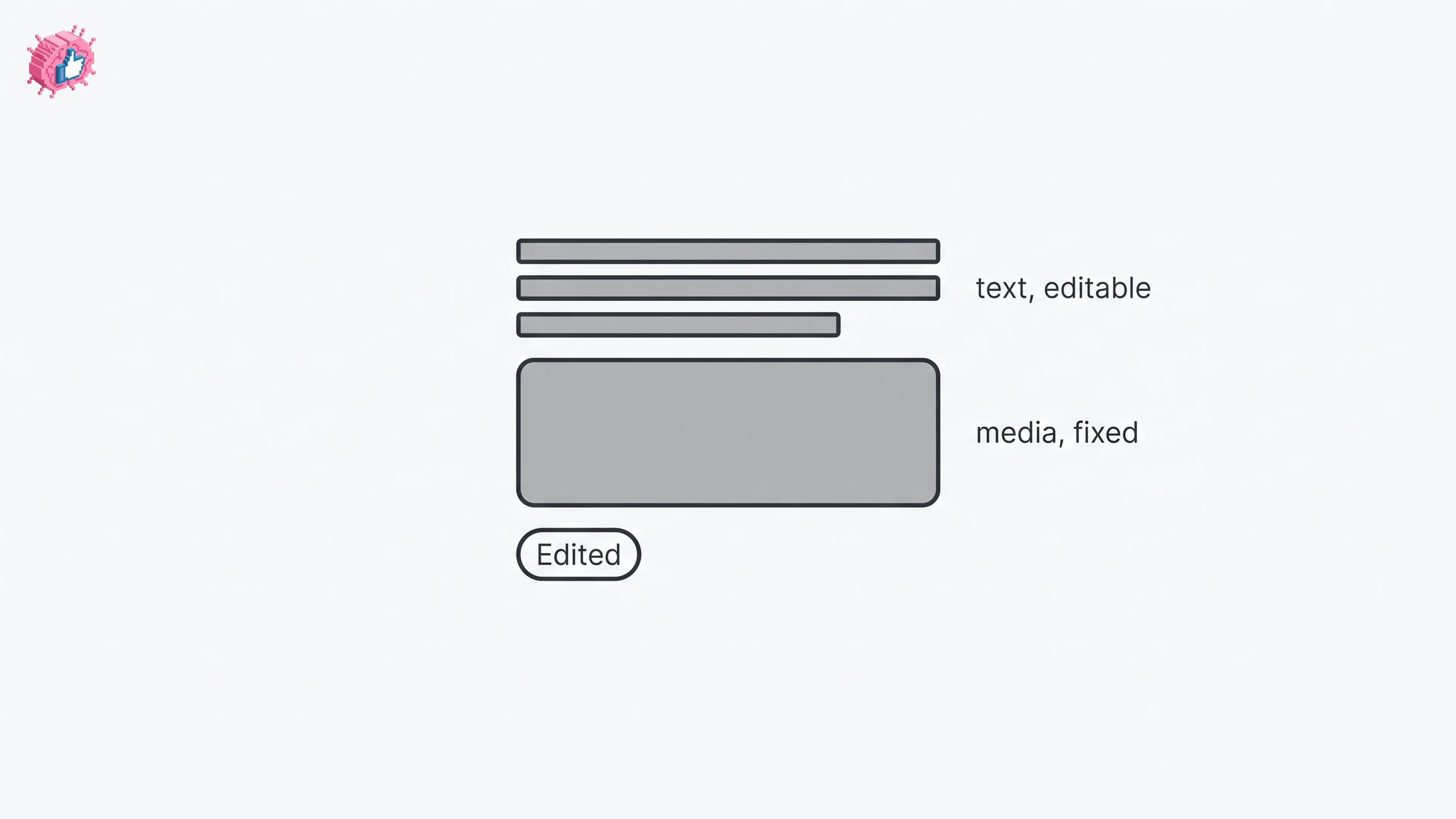
Editing a LinkedIn post takes five steps, and on a post you shared only the text can change. LinkedIn's rules on media, previews, Pages and polls.
Insights and analysis on viral LinkedIn content and content strategy

Editing a LinkedIn post takes five steps, and on a post you shared only the text can change. LinkedIn's rules on media, previews, Pages and polls.

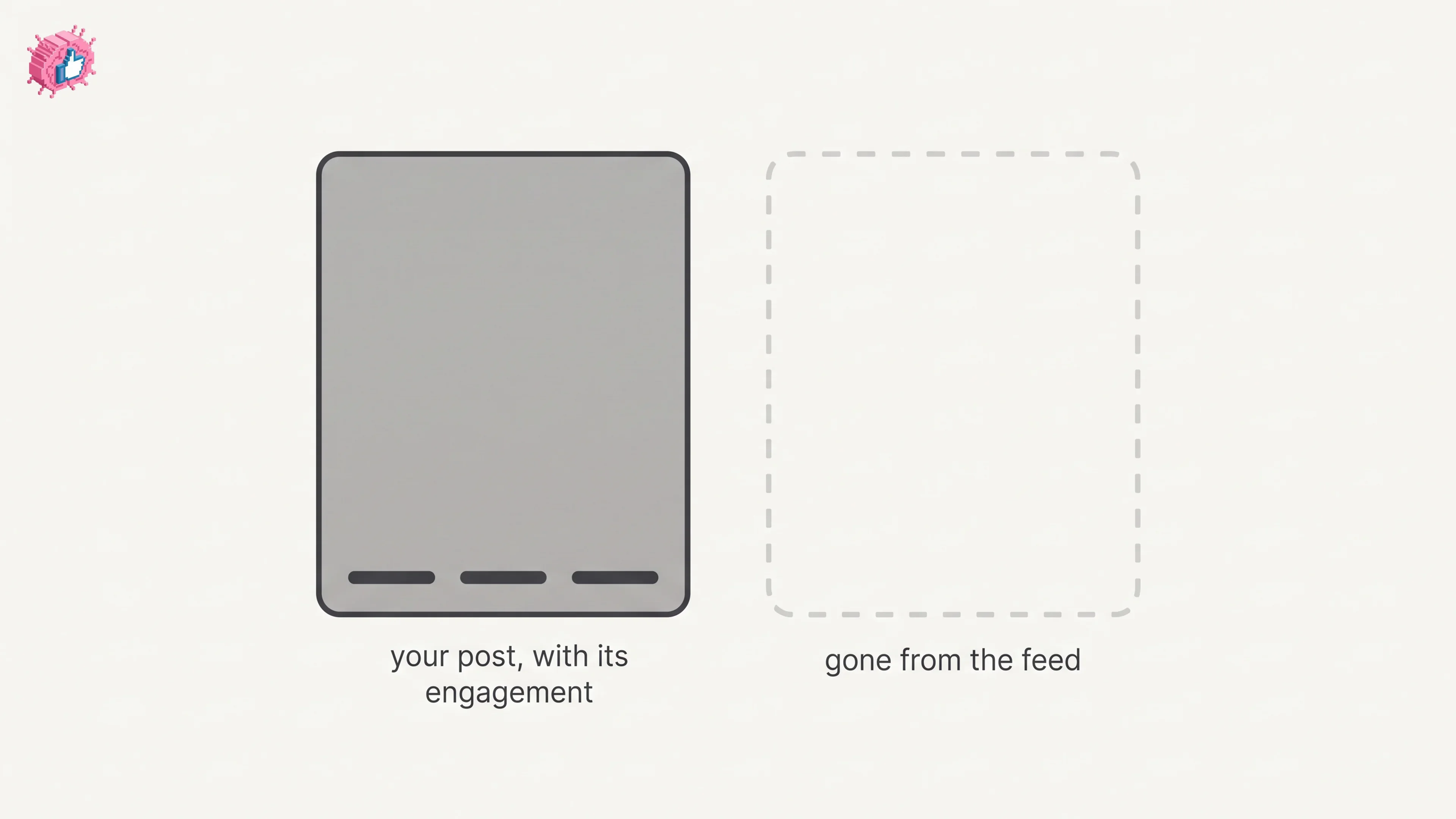
The four documented steps to delete a LinkedIn post on desktop and mobile, plus Page, group, scheduled and comment deletes, and what happens to engagement

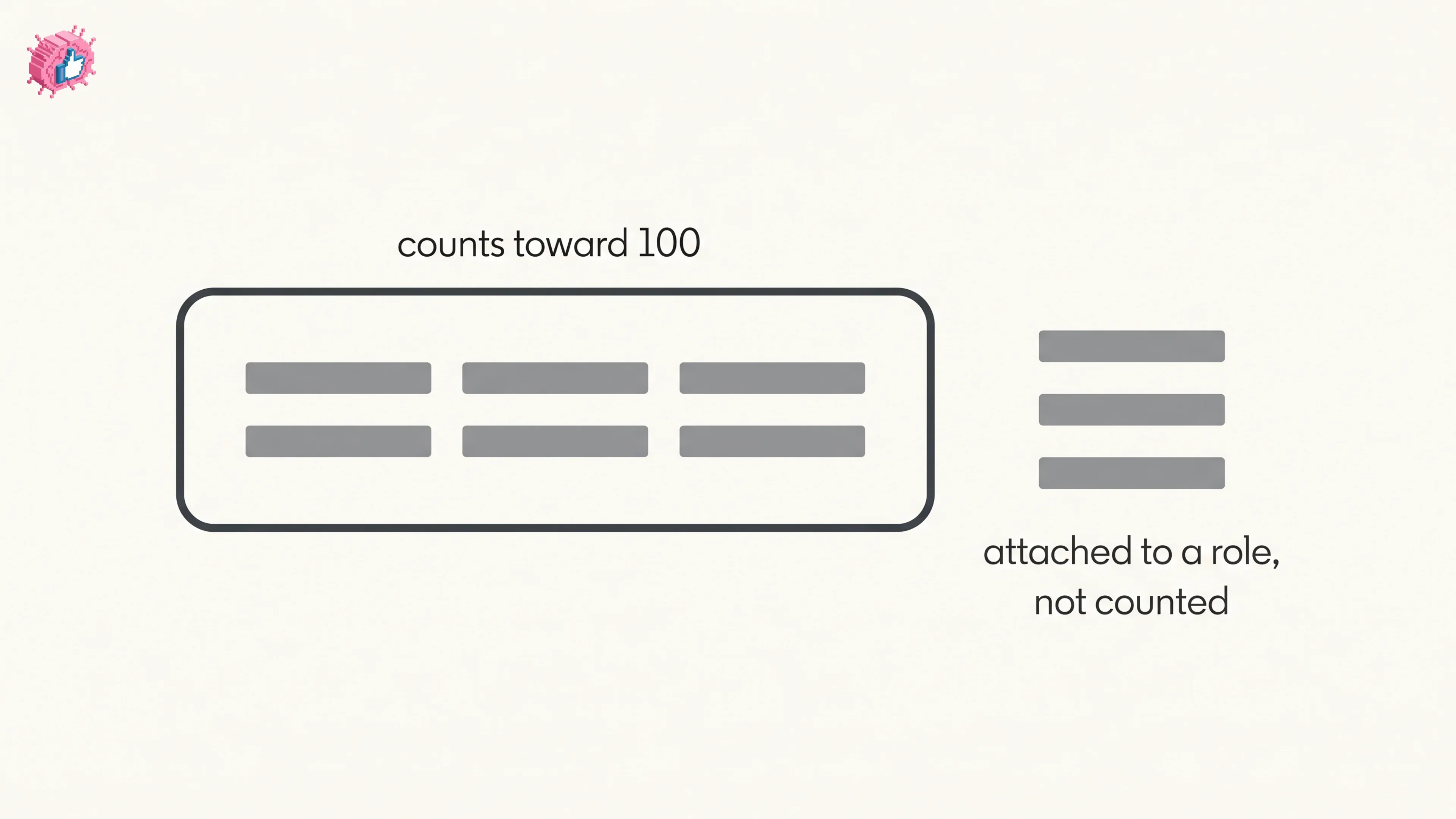
How to add skills on LinkedIn on desktop and in the app, the 100 skill cap and its exemption, plus reordering, editing and removing a skill.

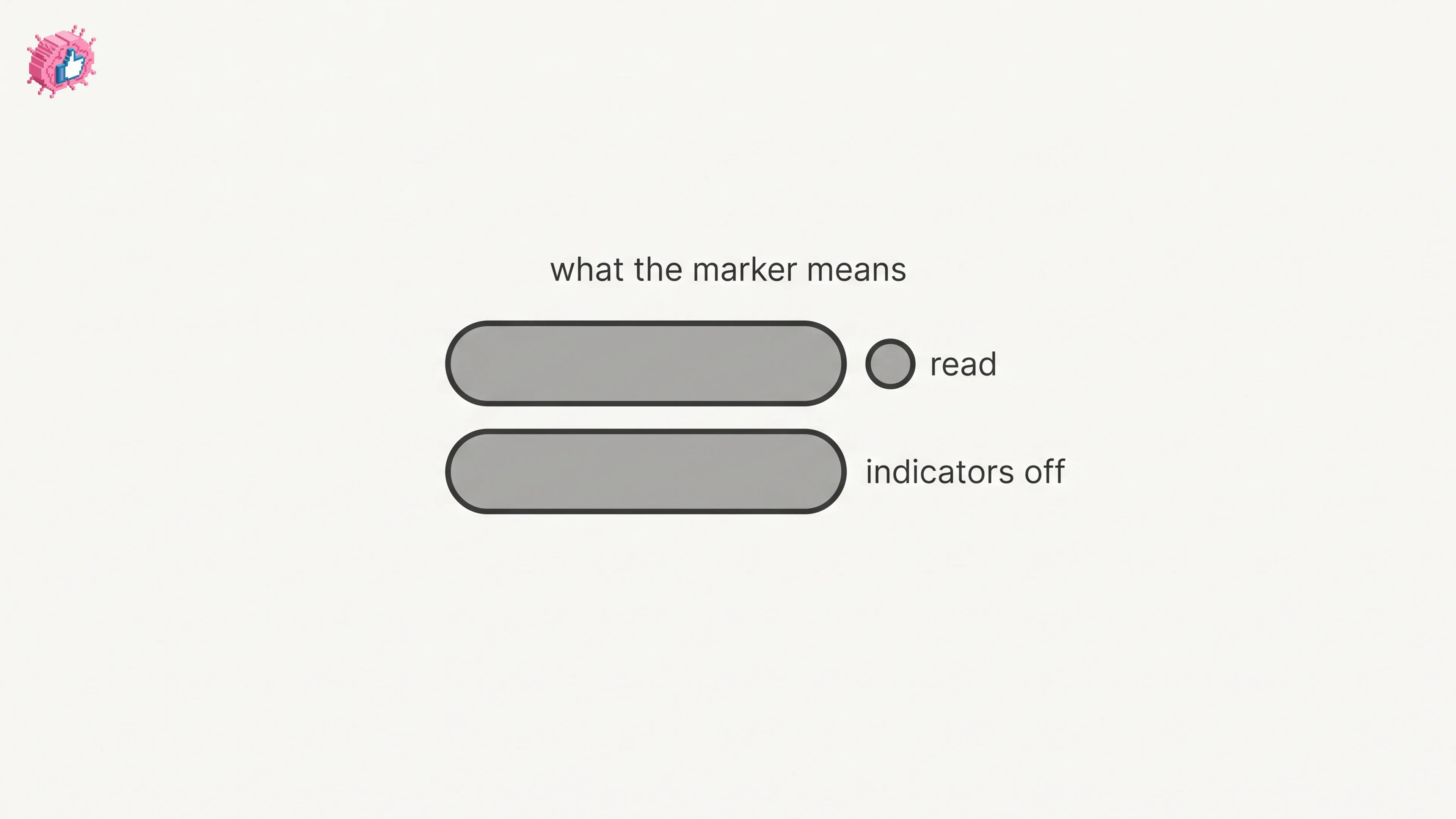
LinkedIn read receipts explained: the setting is called Delivery and typing indicators, how to turn it off on desktop and mobile, and what you lose.

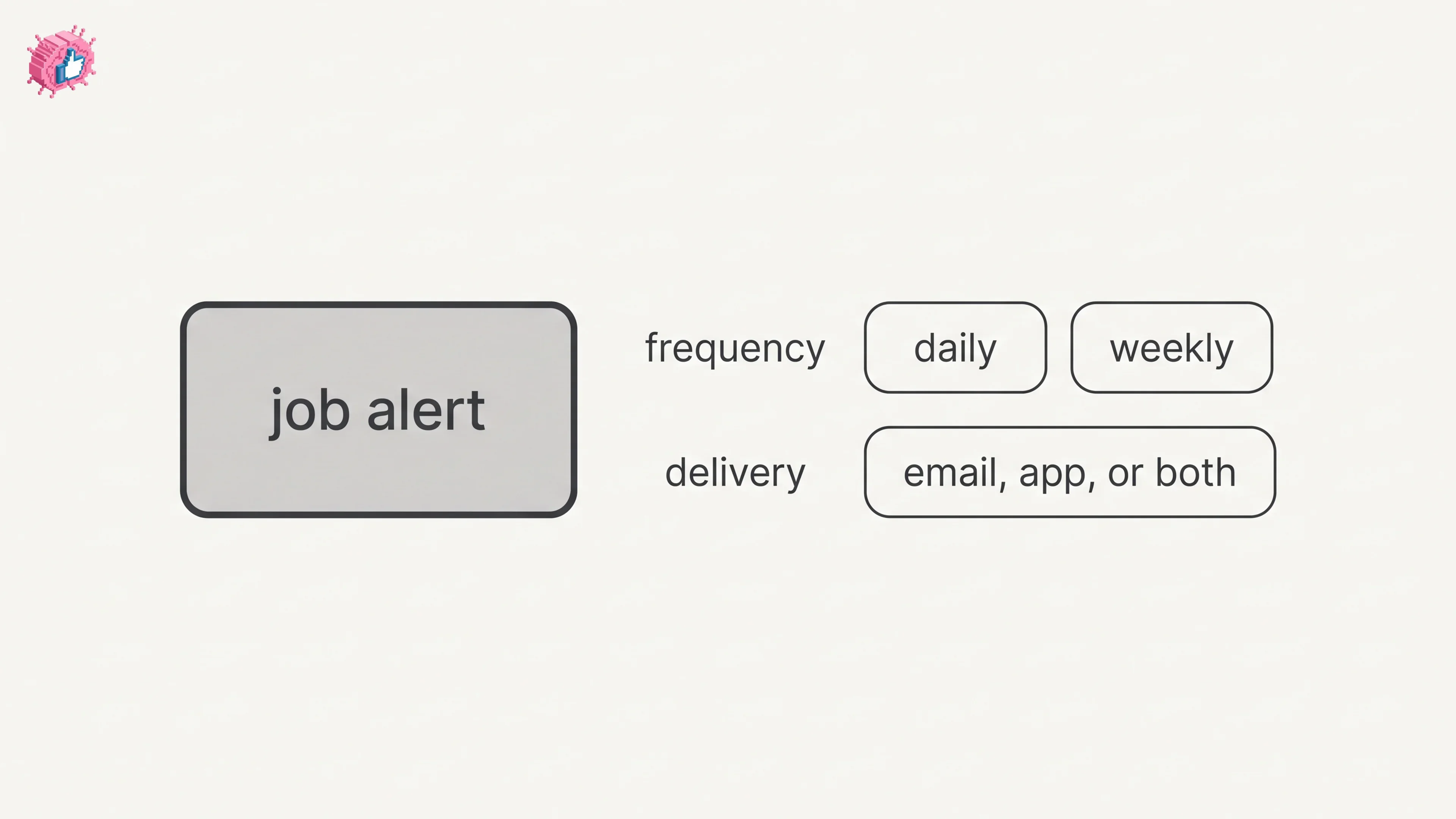
How to create LinkedIn job alerts from a search, set daily or weekly delivery, manage and edit them, turn alerts off, and the 20 alert maximum.

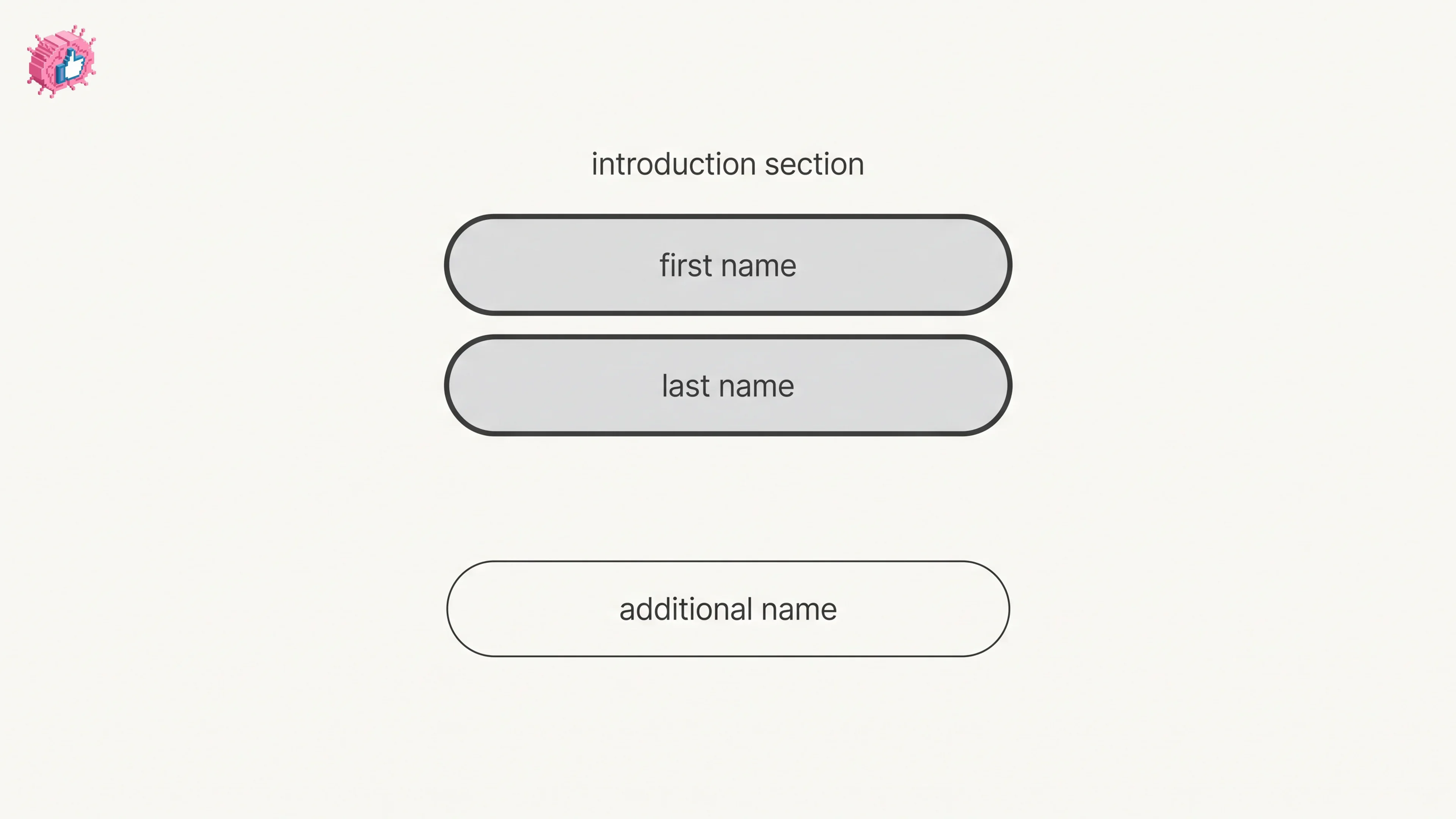
How to change your name on LinkedIn on desktop and in the app, the Additional name field for a maiden name, last name visibility, and who gets notified.

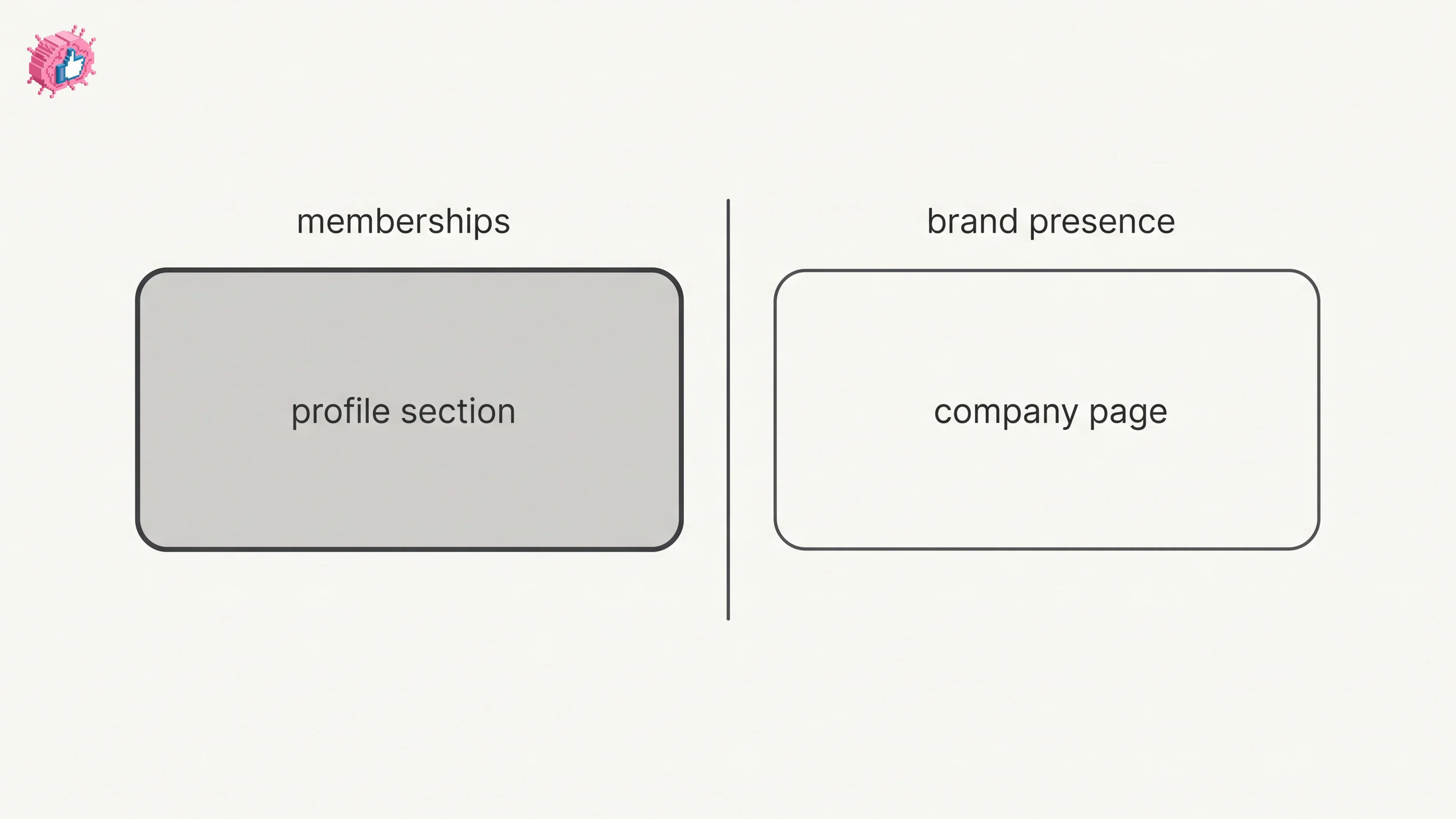
How to add organizations on LinkedIn, where the section sits, desktop and app steps, editing entries, and why a LinkedIn Page is a different thing.

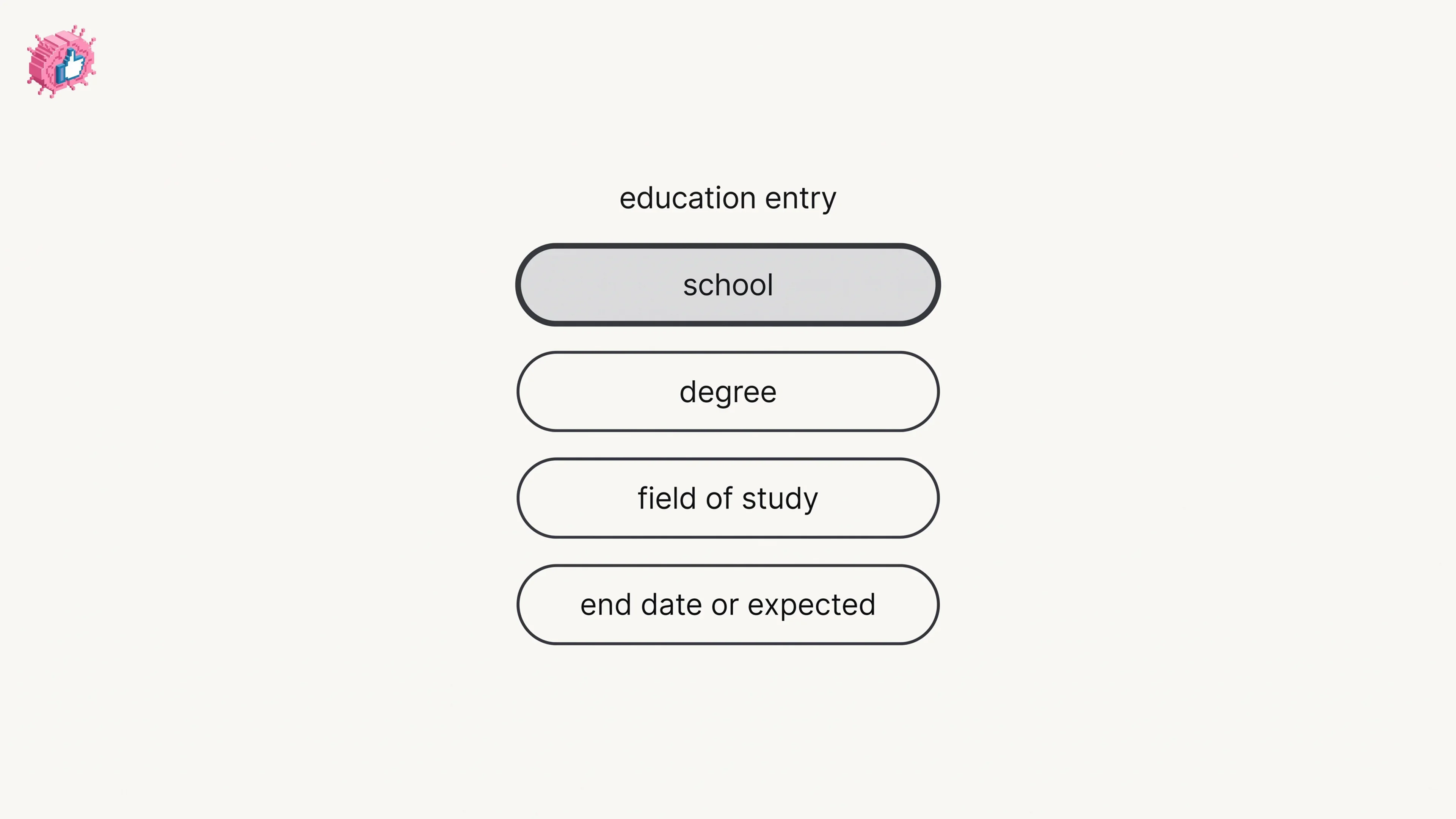
How to add education on LinkedIn, the eight fields LinkedIn documents, multiple entries, the expected end date, reordering, and the 24 hour notify window.

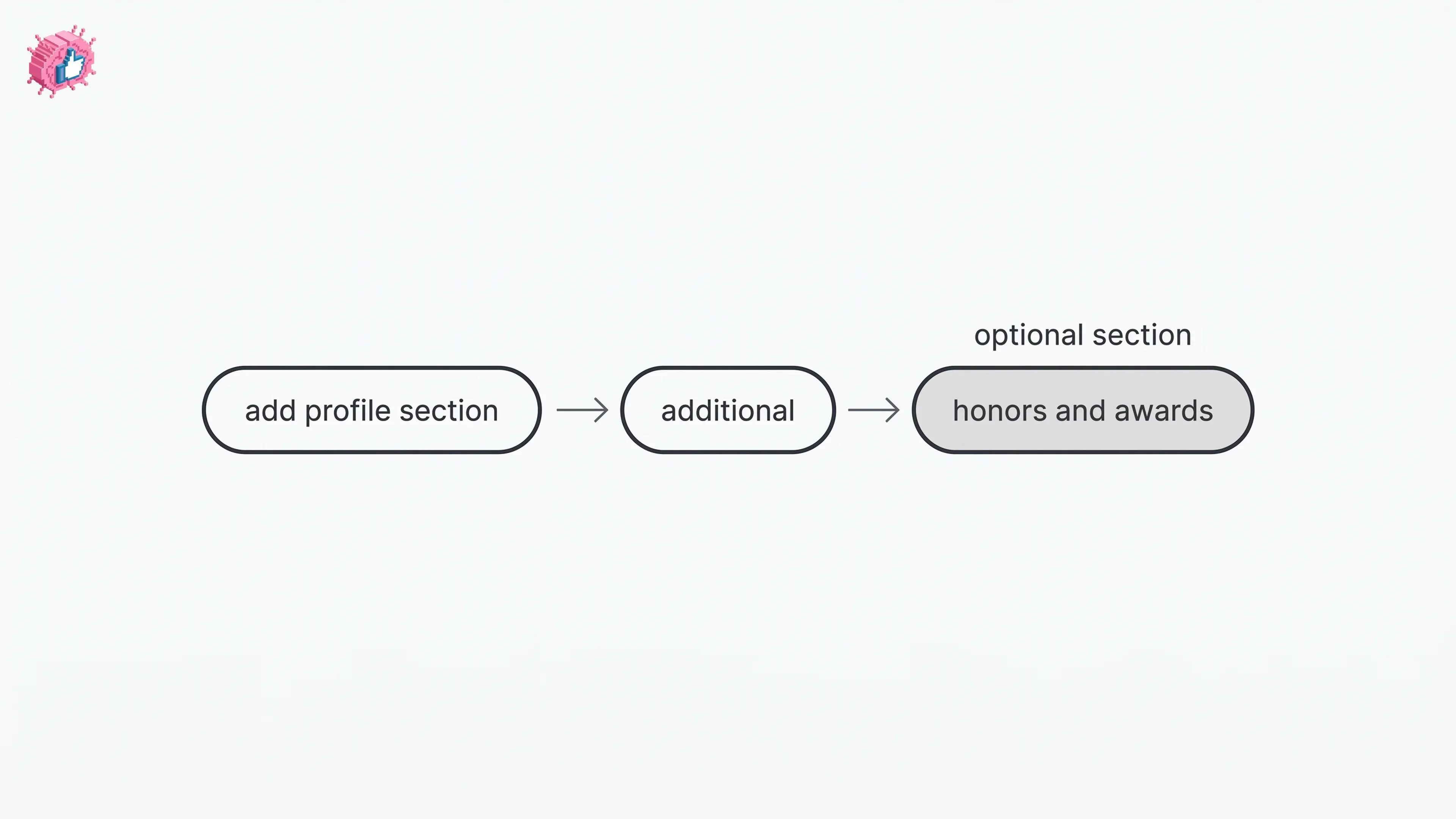
How to add the Honors and awards section on LinkedIn on desktop and in the app, the exact steps LinkedIn publishes, and how to edit or delete an entry.

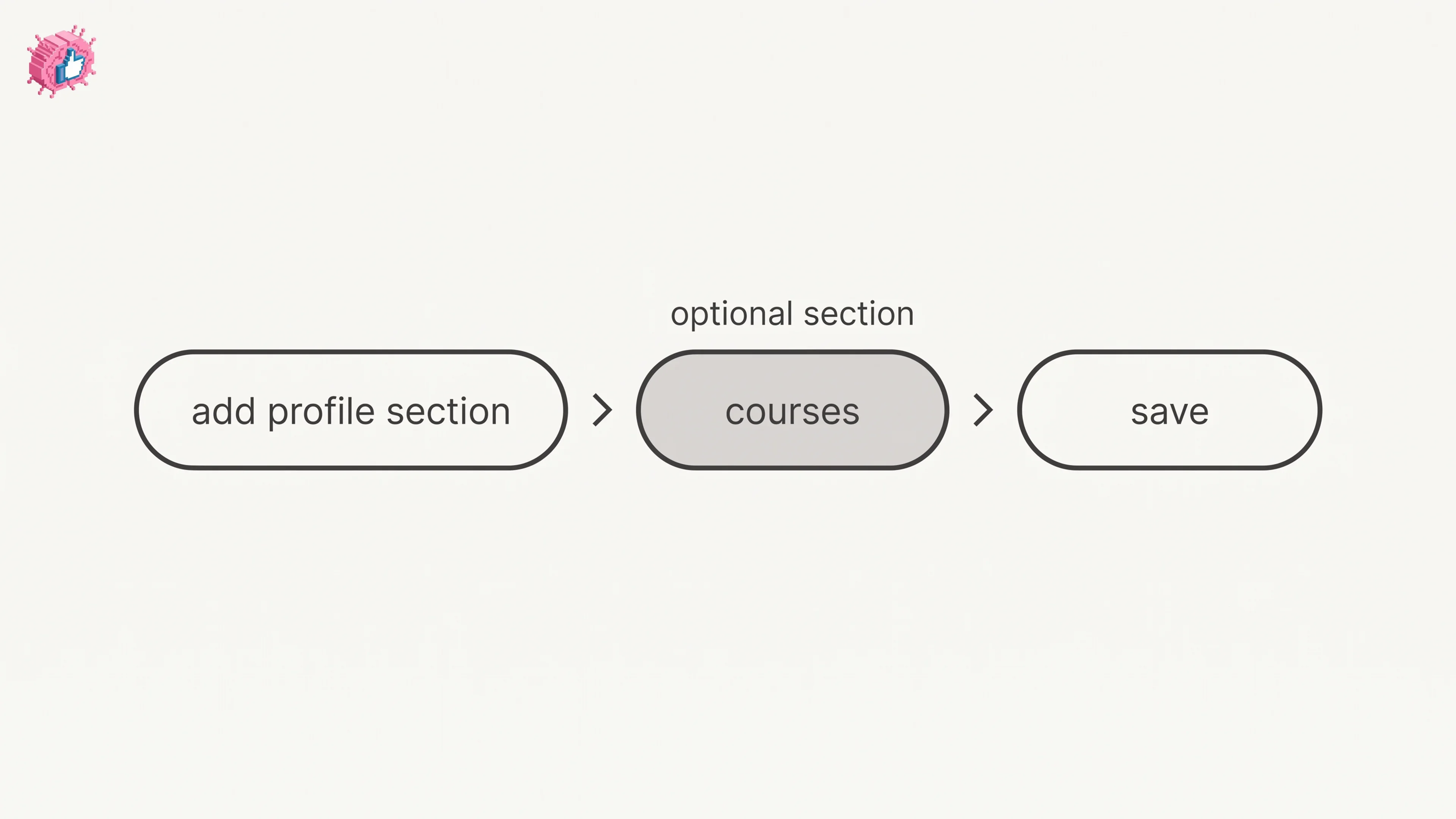
How to add the Courses section on LinkedIn on desktop and in the app, where it sits among profile sections, how to edit or remove an entry.

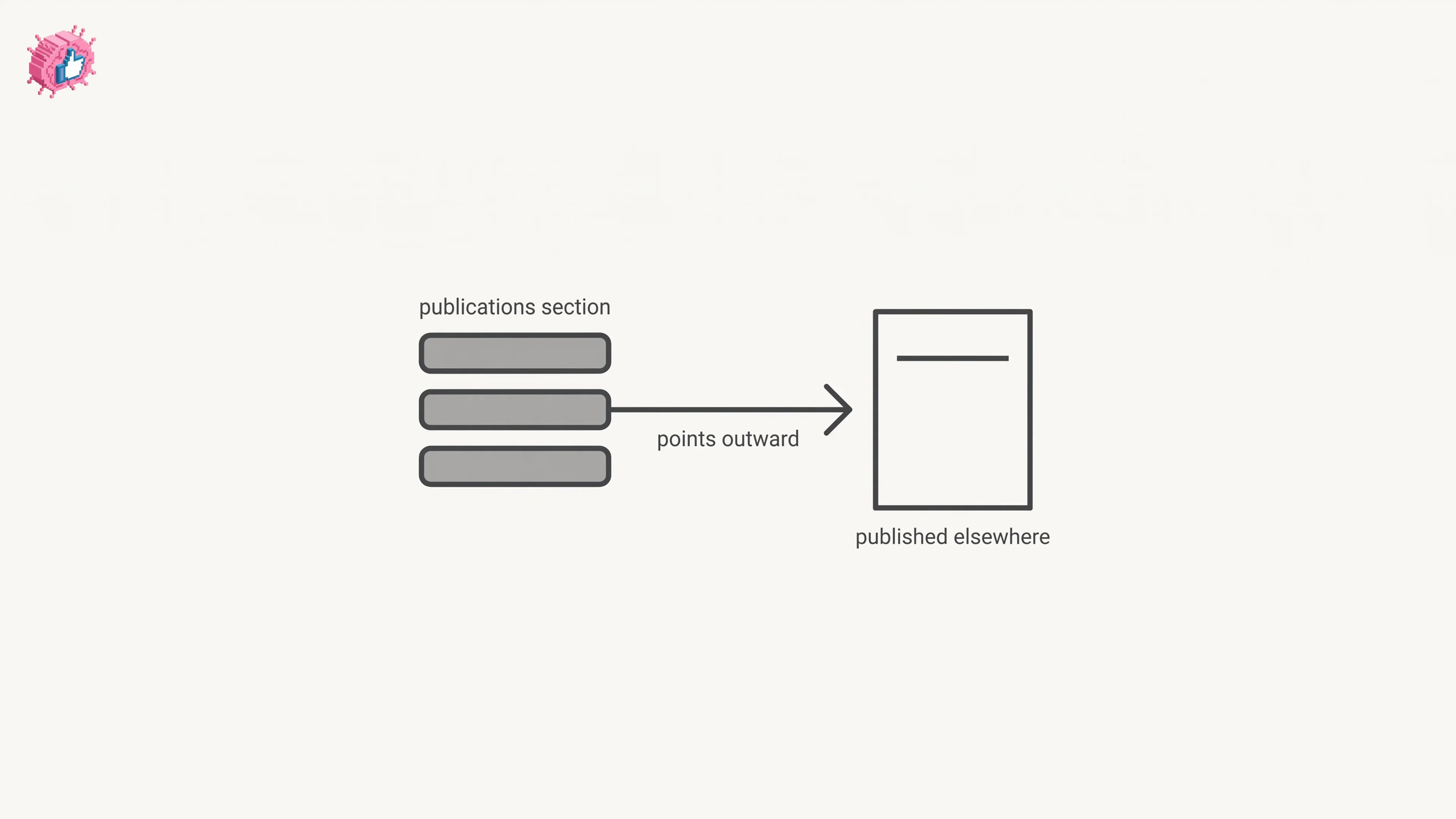
How to add the Publications section to your LinkedIn profile, what LinkedIn documents about the form, and how publications differ from LinkedIn articles.

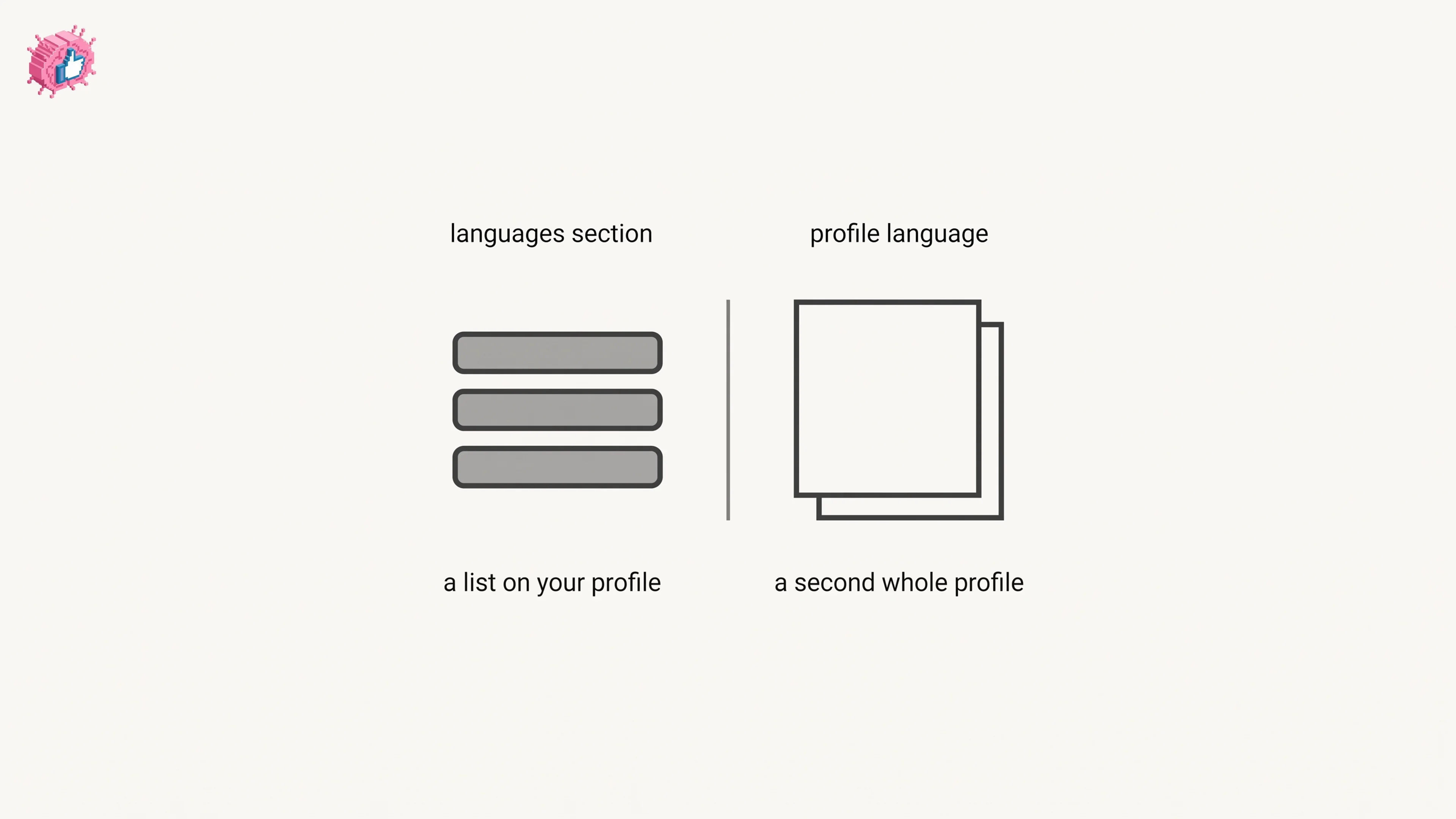
How to add a language to the LinkedIn Languages section on desktop and in the app, how to edit it, and how the separate profile language feature differs.
Get insights from top creators and create posts that perform.
Start freePick a topic and tap any post, no login needed. This is what ViralBrain writes for you every week.
Monday,
Tuesday,
Wednesday,
Thursday,
Friday,
New posts every week.